
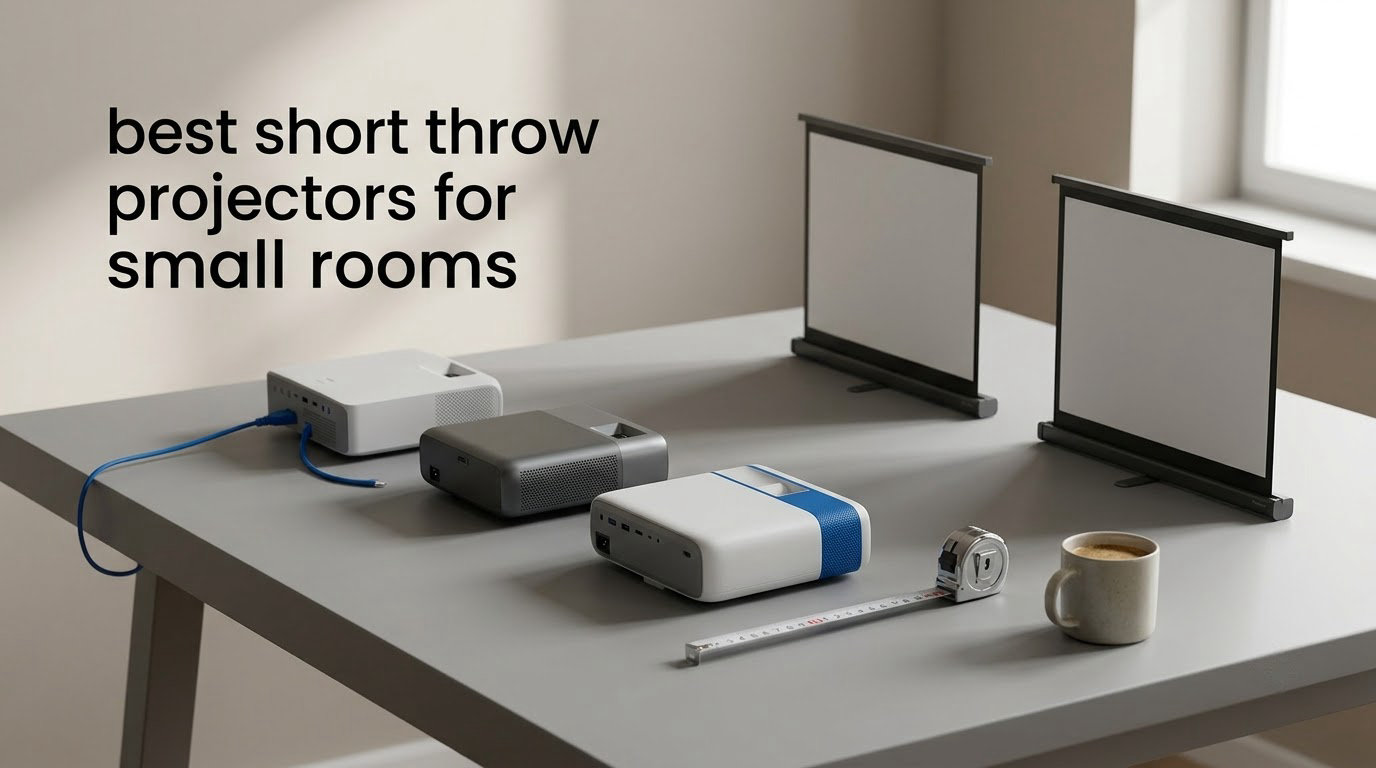
The best short throw projectors for small rooms in 2026 are the BenQ TH671ST for most people, the Optoma GT1080HDR if you want the most picture per dollar, and the BenQ X500i if gaming is the priority. All three throw a 100-inch image from roughly 5 to 6.5 feet of wall space and none of them needs a ceiling mount to do it.
That sentence solves the query, but not the room. Small-room projector buying is really a geometry problem before it is a shopping problem: the distance between your wall and wherever the unit has to sit sets the largest image you can get, and the throw ratio sets how much image that distance buys you. Get that calculation right and the model choice takes ten minutes. Get it wrong and you end up leaning a projector against a wall to hide it.
We compared ten short throw and ultra short throw models across throw distance, ANSI brightness, input lag, light source and placement tolerance, then matched each one to the room it actually suits. The AWOL VISION LTV-3000 Pro covers the home theater end, the Hisense PL2 is the easiest all-rounder for a small living room, and the Optoma GT1090HDR is the one to buy if your curtains do not fully block the light. If you are still working out the basics of picture equipment, our smart projector guide for home theater covers the streaming-platform side in more depth.
Table of Contents
Top 3 Short Throw Projectors for Small Rooms: The Picks We Would Ship Today


Optoma GT1080HDR
- 3800 ANSI lumens
- 100 inch from just over 3 feet
- 15000 hour lamp in Eco plus mode

Quick Picks: All 10 Short Throw Projectors at a Glance
Every unit below is a genuine short throw or ultra short throw model rather than a portable mini projector with a wide-angle marketing claim. The throw distance figures are the distance from lens to screen, not from the front of the cabinet.
| Product | Specifications | Action |
|---|---|---|
| BenQ TH671ST 3000 Lumens 1080p Short Throw |
|
Check Latest Price |
| Optoma GT1080HDR Full HD 1080p Short Throw |
|
Check Latest Price |
| AWOL VISION LTV-3000 Pro 4K Triple Laser UST |
|
Check Latest Price |
 Hisense PL2 4K Ultra Short Throw Laser Hisense PL2 4K Ultra Short Throw Laser |
|
Check Latest Price |
 WEMAX Nova Pro 4K Ultra Short Throw WEMAX Nova Pro 4K Ultra Short Throw |
|
Check Latest Price |
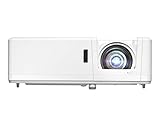 Optoma GT1090HDR Short Throw Laser Optoma GT1090HDR Short Throw Laser |
|
Check Latest Price |
 Optoma GT2000HDR Ultra Compact Short Throw Laser Optoma GT2000HDR Ultra Compact Short Throw Laser |
|
Check Latest Price |
 Epson EpiqVision LS300 3LCD Smart Laser Epson EpiqVision LS300 3LCD Smart Laser |
|
Check Latest Price |
 BenQ X500i True 4K Short Throw Gaming BenQ X500i True 4K Short Throw Gaming |
|
Check Latest Price |
 BenQ TK710STi 4K HDR Short Throw Laser BenQ TK710STi 4K HDR Short Throw Laser |
|
Check Latest Price |
1. BenQ TH671ST: Best Overall Short Throw Projector for Small Rooms
BenQ TH671ST 3000 Lumens 1080p Short Throw Home Entertainment Projector
- Bright sharp 1080p picture that holds up with lights on
- Very low input lag for console and PC play
- Onboard speakers capable enough for a small room
- 100 inch image from about 5 feet frees up floor space
- Long term owners report four plus years with no parts replaced
- Short throw rather than ultra short throw so it still sits a few feet from the wall
- Anyone crossing the lens beam casts a visible shadow
- No optical audio input or USB media playback
This is the projector we keep coming back to because it does the boring things right. 3000 ANSI lumens, native 1920 by 1080 DLP, and a fixed short throw that puts a 100-inch image on the wall from about 5 feet. The throw distance spec is listed as a flat 5 feet for a 100-inch screen, which in practice means you position it once and leave it there.
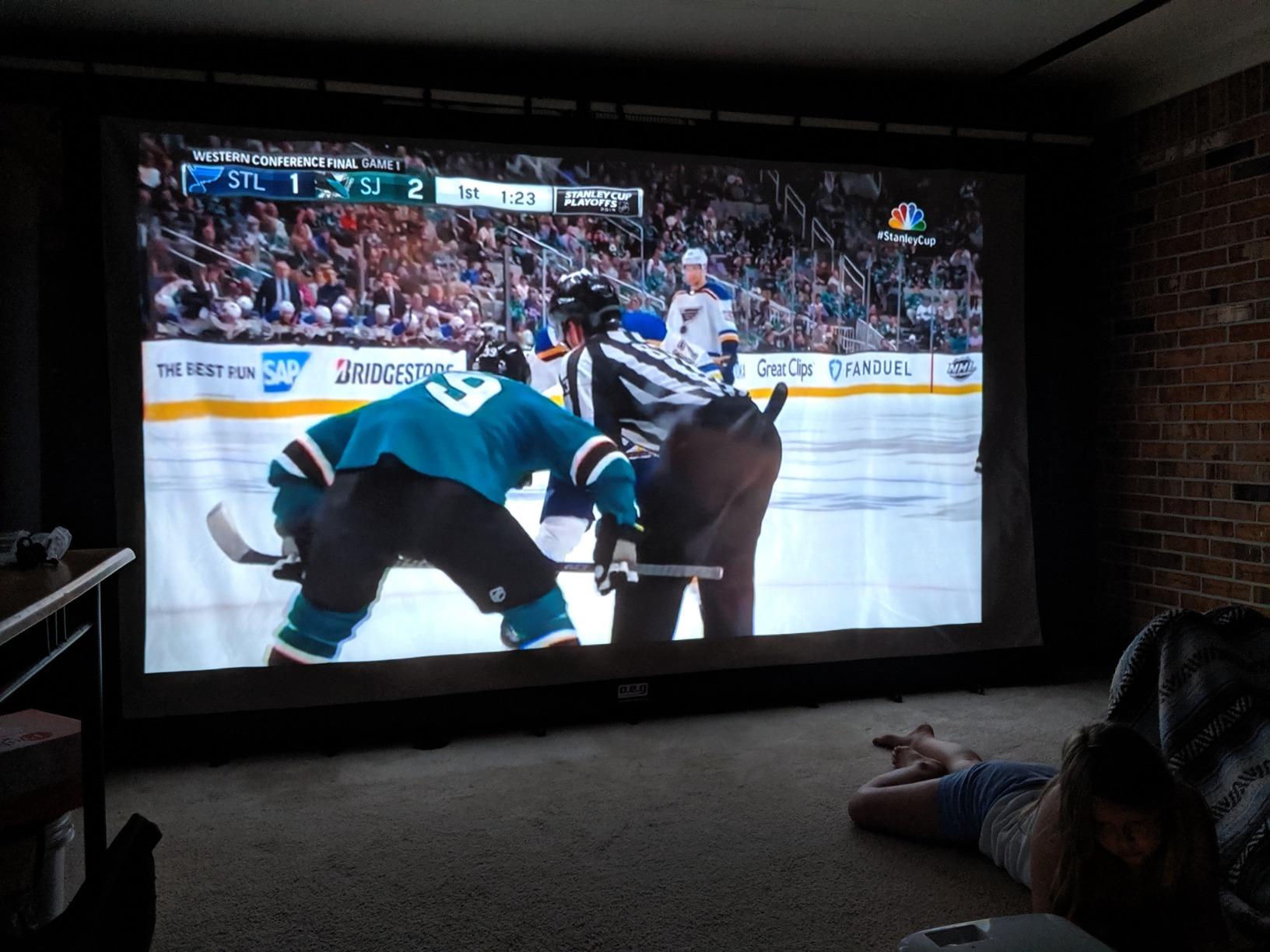
Owners consistently describe the picture as bright with good color pop, and the 92% Rec.709 coverage shows in how colors read on a normal painted wall. Setup is reported as straightforward, with useful zoom and leveling feet, and the projection can stretch up to 300 inches if your room is deeper than you think. Durability comes up repeatedly in longer reviews, with multi-year owners saying they have never had a repair.
The catch is the lens. A 100-inch image from 5 feet is short throw, not ultra short throw, so the chassis still sits several feet off the wall and anyone walking through the room will throw a shadow. There is also no optical audio out for a 5.1 soundbar, so wireless audio is the realistic path. A few reviewers notice DLP color fringing on larger screens, and lamp life shortens under heavy gaming use.
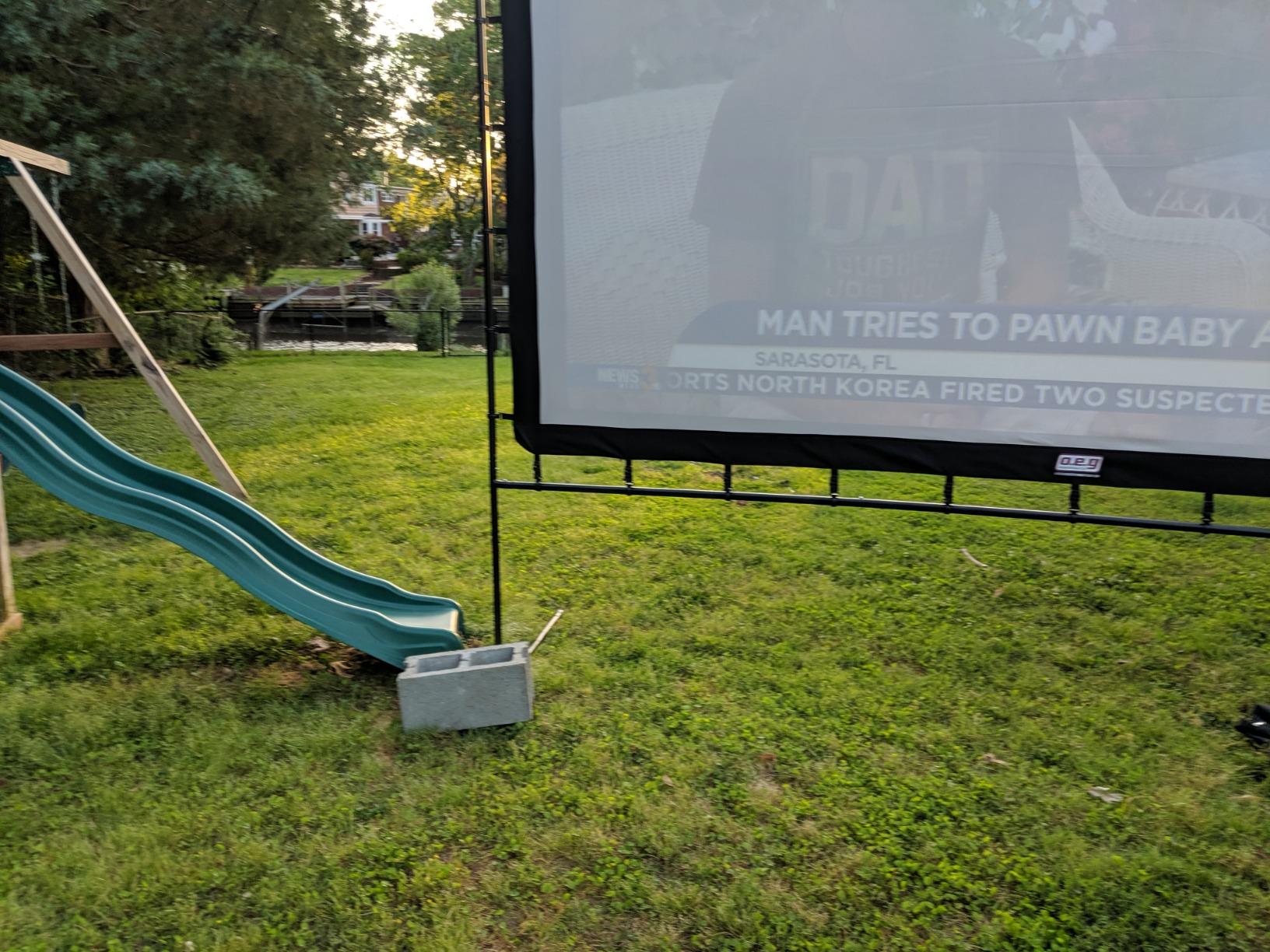
What 3000 ANSI lumens looks like in a real bedroom
In a room with a blackout curtain and a wall that is not pure white, 3000 lumens is comfortably bright for a 100-inch screen with the blinds down. Open the blinds on a bright afternoon and it becomes the weakest part of the picture, not because the lamp is failing but because ambient light is washing out the contrast. If your room cannot be darkened, look at the Optoma GT1090HDR further down instead. Furnishing the room around the screen matters more than most buyers expect, and our decorative throw pillow guide covers the styling side of a small media wall.
Who should skip it
Skip the TH671ST if your room is shallower than 6 feet of usable depth, since the unit cannot be pushed closer without losing the image size, and if you wear glasses and are sensitive to DLP color fringing. It is also a poor fit for a renter who cannot drill for a ceiling mount and refuses to accept a floor unit casting shadows.
2. Optoma GT1080HDR: Budget Pick Short Throw Projector
- Best brightness per lumen in the short throw group
- 3800 lumens handles daytime and lights on viewing
- Very short 1.3 foot minimum throw suits small rooms
- Low input lag for console and PC gaming
- Dual HDMI plus USB power for streaming sticks
- Lamp based light source means an eventual lamp replacement
- Only a 10W built-in speaker so a soundbar is usually added
- No built-in smart TV platform or streaming apps
With 699 ratings this is the most-reviewed projector on the list, and the reason is simple: 3800 ANSI lumens at this tier is unusual. The throw range is the other headline, running from a 1.3 foot minimum to an 11.5 foot maximum, which means the image size is far more adjustable than on a fixed short throw unit. Buyers treat it as a value-first short throw and describe the picture as sharp with the brightness to cope with a lit room.
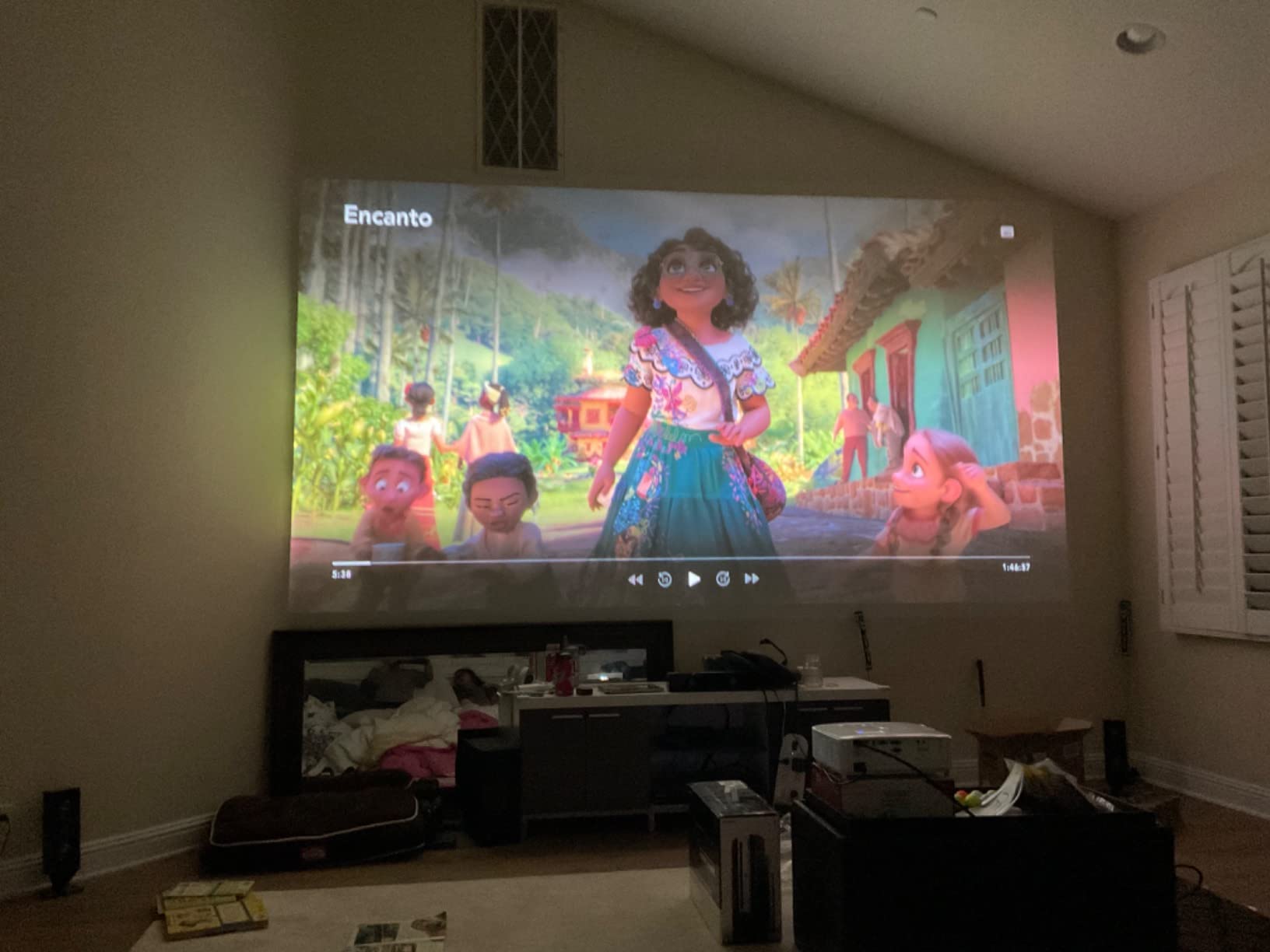
Golf simulator owners are a recurring happy group, citing sharp color and good tint when projecting onto an impact screen. Low input lag satisfies console and PC players, and the dual HDMI inputs plus USB power mean a streaming stick or console plugs in without a hub. The 4K HDR input support is real, though the panel is native 1080p rather than 4K.
The trade-offs are the lamp and the 10W speaker. There is no integrated streaming platform, so you are adding a dongle anyway, and the built-in audio is thin enough that most owners pair it with a soundbar. High-use owners will eventually face a lamp replacement, though the 15000 hour Eco plus mode figure puts that a long way off for normal viewing.
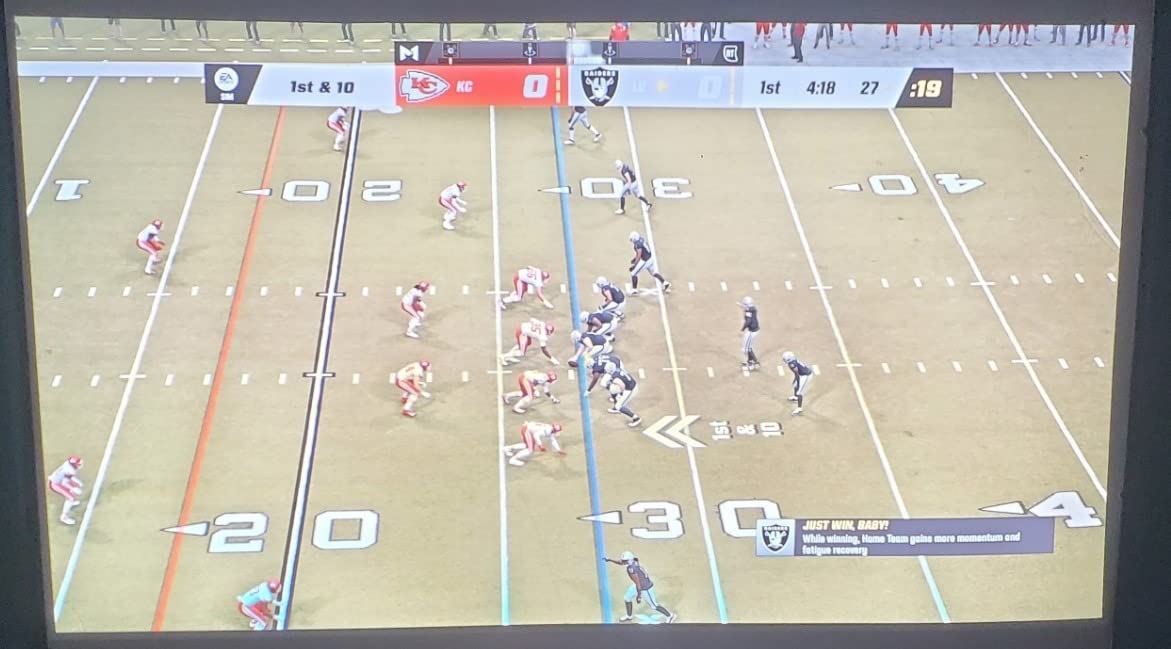
Why the adjustable throw range matters more than the spec sheet
A unit with a 1.3 foot minimum throw can fill a wall from almost any position in a shallow room, and it shrinks just as easily when you move it back. That flexibility is why this model suits renters and dorm rooms where the furniture changes, and it pairs neatly with the softer side of small-room setup, like the heated throw blankets we recommend for compact bedrooms. Fixed short throw lenses give you one image size, so a two inch placement error is a two inch error in framing.
Who should skip it
Skip the GT1080HDR if you want a set-and-forget living room unit with streaming and real speakers built in, or if 1080p is not enough resolution for a 120-inch screen. It is also the wrong call for anyone who does not want a lamp in the ceiling of their maintenance plan.
3. AWOL VISION LTV-3000 Pro: Best Picture Quality for a Home Theater Room
- True 4K triple laser image with wide DCI-P3 coverage
- Dolby Vision HDR10 plus and Dolby Atmos supported out of the box
- Fixed 0.25:1 throw keeps the unit tucked against the wall
- Active shutter 3D support
- Built in center channel speaker for dialogue
- 28 pound chassis with a deep 21.5 inch cabinet
- Performs best in darker rooms and needs an ALR screen when brighter
- Fixed 0.25:1 throw demands correct cabinet depth
- Active 3D glasses sold separately
This is the only true 4K triple laser unit on the list, and the picture quality is the reason to stretch. Coverage of 107% BT.2020 and 147% DCI-P3 with more than a billion colors is cinema-grade on paper, and because it uses three laser sources with no color wheel, the image is free of the rainbow fringing that single-chip DLP units can show. The throw is fixed at 0.25:1, so an 80-inch image appears about 8.54 inches from the lens and a 150-inch image about 12.84 inches.
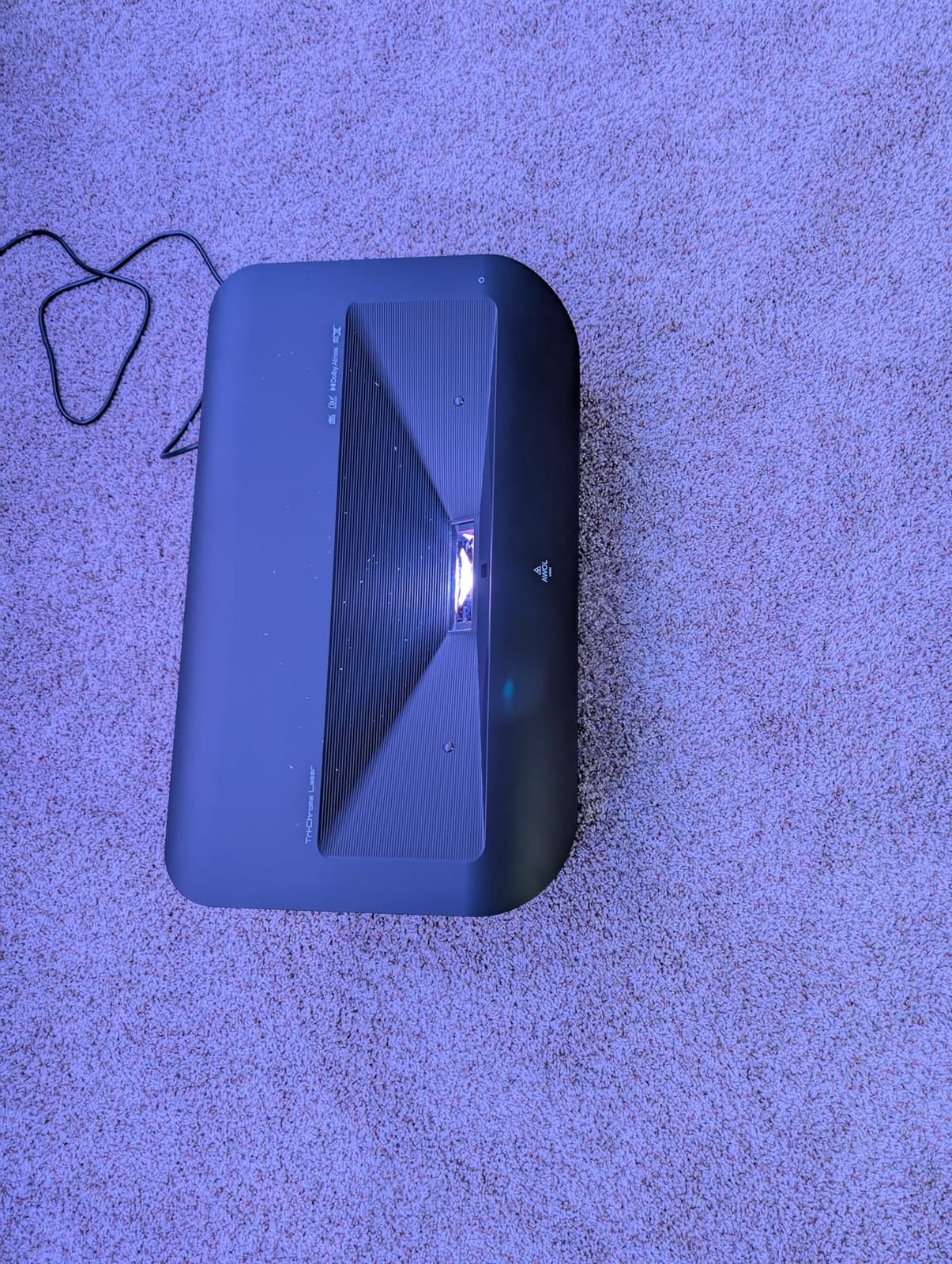
The built-in center channel speaker is a small touch that matters more than expected. When the unit is tucked against the wall, voices come from the screen position rather than from a soundbar behind your head. Dolby Vision, HDR10+ and Dolby Atmos are all supported, and 3D works through active shutter glasses with a 3D Blu-ray player. The laser source is rated at 25000 hours, so there is no lamp cycle at all.
Installation is where the friction lives. At 28 pounds with a 21.5 inch wide cabinet, this is not a device you slide behind a sofa, and reviewers repeatedly note that planning the room layout and cabinet depth before ordering matters. The picture is also best in a darker room, where the manufacturer recommends pairing it with an ALR screen for brighter spaces.
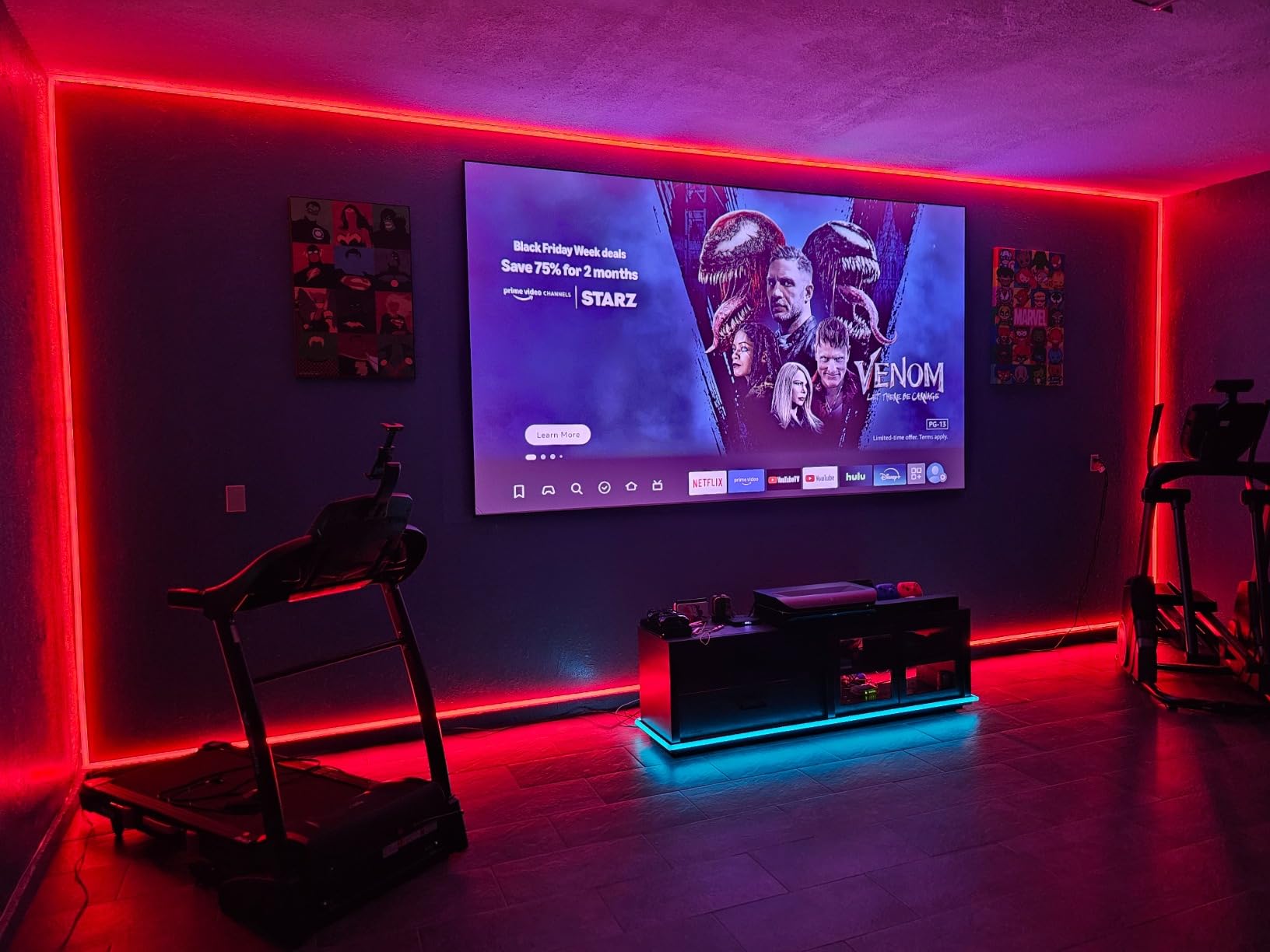
Cabinet depth is the make-or-break measurement
Because the throw ratio is fixed, the depth of your media unit determines your maximum image size. A shallow console that gives you 10 inches of lens clearance will top out well below 150 inches, and there is no lens shift to recover the difference. Measure the clearance from the front face of the cabinet to the wall before you commit, and remember the unit is over two feet wide.
Who should skip it
Skip it in a rented room where a fixed 28 pound cabinet install is a non-starter, in a bright living room without a proper screen, and if 3D or home automation control via PJ Link are things you will never use. The picture will not stop you, the installation will.
4. Hisense PL2: Best for a Small Living Room With Streaming Built In
Hisense PL2, Ultra Short Throw Home Theater Laser Projector, 80” – 150”, 4K UHD, 2,700 Lumens, 3000:1 Contrast, Dolby Vision & Atmos, 3D, Google TV, WIFI 6E
- Sharp 4K picture with noticeably improved black levels
- Fast Google TV interface with built in streaming apps
- Bright enough for a plain off white wall
- Dolby Vision and Atmos plus 3D support
- Compact form factor that sits close to the wall
- Rainbow effect visible to sensitive viewers
- Automatic keystone routine is slow and unintuitive
- Some settings sit behind the remote menu button
- 20.9 inch wide body will not hide in a typical AV cabinet
The PL2 is the most TV-like ultra short throw of this group, which is why owners upgrading from a television or an older 1080p projector describe it that way. It throws 80 to 150 inches from 0.22 to 1.5 feet, runs a 4K UHD panel with a 4K AI upscaler, and puts out 2700 ANSI lumens against a 3000:1 contrast ratio. The X-Fusion laser source is rated beyond 25000 hours. The screen should not be ignored: pairing it with an ALR or higher-gain screen is what lets it reach full brightness in a lit room.
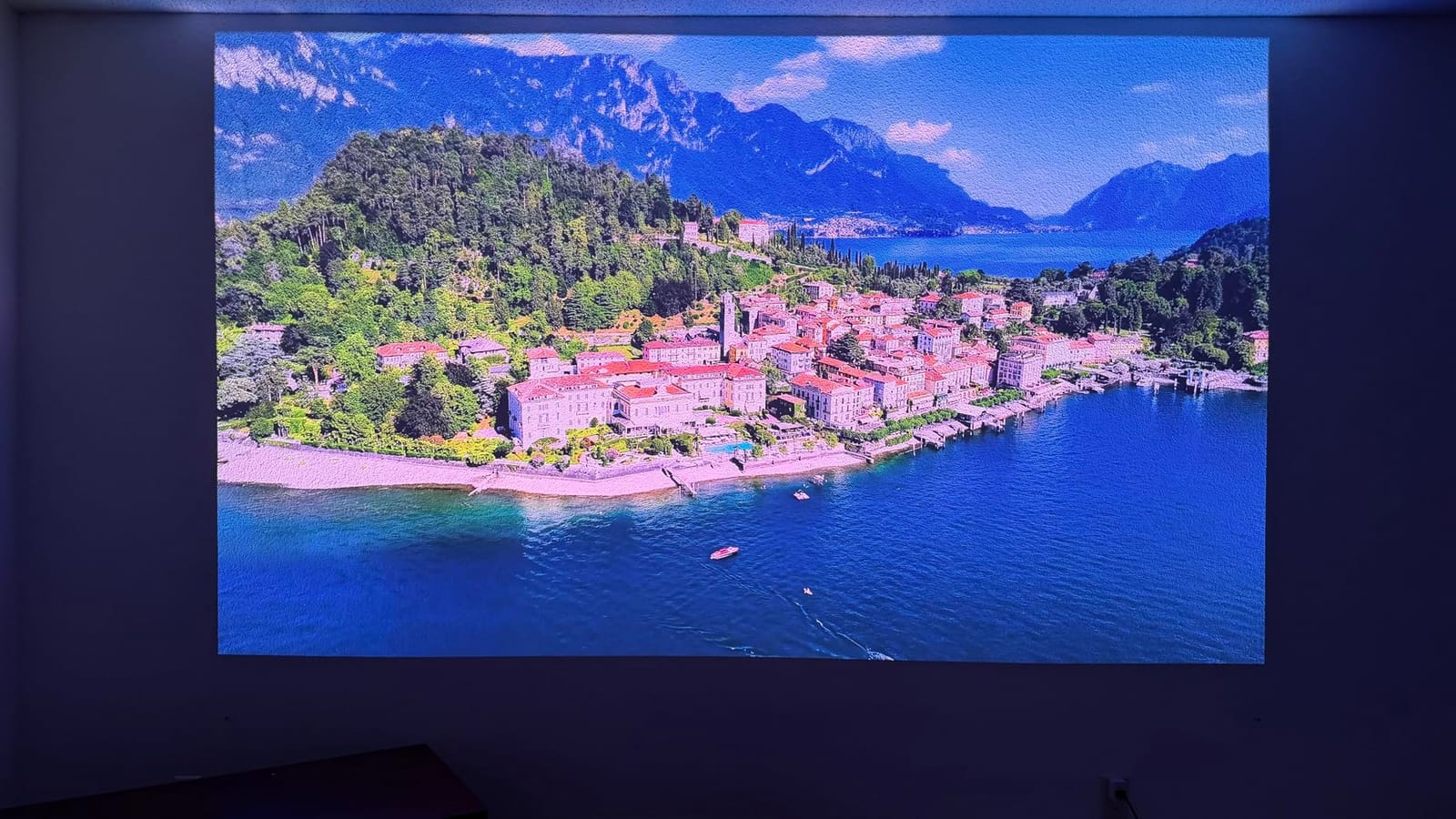
Google TV with WiFi 6E is genuinely responsive, and having the streaming apps and the projector in one box removes the dongle and the extra remote. Dolby Vision, Dolby Atmos and 3D are all present, and more than 1.07 billion colors keep skin tones natural. Reviewers upgrading from older hardware call the improvement in black levels the standout change.
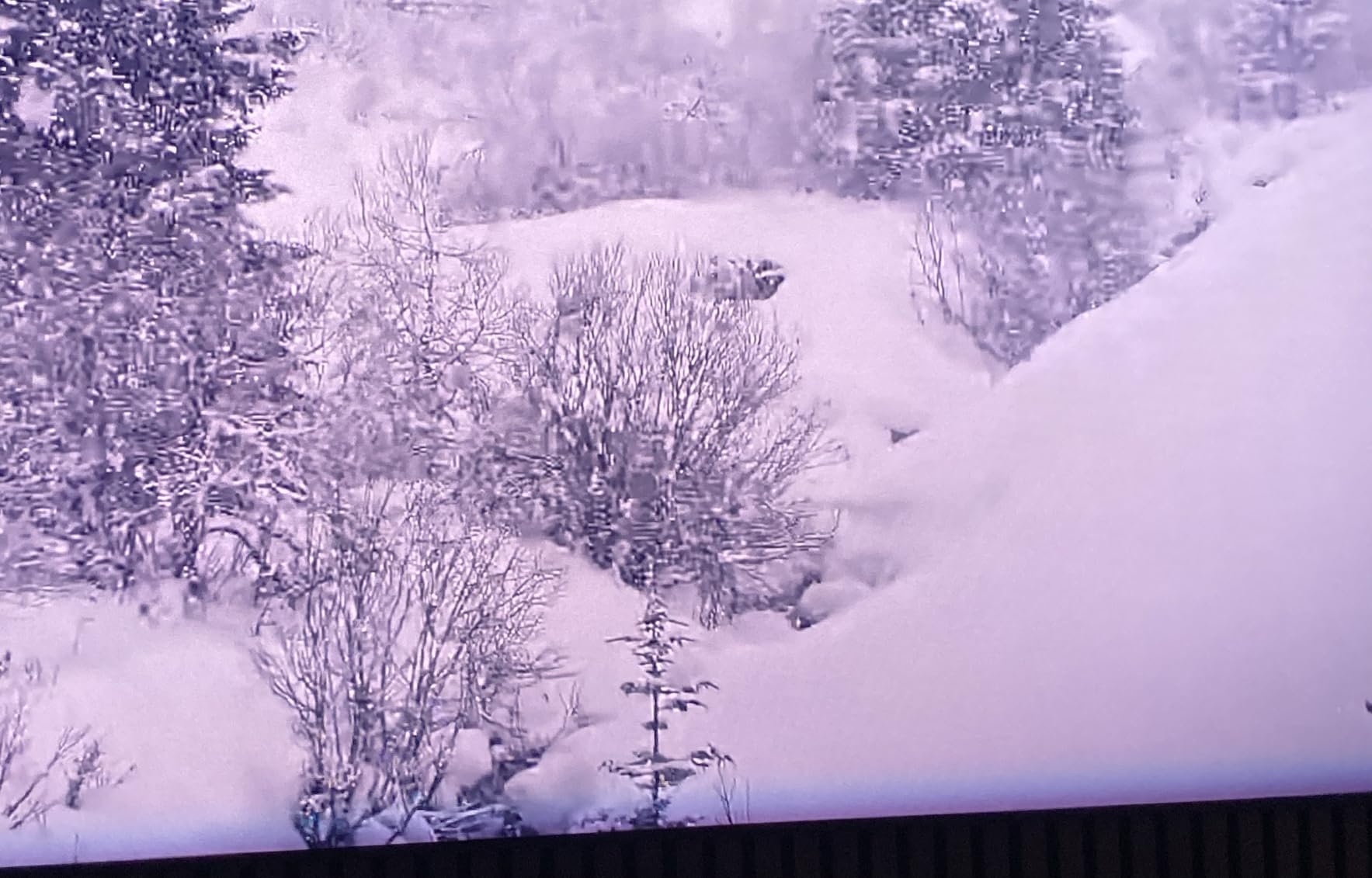
Two problems recur. The rainbow effect bothers sensitive enough viewers that some return the unit, which is the standard trade with single-chip DLP. The automatic keystone routine is described as clunky, requiring a phone photo uploaded to a device-hosted site, and some settings are buried behind the remote menu button. At 20.9 inches wide and 18.7 pounds, it also will not disappear into a typical AV cabinet, and the levelers need frequent adjustment.
Why built-in streaming changes the ownership experience
Every external streaming device adds a box, a cable and a second remote, and in a small room that clutter is real. With Google TV on board, one remote runs the whole system. The practical caveat is that performance depends on WiFi quality, so if your router is in another room, expect buffering in the largest apps rather than a better picture.
Who should skip it
Skip the PL2 if you are rainbow-sensitive, if your wall is a bright off-white surface in a sunlit room and you are not prepared to add a screen, or if you need something that disappears into furniture. Renting a room with no permanent surface also works against it, since the unit is designed to be a focal point rather than a hidden box.
5. WEMAX Nova Pro: Best for the Tightest Placement
WEMAX Nova Pro 4K Ultra Short Throw Projector, Google TV, 2100 ISO Lumens
- Very compact 0.23:1 ratio suits genuinely small rooms
- 4K DLP image with ALPD laser that avoids speckle
- Native Netflix and Google TV with Google Assistant
- HDMI 2.1 plus optical out is rare at this size
- Dual 15W speakers with Dolby Audio and DTS-HD
- 2100 ISO lumens is modest against brighter UST rivals
- Best picture needs a dark room or an ALR screen
- Only a 6 month warranty
- One star reviews run at 12 percent
The 0.23:1 throw ratio is the narrowest on the list, and it is the reason this model exists for a small room. A 150-inch image appears from just 49 centimeters, or about 19 inches, away, and the body is a slim 12.13 by 3.58 by 18 inches rather than a deep cabinet. At 2100 ISO lumens with 3000:1 contrast it is the dimmest ultra short throw here, so it is a picture-quality-in-a-dark-room product rather than a lights-on product.
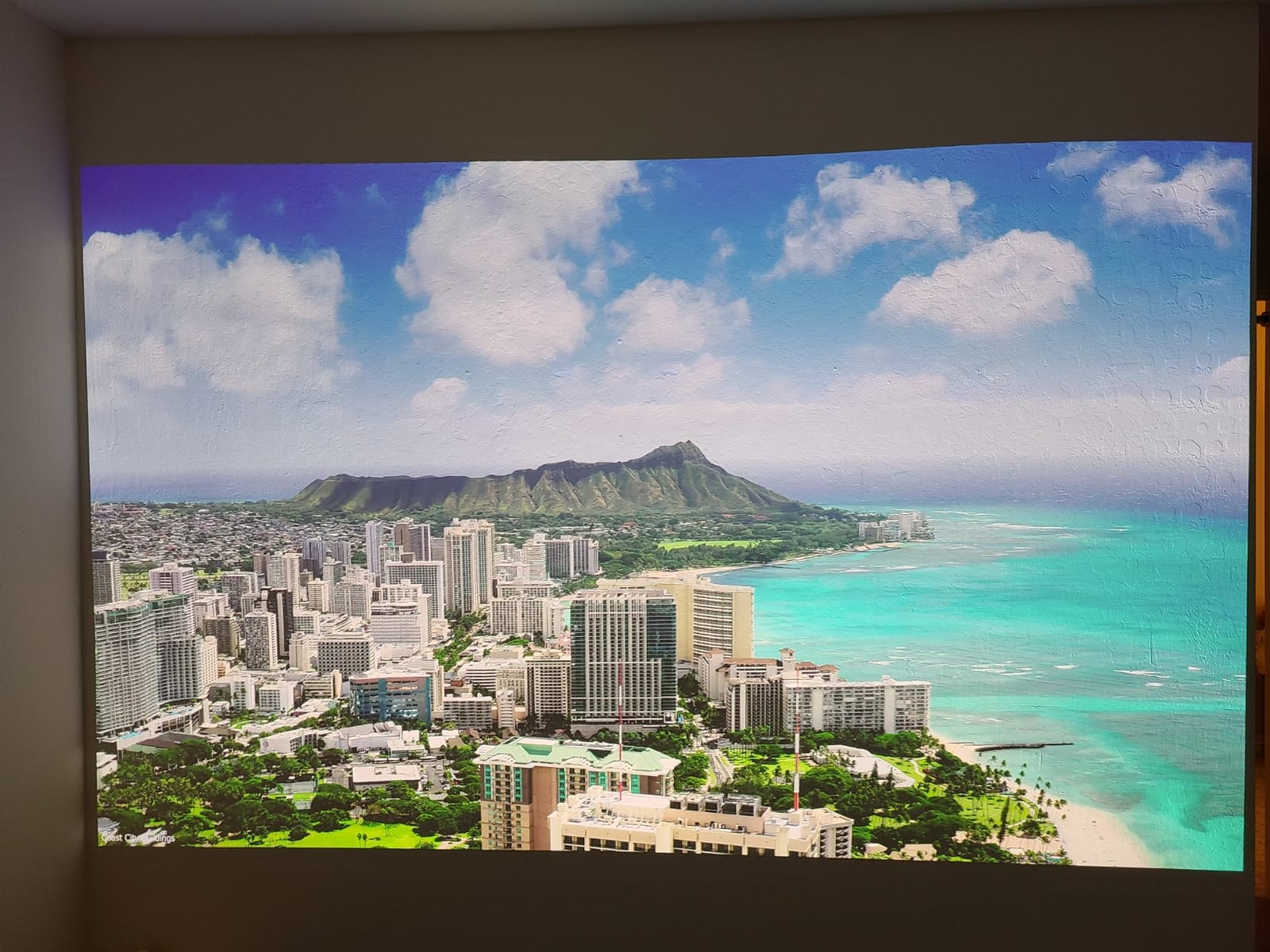
What it does pack in is connectivity. HDMI 2.1 is rare on a projector this compact, and pairing it with optical audio out, LAN, WiFi 6 and Bluetooth covers almost every connection a small room needs. The ALPD laser source is noted as speckle-free 4K, and there is active 3D plus MEMC motion compensation for smoothing on 1080p sources. Dual 15W speakers with Dolby Audio and DTS-HD make casual viewing acceptable without a soundbar.
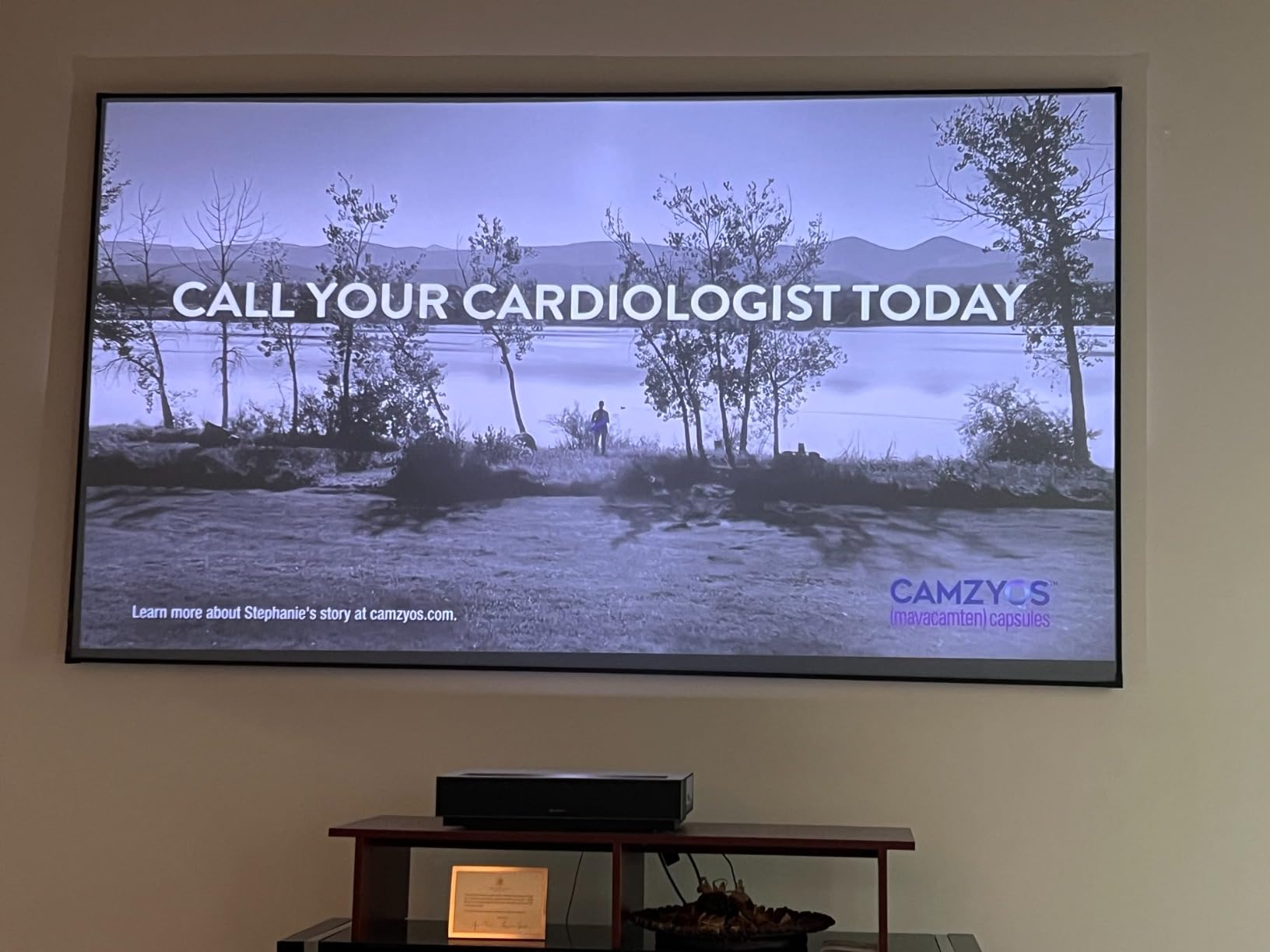
The 4.0 average is the lowest here and the reason is predictable. Brightness is called adequate rather than class-leading, and the 6-month warranty is shorter than every other unit on the list, which several buyers see as a real risk on a premium-priced device. One-star reviews run at 12 percent, the highest share in this group, and some users still add a soundbar for serious home theater audio.
When the tightest throw ratio is the wrong priority
A 0.23:1 ratio only helps if you actually need it. If your wall has 4 feet or more of clearance, a longer throw gives you a larger image at the same distance, better optics and more light. Choose the Nova Pro when the wall is close, the room is narrow, and you plan to darken it for evening viewing.
Who should skip it
Skip it if you watch during the day with curtains open, if a one-year-plus warranty matters to you, or if 2100 ISO lumens sounds thin compared with the 4200 ANSI lumens of the Optoma GT1090HDR. Sensitive viewers should also weigh the ISO versus ANSI brightness gap carefully, since these two rating systems are not directly comparable.
6. Optoma GT1090HDR: Best for Bright, Lights-On Rooms
- 4200 ANSI lumens is the brightest output in this group
- Laser source rated 30000 hours with no lamp or filter changes
- Very quiet at 32dB in eco mode
- 120Hz rapid refresh and low latency suit gaming
- Golf simulator owners report sharp well tinted images
- 1080p native with 4K input rather than 4K output
- Out of box red bias needs color calibration for skin tones
- Manual focus is sensitive and digital zoom is jumpy
- No HDMI ARC or optical audio out for a soundbar
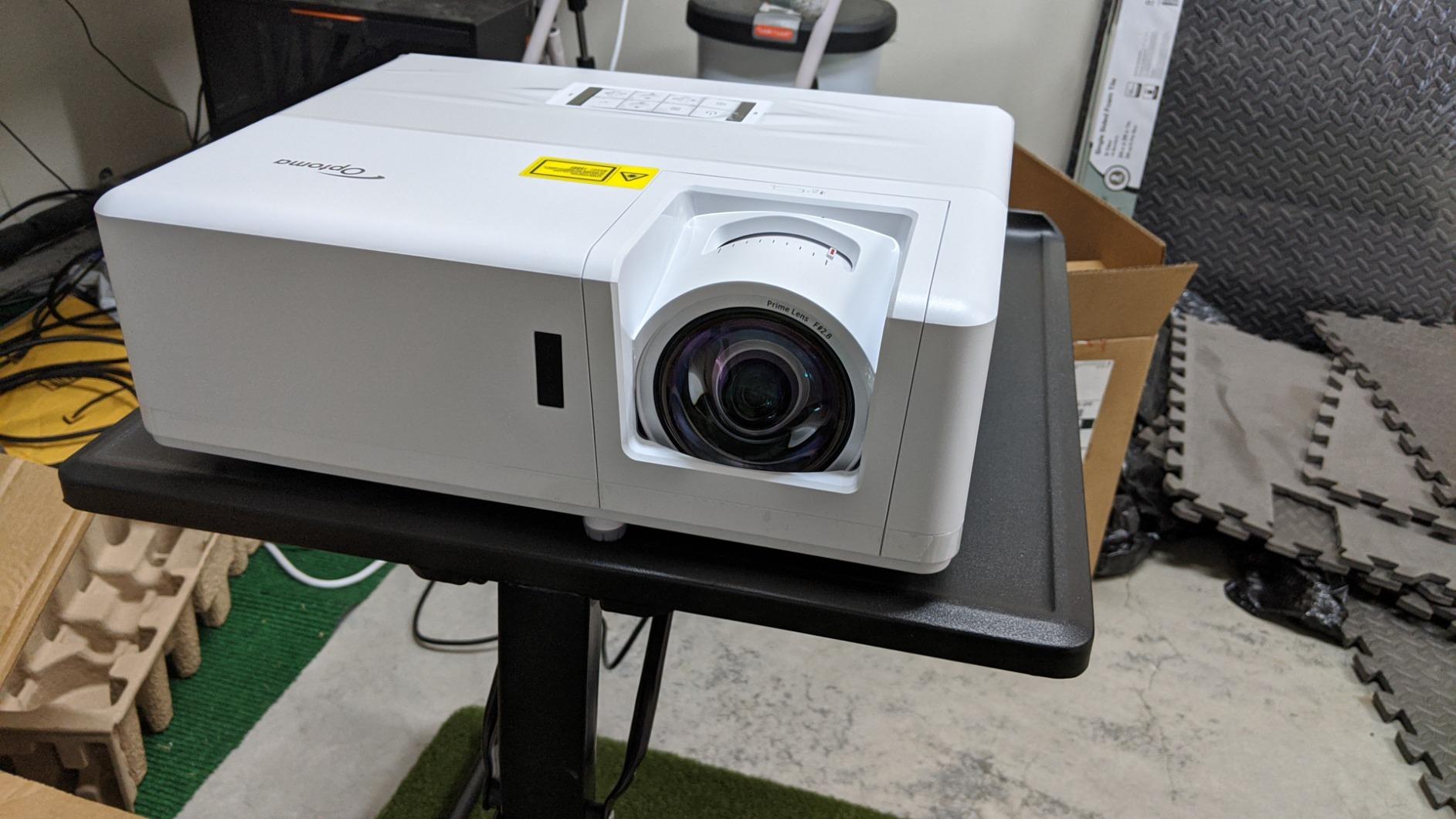
This is the brightness answer. 4200 ANSI lumens is the highest figure on the list, and it is what you want in a family room, a game room, or anywhere a blackout curtain is not realistic. The DuraCore laser source is rated at 30000 hours with an IPX6 dust rating, so there is no lamp or filter replacement in the life of the unit, and the 120Hz rapid refresh keeps gaming responsive.
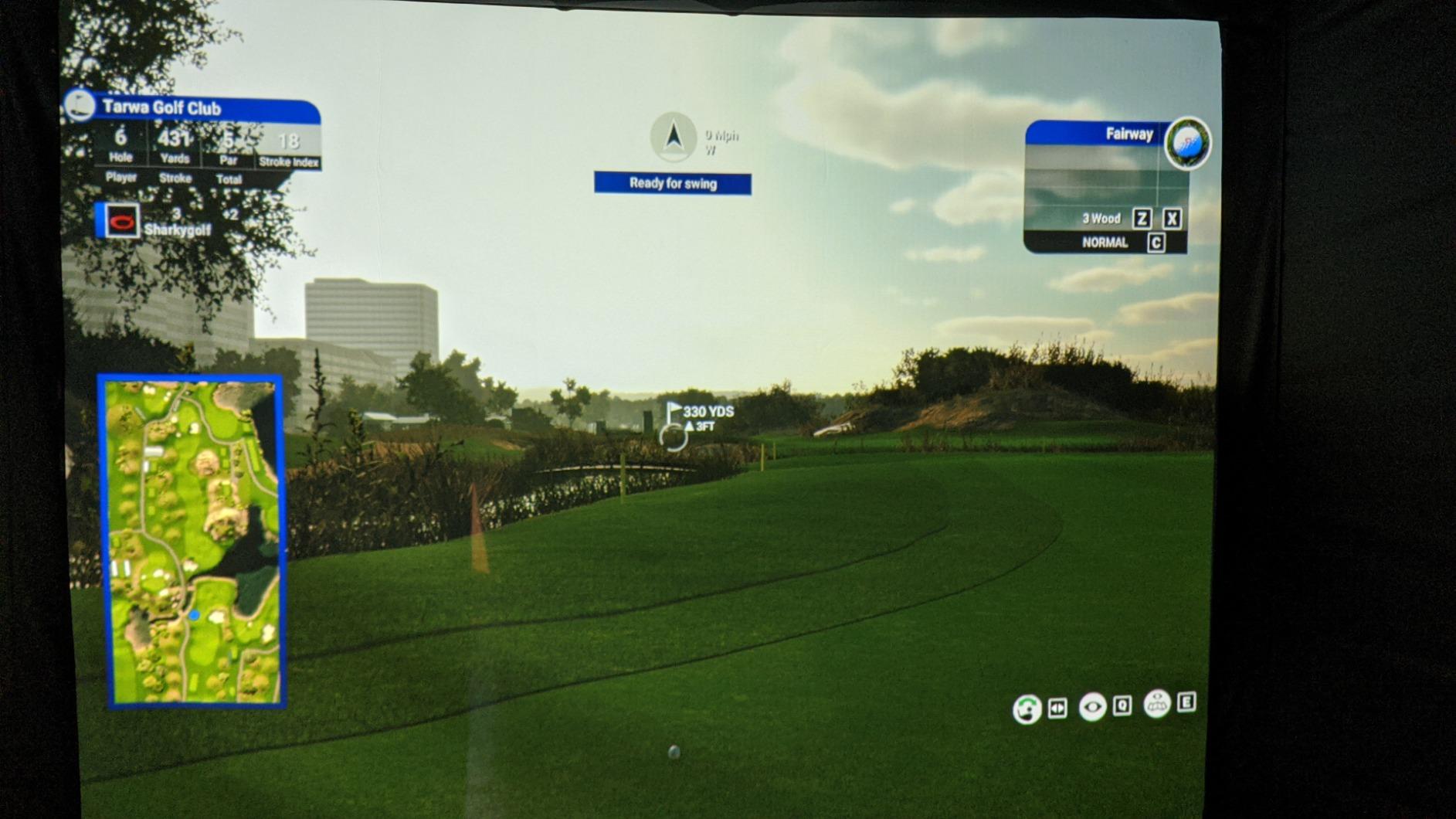
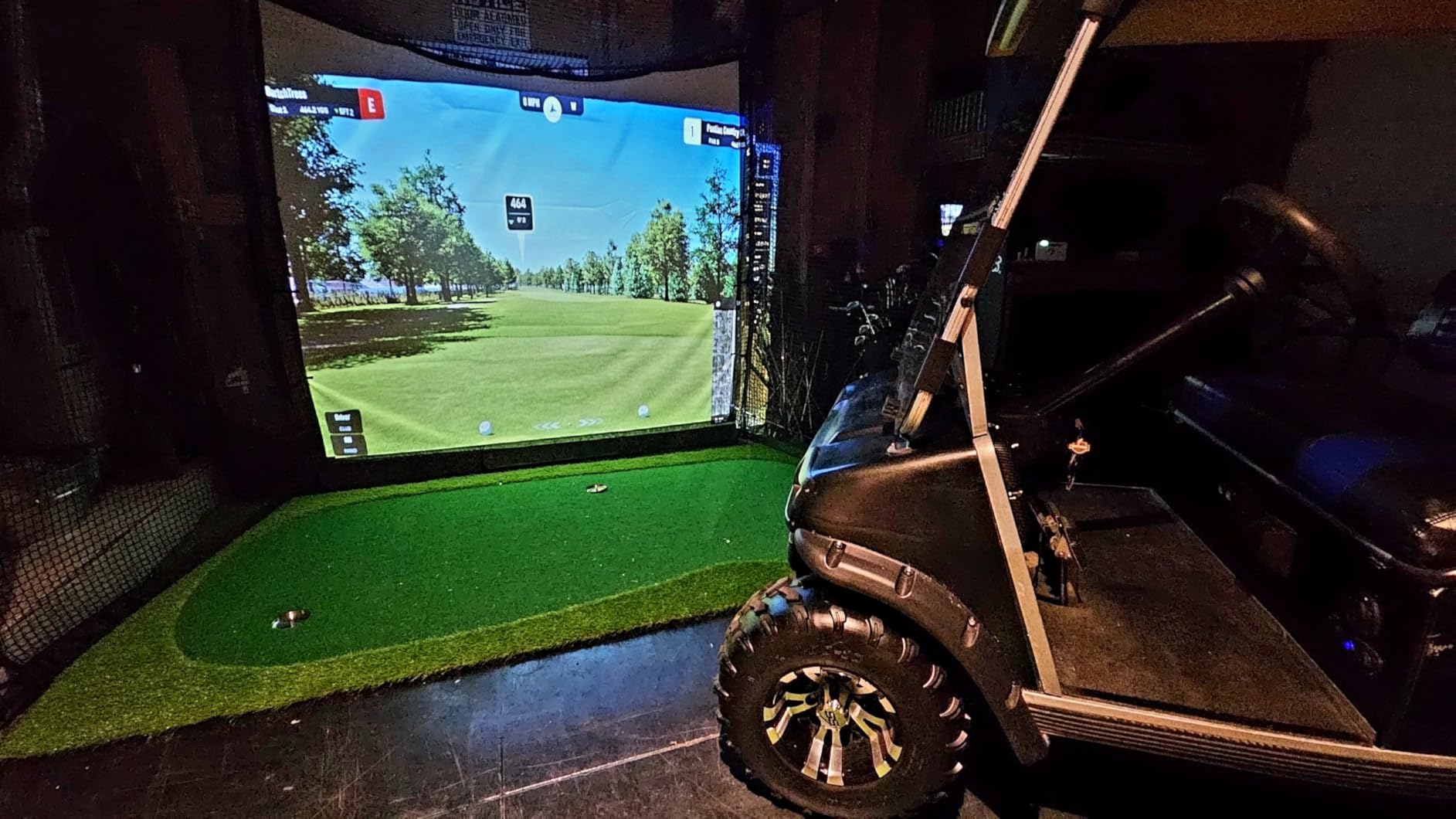
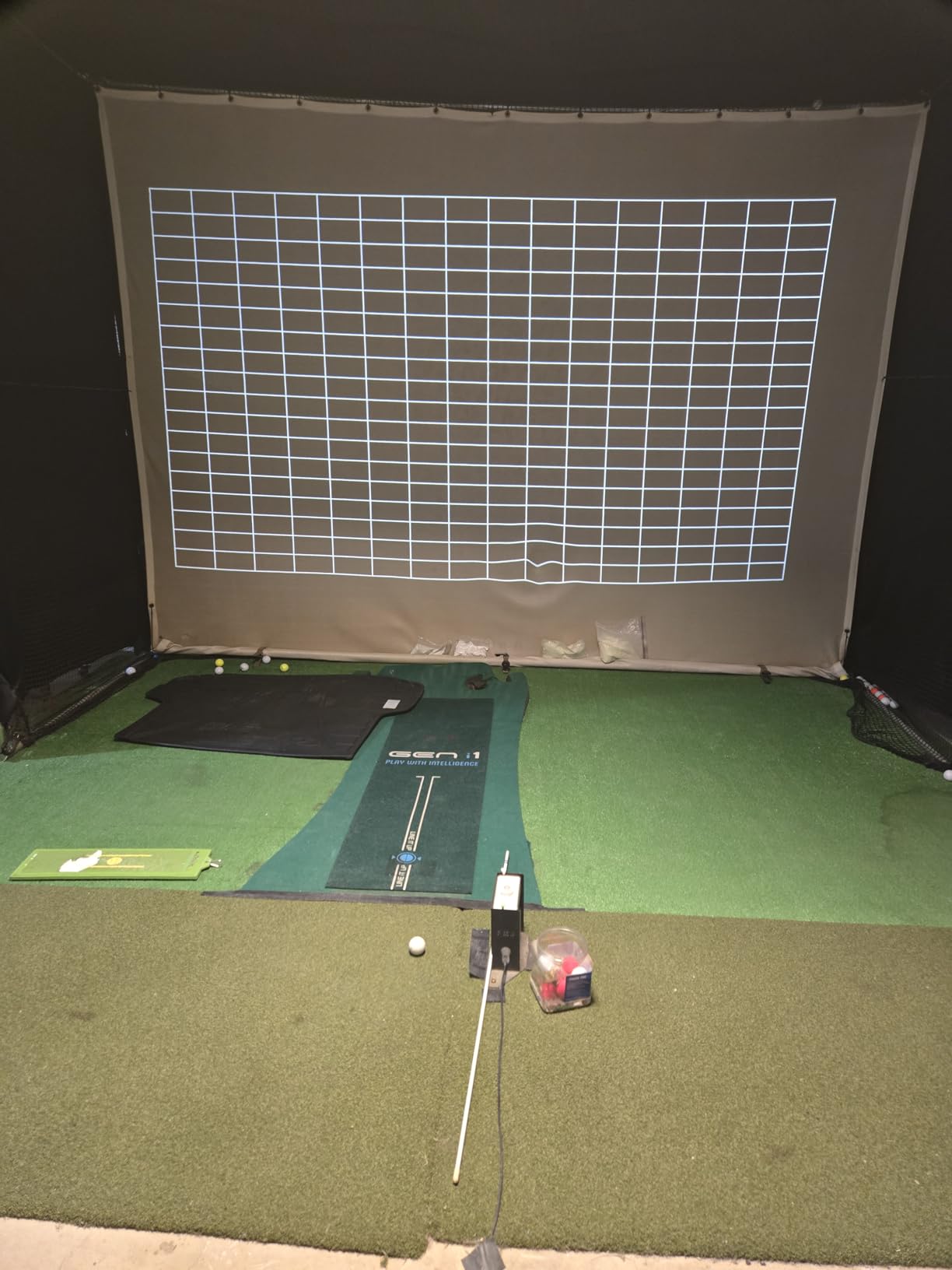
The short throw lens produces a 120-inch image from 4 feet 4 inches, and the throw range extends to an 11 foot maximum, so image sizing is flexible for a room of moderate depth. Quiet operation at 32dB in eco mode is a genuine advantage in a bedroom, and auto keystone plus four corner correction make setup forgiving. Golf simulator owners form a particularly happy group, citing sharp color and good tint on large impact screens.
Calibration is the recurring theme in the reviews. Several owners note the factory red bias needs correcting with red gain and bias adjustments before skin tones look right, and the 1080p native panel means you are accepting 4K input rather than 4K output. Manual focus is very sensitive and the digital zoom is jumpy, which is frustrating when you are fine-tuning a large image.
Why bright rooms change the screen decision
In a room that cannot be fully darkened, the screen matters as much as the projector. An ALR or higher-gain surface rejects light from the room side and reflects the image from the projector side, which is how a 4200-lumen laser keeps its punch with a lamp on. On a plain painted wall you will lose contrast even at this brightness, and a pale wall makes it worse.
Who should skip it
Skip it if you need true 4K detail at 120 inches, if you are not willing to spend ten minutes on color calibration, or if you plan to connect a soundbar through an optical or ARC output since neither is present. It is also a wall-mounted unit first, not a grab-and-go portable.
7. Optoma GT2000HDR: Best Value for a Compact Laser Setup
- Ultra compact chassis at just over 4 inches deep for a short throw unit
- 3500 lumens is bright enough for a lit small room
- Laser source rated 30000 hours with a 5 year light source warranty
- External power supply keeps the projector body small
- No built in smart TV platform or streaming apps
- Throw distances listed only in meters which is inconvenient for US buyers
- External power brick must be housed near the unit
- Listing gives a 214 to 300 inch image size range
The idea here is simple: a short throw laser unit in a body you can actually hide. At 4.49 inches deep, 10.79 inches wide and 9.6 pounds, the GT2000HDR is roughly a third the depth of a typical short throw projector, because the power supply lives outside the chassis. Buyers respond to exactly that, along with 3500 ANSI lumens, which is enough for a lit small room, and a laser source rated at 30000 hours with a separate 5-year or 12000 hour light source warranty.
It runs native 1920 by 1080 with a 300,000:1 contrast figure and low power consumption, and the external supply also makes the unit straightforward to move between a bedroom and a living room. Golf and casual viewing owners like the brightness-to-size ratio for the money.
The 4.1 average reflects the trade-offs. There is no smart platform, so you are plugging in a streaming source of your own choosing. The listing gives throw distances in meters, 1 to 10 meters, which is an unnecessary conversion for US buyers, and the stated image size range of 214 to 300 inches looks like a wide zoom specification rather than a typical short throw figure. You also need somewhere to house the power brick.
Best for a shallow shelf or a wall cabinet
The slim profile pays off when the projector has to sit on a narrow shelf, tuck into a shallow cabinet, or disappear behind a curtain rather than project from the middle of the room. It also suits a renter who wants a laser light source without drilling anything. The trade is that you give up the built-in streaming and some of the throw flexibility.
Who should skip it
Skip it if you need a self-contained entertainment box, if you want a bright gaming picture at 4K, or if the fractional image size range in the listing makes you uneasy about how precisely you can control the framing. Choose the Optoma GT1080HDR instead if your budget stretches and you want brightness with a known throw range.
8. Epson EpiqVision LS300: Best 3LCD Option With No Rainbow Effect
- 3LCD technology shows no rainbow effect
- Yamaha 2.1 speakers are strong enough to skip a soundbar
- 3600 lumens look good with indirect daylight
- Straightforward picture size and shape adjustment
- Stays cool and quiet on the 50 percent Cinema setting
- Very large and heavy at 18.4 inches wide and 9.3 kg so it is not portable
- Maximum image size is 120 inches which is smaller than other UST models
- Android TV does not support Netflix out of the box
- No lens shift makes squaring the image harder
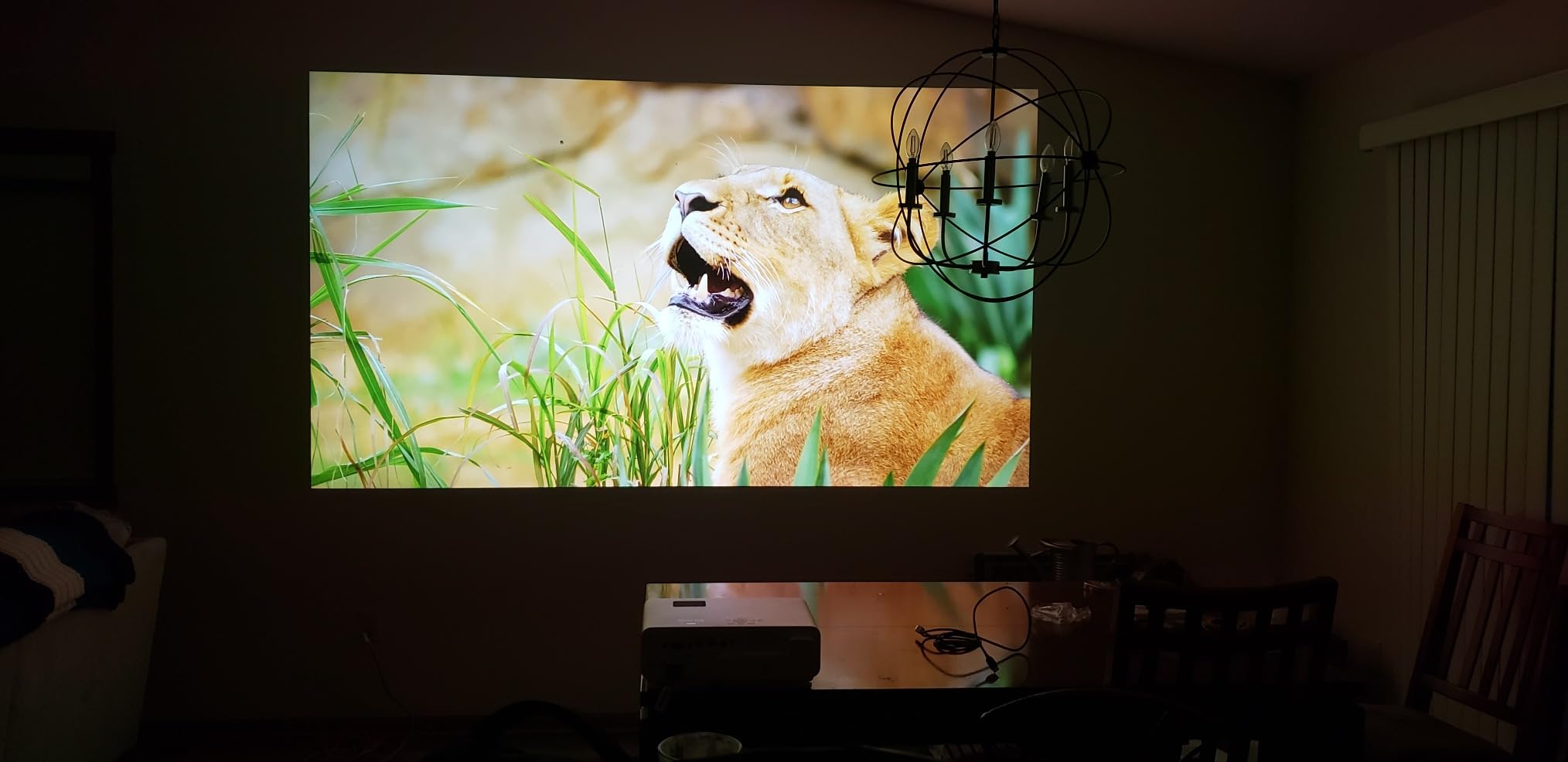
The LS300 solves the one problem no DLP unit on this list can solve. Its true 3-chip 3LCD engine displays the full RGB signal for every frame, so there is no color fringing for sensitive viewers or for glasses wearers to see. Multiple reviewers specifically call out the absence of rainbowing as the reason they bought it. Picture output is 3600 lumens of color and white brightness, it accepts content up to 4K for Full HD HDR, and image size runs from 61 to 120 inches with a throw range of 2 to 11.1 feet.
The audio is the other reason people keep it. A Yamaha custom-designed 2.1 speaker system is strong enough that owners report dropping a separate soundbar entirely, and the unit can also act as a standalone Bluetooth speaker. Owners coming from older LED or long throw projectors describe it as a decisive step up, and it stays cool and quiet on the 50 percent Cinema setting, which is still bright enough for most rooms.
The physical trade-off is real. At 18.4 inches wide and 9.3 kg this needs a permanent spot and is not a unit you carry between rooms. The 120-inch ceiling is smaller than the other ultra short throw models, there is no lens shift so squaring the image on a wall is harder, and the built-in Android TV cannot run Netflix natively, so you still end up adding a streaming device for some apps.
Who is 3LCD actually for
If anyone in your household is rainbow-sensitive, 3LCD removes the question entirely. It also means you are not choosing between a brighter image and a cleaner one, since the LS300 is bright enough for indirect daylight while staying free of fringing. The cost is native 1080p, a 120-inch maximum, and a chassis that is meant to be installed rather than moved.
Who should skip it
Skip it if you need a 150-inch image, if you need true 4K pixel detail, or if Netflix without an external box is a requirement. Anyone in a small rental where a heavy fixed unit is unwelcome should also look at a lighter short throw model.
9. BenQ X500i: Best for Console and PC Gaming
- 4.2 ms latency and 240Hz refresh are among the best gaming figures here
- Sharp 4K image with bright saturated color and deep blacks
- 100 inch screen from about 6.5 feet suits small gaming spaces
- Auto detects PS5 Xbox and Switch and applies game modes
- 4LED source needs no bulb replacement over 20000 hours
- XPR pixel shift actuator adds a high pitched whir audible in quiet rooms
- Only HDMI 2.0 with no Ethernet port
- 2200 lumens is on the dim side for lit rooms
- Digital zoom and keystone reduce effective resolution
Gamers dominate the review base here, and they consistently describe the responsiveness as the selling point. 4.2 ms low latency with a 240Hz refresh rate at 1080p is comfortably inside the range where competitive shooters feel instant, and console play is described as smooth with no noticeable lag. The throw ratio of roughly 0.69 to 0.83 with digital zoom puts a 100-inch screen about 6.5 feet from the wall, which suits a small gaming space where the projector goes behind the seating.
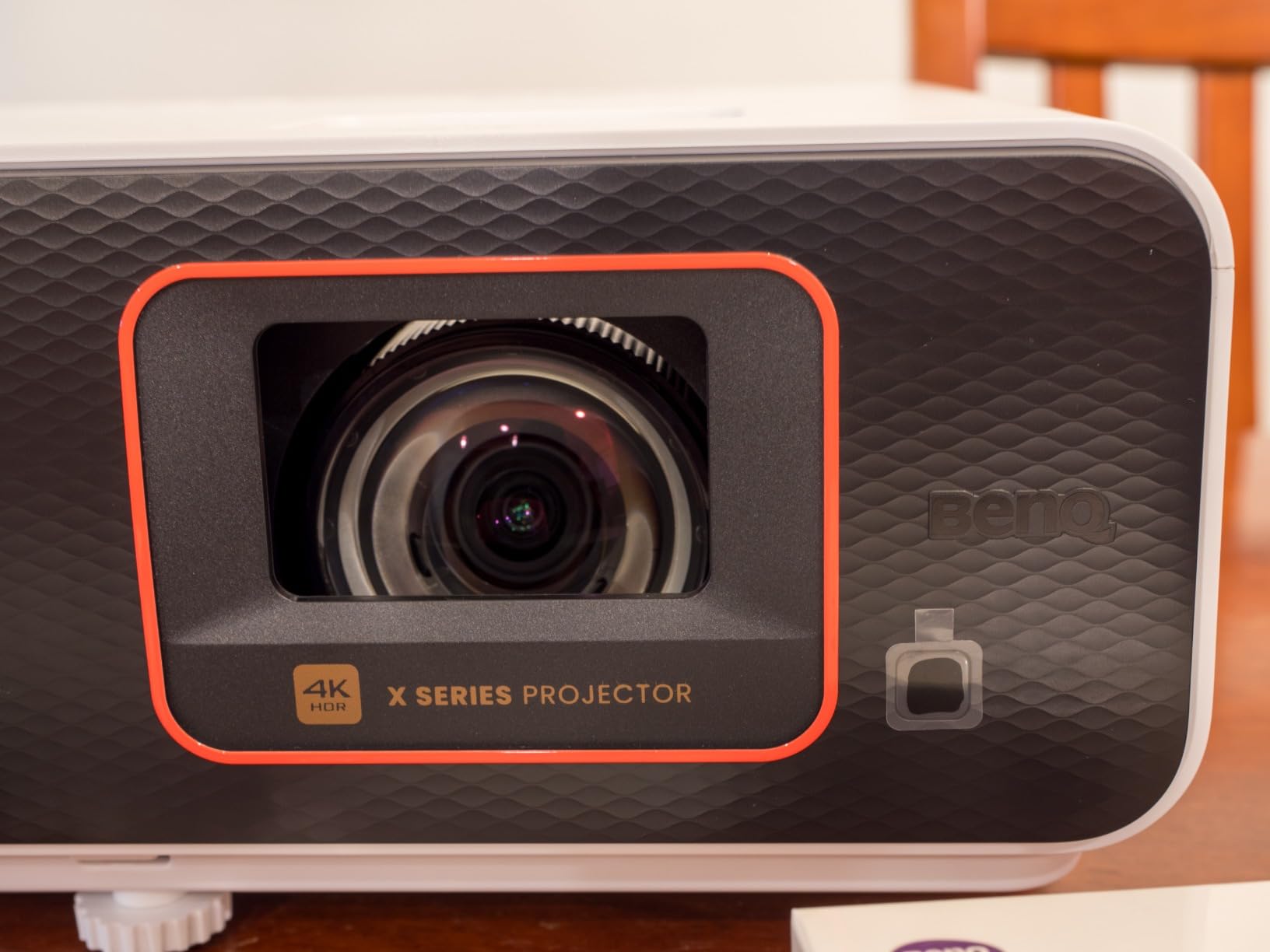
The 4LED light engine with BenQ HDR-PRO produces what reviewers call class-leading color and black level for the tier, and the 20000-hour source removes the lamp replacement cycle entirely. The unit auto-detects a PS5, Xbox or Switch and applies the right game mode, and there is a Game Sound Mode tuned for FPS, RPG and cinematic content plus an FPS crosshair setting. Google-certified Android TV is built in, with AirPlay, Chromecast, eARC and S/PDIF for audio.
Noise is the most discussed drawback. The XPR pixel-shift actuator produces a constant high-pitched whir that several buyers found distracting enough to build a hush box around or return the unit, and that matters most in a quiet bedroom. Connectivity is also limited by HDMI 2.0 rather than 2.1 and the absence of Ethernet, and at 2200 lumens dark cinematic scenes suffer if room lights are on.
Input lag thresholds that actually matter
Under 20 ms is the number to target for competitive shooters, and anything under 40 ms is invisible for RPGs, racing and console action. The X500i clears the competitive bar with room to spare. The catch is that lag figures usually come from a specific resolution and refresh rate, so check the mode you will actually run rather than the headline number.
Who should skip it
Skip it if silence in a small room is a priority, since the actuator whir is the reason some owners returned units, and if your room cannot be dimmed while you game. If you need full 4K at 120Hz from a PC, the HDMI 2.0 port is the limitation that will frustrate you first.
10. BenQ TK710STi: Best When You Have Room for Extra Throw Distance
BenQ TK710STi 3200 Lumens 4K HDR Short Throw Home Entertainment Projector
- 3200 ANSI lumens keeps the image punchy with lights on
- Very clear 4K HDR10 picture from a PS5 or streamer
- Essentially zero perceived delay for gaming and movies
- Ceiling mount friendly with grid keystone alignment
- Laser source removes the lamp replacement cycle
- Needs roughly 7 to 8 feet of mounting distance for a 120 to 150 inch image
- Fan noise noticeable during quiet dialogue
- Only two HDMI ports and no optical audio out
- Signal drop reported when two consoles share an HDMI switch
This is the pick for a room where the projector can go up rather than forward. The minimum throw is 8.4 feet and the maximum 16.3 feet, so a 120-inch image needs a mounting position well back in the room. For a bedroom or a long narrow space that is a real drawback, but for a room with a proper ceiling mount and a cable run already in place it is exactly right. The grid keystone snaps alignment into place, which makes ceiling installs far more forgiving than manual adjustment.
Picture output is 3200 ANSI lumens from a laser source, and reviewers single this out as punchy with room lights on, which is unusual for a 4K laser at this level. Native 3840 by 2160 with 95% Rec.709 coverage, HDR10 and HLG, and a 600,000:1 contrast figure give a very clear 4K HDR10 image from a PS5 or a streaming device. Input response is 4 ms at 1080p and 240Hz, described as essentially zero perceived delay for both games and films. Google-certified Android TV is built in, so no dongle is needed, and the warranty runs three years.
There are 41 ratings here, so treat the sentiment as informed but small. Fan noise during quiet dialogue is the most common complaint, along with only two HDMI ports and no optical audio out. Some owners report signal drop when two consoles share an HDMI switch, and a few have received units sealed in manufacturer packaging, which prompts questions about the condition of a box.
When a longer throw is the better engineering choice
A longer throw distance means the lens spreads less light across a wider angle, which is why ceiling-mounted short throw units can be brighter and quieter than ultra short throw units in the same room. It also means placement errors are smaller, since a foot of distance error changes the image far less at a long throw. If you have the depth, the extra throw buys you a better picture.
Who should skip it
Skip it in any room shallower than about 9 feet, since the minimum throw will not produce a large image there. It is also the wrong choice for bedroom use given the reported fan noise, and for anyone with more than two source devices. Choose the BenQ X500i or the Optoma GT1080HDR if your room is shallow.
Short Throw vs Ultra Short Throw: Which One Fits Your Room?
A short throw projector uses a wide-angle lens that bends the light path more sharply, so the throw distance equals the image width multiplied by the throw ratio. A standard long throw projector sits at a ratio of 1.0 or above and needs 15-plus feet for a 100-inch image. A short throw projector falls under a ratio of 1.0 and manages the same image from 5 to 8 feet. An ultra short throw projector falls under 0.4, and sits so close to the screen that it behaves like a television.
That 0.4 threshold is the dividing line buyers should remember. The WEMAX Nova Pro at 0.23:1 and the AWOL VISION LTV-3000 Pro at 0.25:1 are true ultra short throw units that can hide against a wall. The Hisense PL2 and Epson LS300 sit in the same ultra short throw family. Standard short throw models such as the BenQ TH671ST and Optoma GT1080HDR need several feet of clearance and are more tolerant of imperfect placement.
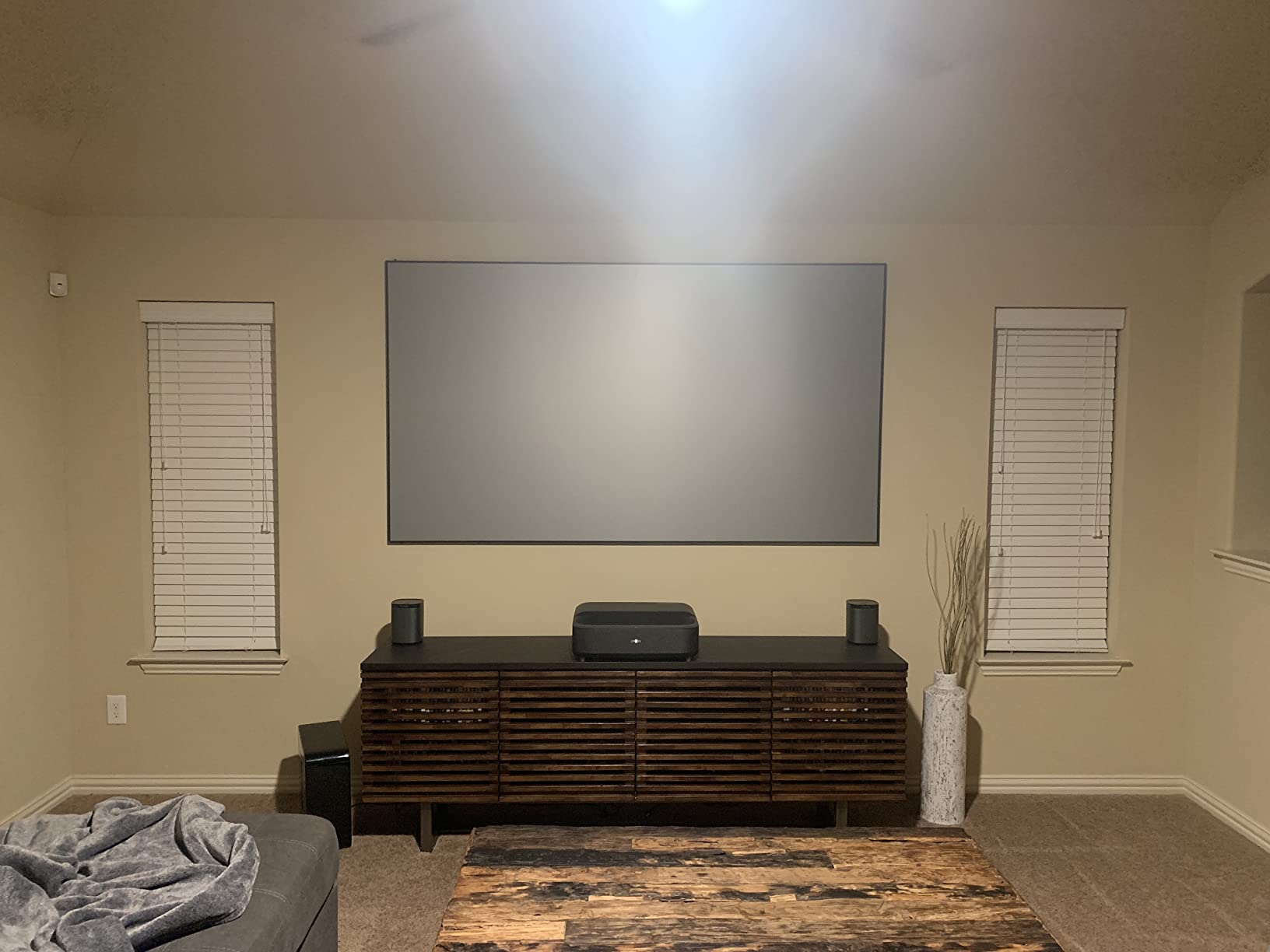
For renters, standard short throw is usually the safer choice. An ultra short throw unit is designed to be the visual centerpiece of a room, is often heavy and deep, and depends on a flat, precisely positioned surface that must be level to the centimetre. A short throw model can sit on a bookshelf, get moved when friends come over, and does not demand a permanent cabinet.
For homeowners with a fixed media wall, ultra short throw wins decisively. It gives you a 100 to 150 inch image with no ceiling mount, no cable run across the ceiling and no light path interrupted by people walking to the kitchen. The cost is brightness in a lit room, a much larger footprint, and in several cases a fixed throw ratio that demands the correct cabinet depth.
How Far Away Does a Short Throw Projector Need to Be?
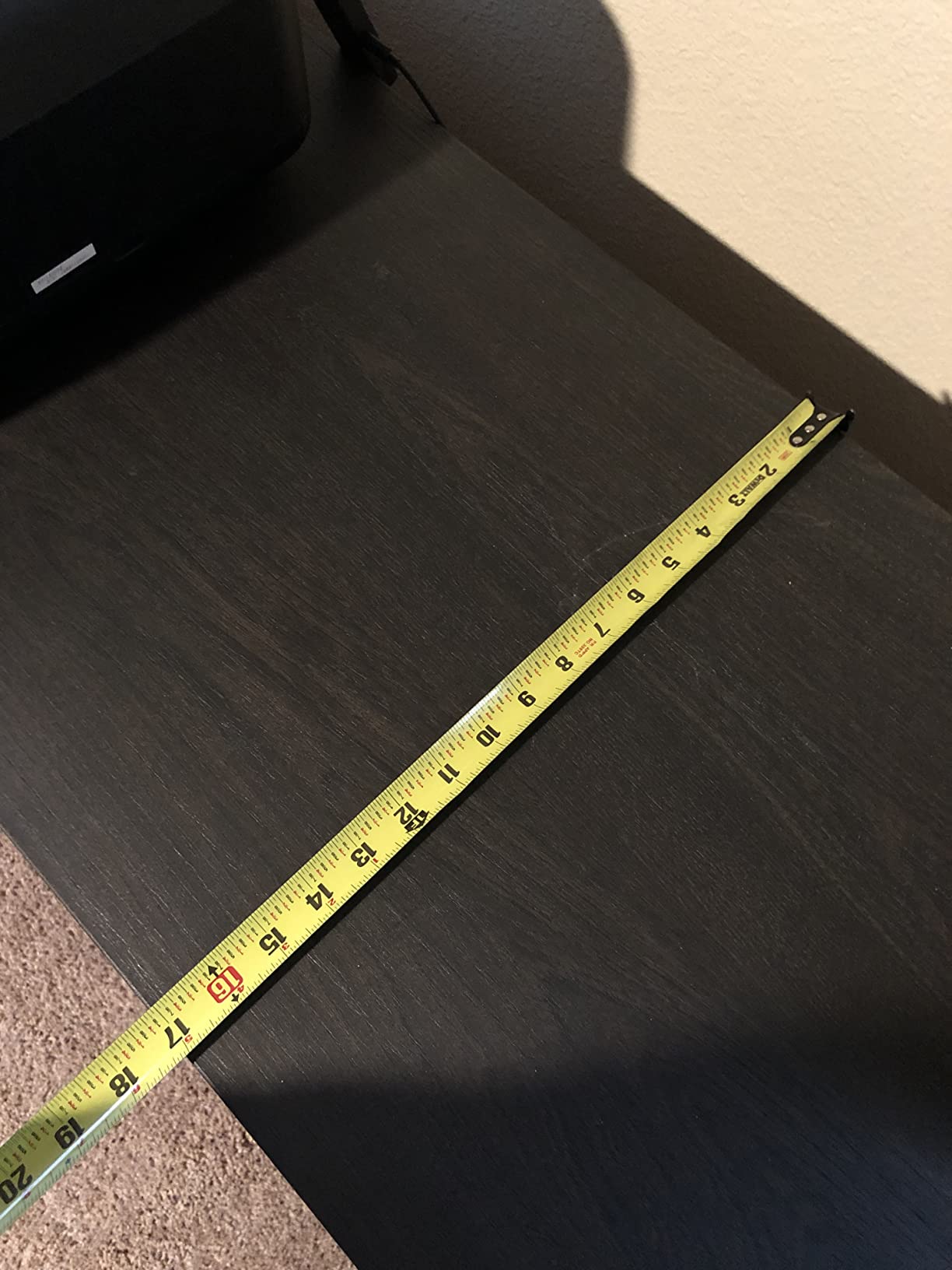
Use one formula and every projector question resolves: required throw distance in inches equals the image width in inches multiplied by the throw ratio. For a 16:9 image the width is about 87% of the diagonal, so a 100-inch screen is roughly 87 inches wide. That means a 0.5 ratio needs about 44 inches, a 0.6 ratio about 52 inches, a 0.8 ratio about 70 inches, and a 1.0 ratio a full 87 inches.
Turned around, here is the maximum image diagonal you can expect at common wall distances, using the same math:
- 3 feet of clearance (36 inches): about 82 inch diagonal at a 0.5 ratio, about 103 inches at 0.4, and about 165 inches at 0.25.
- 4 feet (48 inches): about 110 inches at 0.5, about 138 inches at 0.4, and well past any 150 inch ceiling at 0.25.
- 5 feet (60 inches): about 138 inches at 0.5, about 170 inches at 0.4, though most ultra short throw units cap at 150.
- 6.5 feet (78 inches): about 112 inches at 0.8 and about 100 inches at 0.9, which is where the BenQ X500i sits.
- 8 feet (96 inches): about 138 inches at 0.8, about 122 inches at 0.9, and about 110 inches at a long throw 1.0 ratio.
These are lens-to-screen numbers, so add the depth of the projector itself. The BenQ TH671ST needs 5 feet of lens clearance, which means roughly 5.5 feet from wall to the front of the unit, and users confirm across forums that a projector placed 10 feet from a wall yields only about a 48 to 72 inch image on a standard throw, which is the constraint that drives short throw demand in the first place.
How Many Lumens Do You Need in a Small Room?
Between 1500 and 2500 ANSI lumens is the realistic range for a small room you can darken, and 3000 ANSI lumens or more is what you need if you want the lights on. Under 1000 lumens in a small room is a common disappointment, because the short throw premium is paying for optics and any brightness claimed on top of that should be in ANSI terms. Buyers widely treat vague LED lumen claims as misleading, and they are not comparable across brands.
Watch for mixed rating systems on the same list page. The WEMAX Nova Pro is quoted at 2100 ISO lumens rather than ANSI, and the Epson LS300 is quoted at 3600 lumens of color and white brightness without an ANSI label, while most other units here use ANSI. ISO and ANSI are measured differently, so treat those two figures as directional rather than directly comparable to the ANSI numbers.
Before buying brightness, handle the room. Reddit consensus consistently leans toward buying blackout curtains and using a darker picture mode before spending up on lumens, and it is the cheapest improvement available. A proper ALR screen then does the rest, since it rejects light from the room side and lets the projector light land where it should. If you cannot control the light at all, the Optoma GT1090HDR at 4200 ANSI lumens is the honest answer on this list.
How to Avoid Keystone Correction in a Small Room
Keystone correction is digital, which means it shrinks and resamples the image, permanently reducing detail and adding a small amount of input lag. On a gaming projector that is a real cost, and forum users treat heavy keystone use as a sign of a badly placed projector. Six steps avoid it almost entirely.
- Measure first. Note the exact distance from your intended lens position to the wall, then use the formula above to pick an image size you can actually hit.
- Mount at the correct height. The lens should be level with the vertical center of the image, which for a 100-inch screen is about 43 inches above the floor for a 16:9 frame.
- Level the unit with its feet or a mount rather than tilting the chassis, since tilting is what forces keystone to correct the trapezoid.
- Set the lens to square before touching any digital setting, and use optical zoom if the model has it to fine-tune the size.
- Align the projector to the horizontal center of the screen, not just anywhere along the wall, so horizontal keystone stays off.
- Only then enable auto keystone, and accept a small correction if the picture demands it rather than pushing the digital correction harder.
If you need a large image in a very shallow room, the answer is an ultra short throw unit placed dead centre rather than a short throw unit forced sideways. The Epson LS300 and the WEMAX Nova Pro both benefit from this, since they have no need for horizontal offset in most rooms.
The Disadvantages of Short Throw Projectors
Short throw optics are not free, and the compromises are worth knowing before you buy. First, placement is unforgiving: a short throw lens has little optical zoom, so a slightly wrong distance means a wrong-sized image, and the BenQ X500i carries only 1.2x optical zoom with no lens shift. Second, shadowing. Anything between the lens and the wall casts a shadow, so a projector on a coffee table means people walk through the beam.
Third, brightness. Short throw spreads the same light over a wider cone, so at a given lumens figure a short throw image is dimmer per square inch than a long throw image in the same room. Fourth, hotspotting. Viewing a very wide image from close range or well off-axis can reveal brighter areas in the center, and a screen gain helps but does not erase it. Fifth, DLP rainbow fringing on a large screen, which bothers sensitive viewers and glasses wearers, and the only reliable answer is the 3-chip 3LCD engine in the Epson LS300.
Sixth, cost. Short throw lenses cost more than standard ones, so you are paying a premium for the geometry, and disappointment follows quickly when the lumens turn out to be under 1000. Seventh, ultra short throw units are physically bulky and heavy despite being sold as television replacements, and they are unusually sensitive to their own placement height and to ambient light, including light the projector itself bounces around the room. A short throw projector is the right purchase when the room is shallow and can be darkened. It is the wrong purchase when the room is deep, the light cannot be controlled, and you will not sit dead centre to the wall.
Frequently Asked Questions
What is the best projector for a small room?
The BenQ TH671ST is the best all-round short throw projector for a small room, throwing a 100-inch image from about 5 feet with 3000 ANSI lumens and native 1080p. For the most brightness per dollar choose the Optoma GT1080HDR at 3800 ANSI lumens, for gaming choose the BenQ X500i at 4.2 ms latency, and for a wall-hugging 150-inch image choose the AWOL VISION LTV-3000 Pro.
What are some good small short throw projectors?
Good small short throw projectors include the BenQ TH671ST, Optoma GT1080HDR and Optoma GT1090HDR for standard short throw, and the Hisense PL2, Epson EpiqVision LS300, WEMAX Nova Pro and AWOL VISION LTV-3000 Pro for ultra short throw models that sit close to the wall. The Optoma GT2000HDR suits shallow shelves and the BenQ TK710STi suits ceiling mounts.
Are short throw projectors worth it?
Yes, when the room is shallow. A short throw projector delivers a 100-inch image from 5 to 8 feet instead of the 15-plus feet a standard projector needs, which is the difference between a big screen and no screen in a bedroom or studio. They are less worthwhile in a deep room where a standard projector already reaches a large size, or in a room you cannot darken.
What is the best projector for a small bedroom?
For a small bedroom the BenQ TH671ST is the safest choice because it is quiet, weighs 5.9 pounds, has onboard speakers and throws 100 inches from about 5 feet. The Optoma GT2000HDR is the pick if shelf depth is tight, and the Epson EpiqVision LS300 is the choice if rainbow sensitivity rules out DLP, though it is heavier and capped at 120 inches.
What is the best mini short throw projector?
The Optoma GT2000HDR is effectively the mini short throw option here, measuring just over 4 inches deep thanks to an external power supply while still delivering 3500 ANSI lumens and a 30000 hour laser source. Be wary of very cheap mini projectors marketed as short throw, which reviewers widely describe as not actually short throw at all.
What are the disadvantages of short throw projectors?
The main drawbacks are unforgiving placement with little optical zoom, shadowing when people cross the beam, lower brightness per square inch than a long throw, hotspotting on wide images viewed off axis, DLP rainbow fringing on some single-chip units, and a higher purchase price for the optics. Ultra short throw models add bulk, weight and sensitivity to placement height and ambient light.
Which Short Throw Projector Is Right for You?
The BenQ TH671ST remains our pick for the best short throw projectors for small rooms in 2026 because it balances brightness, throw distance, gaming response and price without asking you to compromise the room layout. It is followed by the Optoma GT1080HDR for value, the BenQ X500i for gaming, and the AWOL VISION LTV-3000 Pro when picture quality matters more than footprint or budget.
Before you order anything, measure the distance from your wall to the spot the projector can actually occupy, subtract the depth of the unit itself, and multiply what is left by your intended throw ratio. That single number tells you whether the model is right, and it takes a tape measure rather than a return window. From there, pick brightness based on how dark you can make the room, and pick a light source based on whether you mind a lamp in year eight.
For the wider picture on the streaming side, our smart projector picks for home theater cover the platforms that pair best with a short throw unit once the geometry is settled.