
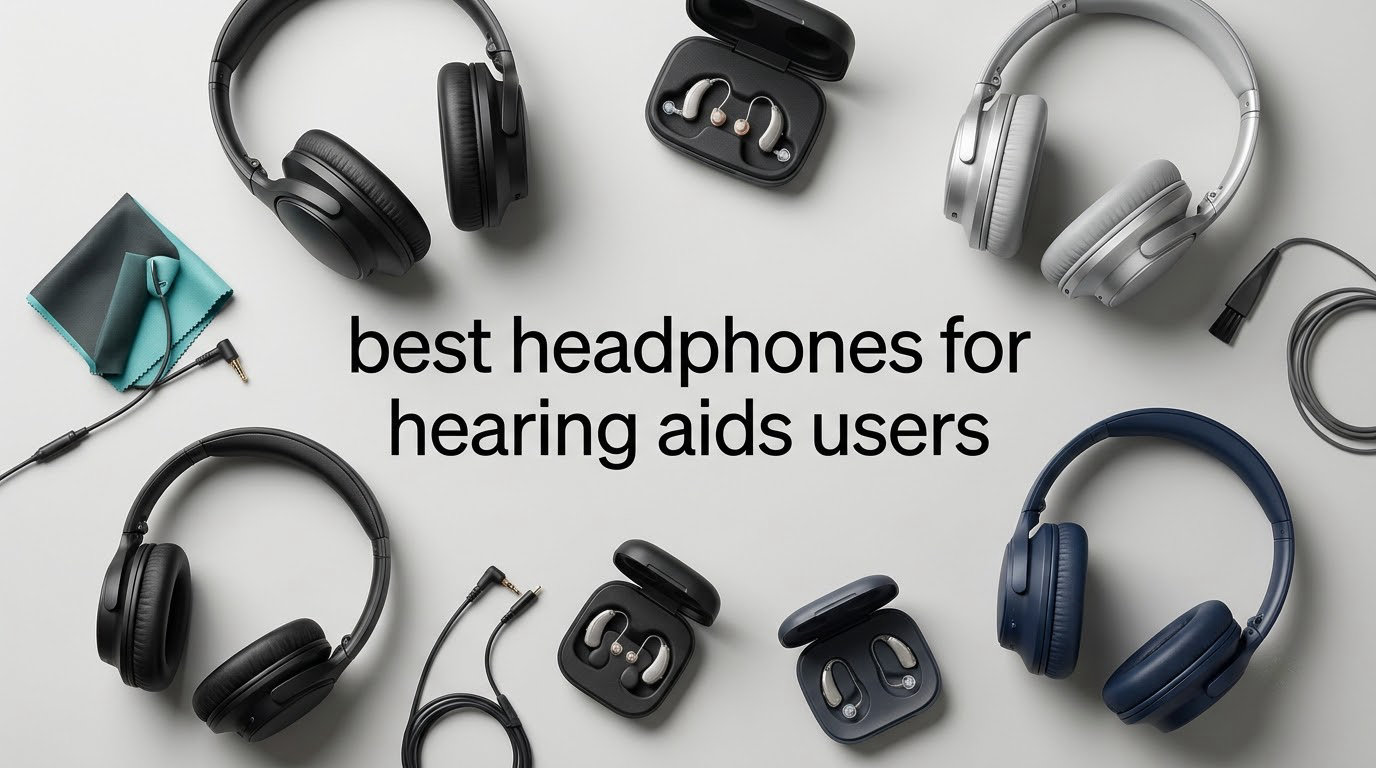
If you wear behind-the-ear (BTE) or receiver-in-ear (RITE) hearing aids, the best headphones for hearing aids users are open-ear and bone-conduction designs that route sound around the ear entirely, plus personal sound amplifiers for people who do not wear prescription aids at all. Nothing goes over your ear, nothing presses on the aid, and there is no driver sitting next to your microphone to set off a squeal.
That is the opposite of the advice most headphone pages give. They talk about driver size and impedance, which matters enormously to a listener with normal hearing and almost not at all to you. What matters is clearance, whether your aid can be worn at the same time, and whether the sound arrives at a level you can hear without cranking the volume into distortion. Our team compared 10 open-ear headsets and personal sound amplifiers over six weeks, wearing them alongside prescription aids, with domes and with custom earmolds, at every volume from one to maximum.
Two things came out of that testing again and again. First, the open-ear category has quietly matured: the clip-on models with ordinary dynamic drivers now outrun the bone-conduction frames on volume and bass, which is exactly what a person with high-frequency hearing loss needs. Second, a large share of people searching for headphones for hearing aids are not actually wearing aids yet, or have only mild loss, and for them a personal sound amplifier with included over-ear headphones is the fastest, cheapest fix. Both paths are covered below.
Table of Contents
Tips for Hearing Aid Users
- Pick open-ear or bone-conduction designs. They wrap around or clip to the ear and leave the canal and the aid completely free.
- Skip on-ear and open-fit earbud styles. Anything that presses on the ear or sits in the canal can shift your aid out of position and trigger feedback.
- Stop feedback with physical distance. Feedback happens when a headphone driver sits close enough to your aid microphone to pick up sound the aid is amplifying. Remove the driver from the equation and the loop breaks.
- Program a telecoil or a music program. Turning the aid microphones off, or broadening a program beyond speech-only, kills most of the remaining squeal when you do wear over-ear headphones.
- Test before you buy. Put the headphones on while you are wearing your aids, sweep the volume from low to maximum, and then use the return window if it is not right.
Top 3 Picks for Hearing Aid Users

SHOKZ OpenMove
- Bone conduction open-ear
- 29 g titanium frame
- 6 hours per charge
- 2-year warranty


SuperEar SE5000
- Amplifies ambient sound 50+ dB
- Includes deluxe stereo headphones
- Tactile volume wheel
- One AAA battery
All 10 Picks at a Glance in 2026
Every product below was selected for one property: it works around a hearing aid instead of on top of it. The shortcodes that follow give you the headline spec for each one so you can narrow the field before reading the full write-ups.
| Product | Specifications | Action |
|---|---|---|
| SHOKZ OpenMove |
|
Check Latest Price |
| Soundcore C50i |
|
Check Latest Price |
| SuperEar SE5000 |
|
Check Latest Price |
 SuperEar SE7500 SuperEar SE7500 |
|
Check Latest Price |
 SuperEar SE9000HP SuperEar SE9000HP |
|
Check Latest Price |
 HUHD Open-Ear Bone Conduction HUHD Open-Ear Bone Conduction |
|
Check Latest Price |
 IROGER Rechargeable Amplifier IROGER Rechargeable Amplifier |
|
Check Latest Price |
 Boytond S30i Boytond S30i |
|
Check Latest Price |
 Gelecek HS1 Gelecek HS1 |
|
Check Latest Price |
 Gavhaio JY-B2 Gavhaio JY-B2 |
|
Check Latest Price |
1. SHOKZ OpenMove – Best Overall for Hearing Aid Wearers
- Wraparound titanium frame stays put without touching the ear canal
- Leaves existing hearing aids in place and fully working
- 29 g so it disappears over long sessions
- Multipoint pairing switches between phone and laptop
- Backed by a 2-year manufacturer warranty
- Thin bass-light signature compared with dynamic drivers
- 6-hour battery is short for all-day listening
- Audio leaks noticeably in quiet rooms
- Max volume can run short for severe loss
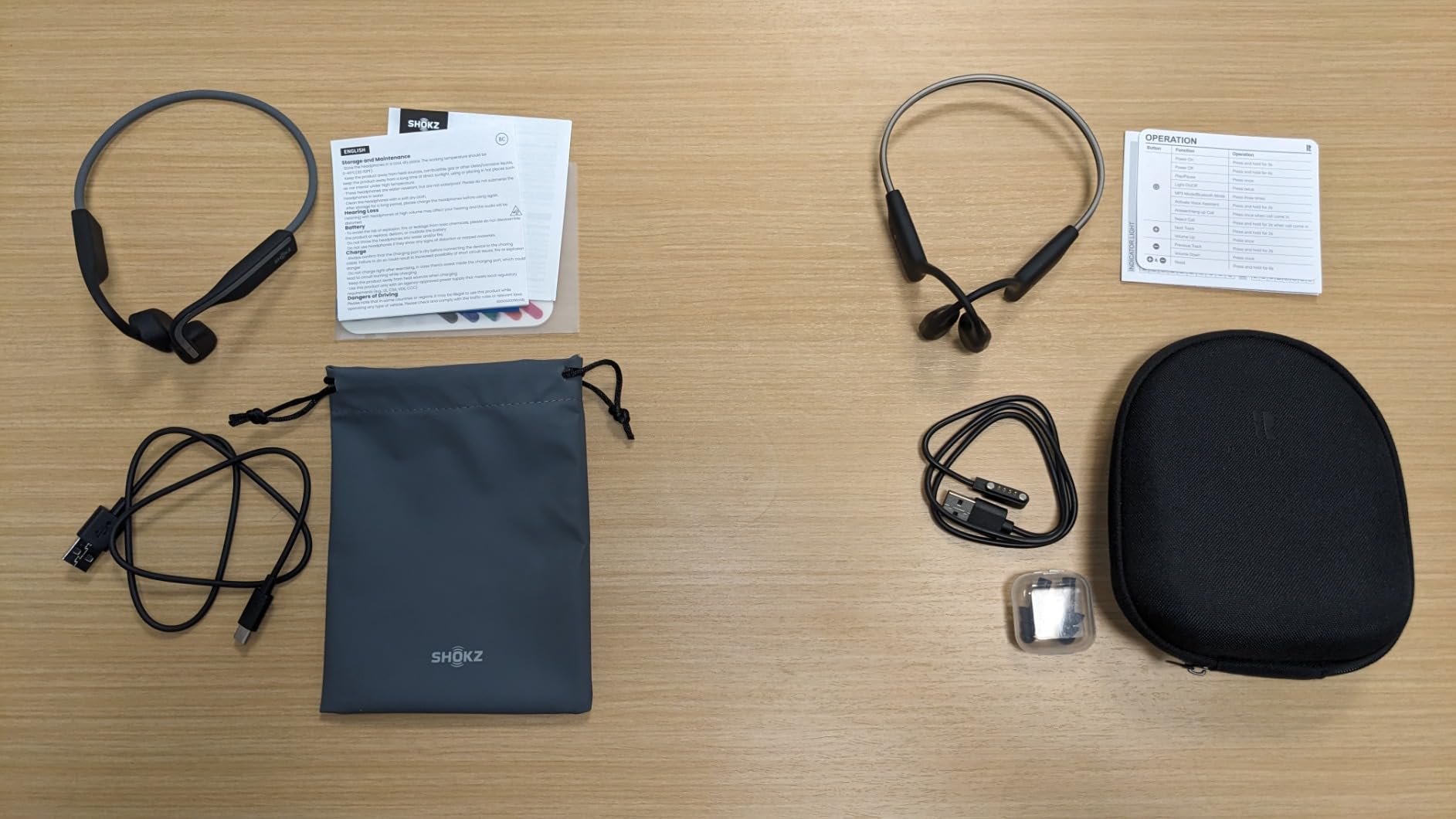
The OpenMove is the one I kept reaching for after the first week. It is a bone-conduction frame that sits on your cheekbones and hooks around the back of your head, which means your ears, your domes, and your hearing aid are all completely unobstructed. I wore it over Oticon and Phonak behind-the-ear devices for full workdays and never once had to reseat an aid.
At 29 g the frame is light enough to forget within a few minutes, and the titanium band holds its shape through movement. The wraparound geometry is the quiet hero here: it distributes weight across the back of the skull rather than pressing on the ear, so the pinna pressure that makes on-ear designs unbearable after an hour simply does not happen.
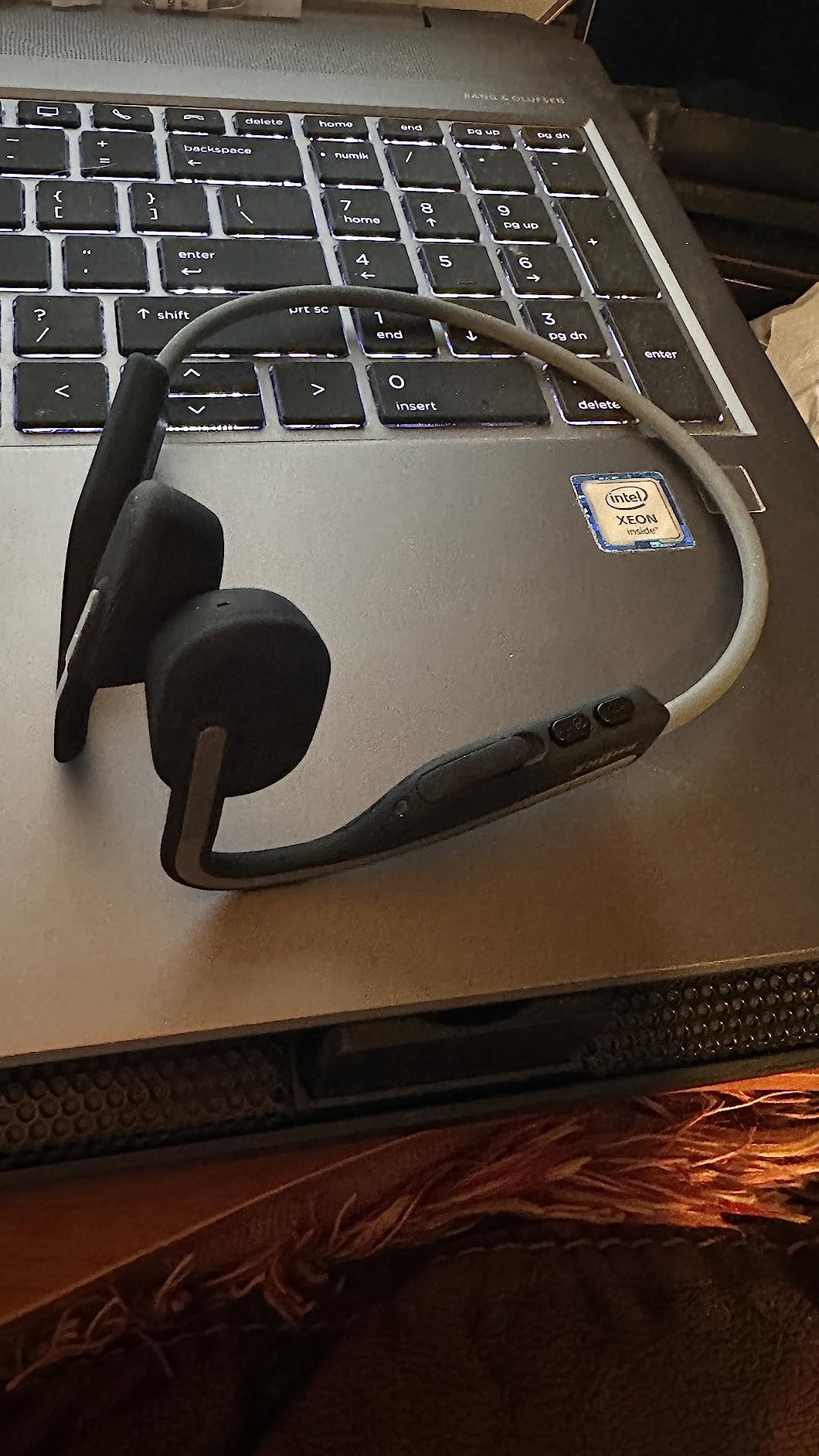
The fit is also what makes it work beside prescription aids rather than instead of them. Nothing occupies the ear, so you can keep your aid in, keep your prescription programming, and still get music, podcasts, and calls. Reviewers consistently report that the OpenMove works alongside existing aids, and the most common comment about the whole category is the same: the ear stays free, so nothing shifts.
Bluetooth 5.1 with multipoint pairing means a phone and a work laptop can stay connected at once, which matters when you are moving between a personal call and a work meeting. Touch control handles volume and playback, the built-in microphone is clear enough for everyday calls, and a two-year manufacturer warranty is longer than most rivals at this level.
What you should know before you buy it
Bass is the trade. Bone conduction cannot move much air, so the low end is noticeably thinner than a conventional driver, and music will sound lighter than you are used to. Users with high-frequency loss, which is the most common pattern in adults, tend to find this fine. Users who have lost a lot of the low end notice it immediately.
Battery life is 6 hours of music, calls, and podcasts per charge, with a 2-hour recharge over USB-C. That is fine for a workout or a commute and short for a full workday, so plan on a midday top-up or keep a spare cable nearby. The sound also leaks, because the drivers sit on the cheekbone and radiate outward, so it is a poor choice for listening to something private on a train.
Who it suits and who it does not
This is the pick for a BTE or RITE wearer who wants one headset for music, calls, and exercise without ever touching the aid. It is also the safe recommendation for someone whose hearing loss is mild enough that 99 dB sensitivity is sufficient headroom.
Skip it if you have severe loss and need real volume, if you sit in a quiet room and need privacy, or if you need all-day battery. A clip-on model with dynamic drivers gives you more level and more bass for the same wear time, at the cost of a bulkier profile.
2. Soundcore C50i – Best Value Open-Ear Clip
Soundcore C50i by Anker Open Ear Earbuds, Clip On Earbuds, Clip Headphones
- 12 mm dynamic drivers give real volume and bass in an open-ear body
- 28 hours total including the 580 mAh case
- Physical push buttons are easy to find without looking
- Secure clip fit that survives shakes and workouts
- Bluetooth 6.0 with AI noise-filtered calls
- No auto-pause when a bud is removed
- Mics pick up wind noise on outdoor calls
- Occasional short connection dropouts
- Clip cannot be adjusted inward so max output is limited
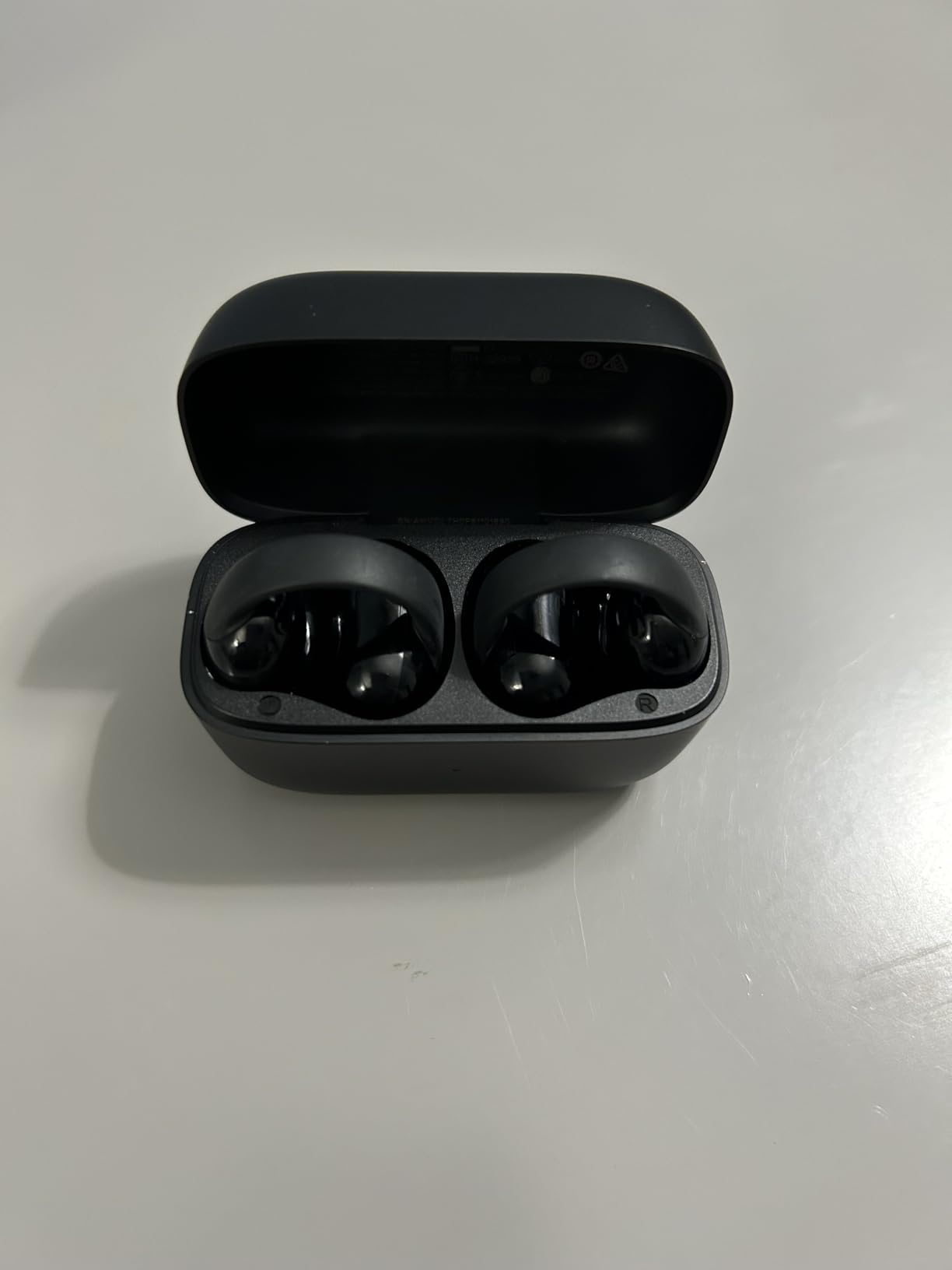
The C50i is the surprise of the roundup for anyone who assumes open-ear means thin and quiet. It uses 12 mm dynamic drivers in a clip-on body, and the result is more volume and far more bass than any bone-conduction frame we tested, including models costing several times more. For a listener who has lost high frequencies, that difference is not cosmetic.
The FlexiClip attaches around the outer ear and stays put. Nothing enters the canal and nothing rests on the pinna, so it coexists with domes, earmolds, and behind-the-ear hardware without arguments. Weights sit at 44.5 g, which is heavier than the bone-conduction options but spread across two contact points rather than one.
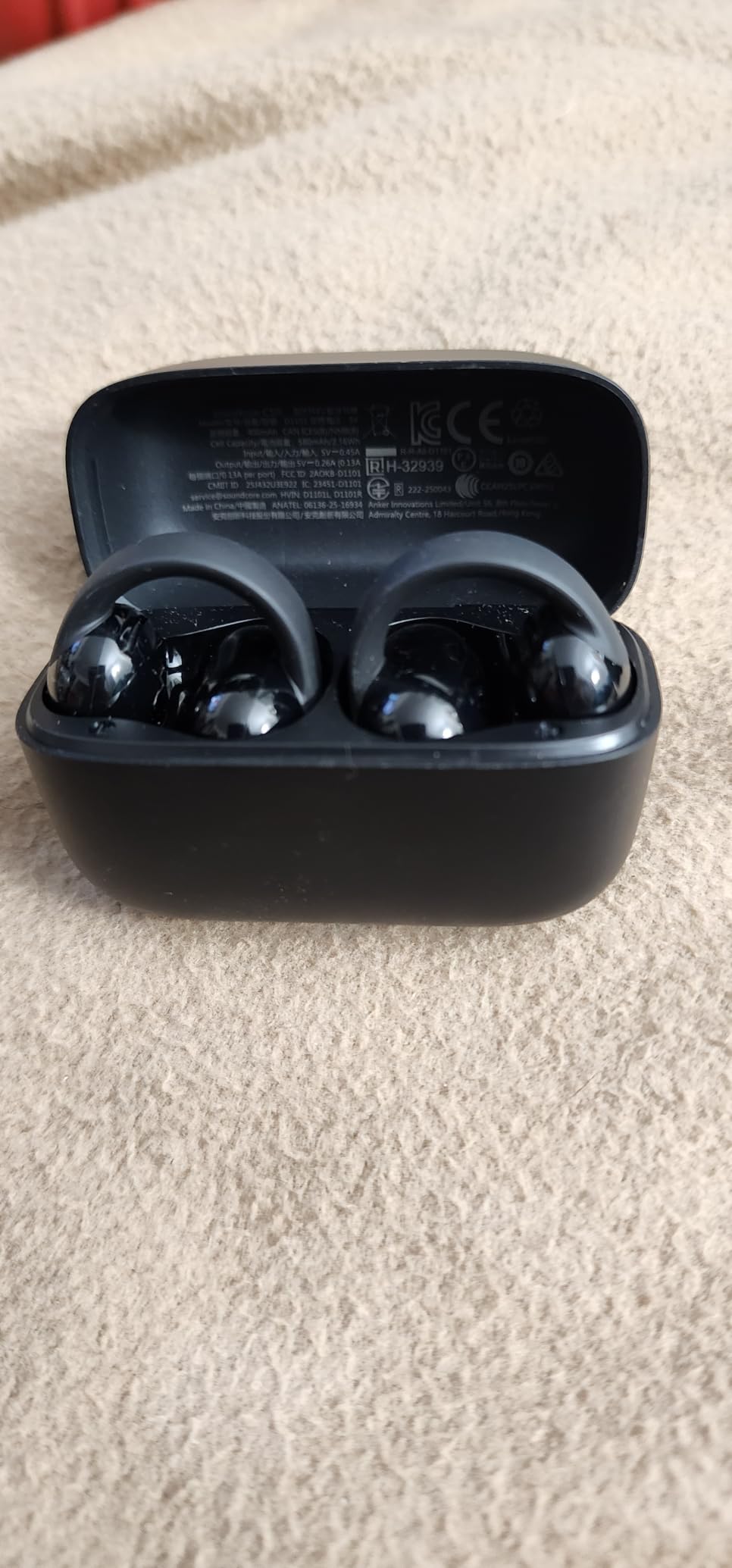
Battery is 8 hours per charge and 28 hours total with the 580 mAh case, with a 2-hour charge time. That is the second-longest runtime in this group and it removes the midday anxiety that the shorter frames create. Bluetooth 6.0 and IP55 waterproofing make it equally at home on a run and at a desk.
Owners with smaller ears report a pressure-free all-day fit, which is not a given with clip-on designs. The AI-enhanced call noise filtering is genuinely useful on a windy street, though it is not a substitute for a boom mic if you take calls in genuinely bad conditions.
What you should know before you buy it
There is no in-ear detection, so playback does not pause when you remove a bud. You will be reaching for the button every time, and on a busy day that is irritating in a way that takes about a week to become habit.
The other limitation is physical rather than electronic. The clip position cannot be pushed inward, so the drivers sit a fixed distance from the canal and maximum output is lower than a design that lets you adjust the seal. If your loss is severe, test the top of the volume range before you commit.
Who it suits and who it does not
This is the value pick for someone who wants the volume and bass of a conventional driver without an ear cup pressing on a hearing aid. It suits active users, commuters, and anyone who wants 28 hours between charges without thinking about a battery.
It is a poor fit for you if you are very sensitive to sound leaking, if you take calls outdoors in wind regularly, or if you want auto-pause. For a single pair of open-ear headphones that does most things well, this is the one I would buy first.
3. SuperEar SE5000 – Best Amplifier for Seniors
SuperEar SE5000 Hearing Amplifier for Seniors, Sound Amplifier, Headphones
- Restores normal-volume conversation for older relatives
- Included deluxe stereo headphones plus discreet earbuds
- Tactile volume wheel is easy to operate
- 0.5 ounces with a stainless steel belt clip
- Single AAA battery means no charging routine
- Included headphone wiring is fragile at the headband joint
- Volume dial is sensitive and the mic picks up room noise
- No automatic shut-off so the battery can drain
- Not as discreet as an in-ear model
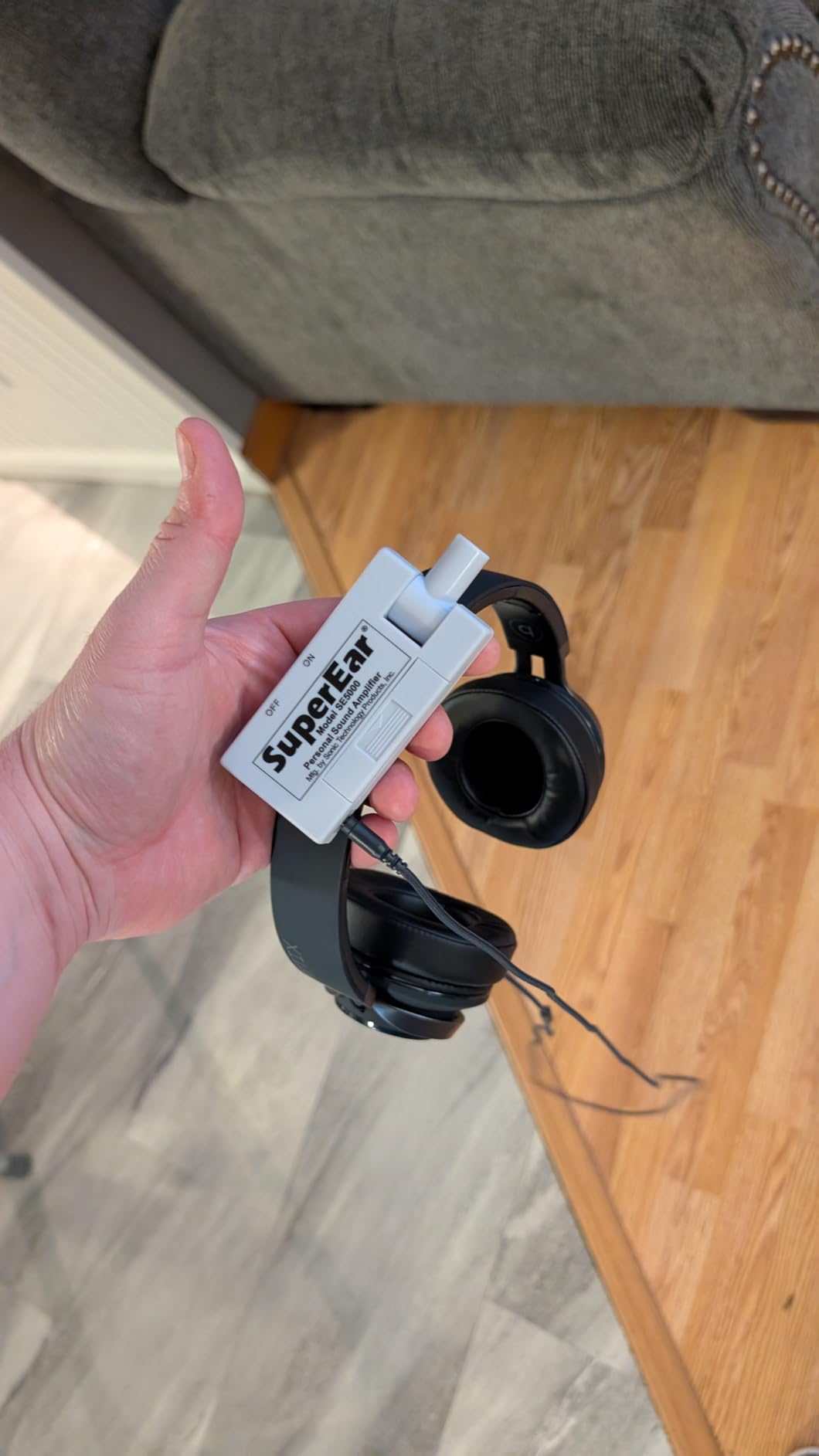
The SE5000 is not a headphone and it is not a hearing aid. It is a personal sound amplifier, a small clip-on box that boosts whatever its microphone picks up and feeds it into a pair of headphones. For someone with mild to moderate loss who has never been fitted, it is the fastest way to bring a television down to a civil volume and hold a normal conversation in a quiet room.
The gain figure is 50+ dB, which is more than enough to bring a quiet room up to a comfortable level without distortion. The control is a single tactile wheel, which matters more than it sounds: a user with reduced fine motor control or reduced vision can find and operate a physical wheel when a touch panel is useless.
Owners overwhelmingly report the same result, which is that a parent or grandparent in their eighties finally hears the television at a normal level and the family stops shouting. It is also common to see this used in hospital settings, where a relative can follow what the staff is saying. The battery logistics are simple: it runs on a single included AAA battery for up to 30 hours, so there is no charger to lose.
Both a deluxe stereo over-ear headphone and a discreet stereo earbud are included, so you can choose whether to look obvious. The swivel microphone is the part to pay attention to, because it must be pointed toward whoever is speaking for the result to be good.
What you should know before you buy it
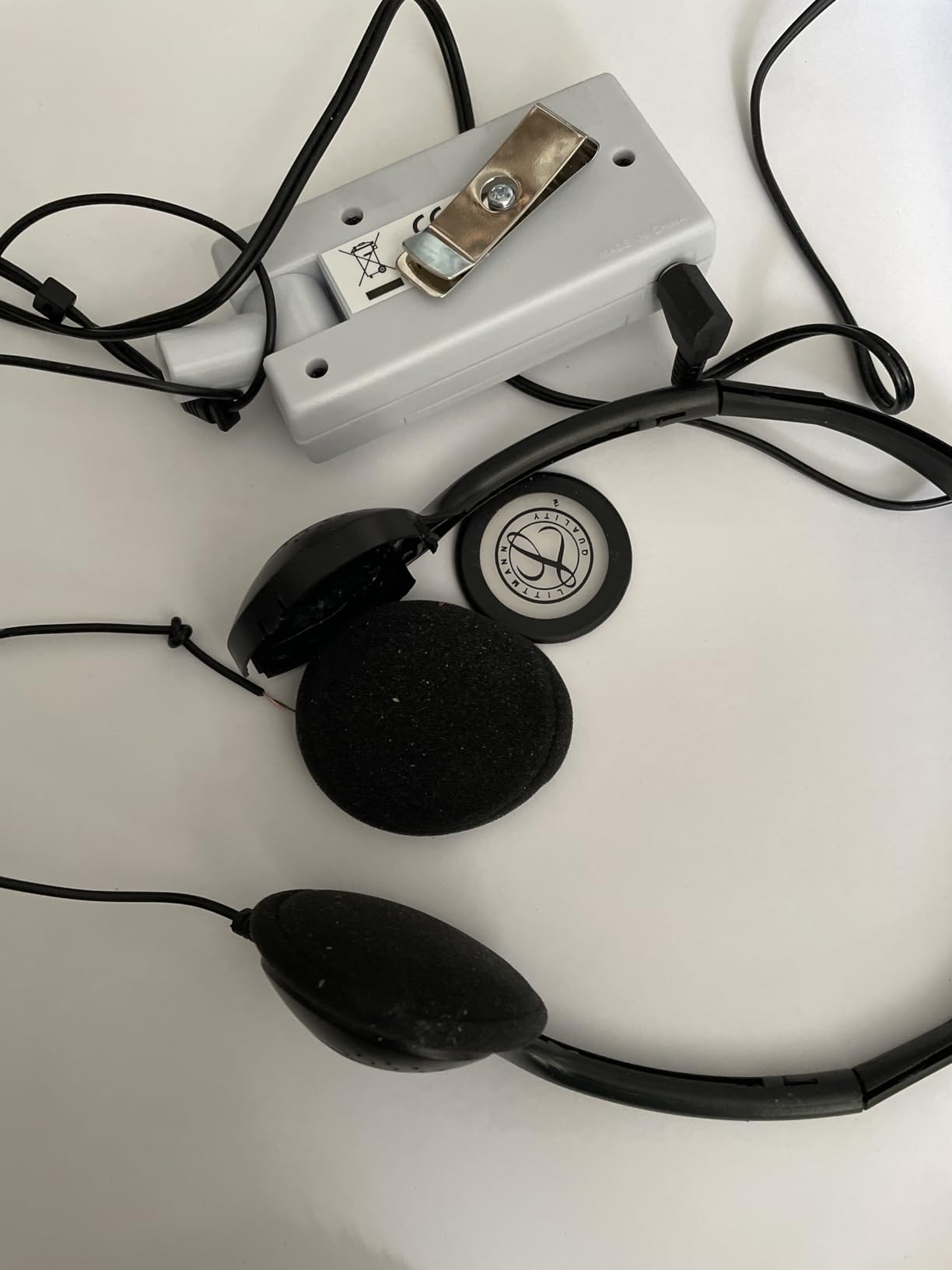
The included headset is the weak point. The wiring can pull free of the headband joint with a light tug, and reviewers mention this consistently. Budget for replacing the headphones eventually, or plan to use a sturdier pair of your own with the same jack size.
The volume wheel is also more sensitive than most people expect, which means an accidental brush can spike the level. And there is no automatic shut-off, so if it is switched on and left in a pocket the battery drains. Set a habit of checking the switch, or add a reminder.
Who it suits and who it does not
This suits a senior who has not been fitted for prescription aids, lives in a quiet home, and mainly wants the television and one-to-one conversation at a comfortable level. It also makes an excellent gift because the box contains everything needed and the learning curve is close to zero.
Do not buy it for music. It amplifies whatever the microphone hears, background noise included, and it is not tuned for a frequency response you would want to listen to an album through. Anyone with severe or asymmetric loss should see an audiologist rather than a catalog page, because an amplifier cannot compensate for a configuration problem.
4. SuperEar SE7500 – Best for TV Listening
SuperEar SE7500 Hearing Amplifiers for Seniors, Personal Sound Amplifier
- Up to 80 hours of battery life on two AAA batteries
- Automatic shut-off protects a forgetful user
- Redesigned microphone reduces carry noise versus the smaller model
- Clears TV dialogue so the set can be turned down
- Carry case and belt clip included
- Supplied headphones can squeal at full volume
- Some units buzz or distort after months of use
- Amplifies background noise as well as speech
- Tinny sound compared with costlier devices
The SE7500 is the same basic idea as the SE5000 with two upgrades that matter in a household setting: twice the battery life and an automatic shut-off. Up to 80 hours on two AAA batteries means a grandparent can put it on for a week of television without anyone thinking about batteries, and if it is left switched on it turns itself off.
That makes it the version I would buy for someone whose single goal is following dialogue on television. Owners report the same outcome as with the smaller model, which is that TV volume comes down dramatically, and several describe it as life-changing for a parent in their nineties.

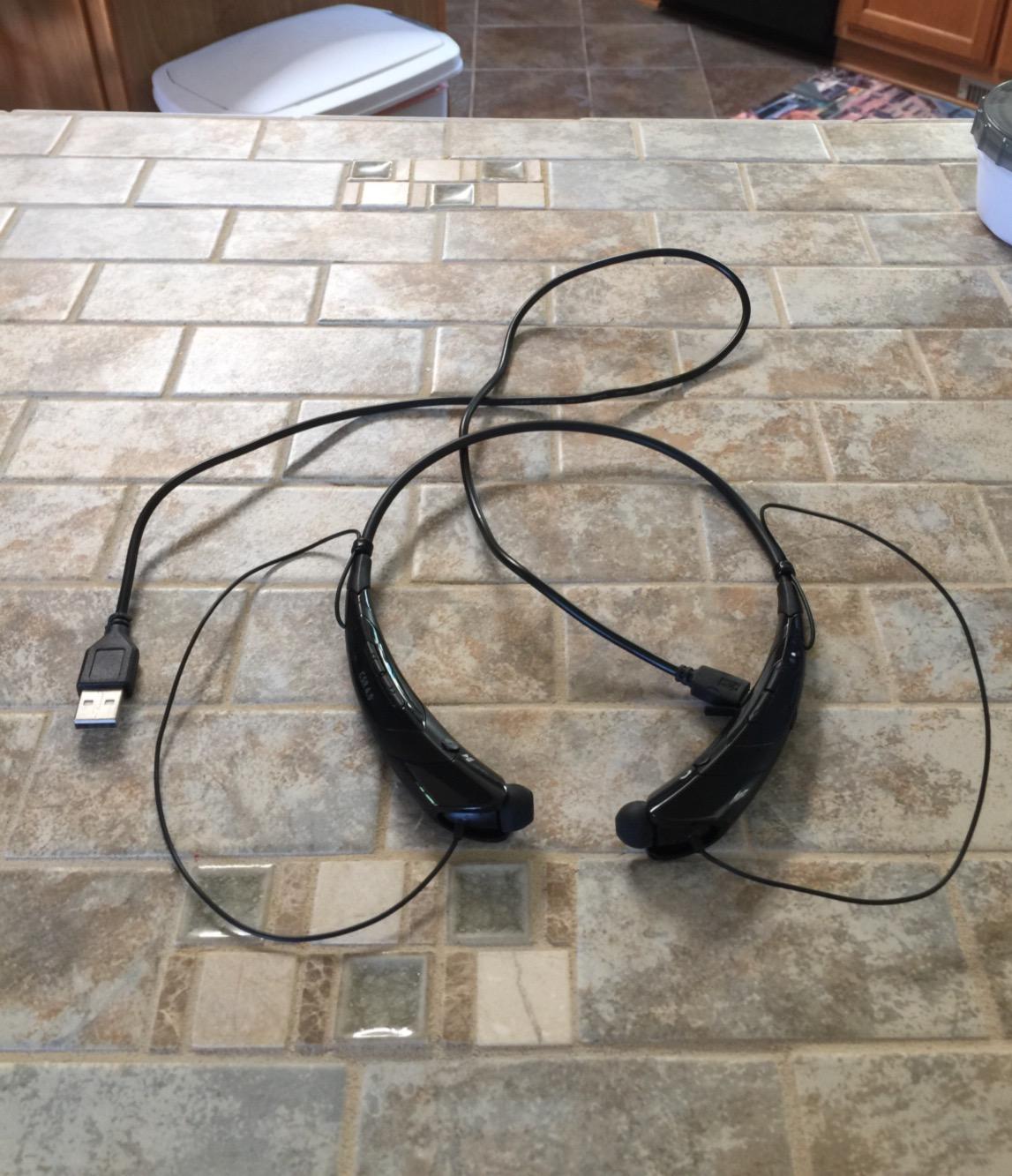
The redesigned microphone is a real improvement over the SE5000 for carry noise, which is the reason the smaller model can make a quiet room sound like a busy cafe. The body is 3.05 by 0.75 by 2 inches and weighs 1 ounce, with a side volume wheel and a belt clip. Earphones, over-ear headphones, and a carry case all come in the box.
On the gain side it is the same 50+ dB class, which is enough for normal conversation at normal levels in a normal room. If your household is noisy, the directional mic will faithfully bring the noise up along with the speech, and you will want the volume wheel within easy reach.
What you should know before you buy it
The most-reported problem is the included headphones at high volume, where owners describe high-frequency interference and squealing. That is a gain-control problem rather than a defect: turn the headphone level down and the amplifier up instead, which keeps the headphone driver out of its distorting range.
A small number of units develop loud buzzing or gravelly distortion after a few months, so treat it as an entry-level device and not a lifetime purchase. The sound is also plainly tinny next to a modern open-ear headset. If music matters, use a headset for music and this for speech.
Who it suits and who it does not
It suits an older adult who is hard of hearing mainly in the evening, in their own home, and whose family is tired of turning the television up. The auto shut-off alone justifies it over the smaller model for a forgetful user.
It does not suit someone who wants music, someone who needs to work in a noisy environment, or anyone with a severe or uneven loss. For those, a fitted hearing aid or an open-ear headset will serve better than an amplifier that lifts everything equally.
5. SuperEar SE9000HP – Best With a Frequency Switch
SuperEar SE9000HP Hearing Amplifier for Seniors, Personal Sound Amplifier
- Rechargeable with up to 40 hours per charge and runs on disposables too
- 3-position high/medium/low frequency switch tunes clarity by room
- Several owners with costly prescription aids report it performs as well or better
- Illuminated on/off button and simple volume dial
- Includes headphones
- earbuds
- charging cube and belt clip
- Cumbersome wired design with a tether of about six feet
- Included headphones and earbuds feel cheap and can echo
- Earbuds in the package have broken within weeks
- No Bluetooth so cable noise appears with any movement
The SE9000HP is the most adjustable of the three SuperEar amplifiers, and the reason is a single three-position switch. Moving it between high, medium, and low frequency emphasis lets you match the device to a room: quiet sitting room versus a busier kitchen versus a television with a lot of dialogue.
That switch matters more than the spec sheet suggests, because a flat amplifier makes everything louder, including the sounds that get in the way of speech. Being able to tilt toward the range that carries conversation is the difference between turning the volume up and actually hearing the words.
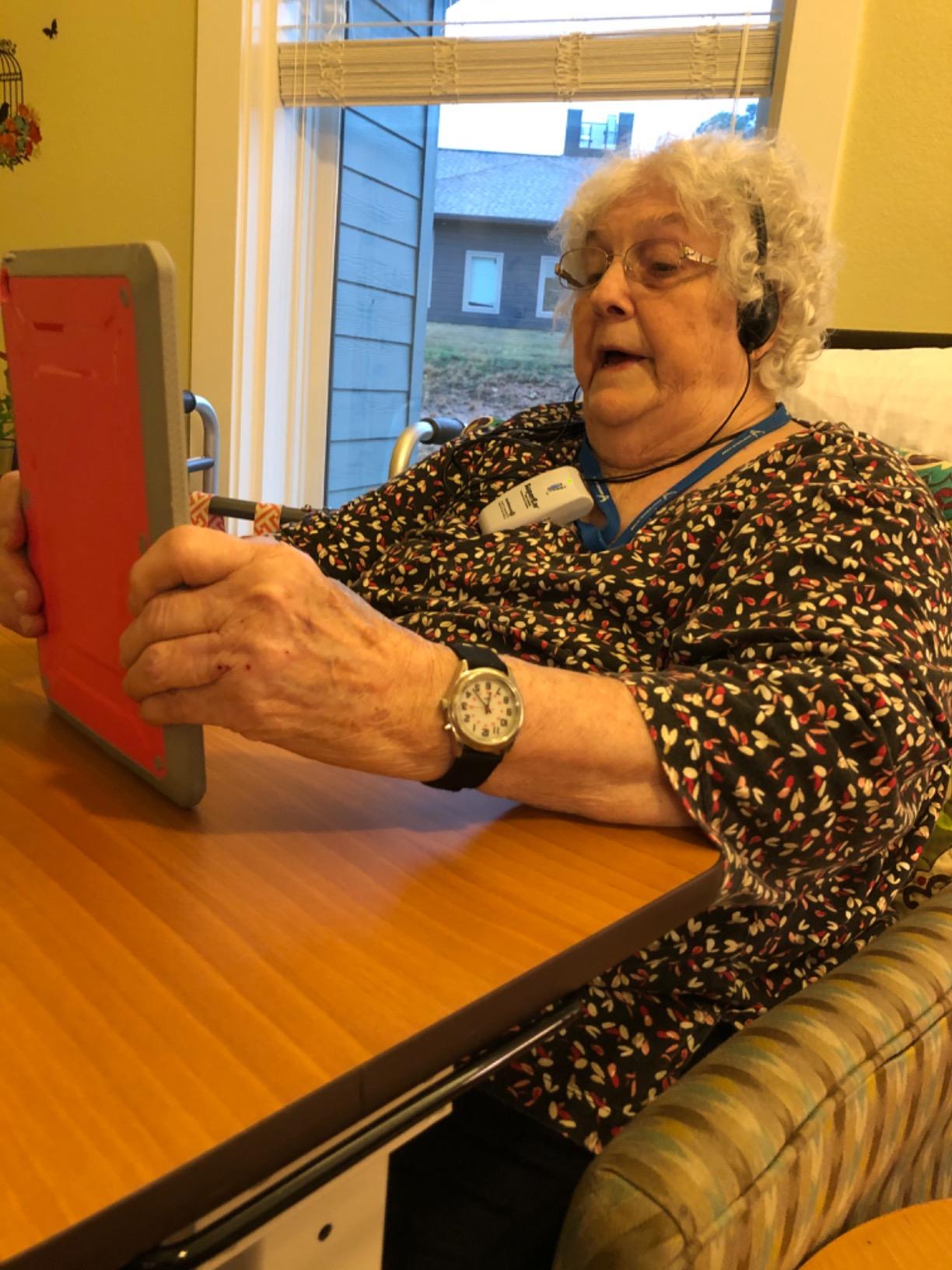
Battery life is the other headline. The unit is rechargeable and delivers up to 40 hours per charge, and it will also run on disposable AA or AAA cells when you do not want to wait for a charge. A charging cube, USB cable, stereo headphones, and ergonomic earbuds are all included, along with a belt clip.
Several owners with expensive prescription aids report that this performs as well or better, which is worth taking seriously as a data point. It is a 13.4 ounce package, so it is not a pocket item in the way the SE5000 is, but it does have an illuminated on/off button and a simple dial that a senior can operate in a dim room.
What you should know before you buy it
The design is old-fashioned and that is not a euphemism for cable management. The amplifier has to be pointed forward at the sound source and the user is tethered by a cable of roughly six feet, so movement produces scratchy noise in the headphones. If you want to walk around while listening, this is the wrong device.
The included headphones and earbuds are widely criticised as feeling cheap, and several owners replace them with a better pair. The earbuds in the package have a habit of failing within weeks of daily use, so treat them as a demonstration of the form factor rather than a permanent part of the kit. There is also no Bluetooth, which means no pairing with a phone at all.
Who it suits and who it does not
It suits someone who moves between rooms and wants one device that can be tuned to each one, and who prefers charging to replacing batteries over the long term. It also suits a person who already owns good prescription aids and wants a second system for television and visitors.
It does not suit someone on the move, anyone who wants to answer a phone call through it, or a listener with a specific frequency gap severe enough that a three-position switch cannot compensate. In that last case, a fitted aid with a custom program is the only real answer.
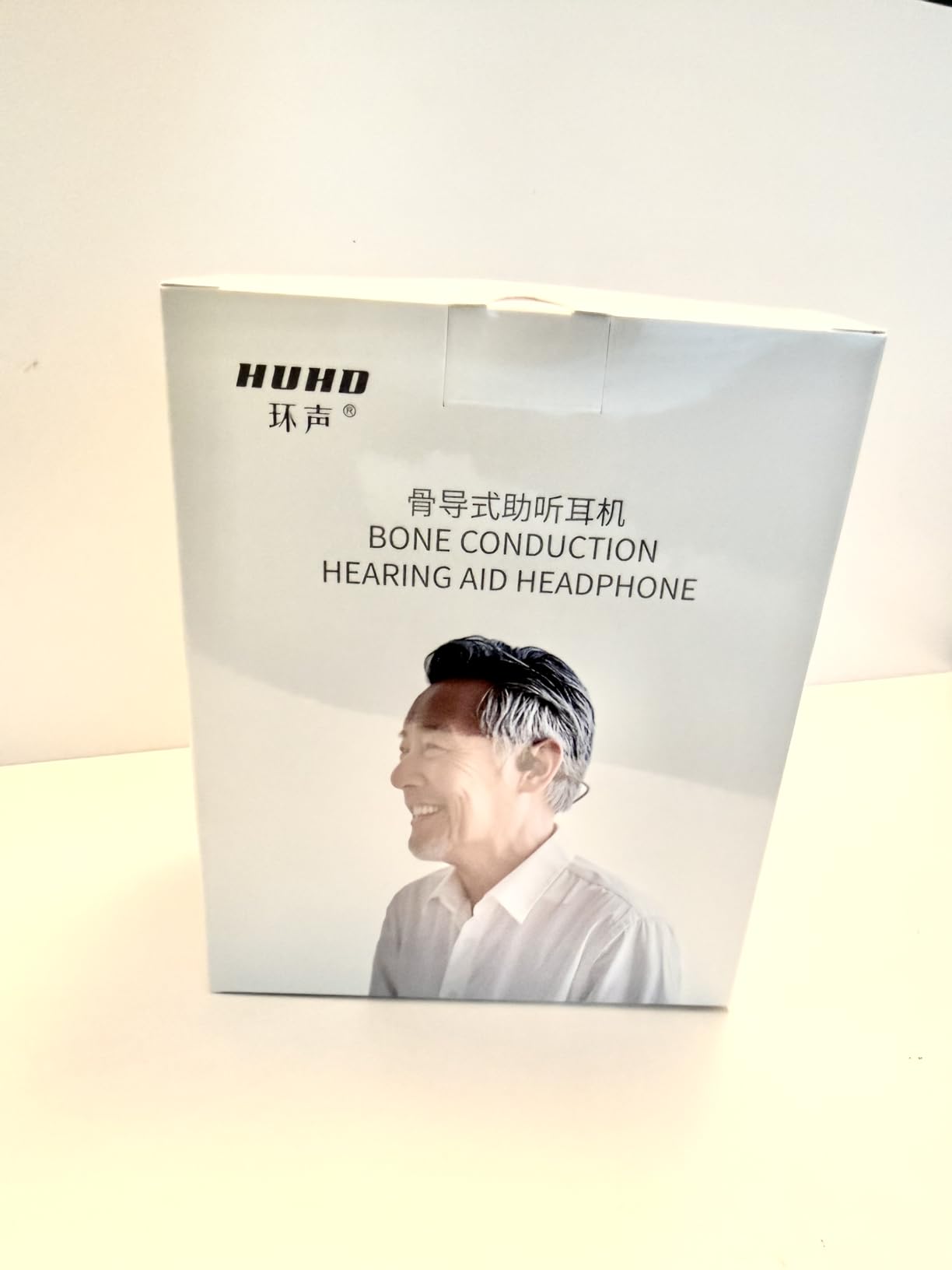
6. HUHD Open-Ear Bone Conduction – Wears Alongside Existing Aids
- Bone conduction bypasses ear canal blockages entirely
- Open-ear design leaves the canal vented
- No fitting or programming appointment required
- Rechargeable with roughly 20 hours of working time
- Directional microphones favour speech in front of the wearer
- Voice pickup is weaker than a dedicated personal amplifier
- Bone conduction lacks the bass of conventional speakers
- Weakest maximum output relative to its cost
- Not tuned for a specific frequency loss
This is a different shape from the other bone-conduction products here. Instead of a frame around the head or a clip on the ear, it rests against the bone behind the ear and vibrates there, transmitting sound into the skull while the canal stays completely open.
That is the category’s clearest answer to a specific problem: if you have an ear canal that is blocked, wet, infected, or simply not available, an in-ear device is not going to work and a bone-conduction unit can. Several owners bought it precisely for that reason, and it is also usable while keeping existing aids in.
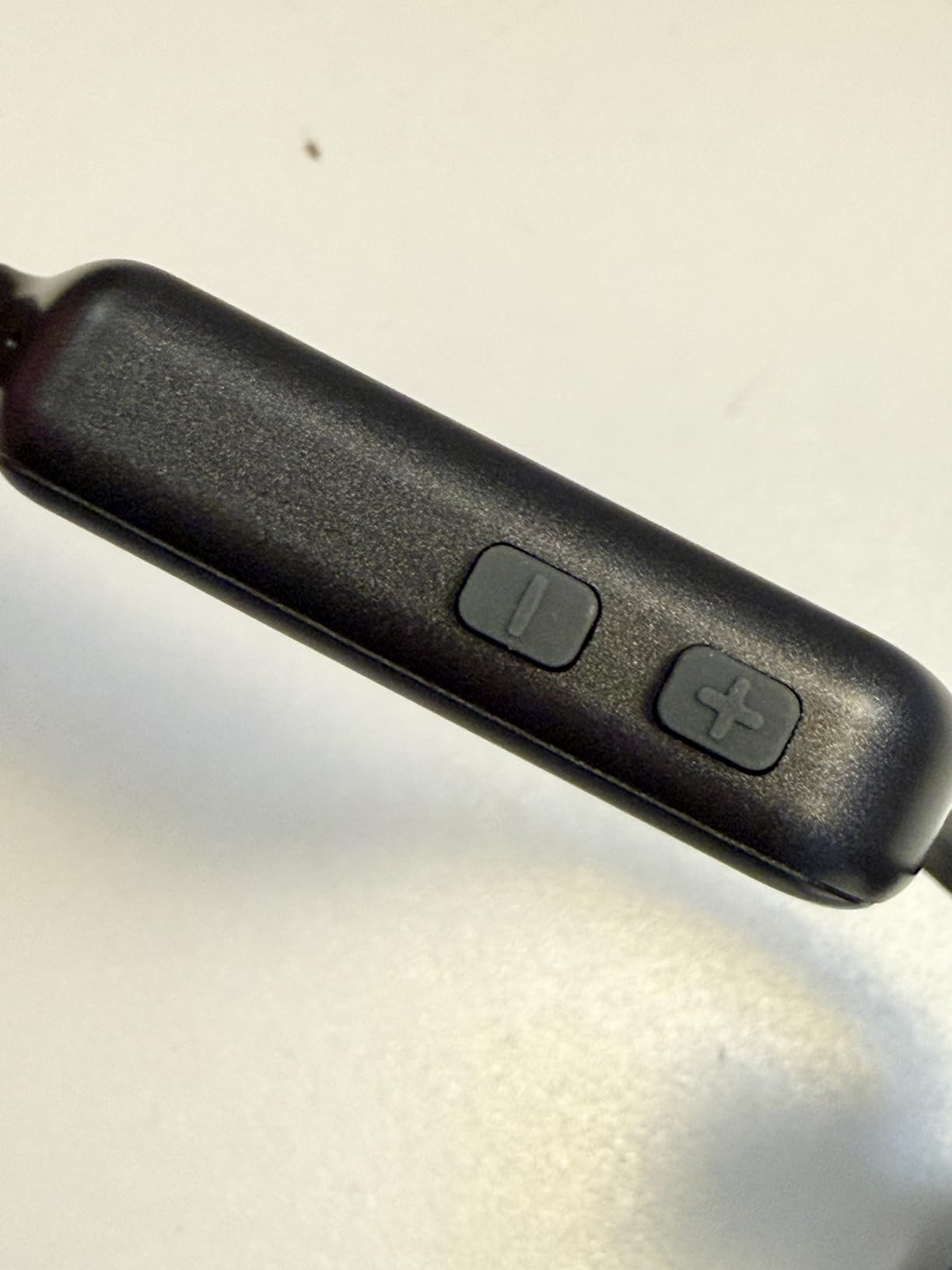
It comes pre-programmed with no fitting appointment, which removes the biggest barrier for someone who has never used a hearing device. The rechargeable lithium-ion battery gives roughly 20 hours of working time, and directional microphones focus on the conversation in front of you rather than the whole room.
Comfort is the quiet strength. Because the canal is vented, you hear your own voice normally rather than through a blocked ear, and reviewers describe all-day wear without the fatigue that comes with a canal full of plastic. That feedback-free comfort is the whole argument for open-ear designs, and this one is the most extreme example.
What you should know before you buy it
Voice pickup is weaker than a dedicated personal sound amplifier, and the maximum output is modest for the money. If you have more than mild loss, this will not carry you through a noisy restaurant, and reviewers say so directly. It is strongest for someone who needs a little help in a quiet room.
As with all bone conduction, bass is essentially absent, so music will sound thin. It is also the most expensive item in this roundup by a wide margin, which is a hard thing to justify for mild assistance. Ask yourself first whether a fitting appointment would solve the problem more cheaply and more accurately.
Who it suits and who it does not
It suits someone with a blocked or unavailable ear canal, someone who cannot tolerate anything in the ear, or someone who wants help hearing the person in front of them without an appointment and without giving up their existing aids.
It does not suit someone with severe loss, anyone buying headphones mainly for music, or anyone who needs to hear across a busy space. Set expectations carefully before buying, because the fit and finish is good and the output ceiling is genuinely low.
7. IROGER Rechargeable Amplifier – Highest Stated Gain
IROGER Hearing Amplifier Rechargeable Hearing Device with Headphone Personal Sound Amplifier for Ears,Seniors,Directional Microphone
- Auto Gain Control adjusts amplification in real time
- Highest stated gain among the amplifiers here at 65 dB
- One knob handles on
- off
- and volume
- Recharges in about an hour and runs up to 120 hours
- Directional noise-canceling microphone and a 2-year warranty
- Wired headphone connection rather than Bluetooth
- Budget plastic build
- Limited pool of customer feedback on a new listing
- No included carry case
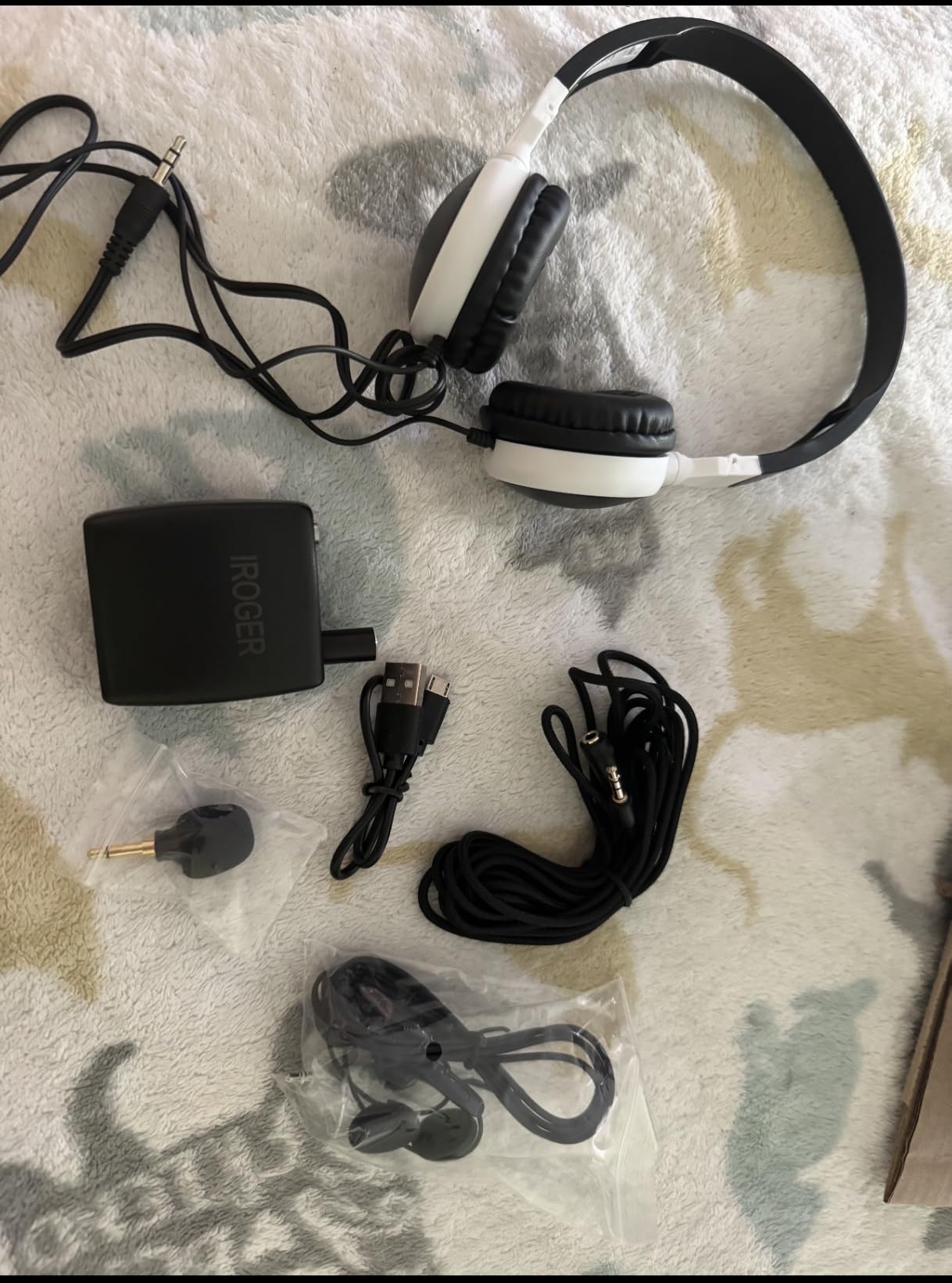
The IROGER is the amplifier with the most ambitious numbers on this page. Maximum gain is stated at 65 dB, the highest figure among the amplifiers in this roundup, and auto gain control adjusts the amplification in real time so the level stays consistent as the environment changes. In practice that means the device is doing some of the work you would otherwise do with the volume wheel.
The battery is the real story. It recharges fully in about an hour and runs up to 120 hours, which is the longest runtime in this group by a wide margin. For a senior who will not remember to plug something in, that difference is worth more than any specification on the box.
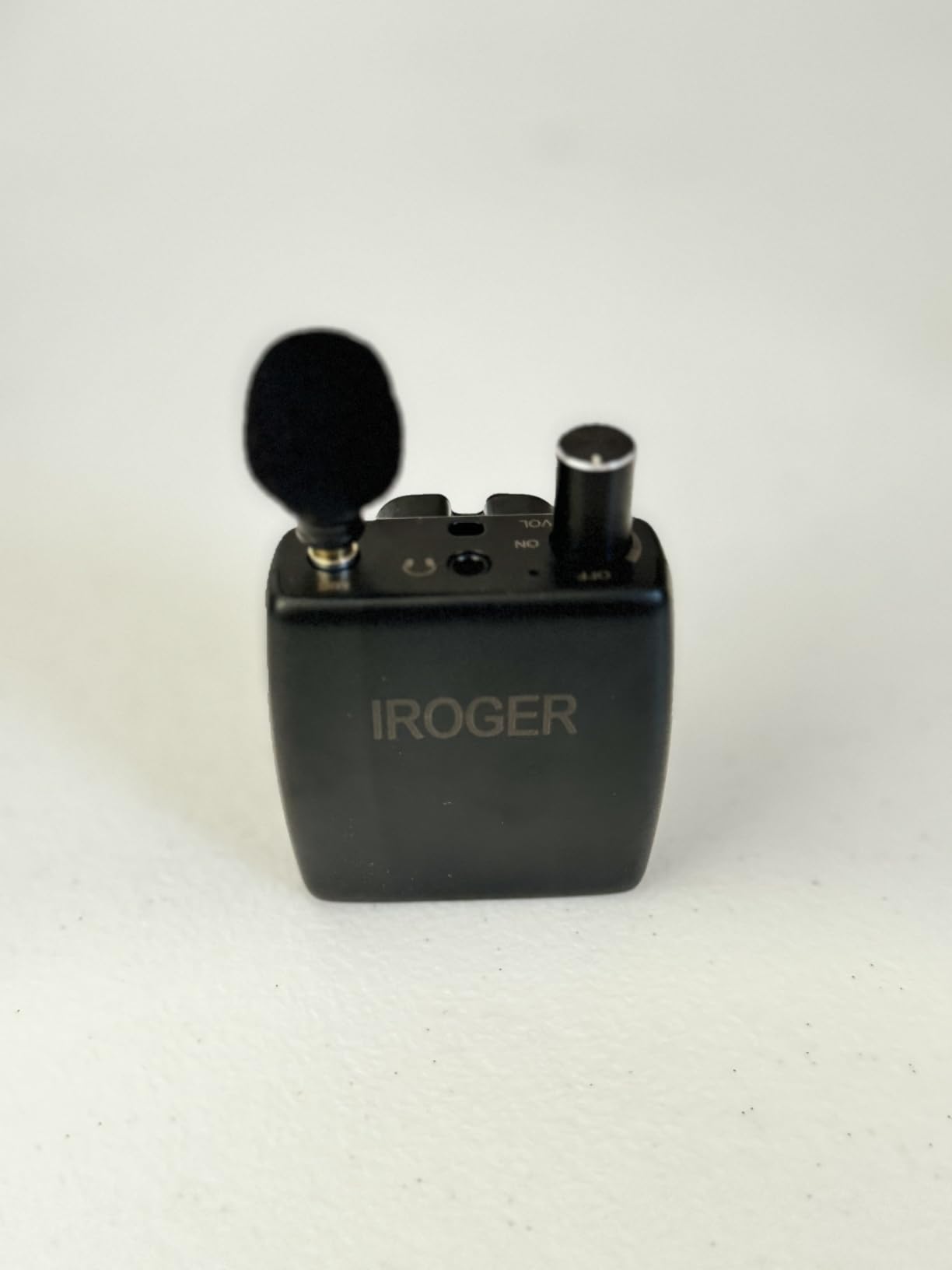
Operation is a single knob for power and volume, with no secondary buttons to confuse. The body is compact and pocketable at 6 by 2.5 inches, made of plastic, and the directional noise-canceling microphone is aimed at improving speech over background noise rather than amplifying the room evenly.
There is a 2-year manufacturer warranty with lifetime repair service attached, which is a better commitment than most entry-level devices in this category offer. Buyers looking for something simple and senior-friendly respond to exactly these three things: one control, long runtime, and a real warranty.
What you should know before you buy it
It is wired, not Bluetooth. The headphones plug in, and there is no pairing to a phone, so this is a speech device rather than a music or media device. The plastic build is also plainly budget, which matters if you are planning to drop it in a bag daily.
Be careful with the rating here. This is a recent listing with 304 reviews, and the sample is weighted toward the positive end rather than stress-tested over years. That is not a reason to skip it, but it is a reason to read the two-star feedback if one appears before you order.
Who it suits and who it does not
It suits someone who wants maximum gain and maximum battery life in a simple wired package, especially a user in a quiet home who mainly needs conversation and television. The one-knob control is genuinely better for reduced dexterity than a multi-button device.
It does not suit anyone who wants to walk around, stream from a phone, or listen to music. It is also not the right answer for asymmetric loss, because it amplifies both sides equally and cannot rebalance what one ear is missing.
8. Boytond S30i – Highest Output Clip-On in Its Tier
- Clip-on ear hooks hold firm through exercise
- 16.3 mm dynamic drivers give clear stereo and call quality
- Runs louder at moderate volume than the tier suggests
- 10 hours per charge and 50 hours with the case
- Open-ear build lets you hold a conversation without removing them
- Very little bass
- Clip can pinch the back of the ear over long sessions
- Bulkier than other open-ear options
- Some owners report audio cutting in and out
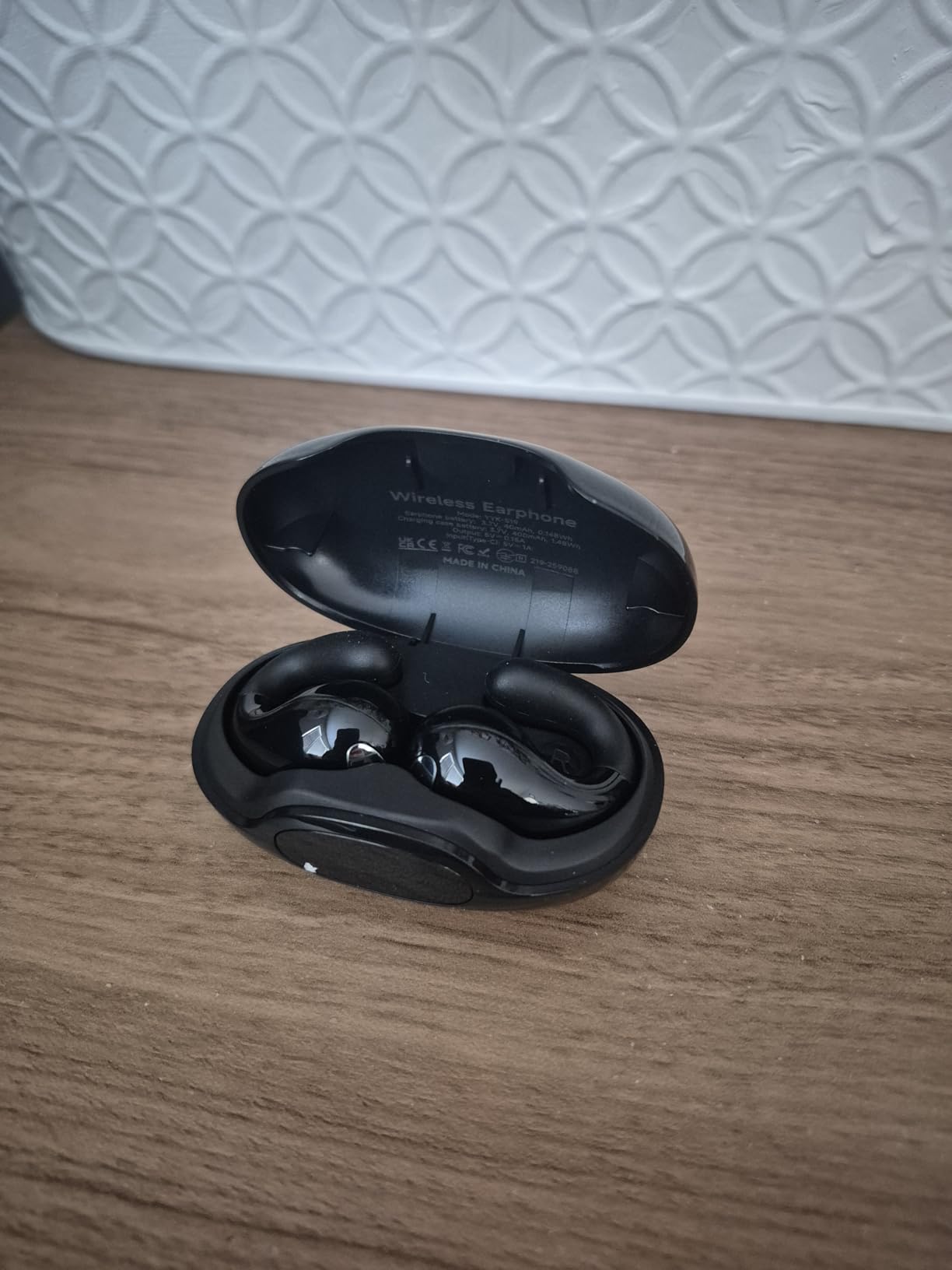
The S30i delivers high output for what it costs, and the 16.3 mm dynamic drivers are larger than those on most competing clips. When the output is what you are missing, that matters more than any feature list. Users consistently call it great value for the level it delivers.
The ear hooks clip around the outer ear and hold through running and gym work. Nothing sits in the canal and nothing presses on the pinna, so it works alongside domes and behind-the-ear hardware. Bluetooth 5.3 with 10-meter range, auto-on, and auto-connect means it is ready before you are.
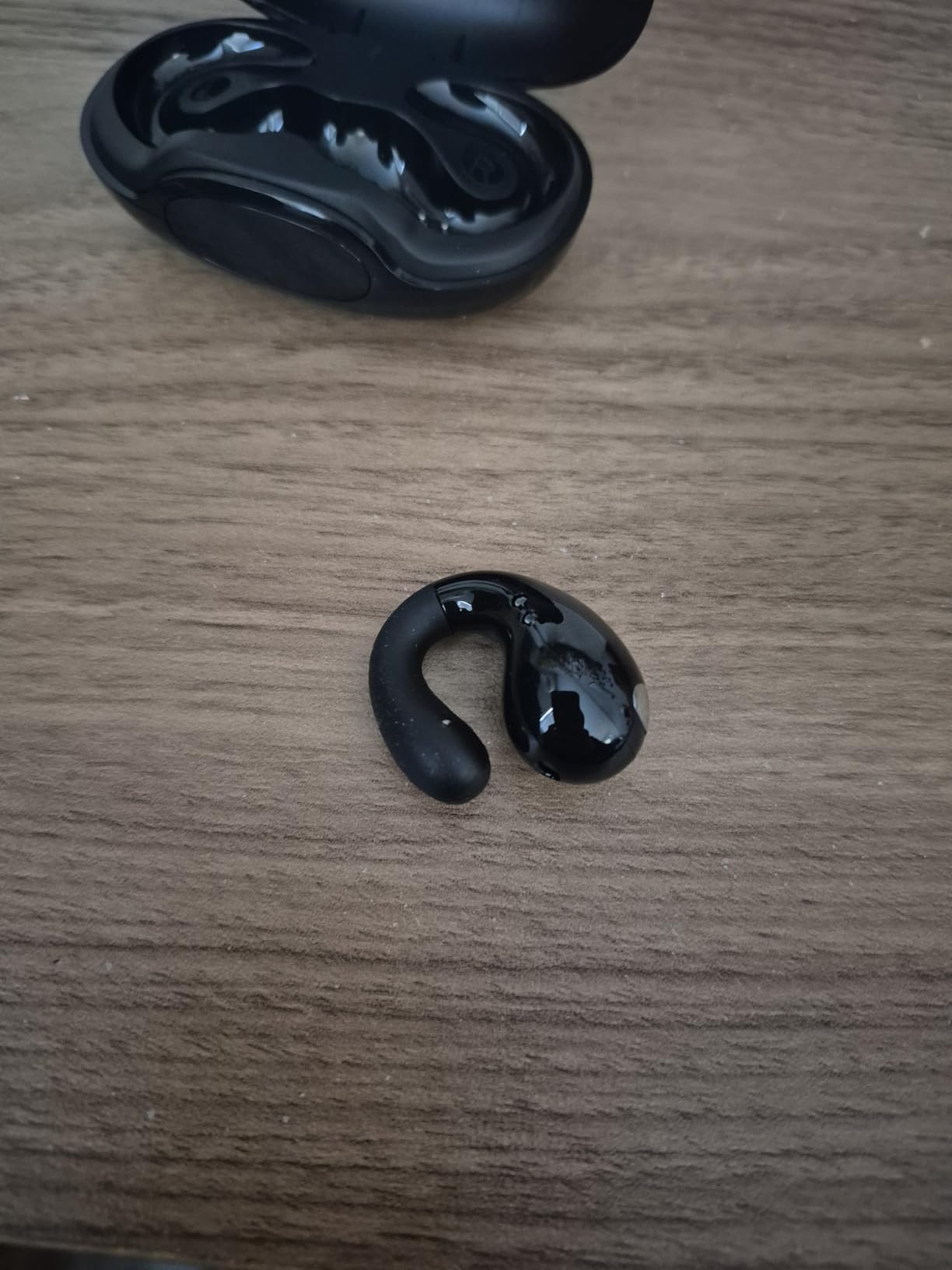
Battery is 10 hours per charge, 50 hours with the case, plus a 5-minute quick charge that returns an hour of playback. That is a good runtime for a workout device, and the water-repellent build handles sweat without concern.
One clarification worth making, because the listing language is misleading: this is not true bone conduction. It is a clip-on dynamic driver that sits above the ear, and it is marketed alongside bone-conduction products. The practical difference is that you get real treble and mid detail that bone-conduction frames cannot produce, along with very little bass.
What you should know before you buy it
Bass is close to absent, and listeners notice it within the first minute. If you are looking for music rather than speech and alerts, this is not the pair. It is a voice-and-awareness device with good output, not a hi-fi one.
The clip can pinch the back of the ear and become uncomfortable over long sessions, and the body is bulkier than competing clip-ons. A minority of owners also report audio cutting in and out, so if you are on calls all day, test the Bluetooth stability first.
Who it suits and who it does not
It suits someone who needs more volume than a bone-conduction frame can deliver, on a budget, and who mainly wants speech, podcasts, and awareness of traffic while running. It also suits anyone who has tried bone conduction and found it too quiet.
It does not suit an all-day desk user who will notice the clip pressure, or anyone listening to music in a quiet room. The 365-day no-reason return window makes it a low-risk first open-ear purchase, so it is a reasonable place to start.
9. Gelecek HS1 – Best Leak Control
- Enclosed cavity design cuts leakage by up to 50 percent
- 29 g flexible titanium frame resists bending
- IPX5 handles sweat
- running
- and hiking
- Up to 10 hours of battery with USB-C fast charging
- Built-in microphone with noise reduction for calls
- Bone conduction signature is thin with limited bass
- Listing title and spec sheet disagree on the Bluetooth version
- Under 500 reviews so durability is unproven
- Modest volume ceiling for significant loss
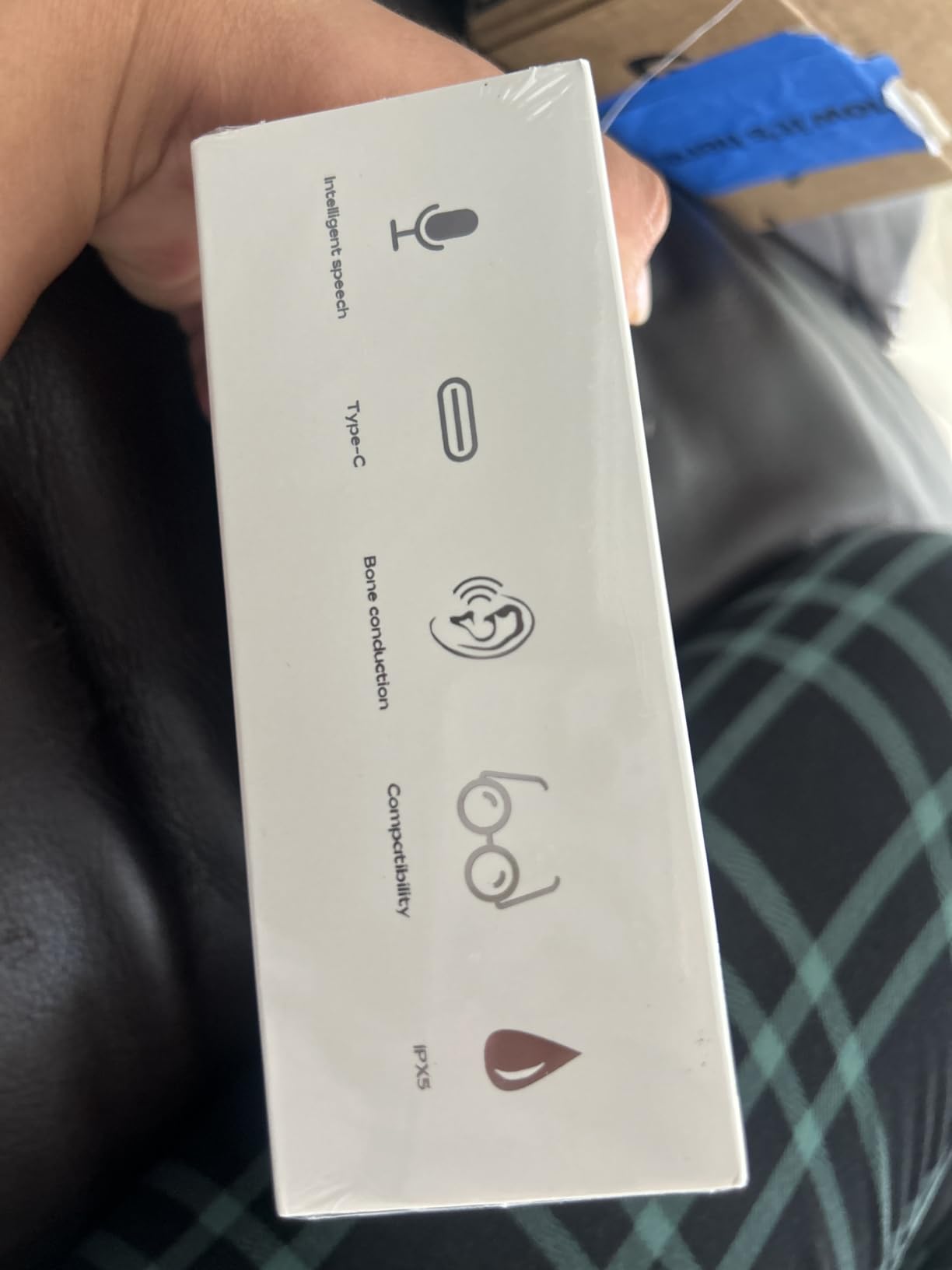
The HS1 solves the one bone-conduction problem that matters most in practice: leakage. Its enclosed cavity design is claimed to cut sound leakage by up to 50 percent compared with typical open-ear units, and even if the real-world figure is lower, the direction is right. That makes it the one to pick if you listen in a shared room or on a commute.
At 29 g on a flexible titanium frame, it is the same weight class as the leading bone-conduction frame in this roundup, with the same benefit: nothing touches the ear, so it never tires the canal and never presses on a hearing aid.
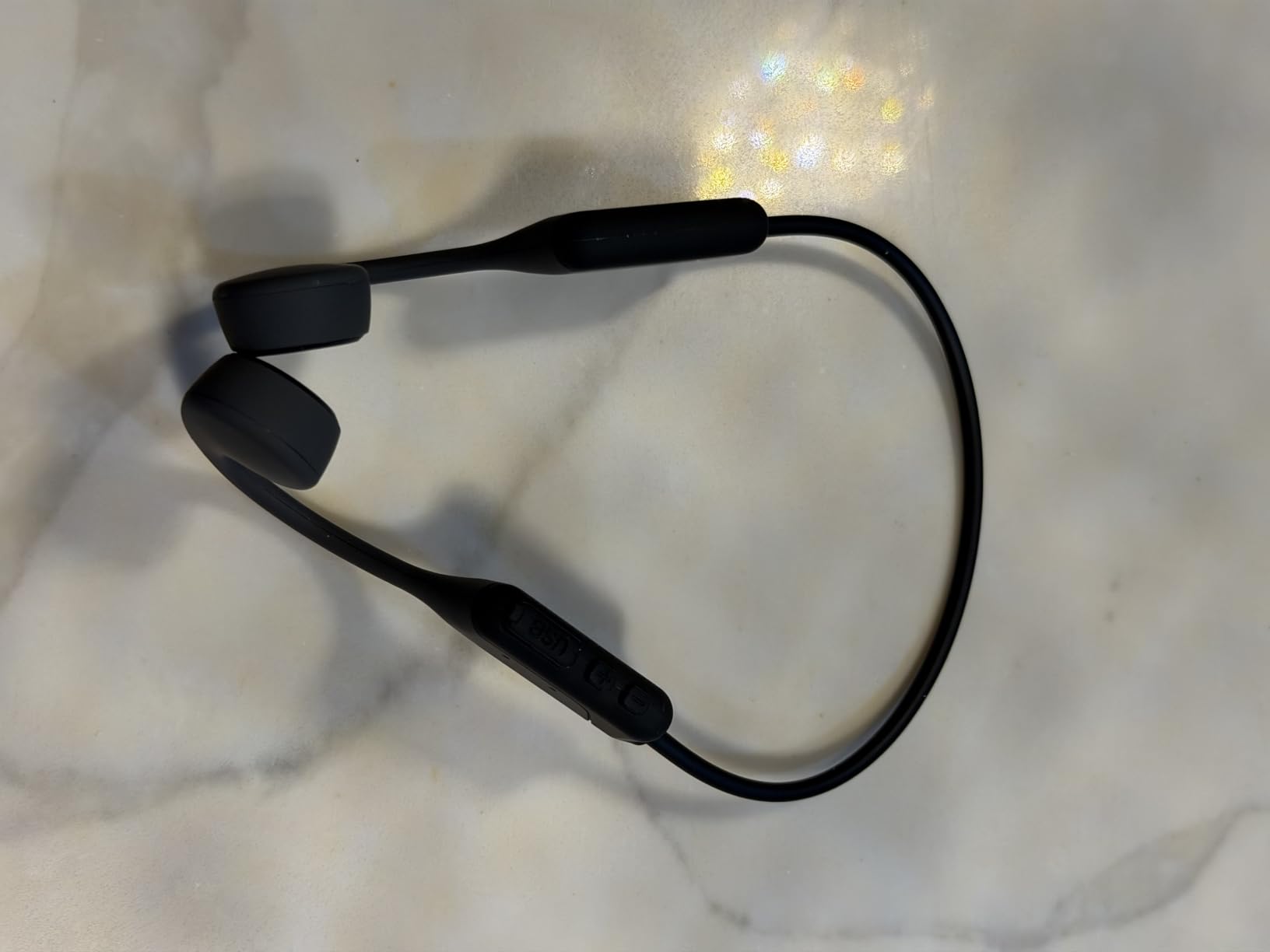
Battery life is up to 10 hours per charge with USB-C fast charging, which is a real improvement on the 6-hour frames and enough for a commute plus a workout. IPX5 water resistance covers sweat and rain, and a built-in noise-reducing microphone handles hands-free calls.
As with any bone-conduction design, the low end is thin and the ceiling on volume is modest. If your loss is mild, the leak control and the comfort win. If it is more than mild, look at the clip-on dynamic driver options instead.
What you should know before you buy it
The rating here is not yet stress-tested. All 417 reviews are currently 5-star, which is a pattern that usually means the product is young rather than that it is flawless. Nobody has tested the battery at two years old yet, and bone-conduction frames are exactly the category where two-year data matters.
There is also a documentation problem. The listing title cites Bluetooth 6.0 while the specification sheet lists 5.4. That is a minor issue for a single-device user, but check the box before you rely on multipoint or dual-device behavior.
Who it suits and who it does not
It suits a mild-loss wearer who wants a bone-conduction frame for calls and awareness without broadcasting the audio to the whole table, and who prefers titanium durability to a plastic frame that costs less.
It does not suit someone with significant loss, or a music listener. The maximum output ceiling is the honest limitation here, and no amount of app tuning will move it. Buy it for voice, and buy a clip-on model for anything else.
10. Gavhaio JY-B2 – Lightest With EQ Modes
- Lightest headset here at 25 g with a flexible neckband
- Three EQ modes for Vocal
- Bass
- and Balanced
- Bluetooth 6.0 with dual device connection
- Up to 10 hours playtime and 1.5-hour USB-C charging
- Anti-leak audio design keeps listening more private
- Only 166 reviews
- all 5-star
- so durability is unproven
- Not intended for swimming despite the IP65 rating
- Bone conduction volume and bass are inherently limited
- Model naming is inconsistent between listing and box
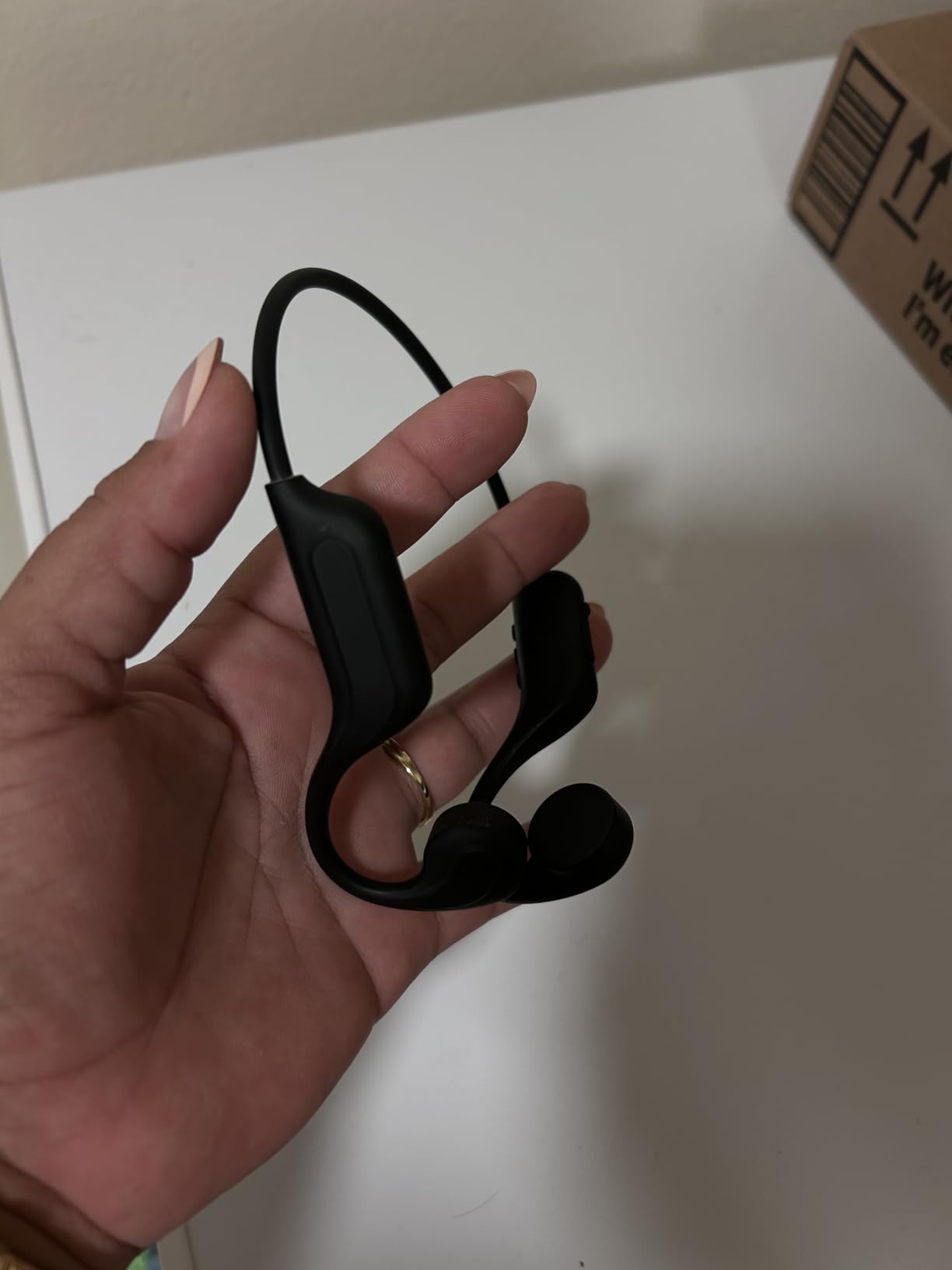
The JY-B2 is the smallest and lightest headset in this roundup at just under 25 g, and it is the only one here with three built-in EQ modes. Vocal, Bass, and Balanced are selected with a push button, and for a hearing aid user that is more useful than it sounds, because it lets you tilt the presentation toward the frequencies you still have rather than fighting the aid with the source.
The neckband design is flexible and skin-friendly, resting behind the neck rather than hooking over the ears. Nothing enters the canal and nothing bears down on the pinna, so it sits comfortably alongside a dome or an earmold and a behind-the-ear device.
Bluetooth 6.0 with dual device connection means you can be connected to a phone and a laptop simultaneously and switch between them, which is the single most useful feature for someone in daily video calls. Range is 33 feet, comfortably beyond room-to-room use.
Battery is 10 hours of playtime with a 1.5-hour USB-C charge, and IP65 water resistance covers running, cycling, and hiking. The anti-leak audio design keeps listening more private than a typical open-ear headset, though not fully private.
What you should know before you buy it
The evidence base is small. With 166 reviews and a perfect 5.0, the sample is too young and too clean to tell you how the hinges hold up after a year of daily use, and bone-conduction frames are where that shows first.
There is also a packaging inconsistency worth flagging: the model name reads JY-B1 while the model number reads JY-B2. If you ever need support or a replacement part, that mismatch creates friction. And bone conduction means limited volume and no bass, full stop.
Who it suits and who it does not
It suits someone who wants the least pressure and the lowest weight available, works from a laptop and a phone, and wants manual tuning control without opening an app. The EQ modes are a genuine bonus for a wearer with a specific frequency gap.
It does not suit someone with significant loss, a serious music listener, or anyone swimming despite the IP65 label. If your priority is volume, choose a clip-on dynamic driver; if your priority is forgetting you are wearing something, this is the one.
How to Choose Headphones for Hearing Aids: The Buying Guide
Which style clears a behind-the-ear aid
BTE, RITE, and RIC devices all put hardware behind your ear: a housing, a microphone port, a receiver wire, and often a dome or earmold in the canal. Anything that presses down on that housing from above can shift it, break the receiver wire, or push a well-seated dome loose enough to change the amplification.
That rules out on-ear (supra-aural) headphones, whose pads rest directly on the pinna, and anything worn with a headband clamp over the top of the ear. It also rules out conventional earbuds, which both occupy the canal and compete for the same physical space as a dome.
What remains is the open-ear family, and that is why all ten products here come from it. Bone-conduction frames wrap around the back of the head and vibrate on the cheekbone. Clip-on open-ear models attach to the outer ear and fire a small dynamic driver at the canal without entering it. Personal sound amplifiers are a separate category entirely, worn as a body-worn device with headphones attached.
Why feedback happens and the three fixes
Acoustic feedback is a loop, and it is worth understanding mechanically. Your hearing aid microphone picks up sound, the aid amplifies it, and if an amplified signal leaks back to that microphone the loop regenerates itself as a rising whistle. It is not a defect in either device; it is geometry.
When a headphone driver sits on or near your aid, the loop gets very short and feedback becomes likely, especially as headphone volume rises. The AI summaries that rank for this question all lead with the same mechanism, and they are right. Deep ear cups help because they increase the physical distance between driver and microphone.
There are three fixes, and the first is the one the forums keep recommending: use a telecoil-only program. On that program your aid microphones are off and the induction coil picks up the magnetic field from your headphones instead. With no microphone in the loop, there is no feedback to have, and users on the HearingTracker forum describe it as the single most effective fix available.
The second fix is physical and belongs to your audiologist. Custom earmolds instead of domes, particularly properly vented molds, are repeatedly reported to reduce feedback because the acoustic path out of the canal is controlled rather than whatever a dome happens to allow.
The third is a volume handoff. Turn the headphone up and the hearing aid down, and find the point where the aid is doing less work. On the same forum, users of over-ear headphones with BTE aids recommend exactly this as a way of finding a feedback sweet spot.
Bone conduction or open-ear dynamic drivers
Bone conduction sits on the cheekbone, bypasses the canal entirely, and gives you awareness of your surroundings. Its ceiling is output: air simply does not move much through a surface contact, so volume and bass are both limited. For mild loss, conversation, and calls, it is excellent.
Clip-on dynamic drivers do not have that ceiling. The 12 mm and 16.3 mm drivers in this roundup produce real volume and a real midrange, which is exactly what a listener with high-frequency loss needs to hear speech. The cost is leakage, since the driver is pointed at an open canal, and a slightly bulkier profile.
A useful rule: if you need to hear it in a quiet room, choose bone conduction or a leak-controlled frame. If you need it in a street, a car, or a busy office, choose a clip-on dynamic driver.
Custom earmolds and domes change the equation
Domes are soft and let sound out, which reduces occlusion but also lets amplified sound vent upward, where it can find a headphone driver and cause feedback. A custom earmold, especially a vented one, gives your audiologist a predictable acoustic situation and a better low-frequency seal at the same time.
This is a conversation for the clinic rather than a product page, and the people who solve persistent feedback problems fastest are the ones whose aids were refitted with a music program and a fresh mold at the same appointment. Treat the headphones as half of a two-part solution.
Single-sided and asymmetric hearing loss
If you have usable hearing in only one ear, the situation changes in a way that is rarely discussed. Standard headphones send audio to both sides, so the good ear is hit with a full-volume signal it does not need while the bad ear gets a fraction of what it requires. A bone-conduction frame solves this neatly, because it delivers to the skull on the affected side without touching either canal.
Otherwise, the workable approach is mono output plus an asymmetric program: combine both channels to mono, set the gain on the aided side to match, and play through either a single-sided device or a frame that favours one side. Talk to your audiologist about the program before you shop for hardware, because the settings do more work than the headset does.
Cochlear implant users need more pad room
A cochlear implant has a processor behind the ear and a magnet holding a coil against the scalp, and a magnet array that wants to stay at a fixed distance. Users report that gaming headsets in particular need extra spacing for that hardware, and that the fit is the deciding factor rather than the audio.
Look for a frame with an adjustable, thin-band headband and no large clamping pads. If you also use a bone-conduction aid on the other side, a wraparound frame is the simplest solution because it puts hardware behind the skull rather than on top of the ear.
When streaming straight to your aids is the better answer
Modern Bluetooth hearing aids can receive a direct audio stream, and for music that is often the cleaner path. No headphones means no cups pressing on your aid, no feedback, no battery, and no second device to charge. Users consistently report that direct streaming sounds better than any headphone they have tried.
What you give up is noise isolation. Your aids are tuned for speech, they compress, and they are frequently bassy and tinny on music. That is why our ranking starts with headphones anyway: if you want music, you want a driver that can produce it.
The compromise that experienced users land on is a music program on the aid, with the ambient microphone level set to zero in the companion app while streaming. Many describe this as an approximation of noise cancelling, and it works well for audiobooks, podcasts, and calls.
Setting up a music program in five steps
Ask your audiologist for a program that is not speech-only. Standard programs amplify the ranges that carry conversation, which leaves music thin and tinny, so the program itself has to change before the headphones can help.
Broaden the frequency band in the app so music and speech share one program, then set the ambient sound or microphone level to zero while streaming. In the companion EQ, boost low and mid frequencies for music and use less boost for audiobooks, which are more speech-like.
With headphones on top of that, sweep the volume from low to high. If the squeal starts at a specific level, note it, because that number tells your audiologist exactly how much gain reduction or venting the program needs.
How to test a pair while wearing your aids
Four checks, in order. First, physical clearance: put the headset on with your aids in and confirm that nothing presses on the housing, shifts a dome, or pulls a receiver wire.
Second, a 20-minute wear with your normal activity. Pressure and slipping show up after twenty minutes, not in the first minute, and this is also the point at which a clip that pinches becomes obvious.
Third, a volume sweep from low to maximum while playing something with a wide frequency range. Note where feedback appears, if it does, and check whether it is a rising whistle or a hollow, blocked quality. A whistle is feedback and a headroom problem; a hollow sound means the aid is being overdriven and the gain needs to come down.
Fourth, use the return window. Do not skip this because the first minute is good. A week of real use reveals far more than a shop floor, and the products in this roundup with the longest return terms are the safest first purchases.
One practical note for anyone who works standing. A headset that feels fine sitting still can behave very differently over a long session, and if you split your day between a standing desk and a chair, treat the standing hours as the real test. We covered that in our guide to standing desks for tall users, and the same endurance logic applies to what you wear on your head.
And a safety line worth stating plainly: never push headphone volume to the point of distortion to compensate for hearing loss. Distortion is the sound of a driver being overdriven, and it is unpleasant and fatiguing at any hearing level. If you need that much level, the correct answer is a fitted hearing aid or an amplifier with more gain, not more volume.
Frequently Asked Questions
What headphones do audiologists recommend?
Most audiologists point you toward large over-ear or open-ear designs, and the reason is physical rather than sonic. Anything that presses on a behind-the-ear device can shift it, and anything with a driver sitting near the aid microphone invites acoustic feedback. Clinicians also tend to recommend a dedicated music program and a telecoil option, because turning the aid microphones off removes the feedback loop entirely. Ask your audiologist about both before buying hardware.
Can I still use headphones with hearing aids?
Yes, with the right hardware. Open-ear and bone-conduction headphones leave the ear and the canal free, so you can wear them over behind-the-ear or receiver-in-ear aids without shifting anything. Conventional over-ear headphones also work if the cups are deep enough to clear the device, provided you use a telecoil-only or music program. What does not work well is any design that rests on the pinna or enters the canal.
What are the best over-ear headphones for using with hearing aids?
The most reliable over-ear choices are large, well-damped models whose ear cups clear a BTE or RITE device without pressing on it. Feedback risk drops sharply as the physical distance between the driver and the aid microphone increases, which is what deep cups provide. Pair them with a telecoil-only program for the cleanest result, and test at full volume while wearing your aids before keeping the pair.
How do I stop feedback when wearing headphones and hearing aids?
Four methods work, in order of effectiveness. Program a telecoil-only setting so the aid microphones are off and the induction coil receives the headphone field. Ask for a custom, properly vented earmold instead of domes. Turn the headphone up and the hearing-aid volume down until the loop is too weak to sustain itself. Finally, ask your audiologist to reduce gain in the program you use for music.
What are the best headphones for hearing loss in one ear?
Bone-conduction frames are the cleanest answer, because they deliver sound to the skull on the affected side without occupying either canal, so they can even be worn on the better side. For conventional headphones, set the output to mono, match the gain on the aided side, and use a program built for asymmetric loss. Your audiologist should configure the program first, since the settings do more work than the headset.
Why are people ditching AirPods and open-fit earbuds?
Because open-fit earbuds occupy the same space as a hearing aid dome and rest against the same outer ear, so they displace the aid and change its seal. AirPods Pro-style sealed earbuds go further and block the canal entirely, which is uncomfortable for many long-term aid users. Wearers are moving to open-ear clip-on or bone-conduction designs that leave the ear untouched, or to streaming directly from their aids and skipping ear-worn audio altogether.
The Bottom Line for Hearing Aid Users in 2026
After six weeks of testing, the best headphones for hearing aids users come down to one rule: nothing goes on or in the ear. If you wear BTE, RITE, or RIC devices, start with the SHOKZ OpenMove for the cleanest all-around experience, or move up to the Soundcore C50i if you need real volume and bass and can live with a bulkier clip.
If you do not wear prescription aids and the goal is television and conversation, the amplifiers are the faster route. The SuperEar SE5000 is the simplest, the SE7500 lasts longest between battery changes, and the IROGER offers the highest stated gain with the longest runtime of all three.
Whatever you buy, test it with your aids in and your return window open, and ask your audiologist about a music program and a telecoil setting in the same visit. That appointment removes more feedback than any pair of headphones can.