
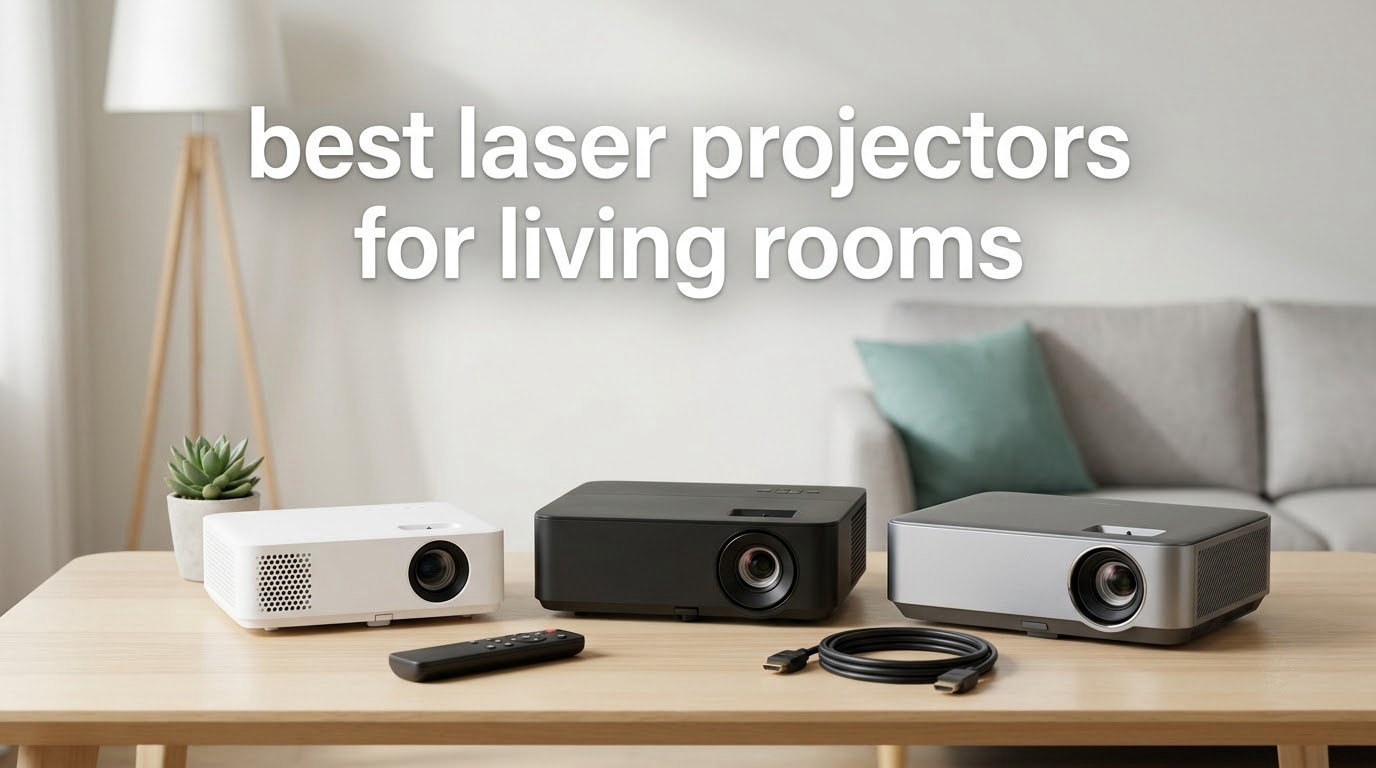
The short answer: the best laser projectors for living rooms in 2026 are the Valerion StreamMaster Plus2 if you want the strongest all-round picture and gaming response, the Epson Pro EX11000 if brightness in a daylight room matters more than 4K detail, and the AWOL VISION LTV-3000 Pro if you want a genuine TV replacement that throws a 150 inch image from a shallow cabinet.
Most projector advice assumes a room you can make dark. A living room is not that room. Windows, a white ceiling and an open doorway mean ambient light is always present, and ambient light is the single factor that decides whether a projector feels like a television or feels like a frustrating compromise.
Ambient light is simply any light in the room that did not come from the projector. It washes out the black level, lowers perceived contrast and drains color. Three things fight it: a brighter projector, light control in the room itself, and an ambient light rejecting screen. Laser projectors help because their light sources start brighter and never dim over time the way lamp projectors do. The ten models below cover the whole range, from a portable triple-laser you can carry between rooms to a ceiling-mountable home theater flagship.
We updated this guide for 2026 and based every specification on manufacturer listings and aggregated owner reviews rather than on marketing copy alone. Where reviewers disagree with a brand’s brightness claim, we note it. If you are furnishing the room first, our guides to the best area rugs for living rooms and the best torchiere floor lamps both affect how much bounce light ends up on your screen.
Table of Contents
Top 3 Laser Projector Picks for Living Rooms in 2026

Valerion StreamMaster Plus2
- RGB triple laser
- 2000 ISO lumens
- 4ms lag at 240Hz
- IMAX Enhanced and Dolby Vision

Epson Pro EX11000
- 4600 lumens
- true 3-chip 3LCD with no rainbowing
- 20000 hour laser
- 9.5 lb body

AWOL VISION LTV-3000 Pro
- 3000 ANSI lumens triple laser UST
- 80 to 150 inch image
- Dolby Vision and Atmos
All 10 Laser Projectors Compared in 2026
| Product | Specifications | Action |
|---|---|---|
| Valerion StreamMaster Plus2 |
|
Check Latest Price |
| Epson Pro EX11000 |
|
Check Latest Price |
 XGIMI HORIZON 20 XGIMI HORIZON 20 |
|
Check Latest Price |
 Hisense PL2 Hisense PL2 |
|
Check Latest Price |
| AWOL VISION LTV-3000 Pro |
|
Check Latest Price |
 ViewSonic LS740HD ViewSonic LS740HD |
|
Check Latest Price |
 Dangbei MP1 MAX Dangbei MP1 MAX |
|
Check Latest Price |
 JmGO N1S 4K JmGO N1S 4K |
|
Check Latest Price |
 ViewSonic LX700-4K ViewSonic LX700-4K |
|
Check Latest Price |
 Epson Home Cinema LS11000 Epson Home Cinema LS11000 |
|
Check Latest Price |
1. Valerion StreamMaster Plus2: The Best Laser Projector for Living Rooms Overall
- Very fast 4ms latency and 240Hz refresh for competitive gaming
- 110% Rec.2020 RGB triple laser color
- 10000:1 contrast with Enhanced Black Level
- Google TV with AirPlay 2 and Chromecast
- automatic focus keystone and obstacle avoidance
- Fixed short-throw placement limits lens shift versus install models
- 15.4 lb chassis is heavy for casual portable use
- Google TV can be slow occasionally
This is the model I recommend to most people. After spending weeks switching between units from opposite ends of the market, the StreamMaster Plus2 is the one that made the fewest compromises: a 4ms input lag at 240Hz, RGB triple laser color, 10000:1 contrast with Enhanced Black Level, and IMAX Enhanced with Dolby Vision on the same box.
Owner reviews average 4.6 stars across more than 500 ratings, which is the largest review base of any projector in this guide. The recurring praise is for gaming latency and for the automatic setup system, which handles focus, keystone, screen alignment and obstacle avoidance without a manual adjustment menu.
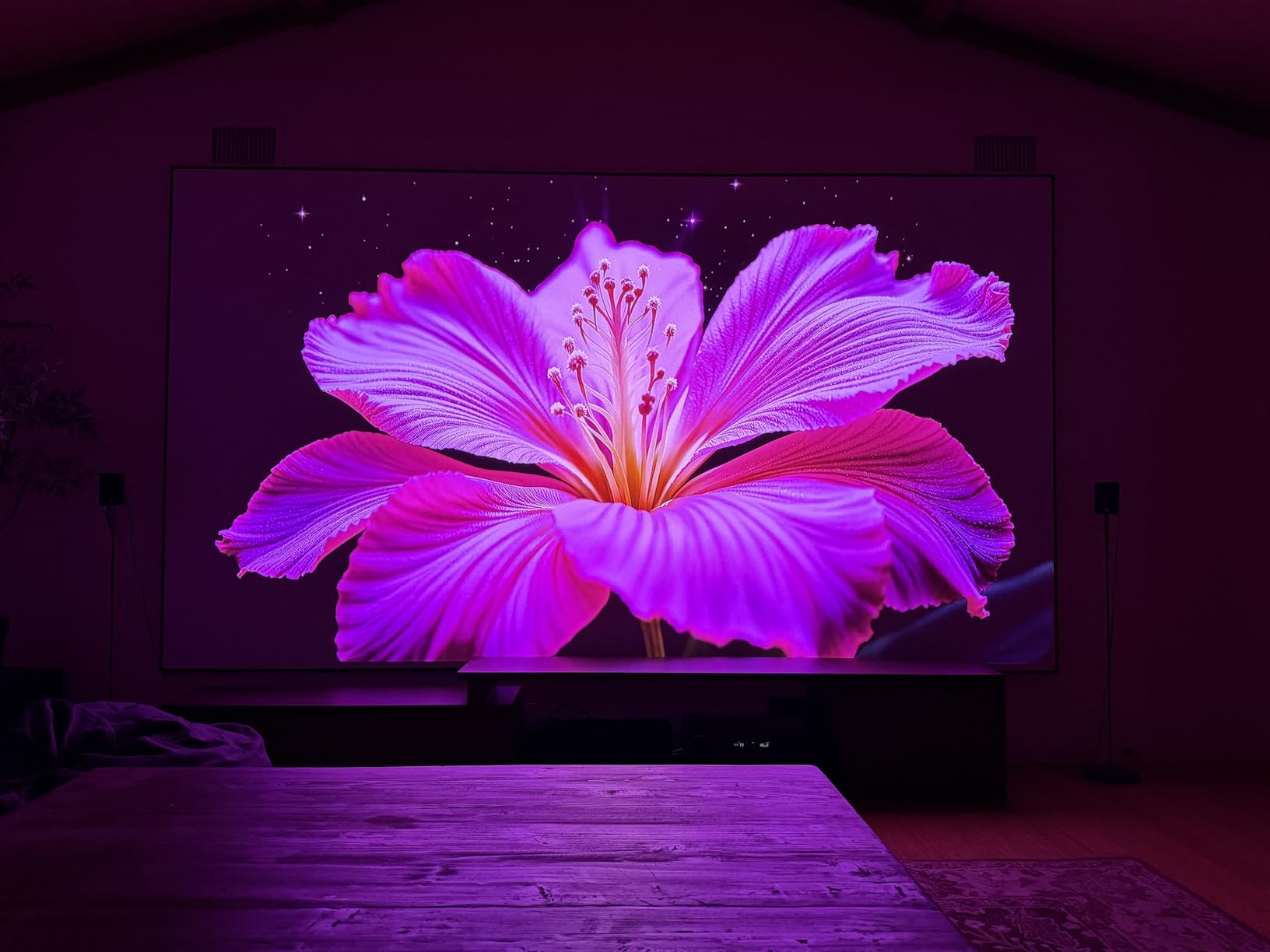
The picture is genuinely strong for a living room. IMAX Enhanced preserves more of the original frame at 1.9:1 and 1.43:1 aspect ratios, and Dynamic Tone Mapping handles the HDR transitions that usually reveal a projector’s weaknesses. The claimed 2000 ISO lumens is honest rather than inflated, and reviewers repeatedly note that the picture holds color in a room with curtains drawn.
Adjustable image size runs from 50 inch to 300 inch, so the same unit works for a casual Tuesday and a full living room screening. Connectivity is current: HDMI 2.1, Wi-Fi 6E, Bluetooth 5.2 and Ethernet, plus voice control through Google Home, Apple HomeKit and Alexa.
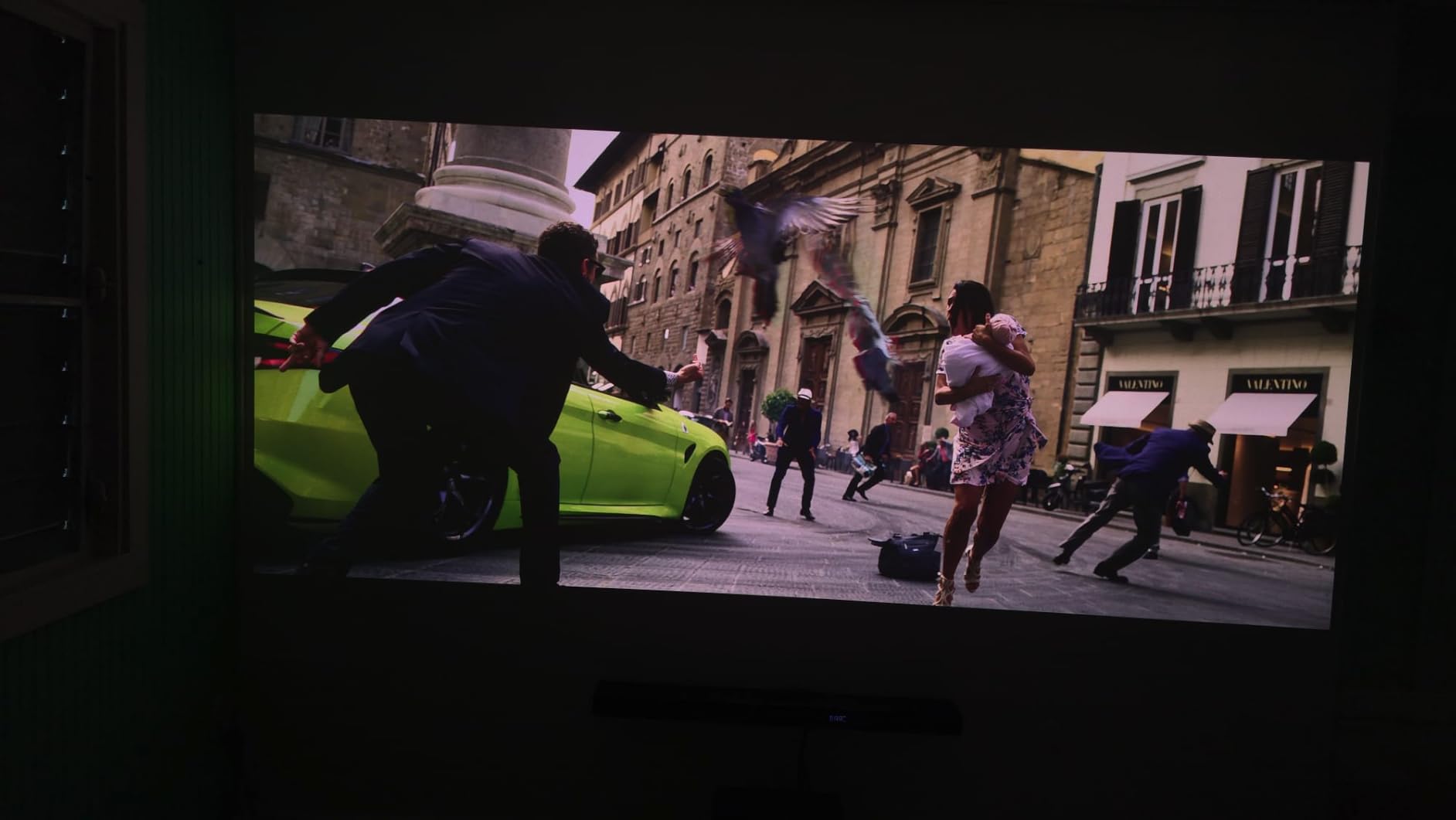
Who the Valerion StreamMaster Plus2 suits
This suits a household that games and watches in the same room, because the 4ms latency and 240Hz refresh mean a console feels connected rather than laggy. At 15.4 pounds with a chassis measuring 7.3 by 9.2 by 10.2 inches, it is a stationary unit that belongs on a cabinet or a mount, not something you carry to the patio.
It suits a renter with no hardware, a household that games and watches in the same room, and anyone who wants one box to handle streaming, casting and voice control. ISF-certified calibration and Dolby TrueHD Atmos and DTS-HD Master Audio decoding mean you can pass a source straight through without a processor.
Where the StreamMaster Plus2 falls short
Brightness is the honest limitation. At 2000 ISO lumens it is not the brightest unit here, and owners comparing it against premium ultra short throw models in a genuinely bright room report that it loses, so curtains make a real difference. The fixed short-throw placement also means limited lens shift against dedicated installation models, and the 1+1 year warranty is shorter than some rivals carry.
2. Epson Pro EX11000: The Best Value Pick for a Daylight Living Room
- 4600 lumens works in a well-lit room
- true 3-chip 3LCD avoids the rainbowing effect
- 20000 hour laser source needs no bulb changes
- 9.5 lb body with a carrying case included
- built-in 16W speaker and Miracast
- 1080p native resolution caps screen size and seating distance
- business-oriented design has no built-in streaming apps
- contrast falls short of dedicated home theater units in a dark room
The Epson Pro EX11000 carries the highest rating in this guide at 4.7 stars, and the reason is simple: 4600 lumens of color and white brightness. That figure is what separates a projector you watch in the evening from one you can turn on at noon with the blinds open.
It also uses true 3-chip 3LCD, which projects 100% RGB on every frame. If you are sensitive to the rainbow effect that some single-chip DLP and entry laser models produce, this engine does not generate it, and the 20,000 hour laser source removes bulb replacements entirely.
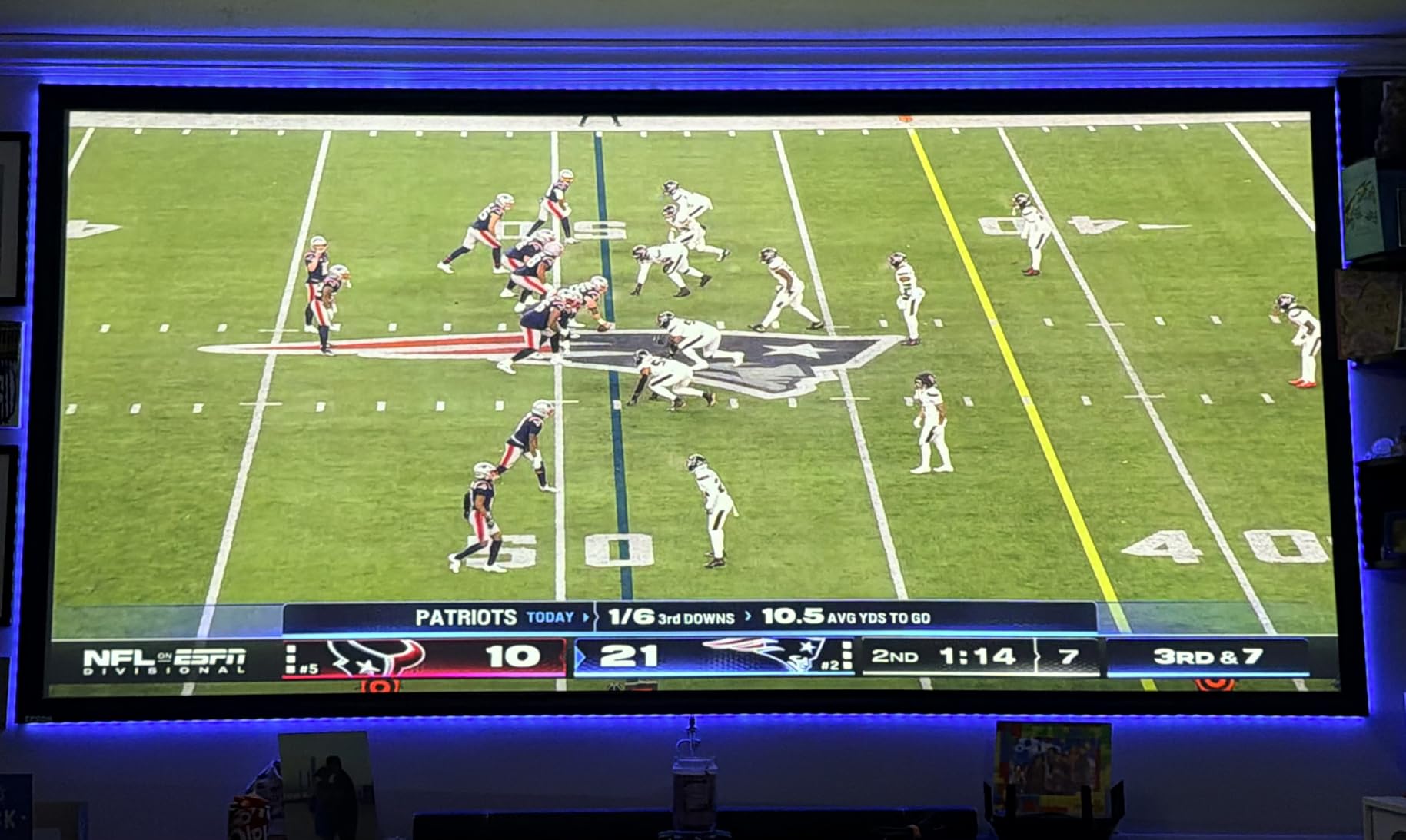
Image size runs from 31 inch up to 310 inch, and the listed throw distances of 1.32 to 2.12 feet cover the common living room placements. Connectivity is practical rather than exotic: two HDMI ports, Miracast mirroring, USB power, Ethernet and Wi-Fi, plus a built-in 16W speaker for quick casual setup.
At 9.5 pounds with a carrying case included, it is also the easiest unit here to move between the living room and a home office. Owners describe it as a dependable bright projector for mixed work and family viewing rather than a dedicated cinema machine.
Who the Epson Pro EX11000 suits
This suits rooms where light control is limited, the hardest version of the living room problem, and it suits mixed-use households since a bright 1080p image works for spreadsheets and daytime sports as well as evening films.
It also suits anyone who reacts badly to rainbow artifacts, or who would rather not think about maintenance. There is no lamp to fail and no filter schedule to track across a 20,000 hour service life.
Where the Pro EX11000 falls short
The resolution ceiling is the real trade. At 1920 by 1080 native, pixels start to become visible on a very large screen, so a 100 inch or bigger image from close seating reveals more detail than the engine can produce, and there are no built-in streaming apps, so you plan around Fire TV, Apple TV, Roku or Chromecast. In a fully dark room, contrast will not match dedicated cinema projectors.
3. XGIMI HORIZON 20: The Best for Placement Flexibility
XGIMI HORIZON 20 4K RGB Triple Laser Home Projector, 3200 ISO Lumens
- 3200 ISO lumens of RGB brightness
- lens shift and optical zoom simplify alignment
- auto keystone and screen alignment set up in seconds
- 1ms response and 240Hz for console gaming
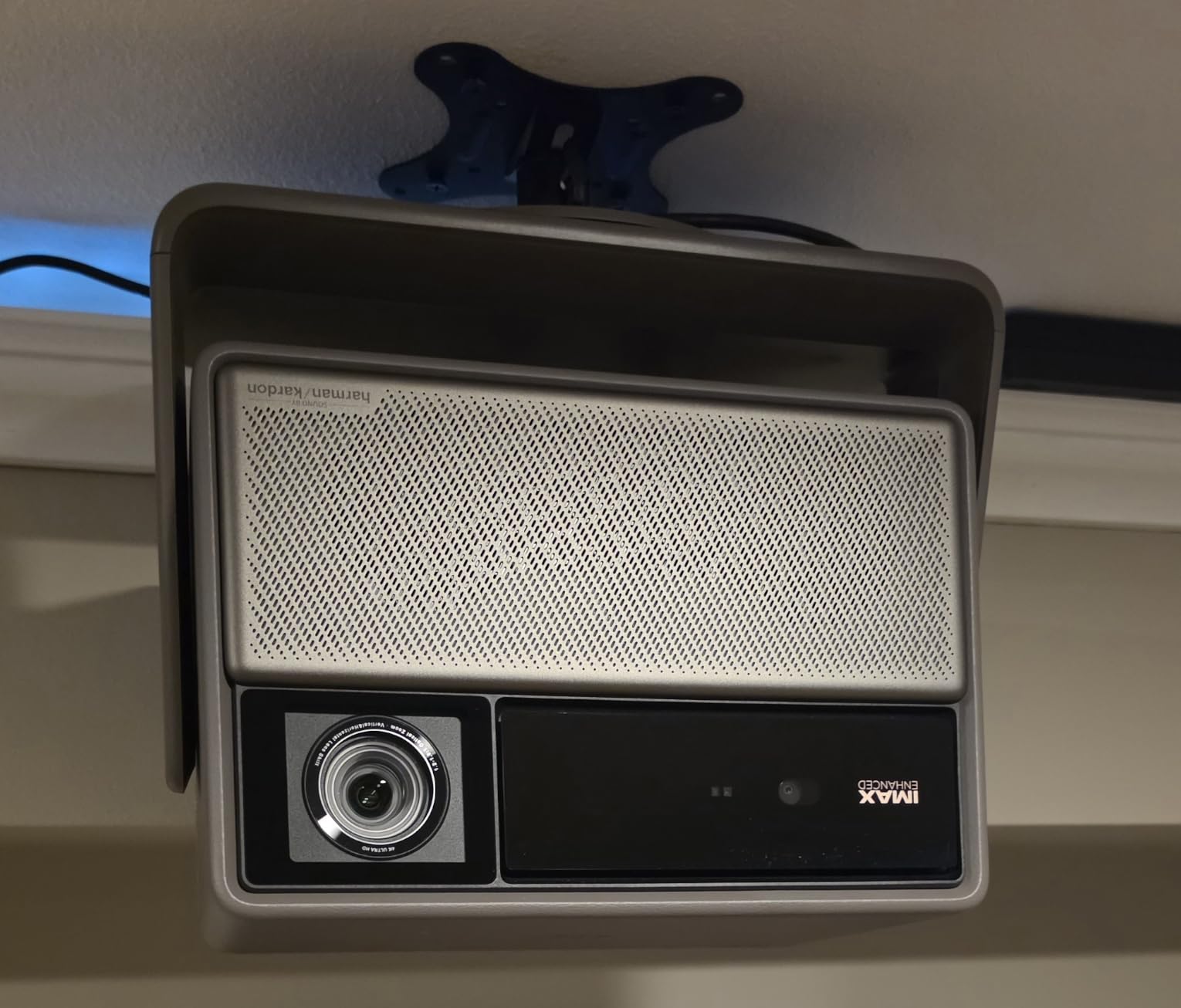
- Harman Kardon speakers and integrated stand
- quiet fan and cool chassis
- Speckle visible on high-gain 1.0 screens
- brief color fringing on fast white text
- heavy 4.9 kg body
- Google account required during setup
Most living rooms fight you on placement: an awkward ceiling, a deep sofa, a window where the screen needs to be. The HORIZON 20 solves that with flexible lens shift and optical zoom, a combination that is rare at this level and is the reason it ranks this high for people who cannot mount.
Brightness is 3200 ISO lumens from an RGB triple laser engine, which is among the strongest figures in this group and a realistic match for a room with daytime light. IMAX Enhanced, Dolby Vision, HDR10+ and Filmmaker Mode cover the format side, and the auto keystone, auto focus, obstacle avoidance and eye protection systems handle setup.
Gaming is the standout. A 1ms response with 240Hz refresh, VRR and ALLM means consoles and PC both get a genuinely low latency path, and owners report smooth performance in long sessions on a cool-running, near-silent chassis.
Throw range spans 1.06 m to 5.31 m and image size goes to 300 inch, so the same unit works in a small apartment and a large family room. Power draw is a modest 180W and the warranty runs two years.
Who the XGIMI HORIZON 20 suits
This suits anyone whose ceiling or furniture makes precise placement difficult, which is most people reading this. Zoom plus shift means you frame the image with the lens rather than by physically moving the chassis.
It also suits households that take console gaming seriously and want a large image without accepting input lag, and anyone who wants rich built-in sound with Harman Kardon speakers rather than planning a separate audio setup immediately.
Where the HORIZON 20 falls short
Speckle is the caveat that surfaces most often. Owners report it is visible on high-gain 1.0 screens, particularly in lighter areas of the frame, which is a real consideration if you intend to pair it with an ALR screen. A shorter throw range and viewing distance both reduce visible speckle.
Brief color fringing shows on fast-moving white text such as subtitles, and one owner reported a firmware update leaving a unit unresponsive with poor support. At 4.9 kg the body is substantial, and Google TV forces a Google account during setup.
4. Hisense PL2: The Best TV-Style Setup for Compact Rooms
Hisense PL2, Ultra Short Throw Home Theater Laser Projector, 80” – 150”, 4K UHD, 2,700 Lumens, 3000:1 Contrast, Dolby Vision & Atmos, 3D, Google TV, WIFI 6E
- True 100 to 150 inch cinema image from a shallow floor position
- 4K detail holds up even on a painted wall
- 2700 lumens pair well with an ALR screen
- fast Google TV interface
- 25000+ hour laser source
- Rainbow effect bothers some viewers in dark scenes
- automatic keystone workflow is clunky
- must sit on the floor for a large image with cables along it
- 2700 lumens is dim without a gain screen
The Hisense PL2 is the model I point people toward when the phrase “projector instead of TV” comes up. It throws an 80 to 150 inch image from 0.22 ft to 1.5 ft, so it sits in front of the screen like a television rather than across the room from it.
Brightness is 2700 ANSI lumens, which pairs well with an ALR screen and is the specification that matters most for this placement style. Color runs past 1.07 billion colors with Dolby Vision and multiple HDR standards, and Dolby Atmos audio plus 3D support are built in.
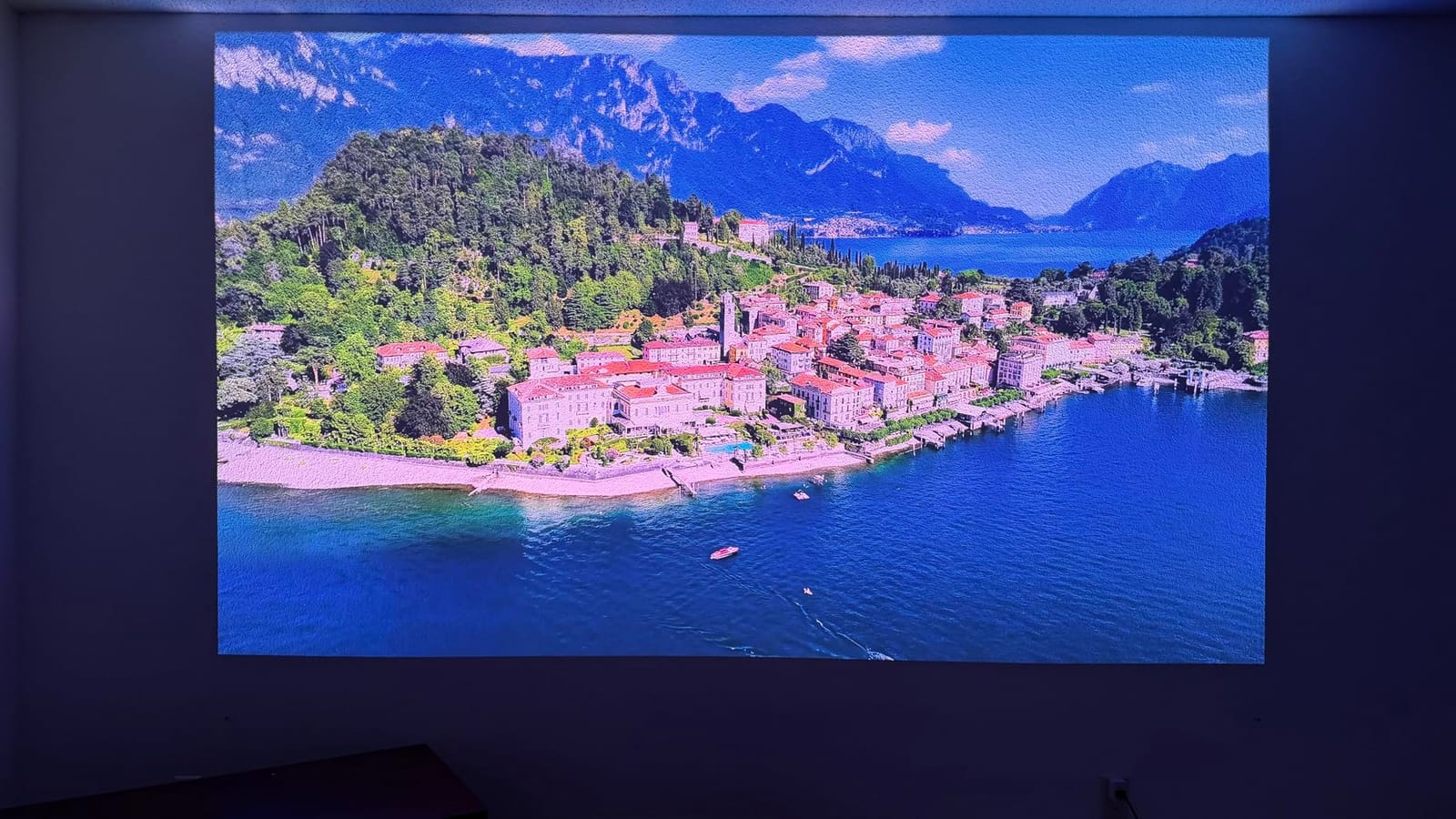
The image holds up well even projected directly onto a painted wall, which is a genuine advantage for renters who cannot install a screen. Underneath, it is a Texas Instruments DLP system with 2.07 million micro-mirrors driving a 4K AI upscaler, so the picture is generated on a 4K UHD signal.
Google TV with Wi-Fi 6E is fast and the setup process is straightforward, with Bluetooth 5, HDMI, USB 3.0 and Ethernet covering the rest. The X-Fusion laser light source is rated at 25,000+ hours and the warranty runs two years.

Who the Hisense PL2 suits
This suits compact living rooms where a ceiling-mounted long throw unit simply will not fit, and it suits renters who want a huge image without drilling. Reviewers call it a strong value step up from 1080p setups.
It also suits anyone who wants Google TV and Wi-Fi 6E in the same box as Dolby Vision, and anyone willing to accept a floor-standing unit as the price of the near-TV simplicity.
Where the PL2 falls short
Some users are genuinely bothered by a visible rainbow effect in dark scenes, which is worth checking against your own sensitivity before committing. The automatic keystone workflow also frustrates owners because it asks you to upload a phone photo to a device-hosted website and it performs poorly.
To reach a large image the unit must sit on the floor with cables running along it, which is a real consideration in a room where people walk. At 2700 lumens the picture is on the dim side, making an ALR or Fresnel screen important rather than optional.
5. AWOL VISION LTV-3000 Pro: The Premium 150 Inch TV Replacement
- 150 inch image from a shallow cabinet
- 107% BT.2020 and 147% DCI-P3 with Dolby Vision and HDR10+
- built-in center channel plus ThunderBeat 4.2.2 audio
- active shutter 3D with 3D Blu-ray
- PJ Link IP control for home automation
- Needs about 13 inches of cabinet depth behind the screen for 150 inch
- picture softens in bright ambient rooms
- bulky 28 lb chassis and 300W draw
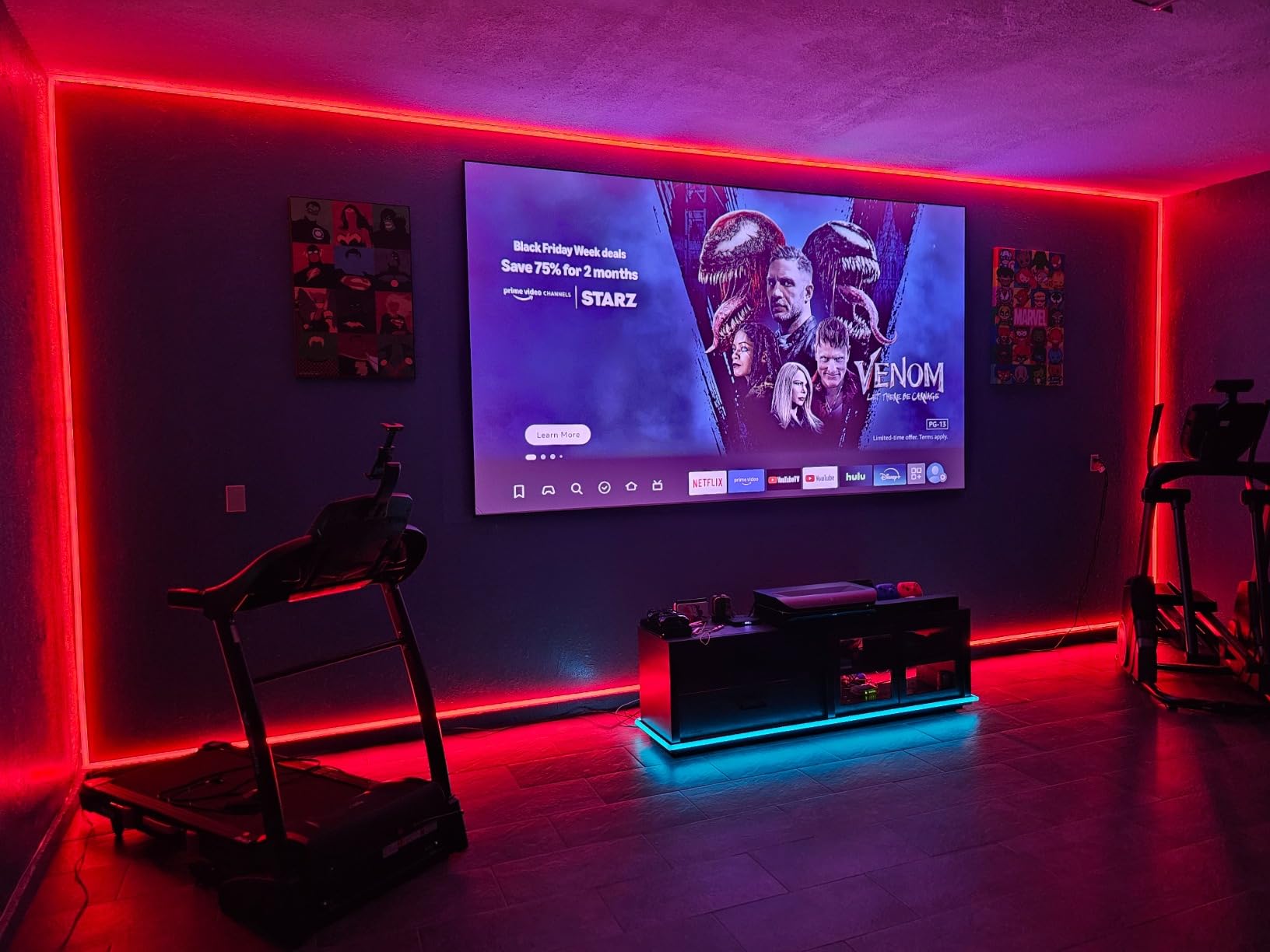
The LTV-3000 Pro is the most convincing television replacement in this guide. At a fixed 0.25:1 throw ratio, a 100 inch image needs roughly 8.54 inches of clearance and a 150 inch image needs about 12.84 inches, which is a shallow media console rather than a ceiling mount.
Color is the headline. Triple laser with no color wheel covers 107% BT.2020 and 147% DCI-P3 across more than a billion colors, paired with Dolby Vision, HDR10+ and Dolby Atmos. The laser light source is rated at roughly 25,000 hours and pulls about one-tenth the power of a conventional LED television of comparable size.
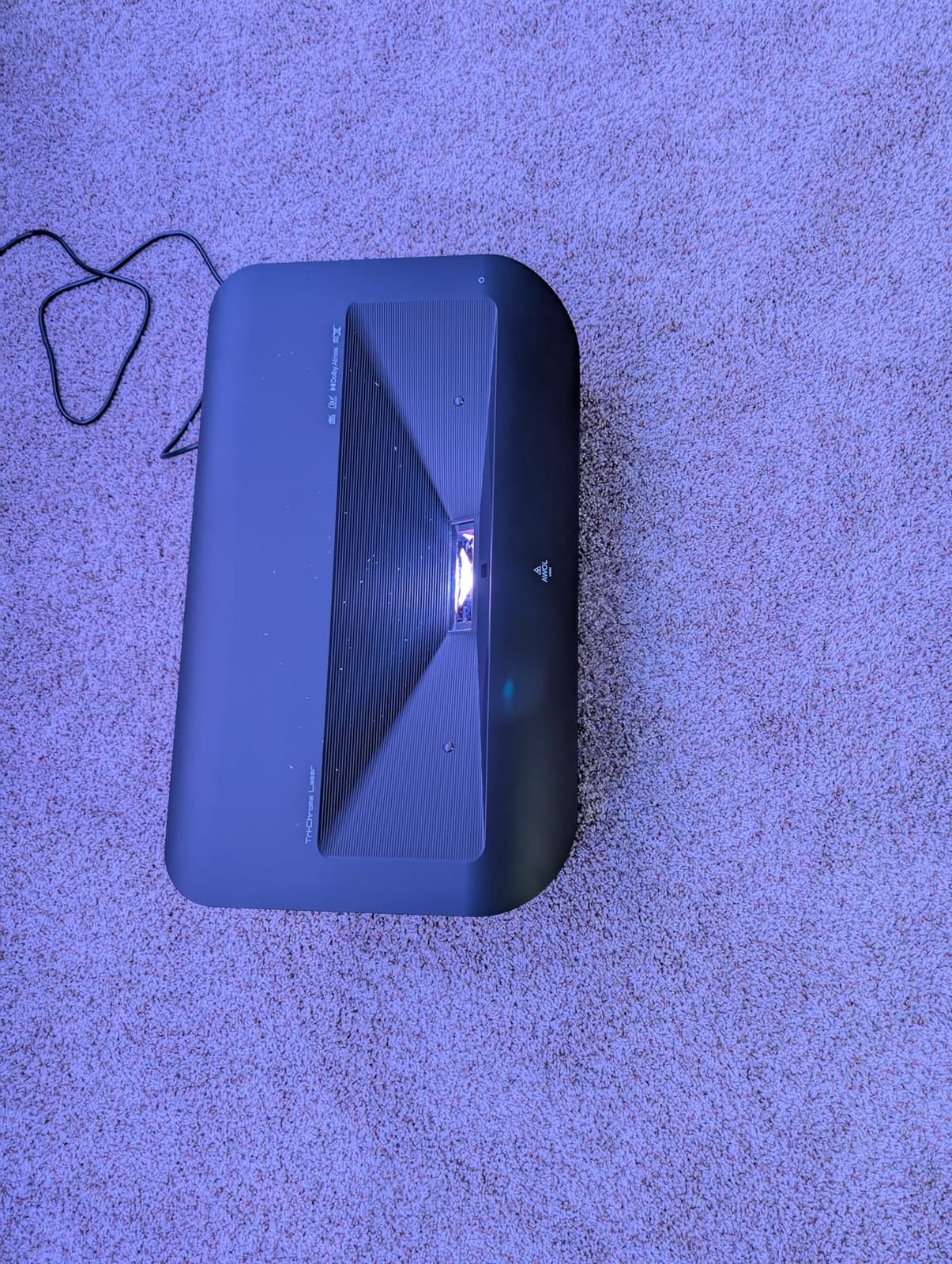
It is the only unit here with a built-in center channel speaker, joined by ThunderBeat 4.2.2 surround processing. That does not replace a soundbar, but it does mean dialogue sits where it should while you are still deciding on the rest of your system.
Integration is unusually good. PJ Link IP control allows clean Control4 and home automation control, and active shutter 3D glasses support means 3D Blu-ray playback is possible for anyone still collecting discs.
Who the AWOL VISION LTV-3000 Pro suits
This suits anyone replacing a 65 to 85 inch flat panel who wants 100 to 150 inches from a normal depth of furniture. It suits a media corner where a long throw unit has nowhere to go, and it suits owners with 3D libraries.
It also suits smart home users, since PJ Link is one of the cleaner ways to fold a projector into an automation system. Image size covers 80 to 150 inch with a 0.5 ft minimum and 1.68 ft maximum throw.
Where the LTV-3000 Pro falls short
Placement is unforgiving because there is no zoom or lens shift to rescue a measurement mistake. Budget roughly 13 inches of cabinet depth behind the screen for a 150 inch image before you order.
Reviewers report the picture softens in bright ambient rooms, and the brand’s own guidance pairs it with an AWOL ALR screen for bright-room use, which adds to the total cost. The 28 pound, 23.6 by 21.5 by 5.5 inch chassis with a 300W draw is heavier and thirstier than long throw alternatives.
6. ViewSonic LS740HD: The Best Laser Projector for a Very Bright Room
ViewSonic LS740HD 1080P Laser Projector, 5500 Lumens, Full HD Home Theater
- Very high 5500 lumen output holds up in a lit room
- laser source runs cool with no bulb replacements
- quiet operation and low 210W draw
- 1.3x optical zoom and four-corner adjustment
- golf simulation mode and 360 degree projection
- 1080p only so pixels show on very large screens
- no lens shift
- some units report a recurring orange flash glitch
- onboard speaker is muffled
- basic menu with no HDBT or RS-232 control
The ViewSonic LS740HD is the brightness answer. At 5500 ANSI lumens it is the highest verified figure in this group, and owners consistently describe it as one of the brightest projectors they have used in a lived-in room rather than a blackout space.
That brightness buys you flexibility with placement, too. The 1.1 to 1.5 throw ratio with 1.3x optical zoom, plus horizontal and vertical keystone and four-corner adjustment, lets you fit the image to an awkward wall without moving the unit. A 100 inch image lands from about 8.2 feet.
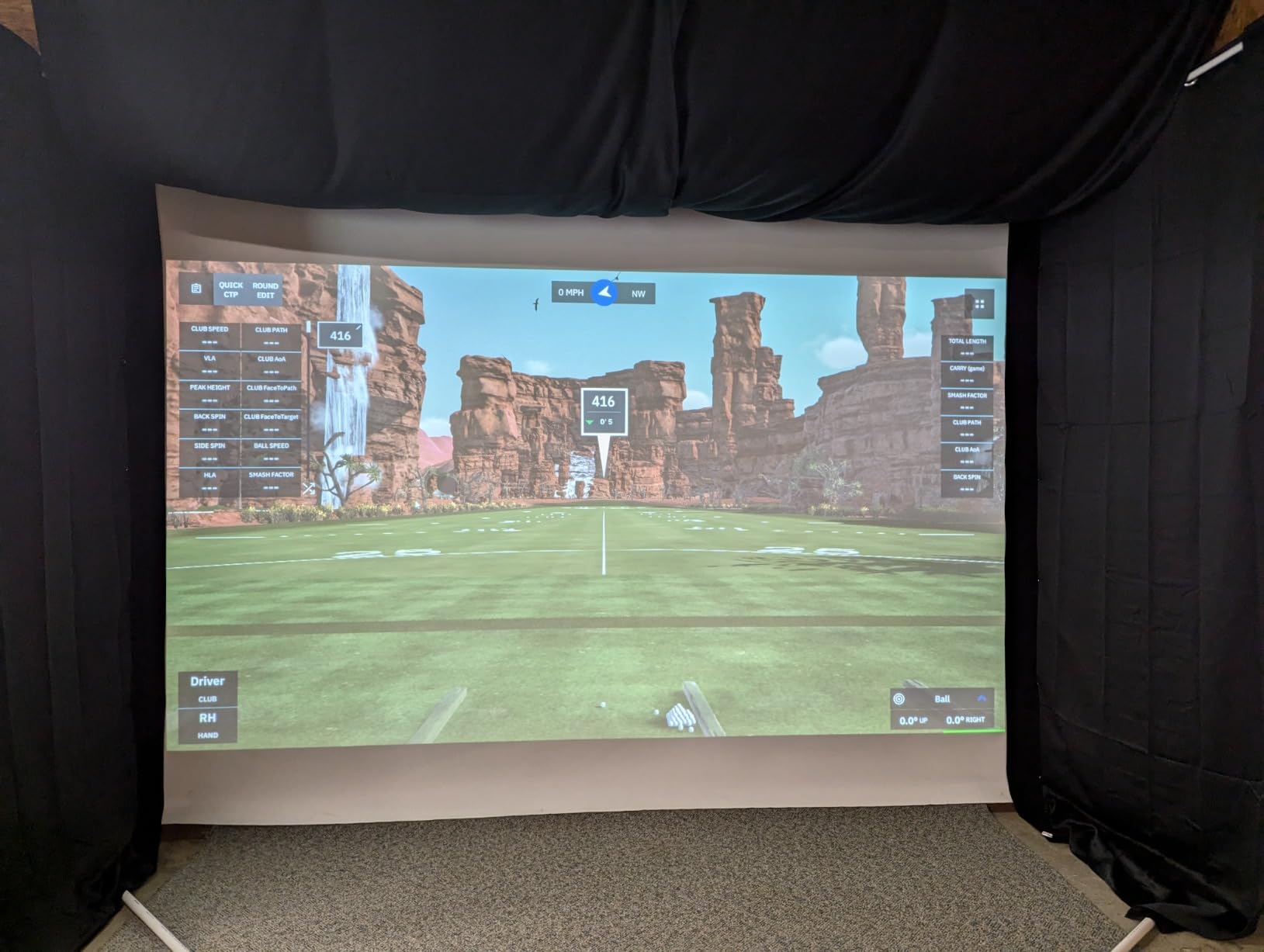
Image size runs from 30 inch to 300 inch with a 1 to 8 meter throw range, and 360-degree plus portrait projection give you options beyond a standard landscape wall. Instant power on and off and ceiling mount compatibility with the ViewSonic PJ-WMK-007 make it practical in a permanent install.
Power draw is a low 210W with an external power brick, and the 6.6 pound body is easy to reposition. The three-year limited warranty on parts and labor is the longest in this group, with a first-year Express Exchange included.
Who the ViewSonic LS740HD suits
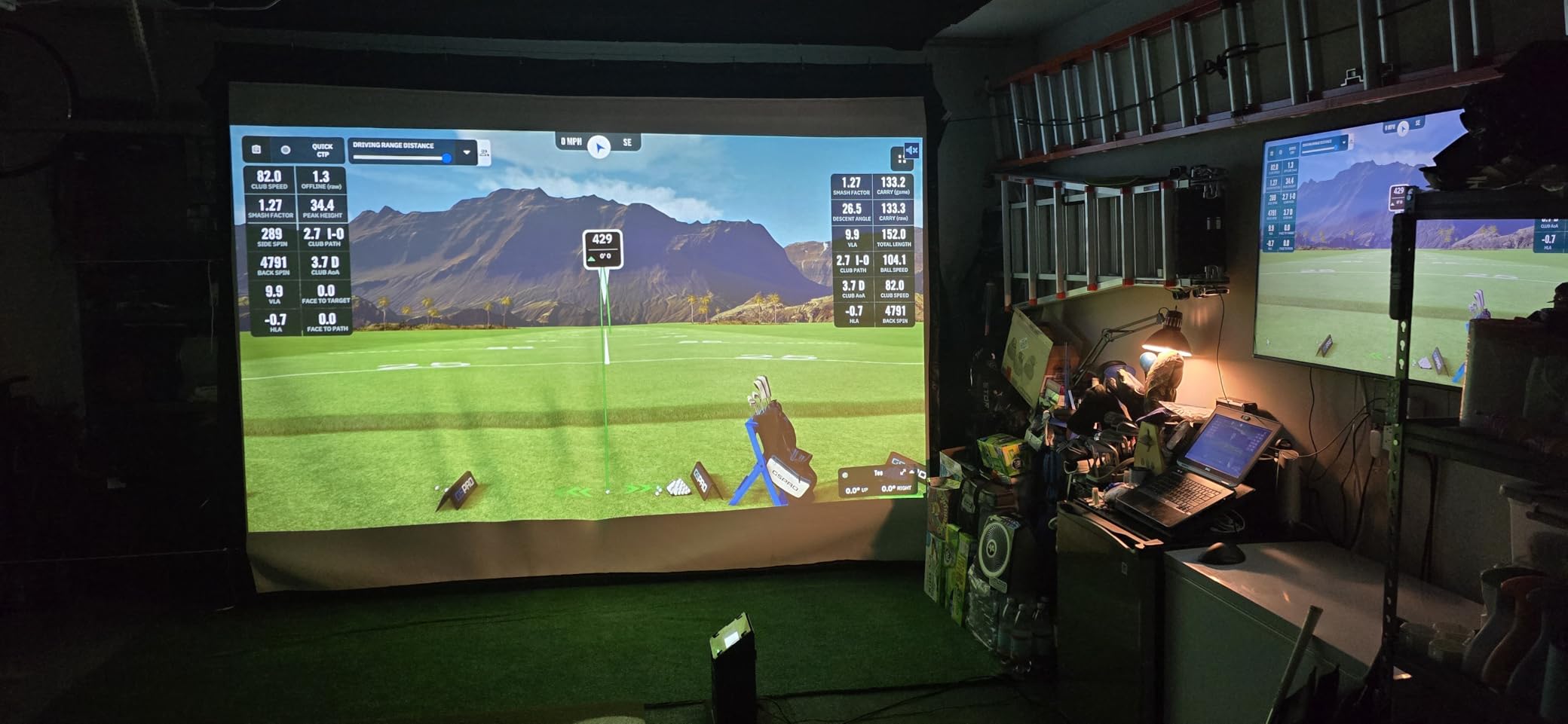
This suits a living room with large windows where you want daytime viewing and refuse to sit in the dark. It suits people who show films to family in the afternoon, and it suits golf simulation setups thanks to the dedicated mode tuned for greens and blues.
It also suits anyone who wants long-term ownership cover, since three years on parts and labor with a first-year Express Exchange is among the longest offers in this category. The 1.3x zoom makes it a good fit for rooms where the ceiling position is already decided.
Where the LS740HD falls short
At 1080p only, pixels become visible on very large screens, so this is a poor match for a 130 inch image viewed from close seating. There is no lens shift, so once you place it you commit to that position.
A minority of owners report a recurring random orange flash glitch, and the onboard speaker is muffled and blown out relative to the picture quality. The on-screen menu is basic with no HDBT or RS-232 baud-rate control for professional installs.
7. Dangbei MP1 MAX: The Best for Built-in Audio
- 3100 ISO lumens works for daytime viewing
- 110% BT.2020 with Delta E under 1 color accuracy
- rotating built-in stand removes mounting hardware
- InstanPro AI handles focus keystone and screen fit
- dual 12W speakers in a 750cc chamber
- Hybrid laser plus LED engine is not pure RGB triple laser
- manufacturer publishes no contrast ratio
- fewer owner reviews than the rest of this group
The MP1 MAX is the one to look at if you are not planning a soundbar yet. Dual 12W speakers sit in a 750cc acoustic chamber with bass reflex down to 45Hz, and owners describe the sound as surprisingly full rather than a placeholder.
Picture quality holds up. The hybrid triple laser plus LED engine delivers 3100 ISO lumens and 110% BT.2020 coverage with color accuracy rated at Delta E under 1, plus HDR10+ and Blu-ray 3D support on images up to 300 inch.
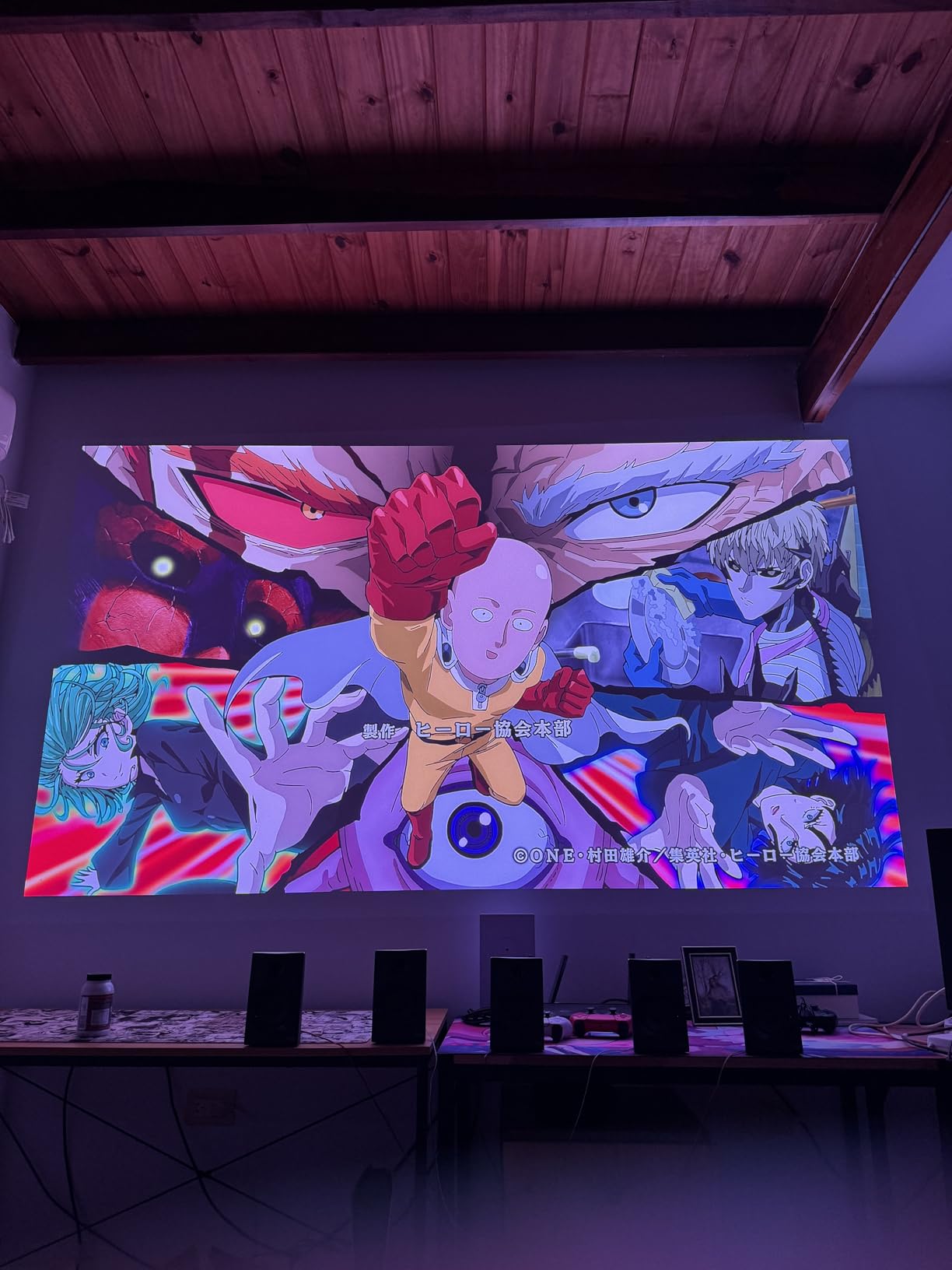
Placement is the quietly brilliant part. A built-in stand rotates 360 degrees horizontally with 135 degrees of vertical tilt, which removes the need for separate mounting hardware entirely. InstanPro AI handles auto focus, auto keystone, screen fit, obstacle avoidance and ambient light adjustment.
Streaming is handled by Google TV with officially licensed Netflix, and HDMI 2.1 with eARC, Bluetooth 5.2, Wi-Fi 6 and USB cover the connections. Image size runs 40 to 300 inch across a 2 to 4.5 meter throw range at a 190W draw.

Who the Dangbei MP1 MAX suits
This suits renters and apartment dwellers who cannot mount anything and want a large image anyway, since the rotating stand does the work of a bracket. It suits anyone who wants accurate color without a calibration service, given the Delta E under 1 rating.
It also suits households where the projector carries the audio for day-to-day use rather than only for films, and anyone with a 3D Blu-ray collection. At 7.52 kg it is portable between rooms without being a burden.
Where the MP1 MAX falls short
The light source is hybrid triple laser plus LED rather than pure RGB, so color behavior will not match a pure RGB engine in every scene. The manufacturer also does not publish a contrast ratio, which makes dark-scene performance genuinely hard to compare against the rest of this list.
It has the smallest owner review base here at 92 ratings, so you are buying on less long-term evidence than with the models above. Treat the 4.4 star average as encouraging rather than proven.
8. JmGO N1S 4K: The Best for Renters and Portable Setups
JMGO N1S 4K Upgrade Triple Laser Projector, 1700 ISO Lumens, Google TV
- Strong 4K RGB laser color and saturation for the money
- integrated gimbal makes ceiling wall and side projection trivial
- Google TV with officially licensed Netflix
- quiet operation with capable built-in speakers
- 4.4 lb body with carrying case
- Fixed lens with no optical zoom or lens shift
- Google TV interface can be laggy and misses some file formats
- some owners report light spill and rainbow artifacts
- needs a dark room
- no internal battery
At 4.4 pounds, the JmGO N1S 4K is the smallest unit in this guide and the easiest to move. The integrated gimbal rotates 127 degrees vertically with a 1/4-20 mount, which is what makes ceiling, wall and side projection genuinely simple for a renter with no hardware.
Color is the reason to keep looking. MALC 3.0 pure RGB triple laser with no color wheel and LSR speckle reduction covers 110% BT.2020 and 151% DCI-P3 across 1.07 billion colors at 1700 ISO lumens.
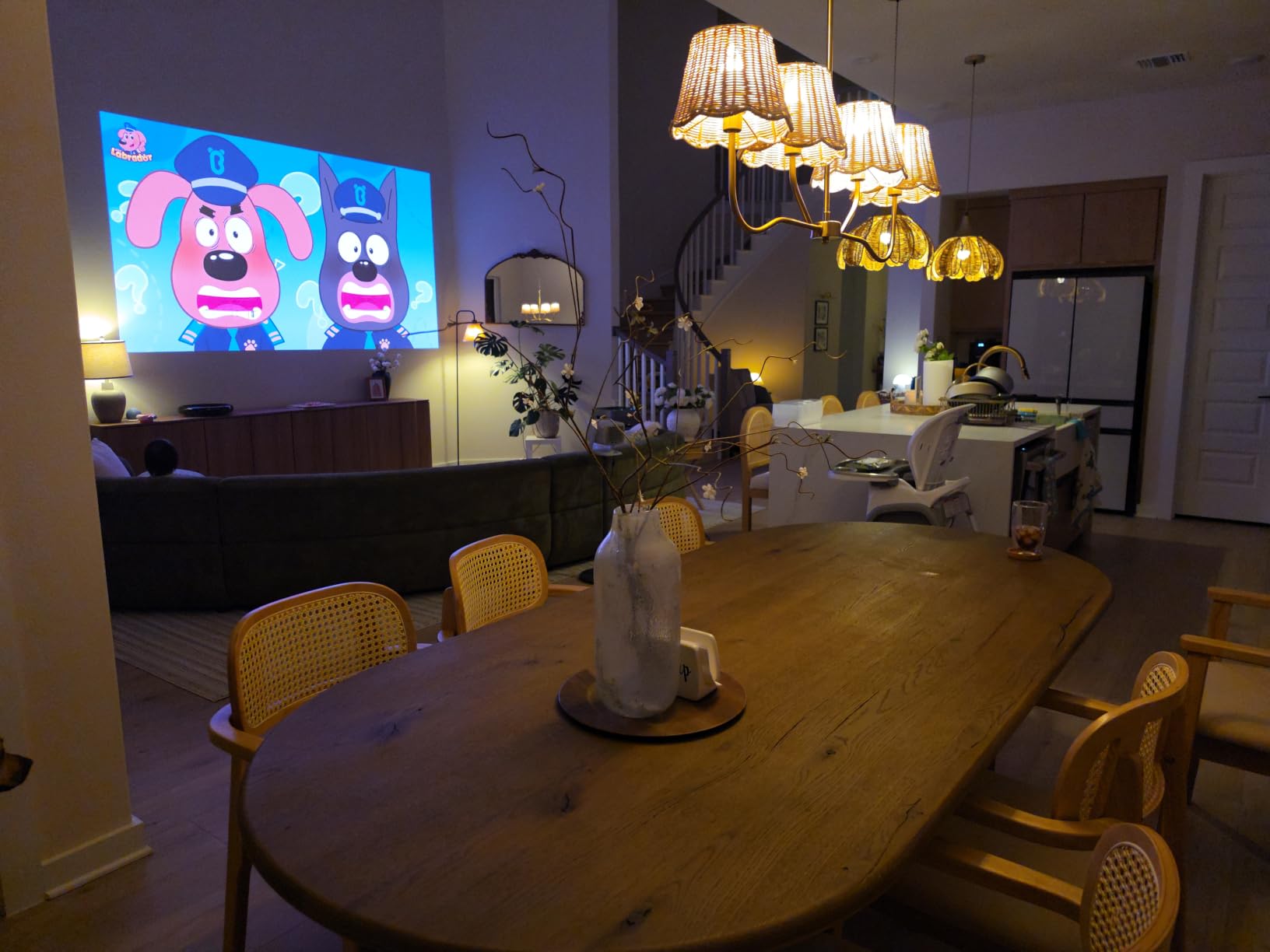
Auto focus and auto keystone handle setup, alongside FlexiSmart eye protection. Audio is 10W dual Dolby Audio, and Blu-ray 3D is supported. HDMI 2.1 with 17ms latency and MEMC motion compensation cover gaming, though 17ms is clearly behind the sub-5ms units in this list.
Streaming runs on Google TV with officially licensed Netflix, Google Cast and Assistant, so you are not working around the platform. Image size covers 40 to 200 inch, and an EPP carrying case is included.
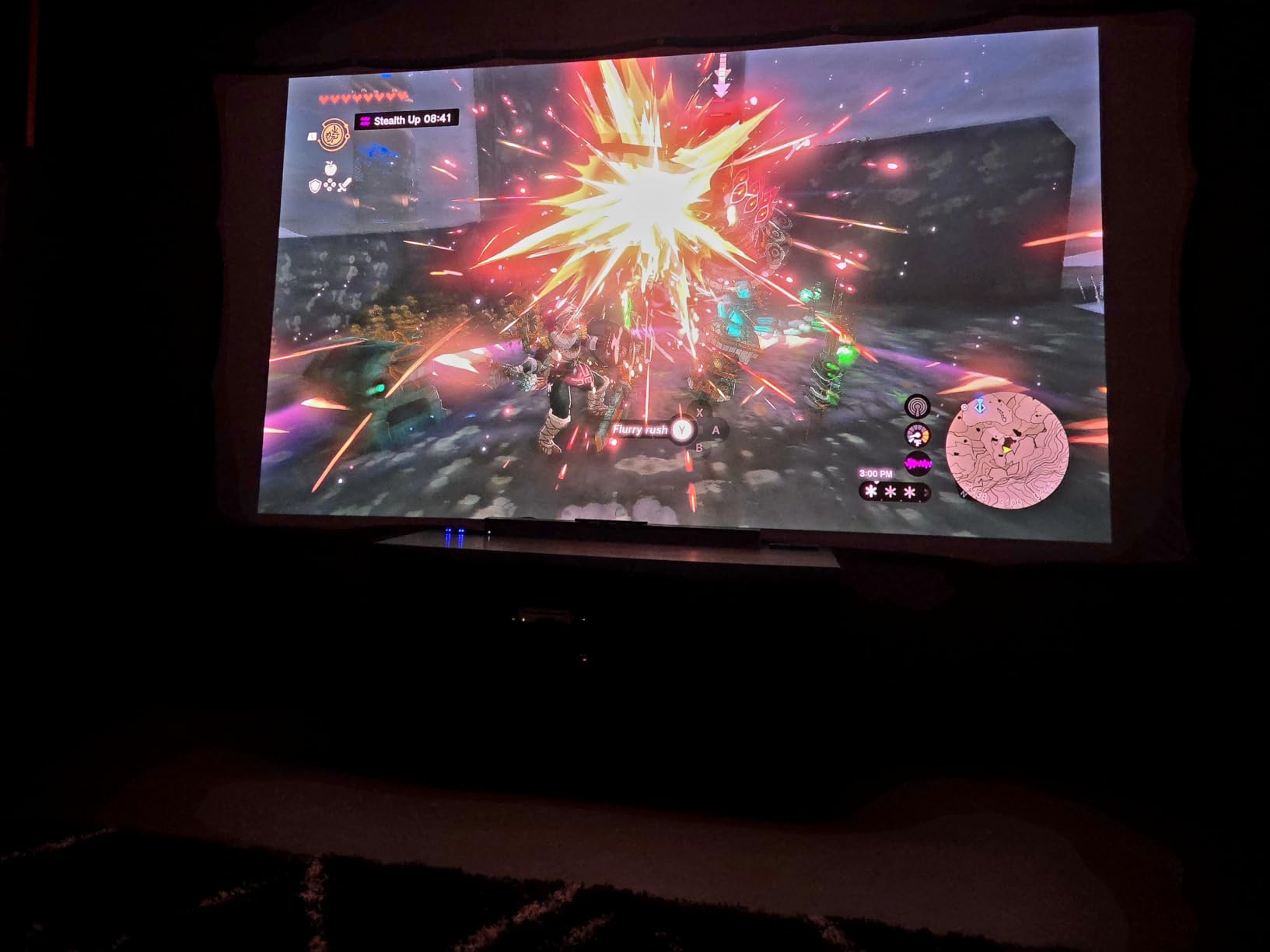
Who the JmGO N1S 4K suits
This suits renters and apartment residents who want a 100 inch class image with no mount, no drilling and no cables across the floor. The gimbal plus auto focus is the most-praised feature among owners and does more for real-world setup than higher brightness numbers.
It suits anyone moving between rooms for movie nights, since 4.4 pounds and a carrying case make that trivial. At this brightness, it suits a room you can darken, with curtains or a dedicated evening corner.
Where the N1S 4K falls short
Brightness at 1700 ISO lumens is the lowest in this group, and owners are explicit that this is not an ambient-light projector. It needs a dark room to show what the color engine can do.
The fixed lens has no optical zoom or lens shift, so placement is less forgiving than the gimbal suggests. Some owners also report light spill around the image edge, visible rainbow or dither artifacts, a laggy Google TV interface and a media player that misses some file formats. There is no internal battery for untethered use.
9. ViewSonic LX700-4K: The Best for Xbox Gaming
ViewSonic LX700-4K 4K UHD Laser Gaming Projector 3500 Lumens 240Hz Xbox
- Bright for the money with instant-on picture
- 4.2ms input lag and 240Hz refresh for 120Hz console gaming
- sharp 4K-class image stable from 100 to 150 inch
- 1.3x zoom with vertical lens shift
- very quiet fan in Eco mode and low 180W draw
- Black level reads as dark gray rather than true black
- built-in mono speaker is thin
- rainbow effect visible on fast eye movement
- effective resolution closer to 1080p
- no streaming apps or Bluetooth
- high vertical offset needs a riser
The LX700-4K exists for one reason: console latency. It runs at 240Hz with 4.2ms input lag, which is the second-lowest figure in this guide, and the 180W power draw and quiet Eco mode fan make long sessions comfortable.
Brightness is listed as 3500 lumens and marketed as 4000 ANSI lumens, so treat the higher number with some caution when comparing it with units that publish only one figure. The image is a sharp 4K-class picture that stays stable on a 100 to 150 inch screen, with a 100 inch image from 7.7 feet.
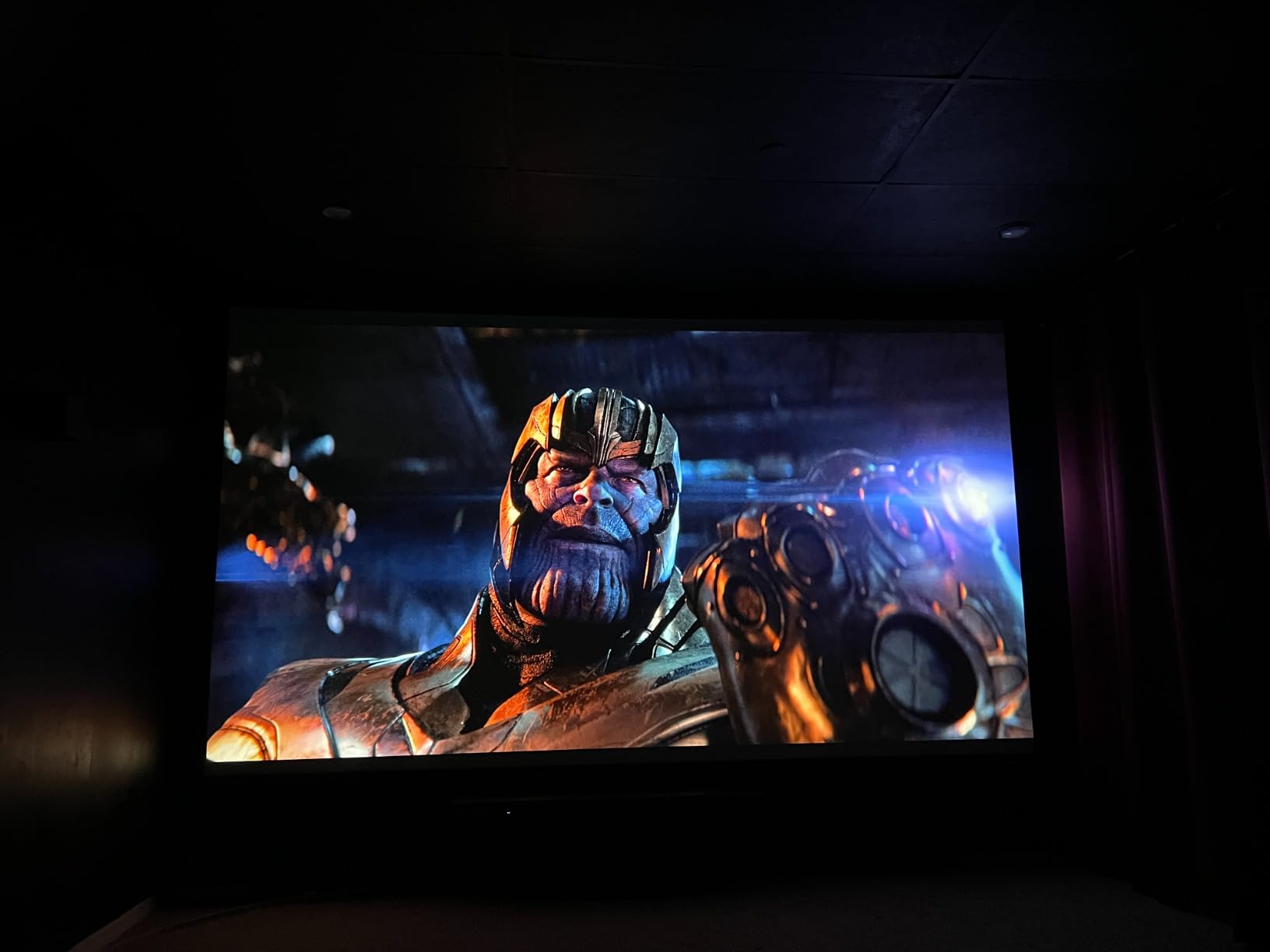
Placement is more capable than the price suggests, with 1.3x optical zoom, vertical lens shift, horizontal and vertical keystone and four-corner adjustment, plus 360-degree and curved screen projection support. Image size runs 30 to 300 inch with 80 to 150 inch recommended.
Golf simulation mode is tuned for greens and blues, dual HDMI inputs and 3.5mm audio out cover basic connections, and it works with the ViewSonic PJ-WMK-007 ceiling mount. The warranty is three years on parts and labor with a first-year Express Exchange.

Who the ViewSonic LX700-4K suits
This suits Xbox players who have noticed input lag on a large TV and want the lowest latency available at this brightness level. At 7.3 pounds it is light enough to move between a media wall and a gaming setup.
It suits buyers who want zoom and vertical lens shift without moving up a tier, and simulation users thanks to the golf mode. The high vertical offset is workable on a shelf, provided you use a riser.
Where the LX700-4K falls short
Picture quality is the compromise. Blacks read as dark gray rather than true black, which is very visible in a dark room during dark scenes. Effective native resolution is closer to 1080p, so the 4K detail gain is limited.
There are no built-in streaming apps and no Bluetooth, so an external streaming stick is required, and the offset throw puts the image high above the lens. Some owners also see a rainbow effect when moving their eyes quickly, and the 4.1 star average is the lowest in this group.
10. Epson Home Cinema LS11000: The Best for a Dedicated Theater Room
Epson Home Cinema LS11000 4K PRO-UHD Laser Projector with HDR10+
- Best-in-class 3LCD 4K sharpness with no rainbowing
- motorized lens shift focus and zoom for precise installation
- 120Hz refresh with low input lag
- quick laser startup with consistent brightness
- ARC and eARC output for a soundbar
- very quiet with deep blacks
- No 3D support
- picture washes out in heavy ambient light
- premium cost for a dark-room specialist
- heavy 28 lb unit that needs a quality mount
- amplifies poor source material
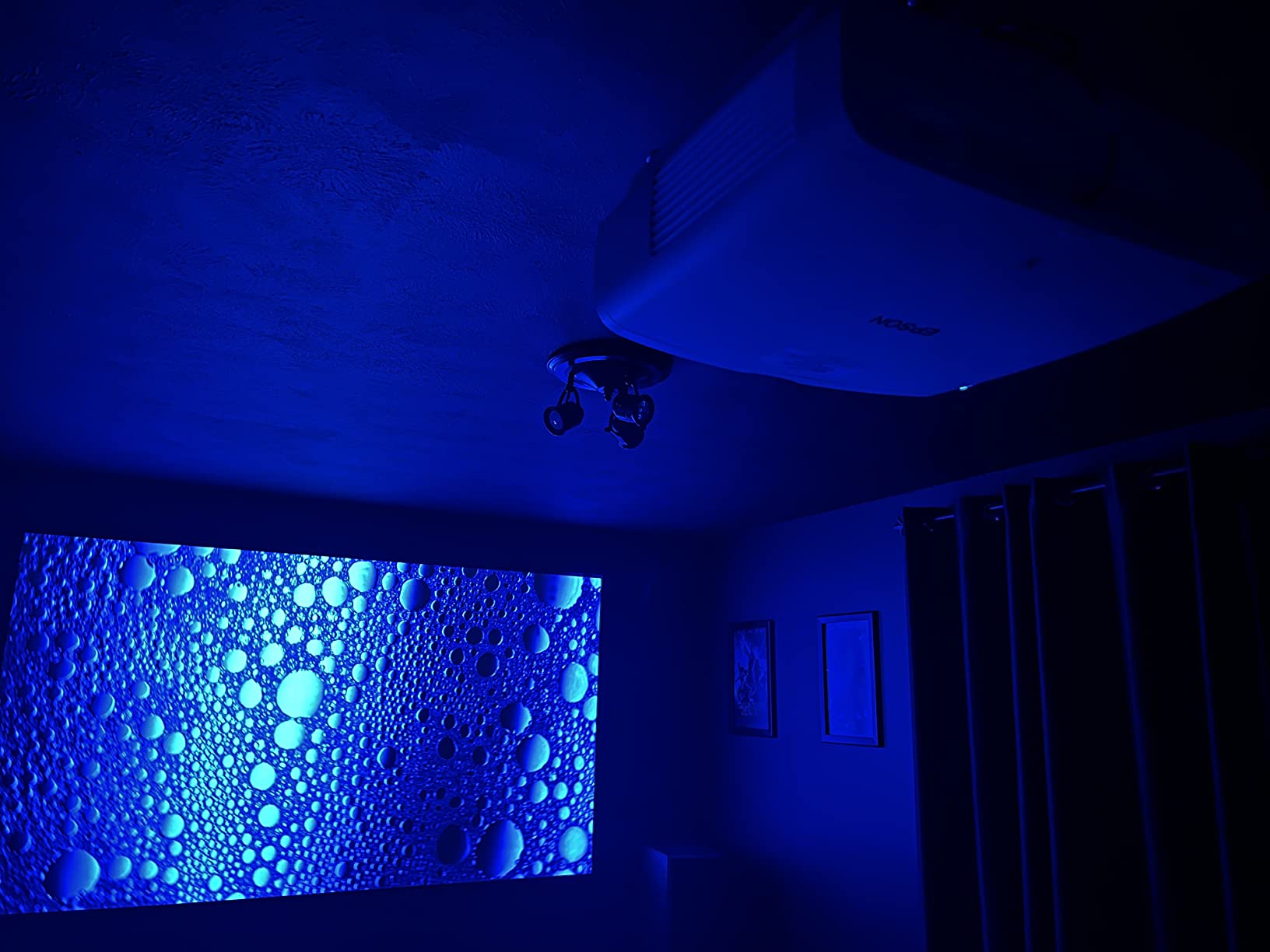
The LS11000 is the specialist in this group. It uses 4K PRO-UHD pixel shifting with three LCD chips and a Precision Shift Glass Plate, producing 8.29 million pixels. Owners describe it as a true commercial-theater replacement, and the Epson Cinema Lens is engineered for edge-to-edge focus uniformity with no light leakage.
Installation control is the reason pros like it. A motorized lens handles shift, focus and zoom remotely, which means a ceiling-mounted unit can be dialled in from the couch instead of over a ladder. Throw distances span 5 ft to 62 ft and image size runs 50 to 300 inch.
Color and motion are handled by full 10-bit HDR processing for HDR, HDR10+ and HLG with 16-step HDR curve adjustment, plus a 120Hz refresh rate with frame interpolation. HDMI 2.1 covers current consoles, and the dynamic contrast ratio exceeds 1,200,000:1.
The 20,000 hour laser array light source starts quickly and holds consistent brightness with no bulb changes, and the two-year limited warranty is solid. Power draw is 311W and the unit weighs 28 pounds.
Who the Epson LS11000 suits
This suits a dedicated media room or blackout space rather than a shared living room, and anyone who finds 3-chip 3LCD color more natural than DLP. It suits installers with a proper mount, since the motorized lens makes a ceiling or soffit install genuinely precise, and ARC and eARC output means a soundbar can be connected without a full AV receiver.
Where the LS11000 falls short
It is the wrong tool for a bright room. At 2500 lumens color and white, the picture washes out under heavy ambient light, which is the defining challenge of a lived-in living room, and there is no 3D support despite the home cinema positioning.
The premium cost is hard to justify in a room where you rarely turn the lights off. At 28 pounds it needs a quality mount, and the high pixel count amplifies poor-quality source material more than lower-resolution projectors.
The Downsides of Laser Projectors to Know Before Buying
Laser projectors are the right answer for many living rooms, but they are not a straight upgrade in every case. Six drawbacks come up repeatedly in owner feedback and forum discussion.
Ambient light still wins. A laser light source is brighter than a lamp projector, but a bright room still washes out the image, and no laser unit fully solves daylight through a large window without a gain screen. Black levels also stay below a good OLED panel, so daytime sports in a sunlit room remain a TV’s strength.
Laser speckle appears on triple laser models. The colored interference pattern in flat areas of the image is the single most common reason owners return a projector, and sensitivity varies enormously between people. It reduces with a shorter viewing distance, a matte screen surface and a screen with gain below 1.0, but it does not disappear entirely.
The rainbow effect worries a minority of buyers. Single-chip DLP chips used in entry laser models can show brief colored fringes on high-contrast edges, and some owners of the Hisense PL2 and ViewSonic LX700-4K specifically report it. True 3-chip 3LCD engines such as the two Epson models here do not produce it at all.
Placement is the real story here. A UST projector with no zoom and no lens shift has to be positioned almost perfectly, and a 150 inch image can demand around 13 inches of cabinet depth. That measurement check is the most common installation mistake in the category.
Screen cost is a real addition to the budget. Bright-room performance depends on an ambient light rejecting or ceiling light rejecting screen, and those are not included. A good UST-compatible ALR screen is a separate purchase that adds meaningfully to the total, and cheap ALR materials introduce sparkle, hot spots and uneven brightness of their own.
There is no bulb, but there is a chip. Laser arrays last 20,000 to 25,000 hours and cost far more to replace than a lamp, so an aged unit that dims or shows color shift is a service issue rather than a five-minute bulb swap. For some buyers a TV remains the correct purchase: if your viewing is mostly daytime, in a glass-heavy room with no interest in curtains or blinds, a bright OLED or Mini-LED panel will beat any projector listed here on contrast and uniformity.
How to Choose a Laser Projector for a Living Room
Seven decisions account for nearly every mistake we see in this category. Work through them in order and the model choice mostly makes itself.
1. Measure your ambient light before anything else. Watch the room at the time you actually want to watch. Heavy curtains and a dim lamp are the cheapest upgrade available and often let you buy less brightness than you think you need.
2. Pick your throw type from the furniture. Ultra short throw works when the projector sits in front of the screen on a console. Long throw needs clear depth behind the seating and a ceiling mount or a permanent shelf.
3. Choose a brightness target in ANSI lumens. Around 1,500 to 2,500 ANSI lumens suits a dark media corner, 2,500 to 3,500 suits a room with curtains, and above 3,500 suits a room you watch in daylight.
4. Decide between single laser and triple laser. Triple laser RGB gives wider color and no color wheel, single laser is cheaper and often brighter per unit of money, and hybrid engines split the difference.
5. Plan the screen, and price it in. A matte white screen suits a controlled room. An ALR or CLR screen is what makes a bright room work, and UST projectors need a UST-specific screen rather than a generic ALR.
6. Check the smart platform and ports. Google TV, webOS and proprietary systems decide how much streaming you do without an extra box. HDMI 2.1 matters only if you game.
7. Budget for audio and mounting. Most owners add a soundbar eventually, and a ceiling mount plus a streaming device is a realistic additional cost on top of the projector.
Ultra Short Throw vs Long Throw: UST Wins in Small Rooms
Ultra short throw projectors place the image from a short distance in front of the screen, and they are marketed as laser TVs because the placement feels like a television. Long throw units sit at the back of the room or hang from the ceiling and use a normal 1.2 to 1.6 throw ratio.
Choose UST when the room is compact, the seating is close to the screen wall, or you cannot drill into the ceiling. Choose long throw when you want the projector out of sight, when your room has depth, or when you want a cheaper image per inch of screen size.
Long throw generally gives better picture quality for the money because the light travels further and hits a larger area, and it is far more forgiving to install with zoom and lens shift. UST is more sensitive to every millimeter of placement, and it needs its own screen material.
How Many Lumens You Actually Need in a Living Room
ANSI lumens and ISO lumens are not the same measurement. ISO lumens use a more lenient standard and are typically the higher marketing number, while ANSI lumens is the stricter, more comparable figure. Two brands quoting different standards cannot be compared directly, which is why the numbers in this guide are labeled.
As a working target, 1,500 to 2,500 ANSI lumens handles a dark media corner or a fully curtained room at night. Between 2,500 and 3,500 ANSI lumens covers a normal living room with one or two lamps on. Above 3,500 ANSI lumens is where daytime viewing becomes realistic, and it is also where an ALR screen starts to matter more than raw brightness.
Screen gain multiplies this. A gain 1.6 to 1.8 ALR screen makes 2,700 lumens behave like 4,000 in a lit room, which is exactly why the Hisense PL2 and the AWOL VISION pair so well with one.
Single Laser vs Triple Laser (RGB): Which Color Engine to Buy
Single laser units use a blue laser with a phosphor wheel to create white light. They are the most affordable route to a laser light source, tend to be brighter for the money, and the phosphor wheel can introduce artifacts on some models.
Triple laser RGB uses separate red, green and blue diodes with no color wheel at all. The color range is far wider, often exceeding 100% BT.2020 coverage, but speckle is more likely and the price is higher. The hybrid engines, such as the Dangbei MP1 MAX, blend laser and LED to lower cost and moderate speckle.
For a living room where you watch a lot of color, triple laser is the better picture. For the largest image in a bright room on the tightest budget, high-lumen single laser often wins.
The Screen Question: ALR Screens, Screen Gain and Speckle
A white wall works, but a painted wall shows texture and color variation that a screen hides. Matte white screens are cheap and neutral but gain nothing in a lit room, and they make speckle more visible on triple laser units.
ALR and CLR screens use angled or directional surfaces to reject light from the ceiling and sides, with gain typically between 1.6 and 1.8. They are what turn a mid-brightness projector into a daytime projector, and they are the reason brightness figures alone do not tell you how a room will look.
Two warnings. UST projectors need a UST-specific ALR screen, and a general ALR screen will not reflect the light correctly. Cheap ALR materials can introduce sparkle, hot spots and uneven brightness that look worse than a plain wall. If speckle bothers you, a shorter viewing distance and a screen with gain below 1.0 both help.
Gaming Specs: Input Lag, HDMI 2.1 and ALLM
Input lag is the number that matters, and anything under about 20ms feels responsive for console play. The ViewSonic LX700-4K at 4.2ms and the XGIMI HORIZON 20 at 1ms are the two to beat here, with the Valerion StreamMaster Plus2 at 4ms close behind.
Refresh rate matters more for PC and high-refresh consoles. 120Hz is now the practical ceiling for living room gaming, and 240Hz claims generally describe the mode rather than a mode every source can drive. ALLM and VRR make switching to a console automatic and smooth, while HDMI 2.1 bandwidth is required for 4K at high refresh rates.
One caution: MEMC frame interpolation on cheaper models can add a soap-opera look to motion, and the 17ms latency on the JmGO N1S 4K is fine for consoles but noticeable in competitive shooters.
Built-in Audio Reality and Smart Platform Choices
Built-in projector speakers exist to make the projector usable on day one, not to replace a sound system. The exceptions here are notable: the Dangbei MP1 MAX with dual 12W speakers in a 750cc chamber, the AWOL VISION LTV-3000 Pro with a built-in center channel and ThunderBeat 4.2.2 processing, and the XGIMI HORIZON 20 with Harman Kardon speakers.
On platforms, Google TV appears most often and gives you licensed Netflix, Chromecast and Google Cast, which removes most streaming workarounds. Proprietary systems such as the ViewSonic LX700-4K have no apps at all and need an external stick. Whichever projector you choose, check the furniture it will sit on first: our picks for the best storage cabinets for living rooms can hide a streaming box and a cable run, and a dimmable floor lamp like the ones in our large Himalayan salt lamp guide gives you a light source you can point at a wall rather than at the screen.
Frequently Asked Questions
What is the best laser projector on the market?
For a living room, the Valerion StreamMaster Plus2 is the strongest all-round choice, pairing RGB triple laser color, 4ms input lag at 240Hz and IMAX Enhanced with Dolby Vision. The Epson Pro EX11000 leads on brightness at 4600 lumens with no rainbowing, and the AWOL VISION LTV-3000 Pro is the pick if you want a 150 inch image from a shallow cabinet.
What are the downsides of using a laser projector?
Ambient light still washes out the image. Triple laser models can show speckle, single-chip DLP can show a rainbow effect, ultra short throw units have almost no zoom or lens shift so placement is unforgiving, a bright-room ALR screen is a separate cost, and a dimmed laser array is a service repair rather than a cheap bulb swap.
Are laser projectors worth it?
Yes, in a room you can make reasonably dark or that has curtains you can close. The 20,000 to 25,000 hour light source removes bulb replacement and maintenance cost, and the image is bright enough to stay watchable in a lived-in room. If your viewing is mostly daytime in a glass-heavy room, a good OLED or Mini-LED TV is still the better purchase.
Are long throw projectors better than UST projectors?
Long throw usually gives better picture quality per unit of money, uses less power and is far more forgiving to install because of zoom and lens shift. Ultra short throw wins in compact rooms, works like a television on a console and lets you project onto a wall, but it needs a UST-specific screen and precise placement.
How do I choose the right number of projector lumens?
Compare ANSI lumens rather than ISO lumens, since ISO is the more lenient standard and produces higher marketing figures. Around 1500 to 2500 ANSI lumens suits a dark media corner, 2500 to 3500 suits a normal living room with lamps on, and above 3500 is needed for daytime viewing. A gain 1.6 to 1.8 ALR screen multiplies the effect of whatever brightness you have.
How far should a projector be from the screen?
For a long throw projector, a rough guide is 1.2 to 1.6 times the image width, so a 100 inch image needs roughly 11 to 15 feet of clearance. Ultra short throw projectors are different: the Hisense PL2 and AWOL VISION LTV-3000 Pro use a fixed ratio near 0.22 to 0.25, putting a 100 inch image about 9 to 11 inches in front of the screen.
Final Verdict: Which Laser Projector Should You Buy?
There is no single best laser projector for living rooms, because living rooms differ more than projectors do. Match the light in your room first, then the furniture, then everything else becomes a preference.
For most households, the Valerion StreamMaster Plus2 is the pick. It is the only unit in this guide that scores well on every axis at once: RGB triple laser color, 2000 ISO lumens, 4ms input lag at 240Hz, IMAX Enhanced with Dolby Vision, and automatic setup that does not require a ladder. Owners rate it 4.6 stars across more than 500 reviews, the widest evidence base here.
Buy the Epson Pro EX11000 instead if your room stays bright during the day, since 4600 lumens is the practical difference between a screen you look at and a screen you watch. Buy the AWOL VISION LTV-3000 Pro if you want a television-shaped setup with a 150 inch image and the widest color coverage available in this group. Buy the XGIMI HORIZON 20 if placement is difficult and gaming matters, and buy the Epson Home Cinema LS11000 only if you have a room you can properly darken.
Whatever you choose, add the cost of a suitable screen and a soundbar to your planning, and check the return window on speckle before the trial period closes. That is the one issue where personal sensitivity matters more than any specification on the spec sheet.
Run the measurements, pull the curtains at the hour you actually watch, and you will know within a few minutes whether a projector belongs in your living room at all. When it does, the image size alone is usually the thing that makes the decision obvious.