
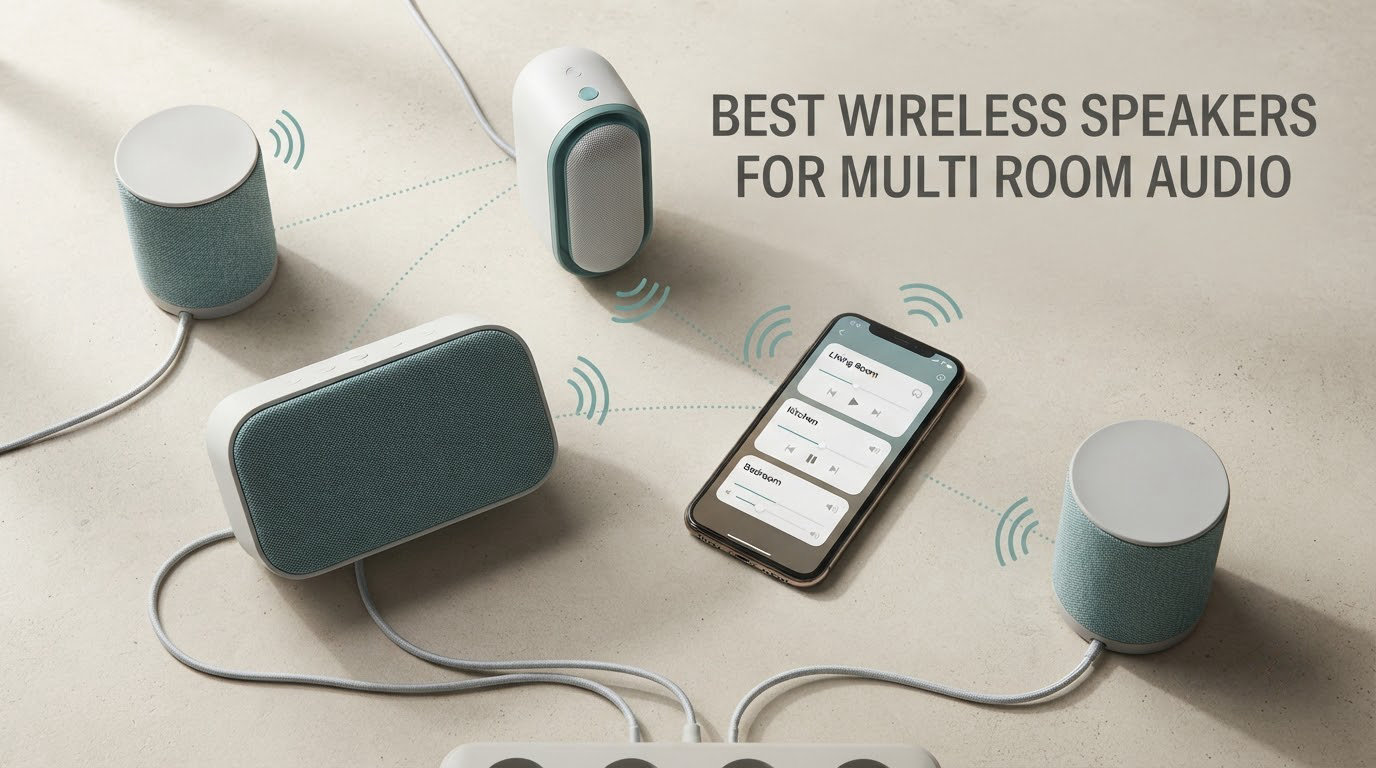
Multi-room audio is a set of Wi-Fi speakers spread across different rooms of your home that play music together in sync, or play something different in each room, all controlled from one app or one voice command. The single decision that determines whether you will enjoy the system for the next decade is whether you buy into a closed ecosystem, where every speaker comes from one brand and lives in one app, or an open ecosystem, where speakers from different brands join the same group over a shared protocol such as AirPlay 2, Google Cast, Alexa Multi-Room Music, Spotify Connect or Linkplay. Get that decision right and the speaker choice becomes easy. Get it wrong and you will be hunting replacements years from now.
Our team spent six weeks moving between ten wireless speakers, living with one in the kitchen, one in the office and one on the patio, and grouping them on the same home network. We tracked the things that actually decide whether a multi-room system works: whether the control app still lets you set a sleep timer, whether two rooms can run different streams at the same time, whether grouping survives a firmware update, and whether a single speaker can be replaced later without dragging the whole house down. This roundup is updated for 2026 and is the guide we hand to friends who are finally ready to stop carrying a Bluetooth speaker from room to room.
One note before we start. Whole-home listening is not automatically better than one good speaker in one good room. If you live in a small apartment and mainly want music in the kitchen, a single well-chosen speaker with room correction will satisfy you. The systems below start to earn their keep at three rooms and up, and the guide at the end of this article explains how to work out whether you are there yet.
Table of Contents
Top 3 Picks for Multi-Room Audio in 2026


All 10 Wireless Speakers Compared Side by Side in 2026
Every pick below runs on at least one shared wireless protocol, which means you can often combine two of them in the same house even when they come from different brands. The Key Features column lists what each speaker brings to a group.
| Product | Specifications | Action |
|---|---|---|
| Sonos Era 100 |
|
Check Latest Price |
| Sonos Era 300 |
|
Check Latest Price |
 Sonos Five Sonos Five |
|
Check Latest Price |
 Amazon Echo Dot Amazon Echo Dot |
|
Check Latest Price |
 Bose Lifestyle Ultra Bose Lifestyle Ultra |
|
Check Latest Price |
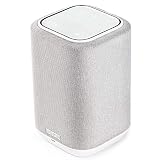 Denon Home 150 Denon Home 150 |
|
Check Latest Price |
 JBL Authentics 300 JBL Authentics 300 |
|
Check Latest Price |
 Google Nest Audio Three-Pack Google Nest Audio Three-Pack |
|
Check Latest Price |
 Amazon Echo Dot Max Amazon Echo Dot Max |
|
Check Latest Price |
 JBL Boombox 3 Wi-Fi JBL Boombox 3 Wi-Fi |
|
Check Latest Price |
Closed vs. Open Multi-Room Systems: Make This Decision First
A closed multi-room system means one brand makes the speakers and one app controls them. Everything works together out of the box, syncing is tight, and support is straightforward. The cost is lock-in: if you later want a speaker that brand never made, or if the company changes its platform, your options shrink. Sonos is the most complete closed system on the market, and Bluesound’s BluOS is the other one worth naming here.
An open system means speakers from different brands agree on a shared protocol. AirPlay 2, Google Cast, Alexa Multi-Room Music, Spotify Connect and Linkplay all let you mix manufacturers in one group. The trade-off is that compatibility is not always symmetrical, and the grouping features are frequently thinner than the marketing implies.
Two realities from the forums we read while researching this. Users on r/MultiRoomAudio converge on the same shortlist of platforms: Denon and Marantz HEOS, Yamaha MusicCast, WiiM, Sonos and Bluesound. And on r/smarthome and r/homeassistant, AirPlay 2 and Google Cast are treated as mandatory before buying anything, because guests should be able to hand a speaker a stream without joining your house Wi-Fi. That is a good default, and it is why several picks below carry both protocols.
There is a third path worth naming, and it is the one the hi-fi crowd on r/hometheater keeps recommending. Spend the multi-room budget on two good bookshelf speakers, an amplifier or receiver and a subwoofer in the main room, then add a cheap wireless speaker in each background room. You get real hi-fi where you are sitting, and music everywhere else. Several of our picks, including the Denon Home 150, will happily sit next to a traditional receiver in the same system.
How Multi-Room Audio Actually Works in Five Steps
1. Every speaker joins your home Wi-Fi network. These are network speakers, not Bluetooth speakers, so a solid 5 GHz or 6 GHz signal in every room is the foundation. Speakers that also carry an Ethernet port, such as the JBL Authentics 300, give you a wired fallback when a room is a dead zone.
2. You create zones. A zone is an independently controllable room or group of speakers. Two speakers in a living room can be one zone, and the kitchen is a second.
3. You group the zones. Grouping tells the system to play the same audio everywhere, or, on platforms that support it, to treat each zone separately. Sonos and HEOS both let different rooms play different things at the same time. Google Cast groups are static in comparison, which is a real limitation we come back to below.
4. You choose a source. Streaming services, Bluetooth, a line-in from a turntable, or AirPlay 2 from an iPhone all feed the same zones. Line-in matters more than most buyers expect, because it is the difference between playing your vinyl in one room and playing it in three.
5. You control it from the app or your voice. Timers, presets, volume per room and playback handoff between rooms all live here. On r/sonos, the most common complaint is not sound quality but this step: the 2024 app redesign broke sleep timers, local library support and queue editing for a lot of owners, and several third-party control apps exist purely as a workaround.
1. Sonos Era 100: The Best All-Round Multi-Room Anchor Speaker
- Compact footprint with genuinely deep bass
- Fast app-driven setup with responsive top-panel touch controls
- Trueplay adapts EQ to the room
- Groups smoothly with other Sonos units
- Voice control weaker than a dedicated Echo device
- Wake word cannot be changed
- 10W rated output means a sub is often added
This is the speaker we put in the middle of our own test house, and it is the one we recommend most often as the first speaker in a multi-room system. It is small enough for a kitchen counter or a bookshelf, it weighs about two kilograms, and it comes in a footprint that does not fight with the room it sits in. The listing dimensions are 7 inches deep by 5.1 inches wide by 7.22 inches high, which is genuinely one of the more compact options in this roundup.
The Era 100 uses a next-generation dual-tweeter acoustic architecture with a 25 percent larger midwoofer than the speaker it replaced, on a processor the manufacturer rates as 47 percent faster. Owners describe the practical result as a wide stereo separation from a small box, which is exactly what you want when the speaker is filling a room rather than sitting on a desk.
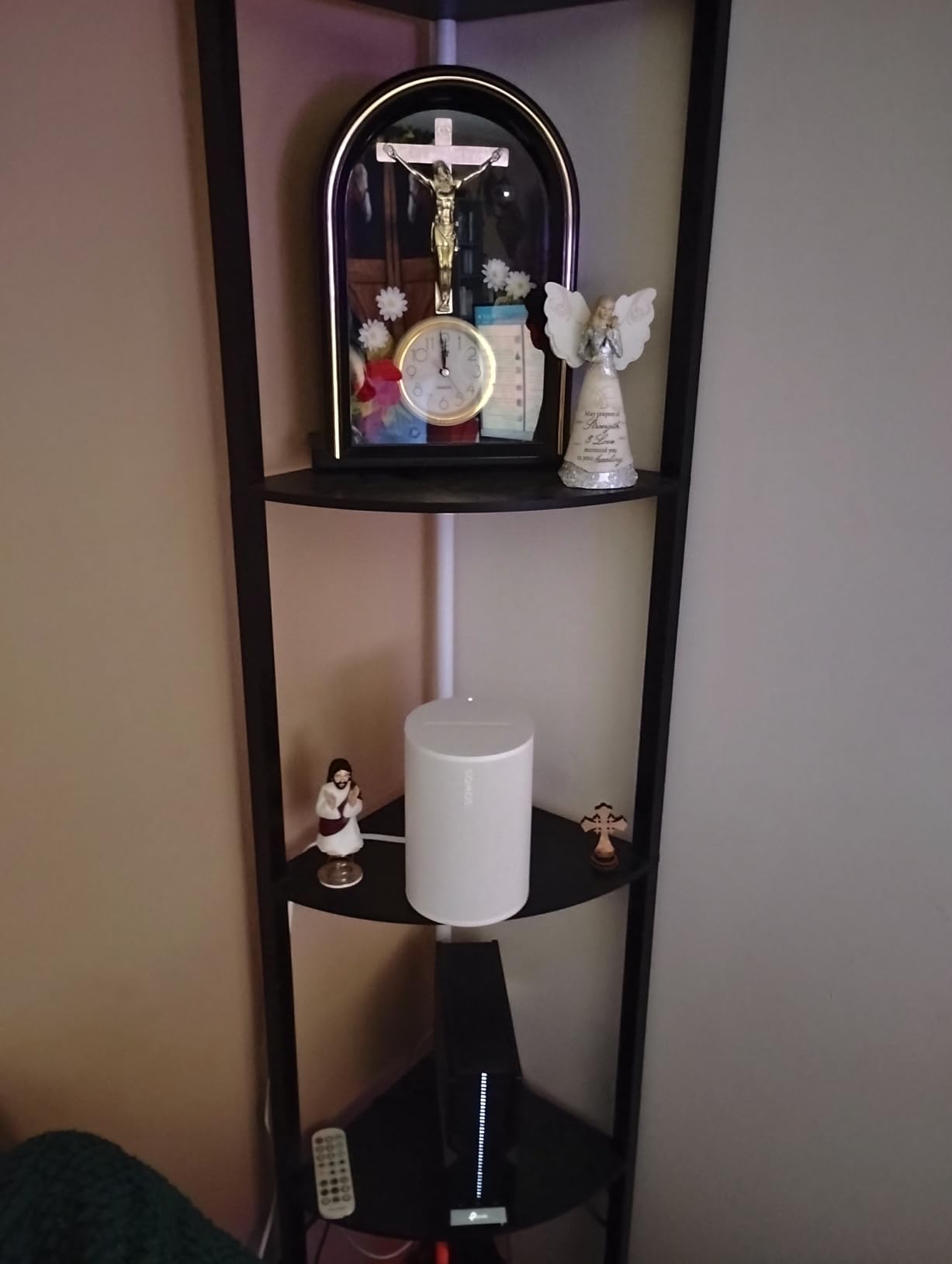
Trueplay is the feature that matters most in a multi-room house. It measures how the speaker sits in its room and adjusts the EQ accordingly, which is why the Era 100 stays listenable in a tiled kitchen and a carpeted bedroom without a visit to an equalizer. Owners consistently single out smooth multi-room synchronisation and grouping across Sonos units as the reason the system feels finished rather than assembled.
Setup is close to frictionless: power cable, connect a phone to Wi-Fi, open the app. The top panel has touch controls that respond quickly. Line-in is available through the Sonos Line-In Adapter, so a turntable or CD player can feed the same zones.
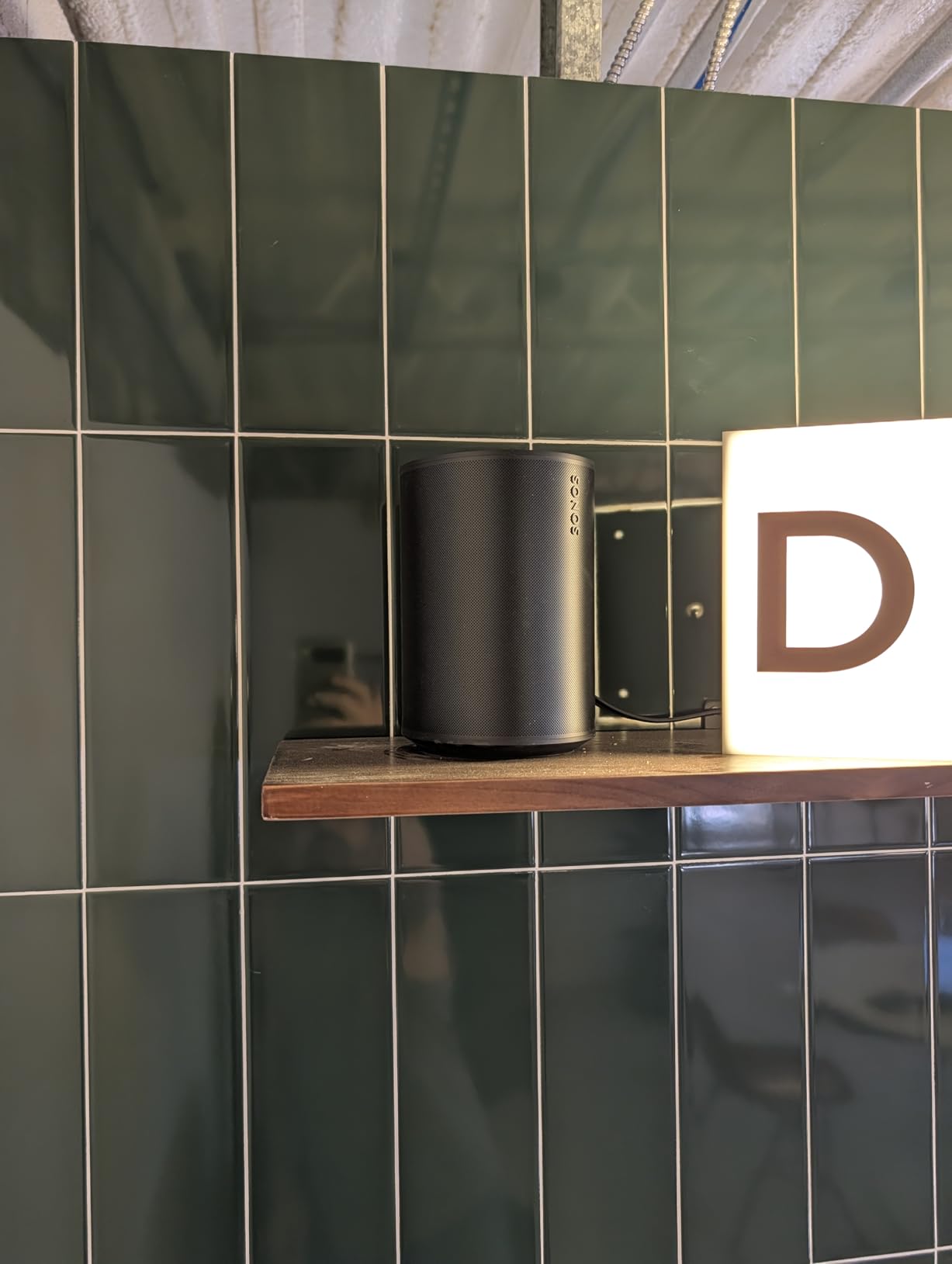
Where the Era 100 fits in a multi-room system
Buy it as the anchor for the rooms that need to sound genuinely good rather than merely be audible. It suits a living room, a main bedroom or a kitchen island where someone actually stands and listens. Because it carries AirPlay 2 alongside Sonos grouping, it can also join a group with non-Sonos speakers, which reduces the lock-in worry if you later add a Denon or a JBL elsewhere in the house.
Its weak point is bass depth relative to its rated output, and 10 watts is a modest number on paper. If you want real low end in a large open-plan space, pair it with a subwoofer rather than expecting the speaker alone to do it.
Where the Era 100 disappoints
Voice control is the honest weakness. You have to say the Sonos wake word and it cannot be changed, and a few owners report that it is simply less responsive than a dedicated Echo device. The second recurring note in reviews is occasional app and streaming playback frustration, which tracks with what we read in the Sonos community threads about the app redesign.
It is also, in a list like this, not the cheapest route to covering four rooms. If your goal is music in a bathroom, a hallway and a garden office, the Echo Dot route costs a fraction of the money and the sound quality gap in those small rooms is far narrower than the price gap.
2. Sonos Era 300: The Speaker to Buy for Dolby Atmos Music
- Projects Atmos music wall to wall
- Custom waveguides widen the soundstage
- Polished multi-room synchronisation
- Bluetooth and line-in for guests and turntables
- Trueplay keeps highs fatigue-free
- Larger than earlier Sonos speakers
- Line-in adapter sold separately
- Needs Atmos content and a sub for deepest bass
If your question is which wireless speaker has the best sound quality, this is the one we point at. Six optimally positioned drivers fire right, left, forward and above, and custom waveguides disperse the sound so the room is covered rather than a single sweet spot. It is the only speaker in this roundup with a documented Dolby Atmos music output mode, and reviewers describe it as a benchmark for spatial audio on a standalone speaker.
Wi-Fi reliability is excellent, and the synchronisation between rooms is one of the most polished implementations we tested. Grouping the Era 300 with an Era 100 in the kitchen, or with a smaller unit in a bedroom, held sync cleanly across two floors in our house.
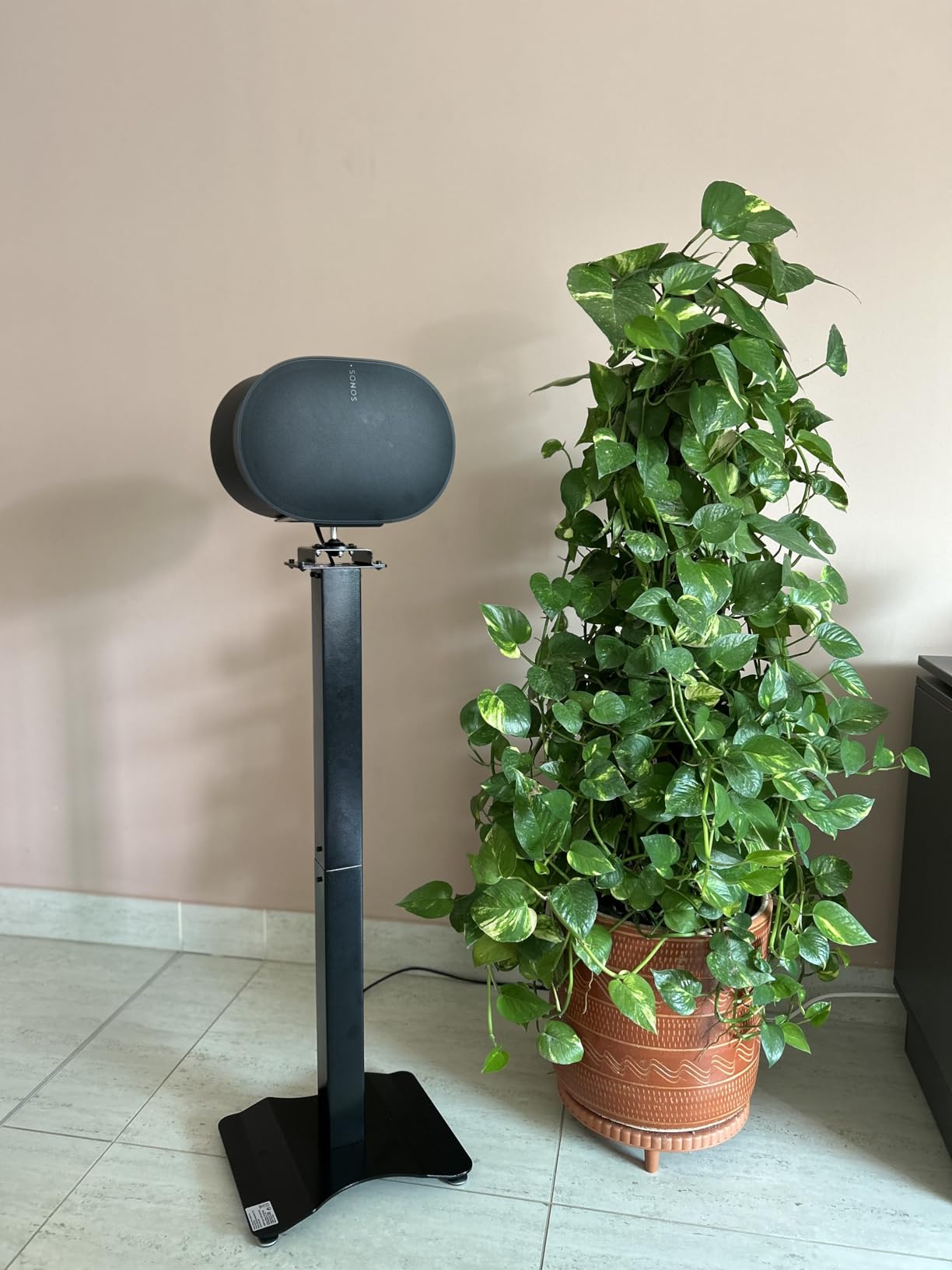
The weight is 4470 grams and the enclosure measures 6.65 inches square by 7.44 inches high, so it is a substantial object on a shelf. It is a wide speaker, not a tall one, and the cinched-waist shape is a matter of taste. Owners who pair two of them with a Sonos Arc or Beam get multichannel surround, which pushes this well past music into home theater territory.
Bluetooth and line-in add flexibility that matters in a shared house. Guests can pair a phone over Bluetooth without touching the app, and a turntable can feed the room through the line-in adapter.
Which rooms deserve the Era 300
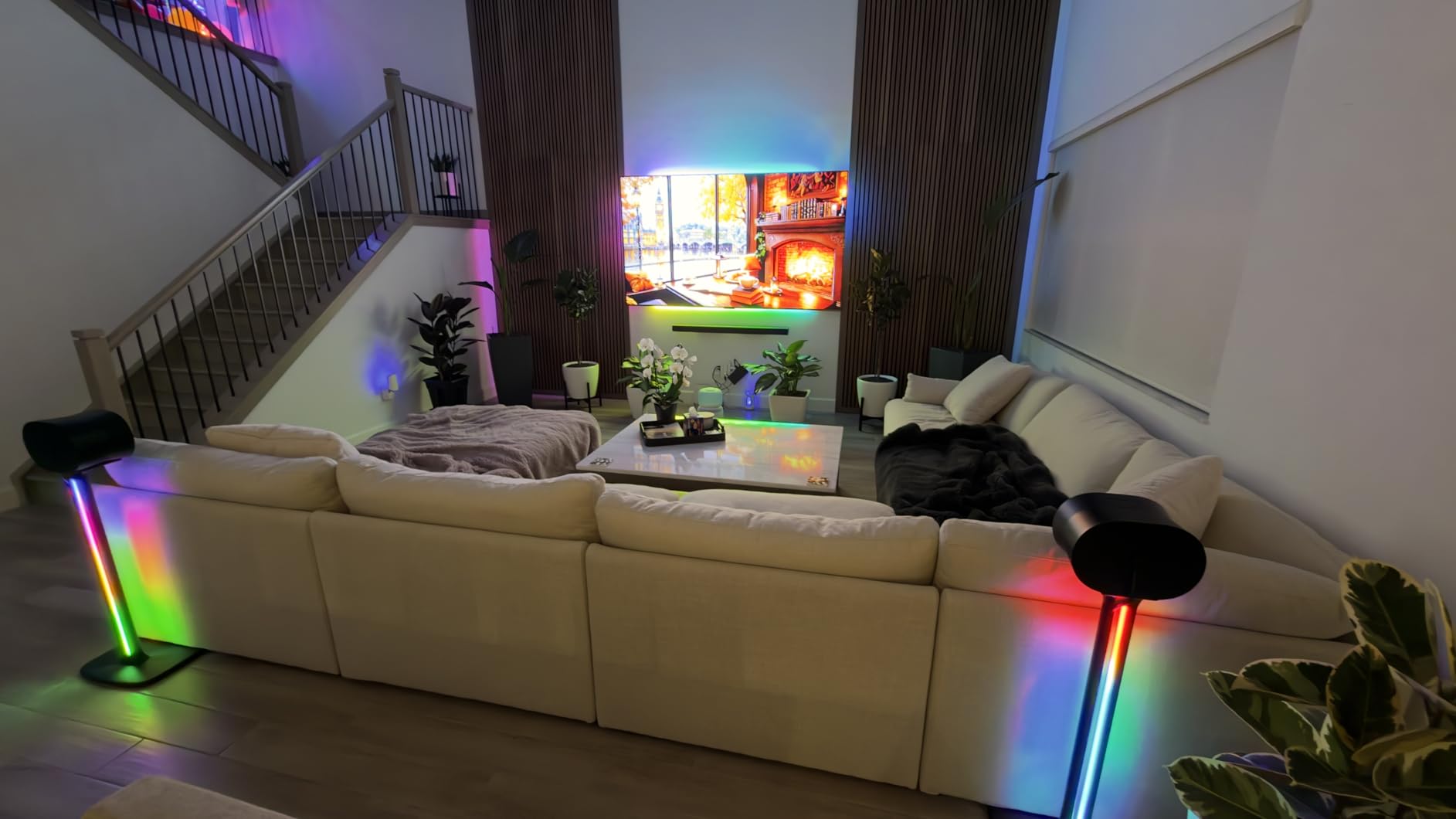
Put it in the room where people sit and actually listen: a living room, a den, a main-floor family space. The upward and forward-firing drivers need a little distance from a wall to do their work, and the soundstage is designed to be enjoyed from anywhere in the room, not from one chair.
As a background room speaker it is overkill. Kitchen and bathroom music is speech and light background work, and the money is better spent on more rooms at a lower tier.
What the Era 300 asks you to accept
It is physically bigger and more expensive than the Era 100, and most owners add a subwoofer before the system sounds complete at the bottom end. The line-in adapter is a separate purchase, which is an annoying detail when you are planning a turntable setup. The polarising shape also means it does not disappear into a bookcase the way the smaller unit does.
Most importantly, the spatial effects are content-dependent. Streaming from a service that does not send an Atmos mix means you are hearing a very good stereo speaker rather than the spatial presentation this design is built for.
3. Sonos Five: The Fills-a-Whole-Room Bass Champion
- Deepest bass in the Sonos range
- Ultra-wide soundstage with clear vocals
- Placed horizontally or upright
- 3.5 mm line-in for turntables and CD players
- Large and heavy for one room
- Voice control is basic
- Best used as a stereo pair
The Sonos Five is the speaker to buy when one room in your house is the room people linger in, and it is the one that most often becomes a stereo pair. Three high-excursion woofers in a sealed architecture deliver bass that reaches much lower than anything else on this list, and the sealed cabinet is what keeps that bass tight instead of boomy in a smaller room.
The soundstage comes from two precisely angled side tweeters plus a center tweeter, which spreads music across a wide arc. Vocals stay clear in the middle, which is what makes it work for both albums and podcasts.
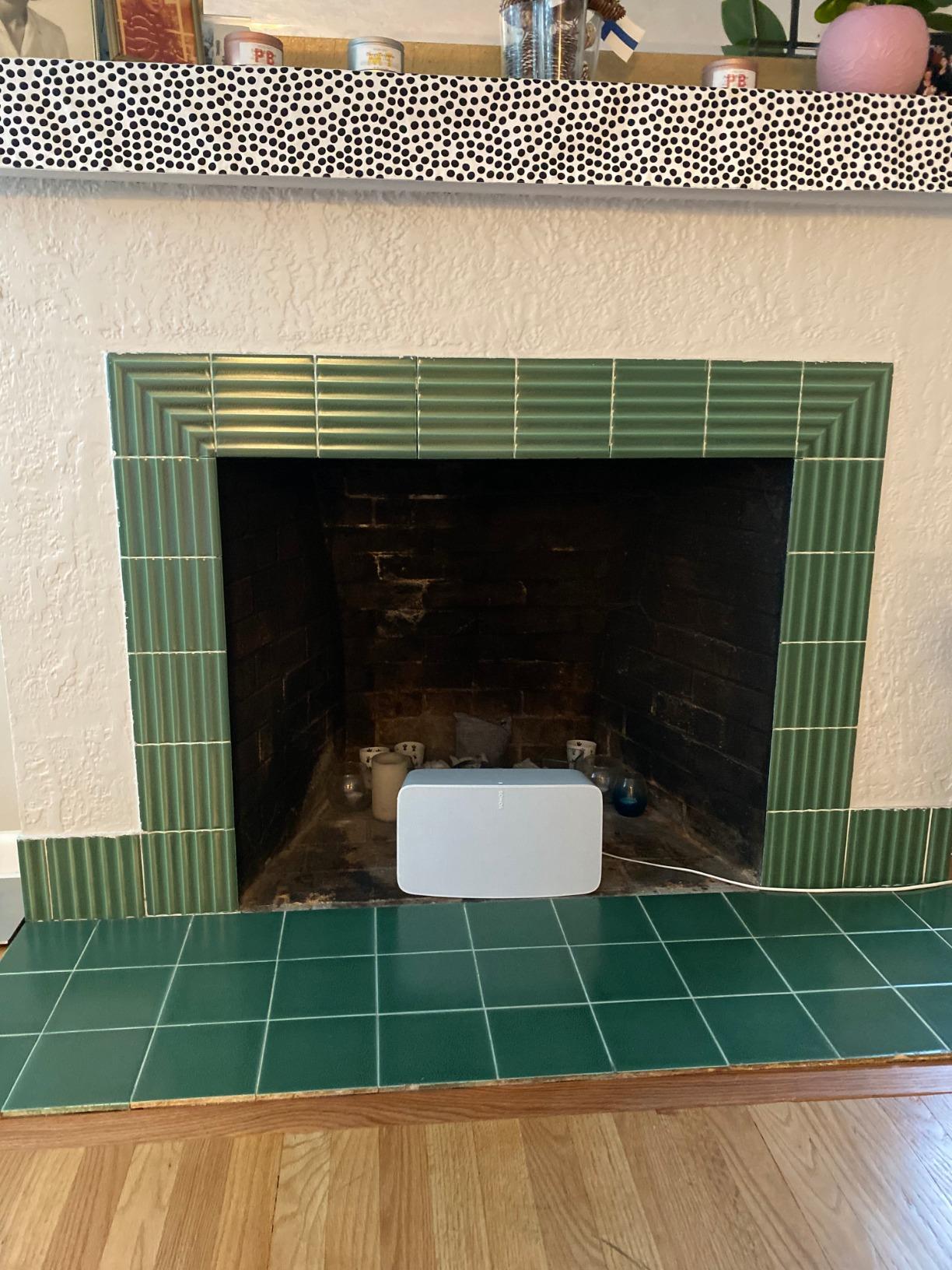
Placement is flexible in a way few speakers are. Set it horizontally and it plays stereo from one unit. Stand a pair upright and they adjust automatically for the narrower cabinet, and the two angled tweeters throw sound outward for genuine separation. That flexibility is why owners recommend pairing them even in a large room.
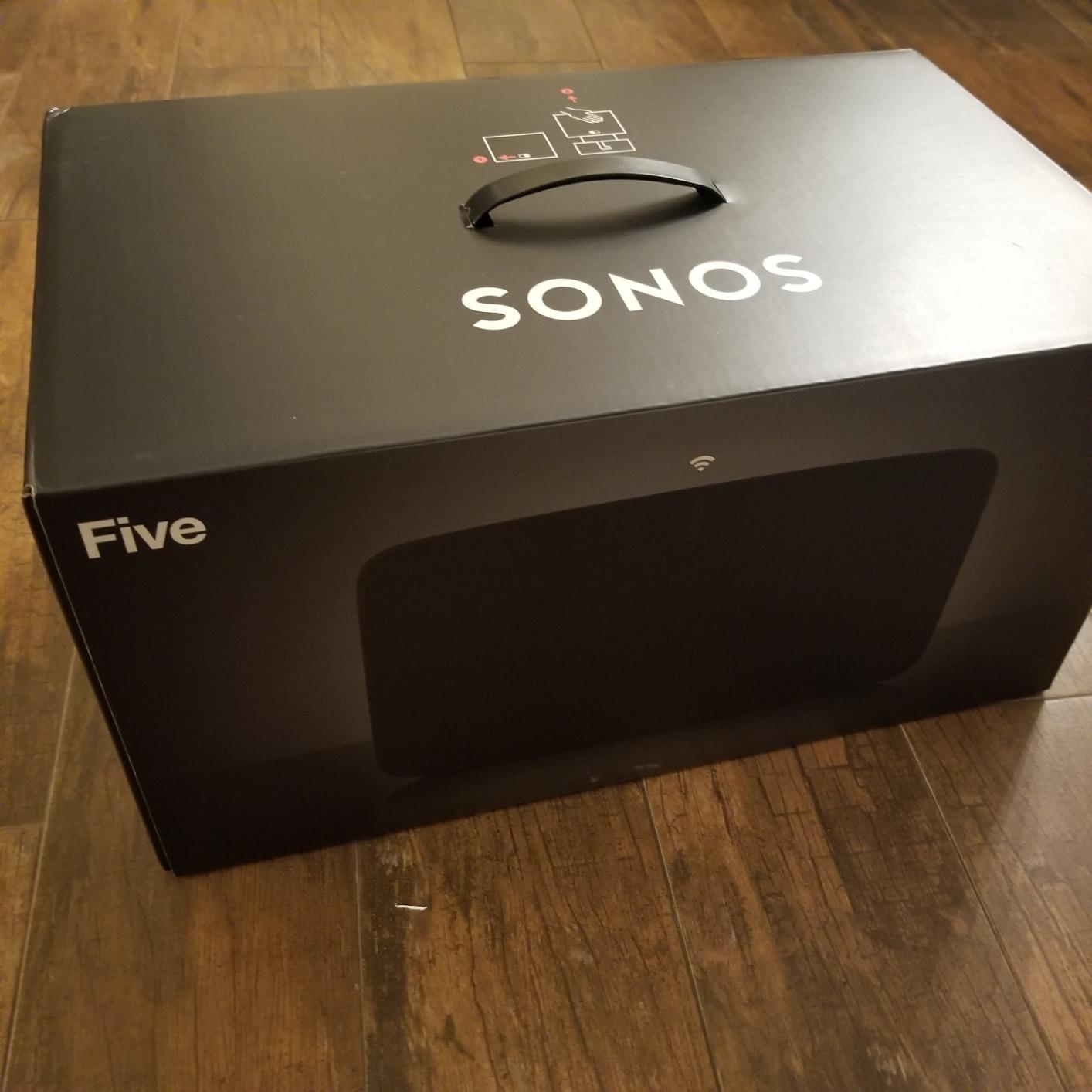
There is a 3.5 mm line-in port built in, so a turntable or CD player connects directly with no adapter. The spec sheet lists 6350 grams of weight and a 14.33-inch width, so plan the furniture before you commit.
When the Five is the right anchor
Choose it for an open-plan living area, a loft, or a finished basement where one speaker needs to sound big without help. In a house where the main room is where parties happen, the bass reach justifies the size in a way it would not in a bedroom.
It also works well as the stereo half of a two-speaker main room, with cheaper wireless units handling the kitchen, office and patio. Owners regularly report that the Five integrates into multi-room Sonos setups without friction, and the app treats it as just another room you can group or ungroup.
Where the Five stops making sense
It is heavy and wide, so it is not a shelf or countertop speaker, and it is not a portable one. The listed tuning leans toward voice control, which means the built-in assistant experience is not comparable to what an Echo or a Google speaker offers.
A single Five gives up some stereo separation, and reviewers consistently recommend pairing. That is a larger commitment than most people budgeting for their first multi-room system expect, so work out the total cost of two before you start.
4. Amazon Echo Dot: The Cheapest Honest Way to Cover Four Rooms
- Lowest cost per room in this roundup
- Groups across rooms in the Echo app
- Alexa+ handles timers and questions
- Built-in motion and temperature sensors
- Adds up to 1000 sq ft of WiFi coverage
- Compact body limits bass and volume
- Sound quality well below hi-fi speakers
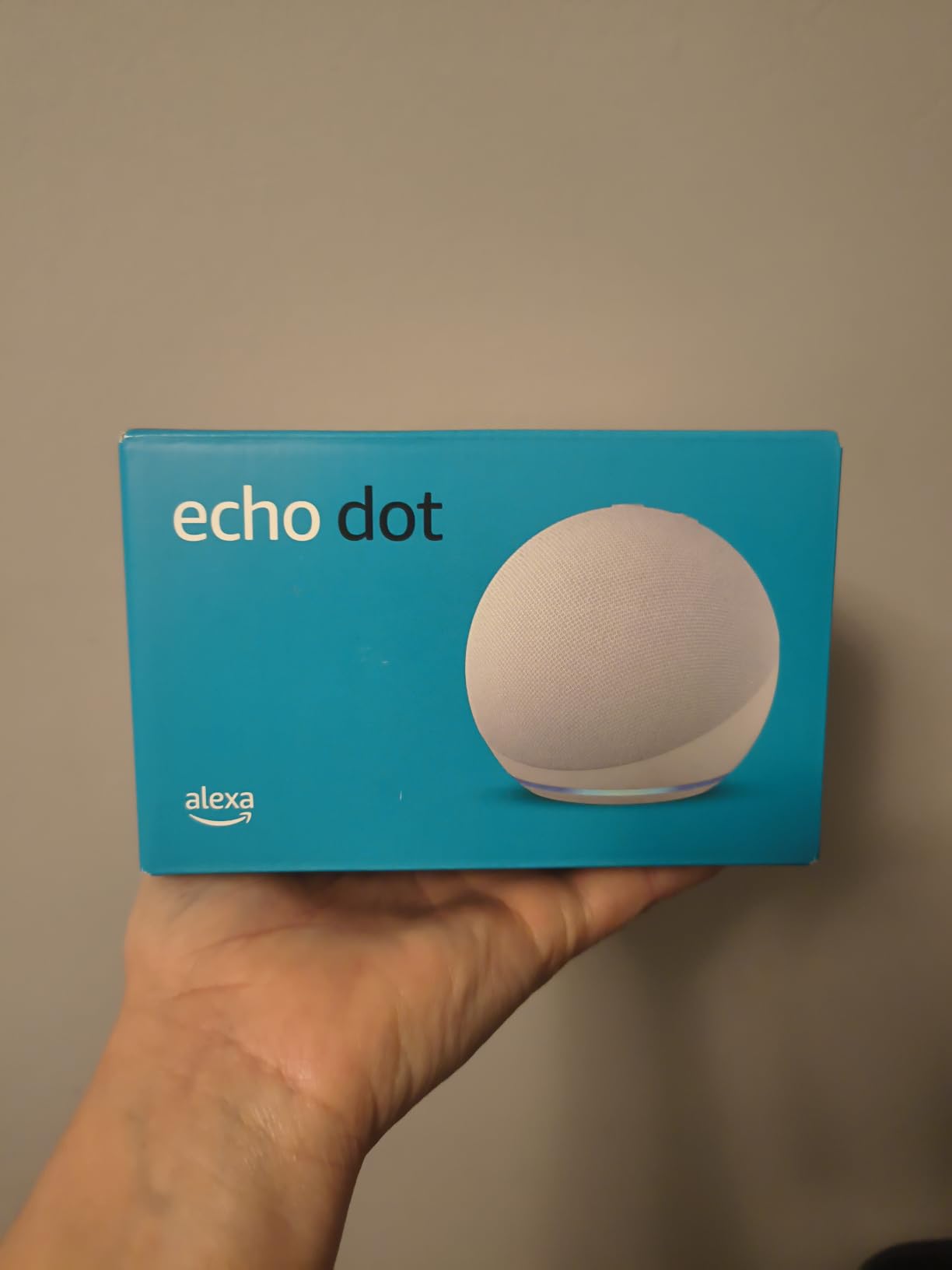
The Echo Dot is not a hi-fi speaker and we will not pretend otherwise. It is the reason we consider multi-room audio accessible at all, and with close to 200k reviews it is the most thoroughly proven grouping system in this roundup. If you want music in the kitchen, the office, the bedroom and the laundry room without spending four times what you planned, this is the pick.
Grouping is handled in the Alexa app and works across compatible Echo devices in different rooms. Owners use it for whole-home background music, podcasts in the kitchen and talk radio while working, and the routine support means the music follows you from room to room with a voice command rather than an app.
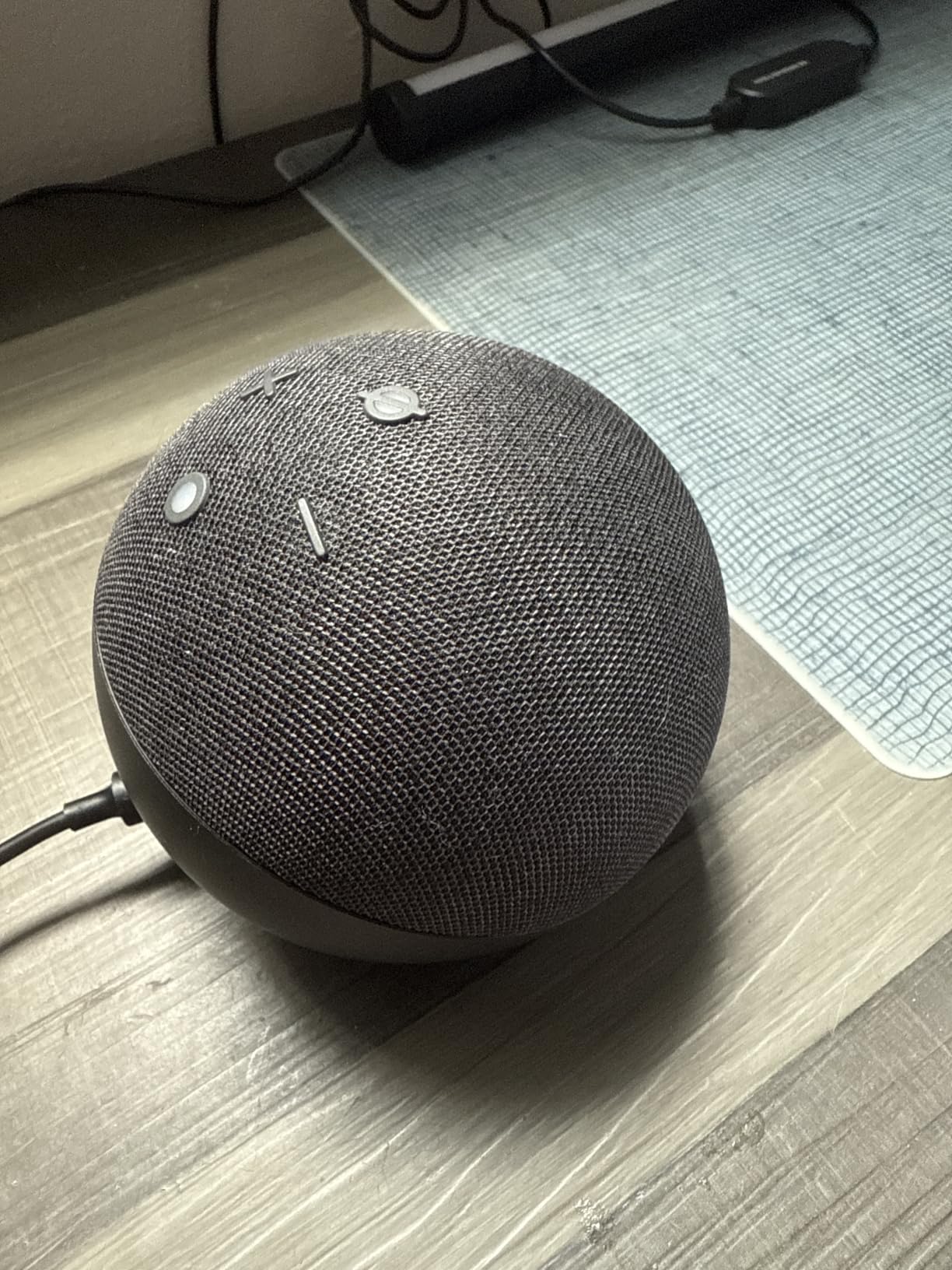
Two under-appreciated details. The motion and temperature sensors trigger routines such as turning on lights when you walk into a room, and the built-in eero mesh WiFi extender adds up to 1000 square feet of coverage, which in a house with dead spots can be the difference between a speaker that streams reliably and one that buffers.
There is a physical mic-off button, and multiple privacy layers, which matters in bedrooms and guest rooms. Streaming reaches Amazon Music, Apple Music, Spotify and others, or you can pair over Bluetooth.
Rooms where the Echo Dot is genuinely enough
Small and mid-size utility rooms: kitchen, bathroom, pantry, hallway, guest room, home office. In those spaces the limits of the enclosure barely register, because you are not listening critically, you are listening while doing something else.
It is also the right pick for a first system in a rental, because the cost of a full house of Echo devices is low enough that moving out is not a painful calculation. It pairs cleanly with the bigger picks in this list for voice control, since Alexa can reach speakers that are not Echo devices when they support Alexa Multi-Room Music.
What you give up
Bass and maximum volume. The compact body cannot fill a large open-plan living room, and reviewers are explicit that the sound quality sits well below a dedicated hi-fi speaker such as the Sonos Era 100. For party duty or critical listening, use this as the background layer and put your budget into one excellent main-room speaker.
You also get an Amazon-centric experience. If your household runs on Apple Music and Apple devices with no interest in Alexa routines, the friction will show up every time you reach for the app.
5. Bose Lifestyle Ultra: The Speaker That Speaks AirPlay 2 and Google Cast
Bose New Lifestyle Ultra Speaker, Wireless Home Speaker, TrueSpatial Audio, CleanBass, AirPlay & Google Cast, Black
- Room-filling sound from a small enclosure
- AirPlay 2 and Google Cast in one box
- Adjustable EQ in the app or by voice
- Works solo
- as a stereo pair or grouped
- Sports an upfiring driver for Atmos
- Bose app and setup widely criticised
- Home theater surrounds are hard to relocate
- Volume curve is uneven at the top end
- Lowest 1-star share in this roundup
This is the pick for anyone whose household refuses to pick a side. The Bose Lifestyle Ultra carries AirPlay, Google Cast, Wi-Fi, Bluetooth, Spotify and an AUX input in the same enclosure, so it can join a Sonos group, a Chromecast group and a Spotify Connect session without being reconfigured. For a house with mixed phone types, that flexibility is worth more than a slightly better default app.
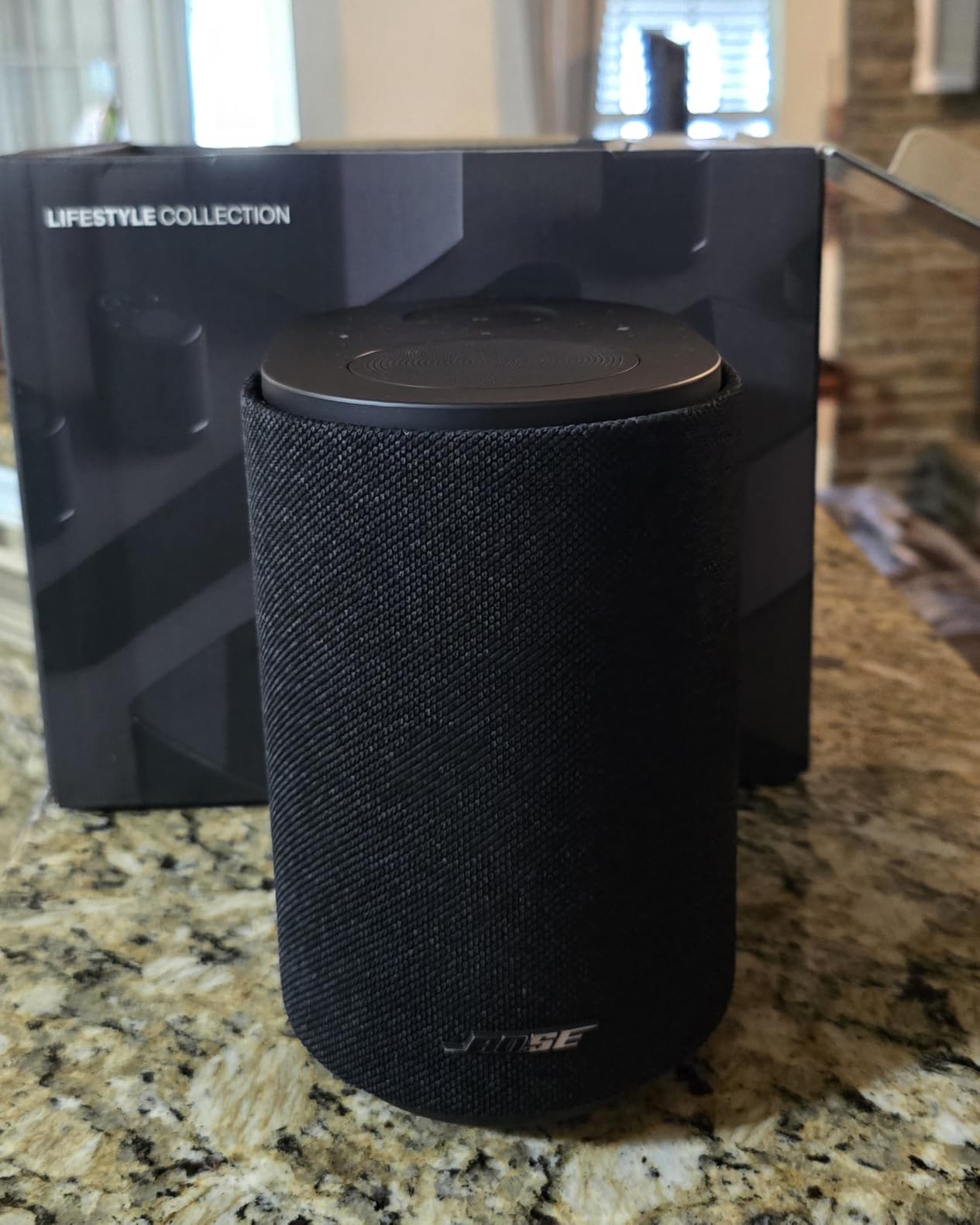
Sound is genuinely good for the size. It weighs 3.7 pounds and measures 6.59 inches deep by 4.77 inches wide by 7.27 inches high, yet reviewers describe it as room-filling, deep and clear, with CleanBass managing the low end and TrueSpatial handling the imaging. Adjustable EQ lets you shape bass, mids and highs from the app or by voice.
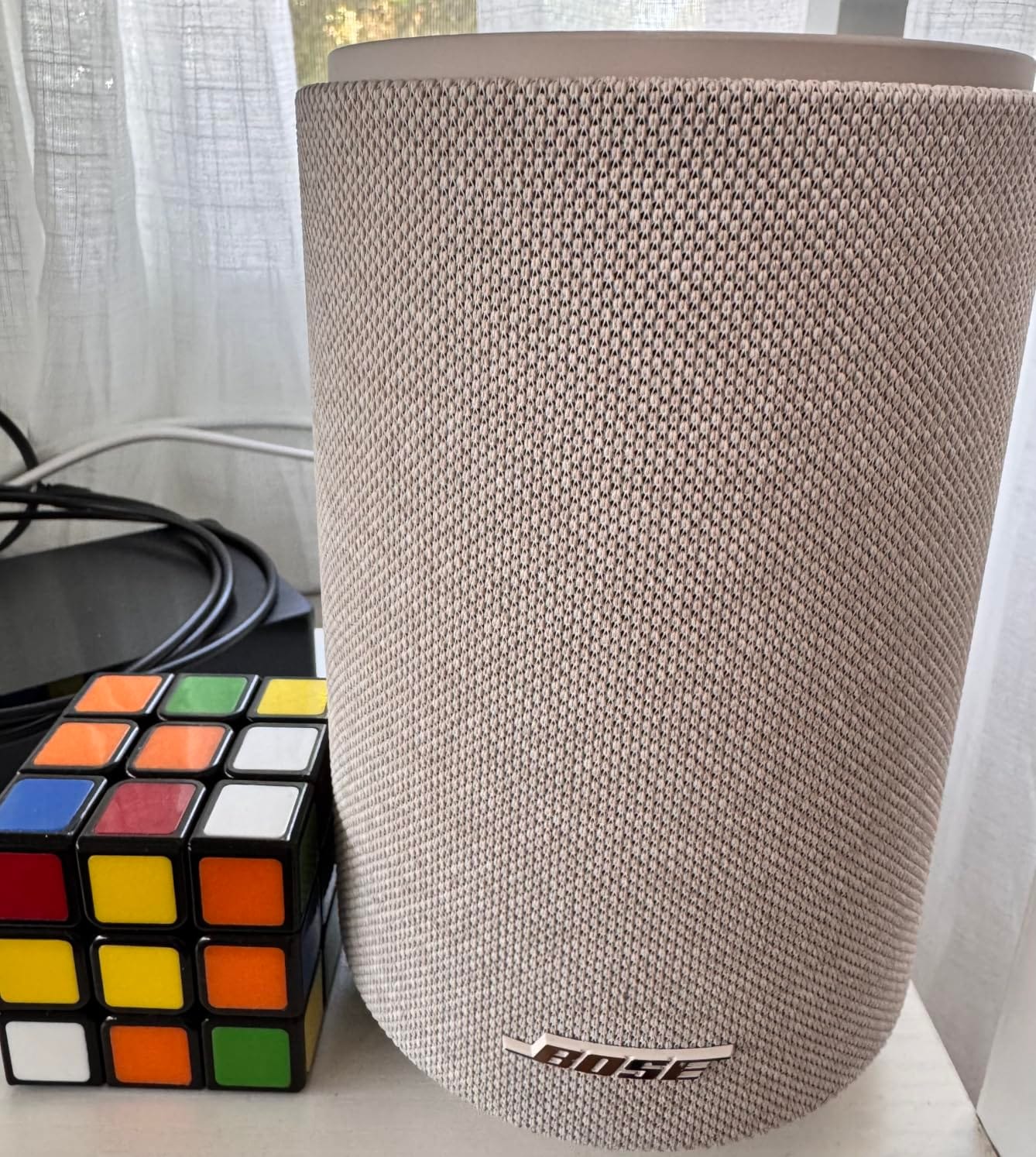
You can run one speaker, pair two for stereo, or link several for multiroom listening, and the upfiring driver supports Dolby Atmos when the speaker is used as surrounds in a lifestyle home theater setup.
Bluetooth range is listed at 30 feet, the longest of the Wi-Fi speakers here, and AUX inputs let a turntable or CD player feed a zone directly.
Who this pick is built for
Mixed-ecosystem households, guest rooms, and anyone who wants a speaker that plays nicely with both an iPhone and an Android phone without reconfiguring anything. A guest can AirPlay to it while the household system runs on Chromecast, and both work at the same time.
It is also a sensible bridge speaker during a transition. If you already have a Sonos house and are considering moving to an open setup, or the reverse, this is the unit that can live on both sides of the fence.
What reviewers complain about
The app. Setup and the Bose app draw repeated criticism, and stereo pairing and synchronisation can take a long time to sort out. Once a unit is assigned as a home theater surround, moving it to another room is awkward, and some owners reported Alexa app connectivity failures after a couple of months.
Volume also starts too loud on power-up and the top end of the volume curve is uneven. The rating on this listing is the lowest in the roundup at 3.9, and the share of one-star ratings is the highest, which is worth taking seriously if the app is a deal breaker for you.
6. Denon Home 150: The Speaker That Folds Into Existing Hi-Fi Gear
- Rich sound for its size
- HEOS syncs the same or different music per room
- Bluetooth where Sonos omits it
- Stable AirPlay 2
- Can act as surrounds for the Home Soundbar 550
- HEOS app is unintuitive
- Wi-Fi playback is music only
- Long firmware updates that often fail first time
If you already own a Denon or Marantz receiver, an amplifier, or a Marantz AV receiver in the main room, the Denon Home 150 is the cheapest way to bring those rooms onto one system. HEOS is built in, so the speaker joins a group with Denon and Marantz hardware and streams Spotify, TIDAL, Pandora and more. On r/MultiRoomAudio, HEOS is one of the five platforms that comes up most often for exactly this reason.
Sound is the surprise. A 1 inch tweeter and a 3.5 inch woofer driven by two Class D amplifiers deliver 60 watts, which is a serious step up from the compact smart speakers in this list, and owners describe the output as rich and refined for the size. The cabinet is 5.2 pounds and 11.2 inches high, so it reads as a small shelf speaker rather than a puck.
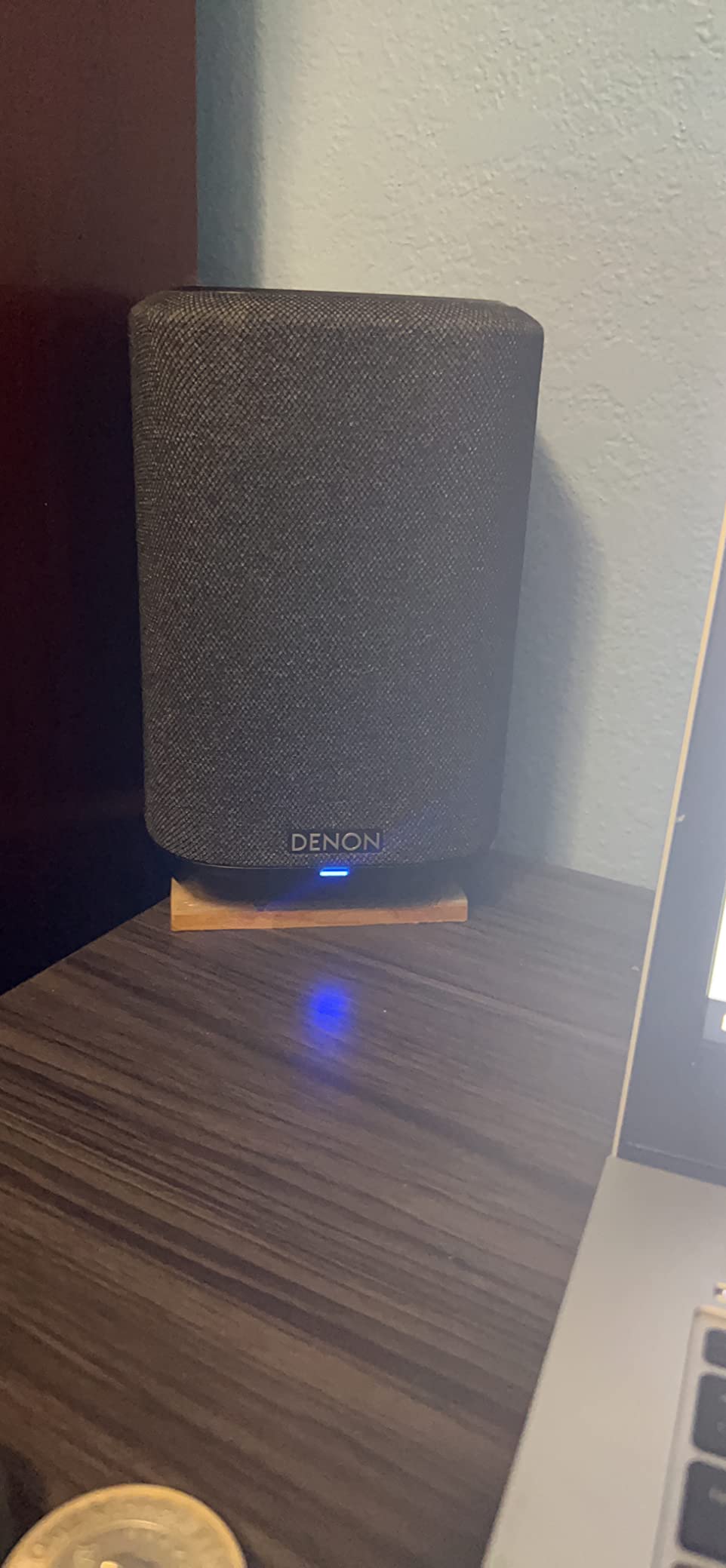
Unlike several Sonos competitors, it keeps Bluetooth alongside Wi-Fi, and it adds USB playback for local files plus an aux input. AirPlay 2 performance is reported as rock solid, with some owners rating it above the HomePod mini for stability. Two units can be paired for stereo, and a pair can serve as rear surrounds for the Denon Home Soundbar 550 with the matching subwoofer.
HEOS is also one of the few platforms here that reliably plays different music in different rooms at the same time without stopping and restarting.

When HEOS is the right foundation
Choose it when you own Denon or Marantz components, or when you plan to buy a traditional amplifier or receiver for a main listening room and want the wireless speakers to cooperate with it. It is a good fit for a house that mixes hi-fi and background listening rather than living entirely inside one app.
The line-in and aux inputs make it the easiest pick here to connect a turntable, and the speaker is happy to be the music source for a group rather than only a group member.
Where the Home 150 frustrates people
The HEOS app is the big one. Owners describe it as unintuitive, with input switching locked inside the app, and long firmware updates that frequently fail on the first attempt and need a restart. Some streaming app and room combinations are only recognised when HEOS is launched first, which is the kind of small friction that erodes patience in year two.
There is also a hard limit worth knowing before you plan a home theater: it cannot relay TV or receiver audio over Wi-Fi, so the speaker is music only on the network. The bass-forward tuning can sit low for podcasts, and AIFF files are not supported.
7. JBL Authentics 300: Two Voice Assistants Running at the Same Time
JBL Authentics 300 Portable Smart Speaker with Voice Control – Black
- Balanced 100W output with deep bass
- Distinctive retro design
- Google Assistant and Alexa run simultaneously
- AirPlay
- Chromecast
- Spotify Connect and Alexa Multi-Room Music
- 8-hour cordless playback
- Battery life is modest
- Needs the power cable in a fixed location
- Two assistants running at once can be confusing
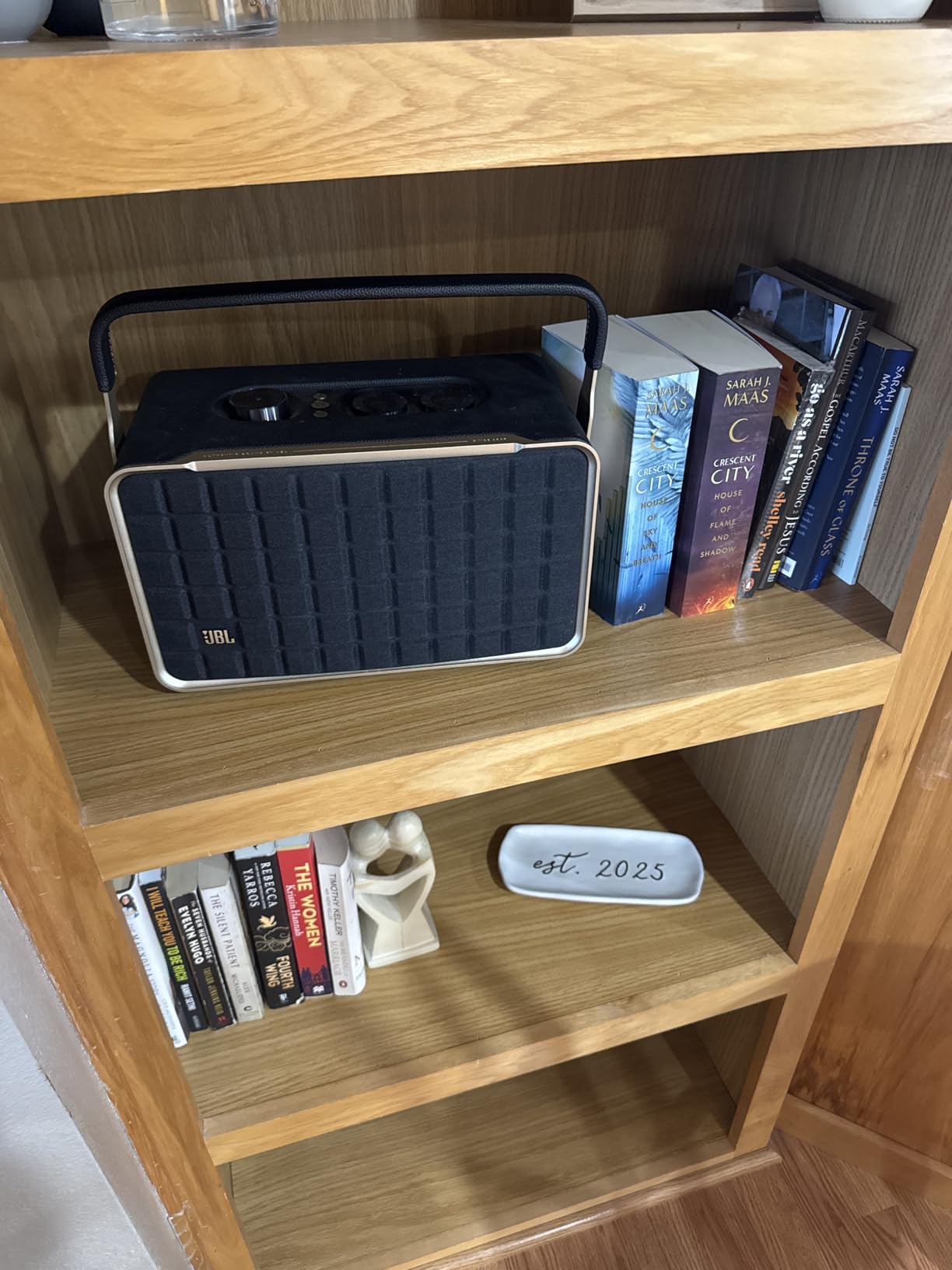
The Authentics 300 is one of very few home speakers where you can have Google Assistant and Amazon Alexa running at the same time, and in a house where two people use different phone platforms, that is a genuinely useful feature rather than a spec-sheet curiosity. Owners also point out that the retro design, with its cast-aluminum handle and leather-like enclosure, is a genuine design object rather than a black box.
The acoustics are built for filling a room. Dual 1 inch tweeters, a 5.25 inch woofer and a 6.5 inch down-firing passive radiator produce a rated 100 watts of balanced output, and reviewers consistently describe the sound as rich and room-filling rather than thin.

Connectivity is the strongest in the roundup for an open system: AirPlay, Spotify Connect, Chromecast built in and Alexa Multi-Room Music all over Wi-Fi, plus auxiliary, Bluetooth, Ethernet and Wi-Fi. The Ethernet port is the one to pay attention to if you have a room the wireless signal struggles to reach.
There is a built-in rechargeable battery giving up to 8 hours of cordless playback, so you can carry the same speaker that is grouped in your living room out to the garden without re-pairing it.
Rooms and roles where the Authentics 300 fits
It suits a living room or a covered patio, or an open-plan space where you want a speaker that looks deliberate. Because it supports AirPlay and Chromecast alongside Alexa Multi-Room Music, it can be grouped with speakers from brands you have not bought from, which makes it a safe middle ground in a mixed house.
For a family that moves music between inside and outside, the battery is the differentiator. Eight hours covers a long afternoon outdoors, and the speaker rejoins the same group when it comes back inside.
What to know before buying
Eight hours is modest next to larger portable Wi-Fi speakers, and for a fixed home position most owners simply plug it in, which means the battery is a bonus rather than the main event. Having both assistants enabled can make assistant selection confusing if you do not disable one.
It is also a substantial object at 4900 grams and 13.46 inches across. That is a floor or sideboard speaker, not a shelf or a countertop. If you need something small for a bathroom, this is the wrong shape.
8. Google Nest Audio Three-Pack: The Fastest Android Route to Three Rooms
- Three rooms covered from one box
- Grouping and stereo pairing work smoothly
- Google Assistant built in
- Works with Android and iOS
- Good sound for the tier
- 30W per unit is modest
- Small woofer limits bass in large rooms
- Corded power only
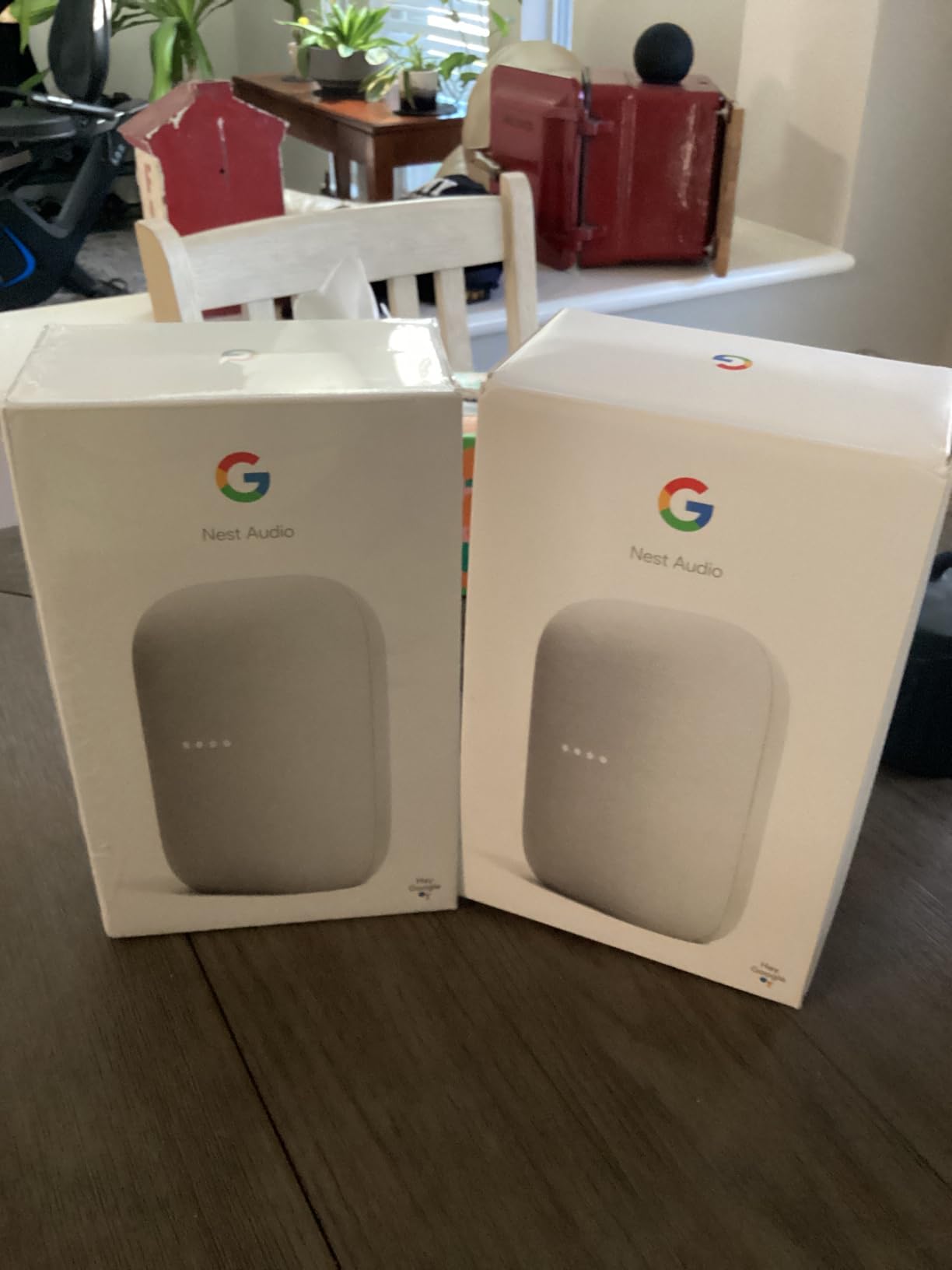
The three-pack is the most efficient way to get started on a multi-room system. One purchase covers three rooms or builds one whole-home group, and every unit is identical, which removes the awkward decisions that come with mixing models. If you are on Android or already run Google Home devices, this is the least friction path from zero to whole-house music.
Grouping and stereo pairing work smoothly in practice, and owners report that room groups behave reliably with Spotify and YouTube Music. Each unit is 4.89 inches wide, 3.07 inches deep and 6.89 inches high, so three of them disappear onto shelves, counters and a bedside table without dominating the rooms they are in.
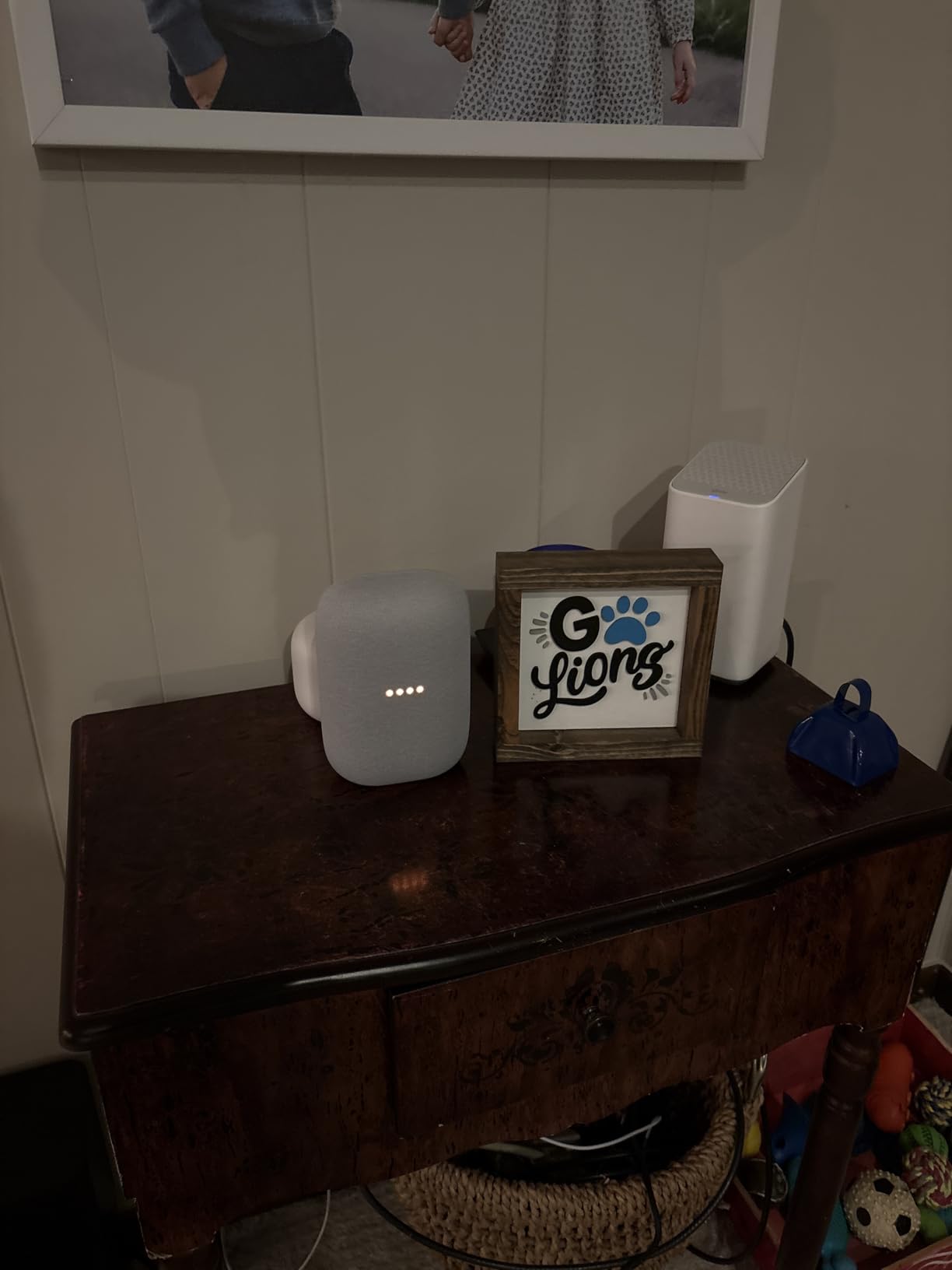
Google Assistant handles music, timers, weather and smart home control, and the speakers work with thousands of compatible smart home devices, which is the appeal if your household is already running lights, locks and thermostats through Google.
On r/audio, owners point out that Chromecast-based multi-room setups work well with Spotify Connect and TIDAL Connect, which recognise the speaker groups created in Google Home. That direct recognition is a practical advantage over some closed ecosystems.
Where a three-pack makes the most sense
Three similar rooms: a kitchen, an office and a bedroom, or a hallway, a utility room and a conservatory. Any three rooms that are adjacent in your daily routine and share one Wi-Fi access point. The identical units also make stereo pairing simple, since pairing one unit with itself is a poor use of the hardware.
It is a good first multi-room system for renters and first-time buyers, because the whole experiment is contained in a single purchase and a single app.
What the Google route asks you to accept
Sound. Each unit has 30 watts of output and a single 7.5 centimetre driver, which is enough for speech, podcasts and background music but will not fill a large open-plan room with bass. Reviewers are clear that the bass is light compared with larger premium speakers.
There is a structural limit as well. Google Cast groups are static: you generally have to stop playback to change which speakers belong to a group, and concurrent different streams per zone are not something the platform handles the way Sonos or HEOS does. Every unit is corded, so each one needs an outlet.
9. Amazon Echo Dot Max: A Smart Home Hub With a Speaker Inside
Amazon Echo Dot Max (newest model), Alexa speaker with room-filling sound and nearly 3x bass, Great for living rooms and medium-sized spaces, Designed for Alexa+, Graphite
- Clearly deeper bass than the standard Echo Dot
- Omnisense triggers routines automatically
- Built-in hub removes the need for a separate bridge
- Pairs with Fire TV for home theater
- eero Built-in extends WiFi coverage
- Still well below hi-fi speakers for sound
- Alexa+ accuracy is inconsistent
The Echo Dot Max is the step up from the standard Echo Dot, and the two things it adds matter more for a multi-room house than sound quality does. The built-in smart home hub means you do not need a separate bridge to pair lights, locks and other devices with your speakers, and Omnisense temperature and presence detection lets routines trigger on its own rather than waiting for a voice command.
Acoustically it is a clear improvement on the Dot it replaces, with nearly three times the bass, and the manufacturer says the sound adapts automatically to the space it is in. Pair two for stereo, group several across rooms, or pair with Fire TV devices for a home theater system.
The eero Built-in mesh WiFi extender adds up to 1000 square feet of coverage, and in our testing that is the feature that most improves reliability in a house with thick walls or a far-flung kitchen. A multi-room system fails more often from weak signal than from anything else, and a speaker that also extends the network helps itself.
It shares Alexa Multi-Room Music with every other Echo in the house, so it drops into a group without any extra configuration. Reviewers with thousands of ratings treat it as the dependable, low-effort background layer of a whole-home system.
Who should build around the Echo Dot Max
A household that wants music to follow routines. If lights, locks and thermostats are already automated, presence detection turns the speaker from a device you control into one that responds, and the built-in hub removes a box from the setup.
It is also the natural middle tier for people who started with Echo Dots and found them too quiet. The extra bass is meaningful in a kitchen or a den without reaching anything close to a hi-fi speaker.
Where the limits are
It remains a compact smart speaker. Reviewers are explicit that sound quality sits well below dedicated hi-fi speakers such as the Sonos Era 100, and that Alexa+ performance is less accurate than dedicated Echo hardware in some cases. Treat it as the system that runs the house, not as the speaker that hosts a listening session.
And it is a corded device, so every room you add needs an outlet. In a room with no nearby socket, the wireless speaker with a battery, or a speaker with an Ethernet option, is the more sensible pick.
10. JBL Boombox 3 Wi-Fi: The Zone Speaker Built for a Patio
JBL Boombox 3 Wi-Fi – Powerful Wi-Fi and Bluetooth Portable Speaker – Black
- Deepest bass and highest volume in the roundup
- 24 hours of cordless playback
- IP67 handles poolside and seaside use
- AirPlay
- Chromecast
- Spotify Connect and Alexa Multi-Room Music
- Built-in powerbank charges a phone
- 15 pounds is heavy for a shelf
- Needs regular charging for daily home use
- JBL One app needed for EQ
The Boombox 3 Wi-Fi is the reason an outdoor zone is even possible for most people. It carries an IP67 waterproof and dustproof rating, a 24-hour battery and a built-in subwoofer, and it still joins the same Wi-Fi groups as your indoor speakers over AirPlay, Chromecast built in, Spotify Connect and Alexa Multi-Room Music. Very few indoor-rated wireless speakers can survive a patio.
On sound it is the most forceful speaker here. A built-in subwoofer, two mid-range drivers and dual tweeters in a 3-way design deliver 200 watts of rated output, and it supports 3D Dolby Atmos over Wi-Fi. Reviewers describe the result as concert-like, with the deepest bass in the roundup by a wide margin.

There are self-tuning microphones that optimise the sound for wherever you put it, Bluetooth range of 100 meters, and a built-in powerbank that charges your phone while the music plays. A 9600 mAh battery gives 24 hours of playback and takes 3.5 hours to charge.
The wireless range makes it useful in ways a fixed indoor speaker is not. Group it with the indoor speakers while you eat outside, then move it back inside without re-pairing, and the group membership stays.
Where the Boombox 3 belongs
Poolside, on a patio, at the end of a garden, or on a balcony. It is the speaker that makes an outdoor zone part of the system rather than a separate Bluetooth box that only works when your phone is next to it.
It is equally at home as the bass anchor for a house, since the built-in subwoofer does the low-end work that smaller indoor speakers cannot. If you add one of these, the rest of the system can be smaller.
What you have to live with
It weighs 15 pounds and stands 20 inches high, so it is a floor speaker, not a shelf or a countertop model. For permanent indoor use most owners keep it plugged in, which means the battery is a portability feature rather than the default state.
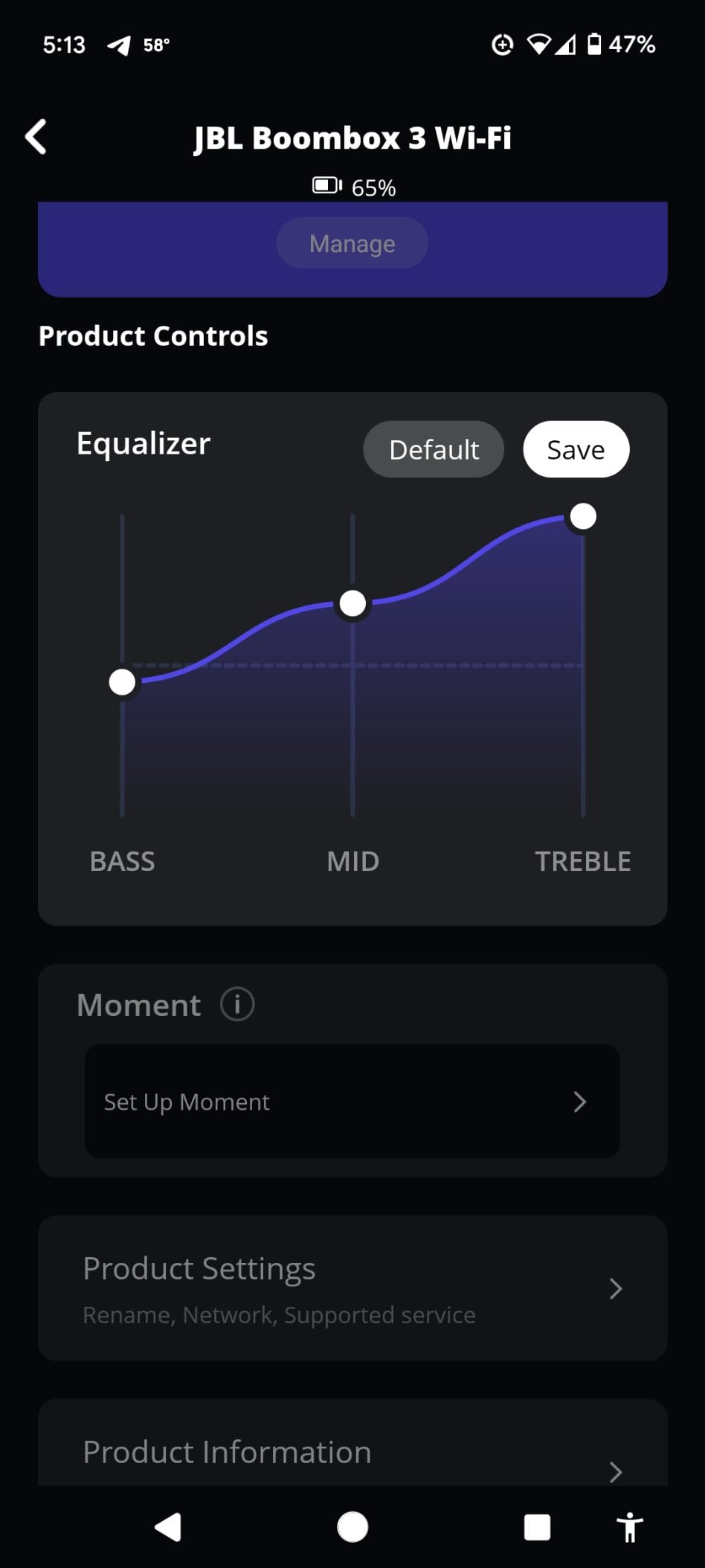
EQ and multi-speaker control run through the JBL One app, so you have one more app to learn, and the 3D Atmos effect depends on streaming content that supports it. Check the IP rating against where you actually plan to put it before you commit to an outdoor zone.
How to Choose a Multi-Room System Without Locking Yourself In
Start by answering four questions. First, what is your primary streaming service, and does the platform support it natively? This sounds obvious and it eliminates more wrong purchases than any other step. Owners on the forums describe missing Apple Music or YouTube Music support, or limited Spotify Connect, as the deal breaker that ends a system search.
Second, do you need different music in different rooms at the same time? Sonos and HEOS do this well. Google Cast groups are largely static and do not handle concurrent per-zone streams in the same way, so if your household has two people who want different things at the same time, that narrows the field sharply.
Third, will guests need to play something? If yes, AirPlay 2 and Google Cast are effectively mandatory, because they let someone hand a speaker a stream without joining your home network. The Bose Lifestyle Ultra and the JBL Authentics 300 both cover this, which is why they earn their places in a mixed house.
Fourth, what is the realistic total cost? This is the question forum users raise most often and the one almost no article answers. Buyers are routinely surprised because a three or four room system costs several times a single speaker, and the price escalates with each room. Work out the whole build before you start, and decide which rooms get which tier.
A realistic structure looks like this. One main room gets the best speaker you can afford, because that is where people sit and listen. Two to three secondary rooms get a mid-tier speaker that supports your protocol of choice. Small utility rooms, bathrooms and the patio get the cheapest capable option, or a battery-powered speaker that carries its group outdoors.
Then check the Wi-Fi, because this is the prerequisite nobody sells you on. A multi-room system with weak coverage buffers, drops out of a group and produces the sync drift that drives people back to Bluetooth. A mesh network with a node in or near every listening room matters more than any single speaker choice, and a node in the far end of the house is often the cheapest upgrade available to you. If a room has no usable signal and you cannot add a node, buy a speaker with an Ethernet port and run a cable, or accept that the room is not part of the system.
Also decide what happens when one speaker dies in year four, because it will. A closed system makes replacement easiest, since you replace with the identical model. An open system with two protocols on each speaker, which several picks here have, is the more resilient position, because you can substitute a different brand and still keep control. Build a small note of the model number of every speaker you install, and keep the box. Finding a second unit of the same model years later is a genuine problem buyers report.
Finally, ask whether you need this at all yet. If you want music in one room and are happy with a single speaker with room correction, a Bluetooth speaker plus a good pair of powered bookshelf speakers will serve you better and cost less. Multi-room audio earns its keep at three rooms and up, or when you genuinely need different audio in different places. If you have a home audio receiver already, our guide to the best premium home audio receivers is a reasonable place to start for the main room, and you can layer cheap wireless speakers around it later.
For the rooms themselves, one practical note. Kitchens and bathrooms reward room correction and volume restraint more than they reward detail, so mid-tier speakers with Trueplay or adjustable EQ are ideal there. Bedrooms reward a physical mic-off button. Living rooms and open-plan spaces reward output and bass, and ceiling height changes the picture too, so if the living room is being redecorated at the same time, our picks for the best crystal chandeliers are worth a look for the taller rooms that suit a powerful anchor speaker. And the room with a turntable needs a line-in somewhere in the system, or a third-party streamer feeding the zones.
How to Set Up Speakers in Multiple Rooms
1. Fix the Wi-Fi first. Run a speed test in every room you plan to include, not just next to the router. If any room is weak, add a mesh node or move the router before you unbox anything. Speakers that buffer on the first try will buffer forever.
2. Download the app for the platform you chose and create the account before unpacking anything. This is the step people skip, and it is the step that determines whether setup is a ten-minute job or an evening one.
3. Power on one speaker in the room closest to your router and complete setup. On most platforms the speaker appears on the network by itself once it is plugged in.
4. Repeat for each additional room, giving each one a name you will recognise later. Naming speakers by room rather than by model makes voice commands and automations far easier to live with.
5. Group the rooms. Start with two speakers in one group and confirm they stay in sync for a full track before you add more. Sync drift is much easier to diagnose with two units than with five.
6. Set your streaming service inside the app rather than casting from your phone. Streaming apps such as Spotify Connect, TIDAL Connect and Apple Music recognise groups created in the platform app, and using the native route is what keeps multi-room playback from collapsing into a subset of your speakers. This is the specific frustration Tidal users report when the phone app only offers some of their speakers during setup.
7. Add the extras last: line-in for a turntable, a subwoofer for bass, sleep timers for the bedrooms, and a routine so music follows you between rooms rather than restarting every time.
Bluetooth Multi-Room: What It Can and Cannot Do Yet
Bluetooth is a pairing protocol, not a room protocol, and that distinction is where most disappointment comes from. Bluetooth multipoint lets one speaker hold two personal devices at once, so you and a partner can each keep your phone connected. It does not mean the speaker can join a group of speakers playing the same music in three rooms.
Grouping Bluetooth speakers is also usually restricted to the same source across every grouped speaker, and the members of such a group frequently drift out of sync once the track changes or a device drops range. For a whole-house system, that is not a workable foundation.
Bluetooth remains valuable in two specific roles inside a multi-room system. It is how a guest plays something without touching your network, and it is how a battery-powered speaker such as the JBL Boombox 3 Wi-Fi gets audio when it is outside Wi-Fi range. But the room-to-room coordination you are buying should run over Wi-Fi with AirPlay 2, Google Cast, Alexa Multi-Room Music, Spotify Connect or a manufacturer’s own protocol.
LE Audio and broadcast-style multi-connection are promising for exactly this gap, and several speakers here now carry the Bluetooth radio those standards will use. In our view the honest position is that they are not yet a reason to choose a speaker on their own. Judge the multi-room capability on Wi-Fi protocols, and treat newer Bluetooth as a bonus.
Frequently Asked Questions
What are the best wireless home sound systems for multi-room use?
The best multi-room systems fall into two groups: closed ecosystems such as Sonos, which give the smoothest grouping from a single app, and open systems built on AirPlay 2, Google Cast or Alexa Multi-Room Music, which let you mix brands. For sound quality per room, the Sonos Era 100 and Era 300 lead. For covering many rooms cheaply, Echo devices are hard to beat.
What is the best way to play music in multiple rooms at the same time?
Connect every speaker to the same home Wi-Fi network, add each one in the manufacturer app, then group the rooms. Start playback from inside the streaming app rather than casting from your phone, so the app recognises the group. Sonos and Denon HEOS also let different rooms play different streams at the same time; Google Cast groups are more limited.
How do I connect speakers in multiple rooms?
Check Wi-Fi signal strength in every room first and add a mesh node where it is weak. Set up one speaker near the router, then repeat room by room, naming each speaker after its room. Group two speakers first and confirm they hold sync for a full track, then add the rest. Finally, start playback from the streaming app itself rather than casting from your phone.
Can I group speakers from different brands in different rooms?
Yes, if they share an open protocol. AirPlay 2, Google Cast, Alexa Multi-Room Music and Spotify Connect let speakers from different manufacturers play together, and picks like the Bose Lifestyle Ultra and JBL Authentics 300 carry more than one protocol. Compatibility is not always two-way, so check that your chosen app can see every speaker you want to group before you buy.
Is Bluetooth good enough for multi-room audio?
Not for a whole-house system. Bluetooth multipoint connects two personal devices to one speaker, and it does not coordinate playback across rooms. Bluetooth speaker groups usually share a single source and can drift out of sync. Use Wi-Fi protocols for room-to-room grouping and keep Bluetooth for guest playback or for getting audio to a speaker outside Wi-Fi range.
Which Multi-Room Speaker System Should You Buy?
If you want one answer, start with the Sonos Era 100 as the anchor of the house and add rooms as the budget allows. It is the pick we come back to most because it groups reliably, tunes itself to each room, and carries AirPlay 2 so it is not a sealed door. If your budget is tighter or your rooms are smaller, the Amazon Echo Dot covers the most rooms for the least money, and the Echo Dot Max adds the smart home hub and presence detection that make a system feel automatic. If you already own Denon or Marantz gear, the Denon Home 150 is the cheapest way to bring everything under one roof. If your phone situation is split, the Bose Lifestyle Ultra speaks AirPlay 2 and Google Cast in one box. And if there is a pool or a patio in the plan, the JBL Boombox 3 Wi-Fi is the only one of these that is built to live outside.
The best wireless speakers for multi room audio are still an ecosystem decision more than a spec sheet decision. Fix your streaming service, fix your protocol, and the rest gets easy. This roundup was updated for 2026, and we will keep revising it as the platforms change.