
There is no point buying a beautiful OLED television if the input lag ruins your aim and the HDMI ports force you to unplug a console every time you switch. Gaming is the filter we used on every set in this list, and it changes the answers a surprising amount of the time.
Most OLED buying guides organise by picture quality first and gaming second. We flipped that. Every pick below was judged on refresh rate, port count, VRR support and how the set behaves in a real living room with a PS5 or Xbox Series X attached, then on the things that only matter once those boxes are ticked: glare, colour, and the honesty of the software.
We compared ten models across 42, 48, 55, 65, 77 and 83 inches from LG, Samsung and Sony, and we cross-checked owner sentiment from communities like r/OLED_Gaming and r/4kTV, where the same complaints keep surfacing. The result is a list of ten that are genuinely good at gaming, in different ways, for different rooms.
Updated for 2026. If you are still working out the furniture first, our guide to the best TV stands for 75 inch TVs is worth a look before you commit to a screen size.
Table of Contents
Which OLED TV Is Best for Gaming?
The LG OLED65C4PUA is the best OLED TV for gaming because it combines up to 144Hz refresh, 0.1ms response time, four full-bandwidth HDMI 2.1 ports, VRR with both G-Sync and FreeSync Premium, and Dolby Vision in a 65-inch set that owners rate 4.4 out of 5 across more than 1,700 reviews. It needs no configuration changes, which is exactly what a console player wants.
Here is how the top of the field splits up by use case. The C4 is the one to buy if you want zero drama. The C5 brings a newer processor, brighter-room certification and more headroom. The Samsung S90F is the pick if you want a QD-OLED panel with high refresh and a simpler menu than LG’s.


LG OLED77C5PUA 77-Inch C5
- Four HDMI 2.1 ports
- Dolby Vision
- UL glare-free bright-room rating
- Gen8 upscaling

Best OLED TVs for Gaming in 2026: At a Glance
All ten sets below are 4K panels with VRR and 120Hz or better, and most of them carry four HDMI ports. Where they separate is panel type, maximum refresh rate, native brightness behaviour and how much software tinkering the set demands before it behaves.
| Product | Specifications | Action |
|---|---|---|
| LG OLED65C4PUA 65-Inch OLED evo C4 |
|
Check Latest Price |
| LG OLED77C5PUA 77-Inch OLED evo C5 |
|
Check Latest Price |
| Samsung QN65S90FAFXZA 65-Inch OLED S90F |
|
Check Latest Price |
 Sony XR83A80L 83-Inch BRAVIA XR A80L Sony XR83A80L 83-Inch BRAVIA XR A80L |
|
Check Latest Price |
 Sony XR77A95L 77-Inch QD-OLED A95L Sony XR77A95L 77-Inch QD-OLED A95L |
|
Check Latest Price |
 Samsung QN77S95FAFXZA 77-Inch OLED S95F Samsung QN77S95FAFXZA 77-Inch OLED S95F |
|
Check Latest Price |
 Sony K-55XR8B 55-Inch BRAVIA XR8B Sony K-55XR8B 55-Inch BRAVIA XR8B |
|
Check Latest Price |
 LG OLED42C3PUA 42-Inch OLED evo C3 LG OLED42C3PUA 42-Inch OLED evo C3 |
|
Check Latest Price |
 Sony XR-48A90K 48-Inch BRAVIA XR A90K Sony XR-48A90K 48-Inch BRAVIA XR A90K |
|
Check Latest Price |
 Samsung QN77S85FAEXZA 77-Inch OLED S85F Samsung QN77S85FAEXZA 77-Inch OLED S85F |
|
Check Latest Price |
1. LG OLED65C4PUA 65-Inch OLED evo C4: The Best OLED TV for Gaming Overall
- Four full-bandwidth HDMI 2.1 ports
- Up to 144Hz with VRR
- G-Sync and FreeSync Premium
- Deep blacks that hold at any viewing angle
- AI Super Upscaling handles older content
- Game Optimizer makes per-title tuning quick
- Magic Remote pointer and scroll wheel frustrate some users
- webOS feels clunky and some apps lag
- Pixel cleaning prompts can be intrusive
We spent the most time on this set because it is the one most people should end up buying, and it kept earning the slot. Connect a PS5 or an Xbox Series X, and the picture mode switches over, VRR engages and 4K at the full refresh rate is offered automatically without a single setting change.
That hands-off behaviour is the headline feature, even though it never appears on a spec sheet. Owners describe it as the most pain-free console OLED they have owned, and the reason is unglamorous: four full-bandwidth HDMI 2.1 ports, up to 144Hz, and VRR that covers both G-Sync and FreeSync Premium.
Several owners use it as a desktop display, and they report text stays sharp enough for daily work on a 65-inch panel. The a9 AI Processor Gen7 with AI Super Upscaling does a genuinely useful job with 1080p console games and older 4K discs, which is a bigger real-world benefit than most of the AI features competitors advertise.
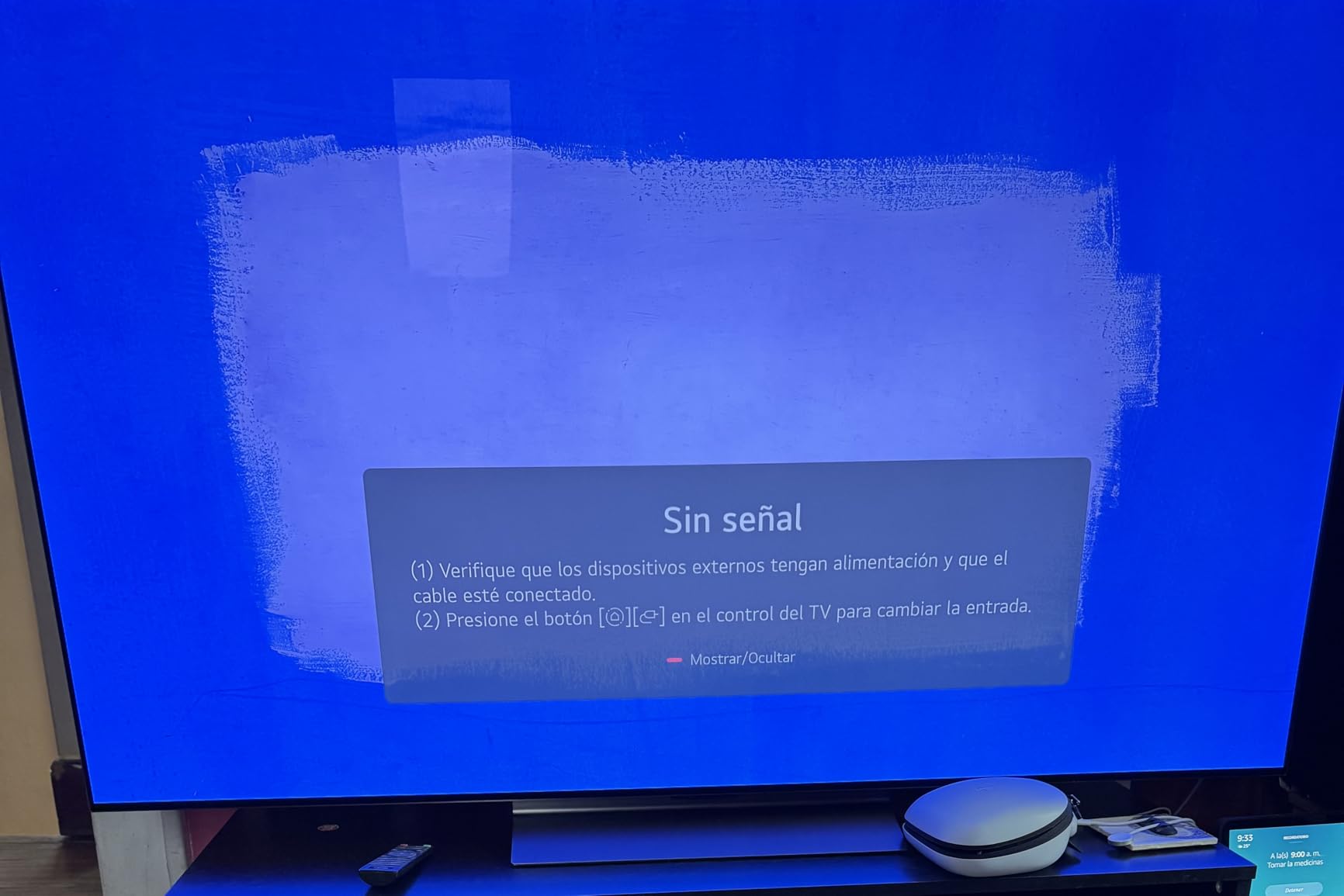
The panel peaks around 1000 nit, which is respectable for an OLED but not going to fight a sunlit window. Black levels are excellent, and the viewing angles mean you can sit off to one side without washing the image out.
Response time is listed at 0.1 milliseconds and the refresh tops out at 144Hz, so fast shooters feel tight and racing games benefit from rates above 120. The Game Dashboard and Game Optimizer put every gaming control on one screen rather than buried in menus, which saves real time when you are switching between a console and a PC.
Build and dimensions are unremarkable in the best way: 40.8 pounds, a 300 x 200 mm VESA pattern, and a straightforward flat panel with no curve to worry about. Audio is DTS:X and Dolby Atmos through the flat-panel speakers, which is fine for menus and not much else.
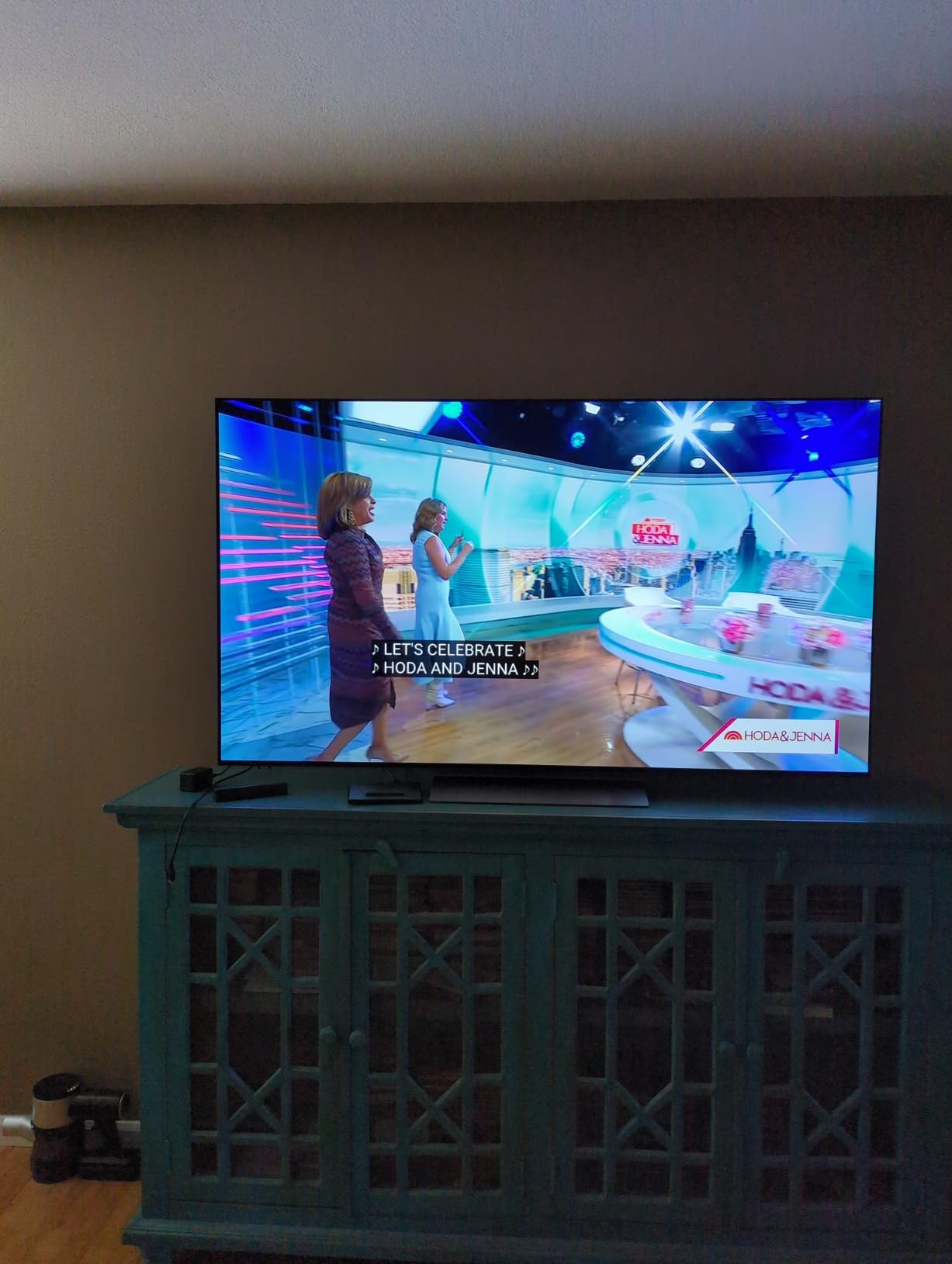
Why the C4 works so well with a console
Because it does not ask you to compromise on ports. With four HDMI 2.1 inputs you can keep a PS5, an Xbox Series X, a soundbar and a capture card connected at the same time, all running full-bandwidth 4K at high refresh rates. Most rivals at this size give you two full-bandwidth ports and route the rest through a slower path.
The Game Optimizer also lets you dial in per-game refresh rate overrides without leaving the game. On a PC input you get the full 144Hz range, and VRR handles the frame rate swings that come with ray tracing.
Where the C4 falls short
The Magic Remote is the single most repeated complaint. Its pointer, scroll wheel and volume rocker divide owners sharply, and the webOS interface is described as clunky, with some streaming apps lagging behind rivals. Neither issue affects gaming, and both affect daily life more than you would expect.
Out-of-the-box picture settings also need attention, and some calibration controls disappear inside certain picture modes. Owners using it as a monitor should spend twenty minutes on that before starting work.
2. LG OLED77C5PUA 77-Inch OLED evo C5: The Most Versatile for Big Rooms
- UL verified Discomfort Glare Free for bright rooms
- Four HDMI 2.1 ports on a large panel
- Game Optimizer and console auto-detection
- Improved stand and build quality
- Keeps a 3.5mm headphone output
- Magic Remote scroll wheel and volume button are awkward
- webOS interface feels cramped
- Extensive calibration needed out of the box
- Energy saving and interpolation defaults hurt the picture
The C5 is the same gaming foundation as the C4 with a newer processor and a panel that has been through a formal glare assessment. If your living room has daylight, that UGR less than 22 verification is the difference between a set you use all day and one you switch on at night.
specs match the C4, and the panel adds the glare work on top. Response time stays at 0.1 milliseconds, gaming refresh goes up to 144Hz, and G-Sync, FreeSync Premium and VRR are all present. Four HDMI 2.1 ports on a 77-inch set is generous, and owners call it out specifically against competing premium panels that offer two.
At 77 inches with 8.3 million self-lit pixels, this is a set that fills a room. Owners in r/OLED_Gaming consistently note that even 77 inches can look undersized in a large living room, so measure your viewing distance twice before settling.
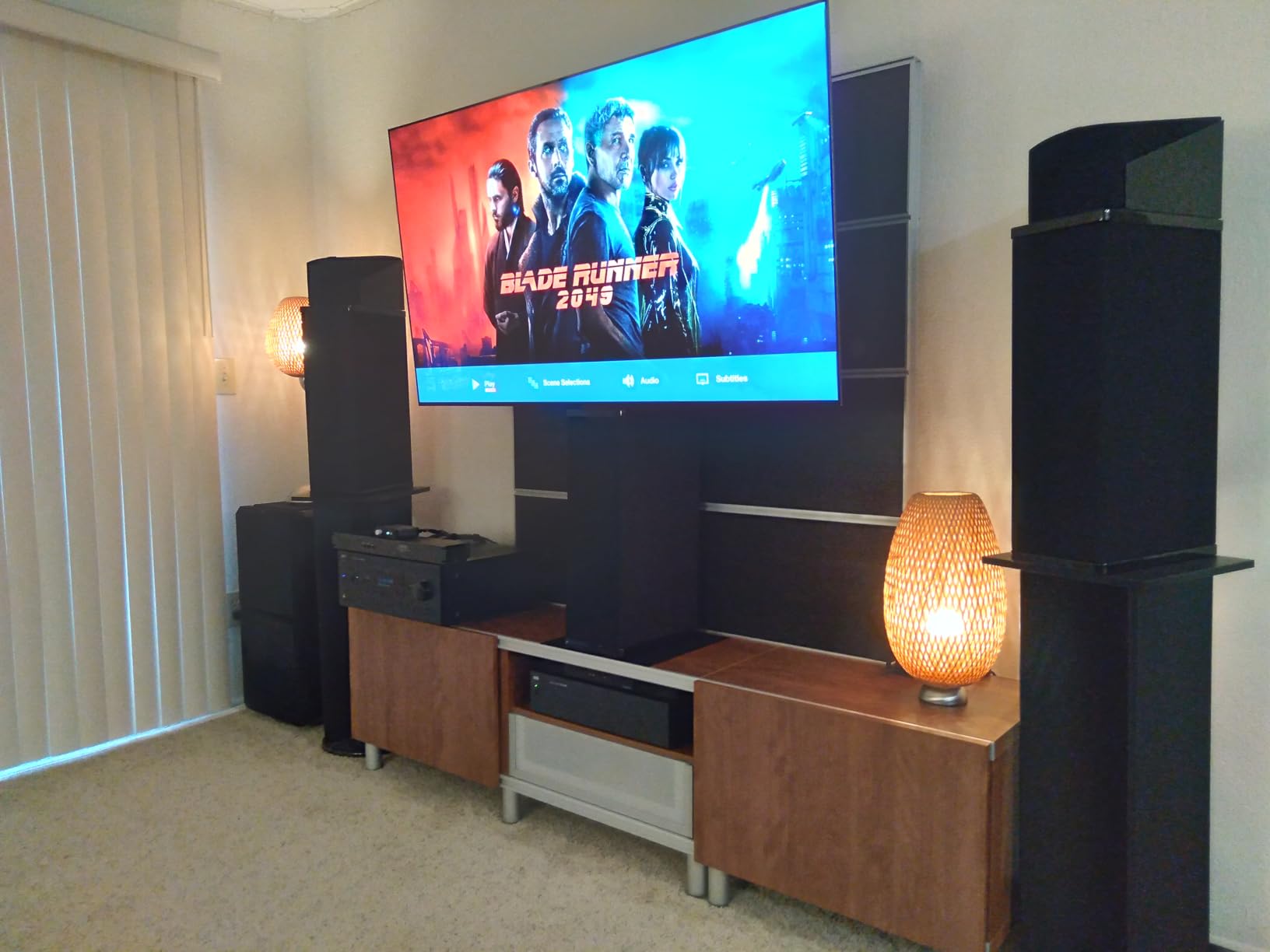
Its 2.2 channel audio with Dolby Atmos, AI Sound Pro and WOW Orchestra means you can get away without a soundbar longer than on smaller LG sets, and the 3.5mm headphone output is a small thing that owners appreciate during late sessions.
The a9 AI Processor Gen8 with AI Super Upscaling 4K handles upscale tasks that the previous generation managed acceptably. The upgraded stand is a genuine quality-of-life change on a panel weighing 59.7 pounds, and Bluetooth 5.3, Chromecast and AirPlay 2 are all built in.
Almost every reviewer says the same thing: calibration is not optional here. Out-of-the-box energy saving and motion interpolation actively degrade the image, and accurate colour and tint take real work. Budget an evening for it.
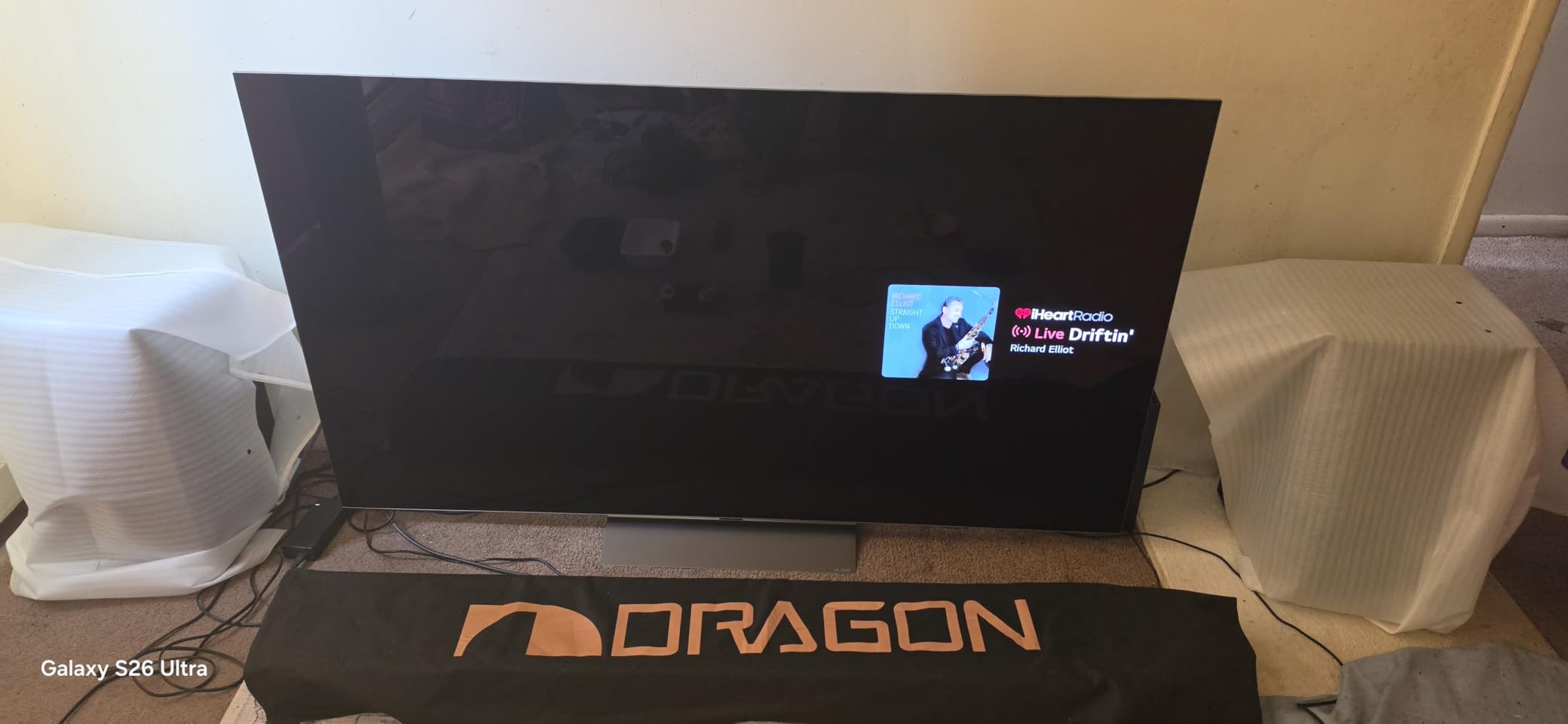
When the C5 earns its extra money
When the room is bright. The glare-free verification and the Brighter processing stack mean you are not fighting reflections while gaming in daylight, which is the single biggest reason people decide against OLED altogether.
It also wins if you want a single panel that does console gaming, movies and a lot of upscaling without a second device in the chain. The Game Optimizer, console auto-detection and four full-bandwidth ports cover the practical side of all of that.
Who should skip the 77-inch C5
Anyone in a small or medium room. At 77 inches the viewing distance requirement climbs sharply, and sitting too close to a panel this size is uncomfortable even at 4K. The 65-inch C4 covers the same gaming brief in a footprint that suits far more rooms.
Skip it too if you dislike tinkering. The calibration requirement is the most common owner complaint, and it is a real time cost on a set this large.
3. Samsung QN65S90FAFXZA 65-Inch OLED S90F: Best Value QD-OLED for Gaming
- QD-OLED brightness rivals or beats WOLED sets
- Game Mode and Gaming Motion Plus Level 2
- 4K 144Hz VRR
- Simpler menus than webOS without the pointer
- Handles bright and dark rooms
- Tizen is slow with settings buried in deep menus
- Tiny remote buttons and no number pad
- Panel is thin and not very rigid
- Some app features removed from the companion app
If you want a QD-OLED panel with high refresh and you would rather not learn LG’s menu language, the S90F is the pick. Owners frequently describe it as the best value gaming OLED, and the reason is a straight spec sheet: 4K 144Hz VRR across four HDMI ports on a 65-inch QD-OLED.
Motion handling is where Samsung differentiates. Game Mode combined with Gaming Motion Plus Level 2 improves motion at low latency, which owners rate as noticeably better than plain off-the-shelf mode behaviour. The AI motion smoothing engine is tuned for fast balls and text, which suits sports and racing.
The solar rechargeable remote genuinely never needs charging, which sounds small until you have replaced batteries in three remotes. Setup on Tizen is faster than LG’s, and there is no inertial pointer to fight with.

Colour is the bigger story. A QD-OLED panel delivers perfect blacks with saturation and brightness that rival or beat WOLED sets, and owners consistently report it holding up in both bright and dark rooms. The NQ4 AI Gen3 processor runs 128 neural networks for upscaling and sound.
Refresh rate is listed at 144Hz with Motion Xcelerator 144Hz handling VRR gaming up to 4K 144Hz. Built-in audio is 2.1 channel and 40W, which is a real step up from most flat panels at this size.
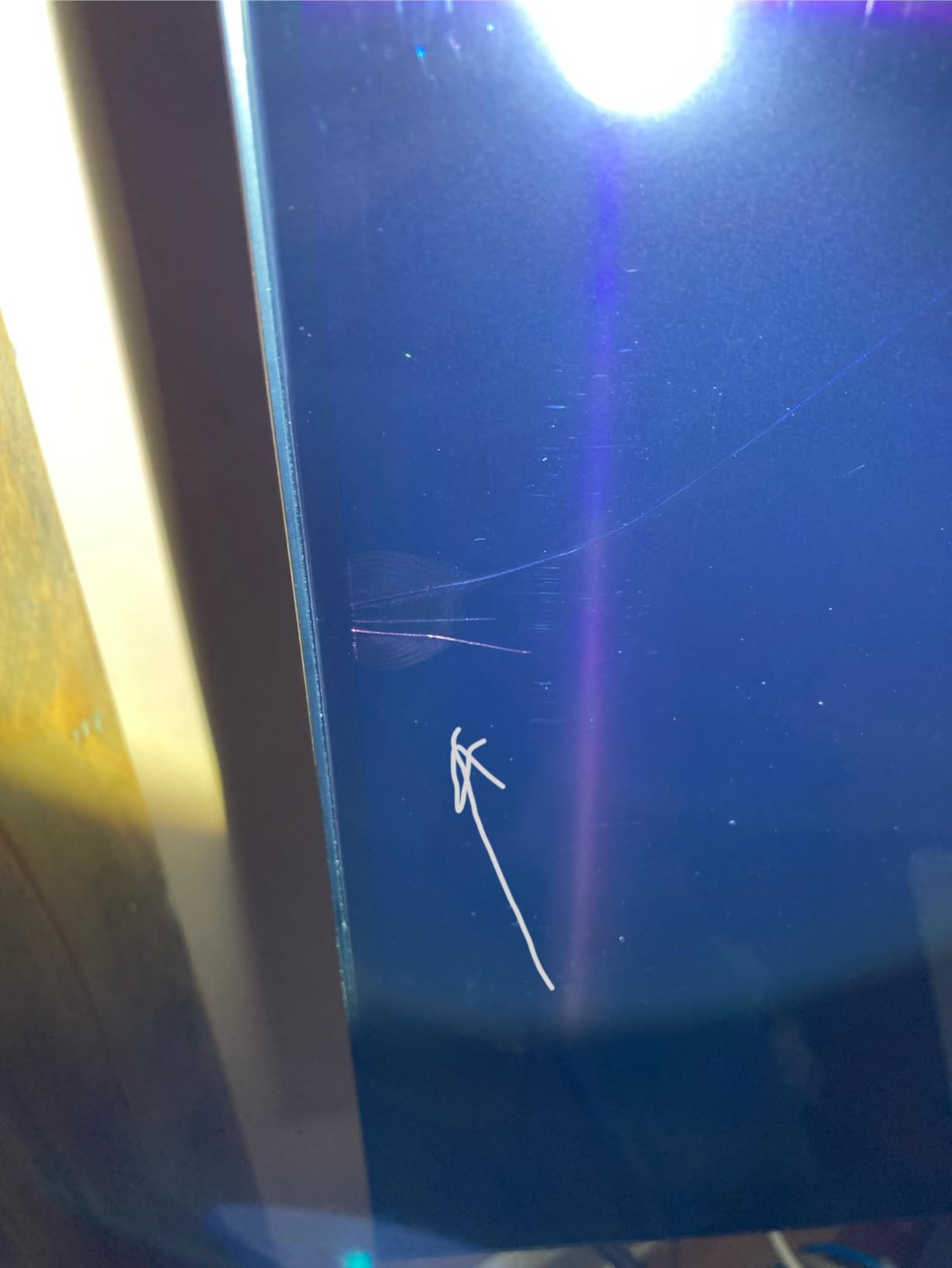
One practical warning: the panel is thin and not very rigid, so moving it needs two people. It weighs 49.6 pounds, which is not heavy, but flexing the screen is the kind of thing you only do once.
Where the S90F beats the LG sets
Colour volume and specular punch. QD-OLED panels push more saturated light through the same perfect black, and on fast-moving games with lots of HUD elements and neon the difference is obvious even without a side-by-side reference.
The menu is also less intrusive. Anyone who has spent time hunting through webOS submenus to find a VRR toggle will find Tizen quicker, and the physical remote buttons, while small, do not require aiming at the screen.
Where it loses ground
Tizen performance. Owners report slow menus, settings buried several levels deep, and apps that stutter. Some also report the software randomly starting playback on power-on, which is annoying when you just wanted to game.
Samsung’s HDR support is HDR10+ rather than Dolby Vision, so if Dolby Vision matters to you for Xbox titles, check that first. And the thin panel demands careful handling during any move.
4. Sony XR83A80L 83-Inch BRAVIA XR A80L: Best for a Huge PS5 Setup
- Best-in-class Sony picture processing
- Very bright for an OLED
- Smooth Game Mode interface
- Clean motion with no blur
- Acoustic Surface Audio+ for clear dialogue
- Dark scenes hard to read at maximum brightness
- Occasional freezing or black screens after updates
- Google TV home screen crashes
- Remote has no backlight
Sony’s Game Menu is one of the cleanest gaming interfaces in this list. It consolidates picture settings and assist features in one place, and if your living room revolves around one console it stays out of the way the rest of the time.
At 83 inches this is the largest panel we tested. The Cognitive Processor XR with XR OLED Contrast Pro and XR Triluminos Pro is widely regarded as the best processing in the category, and owners praise the natural skin tones and upscaling for anything below native 4K.
For PS5 specifically, the exclusive Auto HDR Tone Mapping and Auto Genre Picture Mode remove most of the manual work. Connect the console and the set configures itself, which is the Sony equivalent of what the LG C-series does well.
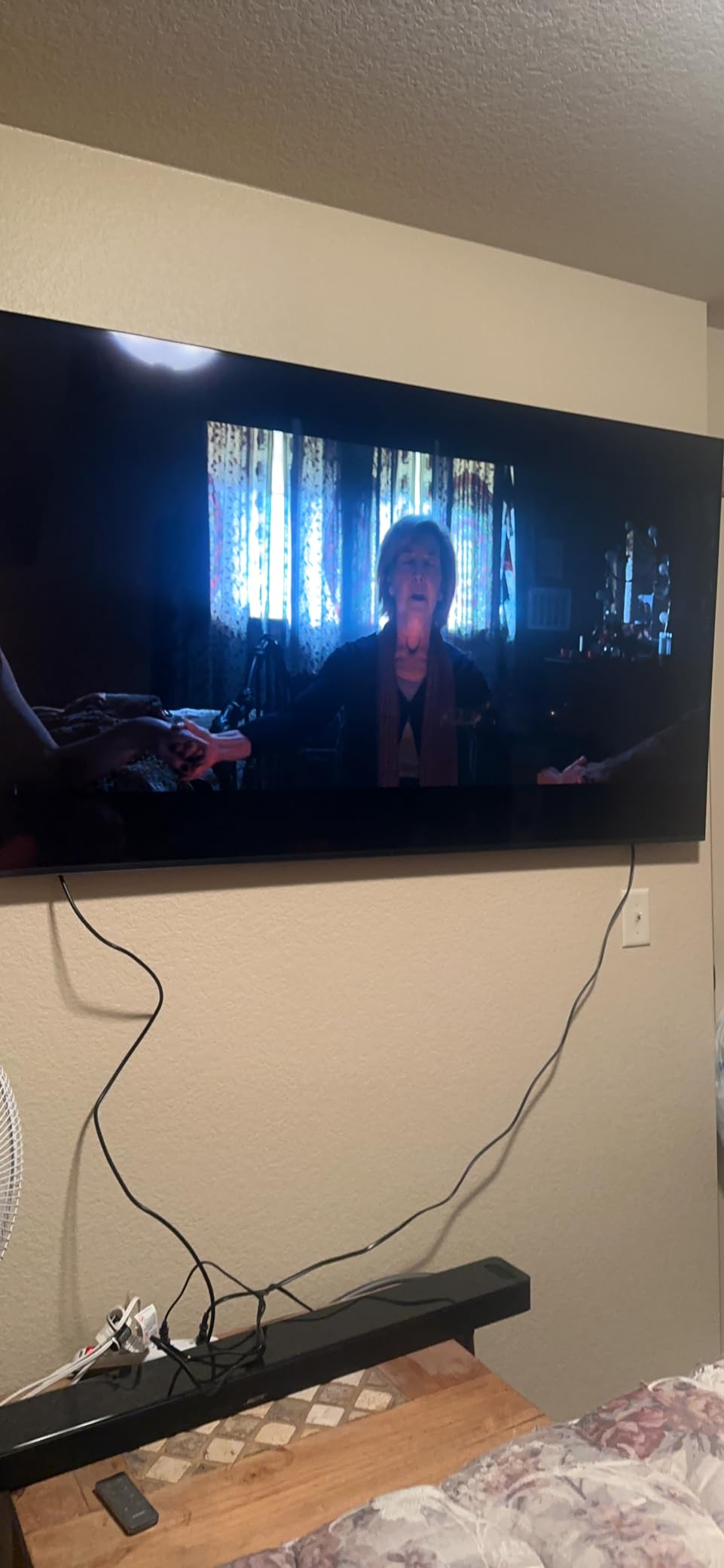
Motion handling is smooth and clean through fast action, and it is bright enough to hold up in a daylight-lit room by OLED standards. The Game Menu, HDMI 2.1 with 4K at 120Hz, VRR and ALLM cover the core console checklist.
Acoustic Surface Audio+ drives the panel itself as a speaker, so on-screen dialogue is noticeably clearer than a conventional flat-panel array. For a screen this size, that matters more than most buyers expect.
Be realistic about size. At 74.13 inches wide and 92.6 pounds on the stand, this needs a proper furniture plan, and it is worth reading our 75 inch TV stand guide before it arrives.
Why Sony works so well with a PS5
The picture processing does something the gaming modes of other brands often do not. Owners report that Game Mode here does not crush contrast or raise black level to hit a brightness target, so the picture still looks like the Sony they paid for while running at high refresh rates.
Auto HDR Tone Mapping analyses the scene and maps brightness correctly, and the Game Menu puts the remaining controls one click away. On a screen this size with a projector-style throw distance, the effort saved is real.
Reasons to pass on it
Reliability reports. Some owners describe intermittent freezing or black screens after software updates, and Google TV home screen crashes that need cache clearing and a restart. Software stability is the most repeated reservation after picture quality praise.
Dark scenes can be hard to make out even at maximum brightness, and the remote has no backlight. If you game in a fully dark room and watch a lot of dim content, test it in person first.
5. Sony XR77A95L 77-Inch QD-OLED A95L: Best Picture Quality for Gaming
- Widest color range with true blacks and high peak brightness
- Game Mode keeps image quality intact
- Motion handling avoids judder and soap-opera artifacts
- Multi View splits two sources
- Premium build with rear cover plate
- Known main board failure can occur without warning
- Some units lost all sound output within months
- Low-mounted connections complicate wall mounting
- Non-detachable power cord and top-mounted camera module
The A95L is the one to buy if the picture has to be the best available and gaming is a large part of what you do on it. Owners call it the best picture they have owned, and several report buying the same model twice, which is about as strong an endorsement as review language gets.
The QD-OLED panel with XR Triluminos Max gives the widest color range in this list, paired with true blacks and high peak brightness. The Cognitive Processor XR handles the rest, and the combination holds up in daylight and in a dark room.
Gaming provisions are complete but not excessive: HDMI 2.1 with 4K at 120Hz, VRR and ALLM, the Game Menu, and the PS5 Auto HDR Tone Mapping and Auto Genre Picture Mode. Motion handling avoids both OLED judder and the soap-opera artifact that frame interpolation creates.
Multi View splits the screen between two sources, which is genuinely useful if you want a game on one side and a guide or stream on the other. The backlit aluminium remote with gesture control is a nice touch, and BRAVIA CORE comes with 10 credits and 24 months of films.
Acoustic Surface Audio+ is rated at 60W, which is the most substantial flat-panel audio in this group, and Dolby Atmos is supported for both film and gaming.
Weight is 81.3 pounds and the panel is 15.38 inches deep with connections grouped low on the frame rather than at the back or the side. That last detail is the practical issue. Wall mounting and cable routing are noticeably more awkward than on sets with rear or side-mounted ports.
Where the A95L justifies its money
Colour volume and peak brightness together. No other set here combines a QD-OLED panel with Sony’s tone mapping and processing, and that combination is what separates a good gaming picture from a great one on a large screen.
It also wins on motion. Avoid judder, avoid soap opera, keep the image intact in Game Mode. For a player who watches a lot of cutscenes and racing footage, that is worth paying for.
Where the caution belongs
Reliability reports about the main board are the biggest concern, including failures without warning that are expensive to fix outside warranty. Some units also lost all sound output within months. If you cannot accept that risk, the LG sets in this list carry fewer of these reports.
The physical design annoys some owners too: non-detachable power cord, an unwanted camera module on top, and awkward port placement. Check your room before ordering.
6. Samsung QN77S95FAFXZA 77-Inch OLED S95F: Best for Bright Rooms
- Anti-glare coating removes reflections in sunlit rooms
- Class-leading brightness and HDR color for an OLED
- Exceptional 4.2.2 channel built-in sound
- Very high VRR gaming refresh rate
- Premium thin design
- Tizen is slow and casting can stall
- Overly sensitive remote with no volume readout
- Samsung TVs autoplay content on power-on
- Needs two people for safe setup
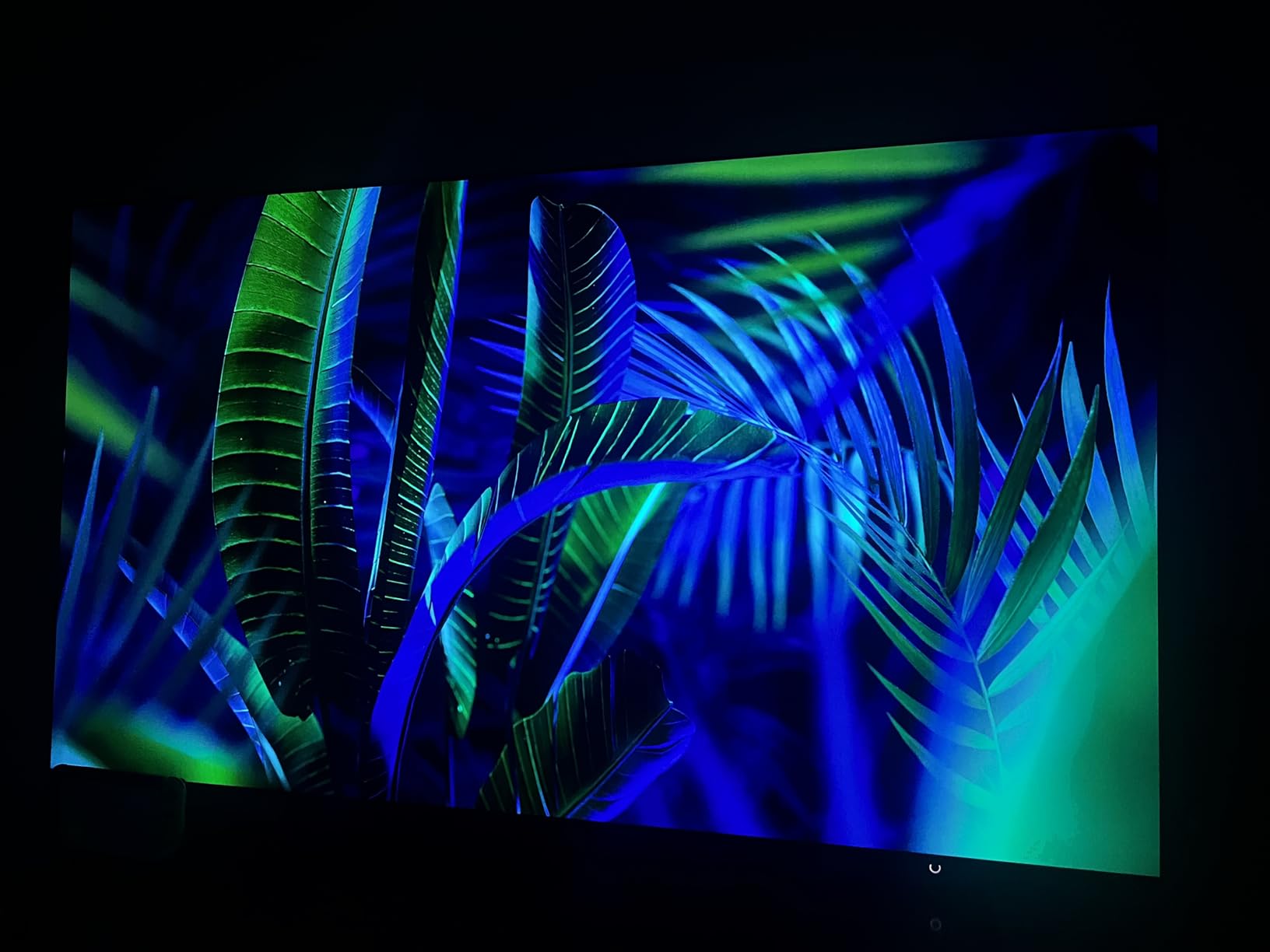
The matte anti-glare coating is the reason to buy this set. Owners in bright rooms with multiple windows report that reflections essentially disappear, even with direct sunlight, and they consistently call the coating the deciding feature rather than the specs.
Brightness is class-leading for an OLED and pairs with pixel-level pitch blacks, so you get both highlight punch and true black in the same frame. That combination is normally a trade-off, and here it is not.
Gaming refresh is the highest in this list. Motion Xcelerator 165Hz delivers VRR gaming up to 4K 165Hz, with the NQ4 AI Gen3 processor running 128 neural networks behind the upscaling and scene analysis.
Built-in audio is unusual at this level: a 4.2.2 channel array rated at 70W with Dolby Atmos. On a 77-inch panel that genuinely helps, and several owners cite it as a reason they did not need a soundbar immediately.
The design is thin and looks considered even when switched off. At 88.2 pounds and 11.3 inches deep, the panel is substantial, and owners report needing at least two people for a safe setup.
One spec note worth reading carefully: the refresh rate is listed as 165Hz through Motion Xcelerator 165Hz, with the panel itself listed at 120Hz. The higher rate is available for PC and compatible console sources, and 4K 165Hz VRR is the headline number.
Why the matte coating matters more than specs
Glossy OLED panels in a bright room produce a mirror. A matte coating scatters the reflection instead, so the image stays readable with a window open behind you. For a set that has to work as a living-room television and not just a dark-room cinema screen, that is the whole argument.
It is also why this is our bright-room pick rather than a Mini-LED. The trade-off is that a matte surface can soften blacks slightly in a dark room, and if you only ever watch at night with the lights off you may prefer a glossier panel.
What to watch out for
Samsung’s Tizen software is the consistent complaint across every set in this roundup. Owners report slow menus, casting that stalls or drops the screensaver, and shows autoplaying in the background on power-on. The hardware is excellent; the software is not keeping pace.
The remote is also overly sensitive with no numeric volume readout, and the panel needs a second pair of hands when it is moved. Neither is a dealbreaker, both are irritants.
7. Sony K-55XR8B 55-Inch BRAVIA XR8B: Sony’s Gaming Features at 55 Inches
Sony 55 Inch BRAVIA XR8B OLED 4K HDR Smart Google TV (K-55XR8B)
- Exceptionally clear and colourful picture
- Low latency VRR and 4K 120 for PC gaming
- PS5 controller wakes the TV with no configuration
- Most responsive Google TV interface we tested
- Acoustic Surface Audio+ for directional dialogue
- AI upscaling and motion smoothing degrade the image if enabled by default
- Glossy screen is harder to view in direct sunlight
- Remote is small and slippery to grip
- Price jump versus the more expensive Sony OLED it outclasses
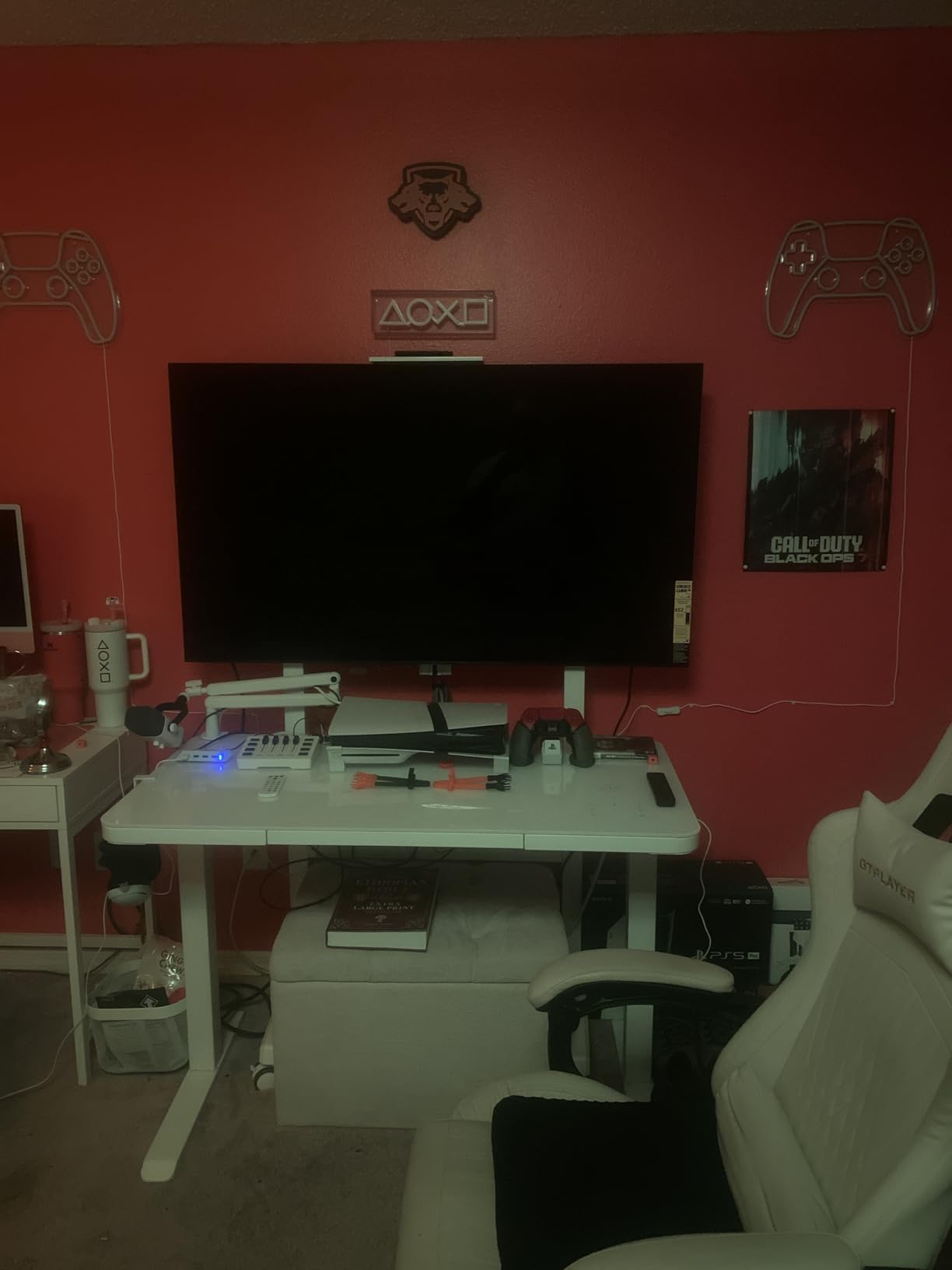
This is the Sony set to buy if you want PS5-native features at 55 inches. Owners say the PS5 controller wakes the television natively with no configuration at all, which is the smoothest console handshake in this list.
The picture is consistently described as exceptionally clear and colourful with deep blacks, from over 8 million self-lit pixels. The XR Processor handles real-time scene enhancement, and XR Clear Image covers upscaling for lower-resolution sources.
For gaming, two HDMI 2.1 ports support 4K at 120Hz with VRR, which is enough for one console plus a soundbar. PC players get low latency, and the Game Menu holds the gaming picture settings and assist features in one place.
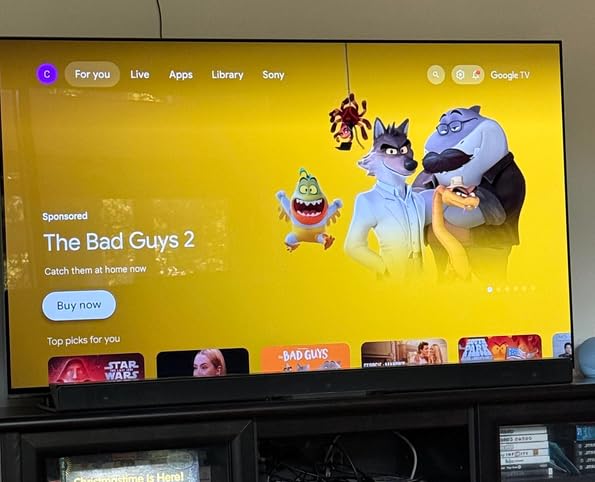
Google TV is the most responsive smart platform in this roundup, and with Google Cast, Apple AirPlay 2, Google Assistant, studio calibrated modes for Netflix and Prime Video, and BRAVIA CORE, the software side is genuinely good rather than merely tolerable.
Audio is Acoustic Surface Audio+ with Dolby Atmos, IMAX Enhanced and DTS:X, and the actuators drive the panel for clear directional dialogue. VESA mounting is 600 x 400 mm, and the panel measures 48.38 inches wide.
Two things temper the recommendation. AI upscaling and motion smoothing are easy to leave switched on by accident, and both degrade the image if you forget. The glossy screen is also harder to view in direct sunlight, so this is a dim-room set rather than a bright-room one.
Where the XR8B wins
Software responsiveness and console integration. Fast Google TV, native PS5 controller wake, studio calibrated streaming modes and a single Game Menu make it the least fussy Sony in the list, and the least fussy overall once you are past the 42-inch sets.
Owners also point out that it undercuts more expensive Sony OLEDs on picture quality, which is the argument for buying it instead of stepping up the Sony range. At 4.5 stars from 224 reviews, it also carries the highest average rating in this group.
Where to look elsewhere
Two HDMI 2.1 ports is not enough for a multi-console or multi-PC setup. If you plan to connect a PS5, an Xbox Series X and a PC simultaneously, you want the four-port LG sets.
The small, slippery remote and the glossy finish are the recurring physical complaints. Neither is serious, but the glossy screen rules it out for a sunlit room.
8. LG OLED42C3PUA 42-Inch OLED evo C3: Best Budget Pick and a Real Monitor
- Excellent color and HDR performance for the size
- 0.1ms response with 120Hz VRR
- Works well as a desktop monitor with sharp text
- AI Picture Wizard gives a usable starting calibration
- Thin 22.3 pound build with a stable stand
- No DisplayPort so a full-bandwidth HDMI cable is required
- Menus and smart features can stutter at 120Hz on PC input
- webOS feels clunky with buried settings
- Panel looks slightly warped under reflected light
At 42 inches this is the most sensible way into OLED gaming, and with more than 2,000 reviews averaging 4.5 stars it is the most proven set in this list. Owners cite strong burn-in resistance as often as they cite picture quality, which matters if you plan to leave it on a desk.
The gaming numbers are complete: native 120Hz, 0.1ms response time, G-Sync, FreeSync Premium, VRR, and four HDMI 2.1 inputs. That last point is unusual at 42 inches, where most brands cut to two or three ports.
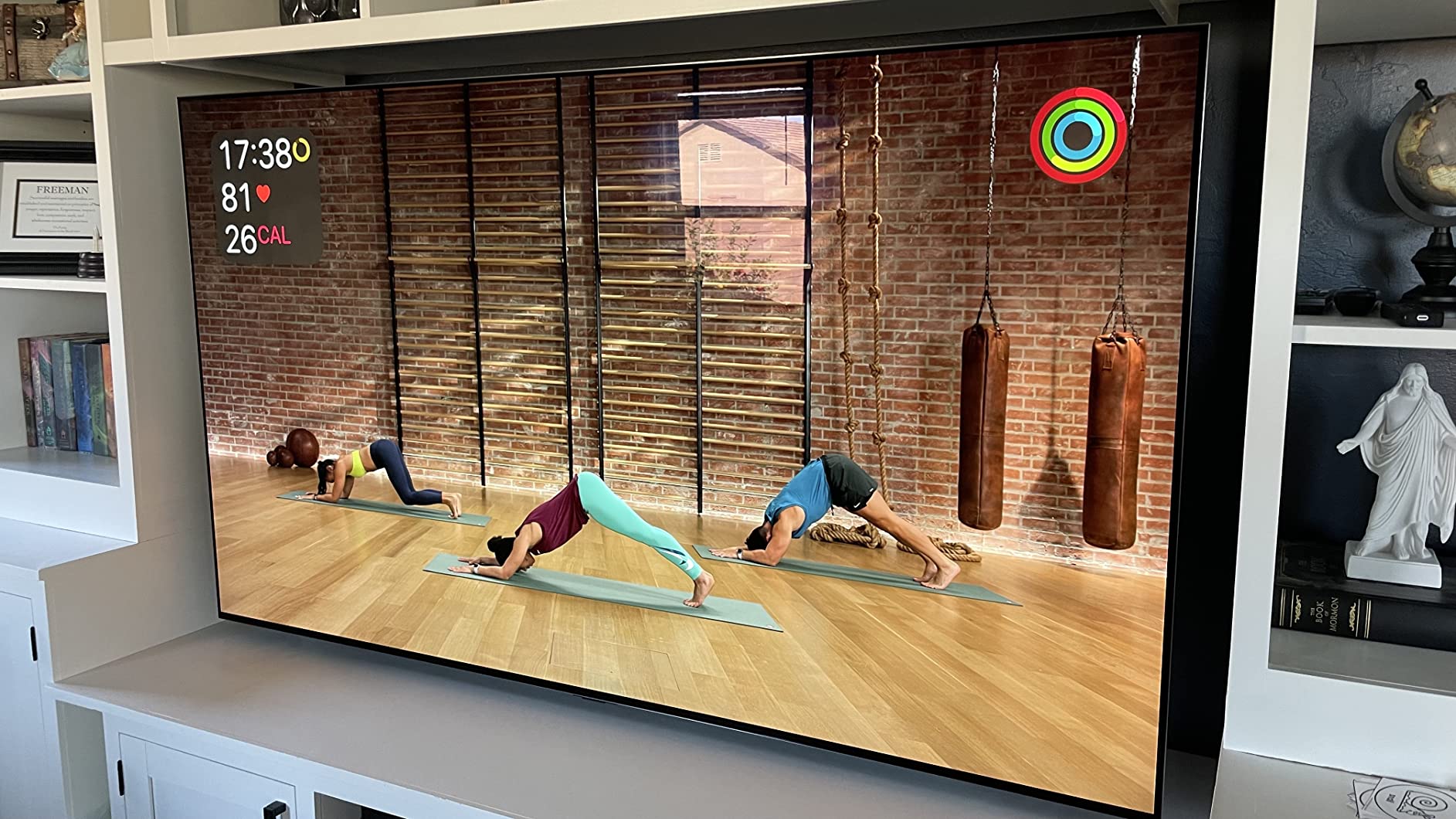
As a desktop monitor it works better than expected. Owners report sharp text, usable multitasking, and 4K at 120Hz from a single PC connection. At 36.7 inches wide and 22.3 pounds, it also sits on a desk without drama.
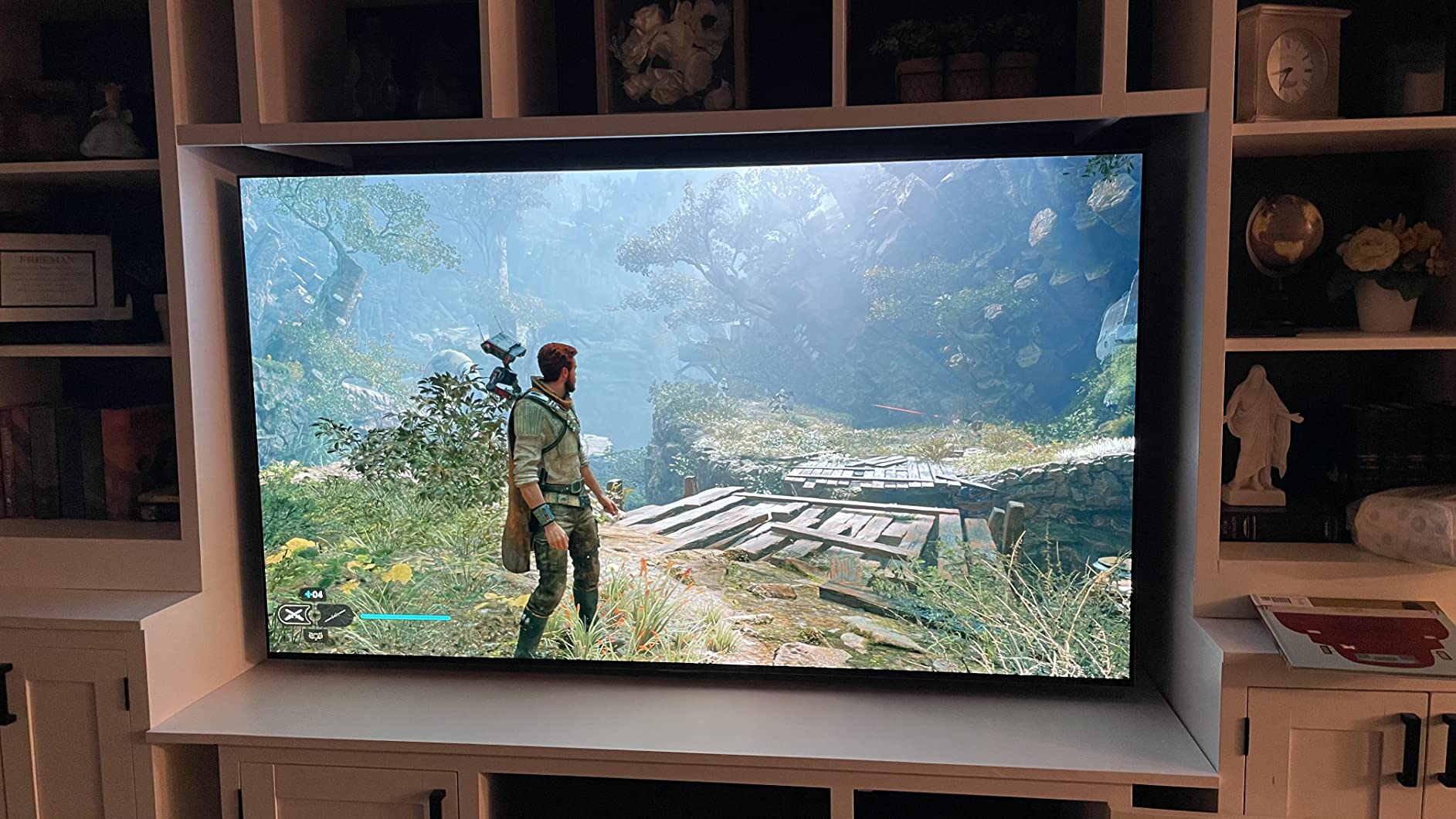
The a9 AI Processor Gen6 with Brightness Booster handles the panel, and Dolby Vision, Dolby Atmos and FILMMAKER MODE are all present. LG’s AI Picture Wizard gives you a reasonable calibration starting point, which matters because a 42-inch panel is often bought by people who have never calibrated a display.
For gaming, the LG Game Dashboard and Game Optimizer put your refresh rate overrides and picture settings in one place, and the Game Mode handles console input automatically.
The catch for PC users is the absence of DisplayPort. You need a certified full-bandwidth HDMI 2.1 cable to hit the top refresh rate, and the on-screen menus can stutter at 120Hz on a PC input even when the game itself is smooth.
Why the 42-inch C3 suits desks
Because 42 inches at a normal desk distance gives roughly 4K pixel density without needing to sit a metre back. Owners use it for work and gaming interchangeably, and report that text sharpness holds up better than they expected from a TV panel.
It is also the size where a 4K gaming monitor and an OLED television stop being different products. If you have been comparing the two, at 42 inches the television wins on contrast and the monitor wins on ergonomics, and this set splits the difference.
What to watch out for
webOS is the weak point, described as clunky and less intuitive than Google TV, with settings buried several layers deep. Some streaming apps are missing entirely, which pushes owners toward external devices.
There is also no custom viewing scenario profiles and the panel surface appears slightly warped under reflected light at certain angles. Neither ruins the experience, but both are worth checking in person.
9. Sony XR-48A90K 48-Inch BRAVIA XR A90K: Best 48-Inch Pick for PC Gamers
Sony 48 Inch A90K BRAVIA XR 4K HDR TV OLED Smart Google TV (XR-48A90K)
- Superb motion clarity that some owners rate above LG and Samsung
- Input lag as low as 8.5ms
- Acoustic Surface Audio+ with built-in subwoofer
- HDMI 2.1 VRR feels like a real G-Sync monitor
- Fast Google TV setup
- Premium pricing for a 48-inch set
- Google TV is intrusive with its own apps and data practices
- No VRR sync with FreeSync or G-Sync modules
- Dolby Atmos not supported for gaming
- AV inputs need an adapter that is not included
This is the set PC players keep coming back to. Input lag is listed as low as 8.5ms with HDMI 2.1 4K at 120Hz, 10 VRR and ALLM, and owners describe the variable refresh behaviour as feeling like a real G-Sync monitor rather than a television approximation.
Motion clarity is the standout. Owners compare it directly against LG and Samsung sets at similar prices and often place it above them, which is unusual praise for a Sony in a gaming context.
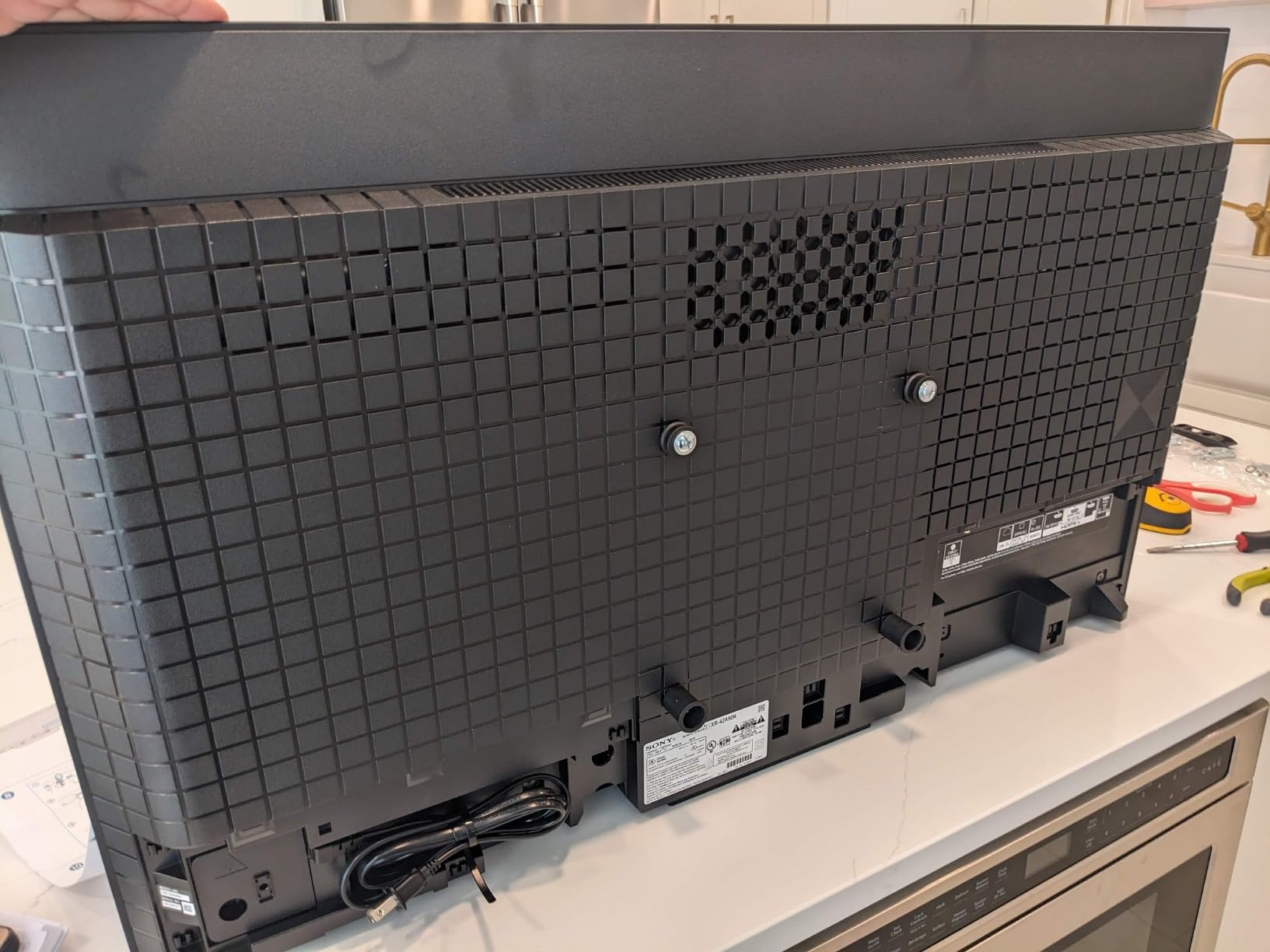
At 48 inches and 4K, it sits in the sweet spot for a desk or a small room. The multi-position stand and removable cable management backplates are small touches that make a desk setup tidier, and the 36.4 pound weight is manageable.
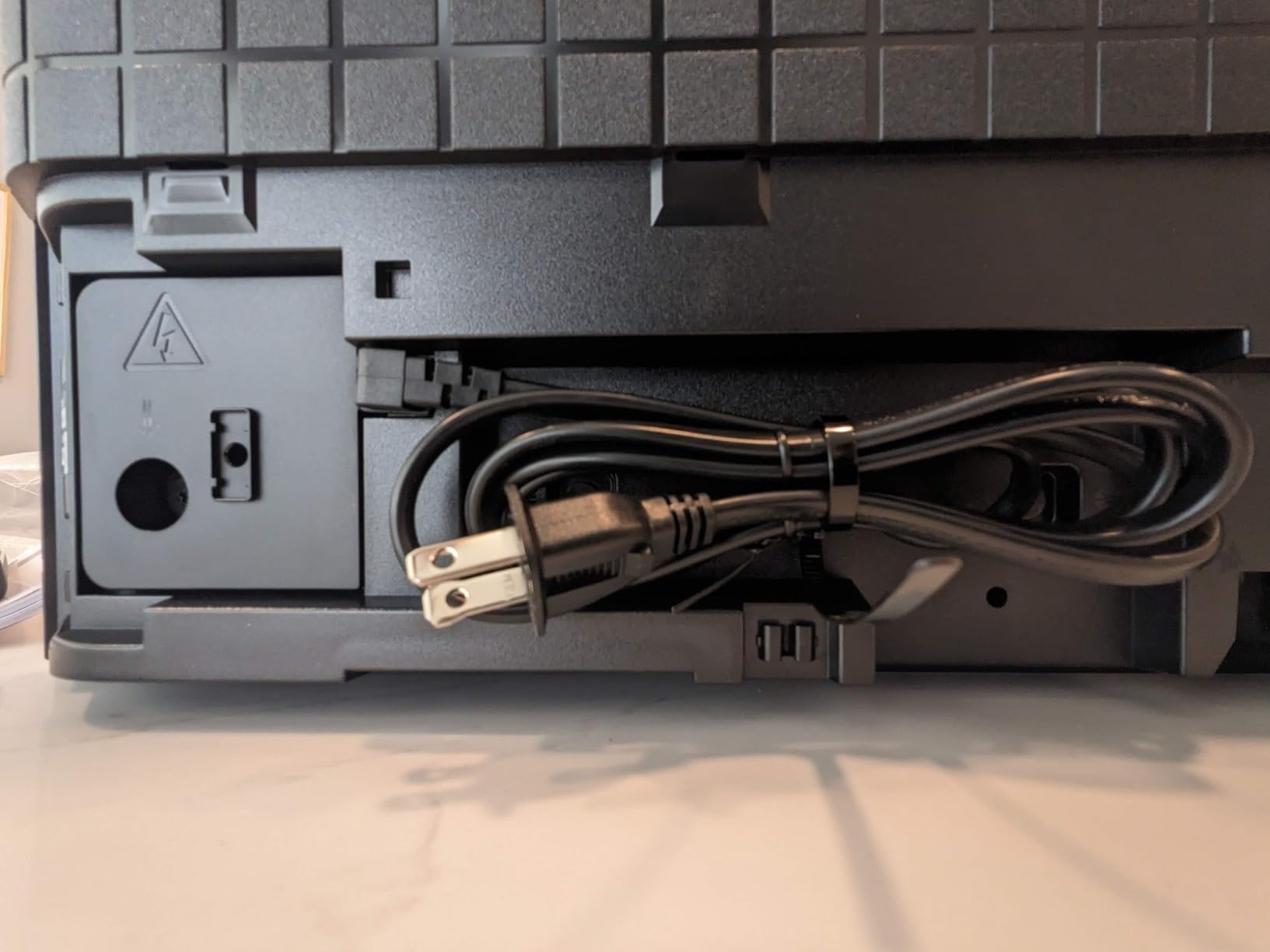
Acoustic Surface Audio+ with dual actuators and a built-in subwoofer is the best-equipped audio in this list relative to screen size, and owners single it out as a reason they did not need a soundbar. It also keeps deep blacks while staying bright enough for a bright kitchen.
PS5 features are present as expected, with Auto HDR Tone Mapping and Auto Genre Picture Switch, and the Game Menu handles the rest. BRAVIA CORE includes 10 credits and 24 months of classic films.
There is one VRR limitation worth understanding before you buy. There is no VRR sync with FreeSync or G-Sync modules, so variable refresh works with the console and with compatible PC output, but not with a VRR module in the signal chain. Competitive players should confirm their setup before committing.
When 48 inches is the right answer
When the screen has to work as a monitor first. At 48 inches you get genuine 4K density at a normal desk distance, the eight-ish millisecond input lag competes with dedicated gaming monitors, and the VRR behaviour holds up for competitive shooters rather than just console action.
Owners also report it is bright enough for a kitchen, which is where most 48-inch sets fail. Deep blacks plus usable daylight performance is a combination that makes the smaller sizes practical.
What gives buyers pause
The premium for a 48-inch Sony is the main objection. Cheaper OLEDs at this size give you the same 120Hz panel basics, and the value case is thin against them.
Google TV is intrusive, pushing its own apps and data practices, and Dolby Atmos is not supported for gaming, only for television viewing. AV inputs also need an adapter that is not included, which catches people out when they add a retro console.
10. Samsung QN77S85FAEXZA 77-Inch OLED S85F: Big-Screen Value Pick
- Vibrant picture with deep blacks at a low price for 77 inches
- 120Hz handles PC gaming with no ghosting
- Pantone validated color and skin tones
- Good console gaming and movie performance
- Contour design looks clean when off
- Tizen menus are very slow
- Panel type changes within the model line and 77 and 83 inch use WOLED
- AI picture features are largely unusable in Game Mode
- Panels are fragile and screen arrival damage is common
Seventy-seven inches of OLED is not cheap, and this is the set that makes it reachable. Owners love the value, the deep blacks and the colour, and they report 120Hz PC gaming with no visible ghosting.
Pantone validation means the colour and skin tones are calibrated at the factory, and owners consistently rate them accurate and true to life. Object Tracking Sound Lite with Dolby Atmos follows objects in the picture, which is more useful for films than for games.
Gaming is handled at 120Hz through Motion Xcelerator 120Hz, with four HDMI ports and no ghosting on fast movement. For console players who want a huge screen without a flagship budget, that is the brief met.
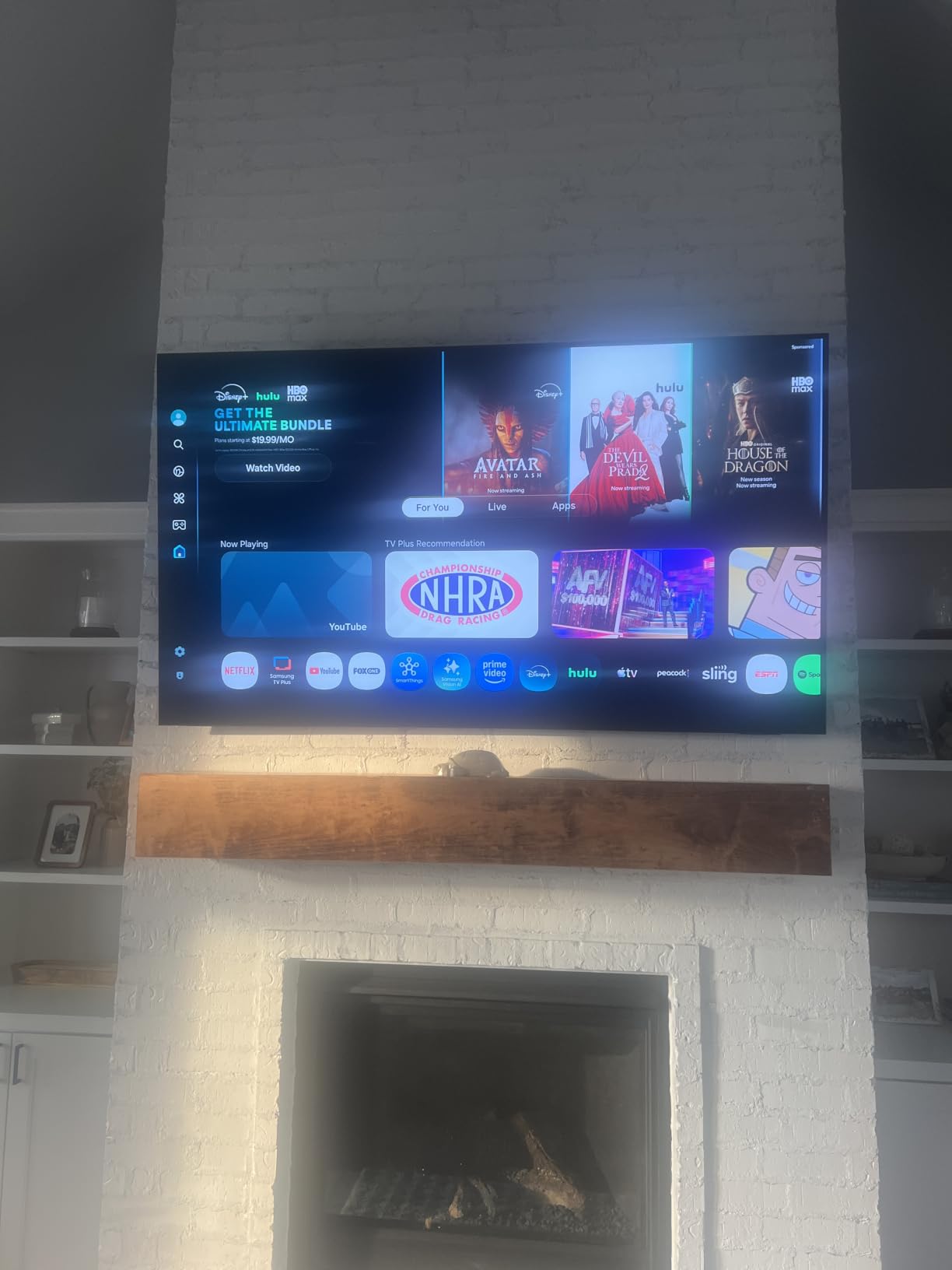
The NQ4 AI Gen2 processor uses 20 neural networks for 4K upscaling and scene analysis for dynamic brightness and contrast. The Contour Design with flowing wave lines looks elegant and unobtrusive when the set is off, which matters in a living room.
There is one detail here that could genuinely surprise you, and a highly upvoted review flags it. The panel type changes within the same model line, so the 77 and 83-inch S85F use a WOLED panel rather than the QD-OLED panel found in the smaller sizes. Buy the size for the size, not the badge.
For completeness, owners also note that most of the AI picture enhancement features are largely unusable in Game Mode, and the built-in 2.1 channel speakers are weak for a screen this large. Plan on a soundbar.
Who the 77-inch S85F suits
Someone with a big room who wants OLED size without flagship spend. The picture is genuinely good, blacks are deep, and 120Hz covers both PS5 and PC gaming at 4K. For single-player and console play in a dim room it is a hard set to argue with on value.
It is also a reasonable pairing with a large screen in a home setup, and the Contour design keeps it visually understated when you are not watching.
Why some buyers should look elsewhere
Software speed. Tizen menus and input changing are very slow on this set, requiring multiple presses to switch sources, and there are no custom viewing scenario profiles. If you switch between a PC, a console and streaming apps daily, that friction adds up fast.
Fragility is the other concern. Owners report the panels are delicate and that screen arrival damage is common, so inspect the panel on delivery. Add the panel-type change and the weak speakers, and this is a value pick with caveats rather than a no-brainer.
How We Picked the Best OLED TVs for Gaming
We treated gaming as the pass-or-fail filter and picture quality as the tie-breaker. A set that looks extraordinary but only has two full-bandwidth ports, or drops VRR, does not belong on a gaming list no matter how good the panel is.
Refresh rate and VRR first. We wanted at least native 120Hz with confirmed variable refresh rate support, and we recorded the maximum rate each panel will actually drive. Several sets here exceed 120Hz for PC, and the gap between 120Hz and 144Hz or 165Hz is only meaningful on a PC, not on a console.
Port count second. We counted HDMI 2.1 inputs rather than trusting a marketing line about HDMI 2.1 support, because a set with four full-bandwidth ports and one set with two full-bandwidth ports behave very differently in a real media corner.
Latency and response time third. Manufacturer response time figures are marketing, but they indicate whether a panel turns pixels off fast enough for competitive play, and the one set here with a published lag measurement under 10ms earned a place on that basis.
Brightness and glare fourth. We looked for evidence a set can be used in a lit room, whether through a matte coating or a formal glare verification, because that decision eliminates a lot of otherwise excellent panels for some homes.
Owner sentiment last, and weighted heavily. Communities like r/OLED_Gaming, r/4kTV and r/LGOLED are where reliability problems, software bugs and burn-in experiences surface before they reach review sites. Repeated complaints about a remote or an operating system are not dealbreakers, but they belong in the cons.
Refresh Rate, HDMI 2.1 and VRR: What Actually Matters
Start with the ports, because they constrain everything else. A console running 4K at 120Hz needs a full-bandwidth HDMI 2.1 port. Sets that advertise HDMI 2.1 but only give you two of them, or that put the slow 40Gbps path on the port you need, will disappoint you later.
Four full-bandwidth ports is the comfortable target if you own a PS5 and an Xbox Series X and might add a PC. The LG C4, C5 and 42-inch C3 all deliver that, as do the Samsung sets here. Sony’s XR8B gives you two, and that is the reason it ranks where it does.
Next, refresh rate. For PS5 and Xbox Series X, 120Hz is the ceiling. Anything above 120Hz exists for PC gaming with high-frame-rate output, and it only matters if you play competitive shooters on a machine that can push those frames.
VRR is the feature that makes high refresh practical. With variable refresh rate the TV matches its refresh to your frame rate, so you avoid both tearing and the blur of frame interpolation. Confirm that the set supports the mode your source needs, since compatibility varies between G-Sync Compatible and FreeSync implementations.
ALLM, auto low latency mode, is the quiet one. It switches the TV into its low-latency picture mode the moment it sees a console, which is why the LG and Sony sets here need so little setup. Input lag on OLED typically lands in the single to low-teens milliseconds, comfortably inside what competitive players can detect.
WOLED vs QD-OLED: Which Panel Should You Buy for Gaming?
WOLED is LG’s panel technology, and it is what you get in the C-series sets here. It produces perfect blacks and excellent colour, and the viewing angles are wide enough that sitting off-centre does not wash the image out.
QD-OLED is Samsung’s approach, found in the S90F, S95F and the Sony A95L. It pushes more saturated light through the same perfect black, so highlights are punchier and colour volume is wider, which shows most in games full of neon and bright HUD elements.
Brightness is where they diverge most. WOLED is comfortable in a dim or dark room. A matte-coated QD-OLED handles daylight reflections far better, which is why the 77-inch S95F is our bright-room pick.
Watch the size trap. Panel type can change within a single model line, as the 77 and 83-inch S85F demonstrate by using a WOLED panel while the smaller sizes use QD-OLED. Always check the panel for the exact size you are buying, not the series name.
For PC gaming, community consensus in r/OLED_Gaming leans toward QD-OLED for colour, but the practical advice is that a higher-refresh WOLED beats a lower-refresh QD-OLED. Refresh and port count decide more than panel type for most players.
Screen Size and Viewing Distance for Gaming
Size changes how a game feels more than any setting you can adjust. Rule of thumb for 4K gaming is roughly two and a half to three times the screen width for comfortable viewing, and further back for competitive shooters where peripheral vision matters.
Under 50 inches, treat it as a display. The 42-inch C3 and 48-inch A90K work as desk monitors and small-room screens, and at that size OLED and a 4K gaming monitor become genuinely hard to separate.
55 to 65 inches is the console sweet spot. A 65-inch panel fills most living room viewing distances and gives 4K enough pixel density that 1080p upscaling stays reasonable. The C4 and S90F sit here for good reason.
77 inches and above is a commitment. Owners in the forums regularly report that 77 inches still looks small in a large room, so measure before you buy. The 83-inch A80L needs a real furniture plan and careful cable routing.
Whatever size you land on, make sure the stand can carry it and route cables properly. Our guides to the best TV stands for 65 inch TVs and the best TV stands for 75 inch TVs cover both weight and cable management, which matters most on the largest sets in this list.
OLED Burn-In and Gaming: A Practical Checklist
Burn-in is permanent dimming of pixels that have been lit too long in the same place. Modern panels handle it far better than early generations, and the 42-inch C3 in particular is praised by owners specifically for burn-in resistance.
Static game HUDs are the main gaming risk. A minimap, a health bar or an inventory panel in one corner is exactly the pattern that can cause uneven wear over thousands of hours. Most sets include logo luminance adjustment and pixel refresh routines for this.
Turn off motion smoothing and any frame interpolation when VRR is active. Interpolation adds latency and creates the soap-opera effect on motion, and it adds processing that has no business in a competitive game.
Run the panel’s own maintenance features. Every OLED here ships with some combination of pixel refresh, screen shift and logo brightness adjustment, and the C4 in particular prompts owners to run its cleaning routine. Accept the prompts rather than dismissing them permanently.
Leave the TV off when nothing is playing. An OLED in standby displaying a static channel logo for hours is the textbook burn-in scenario. Powering the screen off when the room is empty is the single most effective habit.
Be careful with OLED as a daily desktop. Taskbars, code editors and mail clients are large static UI elements. The sets that owners use as monitors are the smaller sizes, where total pixel count on screen is lower, and rotation and screen shift features help. If your PC is on the TV eight hours a day, read the burn-in reports on the exact model before you commit.
Setting Up a PS5 or Xbox Series X for 120Hz and VRR
On the PS5, go to Settings, then Screen and Video, then Video Output Information to confirm the set reports 4K 120Hz output. If your console does not see the higher mode, the cable is usually the problem. Use a certified Ultra High Speed HDMI cable rather than the one in the box.
Enable 120Hz mode on the TV as well. On LG sets it is under Game Dashboard, and on Samsung it sits in the picture and sound menu. Both brands also support an automatic console detection that switches the TV into the right mode on power-up.
Turn on VRR next. On the console side, HDMI VRR is a toggle in the same video output menu. On the TV side it is labelled VRR, or G-Sync Compatible on LG, and FreeSync Premium on the same sets. The console will only offer VRR when the TV advertises support on that port.
On the Xbox Series X, the equivalent settings live under System, then Display and Video, then Video Output, where you can pick the highest refresh rate available and enable VRR and ALLM. If 4K 120 is missing, work through the cable and port before anything else.
Finish with HDR calibration. All Gaming Mode on PS5 is the closest match to a calibrated picture, and Xbox Calibration Tool with the display setup adds a short guided pass. Ten minutes here removes most of the guesswork from the first week of play.
One setting to leave alone: if you have VRR, keep motion smoothing off. Interpolation and VRR fight each other, and the result is worse on both counts.
OLED vs Mini-LED in a Bright Living Room
The honest comparison comes down to contrast against brightness. OLED gives you true black and near-instant pixel response, which is why motion looks clean. Mini-LED gives you far more peak brightness, which is why it wins against a sunlit window.
If your room has one large window behind or beside the screen and you play during the day, a Mini-LED or a high-brightness LED set may serve you better. If you play in the evening with the lights down, OLED is the better picture and the better feel.
The third option is the matte-coated OLED. The 77-inch S95F in this list scatters reflections rather than reflecting them, and owners in bright rooms report that it handles daylight well. That is a compromise that suits more homes than people expect.
For competitive play, brightness rarely decides the outcome. Near-instant response and low input lag are worth more than raw nits, and those favour OLED regardless of the room.
Who Should Skip an OLED TV for Gaming
Skip OLED if you game in a sunlit room and cannot dim it. A bright Mini-LED will be more usable, and fighting a glossy panel with reflections is frustrating every session rather than occasionally.
Skip it if your PC drives the same screen eight hours a day with static interfaces. The burn-in risk is real for that usage pattern, and a monitor is the correct tool.
Skip it if you need more than two full-bandwidth HDMI 2.1 ports and you like the Sony experience. The XR8B gives you two. The LG sets here give you four.
Skip it if you expect the built-in speakers to carry a living room. Flat-panel audio is thin on every set in this list except the 77-inch S95F, and a soundbar or proper system is the standard next step.
And skip it if you have no patience for picture settings. Energy saving, motion smoothing and out-of-box picture modes degrade the image on most of these sets, and correcting them takes an evening. If you would rather not, the 42-inch C3 with its AI Picture Wizard is the least demanding starting point.
Frequently Asked Questions
Which OLED TV is best for gaming?
The LG OLED65C4PUA is the best all-round OLED TV for gaming. It runs up to 144Hz with 0.1ms response time, gives you four full-bandwidth HDMI 2.1 ports, supports VRR with both G-Sync and FreeSync Premium, and includes Dolby Vision. It also needs almost no configuration: connect a PS5 or Xbox Series X and the correct picture mode and high refresh rate engage on their own.
Is an OLED TV better for gaming?
For motion clarity and response, yes. Because every pixel switches on and off individually, an OLED has effectively infinite contrast, near-instant pixel response and no blur or smearing on fast movement. Dark scenes stay genuinely black and fast action stays clean. The trade-off is that OLED brightness trails a Mini-LED, so a very sunlit room is where a backlit set can still win.
Is burn-in still a problem with OLED TVs?
Less than it used to be, but it is not gone. Modern panels have pixel refresh, screen shift and logo luminance adjustment built in, and owners of the 42-inch LG C3 in particular report strong resistance to burn-in. The real risk for gamers is a static HUD or a constantly visible desktop interface running for thousands of hours. Turning the screen off when nothing is playing is the most effective habit.
Why don’t pro gamers use OLED?
Two reasons, and both have shrunk. First, brightness: many competitive shooters are played in a bright room, and an OLED in daylight can be hard to read. Second, maximum refresh rate and VRR flexibility: a high-refresh Mini-LED or a dedicated esports monitor can offer 240Hz and variable refresh behaviour an OLED cannot match. Input lag on modern OLEDs is low enough that this is rarely the deciding factor anymore.
Are OLED TVs worth it for gaming?
In a dim or dark room, yes, and the difference is dramatic. You get true blacks, instant pixel response, VRR support and multiple full-bandwidth HDMI 2.1 ports in one device. You are less likely to be impressed if you game in daylight, if the same screen runs a PC desktop all day, or if you expect the built-in speakers to sound good. In those cases a Mini-LED or a soundbar is money better spent.
Is 120Hz enough for gaming on an OLED?
For PS5 and Xbox Series X, 120Hz is the maximum either console outputs, so it is plenty. For PC gaming, 144Hz and 165Hz sets in this list give competitive players an advantage at 1440p and 1080p, where frame rates can exceed 120. The extra headroom matters most in competitive shooters. It makes little difference in single-player games, where frame rates rarely reach those numbers.
The Best OLED TVs for Gaming in 2026: Final Verdict
The best OLED TV for gaming overall is the LG OLED65C4PUA. Four full-bandwidth HDMI 2.1 ports, up to 144Hz, VRR for both G-Sync and FreeSync Premium, 0.1ms response time and Dolby Vision, in a set that configures itself when you plug in a console. It is also the most proven pick here, with more than 1,700 reviews averaging 4.4 stars.
Buy the LG OLED77C5PUA instead if your room is bright and you want the extra size, since it carries a formal glare-free verification. Buy the Samsung QN65S90FAFXZA if you want a QD-OLED panel with 4K 144Hz VRR and a simpler menu. Buy the Samsung QN77S95FAFXZA if daylight reflections are your main problem, and the Sony XR-48A90K if the screen is doubling as a PC display.
Two final rules that save money. Count full-bandwidth HDMI 2.1 ports, not HDMI 2.1 marketing, and check the panel type for the exact size you are buying rather than trusting the series badge. Both mistakes are common and both are hard to undo.
Whichever you choose, spend twenty minutes on the picture settings before your first game. The difference between a correctly configured OLED and a default one is larger than the difference between most of the sets on this list.