
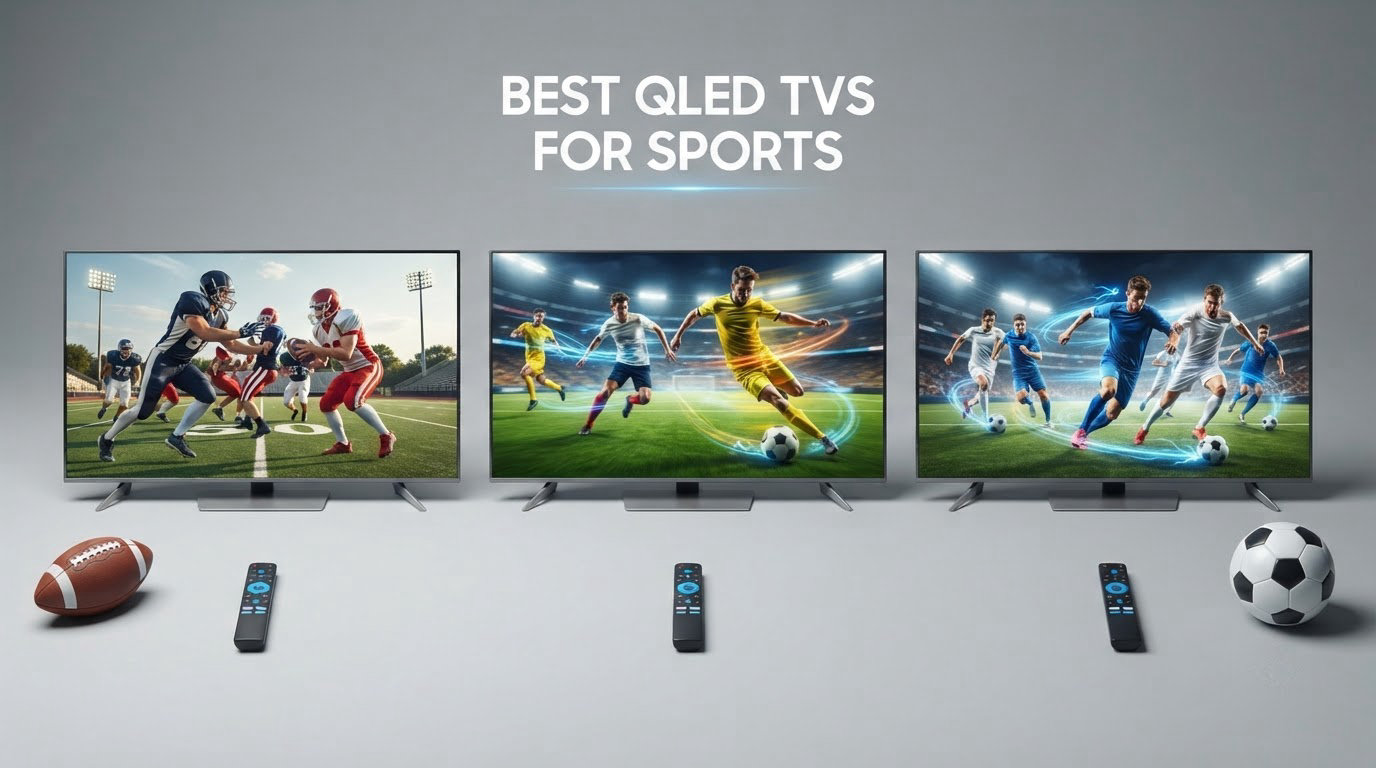
Is QLED good for sports? Yes, and for most viewers it is the safer all-round answer. Four specifications decide whether a QLED handles live sport: a native 120Hz or better refresh rate, a motion processor that cleans up judder, enough peak brightness to fight daylight, and an anti-reflective screen treatment. Pair those with an LED backlight, and you also avoid the permanent burn-in risk that comes with a scoreboard or channel bug sitting on screen for eight hours a day.
We spent weeks comparing the eight QLED sets below, focusing on what actually changes when a game is being played rather than on spec sheets. The pattern we kept coming back to is that refresh rate, not resolution, is the number that changes how a rugby pass or a hockey puck looks. Plenty of sets advertise high refresh numbers that only apply at a reduced resolution, so we have flagged every one.
This roundup covers the best QLED TVs for sports across eight brands and four budget tiers, from a 55-inch mid-range panel to a 65-inch Mini-LED. Sizing the screen comes before the shopping, and our guides to the best TV stands for 65 inch TVs and the best TV stands for 75 inch TVs cover the furniture side of a sports room, so you match the panel to your seating rather than the other way round.
Table of Contents
Top 3 Picks for Sports


VIZIO 50 Inch Quantum Pro
- 120Hz at 4K
- Active Full Array dimming
- Deep calibration controls
- WiFi 6E

Insignia 65 Inch QF
- 65-inch QLED color
- Dolby Vision support
- Dolby Atmos audio
- Alexa voice remote
All 8 QLED TVs for Sports at a Glance
Every set below was judged on the same five criteria. Scan the refresh rate column first: anything under 120Hz native will not fully resolve fast panning cameras.
| Product | Specifications | Action |
|---|---|---|
| TCL 65 Inch QM6K |
|
Check Latest Price |
 Roku 65 Inch Select Series Roku 65 Inch Select Series |
|
Check Latest Price |
| Insignia 65 Inch QF Series |
|
Check Latest Price |
 TCL 55 Inch Q7 TCL 55 Inch Q7 |
|
Check Latest Price |
| VIZIO 50 Inch Quantum Pro |
|
Check Latest Price |
 Hisense 65 Inch E7 Cinema Hisense 65 Inch E7 Cinema |
|
Check Latest Price |
 Roku 65 Inch Pro Series Roku 65 Inch Pro Series |
|
Check Latest Price |
 TCL 55 Inch Q6 TCL 55 Inch Q6 |
|
Check Latest Price |
Why Sports Look Choppy on Your TV
Sports look choppy on a TV when the panel cannot show enough unique frames per second, or when the motion processing cannot invent them convincingly. A 60Hz panel displays 30 unique frames per second, and a poorly tuned 120Hz set with aggressive frame insertion often looks worse than either.
- Your panel is 60Hz. A 60Hz TV shows 30 unique frames per second. Football tracking, hockey pucks and Formula 1 cars all smear, and no setting fully fixes it.
- The source feed is not matching your panel. A 120Hz panel showing a 60Hz broadcast duplicates frames. That judder is the classic “soap opera” stutter you see on a cricket ball or a running back.
- Motion interpolation is cranked too high. Settings like Clear Action, Motion Rate or MEMC invent intermediate frames that make players look translucent. One owner described a football disappearing almost completely during a throw on a set with processing enabled.
- The TV is in the wrong picture mode. Filmmaker and Cinema modes deliberately preserve the source judder for accuracy. Sports and vivid modes are the ones to use for live action.
- The set is downscaling a 4K feed. A good upscaler cleans up a 1080i cable or satellite broadcast. A cheap one adds noise that reads as motion smearing during fast pans.
The fix is mostly a shopping decision rather than a settings one. Buy native 120Hz or better, turn frame interpolation down or off, and switch to a sports or vivid picture mode. Everything in this roundup runs at 60Hz native or above, and we call out which ones reach 120Hz or higher.
1. TCL 65 Inch QM6K – Best Overall QLED TV for Sports
- 144Hz native refresh with Motion Rate 480 keeps fast action clean
- Mini-LED local dimming delivers deep blacks and bright HDR
- Onkyo 2.1 system with subwoofer beats the class
- Game Accelerator 288 VRR and 4 HDMI ports
- Brightness trails higher-end Mini-LED sets in very bright rooms
- Google TV home screen is ad-heavy
- Speakers adequate but not home-theater capable
This is the set we kept coming back to. The 65QM6K runs a 144Hz native panel, which is unusual at this level, and reviewers consistently describe fast sports action as clean and blur-free. The quantum dot layer keeps jerseys and pitch colors saturated rather than washed out, and the full array Mini-LED backlight means dark stands in a night game stay dark.
Motion Rate 480 works alongside the native 144Hz to insert additional frames, but the panel does the heavy lifting, so fast balls hold their shape even with interpolation dialled down. Owners upgrading from OLED or older LED sets report a large jump in picture quality, and several describe it as holding up against sets costing meaningfully more.
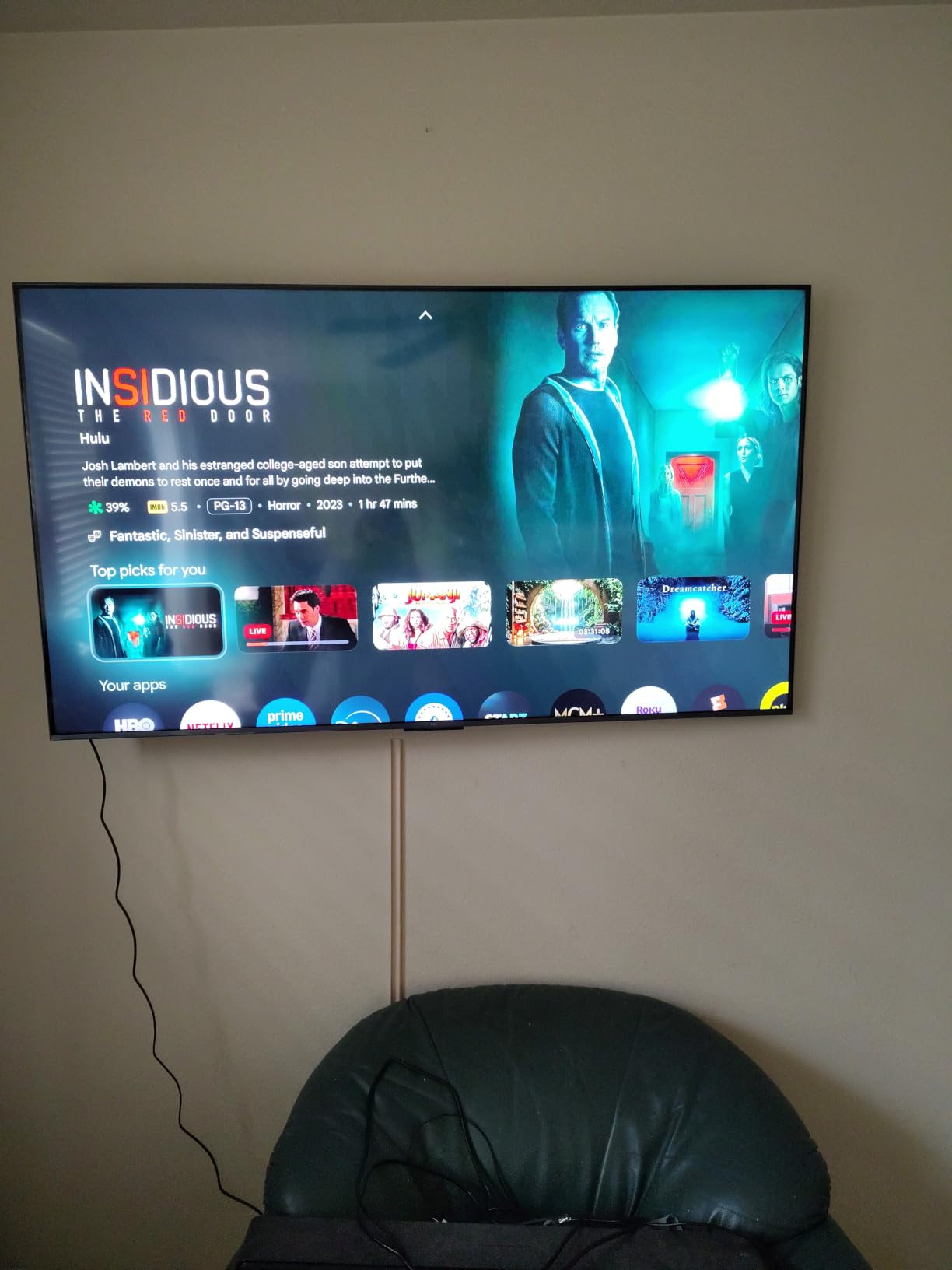
The Onkyo 2.1 speaker system with a built-in subwoofer is the quiet winner here. Sport is dialogue-heavy, with commentary and crowd noise carrying most of the information, and thin 20-watt TV speakers muddy both. A soundbar still helps, but fewer owners feel forced to buy one immediately.
Four HDMI ports, Game Accelerator 288 VRR, a 178-degree viewing angle and a backlit motion-activated remote round out a genuinely complete package. At 37.8 pounds it also needs a stand that can carry a 65-inch panel properly.
Who the TCL 65QM6K suits best
It suits a family who watches sport in a mixed-lighting room, plays consoles on the same set, and wants a large screen without stepping up to a flagship. The 144Hz panel means fast games and fast sports both look right, and the local dimming holds up for cinema in the evening.
It also suits anyone who has been burned by soft, washed-out sport on a budget set. Quantum dot color plus Mini-LED contrast fixes the two complaints that appear most often in buyer reviews about cheaper QLEDs.
Who should skip the TCL 65QM6K
Skip it if your room is genuinely sunlit all day. Reviewers note brightness falls short of higher-end Mini-LED sets under the toughest conditions, so a sunroom with strong direct light is a poor match despite the refresh rate.
Skip it if ad-supported home screens bother you. The Google TV home experience is ad-heavy enough that some owners install a third-party launcher to hide it, and a few report the Google Home app failing to recognize the TV for voice power-on.
2. Roku 65 Inch Select Series – Simplest Setup for Live Sport
- Roku OS is fast and uncluttered with no ad clutter
- Setup is near-instant and logins carry over
- QLED color is clearly better than standard LED
- Lightweight slim build with a matched VESA mount
- 60Hz native refresh is the main limit for fast sports
- 20 watt speakers are adequate rather than good
- Home screen layout changes annoy some users
The Roku Select is the one to buy if the television is an appliance rather than a hobby. Setup takes minutes, app logins carry over from an existing Roku device, and the interface stays out of the way of the game. Buyers overwhelmingly pick it for that reason.
Picture-wise, the QLED panel delivers noticeably better color depth and contrast than a standard LED set of the same size, and Roku Smart Picture optimizes incoming signals so a compressed stream looks reasonable. Reviewers describe sports and fast action content as tracking cleanly without judder, which is fair for the 60Hz panel at typical broadcast frame rates.
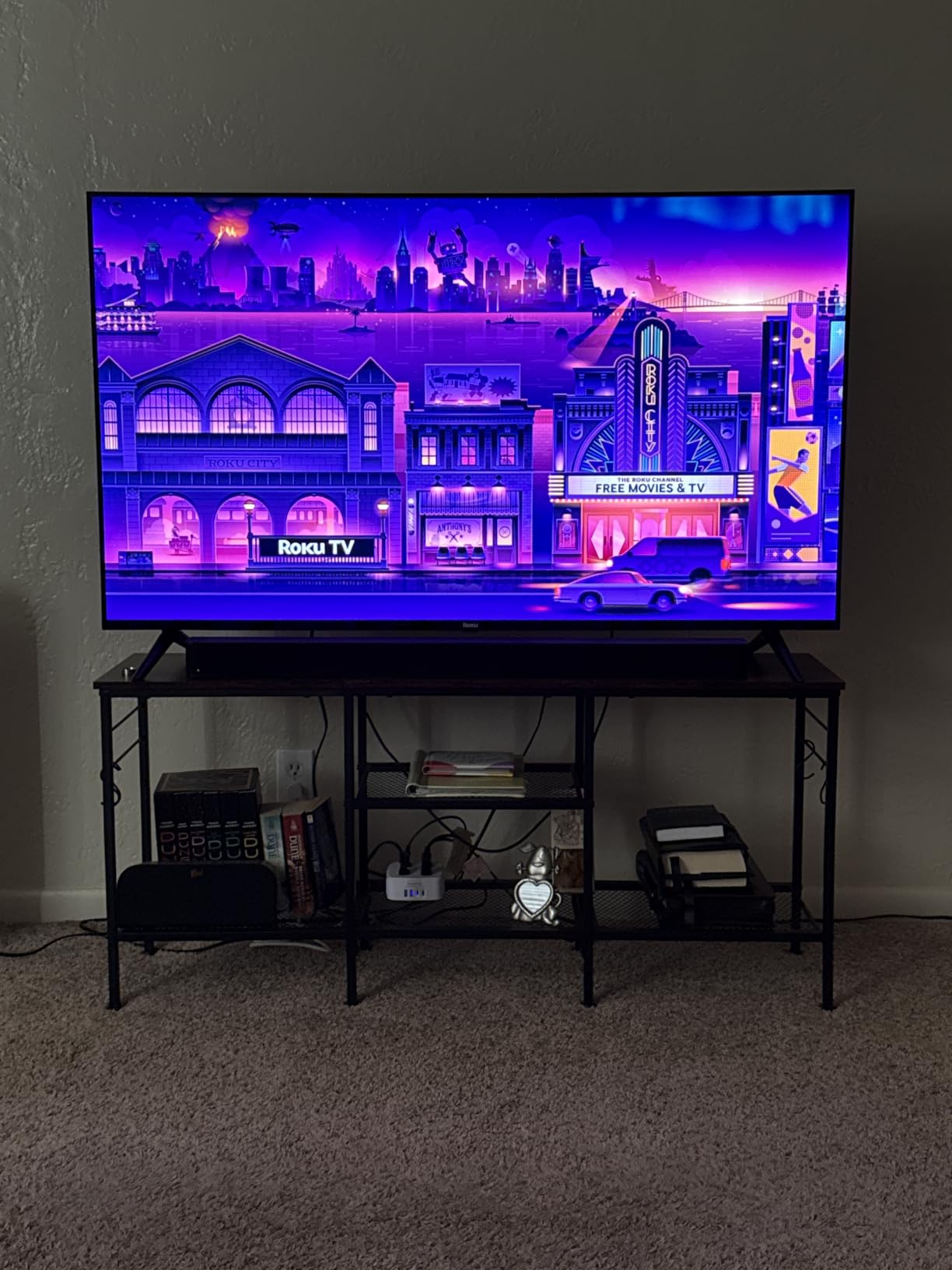
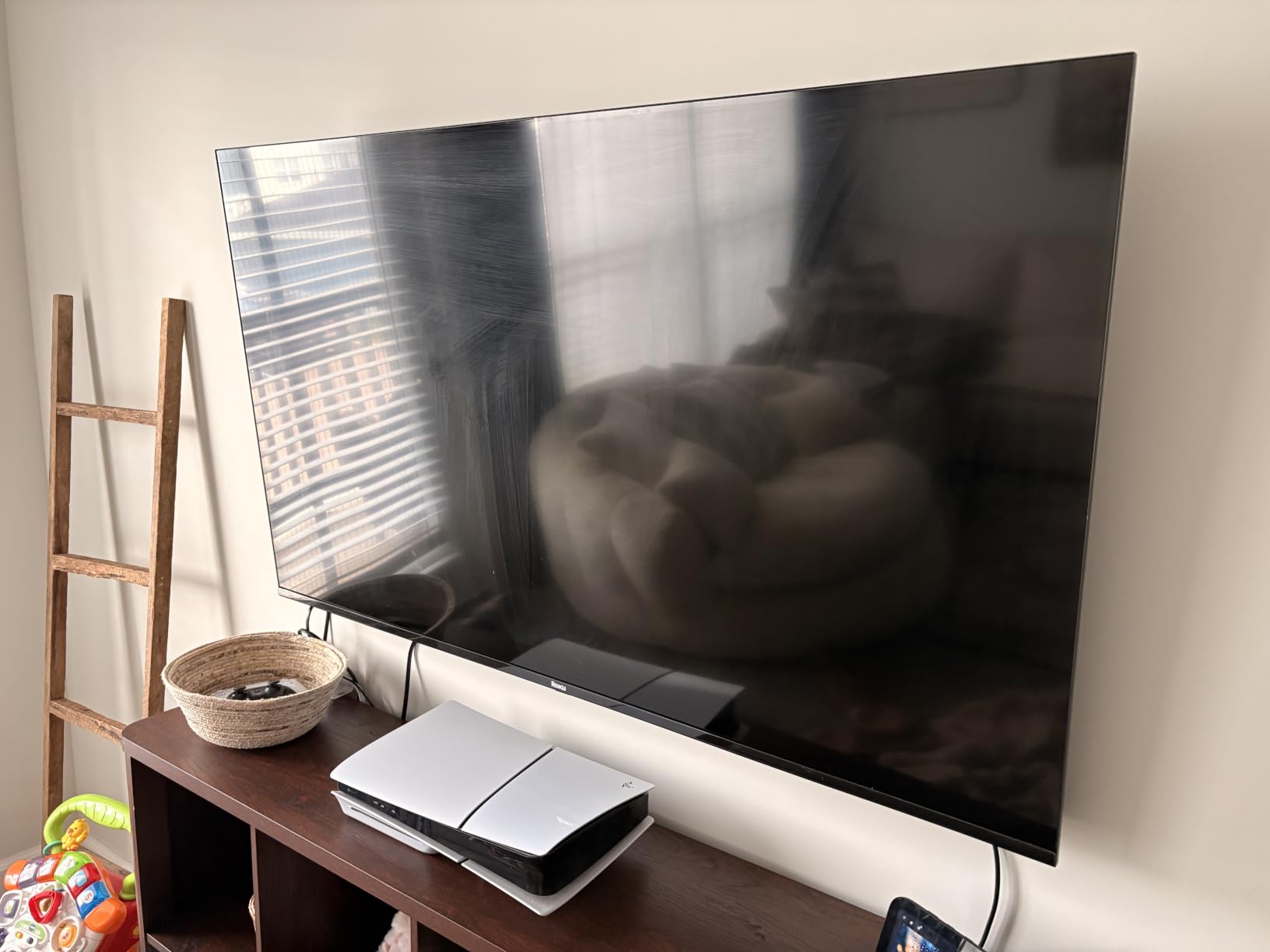
It also handles a bright room better than expected, holding up with little glare. At 30.9 pounds and with a 400 by 300 mm VESA pattern, it is an easy wall mount, which matters if you are putting a 65-inch panel in a bedroom or a secondary room.
Four HDMI ports, Ethernet, optical output, AirPlay 2 and Miracast cover the connection side completely. Bluetooth Headphone Mode is a genuine sports feature if you want commentary without waking the household.
Who the Roku 65 Select suits best
It suits households with mixed confidence levels around technology, anyone moving from a cable box, and viewers who want a large screen with no setup battle. The picture is good enough that most people stop noticing the specification list within a week.
It also suits a bedroom or den where a big panel is wanted at 4K but 120Hz gaming is not. In that room, the size and the clean interface matter far more than refresh rate.
Who should skip the Roku 65 Select
Skip it if you follow hockey, Formula 1 or anything where a puck or car is the entire point of the shot. The 60Hz native panel is the hard limit here, and no menu setting creates real frames that the panel does not have.
Skip it if you care about sound quality. The 20-watt two-channel Dolby Audio system is adequate for news and studio shows but thin for crowd atmosphere in a stadium.
3. Insignia 65 Inch QF Series – Budget Route to QLED Color
INSIGNIA 65-inch Class QF Series LED 4K UHD QLED Smart Fire TV with Alexa Voice Remote (NS65-UQFL26)
- Quantum dot color is a visible step up from standard LED
- Bright vibrant picture that works in a lit room
- Lightweight and quick to set up
- Three HDMI inputs including eARC
- 60Hz panel and the claimed 120Hz mode look choppy
- No HDMI 2.1 for high-refresh gaming
- Fire OS menus are slow on a cold start
The QF series is the least expensive route onto a large QLED panel, and the color difference from a standard LED set is immediately visible. Quantum dot filtering with Direct LED backlighting gives you uniform brightness across a 65-inch screen, and the metal bezel-less design makes it look more expensive than it is.
For sports, expect a mixed result. Buyers like the brightness and the value, but the consensus caveat is clear: the native 60Hz panel means fast action is only passable, and the advertised higher mode looks choppy and blurry on quick movement. Gamer owners advise disabling motion processing entirely.
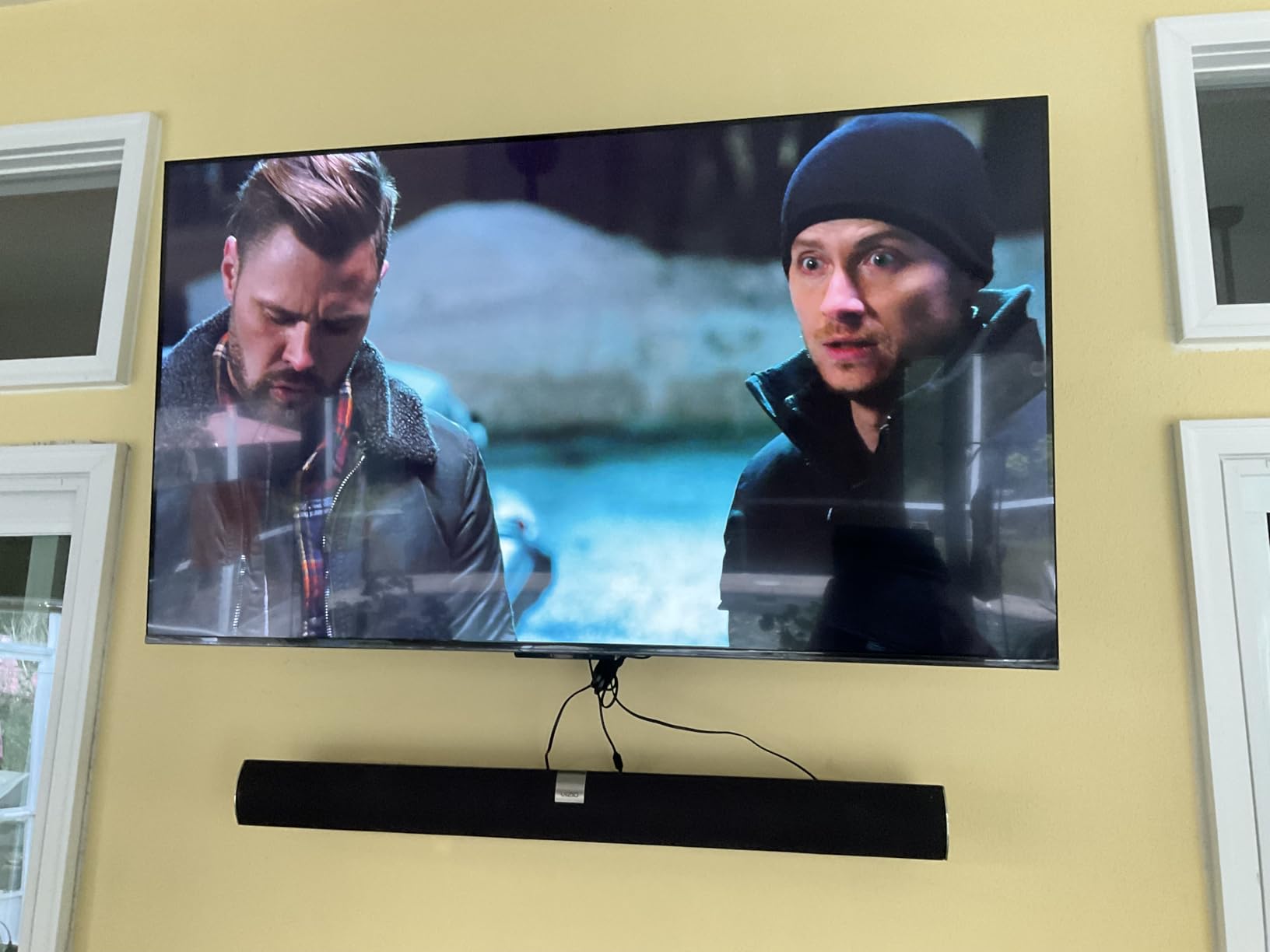
The software is the other weak point. Fire OS menus are reported as slow and laggy on a cold start, and picture settings sit behind active content or the main profile, which is frustrating to navigate. Several owners plug in an external streaming device to bypass it, which would also solve the input lag problem.
Three HDMI inputs including one with eARC, Wi-Fi, Bluetooth and Apple AirPlay cover the basics. Dolby Vision and Dolby Atmos support at an entry-level price is genuinely rare and worth having for afternoon games.
Who the Insignia 65 QF suits best
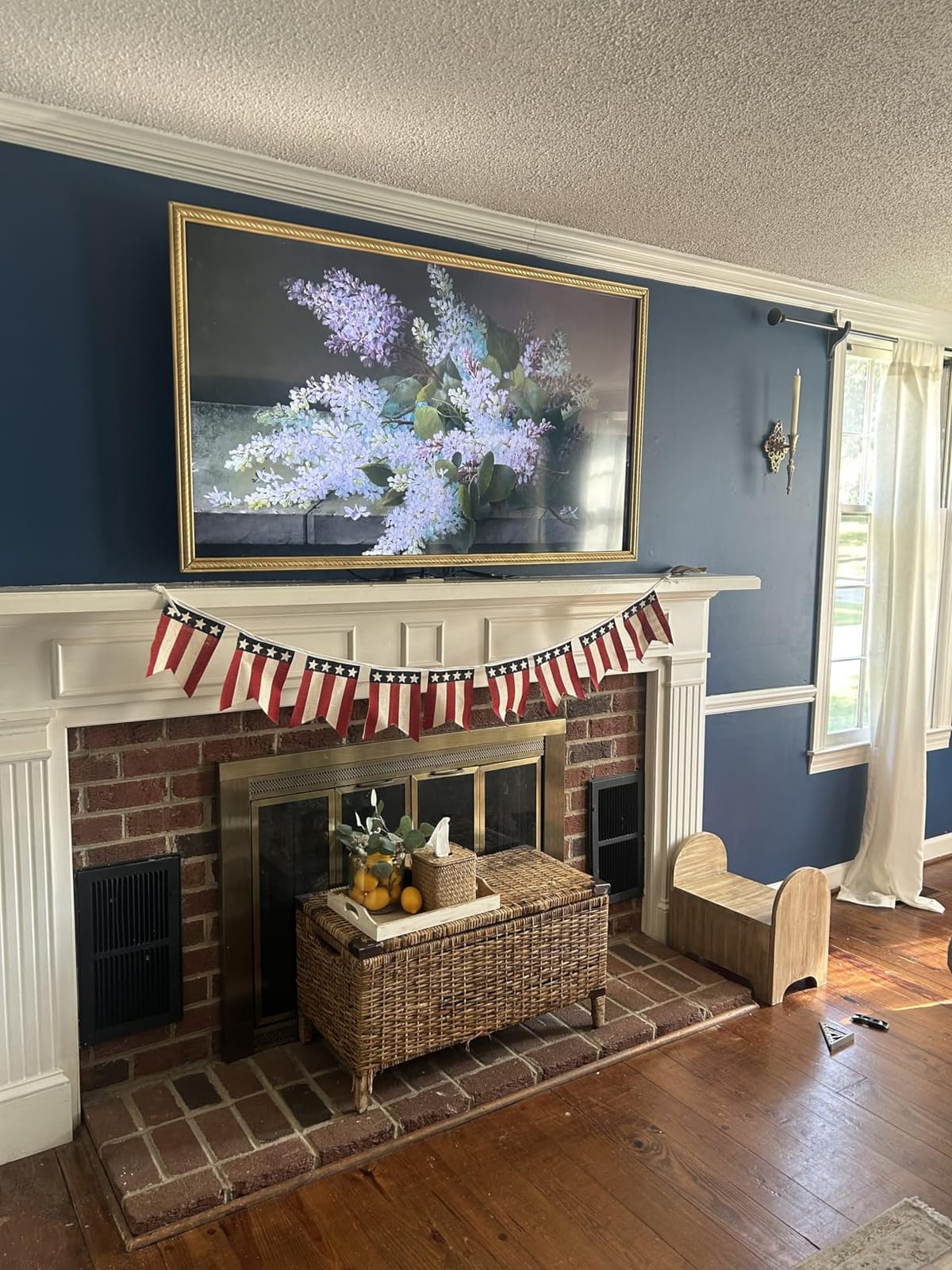
It suits a first large-TV purchase, a rental or holiday home, and anyone who wants a big screen in a sunlit room on a limited budget. Brightness for the money is the headline strength, and daylight performance is the priority here.
It also suits households already invested in Alexa. The Fire TV platform with a voice remote means the TV is genuinely useful for scores, fixtures and switching channels by voice, which is a real convenience during a busy league season.
Who should skip the Insignia 65 QF
Skip it if motion clarity is the whole point. The 60Hz panel is not a minor compromise at this screen size, and reviewers are blunt that fast content is only passable.
Skip it if you plan to game at high refresh rates. There is no HDMI 2.1 and no 1080p at 120Hz support, so the console features that matter to players simply are not there.
4. TCL 55 Inch Q7 – Best Native 120Hz for Live Sport
TCL 55-Inch Q7 QLED 4K Smart Google TV (55Q750G) 2023 Model with Dolby Vision & Atmos, HDR Ultra, 120Hz, Game Accelerator up to 240Hz, Voice Remote
- Native 120Hz with Motion Rate 480 gives low motion lag
- Full Array PRO local dimming with 200+ zones produces deep blacks
- Strong 4K HDR and gradient handling for the price
- Google TV is responsive and quick
- Real-world brightness measures well below the quoted 1000 nits
- VRR can cause flicker and dropouts on current consoles
- Over-the-air firmware updates are unreliable on US models
The Q7 is repeatedly described as the least expensive native 120Hz panel with real local dimming, and for sports that combination is exactly what you want. Sports viewers single out the lack of motion lag on live action, and the 200-plus zone Full Array PRO backlight keeps dark areas dark without much blooming around bright jerseys.
Motion Rate 480 uses MEMC frame insertion to add frames on top of the native 120Hz. The panel does most of the work, so the picture stays sharp even with smoothing turned down. HighBright Pro LED backlighting and an UltraWide Color Gamut keep the field readable in a daylit room.
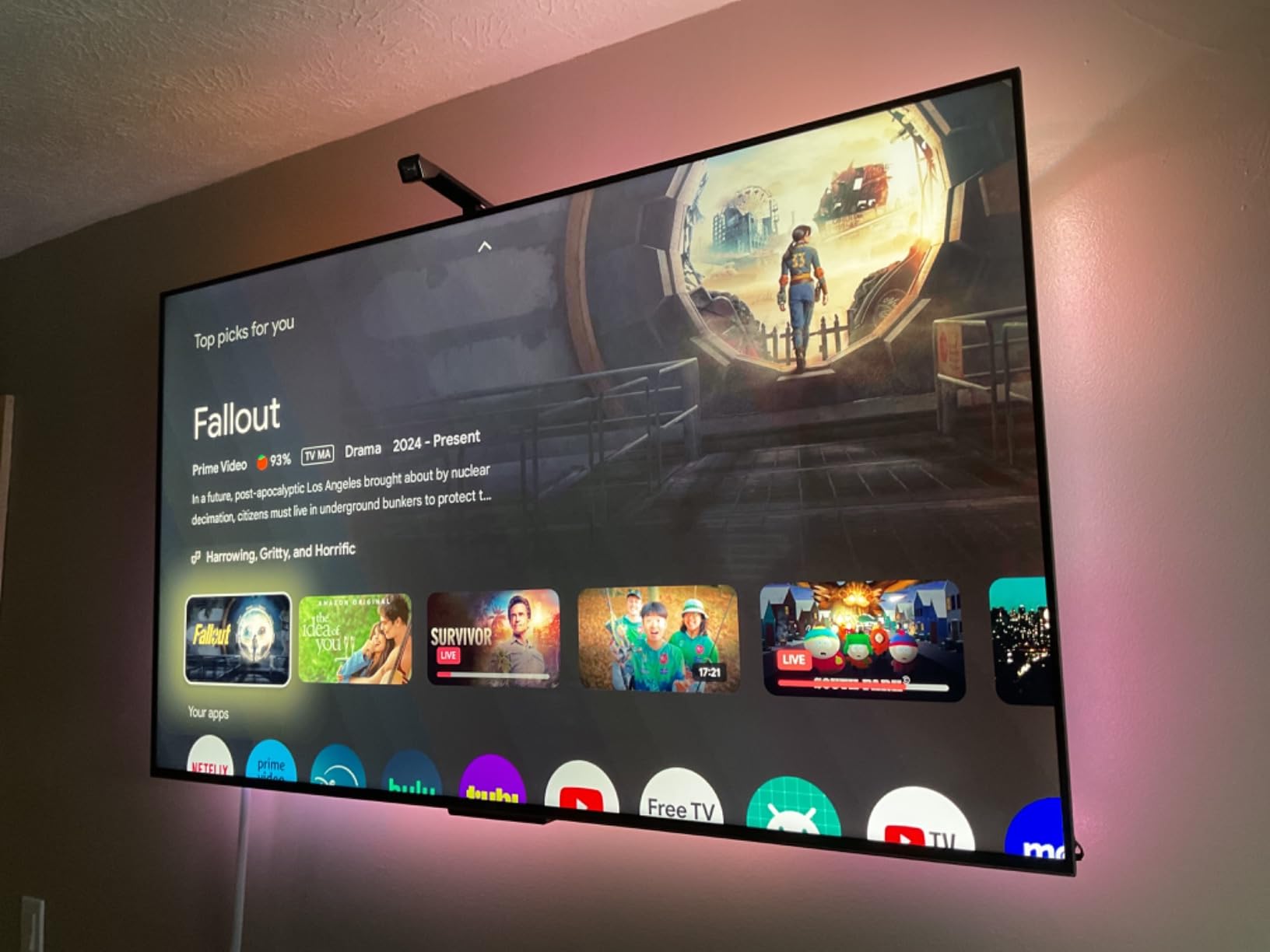
Owners compare it favorably to Samsung Neo QLED and LG QNED sets costing substantially more, which tells you how well the value case holds. Google TV is quick to launch apps, and one owner measured Wi-Fi throughput up to 115 Mbps on 4K streams.
Connectivity is well specified for the price: four HDMI ports, with one supporting 144Hz, another 120Hz and a third carrying eARC for a soundbar. That matters if you ever move from a 60Hz broadcast feed to a high-frame-rate console.
Who the TCL 55 Q7 suits best
It suits a sports-first household that also games, wants a 120Hz panel without flagship spending, and appreciates fine local dimming for evening film. The HDMI 2.1-style port layout means you are not buying a display that locks you out of high refresh gaming later.
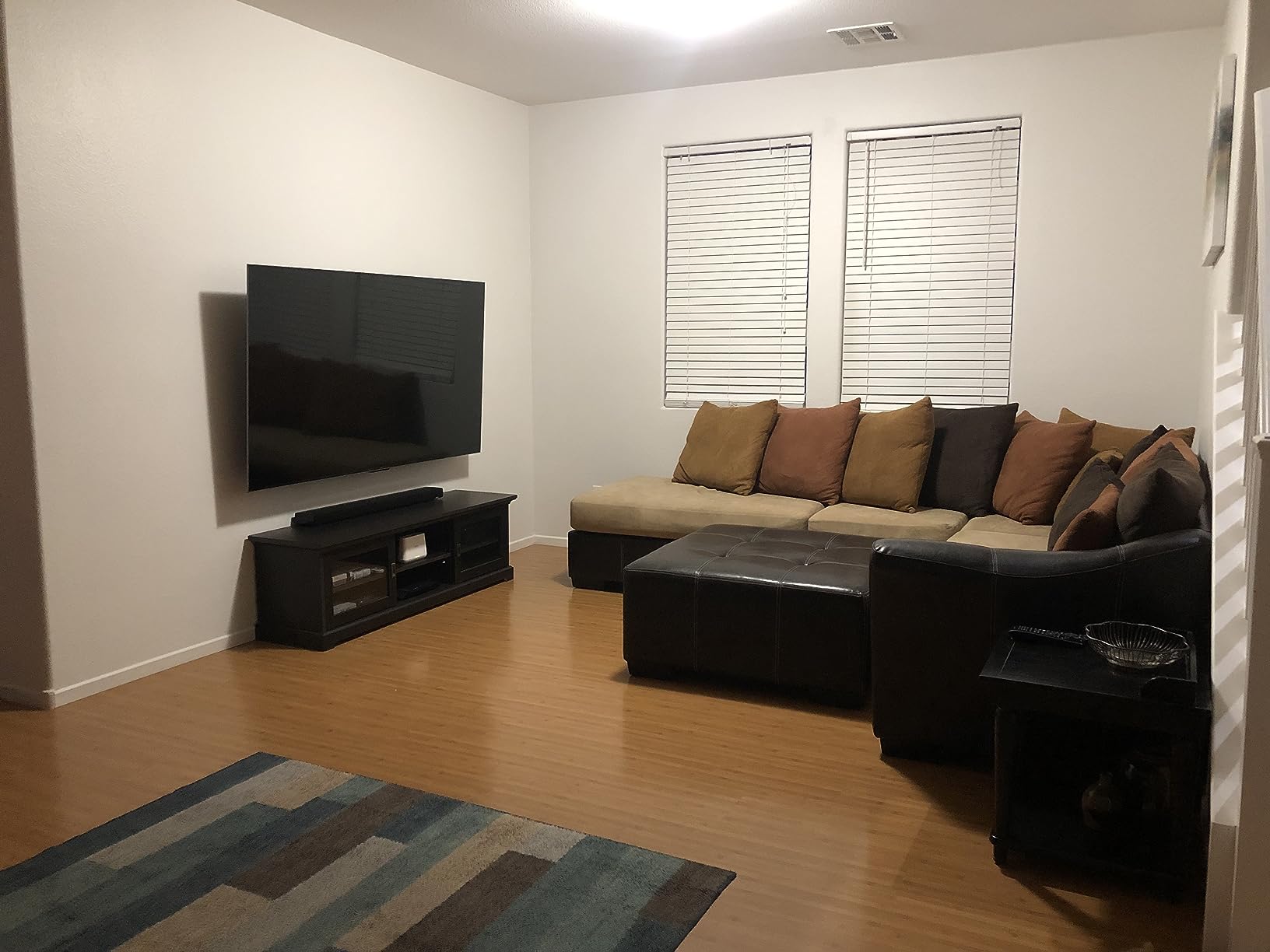
It also suits anyone who moves the TV between rooms. At a 55-inch class it is far easier to house than a 65-inch, and the picture quality per inch of furniture footprint is excellent.
Who should skip the TCL 55 Q7
Skip it if you sit in a very bright room. Quoted peak brightness is 1000 nits, but owners measure real output closer to 730 to 800 nits, so daylight performance is good rather than outstanding.
Skip it if you are sensitive to firmware friction. US over-the-air updates are reported as unreliable enough that manual USB updates may be needed, and some owners see VRR flicker and console signal dropouts.
5. VIZIO 50 Inch Quantum Pro – Tunable 120Hz in a Smaller Room
- True 120Hz at 4K and 240Hz at 1080p
- rare at 50 inches
- Extensive picture adjustment allows near-perfect calibration
- Good off-axis viewing on the IPS panel
- WiFi 6E streaming is fast and stable
- Local dimming and HDR are poorly calibrated out of the box
- IPS panel cannot produce true blacks
- eARC does not pass 5.1 LPCM to a soundbar
The Quantum Pro M50QXM is the sleeper of this list for sports. It delivers genuine 120Hz at 4K, and up to 240Hz at 1080p with AMD FreeSync Premium Pro certification, on a 50-inch panel. That combination is rare at this size, and it is why the set appeals to anyone who wants high refresh without a huge screen.
Owners who treat it as a tunable display are very happy. The zoned backlighting shuts off fully on black screens for genuinely dark rooms, and the calibration options are deep enough to dial in a matchday picture properly. The 1000 nit peak brightness figure is a quoted maximum rather than a typical reading.
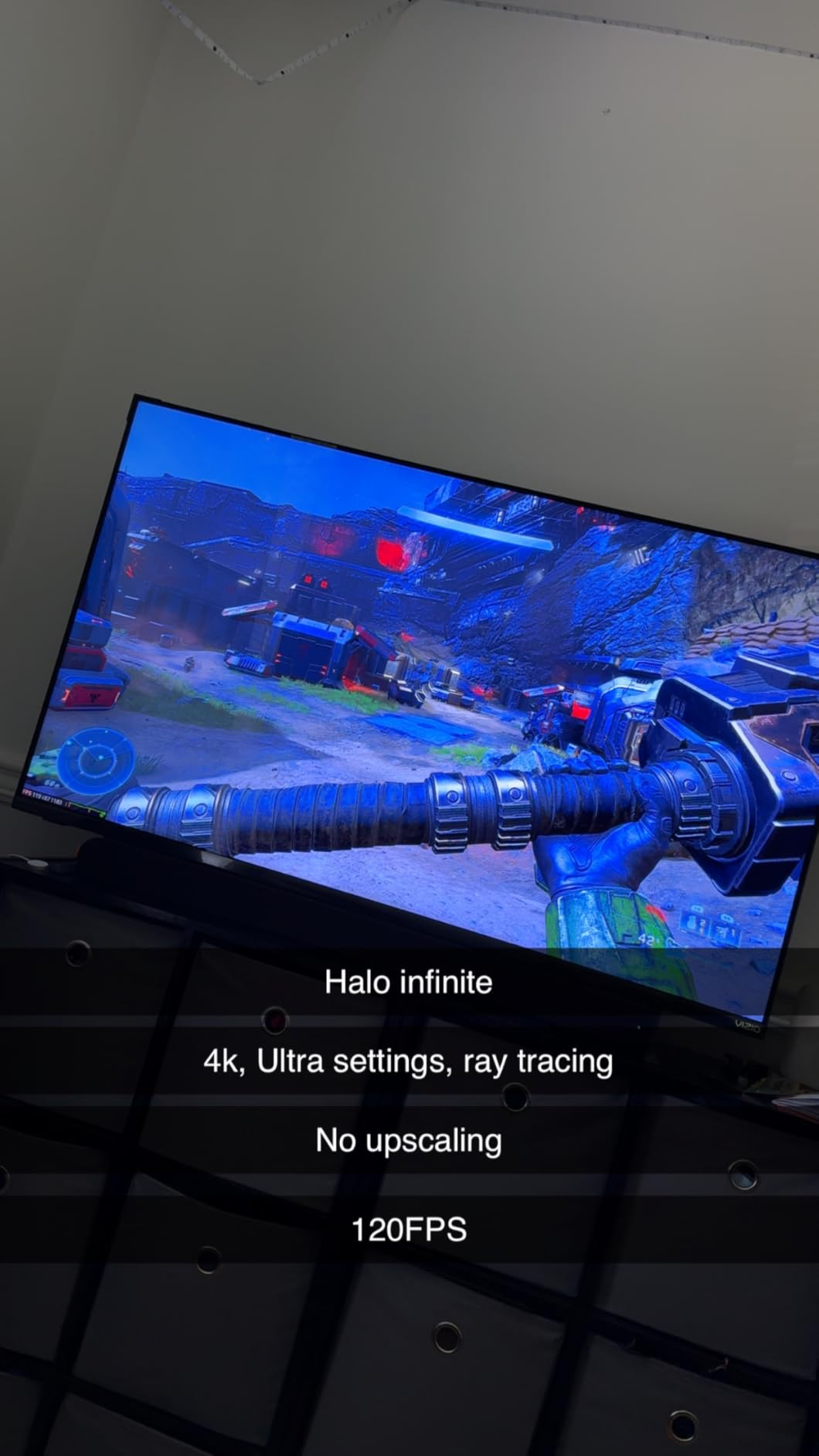
The critical thread in reviews is software, not the panel. Several reviewers found the headline local dimming produces an over-processed image and recommend turning it off, and the IPS panel cannot reach true blacks, so HDR contrast is weaker than VA-panel QLED rivals. Budget ten minutes of setting adjustments before you judge it.
One HDMI port carries the full 120Hz and 240Hz capability, which is a trap if you are not careful about which cable goes where. The remote layout also puts the power button next to the sponsored app buttons, which owners consistently dislike.
Who the VIZIO 50 Quantum Pro suits best
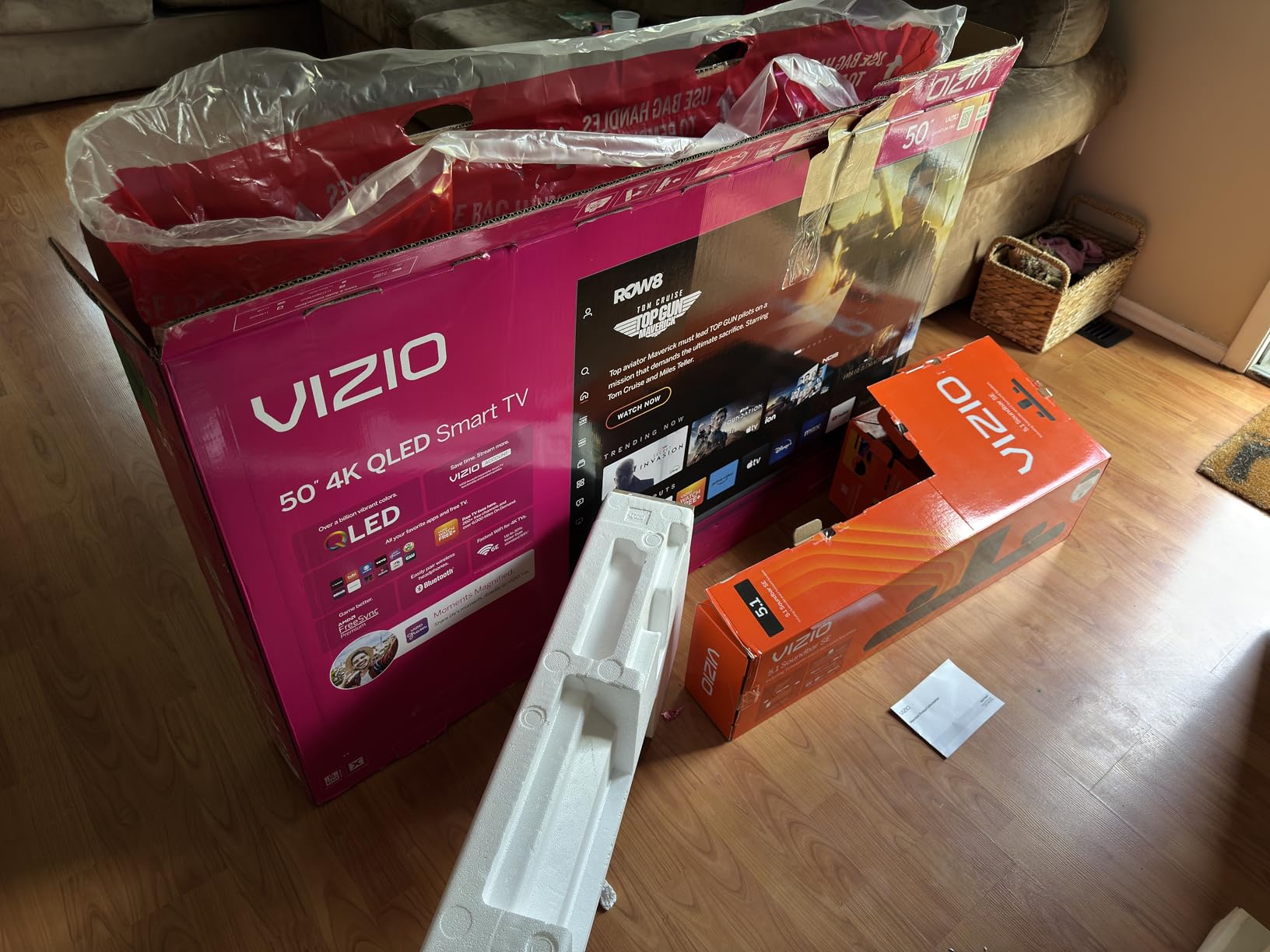
It suits a bedroom, a home office or a mid-size living room where 65 inches would be too large. A 50-inch at 120Hz is a genuinely usable sports setup, and at 27 pounds it is easy to handle and mount on a 200 by 200 mm pattern.
It also suits viewers who enjoy tuning their own picture. WatchFree+ free channels, Chromecast built-in and extensive adjustment options give you plenty to work with on a matchday afternoon.
Who should skip the VIZIO 50 Quantum Pro
Skip it if you want a plug-and-play set. The factory calibration is the weakest part of this package, and the recommendation from reviewers themselves is to disable local dimming before watching anything.
Skip it if black levels are your priority. The IPS panel trades in true blacks and deep HDR contrast for wider viewing angles, which is the wrong trade for a dark dedicated media room.
6. Hisense 65 Inch E7 Cinema – Native 144Hz With a Real Sports Mode
- Native 144Hz with MEMC keeps fast live sport fluid
- Mini-LED full array dimming gives very deep blacks
- AI Sports Mode tunes picture and crowd audio
- AI Light Sensor adapts to ambient light
- A minority of units report Wi-Fi dropouts and reboots
- 2.0 channel 20W audio benefits from a soundbar
- Some blooming on very high-contrast HDR
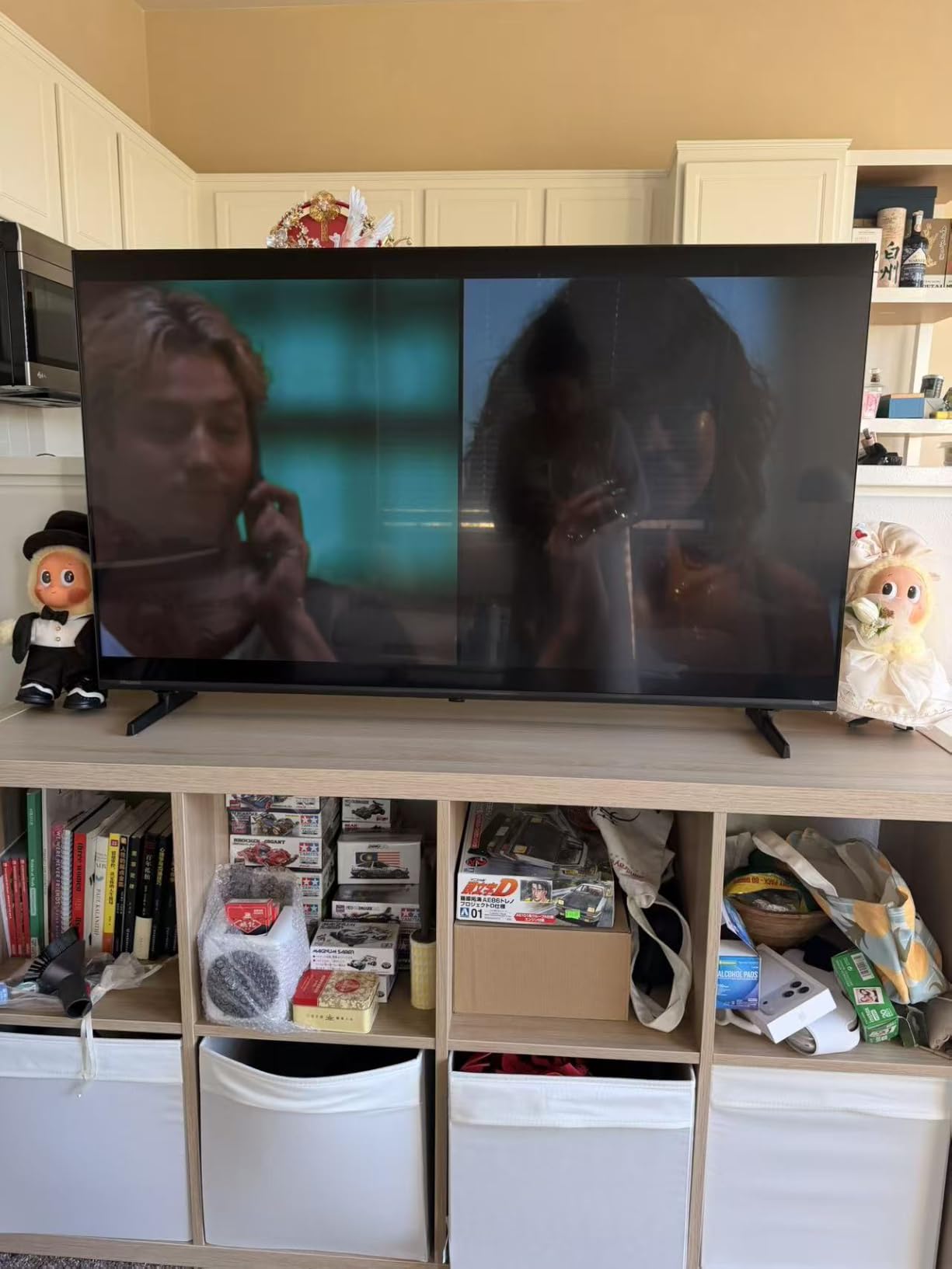
The E7 Cinema Series is the only set here with a manufacturer sports mode built around the sport rather than bolted on. AI Sports Mode tunes both picture and crowd audio for live action, and reviewers single it out as one of the reasons this set stands apart. The AI Picture engine analyses scenes individually, and the AI 4K upscaler matters a lot for 1080i cable and satellite feeds.
Motion handling is excellent. Native 144Hz with MEMC and black frame insertion keeps fast live sport fluid and easy to follow, which is exactly the complaint forum users raise about pucks and fast passes fading out on lesser panels.
The AI Light Sensor adjusts the backlight to ambient light in real time, a feature that genuinely helps in a sunroom or a Florida room where the air conditioning is not always running. Brightness and contrast both get described as well above the price class.
Dolby Vision, Dolby Vision IQ, HDR10+ Adaptive, HDR10 and HLG are all supported, with four HDMI ports and a 400 by 300 mm mount. At 38.4 pounds it needs a proper stand, and the wall-mount bracket is not included.
Who the Hisense 65 E7 suits best
It suits viewers in bright, variable-light rooms who want the picture to adjust itself rather than reach for the remote. The ambient light sensor is a real advantage in a sunroom, garage or Florida-facing space, and it pairs naturally with the burn-in-free LED backlight.
It also suits sports fans on cable or satellite. The AI upscaler is doing meaningful work on a 1080i broadcast, and the dedicated sports mode removes the guesswork from matchday setup.
Who should skip the Hisense 65 E7
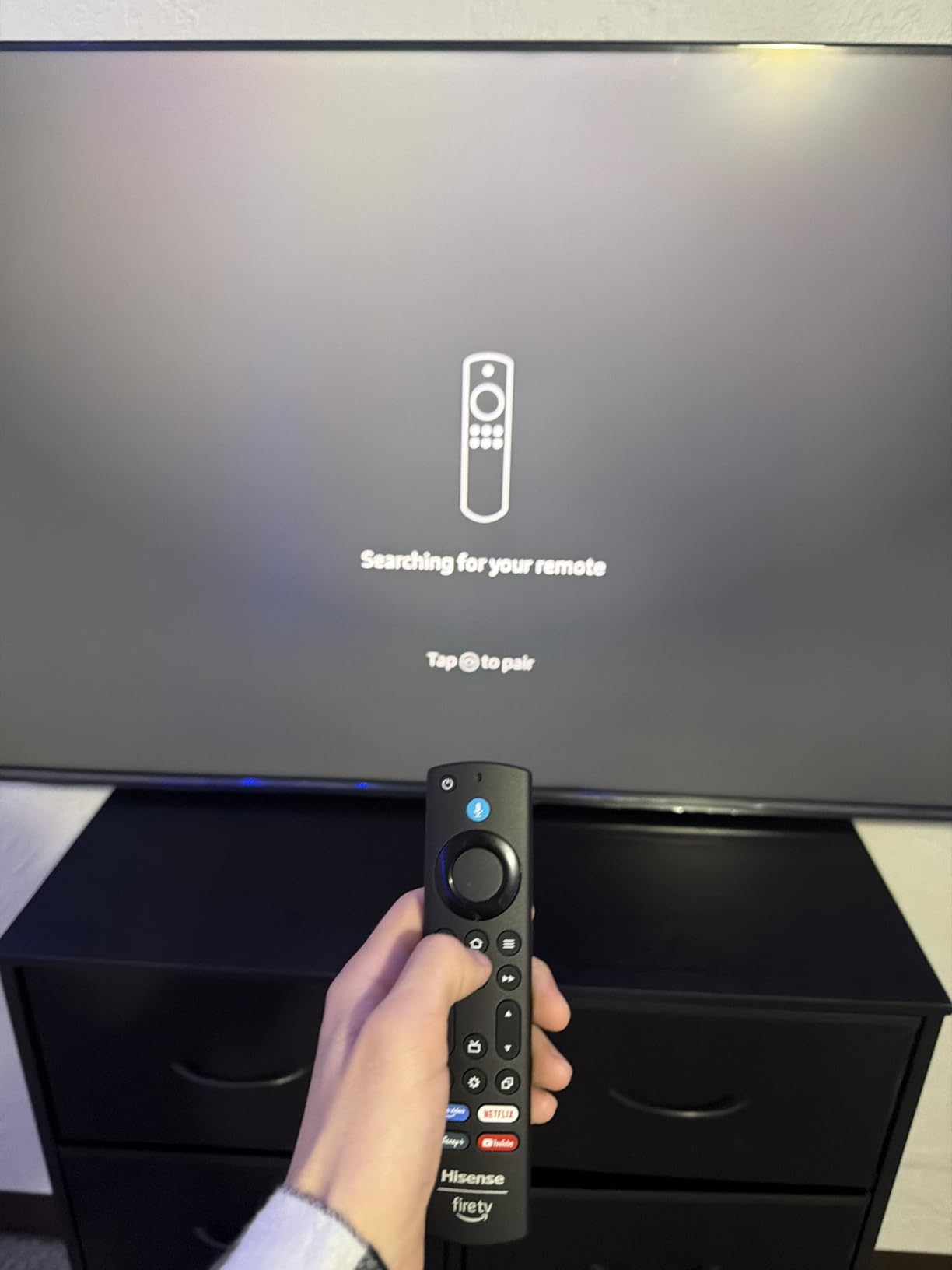
Skip it if you cannot tolerate any reliability risk. A minority of owners report recurring Wi-Fi dropouts, remote pairing failures and black-screen reboots that need a factory reset, and a small number report early hardware failures.
Skip it if you leave sound to the television. Twenty watts across 2.0 channels is fine for highlights and will disappoint on stadium atmosphere, so budget for a soundbar.
7. Roku 65 Inch Pro Series – Mini-LED With Genuine Built-In Sound
- 120Hz with FreeSync Premium Pro
- ALLM and VRR suits live sport
- Mini-LED picture with strong contrast and deep blacks
- Two HDMI 2.1 ports run 4K 120Hz
- Soundstage 4.1 audio good enough to skip a soundbar
- Motion handling shows jitter on golf and baseball
- Deep cabinet barely fits a standard media console
- Some early units reported shutdowns and color distortion
The Roku Pro Series is the rare Mini-LED QLED that does not need an external streamer. Roku OS arrives ready to use, Roku Smart Picture Max handles processing, and the 120Hz native panel is supported by FreeSync Premium Pro, ALLM and VRR. The stated 6.5 millisecond response time is a genuine asset when you also game.
Sound is the reason this set stands apart. The Roku Soundstage uses side-firing speakers in a 4.1 configuration with Dolby Atmos at 50 watts, and enough owners skipped buying a soundbar that it becomes a headline feature. Commentary and crowd noise both come through clearly.
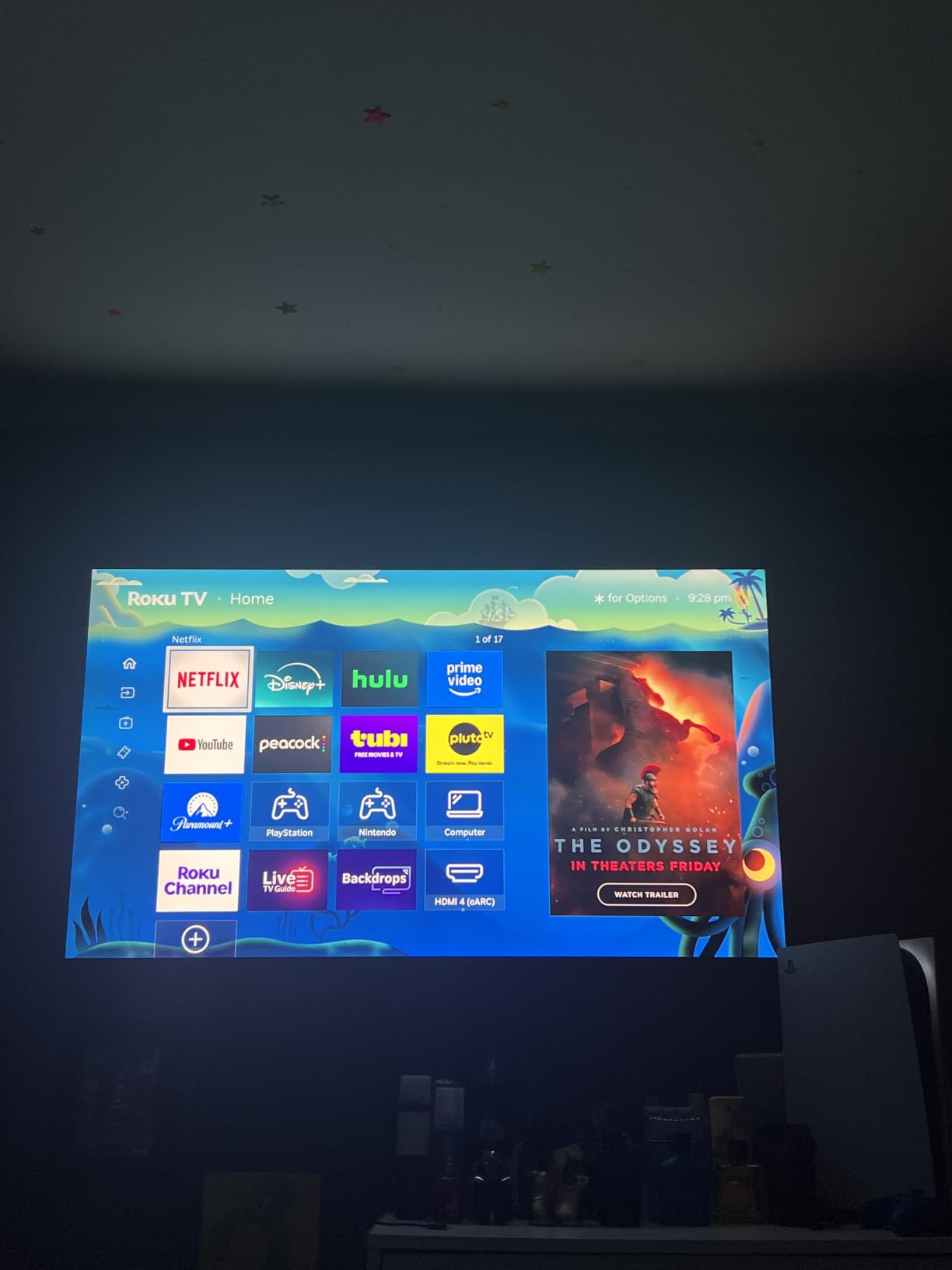
Two HDMI 2.1 ports support 4K at 120Hz, so a PS5 and a Switch 2 can both run at full resolution at the same time. The rechargeable backlit Pro remote has a remote finder, and the tool-less stands offer two height positions with cable management built in.
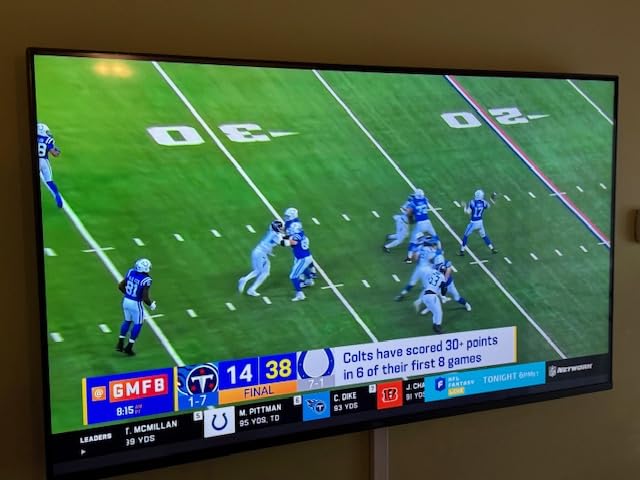
The one recurring performance complaint is motion handling on ball sports. Some owners report jitter and a trailing double-image on golf and baseball that no motion setting fully resolves, and the picture needs adjustment out of the box to reach its potential.
Who the Roku 65 Pro suits best
It suits households that want one device to do everything: live sport, streaming and console gaming, with no dongles and no extra hub. A Mini-LED panel means burn-in is not a consideration even with a scoreboard on screen all weekend.
It also suits anyone who hates shopping for soundbars. The Soundstage setup is the closest to usable built-in audio in this roundup and removes a whole category of decision.
Who should skip the Roku 65 Pro
Skip it if you follow golf or baseball closely. The jitter and double-image reports are specific to ball sports, and that is precisely the use case the purchase is meant to serve.
Skip it if your media console is shallow. The deep cabinet means the 65-inch barely fits with the stands attached, and at 62.3 pounds it is the heaviest set here by a wide margin.
8. TCL 55 Inch Q6 – Sensible Mid-Range Set for Casual Sport
- QLED color and HDR PRO+ look vivid for the money
- Motion Rate 240 improves clarity on fast content
- Game Accelerator 120 and ALLM reduce input lag
- Lightweight 24.2 pound build is easy to install
- 60Hz native panel limits very fast sports
- Edge LED backlight means no local dimming
- Speakers are basic despite Dolby Atmos processing
The Q6 is the value step up from an entry LED set, and quantum dot color plus HDR PRO+ is the most cited benefit in buyer reviews. It suits a household that watches a couple of games a week rather than following a league start to finish, and the picture is genuinely vivid for the money.
Motion Rate 240 with MEMC frame insertion does improve clarity on fast content, and Game Accelerator 120 with up to 120Hz VRR plus Auto Game Mode reduce input lag for consoles. Those features are well received for the price, though the underlying panel is still 60Hz native.
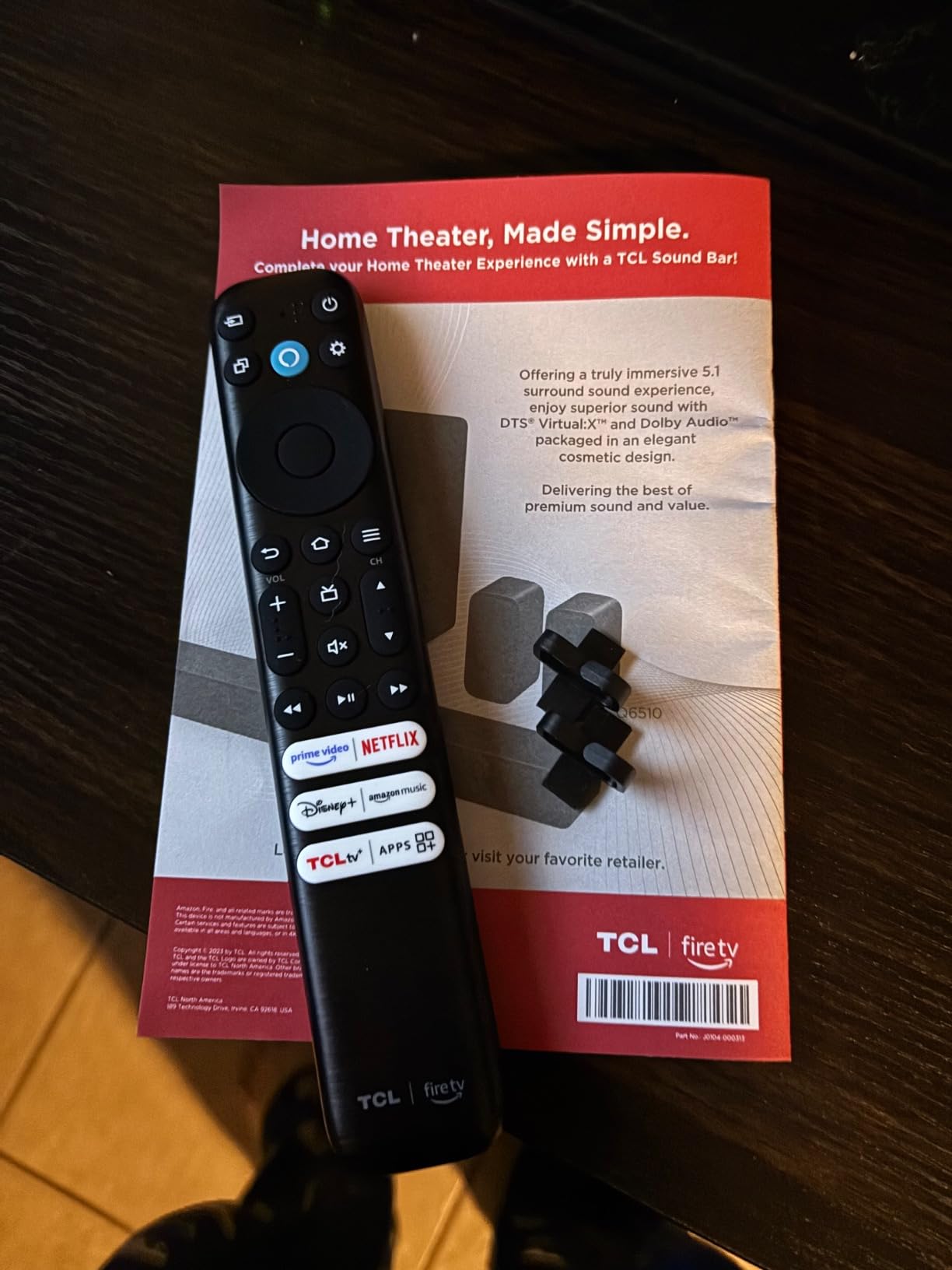
The limitation is structural rather than fixable. There is no local dimming because the backlight is edge-lit, so contrast and black levels trail Mini-LED rivals, and a night game will look grey next to one of the local-dimming sets in this roundup.
Three HDMI ports, a 200 by 300 mm mount and a 24.2-pound weight keep installation simple. Fire TV with Alexa in the remote, Apple AirPlay 2, Dolby Atmos and DTS Virtual:X complete the platform, and a dialogue mode helps commentary cut through.

Who the TCL 55 Q6 suits best
It suits casual viewers in a bedroom, den or secondary room, and anyone upgrading from a small entry LED set who wants better color without changing the size of their furniture footprint. At 55 inches it is also an easy size to place at typical sofa distance.
It also suits households where the same television handles a console. Auto Game Mode and Game Accelerator 120 are the sort of detail you normally pay extra for.
Who should skip the TCL 55 Q6
Skip it if you are a sports obsessive. The 60Hz native panel is the single biggest limitation, and buyers consistently compare it unfavorably against Mini-LED models for fast action.
Skip it if you watch at night with the lights off. Edge-lit backlighting means no local dimming, so dark scenes and scoreboard graphics look washed out compared with the TCL Q7 or Hisense E7.
QLED vs OLED for Sports
QLED is the better all-round choice for sports, and the reason is a combination of brightness and durability rather than motion. An LED backlight cannot burn in, so a permanent scoreboard, a channel logo or a rolling news ticker sitting on screen for hours is a non-issue. OLED panels are brighter in a dark room and handle motion superbly, but they carry a real burn-in risk with the static graphics that sport is full of.
The terminology confuses more than it helps. QLED simply means a quantum dot layer on top of an LED backlight. Mini-LED is a QLED set with a much larger number of smaller backlight zones, which produces better contrast and darker blacks. Neo QLED is Samsung’s marketing name, and QD-Mini-LED is TCL’s. When you see a Mini-LED QLED, you are still buying a QLED, just a better one.
Burn-in is worth separating from image retention. A well-made QLED can show temporary retention after hours of static graphics, which fades. An OLED that suffers permanent image retention from the same scoreboard does not fade, and the ghost channel logo stays visible during the game you care about. For a set that lives in a room where sport runs all day, that difference decides the purchase.
Choose OLED instead if you watch in a dark, controlled room, you are not worried about static on-screen graphics, and you want the best motion clarity available. Choose QLED if the room is bright, the set runs sport channels for long stretches, or you are working to a tighter budget.
How We Judged QLED TVs for Sports
Generic TV roundups rank screens on picture quality in a darkened showroom. Sport is a different job, so we judged these eight on five criteria that only matter once a live game is on.
Motion handling came first. We looked at the native refresh rate rather than the headline number, because a refresh rate that only applies at a reduced resolution does nothing for a broadcast feed. We also considered whether the frame insertion looked convincing or produced the soap-opera stutter viewers complain about.
Brightness and reflection handling came second, because a sunlit room changes which panel wins. Sets that quote peak brightness figures were treated as maximums, and we leaned on reported real-world performance instead.
Burn-in behaviour came third. Every set here uses an LED backlight, so none carries permanent image risk, but panel choice and local dimming still affect how a dark scoreboard looks against a bright pitch.
Viewing angle and group seating came fourth, which is a genuine gap in most buying guides. If friends sit off to one side, IPS panels hold up better while VA panels deliver deeper blacks.
Platform speed and picture controls came fifth, because a TV that needs twenty minutes of menu work before it looks right will not look right every time someone turns it on. Forum buyers repeatedly ask for honest downsides, so every review here includes a section on who should skip the set.
How to Choose a QLED TV for Sports
Spend your research time on refresh rate first and everything else second. A 120Hz native panel displays 60 unique frames per second, which halves the judder on a 60Hz broadcast compared with a 60Hz set. 144Hz adds less than you would expect for broadcast sport, but it is worth paying for if you also game.
Match brightness to the room, not the spec sheet. A sunroom, garage or Florida-facing space where the air conditioning is not always running needs a high-brightness Mini-LED with real local dimming. A darkened media room does not, and in that situation OLED is worth considering instead.
Size the screen to the seating distance before you shop. A 65-inch is the sweet spot for a main living room at normal sofa distance, while 50 to 55 inches suits a bedroom or a den. If a new set is going on furniture rather than a wall, our picks for the best TV stands for 65 inch TVs cover the weight and width issues that trip people up at that size.
Check which HDMI ports carry full bandwidth. A set that advertises 120Hz but only offers it on one port means cable routing matters, and the VIZIO Quantum Pro is a good example of why. If you game, look for two HDMI 2.1 ports, ALLM and VRR support.
Think about the source, not just the screen. Most live sport arrives as a 1080i cable or satellite broadcast or a compressed stream, so upscaling quality matters more than 8K resolution marketing. Sets with dedicated picture processors and AI upscalers, such as the Hisense E7, handle that work better.
Finally, factor in the sport you actually watch. Ball sports punish judder, so refresh rate decides. Endurance and motorsport reward high brightness and wide viewing angles. Static sports graphics argue for a QLED over an OLED, whatever else the comparison says.
If you only check one thing, check this: confirm the refresh rate is native at 4K, not a mode that drops resolution or depends on frame insertion.
Frequently Asked Questions
Is QLED better for watching sports?
QLED is generally the better all-round choice for sports because an LED backlight cannot suffer permanent burn-in from a static scoreboard or channel logo, and Mini-LED QLED sets add the brightness and local dimming needed to compete with daylight. OLED still wins for motion clarity in a dark, controlled room.
Why do sports look choppy on my TV?
Sports look choppy when the panel cannot show enough unique frames per second, when the broadcast frame rate does not match the panel, or when motion interpolation is set too high. A 60Hz TV shows 30 unique frames per second, which smears fast balls, and aggressive frame insertion makes players look translucent rather than smoother.
What type of TV is best for sports viewing?
A 4K QLED with a native 120Hz or 144Hz refresh rate, Mini-LED local dimming and Dolby Vision support is the most practical sports television, because it handles fast motion, daylight glare and static on-screen graphics at once. In a dark room with no burn-in concerns, an OLED handles motion better than any QLED.
Do QLED TVs have burn-in risk?
QLED TVs use an LED backlight rather than self-emissive organic pixels, so they cannot suffer permanent burn-in the way an OLED can. A QLED can show temporary image retention after hours of static graphics, and this fades, which is why QLED is the safer choice for channels that broadcast sport around the clock.
Is a 60Hz TV good enough for sports?
A 60Hz TV is usable for sport but noticeably less so than a 120Hz panel, because it displays 30 unique frames per second and visible judder appears on fast panning shots and small moving objects. It works for casual viewing and news, but hockey, motorsport and football look distinctly better on native 120Hz or higher.
Conclusion
The TCL 65 Inch QM6K is our pick for the best QLED TVs for sports overall, because a 144Hz native panel, Mini-LED local dimming and a proper 2.1 speaker system cover motion, contrast and commentary in one box. The TCL 55 Q7 is the value answer if you want native 120Hz with real local dimming on a smaller screen, and the Insignia 65 QF is the way onto a large QLED panel for the least money if fast motion is not your priority.
Pick a native 120Hz panel or better, match the brightness to your room light, and give the screen a proper stand. 2026 is a good year to buy, and any of these eight will make live sport look far better than the set most households are currently watching it on.