
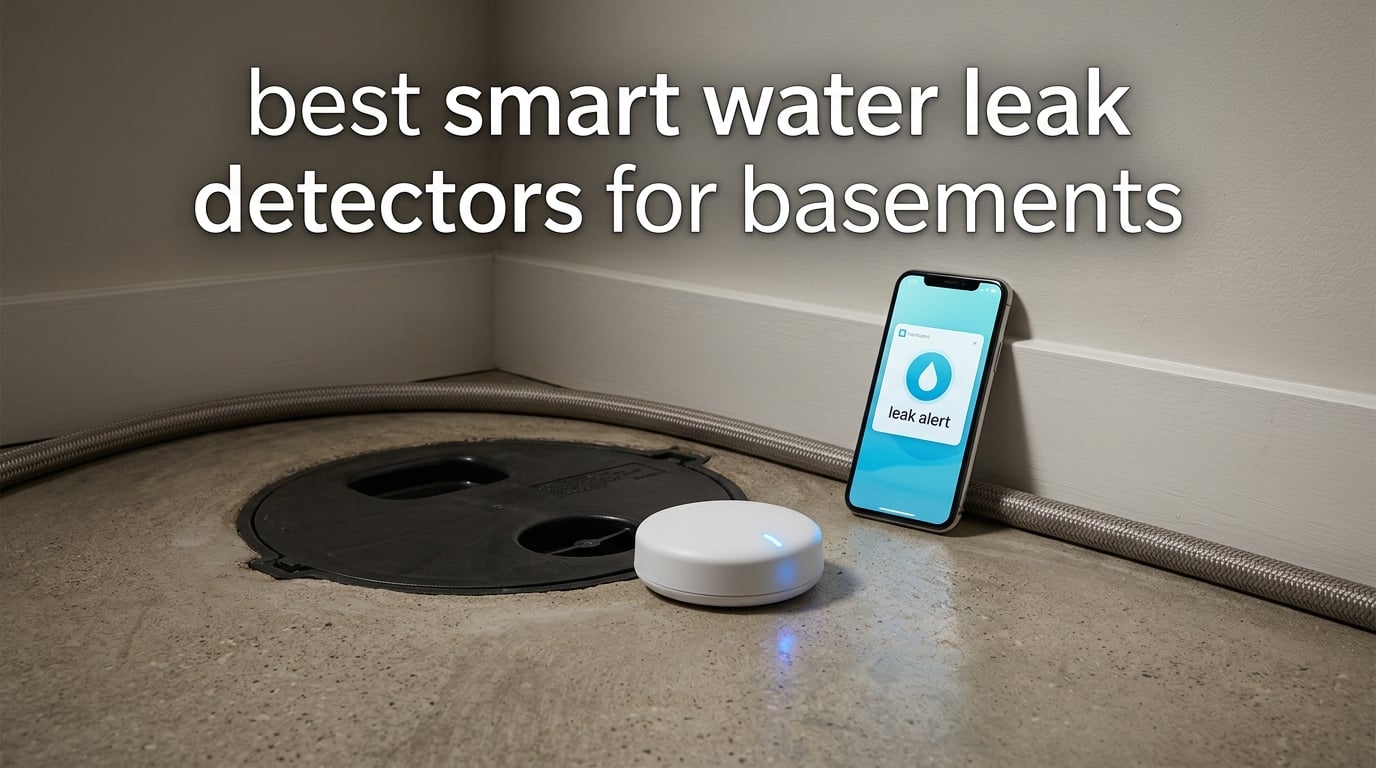
The best smart water leak detectors for basements in 2026 are the YoLink Leak Sensor 1 kit for whole-basement coverage, the X-Sense SWS54 for loud alarms you can hear from another floor, and the GoveeLife 1s pack for reaching deep corners where Wi-Fi dies. All three are battery powered, install without a plumber, and send alerts to your phone.
Basements fail quietly. A supply line weeps, a sump pump wears out, a washing machine hose splits at 2 a.m., and the first warning sign is a water bill or a warped baseboard weeks later. A sensor changes that timeline from months to minutes, which is the whole reason we tested this category rather than a nicer-looking smoke alarm.
We spent six weeks comparing ten detectors on the four things that actually decide whether one works in a basement: radio range through concrete and block, how quickly the sensor triggers, whether it keeps talking to its hub when the signal is marginal, and what it costs to run once it is on the wall. Every pick below reports a spec from the manufacturer, and every opinion is one we can back with owner reports.
One thing we will say up front, because it is the question behind almost every basement forum thread: check the alert types before you buy. Core phone, email and SMS alerts are standard on most of the sensors here, but SMS and voice calling on the TECKNET requires a third-party paid subscription. Nothing else on this list advertises a paid alert tier.
Table of Contents
Top 3 Picks for Basement Leak Detection

YoLink Water Leak Sensor 1 Kit
- Six sensors plus hub
- LoRa radio past 2000 ft
- App email and SMS alerts
- Silent by design

X-Sense SWS54 3-Sensor Kit
- Three sensors plus base
- 120 dB dual alarms
- Detects pooling at 0.4 mm

GoveeLife Water Leak Detector 1s
- Five sensors plus gateway
- Sub 1GHz radio
- 105 dB alarm
- 5 year battery claim
The YoLink kit wins on evidence: 6.9k reviews averaging 4.6 stars, the largest review base in the category, and a radio that reaches where Wi-Fi cannot. The X-Sense kit takes the alarm-volume crown at 120 dB from both the sensor and the base, and the GoveeLife pack is the volume buy if you want five sensors and a gateway in one box.
All 10 Smart Water Leak Detectors Compared in 2026
| Product | Specifications | Action |
|---|---|---|
| YoLink Water Leak Sensor 1 Kit |
|
Check Latest Price |
| X-Sense SWS54 3-Sensor Kit |
|
Check Latest Price |
| GoveeLife Water Leak Detector 1s |
|
Check Latest Price |
 Aqara Water Leak Sensor 3 Pack Aqara Water Leak Sensor 3 Pack |
|
Check Latest Price |
 SwitchBot WiFi Water Sensor SwitchBot WiFi Water Sensor |
|
Check Latest Price |
 winees WiFi Water Leak Detector 3 Pack winees WiFi Water Leak Detector 3 Pack |
|
Check Latest Price |
 Flume 2 Smart Home Water Monitor Flume 2 Smart Home Water Monitor |
|
Check Latest Price |
 Tapo T300 Smart Water Leak Detector Tapo T300 Smart Water Leak Detector |
|
Check Latest Price |
 Kidde WiFi Leak and Freeze Alarm Kidde WiFi Leak and Freeze Alarm |
|
Check Latest Price |
 TECKNET WiFi Water Leak Detector TECKNET WiFi Water Leak Detector |
|
Check Latest Price |
Two columns matter more than the rest when you are shopping for a basement. The first is the radio: Sub-1GHz and LoRa systems hold signal through block walls and below-grade rooms where 2.4 GHz Wi-Fi stalls. The second is the trigger, because a sensor that needs a puddle to form is useless under a water heater.
1. YoLink Water Leak Sensor 1 Kit – Best Overall for Basements
- Radio reach that holds through concrete and block
- App email and SMS alerts with sensors named by location
- Keeps protecting locally when the internet drops
- Six sensors and a hub in one box
- Works with Alexa IFTTT and Home Assistant
- Silent by design so a SpeakerHub is needed for audible alerts
- Six sensors means six sets of AAA batteries to track
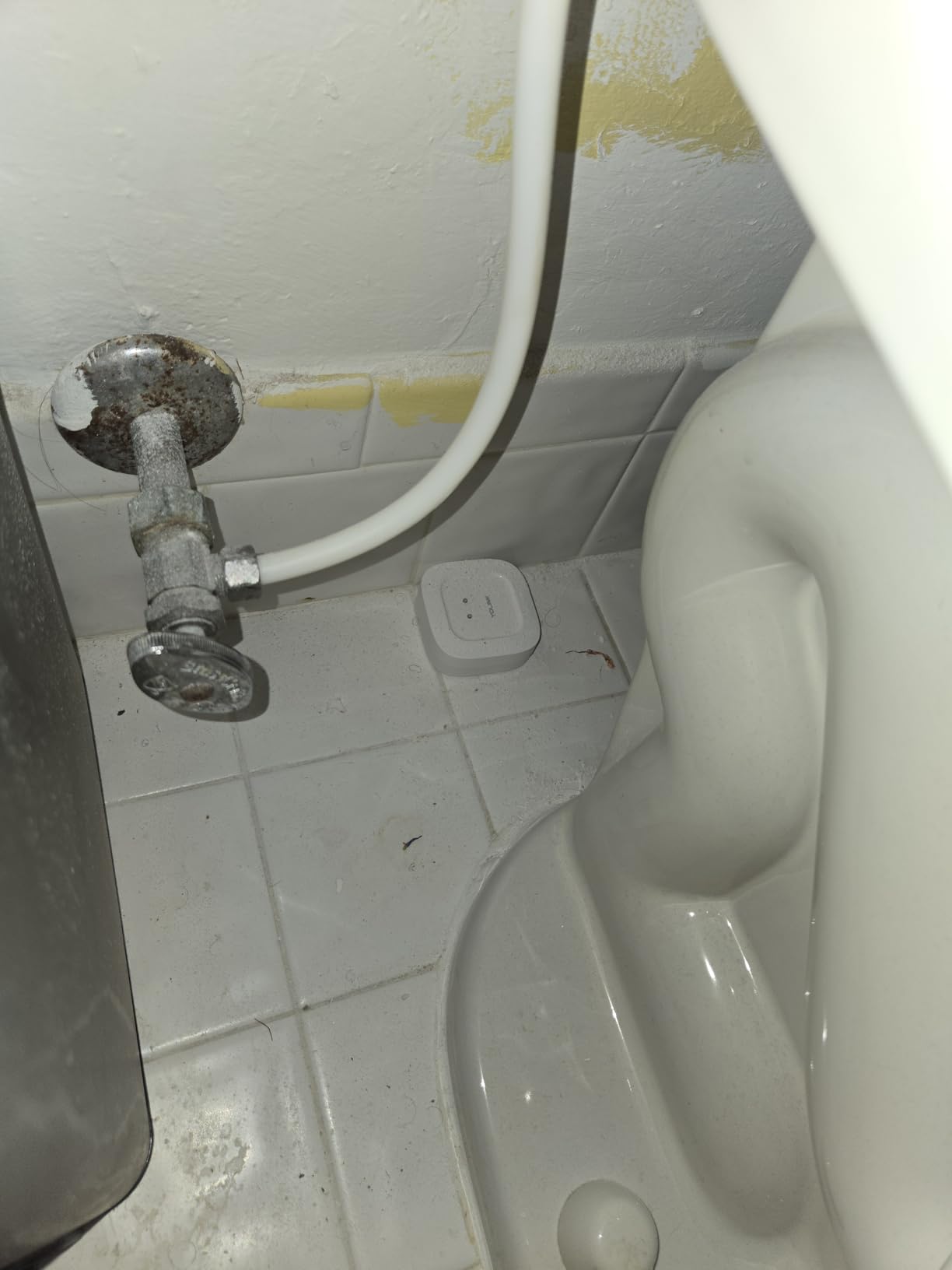
I put the YoLink kit at the sump pit, under the water heater, and behind the washer because the range is the reason it works where other sensors struggle. The hub sits upstairs and the sensors talk to it over a LoRa radio rated to 2034 ft in open air, which in practice means concrete, block, and a finished wall between you and the sensor are not the problem.
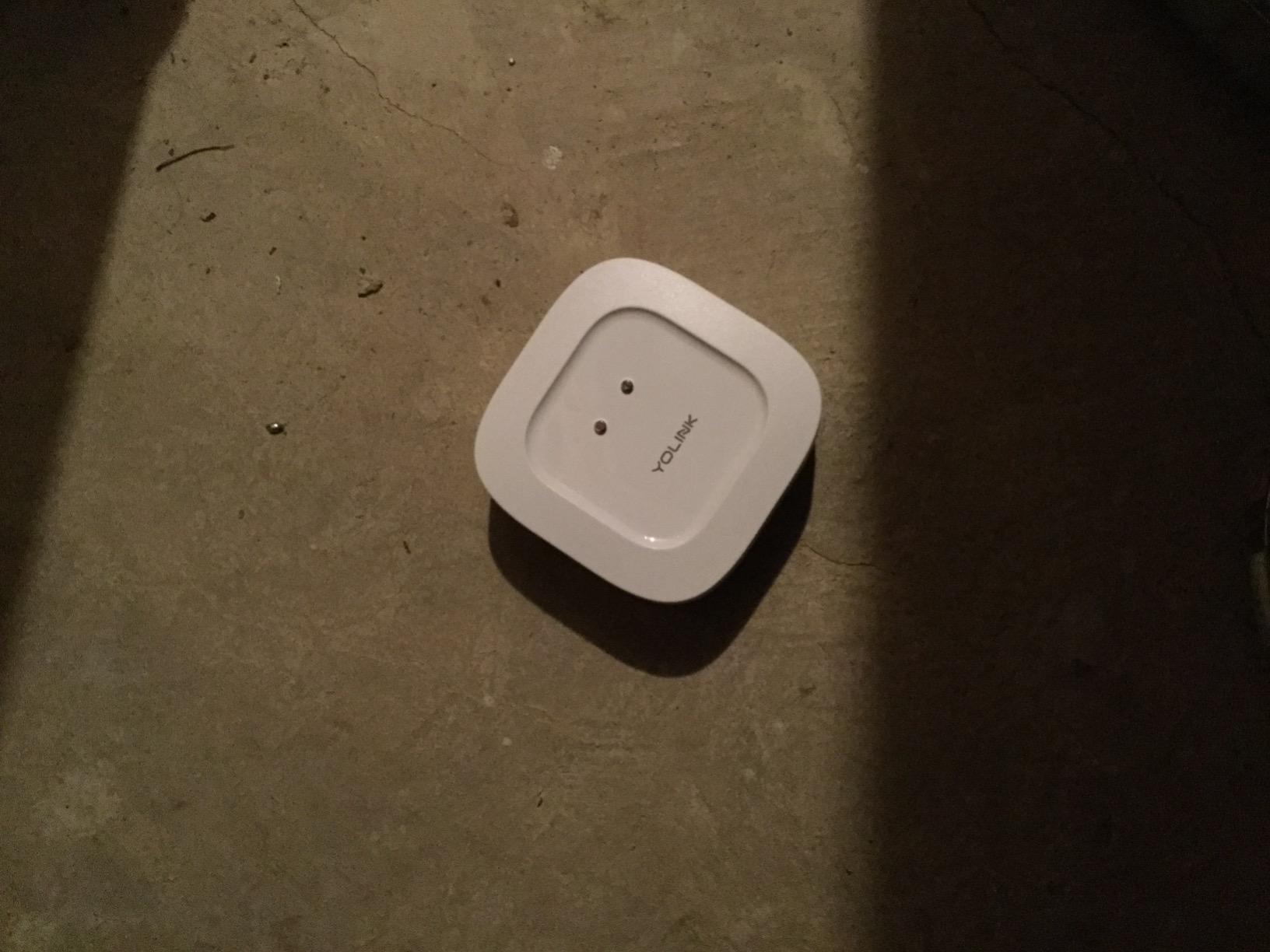
Alerts come by app, email, and SMS, and the sensors carry names tied to their location, so a 3 a.m. message reads as water heater rather than an anonymous device number. That naming is small until you own two properties and are trying to work out which house is flooding.
The genuinely useful detail is what happens when the internet goes down. Through YoLink Control-D2D, a sensor can trigger a local siren or a shutoff valve without a round trip to the cloud, so a tripped ISP does not mean a silent basement for the length of the outage.
What you give up to get that range
These sensors are silent by design. There is no siren inside the puck, so if nobody is home and alerts are phone-only, the alarm lives or dies with your phone. Adding a SpeakerHub or a YoLink siren fixes it, and that is an extra purchase you should plan for rather than discover later.
The other tradeoff is scale. One hub carries more than 300 YoLink devices, which is excellent if you are covering a whole house and pointless complexity if you want one sensor. Battery life is AAA, and with six sensors on a checklist you are changing batteries across the set every year or so.
Where it fits in a basement
Because the radio is not the constraint, place these by risk rather than by signal. The sump pit, the water heater, the washing machine supply line, and the lowest point of the finished floor are the four positions worth spending sensors on, and all four sit far enough from an upstairs hub to make the range worth paying for.
If you also want audible protection, treat the SpeakerHub as part of the kit rather than an accessory. Put it where a sleeping household will hear it, and leave the sensors quiet.
2. X-Sense SWS54 3-Sensor Kit – Best for Loud Alarms
- Both the sensor and the base sound at 120 dB
- Detects pooling as shallow as 0.4 mm and dripping from above
- 1804 ft range between sensors and base
- Share alerts with up to 12 users
- IP66 housing suits humid rooms
- Alarm cannot be fully silenced only volume reduced
- Only one alert email can be added
- Base needs 2.4 GHz Wi-Fi
This is the kit I recommend when someone is asleep on the floor above the basement. The sensor and the base station both sound at 120 dB, so a leak two floors up still wakes the house, which is a different kind of protection from a phone notification.
Detection is the other strength. Six probes cover both directions, so the unit senses dripping from a pipe above as well as pooling below, and it registers pooling water at 0.4 mm. That thin layer is what a cracked fitting or a weeping sump-pump discharge actually produces first, and most pucks need more than that before they trigger.
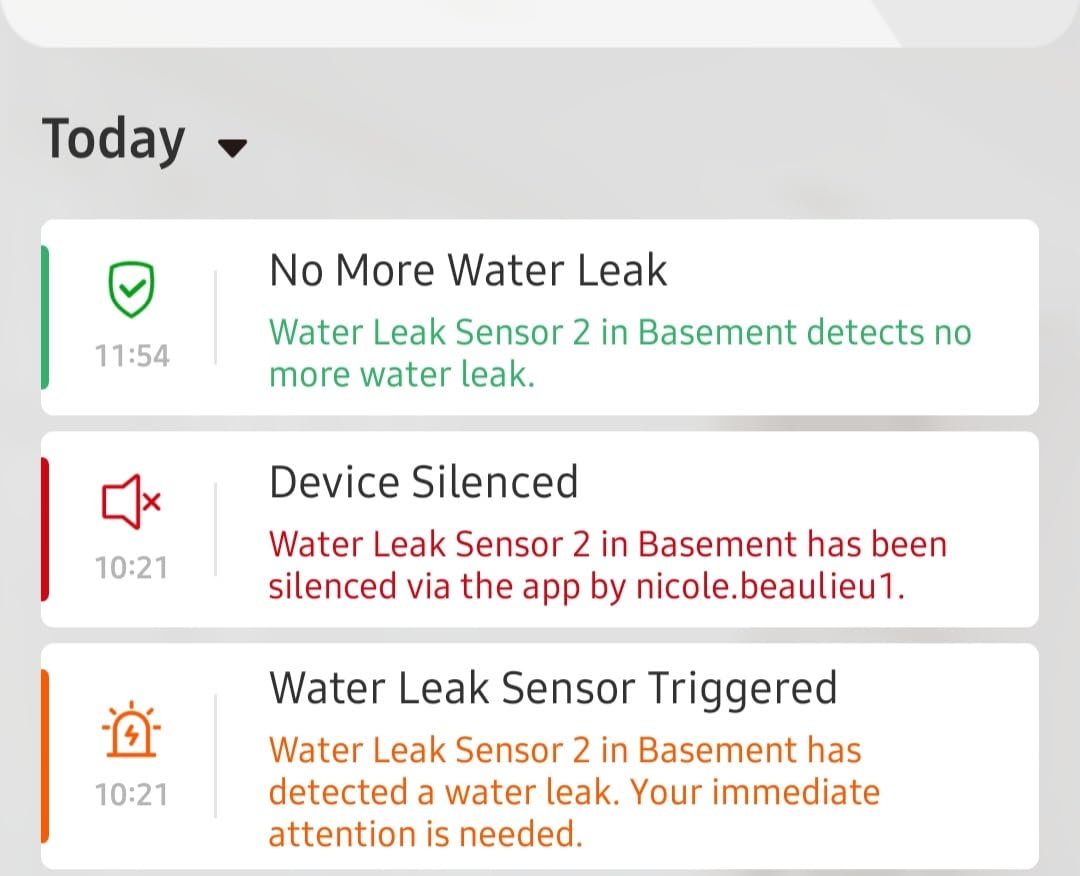
The base holds a 1804 ft open-area link to the sensors, so you can park it near the router and still watch a sensor at the far end of a long basement. Sharing works well for a household, with alerts going to as many as 12 users, and the Remind Me Later snooze keeps a nuisance drip from turning into alert fatigue.
The mute problem to know about first
The most common complaint in the reviews is that the alarm cannot be switched off entirely, only turned down. If you are installing one in a finished room next to a bedroom wall, test the volume at 2 a.m. before you commit to the position.
App access is also limited to a single alert email, which matters if you are the person who wants a copy and a partner who wants one too. Range figures are measured in open air, so treat them as a ceiling rather than a promise through poured concrete.
Where it fits in a basement
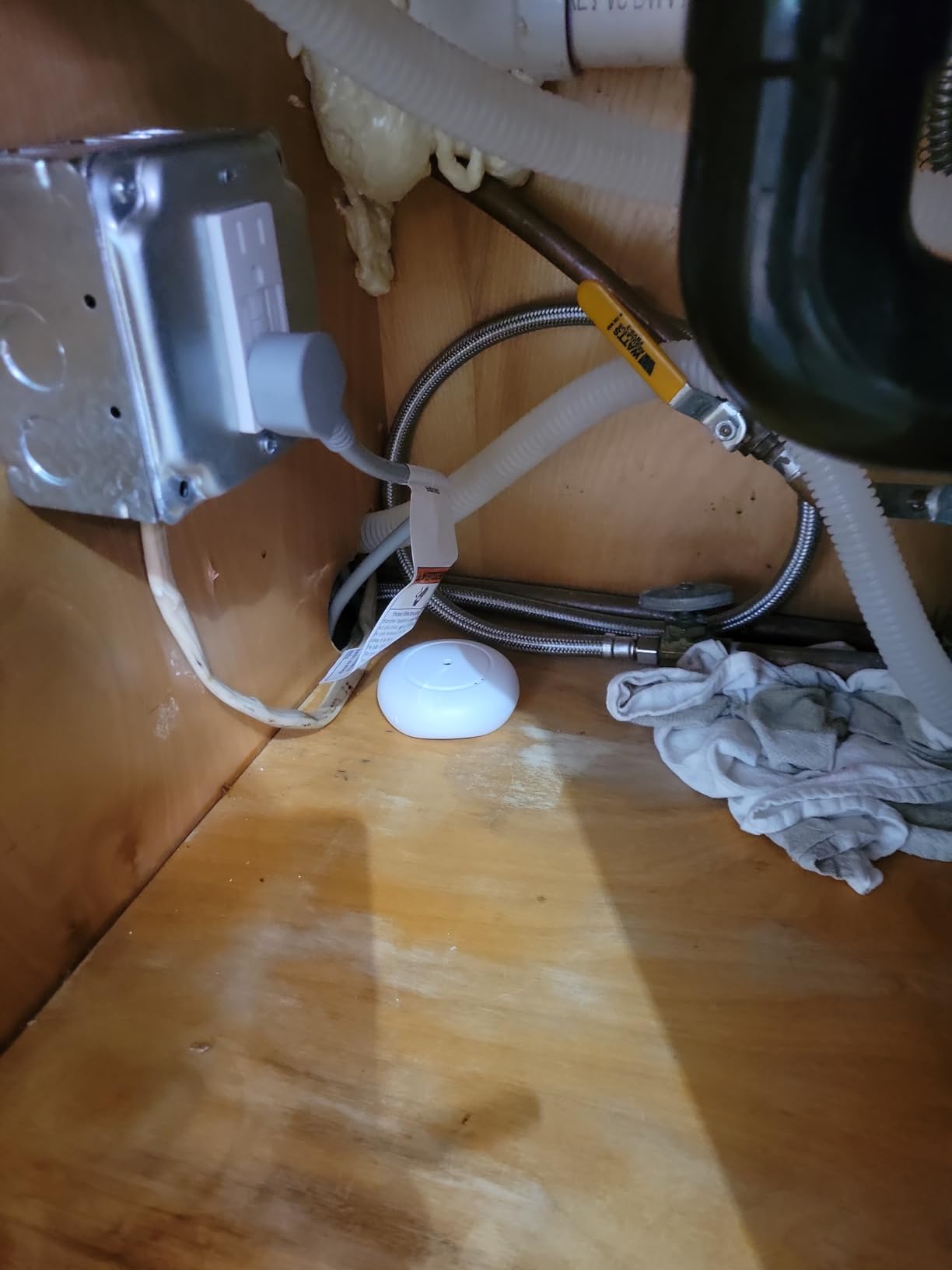
Use the base station in the room you most need to hear. The three sensors are thin enough to slide under an appliance, beside a water heater, or against a wall base, and the 3 in by 3 in footprint is small enough for a finished ceiling joist.
It is a good second purchase for someone who already has a hub-based system and just needs loud local coverage at the water heater and the sump pit.
3. GoveeLife Water Leak Detector 1s – Best for Deep Basements
- Sub 1GHz radio holds through 5 dense walls
- 105 dB local alarm plus a hub siren
- SMS app and email notifications
- Five sensors and a gateway in one pack
- Four level volume control with one tap mute
- Claimed 5 year battery life
- App setup and hub pairing described as more laborious than the instructions suggest
- Some buyers report a short delay between water contact and the alarm
Five sensors plus the gateway in a single pack makes this the easiest way to cover a finished basement in one order. The radio is Sub-1GHz, rated to 1804 ft through five dense walls, and in a basement framed in concrete block that is the difference between a working sensor and one that needs to sit right beside the router.
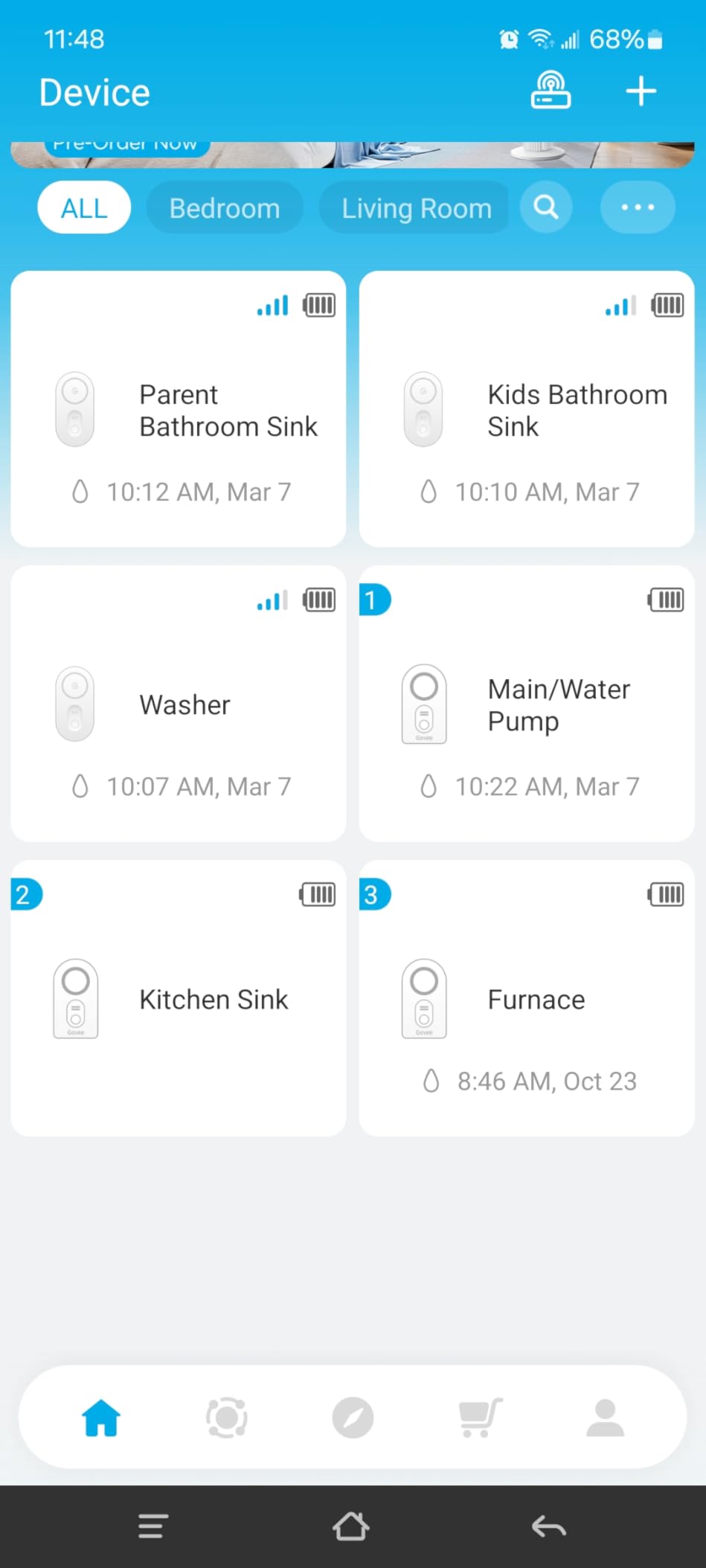
Alerts come by SMS, app push, and email with free text messages, and the local alarm runs up to 105 dB with four volume levels you can drop from the app. Owners running these in real basements talk about catching a sump pump failure while the pit was still filling rather than after the water had spread.
Battery life is claimed at five years on AAA cells, which is the longest spec on this list. Treat it as a manufacturer figure, but even at half that it removes batteries from your annual basement checklist for most of the decade.
Setup is the weak point
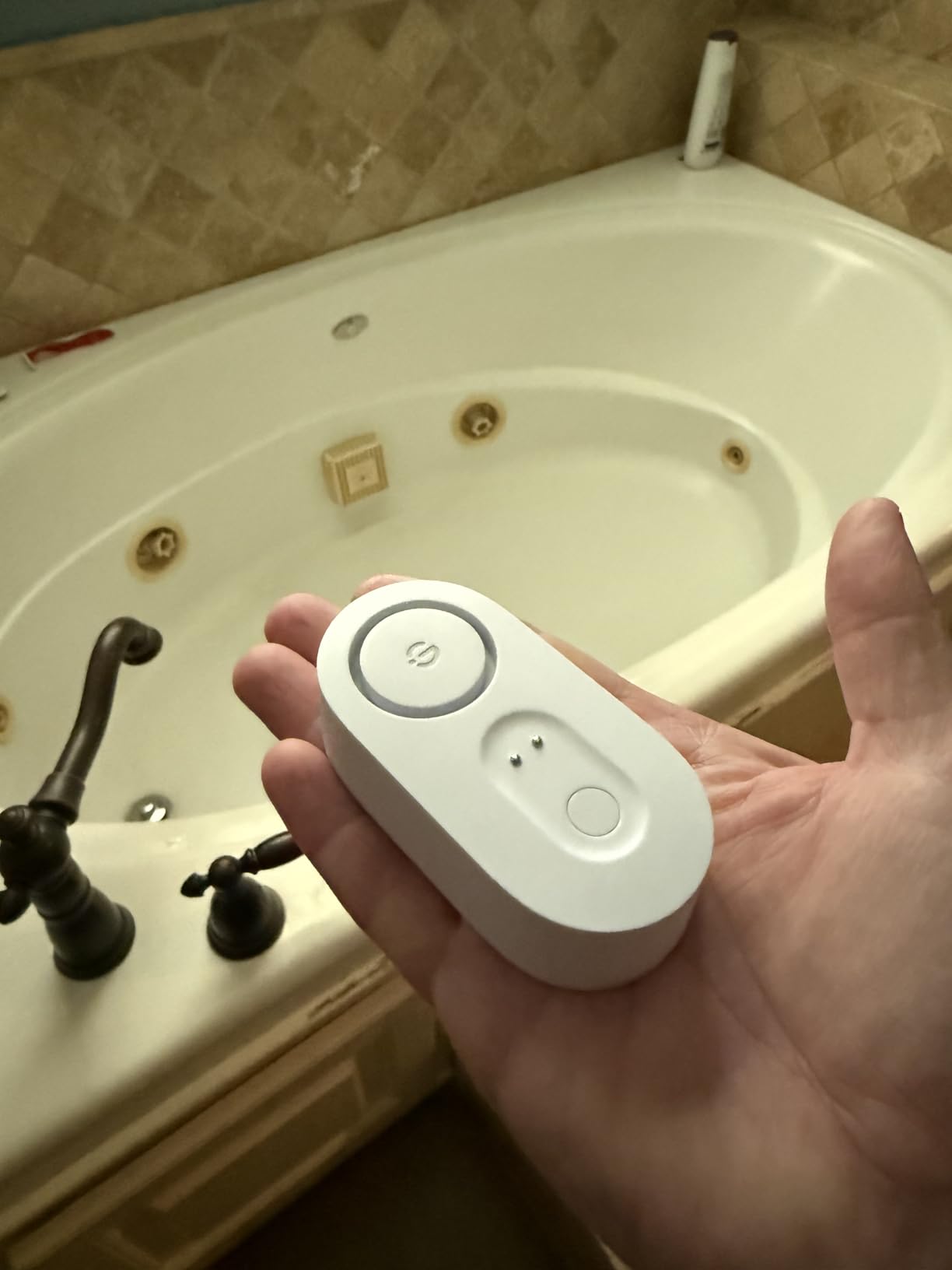
The recurring complaint is bonding each sensor to the gateway. The instructions undersell how fiddly that is, so set all five up in one sitting near the gateway and then carry them to their positions, rather than pairing in the pit with your phone on a single bar.
A second, smaller complaint is a delay between water touching the probes and the alarm sounding. It is not enough to matter in a flood, but it is one more reason to pair this with audible local coverage rather than relying on remote alerts alone.
Where it fits in a basement
Use the five included sensors on the highest-risk positions first: sump pit edge, water heater base, washer supply, utility sink, and the lowest point on the floor. If you expand later the same gateway handles more sensors, so the pack is a starting point rather than a ceiling.
The gateway uses 2.4 GHz Wi-Fi only, which is worth checking before you unbox it if your router splits the bands.
4. Aqara Water Leak Sensor 3 Pack – Best for HomeKit Setups
Aqara Water Leak Sensor 3 Pack, Zigbee Water Leak Detector for Alarm System
- Sensors read water as shallow as 0.5 mm
- Works with HomeKit Google Home and Alexa through the hub
- Compact screw-free body suits tight spots
- IP67 housing with rust-proof coating
- Hub sold separately adds to the cost
- Must stay within about 10 meters of the hub
- Third-party Zigbee dongles are not officially supported
If your house already runs on HomeKit, this is the sensor that slots into what you have. It joins the Aqara hub, and from there it shows up in the Apple Home app alongside your other Aqara devices, which means a leak can trigger a routine that cuts a smart plug or turns on hallway lighting.
The probes are sensitive to 0.5 mm, so a slow weep from a supply line registers before it becomes a puddle. The body is a 1.97 in square and half an inch thick with no wiring or screws, which is exactly what you want behind a washer or under a utility sink.
The IP67 housing and rust-proof coating are the details that matter underground. A damp basement environment will eat a cheaper plastic sensor, and this one is sealed for it.
Plan the hub position before the sensors
Zigbee sensors should sit within about 10 meters of the Aqara hub, and a finished basement is exactly where that distance becomes a problem. Check the distance from your hub to the sump pit before you buy, and if the run is long, plan on adding a repeater or a mains-powered plug between the two.
A HomeKit owner in our research replaced flakier sensors with Aqara units, then added an Aqara plug to act as a repeater for the sensor furthest from the hub, and still found the far sensor dropping off occasionally. It is a better platform, not an immune one. The hub also has to be an Aqara unit since other brands of hub will not pair with it.
Where it fits in a basement
Use it where detection sensitivity and a sealed body matter most, which in practice means the water heater and the washing machine. Place each one within radio range of the hub, and add the repeater before you assume a long basement run will hold.
Buyers should also know that official support does not cover third-party Zigbee USB dongles, so this is a native Aqara and Apple Home purchase rather than a Home Assistant shortcut.
5. SwitchBot WiFi Water Sensor – Best Hubless Setup
- Connects straight to 2.4 GHz Wi-Fi with no hub
- BLE backup keeps alerts coming if Wi-Fi drops
- Four probes detect micro-leaks at 0.5 mm
- Adjustable 100 dB volume is rare at this size
- Works with Alexa Google Siri IFTTT and SmartThings
- Sensors must be reset after a Wi-Fi outage
- Stated 120 m range varies with building materials
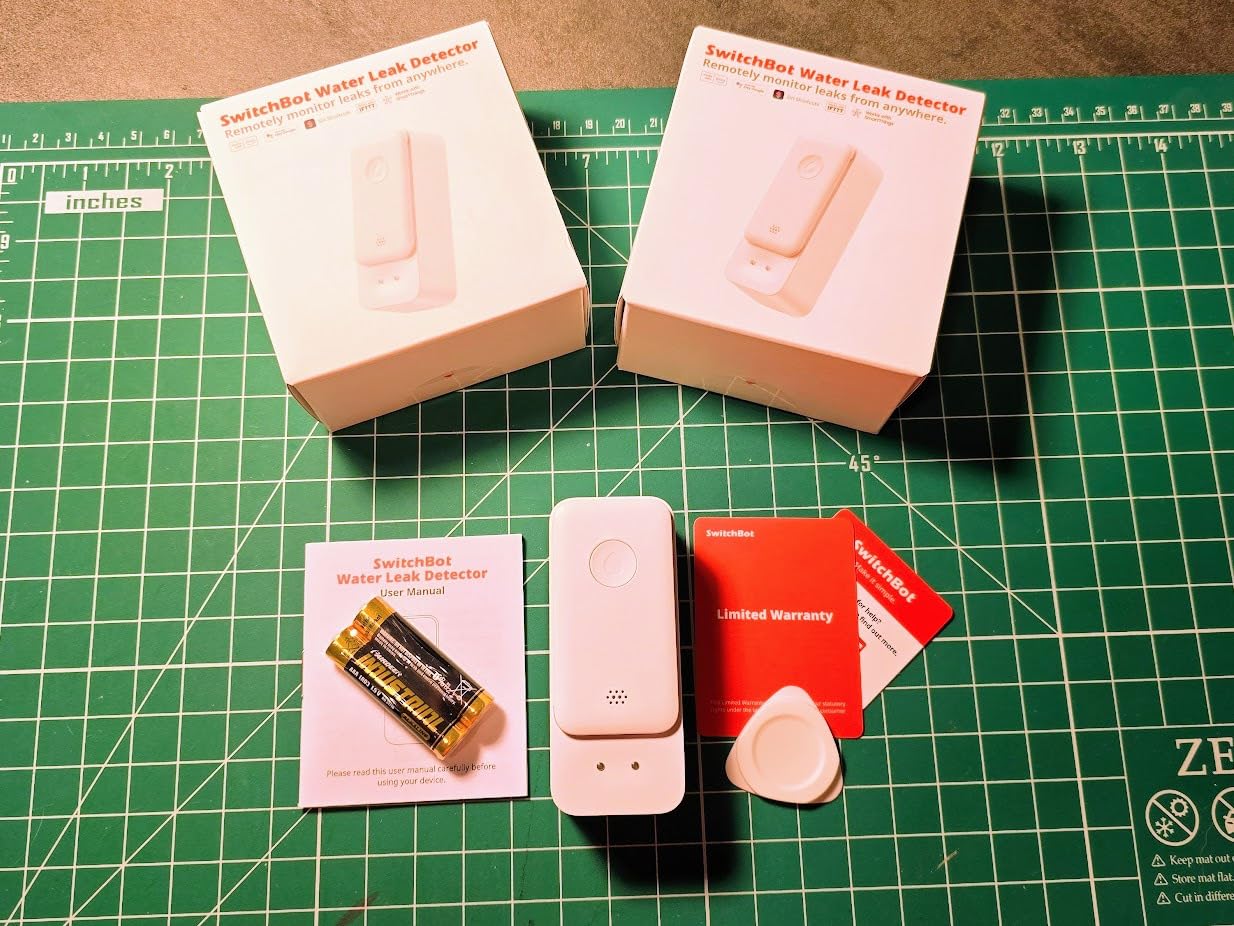
The SwitchBot is the pick for anyone who does not want a hub, a gateway, or an ecosystem decision. It joins 2.4 GHz Wi-Fi directly from the app, and if the Wi-Fi drops the unit falls back to Bluetooth so a leak still reaches you.
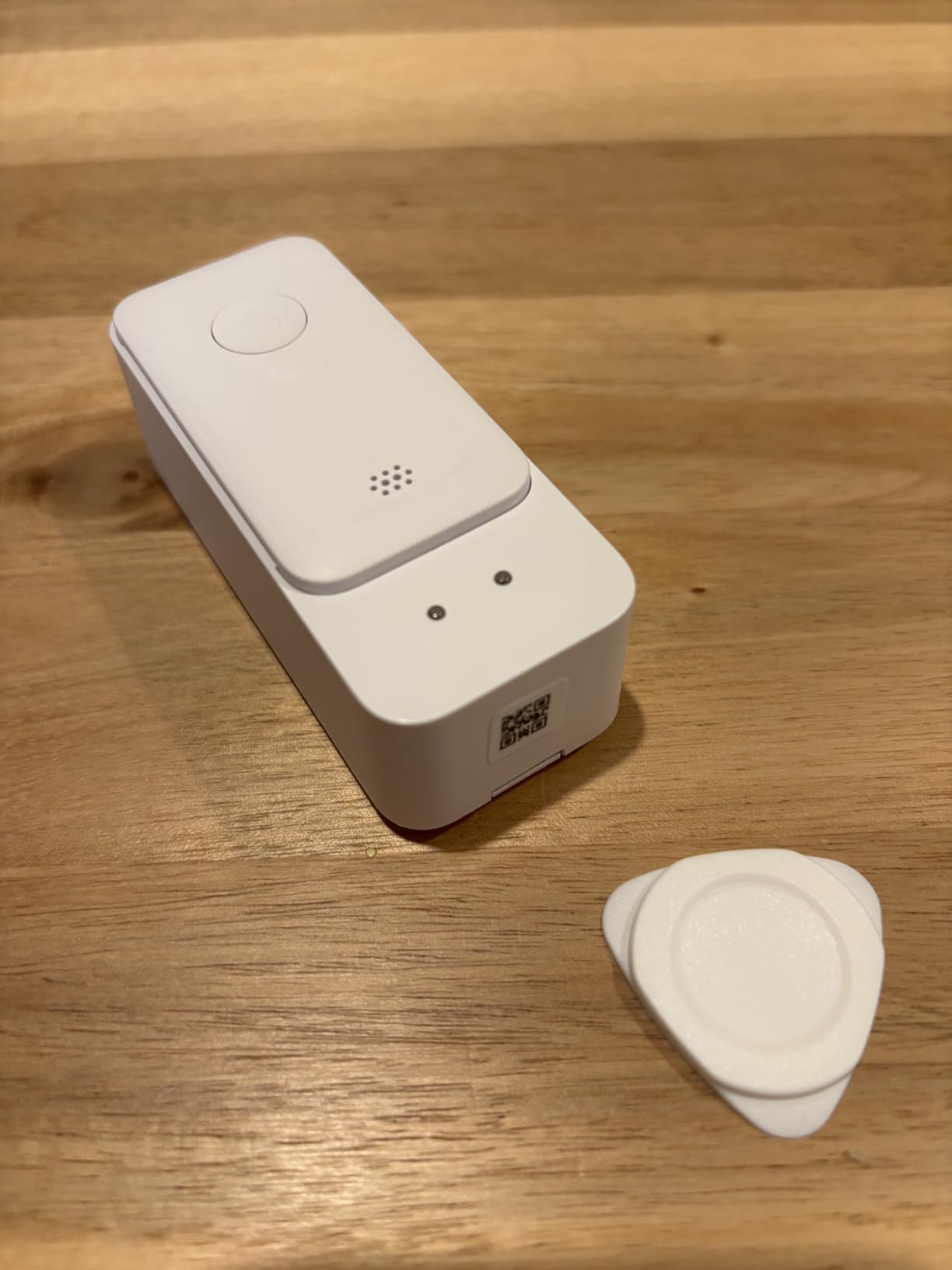
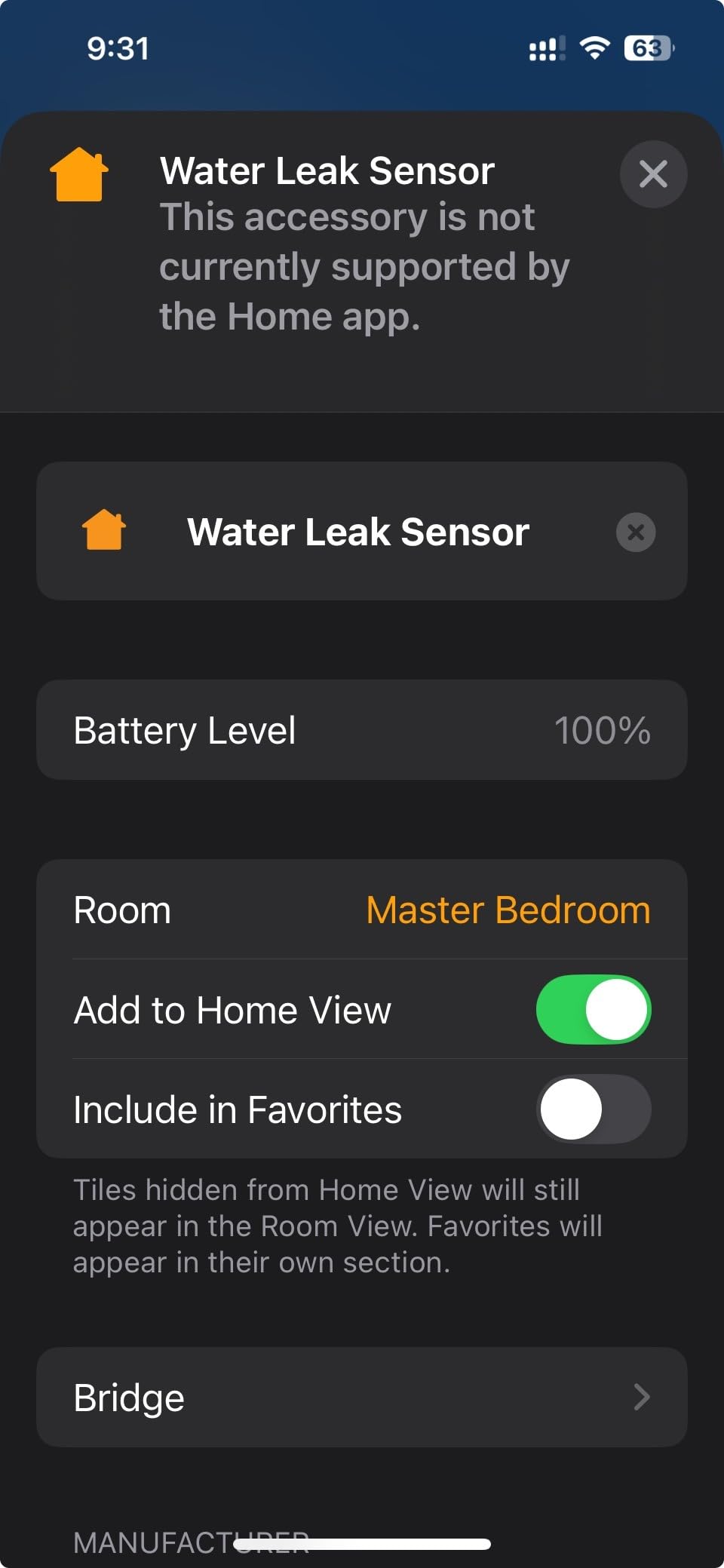
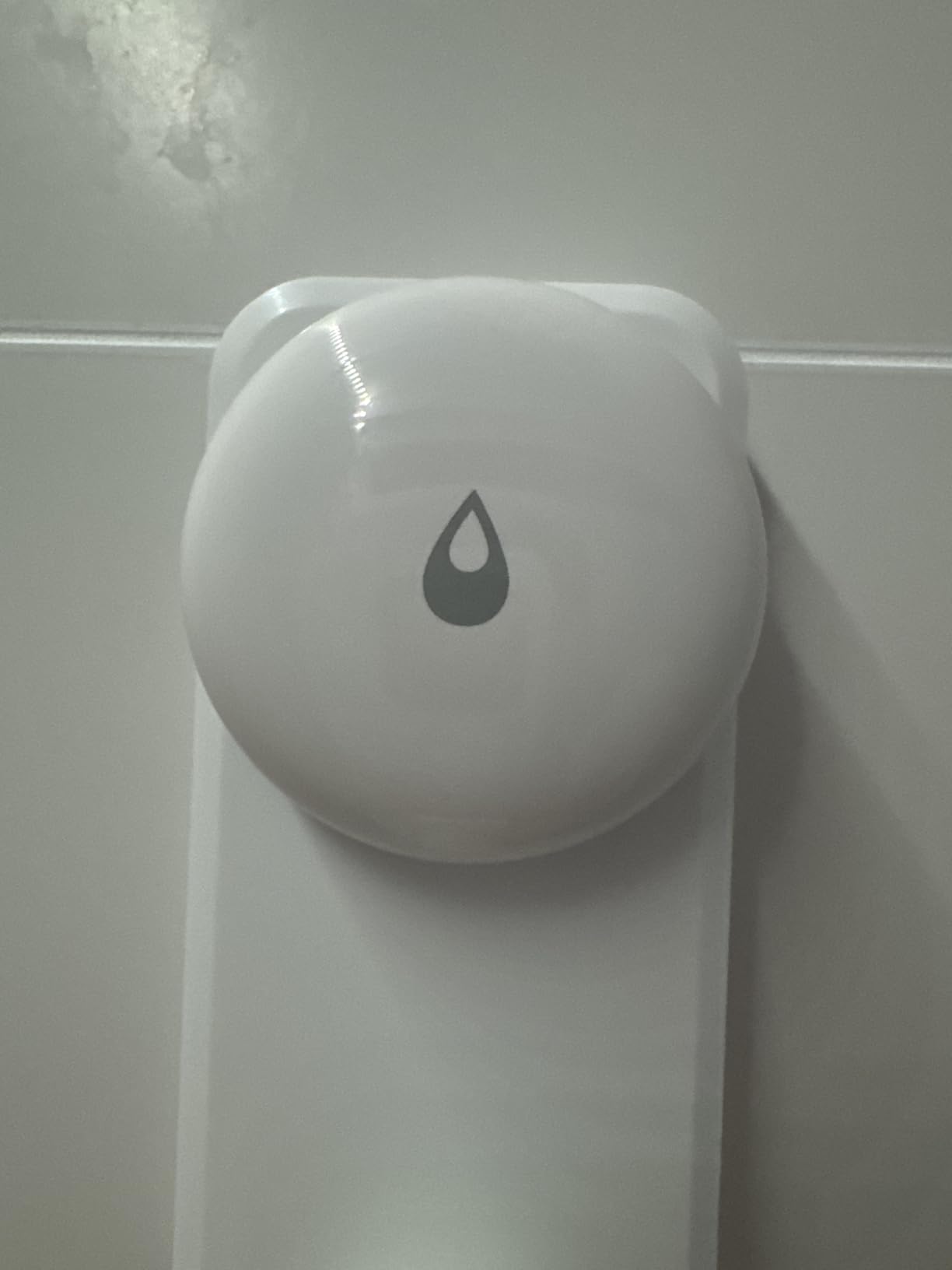
Four high-precision probes catch micro-leaks at 0.5 mm, and the 100 dB alarm has adjustable volume with a mute in the app. Volume control is the detail that separates it from cheaper pucks, because a sensor you can quiet in a bedroom is one you will actually keep installed.
Owners running multiple units report consistent setups, and the 2.6 in by 0.7 in body slips behind a washer or into a tight corner where a hockey puck will not go. The shell is IP67 sealed, rated for about two years on two AAA cells, and low-battery reminders arrive in the app.
Wi-Fi is the only path, so know the limits
Hubless means the sensor depends on your router signal reaching that exact wall. Concrete block, a finished ceiling, and a router on the main floor are a difficult combination, and the stated 120 m range varies considerably with building materials.
There is also a real drawback owners mention: if the network goes down, the sensors need a manual reset once Wi-Fi returns. That is a minor inconvenience next to a flood and a major one if you are relying on remote monitoring while away.
Where it fits in a basement
This is a good fit for a finished, conditioned basement where the rooms are near the router and you want thin units behind appliances. Check signal strength in each planned position before you order a multi-pack, because distance is the only thing this design cannot work around.
It pairs with the SwitchBot Plug Mini if you want a leak to cut power to the offending appliance as well as notify you.
6. winees WiFi Water Leak Detector 3 Pack – Best for Thin Sensor Placement
- Hub siren reaches 100 dB to wake someone on another floor
- Sensors are only 1.8 mm thick for hidden corners
- Hub to sensor range up to 200 meters
- App SMS and email alerts naming the sensor that tripped
- Pre-paired sensors reconnect on their own after power loss
- Needs standing water at the probe tips so carpet and subfloor seepage will not register
- Hub intermittently drops its Wi-Fi connection
- Some units need several contacts configured to be useful
The winees sensors are 1.8 mm thick, which is the reason to buy them. A puck is easy to place on a shelf; a 1.8 mm disc fits behind a washing machine, under a water heater, and against the base of a finished wall where clearance is measured in fractions of an inch.
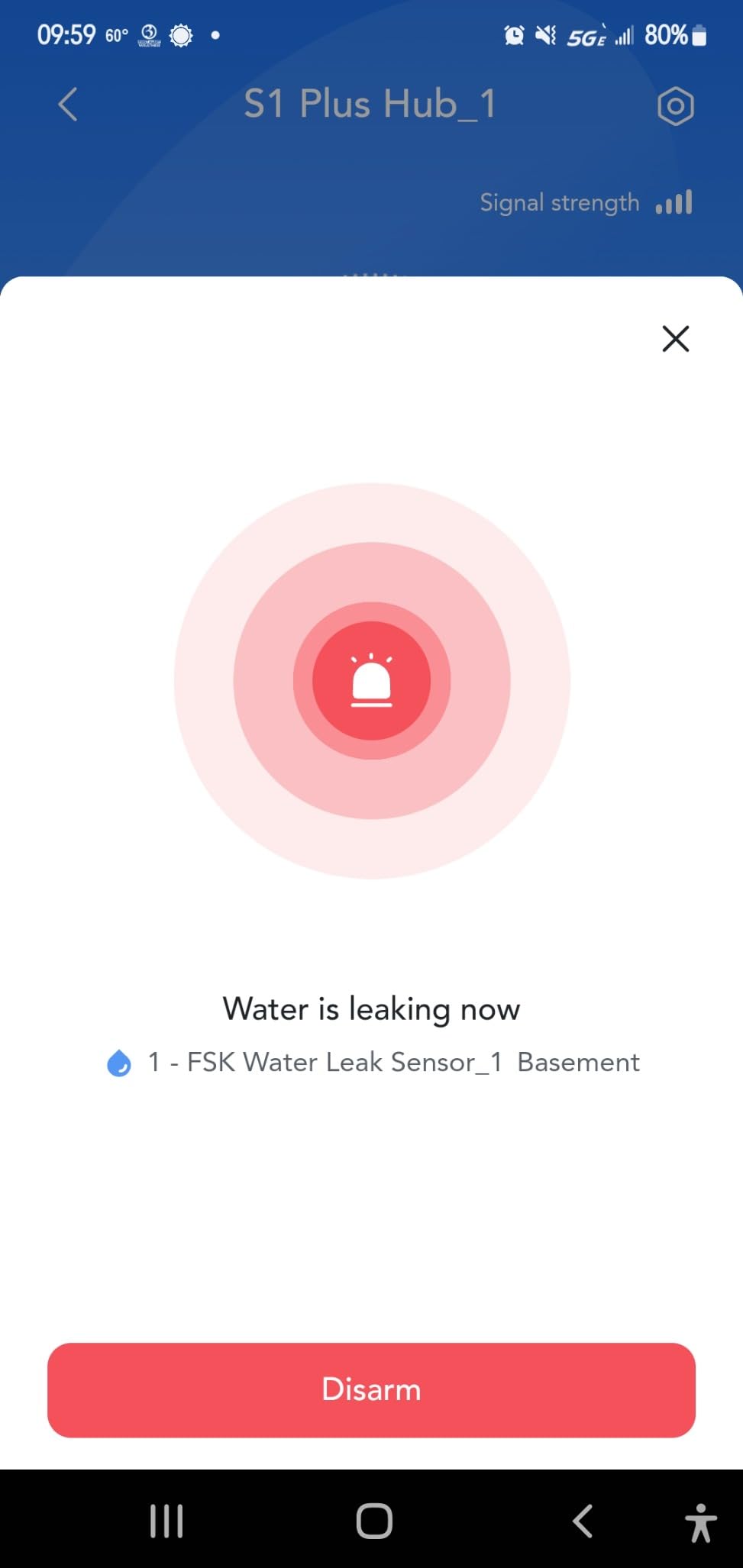
The hub siren runs at 100 dB, and alerts go out by app, SMS, and email with the tripped sensor named. Hub to sensor distance is rated to 200 meters, so the hub can live upstairs and the sensors can sit at the far end of a long basement.
Sensors arrive pre-paired to the hub once the hub is on Wi-Fi, which removes the fiddly bonding step that trips people up on other systems. Volume has three levels and four ring-duration settings, muted from the hub buttons or the app.
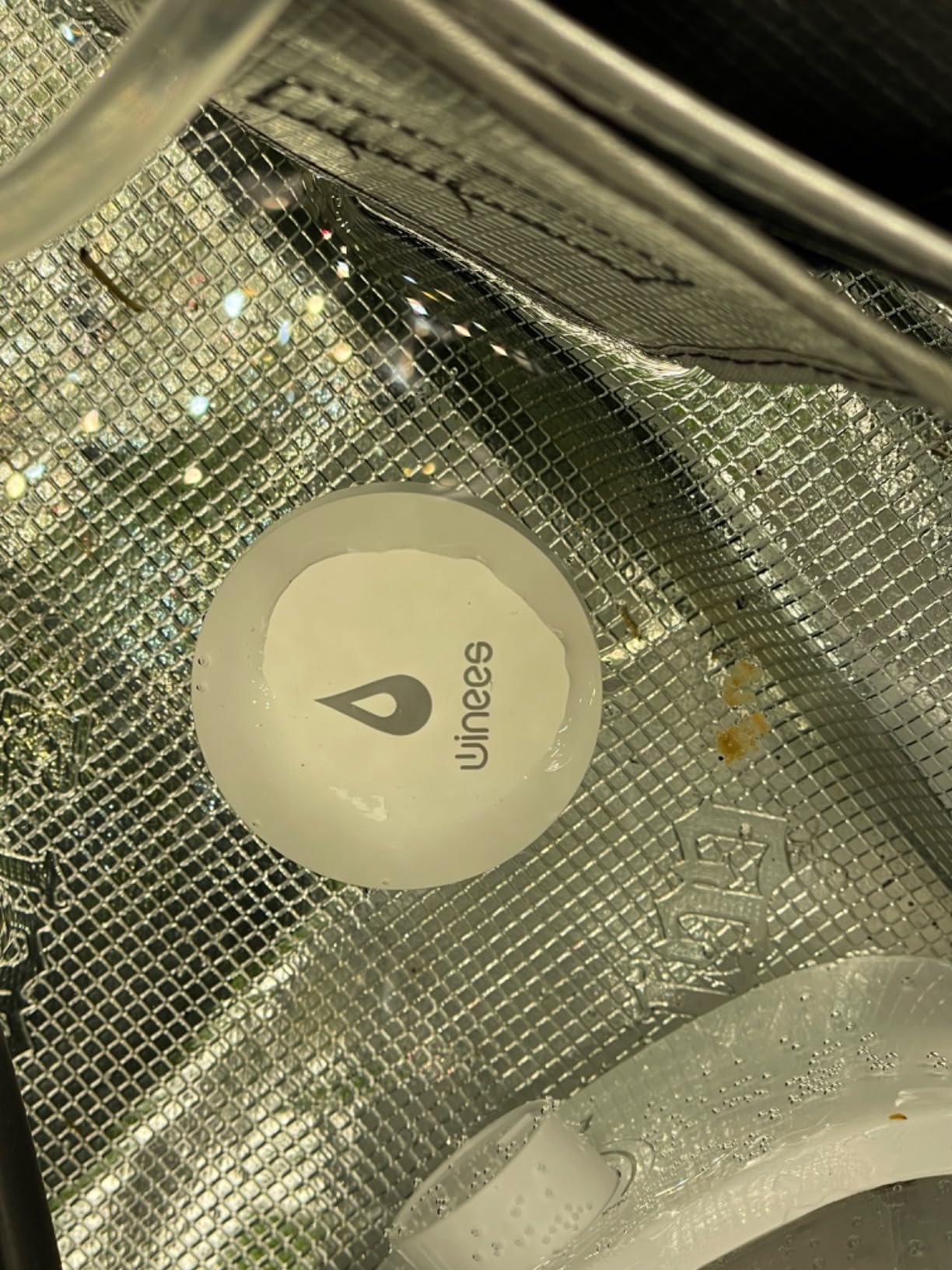
Standing water is the only trigger
These sensors need water pooling at the probe tips. Water that wicks into carpet, seeps under a wood subfloor, or wets insulation will not set them off, so a winees sensor is a floor-level alarm rather than a moisture sensor for enclosed cavities.
The most common reliability complaint is the hub briefly dropping its Wi-Fi connection and taking the sensors with it, and a few buyers had to add extra phone numbers and email contacts before alerts were useful. Confirm the SMS details at setup rather than assuming they carried over.
Where it fits in a basement
These are the sensors for finished rooms where hiding the hardware matters. Under-sink cabinets, behind laundry appliances, and along the base of a wall in a finished bedroom all become practical positions because of the thin profile.
Keep them on a hard floor rather than carpet, and place them where a spill would run before it disappeared into soft material. If the floor is carpeted, the fix is below the carpet rather than the sensor, and our subfloor system picks for concrete basements cover what sits under there.
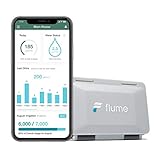
7. Flume 2 Smart Home Water Monitor – Best for Whole-Property Usage Tracking
Flume 2 Smart Home Water Monitor & Leak Detector – WiFi Connected, Real-Time Usage Tracking & Alerts – Works with Compatible Residential Water Meters
- Watches the whole property rather than one wet point
- Installs on the meter with straps and no plumbing work
- Usage budgets and tracking can cut water bills
- Fits roughly 95% of standard residential meters
- Infers leaks from flow readings so slow drips may not register
- Needs a compatible water meter
- Not a spot sensor for a sump pit or a specific appliance
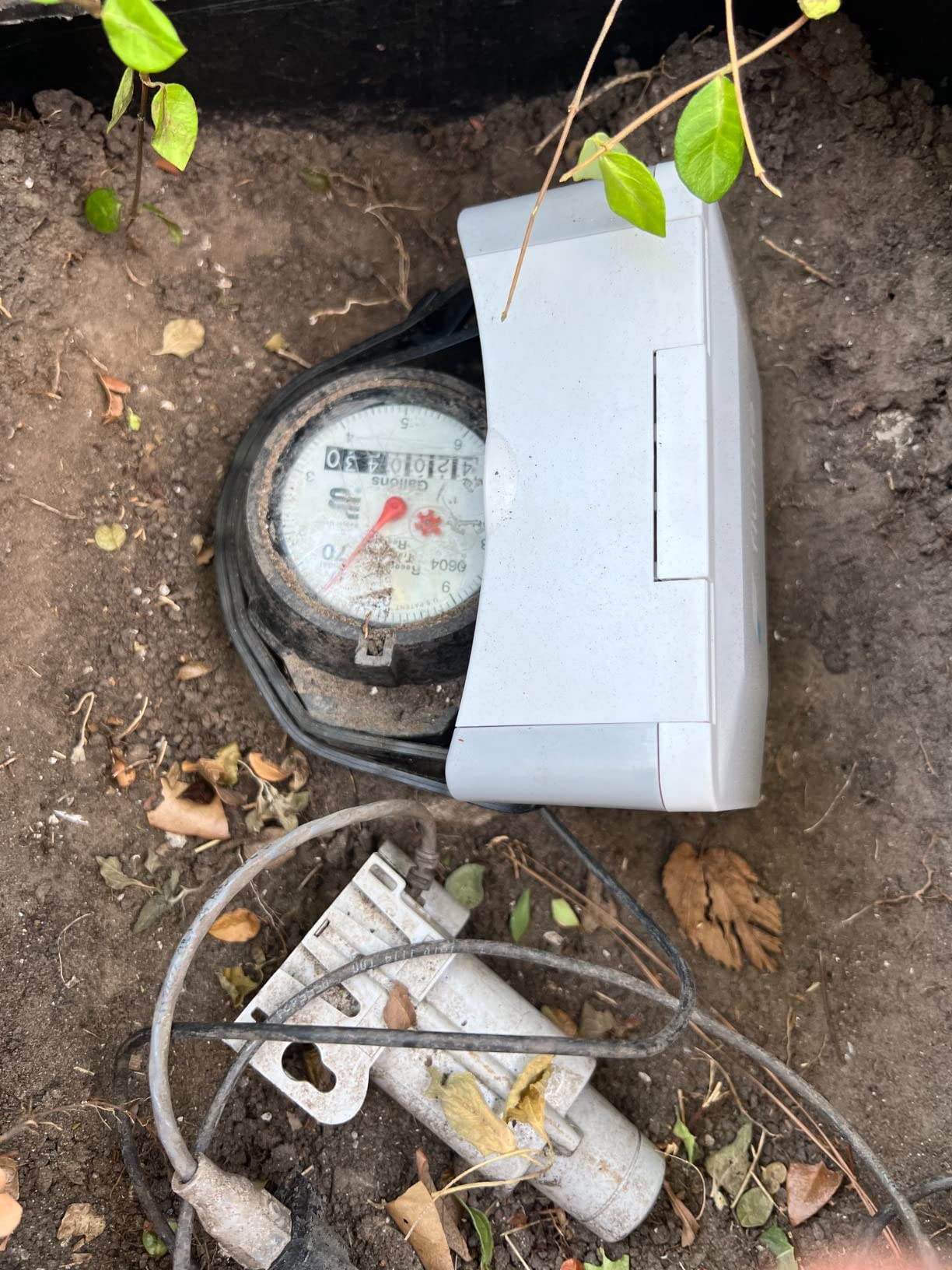
Flume does something none of the pucks in this roundup can do. It clamps to the water meter with the included straps and reads consumption, so it watches every fixture on the property at once rather than one location where water happens to land.
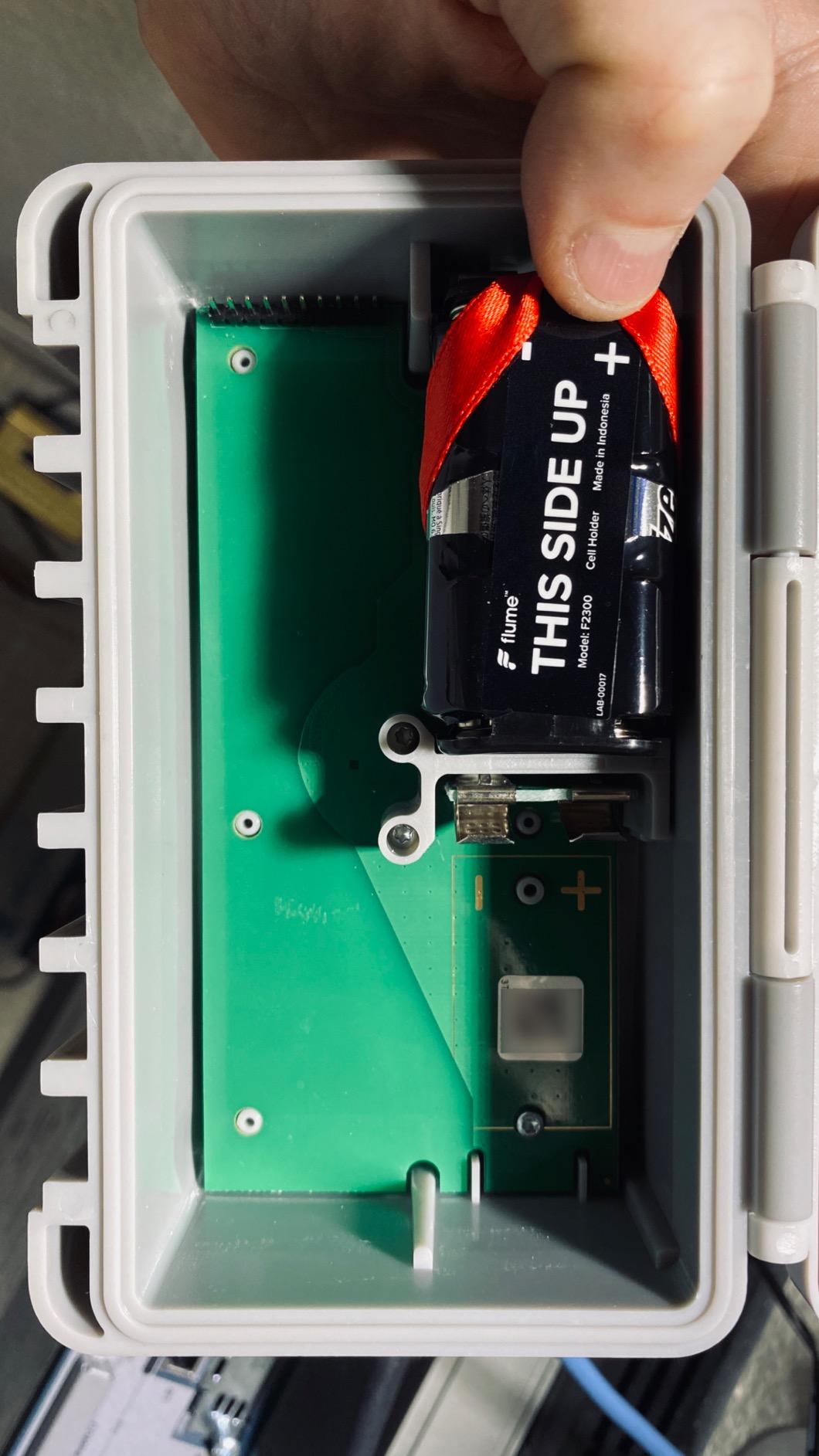
There is no cutting and no plumber. The unit is 10 in by 5 in by 5 in, weighs 2.3 pounds, runs on a lithium battery, and fits about 95% of standard residential meters, which is a much broader claim than most meter-mounted devices make.
For a household that has been surprised by a bill, the usage data and budget settings are worth more than the leak alarm. You can see the pattern that shows up when a toilet weep or a running toilet is pulling water all day.
Flow data is not the same as a wet sensor
Because it works from meter readings, a slow drip may never produce a pattern big enough to flag, and a sump pump that cycles normally will look like ordinary usage. If your risk is a failing sump pump or a weeping supply line, this is a companion tool rather than your first sensor.
It also needs a compatible meter, and buyers who bought it for an unusual meter arrangement report that compatibility is the deciding factor in whether it works at all. Ratings on this one spread wider than any other in the list for that reason alone.
Where it fits in a basement
Install it at the meter wherever that happens to be, which in most homes is either the basement or an exterior box near the foundation. It covers the whole property, so place it once and let the reporting do the work of covering a dozen rooms.
Pair it with a spot sensor at the sump pit and water heater. One watches the property, the other watches the two points where basement water actually starts.
8. Tapo T300 Smart Water Leak Detector – Best for Fastest Triggering
- Triggers in about 1 second with six dual side probes
- Stable in the Tapo ecosystem with no reported disconnects
- Cheapest way into a full Tapo monitoring setup
- Can be automated to announce a leak through Alexa or Google Home
- IP67 waterproof and dustproof
- Hub sold separately so the cost per sensor rises
- Body is bulkier than a hockey puck sensor
- App logouts can delay phone only alerts
The Tapo T300 is the fastest trigger on this list by spec, at roughly one second from water contact to alarm, using six probes across the top and bottom of the unit. If the difference between a soaked subfloor and a damp one matters to you, that is the sensor to start with.
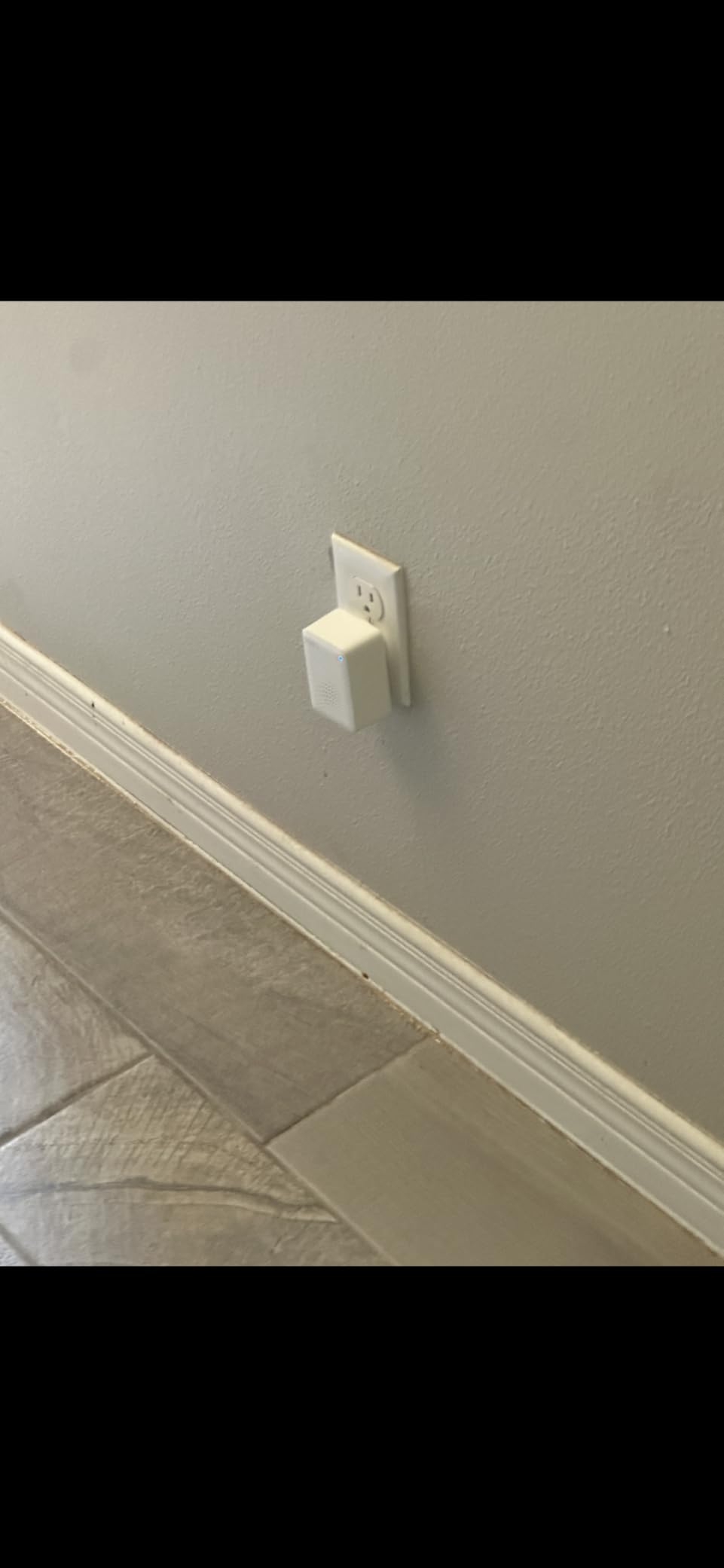
The 90 dB alarm is adjustable and silences with one press, and it can also trigger the Tapo hub alarm for coverage in a second room. Two AAA batteries give a claimed three years, and the IP67 rating handles both water and dust in an unconditioned space.
Owners running several sensors report no disconnects, and the appeal for many households is that it is the cheapest way into a Tapo setup that already includes hubs and switches rather than a separate ecosystem.
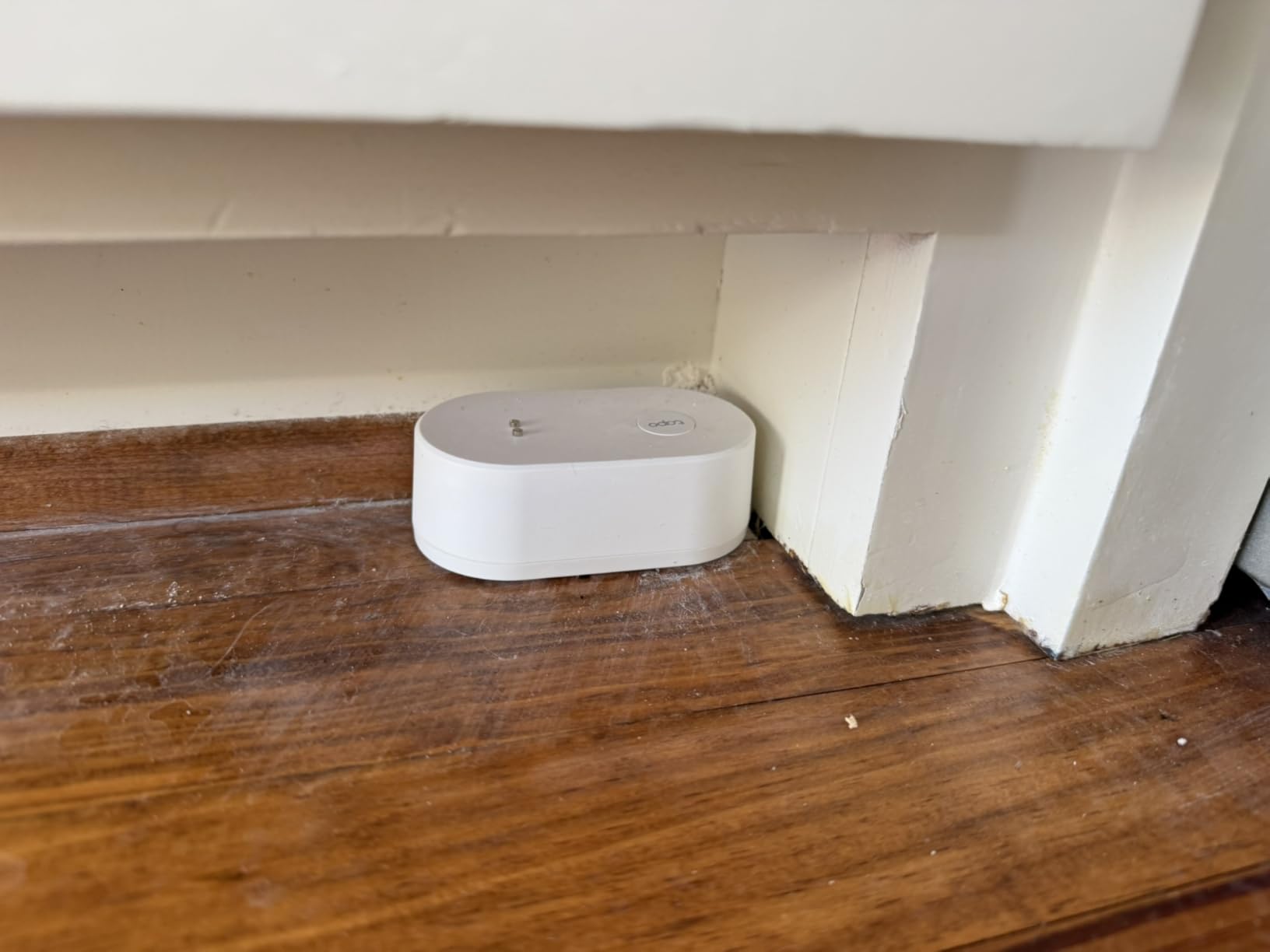
Budget for the hub and the bulk
The T300 needs a Tapo hub, which is a separate purchase and pushes the per-sensor cost up once you are covering more than one location. If you are starting from zero with three or four sensors, the total matters more than the sticker price.
The body is also taller and more visible than a puck, so a tight spot behind an appliance is harder to hide. And the Tapo app occasionally logs users out, which delays phone-only alerts until the account is restored, so make sure a second notification path is set up.
Where it fits in a basement
It works best in visible locations where its own alarm can do the work, such as a utility sink cabinet with the door open or a laundry alcove nobody closes. Six probes on both faces also mean it can catch a leak from above and below, so it suits a spot between a water heater and the floor.
For unconditioned basements the IP67 sealing and the three-year battery make it a low-maintenance addition to any Tapo install.
9. Kidde WiFi Water Leak Detector and Freeze Alarm – Best for Unheated Spaces
Kidde WiFi Water Leak Detector & Freeze Alarm, Alexa Device, Smart Leak Detector for Homes with App Alerts,White
- The only pick here that also alarms on freezing
- No hub needed with alerts through the Kidde app
- Works with Alexa Google Home iPhone and Android
- Small body fits under sinks and beside appliances
- Lowest average rating in the group at 4.0 stars with a high one-star share
- No long range radio so coverage depends on Wi-Fi at that wall
- No local audible siren listed in the features
The reason to look at the Kidde is the freeze function. It alarms at 37 degrees Fahrenheit or on a rapid temperature drop, which matters in an unheated basement, a garage, or a crawl space where a frozen line is as likely a cause of damage as a leak.
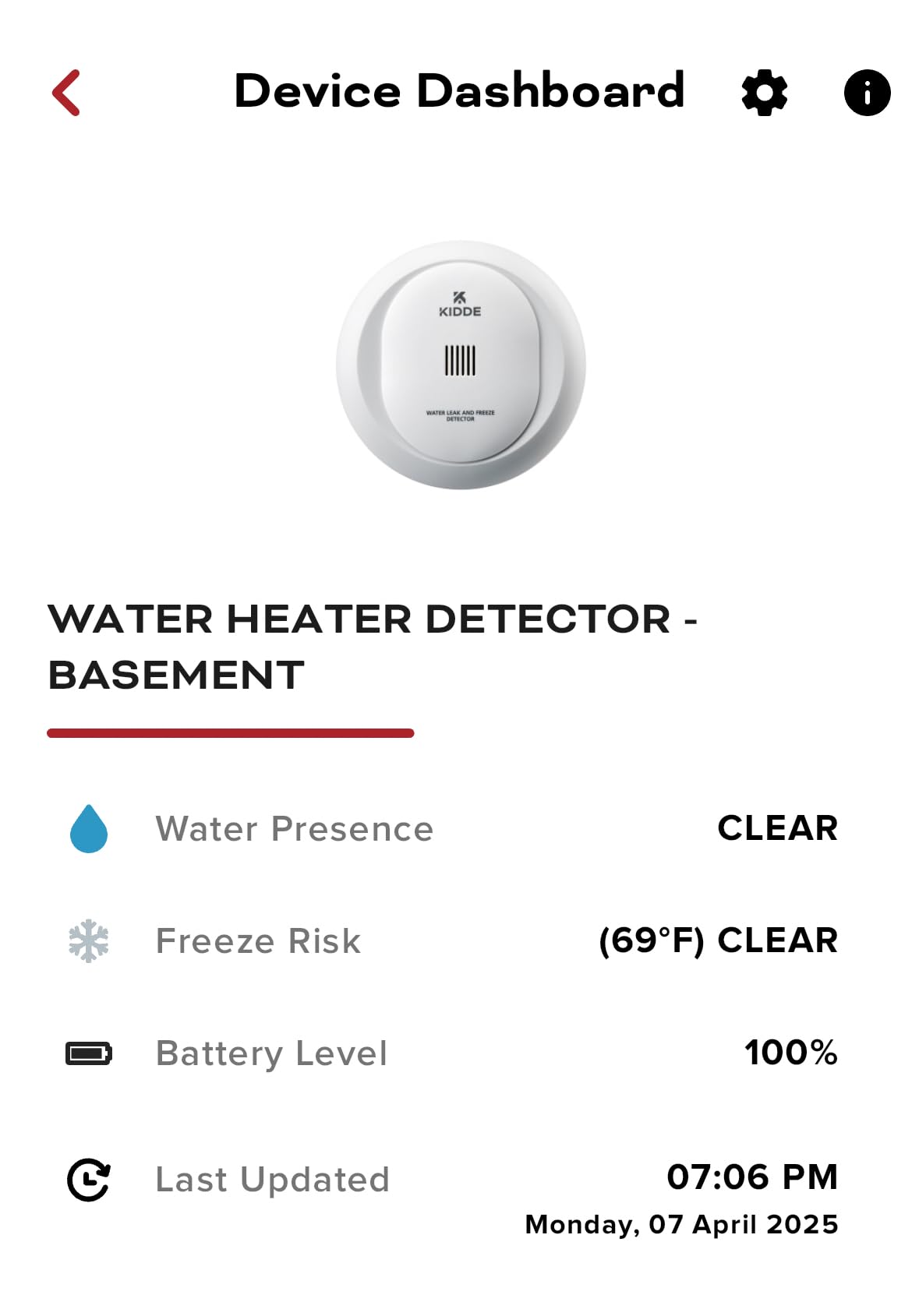
Everything else is deliberately simple. Two AA batteries are included, setup is a QR code scan in the Kidde app, and alerts go to your phone plus friends and family with no hub or gateway. The 3.5 in body tucks under a sink or beside a water heater without being seen.
It carries a one-year limited warranty on the alarm, which is the shortest in this roundup and worth factoring in if you plan a multi-sensor fleet.
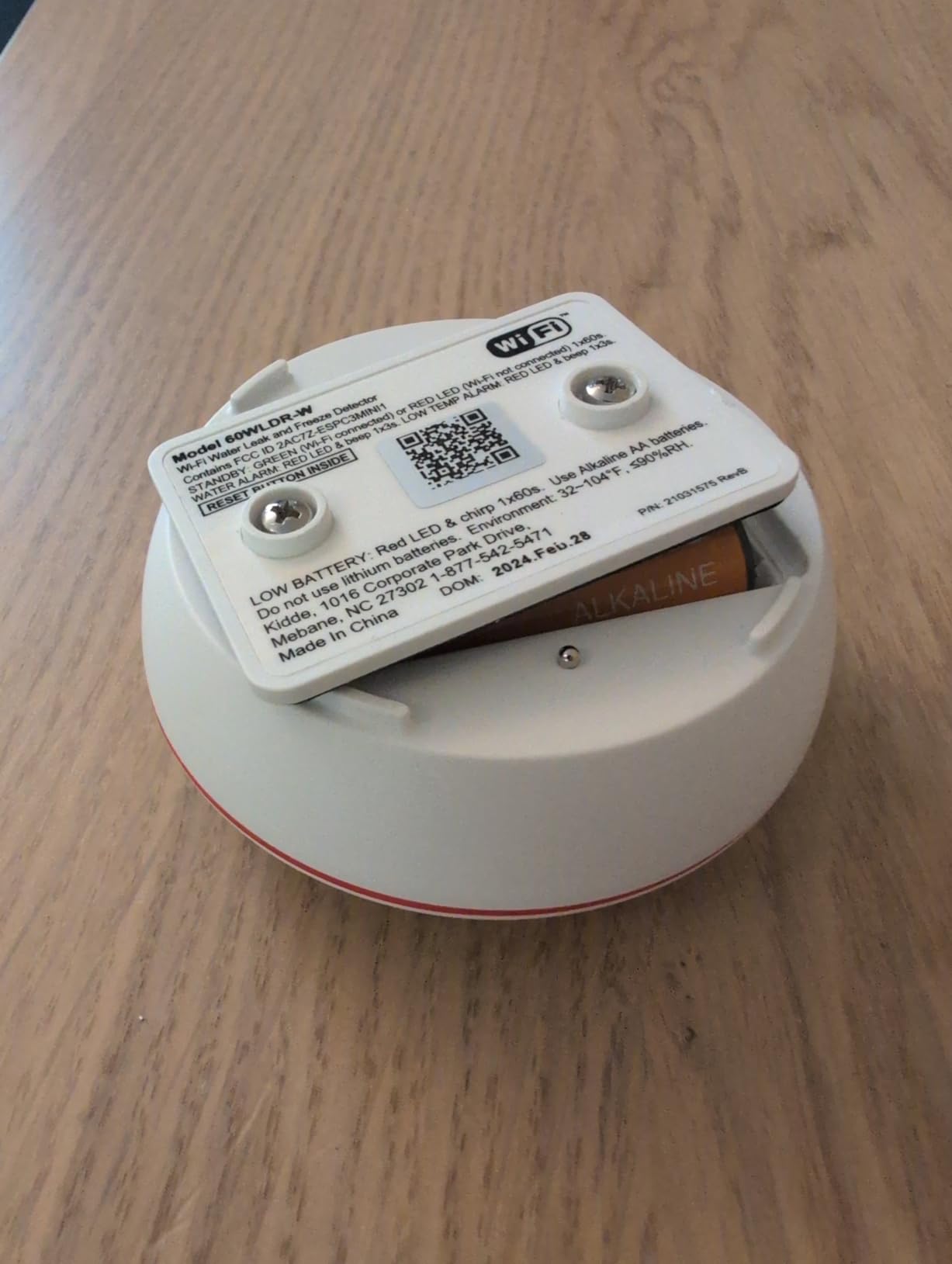
Know what you give up for the freeze alarm
There is no long-range radio here, so coverage is exactly as good as the Wi-Fi signal at that spot. In a basement with a router on the main floor, that can rule out the sump pit entirely, which is the one position you least want to lose.
No local siren is listed either, so the alarm depends on your phone reaching you. And the 4.0 average with a high share of one-star reviews points at missed alerts and connectivity in hard-to-reach locations rather than at detection quality.
Where it fits in a basement
Place it in unconditioned or semi-conditioned spaces where cold is a real risk, such as a bulkhead stairway, an exterior wall closet, or a garage with a floor drain. It is a sensible companion to a louder sensor rather than a replacement for one.
For a finished, conditioned basement, choose a sensor with a local siren and a stronger radio instead.
10. TECKNET WiFi Water Leak Detector – Best Budget Two-Pack
- Loudest alarm available on this list at 120 dB
- No hub required and connects to 2.4 GHz Wi-Fi
- Two top and four bottom probes catch drips and pooling
- Batteries and a change tool included in the box
- Users report no false alarms from condensation or splashes
- 36 month warranty when registered
- SMS and phone call alerts require a third party paid subscription
- Tuya Smart app setup and Bluetooth pairing frustrate some users
- Bulky body for tight under-appliance gaps
The TECKNET is the cheapest way to put two sensors on the wall, and it comes with batteries and a change tool in the box. The siren is 120 dB, matching the loudest unit in the roundup, with volume adjustment from the app.
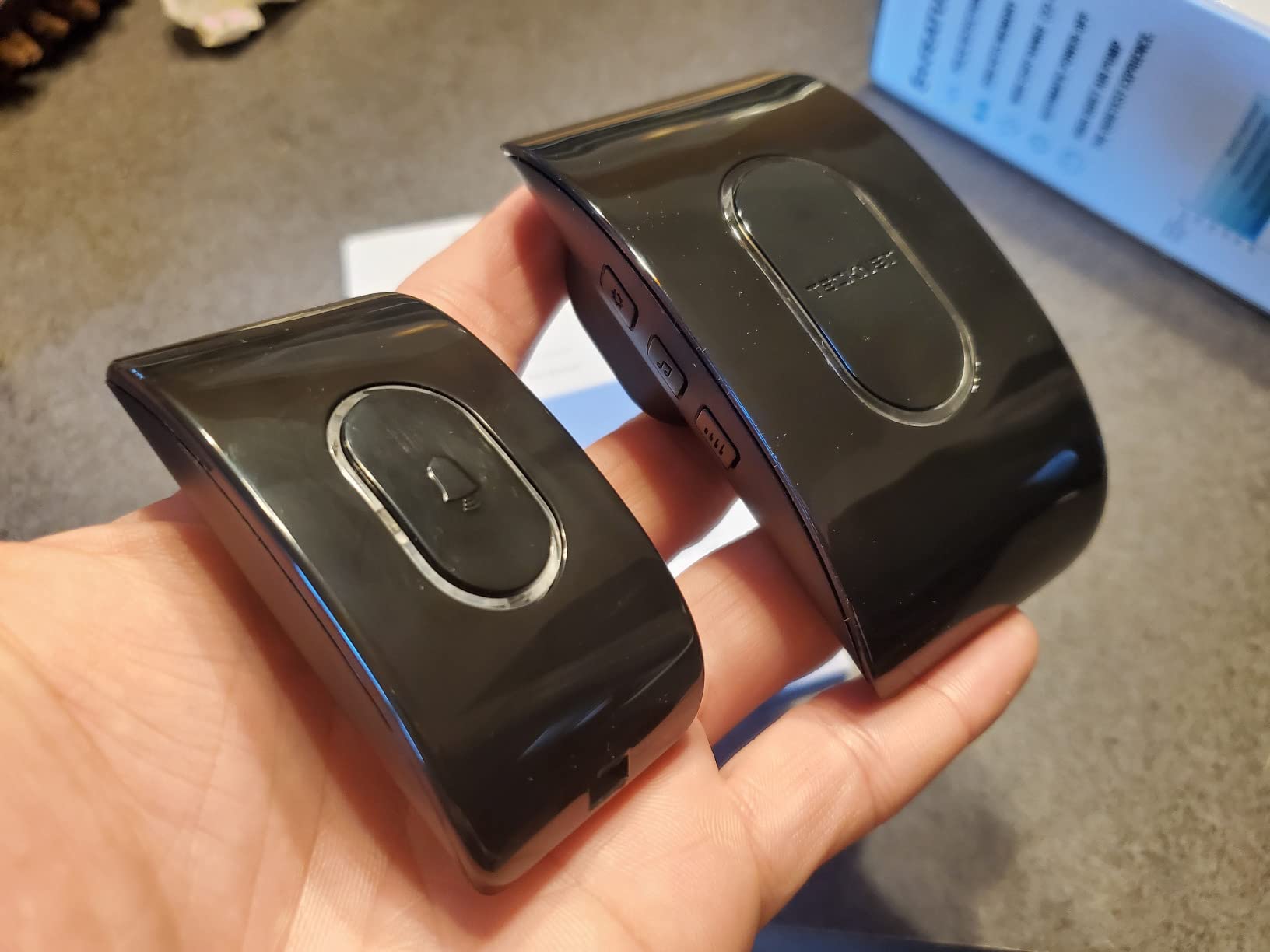
Two probes on top and four underneath catch both a drip from a pipe above and a puddle forming below, and the IP67 housing is rated for humid basements and laundry rooms. Two AAA cells per sensor give a claimed two years, with low-battery reminders in the app.
Users running these report no false alarms from condensation or small splashes, which is a genuine advantage in a damp space where fussier sensors can cry wolf.
The SMS caveat is the deciding factor
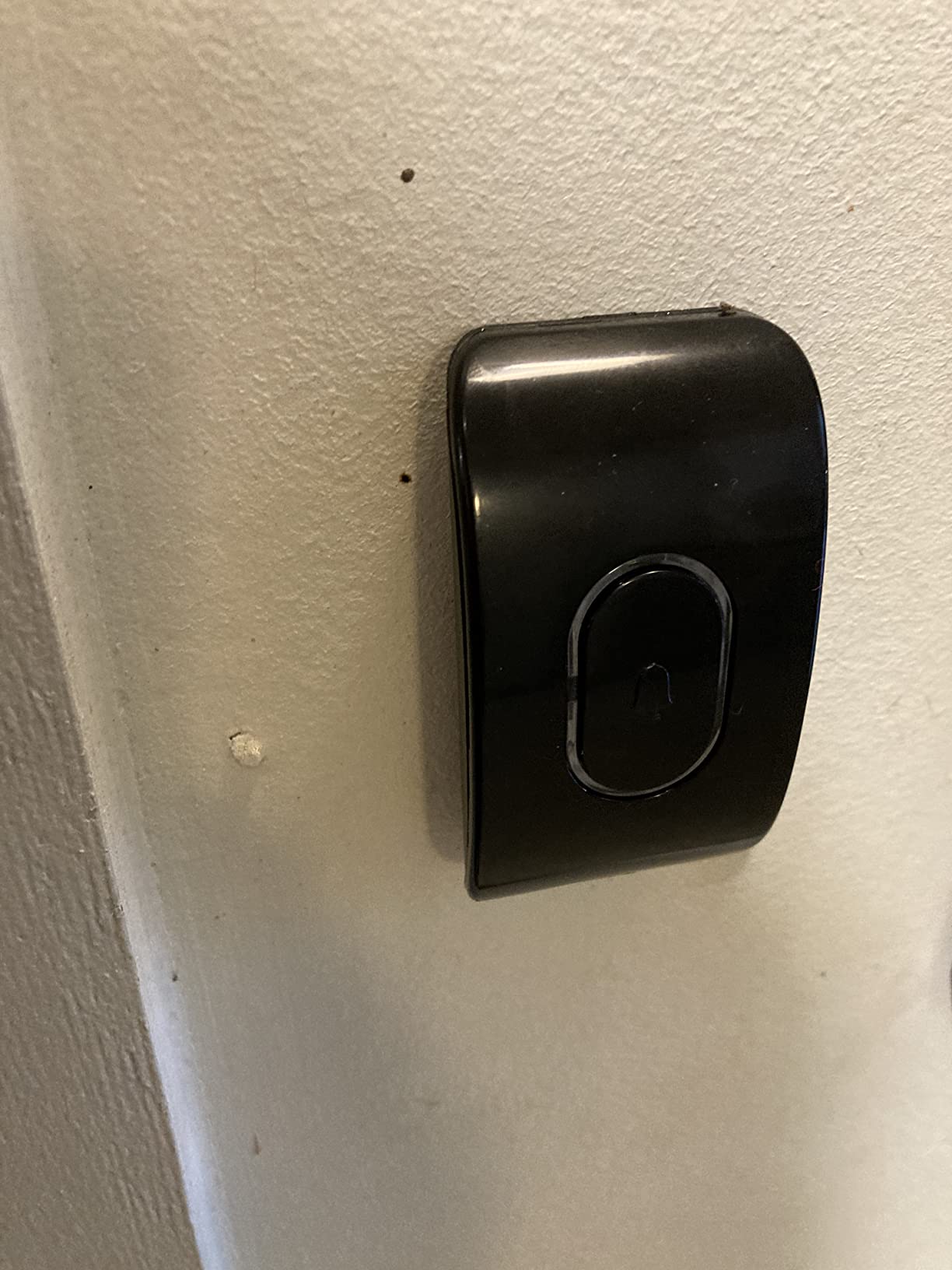
Text and phone call alerts sit behind a third-party paid subscription, so if you want to be reached by SMS you have to add that service on top. App notifications work without it, which is fine for most people and a dealbreaker for anyone away from home often.
Setup runs through the Tuya Smart app, and Bluetooth pairing is the step some buyers find difficult. The body is also bulkier than the thin units in this roundup, so it is harder to hide behind an appliance.
Where it fits in a basement
Two sensors, two high-risk spots: the water heater and the washer supply line are the obvious pairing for a first installation. The loud alarm also makes it a good second unit for rooms you want to hear from elsewhere in the house.
Register the product if you buy it, since the 36-month warranty is tied to registration, and confirm which alert types you actually want before you rely on it while away.
Where to Place Water Leak Sensors in a Basement
Placement decides whether a leak becomes a repair or a renovation, and the rules are simple enough to work through room by room. Start with the places water actually begins, then work outward to the places it spreads toward.
First, the sump pit. The rule that catches people out is to set the sensor just above the water level the sump pump is designed to handle, not at the bottom of the pit. A sensor on the pit floor alarms only once the pit has already overflowed, which is too late to stop anything.
Second, the water heater. Put a sensor at the base of the tank or in the nearest low point, and if the heater sits in a pan, the sensor goes in the pan. Tank failures and relief valve drips both start at the bottom.
Third, the washing machine and its supply lines. The drain hose and the inlet hoses fail more often than anything else in a finished basement, and a thin sensor behind the machine catches it before the subfloor does.
Fourth, the utility sink, if you have one. A slow drain and a cracked trap show up as water at the cabinet base, which is exactly where a puck sits best.
Fifth, the point where the main supply line enters the house. A burst line before the first shutoff floods the lowest space in the basement, and a sensor there gives you the earliest possible warning on the largest possible failure.
Sixth, the lowest point of the finished floor. Every basement has a low spot, and that is where water finds its level first. If you can pour a little water on the floor and watch where it runs, that is your sensor location.
How many do you need? A finished basement with a sump pump, water heater, and laundry area is a four-sensor job at minimum, and six gives you coverage of the supply line entry and the low floor point as well. Start with a multi-pack rather than singles, since every pack on this list undercuts the per-sensor cost of buying one at a time.
Where the pit itself is a problem rather than a sensor placement, our sewage ejector pump picks for basements cover the equipment that sits below that water level, and our basement sump pump picks cover the pump itself.
How to Choose a Basement Leak Detector
The first decision is hub or no hub, and it is the one buyers get stuck on. Hubless Wi-Fi sensors join your router directly, which means no extra hardware and no ecosystem to learn. Hub-based Zigbee sensors give a stronger, mesh-capable radio and tighter automation, but they need a hub, and sometimes a repeater, before they work in a basement.
Work out where the hub or router will live before you buy, then measure to the farthest point you want covered. If the sump pit is more than 30 feet from the router through a finished wall, a Wi-Fi sensor is a gamble and a Sub-1GHz or LoRa sensor is not.
The second decision is detector-only or automatic shutoff. A detector tells you there is water. An automatic water shutoff valve closes your main line, which stops the damage without you. Most people should buy detectors first because they are cheap and they tell you where the problem is, then add shutoff if they travel often or have had a flood.
Whole-house shutoff platforms are a different category from a puck sensor, and shoppers confuse them constantly because both appear under the same search. Auto-shutoff systems are installed on the main supply and are judged on valve reliability rather than on how thin the sensor is.
The third decision is power. Battery sensors are the norm and install anywhere, but they need checking. Mains-powered sensors never need a battery change, and that is a real advantage if you are deploying eight or more of them as one Home Assistant owner in our research was doing.
Fourth, check the alerts before you pay. App push is standard. Email is common. SMS is where products differ, and on the TECKNET it depends on a third-party subscription. If you want a phone call when you are asleep, treat that as a requirement and not a preference.
Fifth, condensation and humidity. A finished basement in summer can hold enough moisture on a cold pipe to wet a sensor. Choose an IP67-sealed unit, position it where condensation does not land, and run your test with a damp cloth before you trust it with a real alert.
Last, ask your insurer. Some carriers now offer credits or requirements for monitored leak detection, and a photograph of your installed sensors and their app alerts is often enough to satisfy the question. It is worth one phone call before you spend. If the same leaks are coming from appliances rather than plumbing, our kitchen leak detector guide covers that side of the house.
Reliability and False Alarms: What Owners Report
The most common complaint about smart leak sensors is not missed leaks, it is sensors that quietly stop reporting. If a device drops off the network and no one notices, you own a decoration rather than a detector.
Range is usually the reason. A HomeKit owner in our research found an Aqara sensor roughly 15 feet from the hub still dropping offline, and fixed it by adding an Aqara plug as a repeater between the hub and the sensor. If a sensor behaves unreliably, the fix is almost always a repeater or a mains-powered plug in the middle of the run, not a warranty claim.
The second reliability note is hub Wi-Fi drops. Owners of hub-based systems report the hub occasionally losing its connection and taking the sensors offline with it. Pair any hub-based system with a spot check in the app every few weeks, since a sensor that is online at setup and offline in month three tells you nothing.
On the false-alarm side, the picture is better than people expect. Users report the six-probe sensors resisting condensation and splash triggers, and the thin probe-based units being the ones that need standing water to fire at all. That is a feature in a basement, because it means fewer nuisance events and fewer ignored alerts.
Matter and Thread sensors come up constantly as the answer to these reliability complaints, and the direction of travel is clear. If you are starting a new smart home from scratch rather than extending one, checking whether a Matter option exists in your ecosystem is a reasonable tiebreaker.
Whatever you buy, test it. Put a wet cloth on the probes and confirm the alert reaches your phone while you are in the house, then again while you are out. A sensor you have never seen fire is an assumption, not a device.
Frequently Asked Questions
What is the best water leak detector for a basement?
The YoLink Leak Sensor 1 kit is the best overall pick for basements because its LoRa radio holds signal through concrete and block, the kit includes six sensors plus a hub, and alerts arrive by app, email, and SMS. The X-Sense SWS54 is the better choice if you want the loudest local alarm, and the GoveeLife 1s pack is the best value when you want five sensors and a gateway at once. All three are battery powered and install without a plumber.
Which WiFi water leak detector is the best?
For hubless Wi-Fi, the SwitchBot WiFi Water Sensor is the strongest all-round option, connecting straight to 2.4 GHz Wi-Fi with Bluetooth backup, a 100 dB adjustable alarm, and no hub to buy. The X-Sense SWS54 is better if you need sensors that stay linked to a base station far from the router. The TECKNET is the cheapest two-pack but puts its SMS and voice alerts behind a third-party paid subscription.
What is the best water sensor for a basement floor?
A floor-level puck with probes on both faces is the right choice for a basement floor, and the Tapo T300 is the fastest at roughly one second. For a finished floor you want to hide, the winees sensors are only 1.8 mm thick and slide behind appliances. At a sump pit, place the sensor just above the water level the pump is designed to handle rather than at the bottom, so you are warned before the pit overflows.
What is the best whole house water leak detection system?
For whole-property coverage, the Flume 2 clamps to the water meter and monitors consumption across every fixture, fitting roughly 95% of standard residential meters with no plumbing work. It infers leaks from flow patterns, so it can miss a slow drip, which is why it works best alongside spot sensors at the sump pit and water heater. Whole-house auto-shutoff valves are a separate category that stops water rather than reporting it.
Which water sensor is better, Govee or YoLink?
Govee is the louder and larger package: five sensors, a gateway, a 105 dB alarm with four volume levels, and a Sub-1GHz radio rated to 1804 ft. YoLink is the more flexible system: six sensors, a LoRa radio rated to 2034 ft, and Control-D2D so a sensor can still trigger a local siren or shutoff valve when the internet is down. YoLink sensors have no built-in siren, so budget for a SpeakerHub.
Do smart water leak detectors need a hub or a monthly fee?
It depends on the model. SwitchBot, Kidde, and TECKNET connect directly to 2.4 GHz Wi-Fi with no hub. Aqara and Tapo require their own brand hub, which is sold separately. YoLink and GoveeLife include a hub or gateway in the pack, and one YoLink hub carries more than 300 devices. On fees, app and email alerts are standard across this list, but TECKNET SMS and voice alerts require a third-party paid subscription.
Final Verdict: Where to Start in Your Basement
The YoLink Water Leak Sensor 1 kit is the best of the smart water leak detectors for basements in 2026, and it wins on evidence rather than spec-sheet flourish: 6.9k reviews at 4.6 stars, six sensors with a hub in the box, and a radio that reaches the far end of a concrete basement. Add a SpeakerHub if you want an audible alert at home.
Buy the X-Sense SWS54 instead if the house is asleep over the basement and you need a 120 dB alarm you can hear through floors. Buy the GoveeLife 1s pack if you want five sensors and loud local coverage in one order.
Whatever you choose, start at the sump pit, place the sensor just above the water level your pump handles, and put a second one under the water heater. If you have been putting this off, our basement sump pump picks and kitchen leak detector guide cover the two adjacent systems that cause most of the same damage.