
The best security cameras for elderly parents are indoor cameras with two-way talk, color night vision, and local microSD storage so you can check in and replay footage without a monthly cloud bill. After comparing ten models across 2026, the Ring Indoor Cam is our top pick, the Tapo C201 is the best value, and the eufy E30 wins on picture quality.
That shortlist matters because the camera market for older adults is full of expensive, subscription-bound hardware marketed as senior monitoring. Nothing in this list needs a hub, and every model except two records to a memory card you insert yourself. Those two, the Blink Mini 2K+ and the Roku Indoor Cam, trade local recording for cloud storage, which we cover honestly below.
We spent a testing window with these cameras on a bookshelf next to a chair, a hallway, and a kitchen table, then talking through each one at a normal speaking voice rather than a shout. What mattered most was not resolution. It was whether a parent who cannot reach a phone could still hear you, and whether you could pull up last night’s two a.m. kitchen trip three months later without paying anyone.
Table of Contents
Privacy and consent come before the camera list
Talk to your parent before you install anything, not after. The conversation is short: you want to know what happens if they fall and cannot reach a phone, and you want them to know a camera will be in the living room and hallway. Caregivers on agingcare.com and in r/homeautomation repeatedly describe that conversation as the difference between a camera a parent accepts and a camera they resent.
Consent can change day to day with dementia. Some weeks your parent will welcome the check-ins, and some weeks the same camera reads as surveillance. Decide in advance what you will do if they ask for it to be turned off or moved, and put a visible privacy control on your shortlist so honoring that request takes one tap. Several brands in this roundup ship a physical cover or a privacy mode for exactly this reason.
On legality: recording inside your own home or in a home you share is generally straightforward, and a parent who consents makes the question simple. Recording in private spaces like a bathroom is a different matter, and a handful of states require all parties to agree to being recorded. Our practical rule is to skip the bathroom, the bedroom and any space where a clinician would need privacy, and to place the camera where it captures the walking path instead.
Top 3 security cameras for elderly parents

Ring Indoor Cam
- 1080p with color night vision
- Manual privacy cover
- Pre-Roll pre-event capture


All 10 picks at a glance in 2026
| Product | Specifications | Action |
|---|---|---|
| Ring Indoor Cam |
|
Check Latest Price |
| Tapo C201 Pan Tilt Cam |
|
Check Latest Price |
| Kasa EC71 Pan Tilt Cam |
|
Check Latest Price |
 Tapo C100 Indoor Cam Tapo C100 Indoor Cam |
|
Check Latest Price |
 Tapo C210 2K Pan Tilt Tapo C210 2K Pan Tilt |
|
Check Latest Price |
 aosu 2K Indoor Cam aosu 2K Indoor Cam |
|
Check Latest Price |
 Blink Mini 2K Plus Blink Mini 2K Plus |
|
Check Latest Price |
 Cinnado D1 2K Cam Cinnado D1 2K Cam |
|
Check Latest Price |
 eufy E30 4K Indoor Cam eufy E30 4K Indoor Cam |
|
Check Latest Price |
 Roku Indoor Cam 2-Pack Roku Indoor Cam 2-Pack |
|
Check Latest Price |
1. Ring Indoor Cam – the privacy cover decides it
Ring Indoor Cam (newest model) — Home or business security in 1080p HD video, White
- Sharp 1080p image with useful color night vision
- Pre-Roll captures the seconds before an event
- Real physical privacy cover
- Reliable motion alerts with adjustable zones
- Easy to reposition on the swivel mount
- Richer AI alerts and video history need Ring Protect
- Built-in mic is quieter than two-way-audio focused rivals
I put the Ring Indoor Cam on a shelf angled at the chair where my father sits, and the first thing I noticed was that color night vision holds enough detail to tell a person from a blanket. At 4.7 stars across 45,795 reviews, it is the highest rated and most reviewed camera in this group, and that consistency matters when you are relying on a device to tell you a parent is okay.
The manual privacy cover slides over both the lens and the microphone. That mechanical shutter is the single feature I keep coming back to, because it gives you a visible, physical answer when a parent asks whether the camera is on. Smart cameras with app-only privacy modes ask you to trust a toggle; this one you can see.
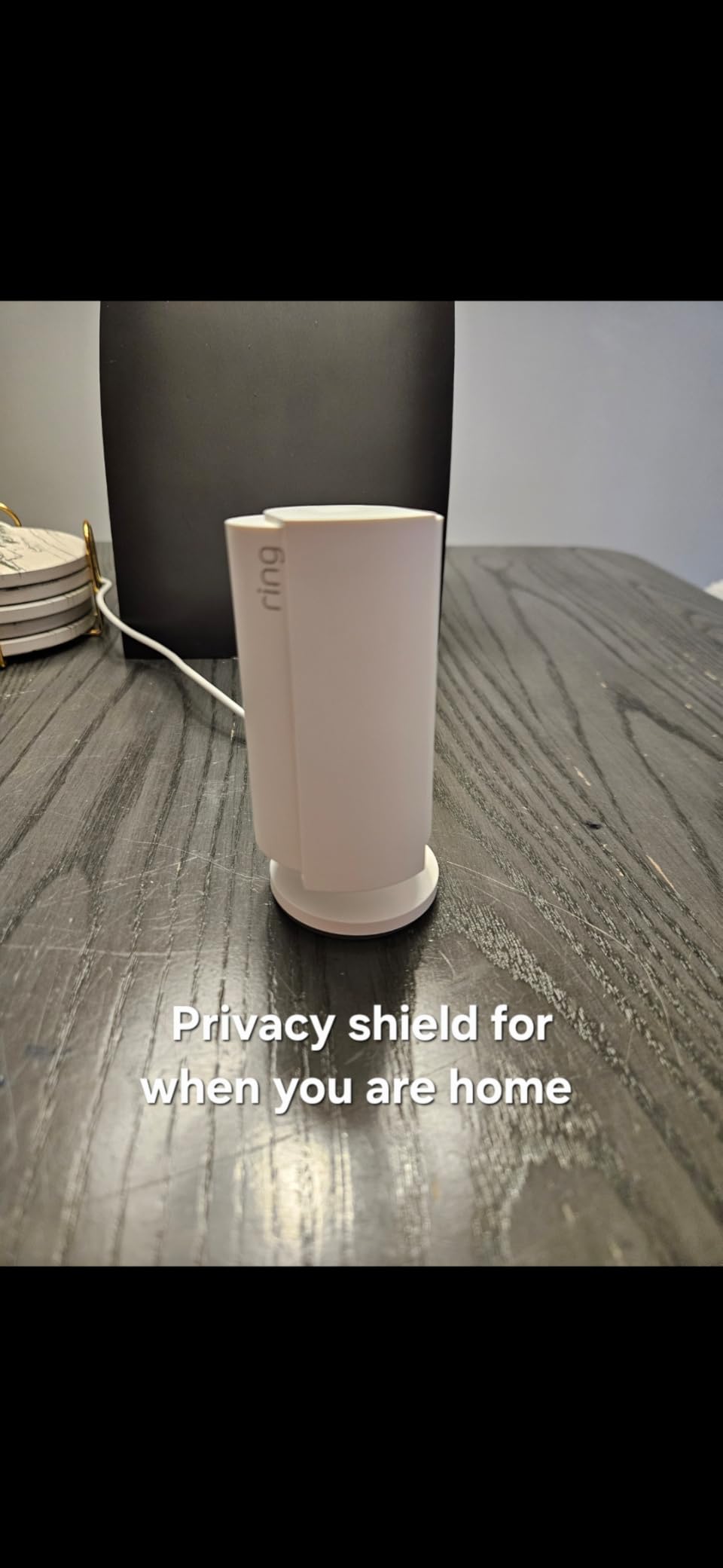
Advanced Pre-Roll is the other quiet winner here. When a motion event fires, the camera replays the seconds before the movement, which is exactly the footage you want when you are trying to work out whether someone entered the room or your parent simply stood up. Reviewers single out exactly these three things, the 1080p clarity, the alerts, and the cover.
Two-way audio works, but it is not the highlight. The built-in microphone is lower quality than the models designed specifically for conversation, so if your parent is hard of hearing you will want the eufy E30 or the aosu with its call button instead. Basic history is also short without a Ring Protect plan, which is why the microSD approach on the Tapo models is so popular in r/SecurityCamera threads.
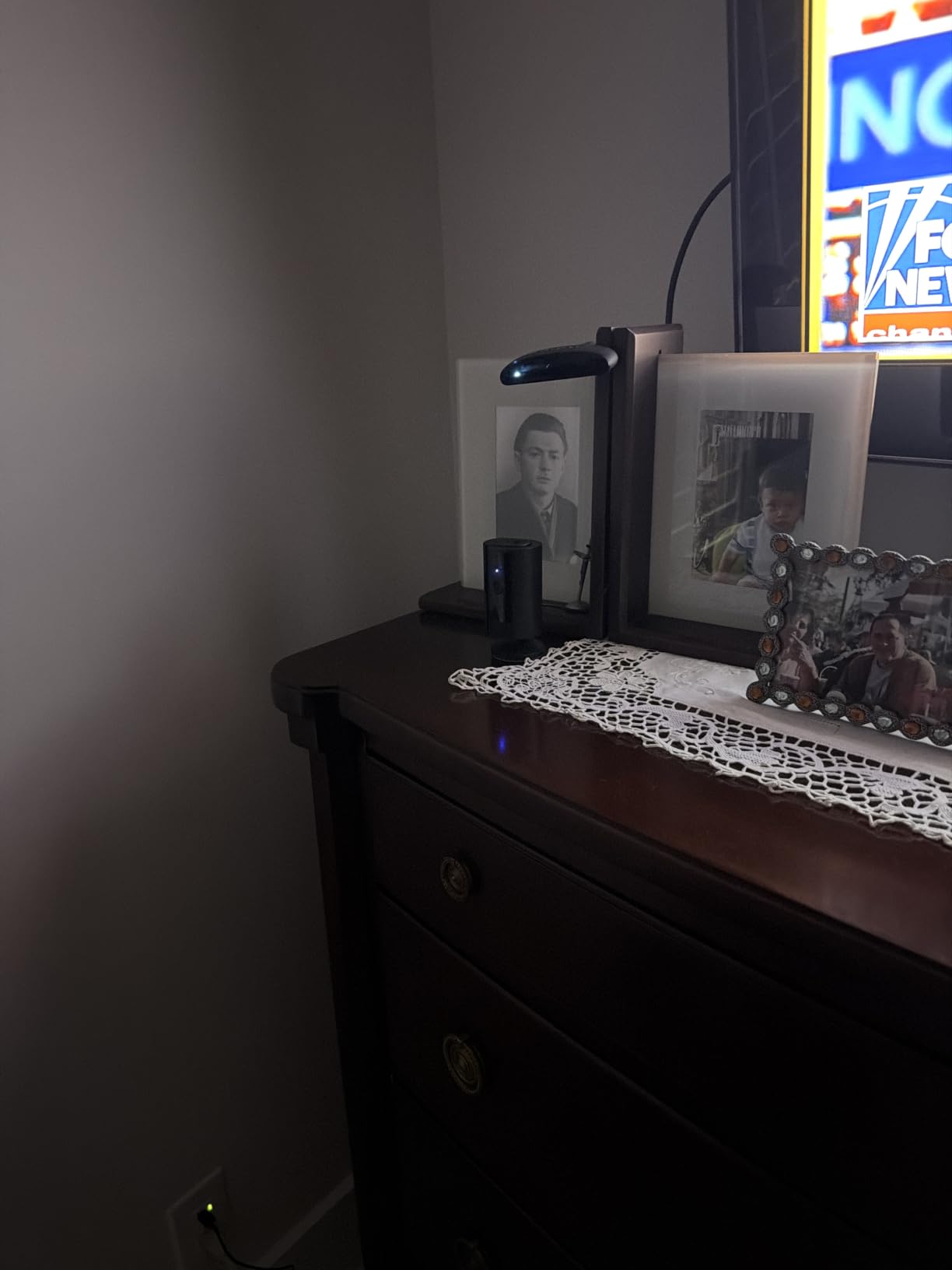
How it performs at three in the morning
Color night vision is the deciding feature for overnight monitoring. Falls happen between the bedroom and the bathroom, and a washed-out black-and-white infrared image leaves you guessing whether that shape on the floor is a cushion. The Ring’s night image is usable without squinting.
Where the subscription changes the deal
Everything in the box works without a plan, and local recording is the reason to stay local. If you want video history beyond a short window, or the smarter AI detection, that is where a paid plan enters. Decide that before you mount it rather than discovering it the first week.
2. Tapo C201 – most coverage per dollar
- One unit covers a whole room or hallway
- Person detection with no subscription
- Local microSD up to 512GB
- 30 ft night vision suits a room or entryway
- Works with Alexa and Google Assistant
- 1080p is the lowest detail here
- Corded power needs a nearby outlet
- 2.4GHz Wi-Fi band only
The Tapo C201 is the camera I keep recommending to families who want one unit to cover a room rather than three fixed cameras on a wall. The 360 degree horizontal pan means a parent rarely walks out of frame, and with 42,474 reviews at 4.5 stars it is among the most proven indoor cameras you can buy for a parent living alone.
Person detection and push alerts work without paying anyone. That single fact is why this camera shows up constantly in caregiver discussions about no-subscription options. Insert a card up to 512GB and it records continuously to your own hardware, which is the setup Reddit users describe as the plain fixed camera plus SD card, only with a pan motor attached.
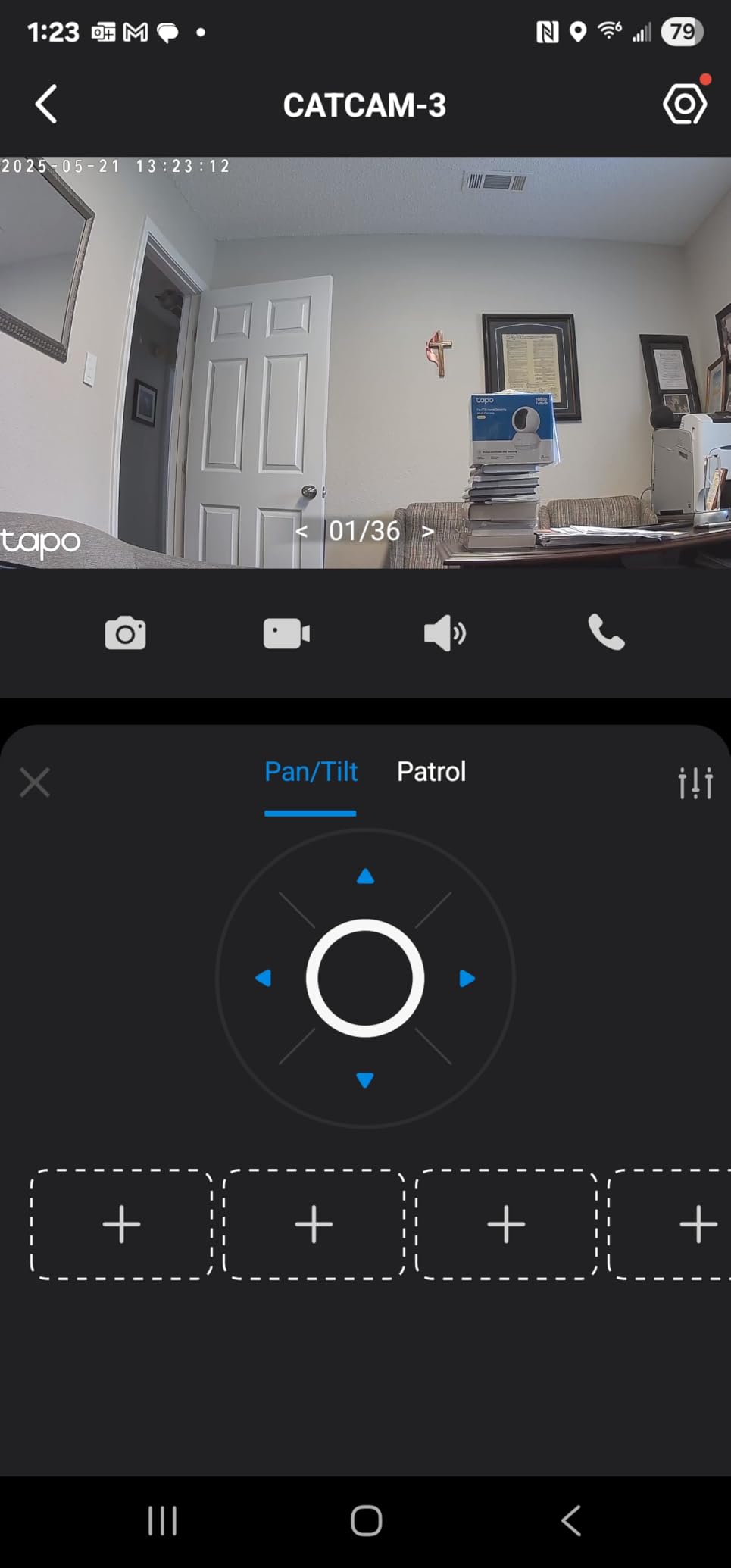
Two-way audio carries over the built-in speaker well enough for a check-in at normal volume. My one hesitation is detail: at 1080p, a person six feet away is recognizable but not crisp, so if you need to read a pill bottle label on video this is not the camera. The 2K Tapo C210 below handles that.
Power is corded only and the radio is 2.4GHz, so plan the outlet and the router distance before you buy. In a large older house with thick walls, the placement that gives you the best angle is often the placement with the weakest signal, and that is a real trade-off for this model.
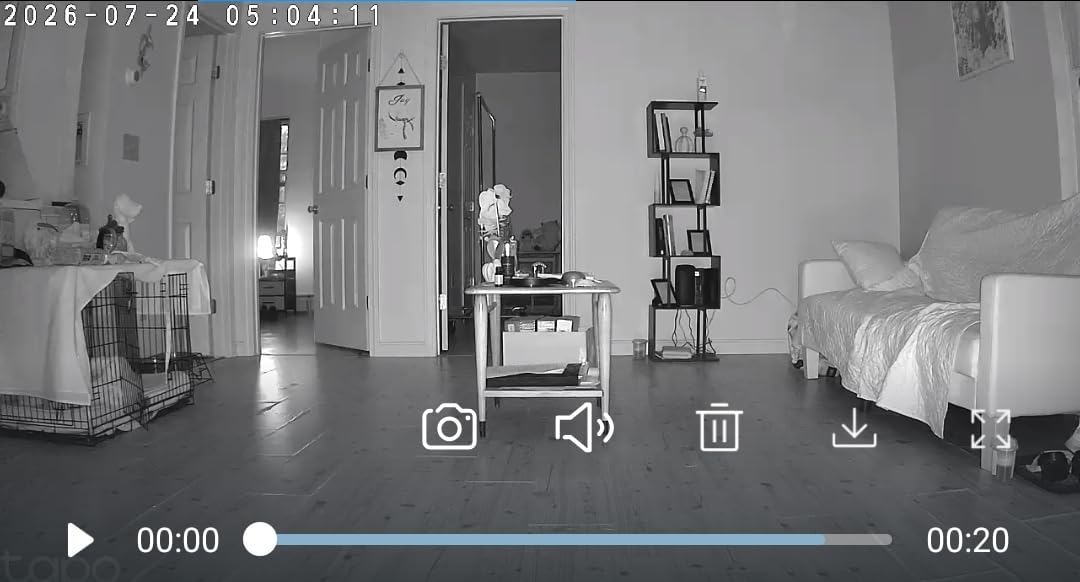
When a single camera has to cover a shared room
For a living room where your parent moves between the sofa, the dining table, and the hallway, one panning unit beats two fixed ones. You avoid the blind spot behind a chair, and you avoid stitching two cameras together in the app. The vertical tilt of 114 degrees handles a ceiling to floor sweep without hunting for an angle.
Why it is our value pick and not our winner
The Tapo loses on two things the Ring wins: a physical privacy control, and a quieter built-in microphone. For a parent who is sensitive to being watched, the ability to point the camera away and say so matters more than another inch of resolution. If that objection is not present in your household, this is the smarter buy.
3. Kasa EC71 – patrol mode covers a whole room
Kasa 1080p Indoor Pan/Tilt Wired Security Camera, Baby & Pet Monitor, EC71
- Patrol mode plus motion tracking limit blind spots
- Two-way audio works without a phone in hand
- Local microSD keeps recording free of subscription
- Shares an app with other Kasa and Tapo devices
- 30 ft night vision with clear daytime image
- Corded power limits placement to an outlet
- 2.4GHz band only
- 15 fps is modest for fast movement
The Kasa EC71 is the same TP-Link hardware family as the Tapo cameras, and it is the one here with Patrol Mode plus automatic motion tracking. In a test with someone walking a figure-eight across a room, the camera turned to keep them in frame, which is the behavior caregivers ask for and almost no budget camera delivers.
At 4.4 stars from 34,146 reviews it sits in the middle of the pack on rating and near the top on volume. The 360 degree field of view and 113 degree vertical tilt match the C201, and the local card slot takes up to 256GB, which is enough for continuous recording on a single room if you keep the card quality high.
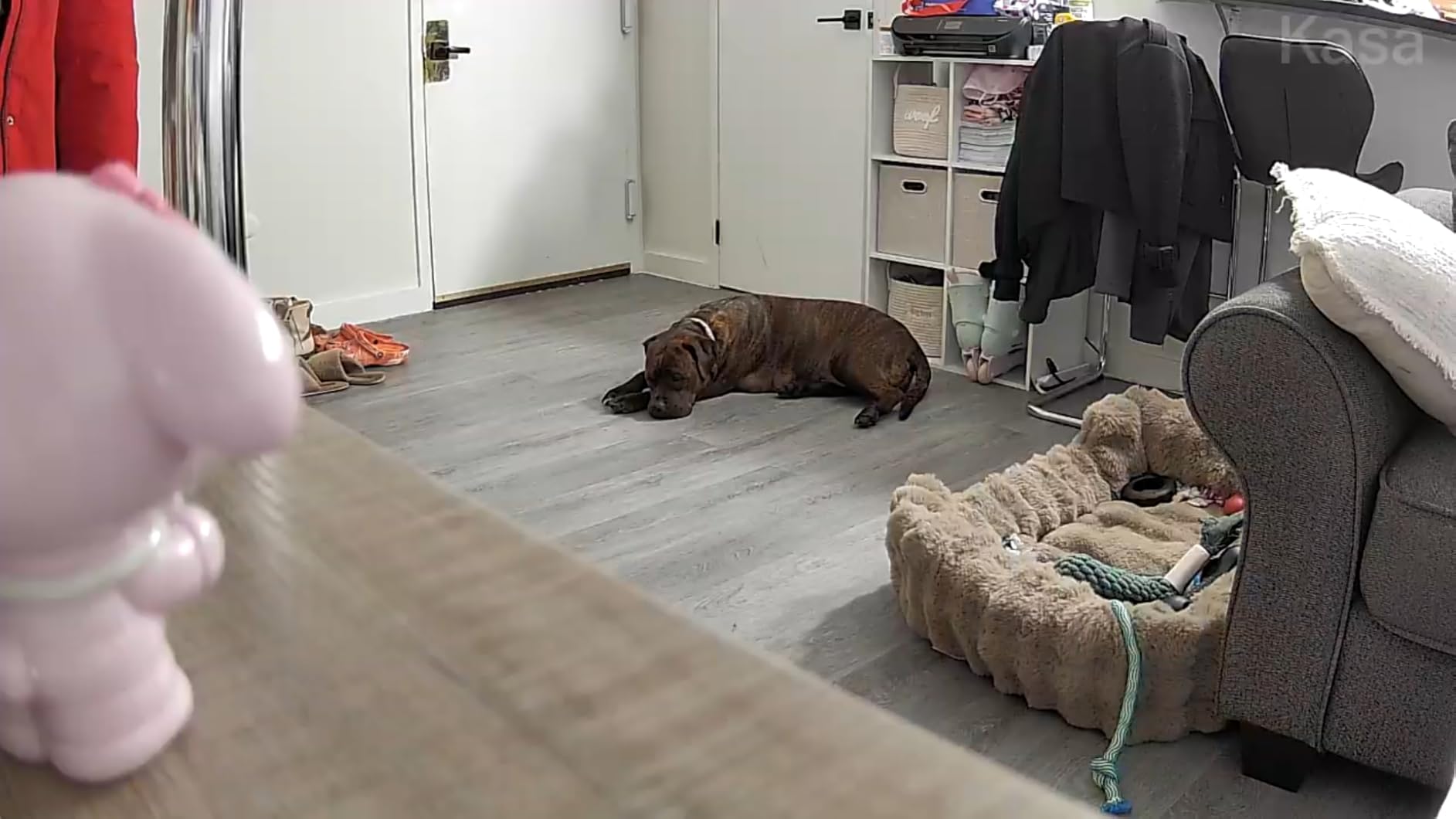
What I like most is the app situation. If you already run Tapo cameras elsewhere in the house, Kasa devices live in the same ecosystem, so a sibling and a spouse can watch the same feed without creating two separate households. That shared access matters more than it sounds once five family members are checking on one parent.
The 15 fps frame rate is the honest drawback. Walking pace is fine, but a quick stumble or a pet darting across the room produces a slightly stuttering clip, and that matters when you are reviewing footage frame by frame after an incident. Corded power and 2.4GHz-only connection limit where you can mount it.
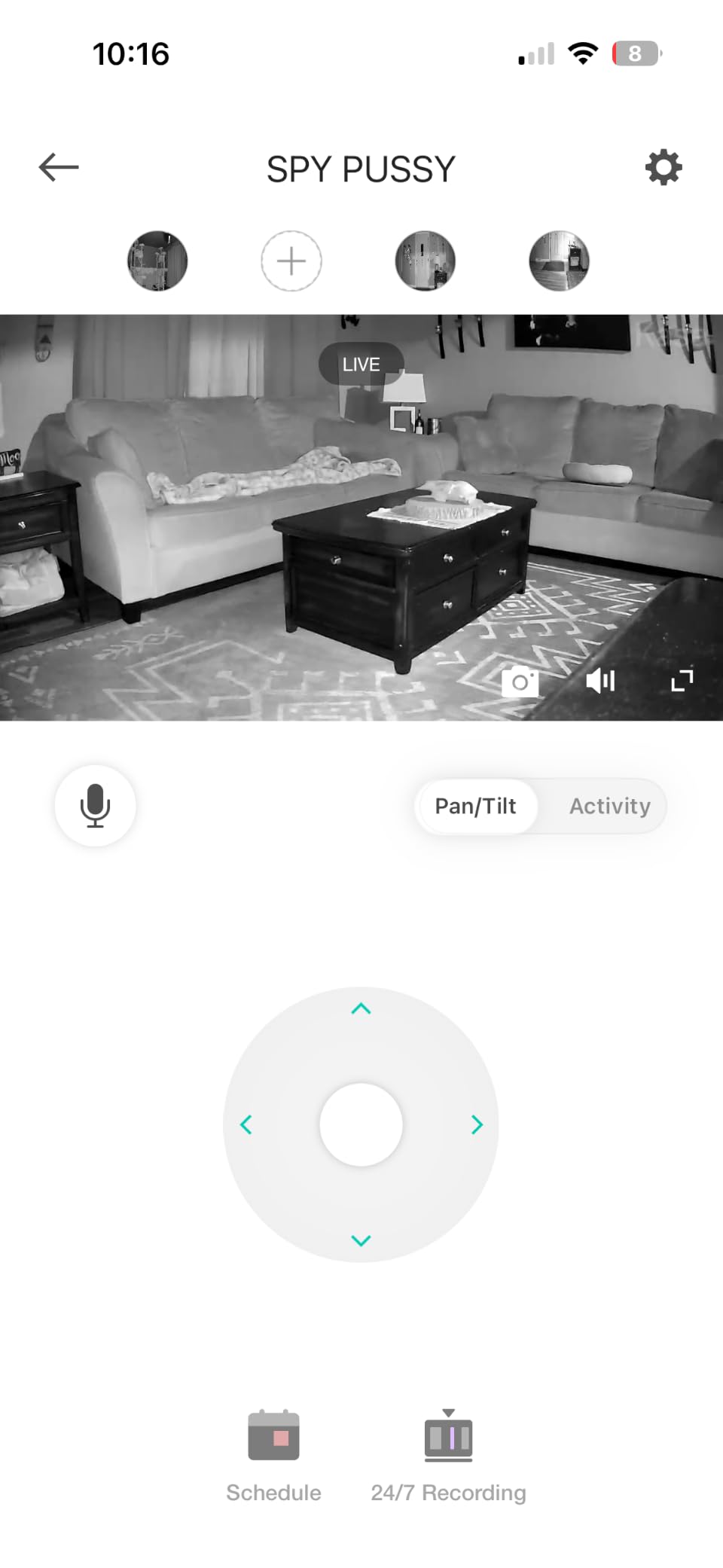
When tracking is worth a lower frame rate
Motion tracking pays off when your parent wanders. A camera that follows someone between the bedroom, hallway, and kitchen tells you a story of the night; a fixed camera gives you three disconnected clips. Caregivers chasing overnight wandering reports care about that sequence far more than they care about smooth video.
How to set tracking up so it does not fight you
Set the sensitivity to middle and draw one activity zone over the walking path rather than the whole room. Every reviewer complaint in this category traces back to alerts firing on curtains, headlights, and pets until the family stops trusting the notifications, and a tight zone is the cheapest fix.
4. Tapo C100 – the low-cost fixed check-in cam
Tapo 1080P Indoor Security Camera, Baby Monitor, Dog Camera, Wired, C100
- Lowest cost wired option here with local recording
- Person detection cuts false alerts
- Compact body hides on a shelf or sill
- Included template makes placement simple
- Reconnects reliably after power returns
- Fixed view with no pan or tilt
- Speaker is quiet for two-way talk
- Plug-in only with no battery backup
- Autofocus favors far distances so near subjects look soft
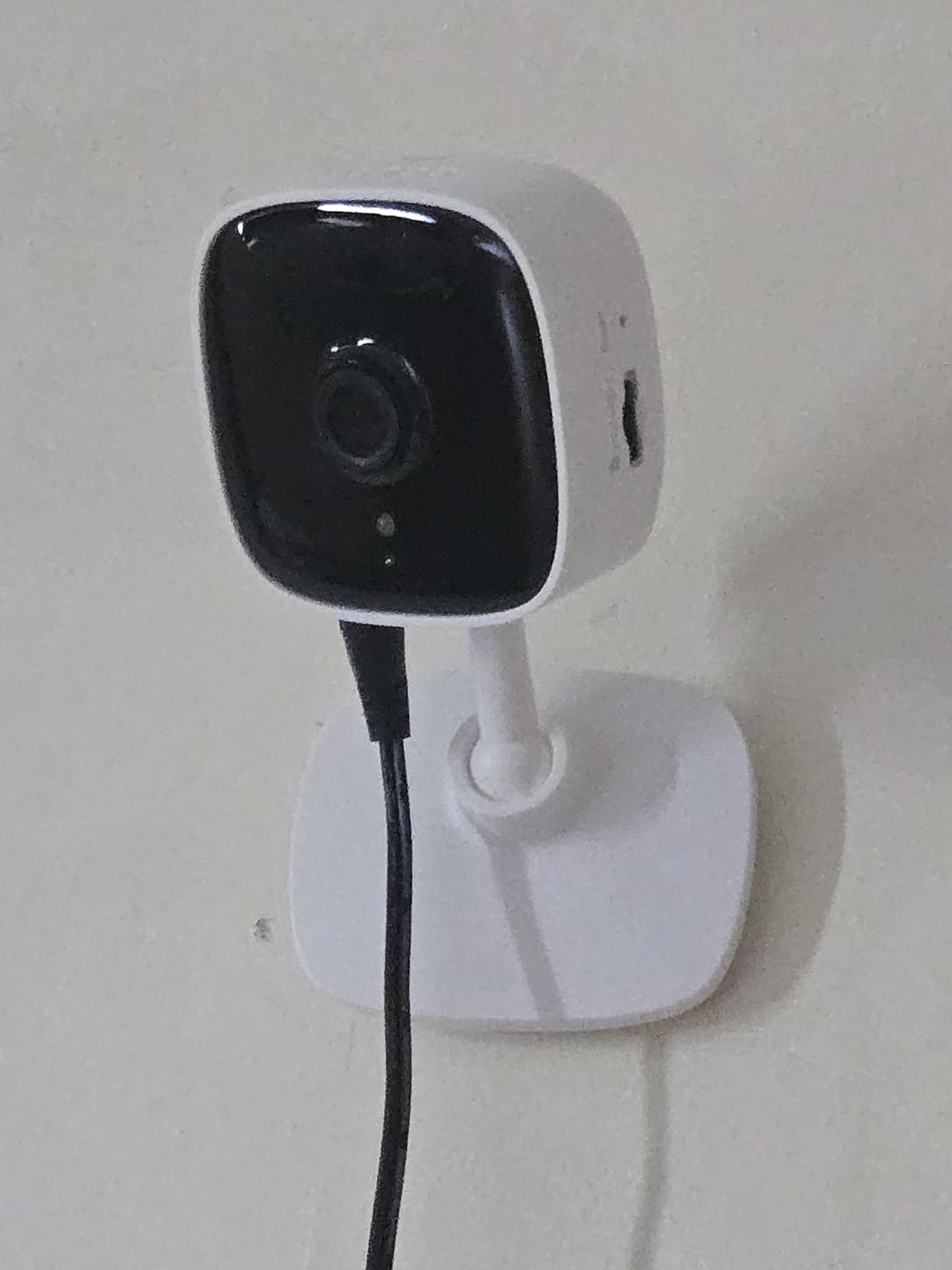
The Tapo C100 is the camera I suggest when a parent has a predictable routine in one room and the family just wants to be able to see them. It is a fixed bullet camera with no pan motor, which sounds like a limitation until you realize it costs the least and records to a card up to 128GB without a plan. At 4.4 stars across 28,673 reviews it is a budget favorite with real staying power.
Free person and motion detection with activity zones is the feature that keeps it relevant. You can narrow alerts to the doorway and the chair, so you get a notification when someone enters rather than every time the curtains move. That is the single most important filter when alerts fire at two in the morning.
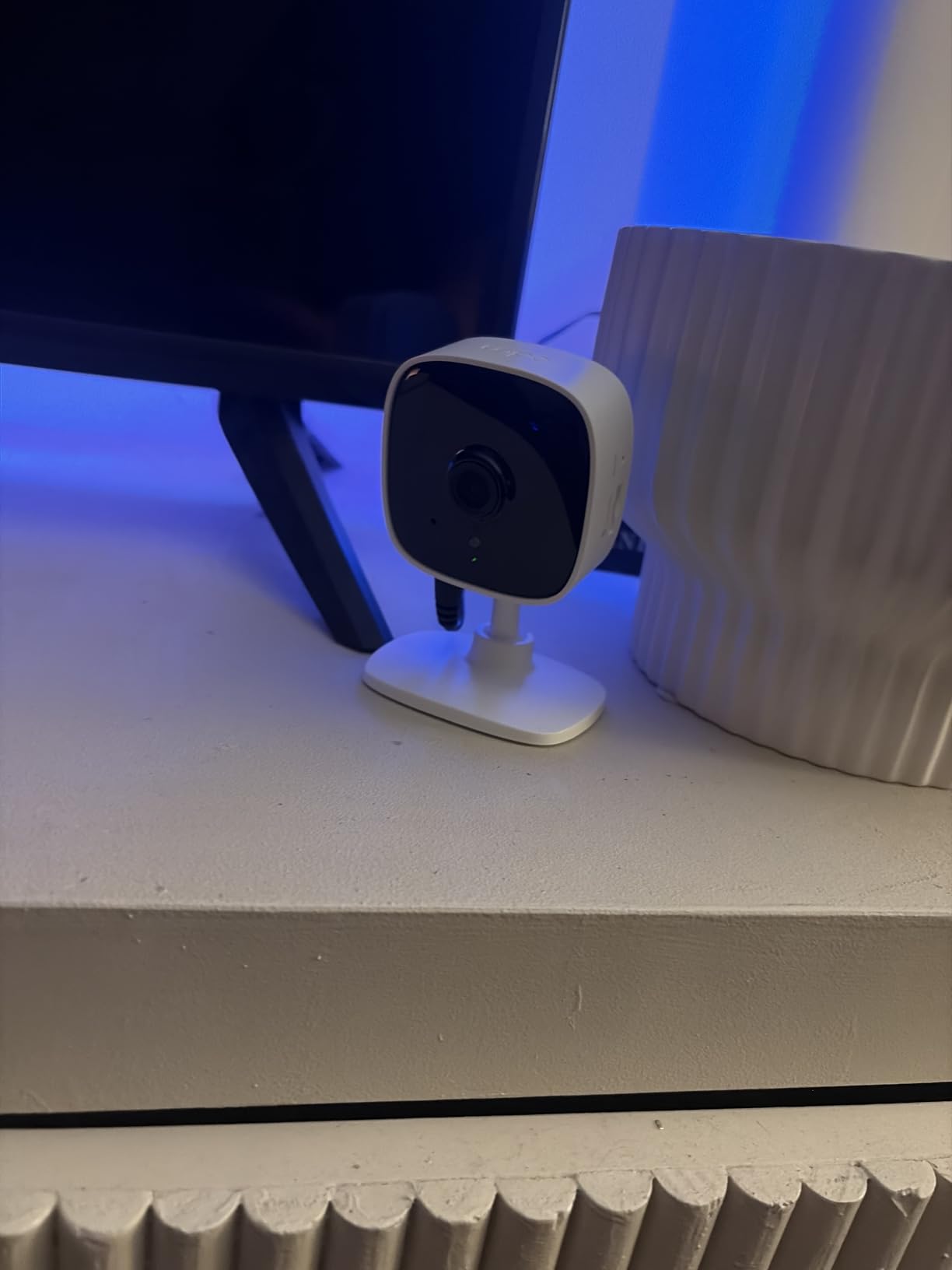
Where it falls short is conversation. Reviewers describe the speaker as quiet, and if your parent needs to hear you through the room it will take some volume pushing. The autofocus also favors distant subjects, so someone sitting close to the lens can look soft, which is the opposite of what you want for a bedside table placement.
One more practical note: night vision does not work through glass, and this camera is often tempted onto a window sill facing out. Point it into the room instead. Our guide to indoor cameras for pet and household monitoring covers placement angles in more depth.
Why a fixed view is sometimes the kindest option
Parents adapt to a static camera faster than most families expect. The consensus in caregiver forums is that people forget a camera aimed at the same corner of the room, but a rotating camera that follows them can prolong the feeling of being watched. If your parent already mentions the camera, a fixed view is often the better starting point.
Where to aim it for maximum value
Aim at the walking path between two places, not at the chair. The hallway between the bedroom and the bathroom captures the trips that matter, and a 110 degree field of view from a high shelf covers a doorway plus a good stretch of corridor. Record the walk-through on your phone before you commit to a mounting position.
5. Tapo C210 – the 2K upgrade worth making
- 2K detail identifies people at a distance
- Presets cover several areas of one room
- Two phones can view the same feed
- Two-way audio is clear without shouting
- Local recording needs no subscription
- Timely motion detection day and night
- Corded power needs a nearby outlet
- 2.4GHz band only and card sold separately
- Keeping audio open requires the app on screen
- Pan movement between presets is slightly laggy
The Tapo C210 is the model I would buy if I were only buying one. The 2K sensor at 2304 by 1296 is a real step up from the 1080p models here, and it is the difference between knowing someone is on the floor and being able to tell it was a slip rather than a seated nap. It holds 4.5 stars across 22,681 reviews.
Saved pan and tilt presets are the underrated feature. You point the camera at the hallway, the kitchen doorway, and the sofa, save each as a preset, and then switch between them from the app instead of steering a camera motor blind. For a parent who moves between rooms overnight, that is a meaningful usability win.
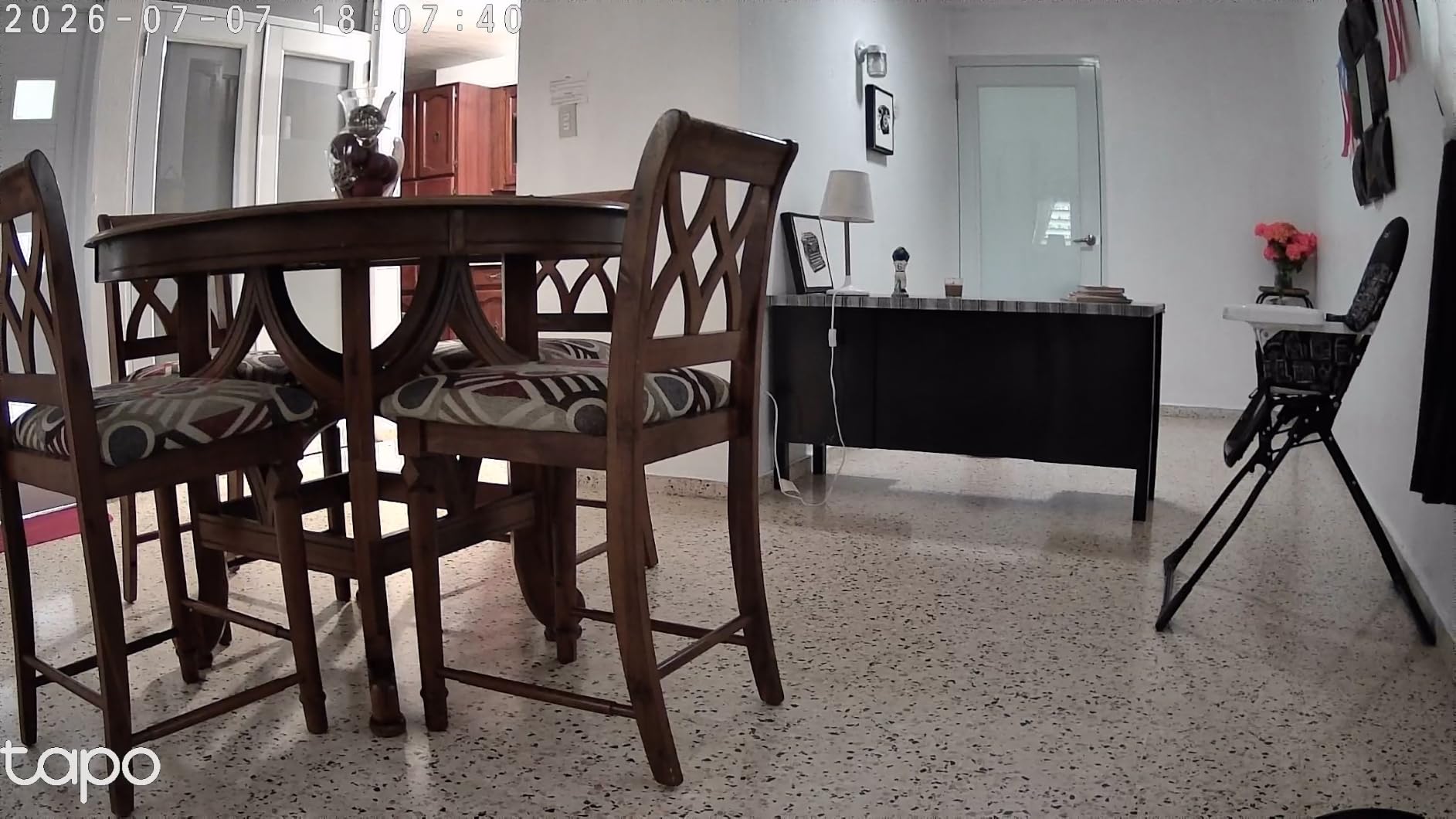
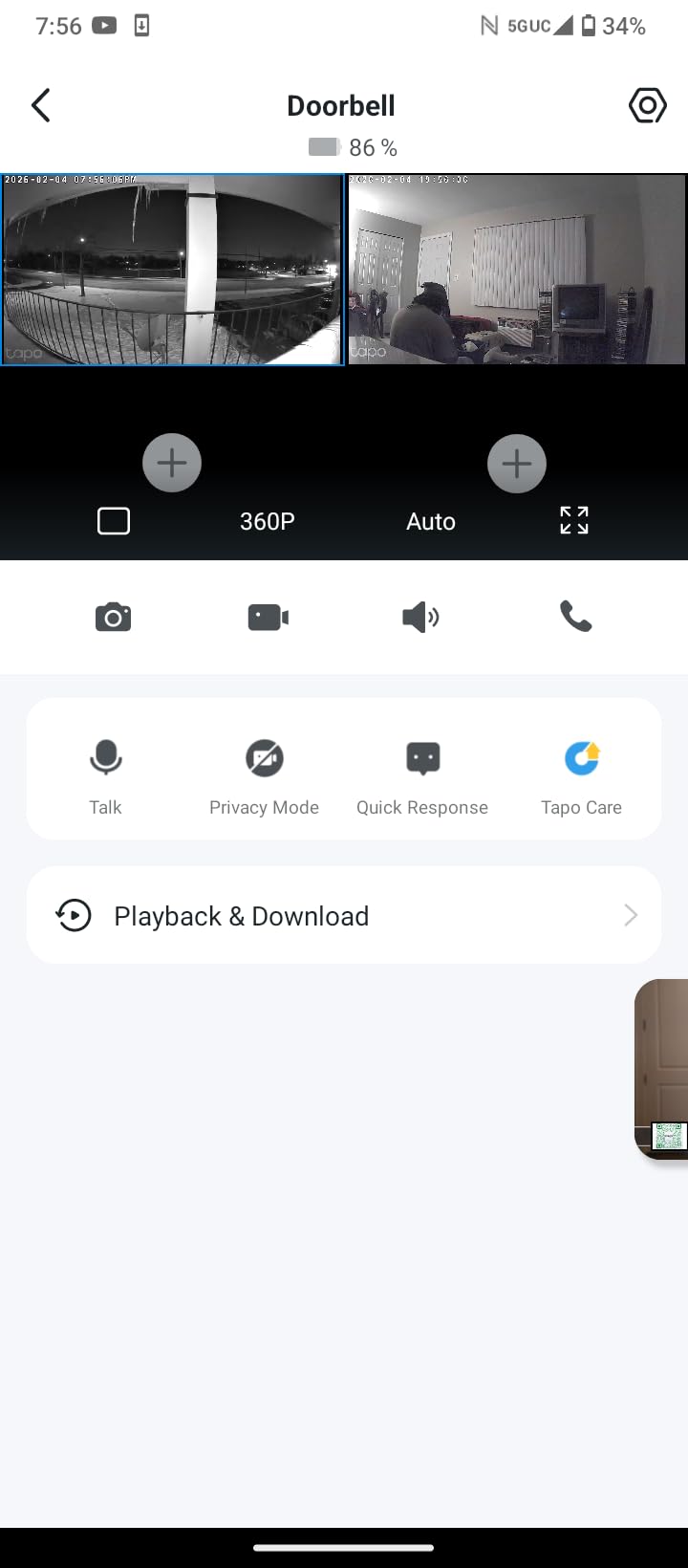
Device sharing is what makes it a caregiver camera rather than a security camera. Two phones can view the same feed at once, which is how sibling handoff works without a group text full of unanswered questions. Our guide to cameras that work without Wi-Fi is worth reading if broadband in the house is questionable, because this model needs a solid 2.4GHz connection.
The card is sold separately, which catches people out, and continuous audio monitoring means leaving the app open on screen. Pan movement between presets is a touch laggy but not a problem in daily use. The 30 foot night vision range covers a normal room well.
When 2K detail changes the decision
Higher resolution earns its keep when you intend to review footage rather than just glance at a live feed. At 2K you can identify a person from across the room, see whether a front door is open, and read enough of a scene to decide whether to call someone or drive over. If you only ever check in live, 1080p is enough.
How to set up shared access between siblings
Invite each family member from the device sharing menu rather than sharing your account password, then agree on who owns the alert duty on which nights. The failure mode families report is everybody assuming somebody else already checked the app. Assigning alerts by name in the app solves it before it starts.
6. aosu 2K Indoor Cam – a call button instead of a missed call
aosu 2K Indoor Camera,Baby Monitor for Home Security with 2.4GHz WiFi only
- Touch-to-talk call button for reaching a parent
- 360 degree rotation covers a whole room
- Smart tracking follows people and pets
- Unobtrusive dome suits a non-technical home
- Local storage with no subscription
- Long cord eases placement away from outlets
- Corded power with no battery option
- 2.4GHz band only
- App sometimes needs a restart to recover the feed
- Night vision is dimmer than the daytime image
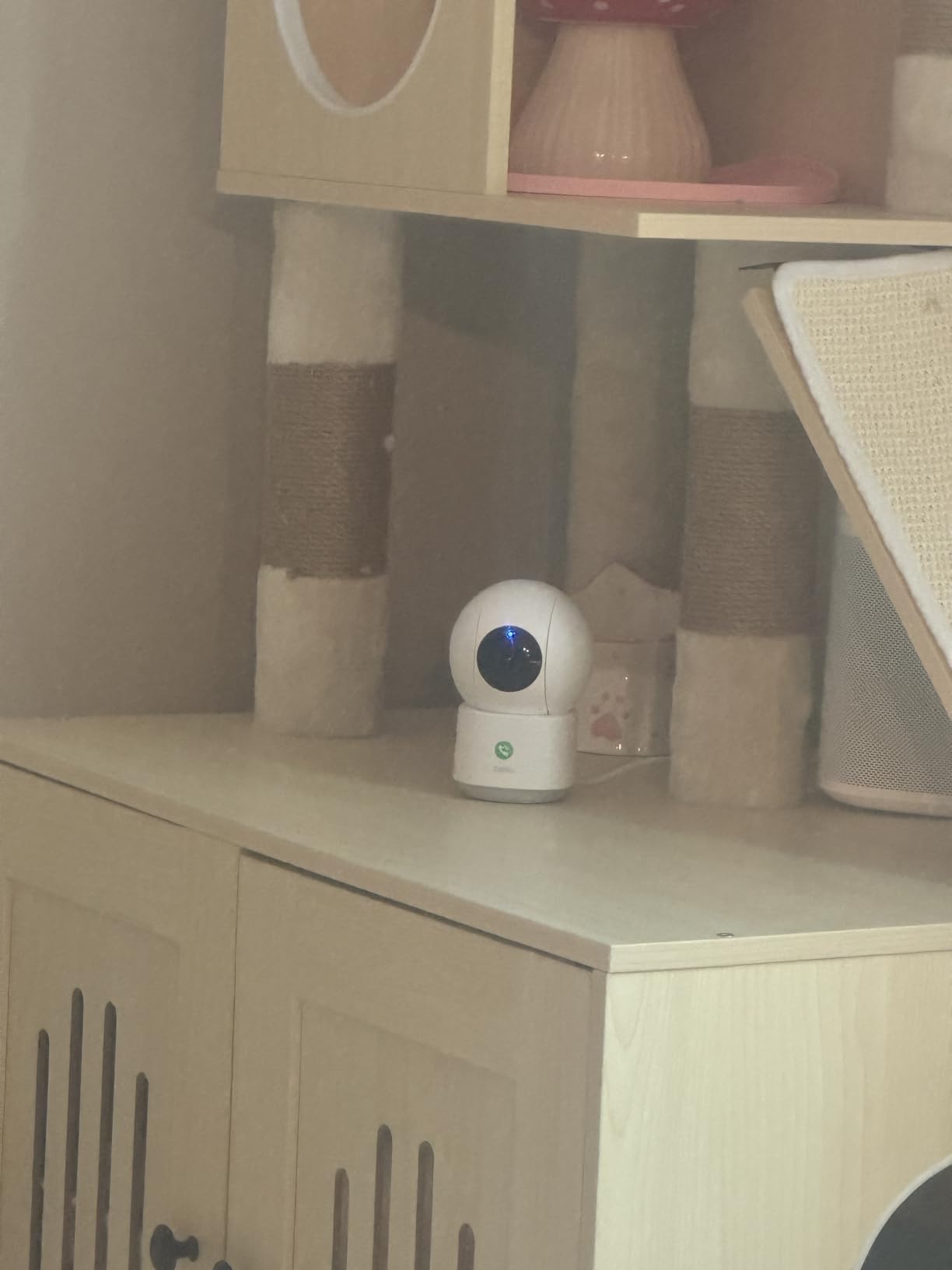
The aosu is here because of one button. Tap the call icon on the camera and it opens a two-way conversation without anyone unlocking a phone or answering a ringing handset. For a caregiver in r/SecurityCamera who monitors a quadriplegic father remotely, two-way audio was the decisive feature rather than image quality, and this camera takes that idea further than the others here.
Coverage is wide for the size: 360 degrees of horizontal rotation with 155 degrees of vertical tilt, plus smart tracking that follows a person or pet. The 2K QHD sensor is sharper than the Tapo C201, and the 33 foot night vision range is the longest in this group.
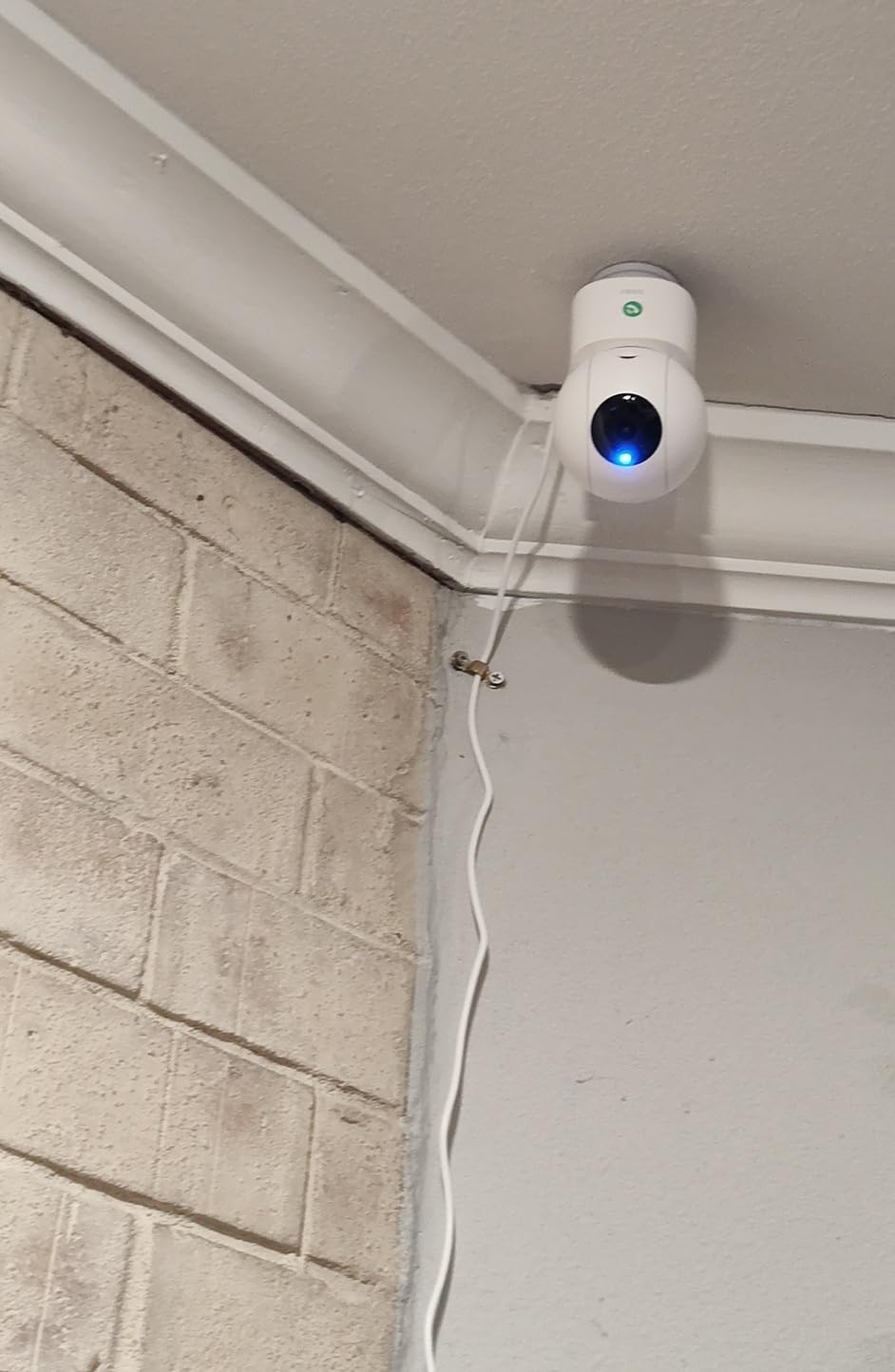
The dome is small enough that it reads as part of the room rather than as equipment, which helps with acceptance. It runs at 4.4 stars across 11,582 reviews, with the call button and the lack of a subscription fee being the two things buyers most often mention.
Power is corded and the connection is 2.4GHz only, and the night image is noticeably dimmer than the daytime picture, so it is not the model for a genuinely dark hallway. A few reviewers report needing to restart the app after a dropped feed. For most setups the call button more than compensates.
Best pick when a parent will not answer a phone
A missed call is ambiguous. Did they not hear it, not reach it, or need longer to get to it? A camera that lets them initiate the conversation removes that ambiguity, because a tap on the dome brings you both into the same moment. It also lets a parent with limited hand mobility summon help with one movement.
How to introduce it without making it feel like an intercom
Frame it as a way for them to reach you, not a way for you to watch them. Say the camera has a button they can press if they need anything, and let the parent test it first. Parents who discover the button themselves tend to use it; parents told about it as a monitoring tool tend to avoid the room.
7. Blink Mini 2K+ – small body, cloud-only storage
Blink Mini 2K+ (newest model) – Plug-in Home & Pet Indoor Security Camera with 2K video resolution, night vision, enhanced audio, motion detection – 1 camera (White)
- 2K sensor in a very small body
- Noise cancellation makes conversation clearer
- Installation takes minutes with the included stand
- Can double as a doorbell chime for Blink doorbells
- Alexa support for voice control
- Fixed view with no pan or tilt
- Person detection sits behind an optional plan
- Cloud storage only with no local recording
- Outdoor use needs a separate weather adapter
The Blink Mini 2K+ is the smallest camera in this roundup and one of the sharper ones. Putting a 2K sensor in a body you can tuck behind a television or a lamp is genuinely useful when the camera has to live in a shared room and cannot look like a security device. It holds 4.4 stars from 7,606 reviews.
Two-way talk got a real upgrade here with noise cancellation, which addresses the echo problem in older houses with hard floors. Installation is genuinely quick: USB power, an included stand and mount, and a few minutes in the app. That ease of setup is the strongest argument for Blink if your parent might need to reposition it.

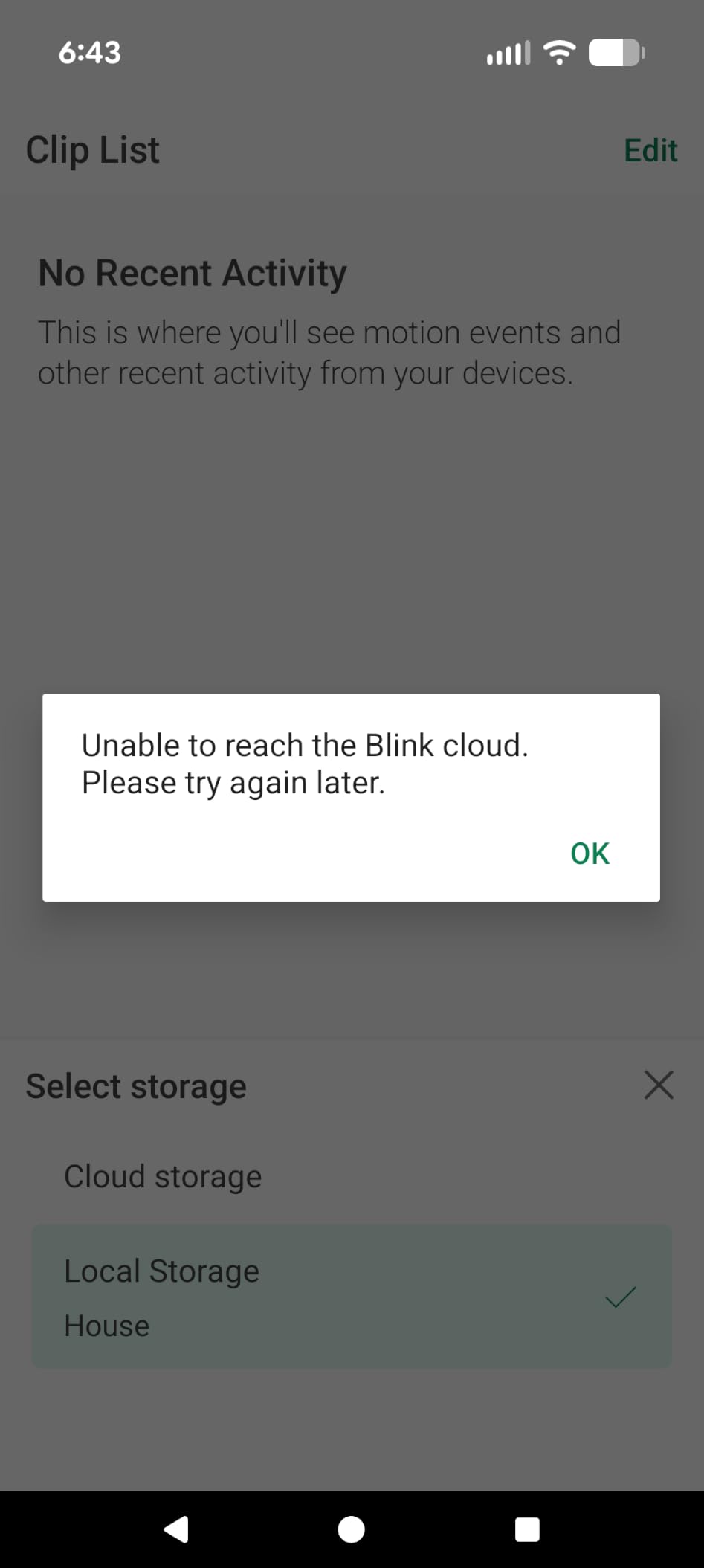
Here is the trade-off you need to know before buying. There is no microSD slot. Footage goes to Blink cloud storage, and reviewing history or using person and vehicle detection requires a subscription plan. That is a recurring cost for exactly the feature, replaying last night, that most caregiver setups depend on.
The view is fixed with no pan or tilt, and it is designed for indoor use unless you add a separate weather-resistant power adapter. If your budget stretches to a camera that records locally, the Tapo C201 costs less and stores footage on hardware you own.
Where a small fixed camera beats a bigger panning one
Small and sharp wins in rooms where the camera must be invisible and the action happens in one predictable spot. A high shelf over a doorway, a shelf beside the front door, or a counter in a small kitchen all suit a fixed 2K view. Panning adds coverage you may not need and a moving lens you may not want.
When the subscription is not worth it for you
Skip this model if your goal is checking in and occasionally replaying a clip without paying monthly. Eight of the ten cameras here store footage locally with no plan, and both of the cloud-only models cost more than the Tapo C201. Choose Blink for the hardware and quick setup, not for the storage model.
8. Cinnado D1 – most camera for the least money
Cinnado 2K Security Camera Indoor for Pet/Dog/Baby with Phone App, D1 1Pack
- Lowest cost here with pan tilt and two-way audio
- Multiple family accounts can share one camera
- microSD card supports 24/7 recording without a plan
- Built-in siren deters an unwanted visitor
- Light enough for easy ceiling mounting
- Motion sensitivity is inconsistent and misses people
- Recording interval cannot change without a cloud plan
- Daylight video can look washed out
- Occasional drops that need a power cycle
- Two-way audio is hissy and quiet
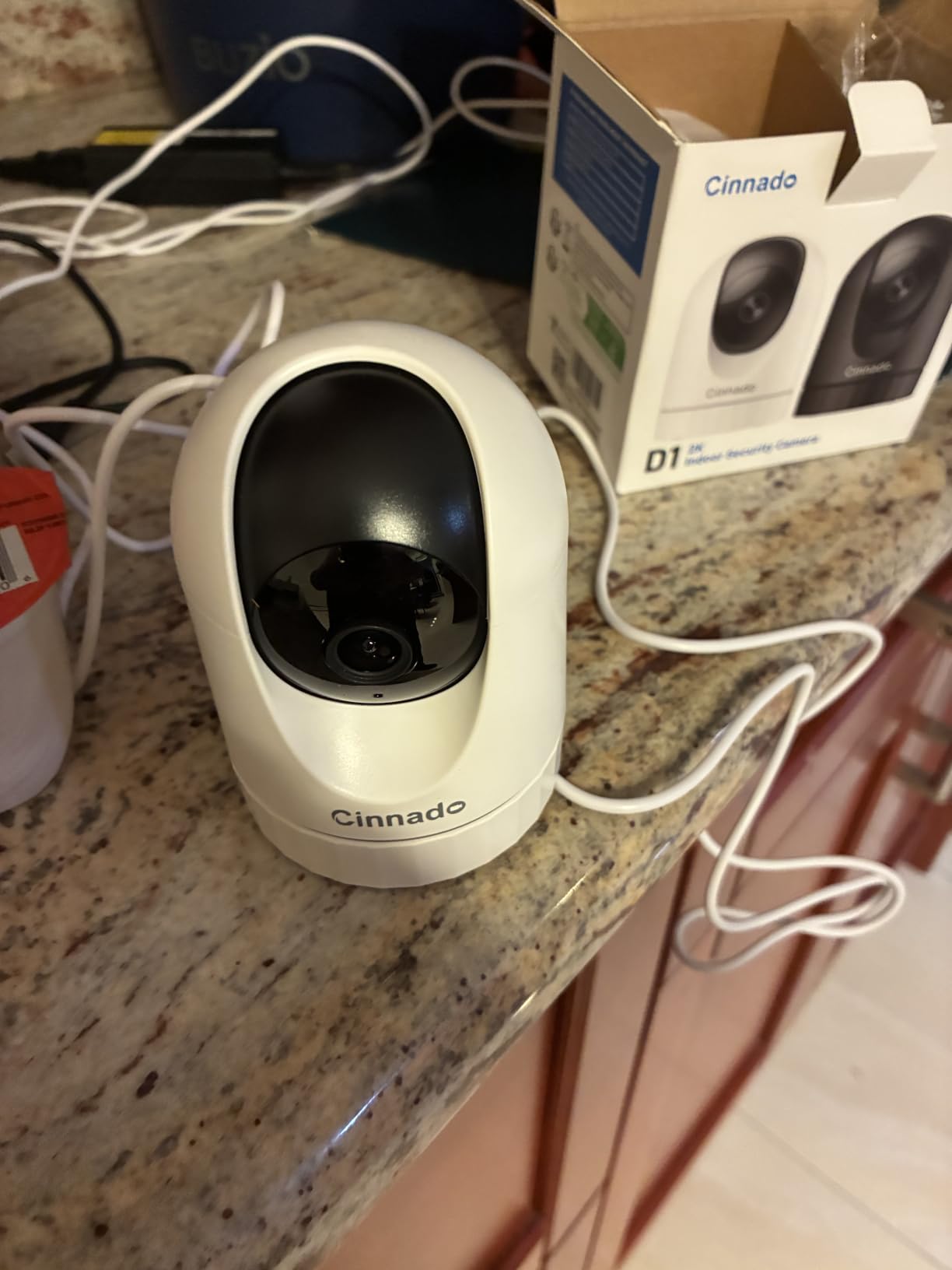
The Cinnado D1 is the cheapest camera here and it does not behave like the cheapest camera here. You get a 2K sensor, 320 degrees of pan and tilt, two-way audio, a siren, and local card recording up to 128GB for continuous 24 hour coverage without a plan. At 4.3 stars from 8,058 reviews it has the lowest average in this set, and the reviews explain why.
Motion detection is the weak point. Multiple reviewers describe sensitivity as inconsistent, with the camera occasionally missing a person entirely. For a family that relies on alerts to know a parent is moving around, an alert you cannot trust is worse than no alert, so test it in the real room before you commit.
The multi-user family account is the feature worth knowing about. Several relatives can each have their own login viewing the same camera, which suits a household where an adult child, a partner, and a sibling all share responsibility without sharing one password.
Two other limitations show up repeatedly. Daylight video can look washed out and some reviewers question whether the true resolution matches the label, and the two-way audio is described as hissy and quiet. The recording interval is also locked unless you buy cloud storage, so you cannot tune it down to save card space.
Best pick for a spare room or a low-stakes space
This is the camera for a hallway, a laundry room, or a back door where you want coverage but not clinical certainty. The 320 degree pan and the low cost make it easy to add a second or third unit later, and the local card means the extra coverage costs nothing monthly. Budget buyers often deploy these across a whole house instead of one premium camera.
When to spend a little more instead
Step up to the Tapo C201 if alerts are the point of the camera. The Cinnado trades detection reliability for price, and unreliable detection is the one problem a caregiver cannot engineer around. If your parent wanders at night, detection you cannot count on is not a good bargain.
9. eufy E30 – 4K detail with no monthly fee
eufy Security 4K Indoor Camera E30, No Subscription, Work as Pet Camera
- Sharpest sensor here with detail that survives zoom
- On-device AI separates people pets audio and crying
- Smooth pan tilt with auto tracking
- Built-in spotlight gives color night vision
- Full feature set with local storage and no fee
- Stable app and firmware over months
- Full 4K local recording needs a high-endurance card sold separately
- HomeKit streaming caps at 1080p
- Camera head is bulky for small shelves
- Can be overly eager with notifications
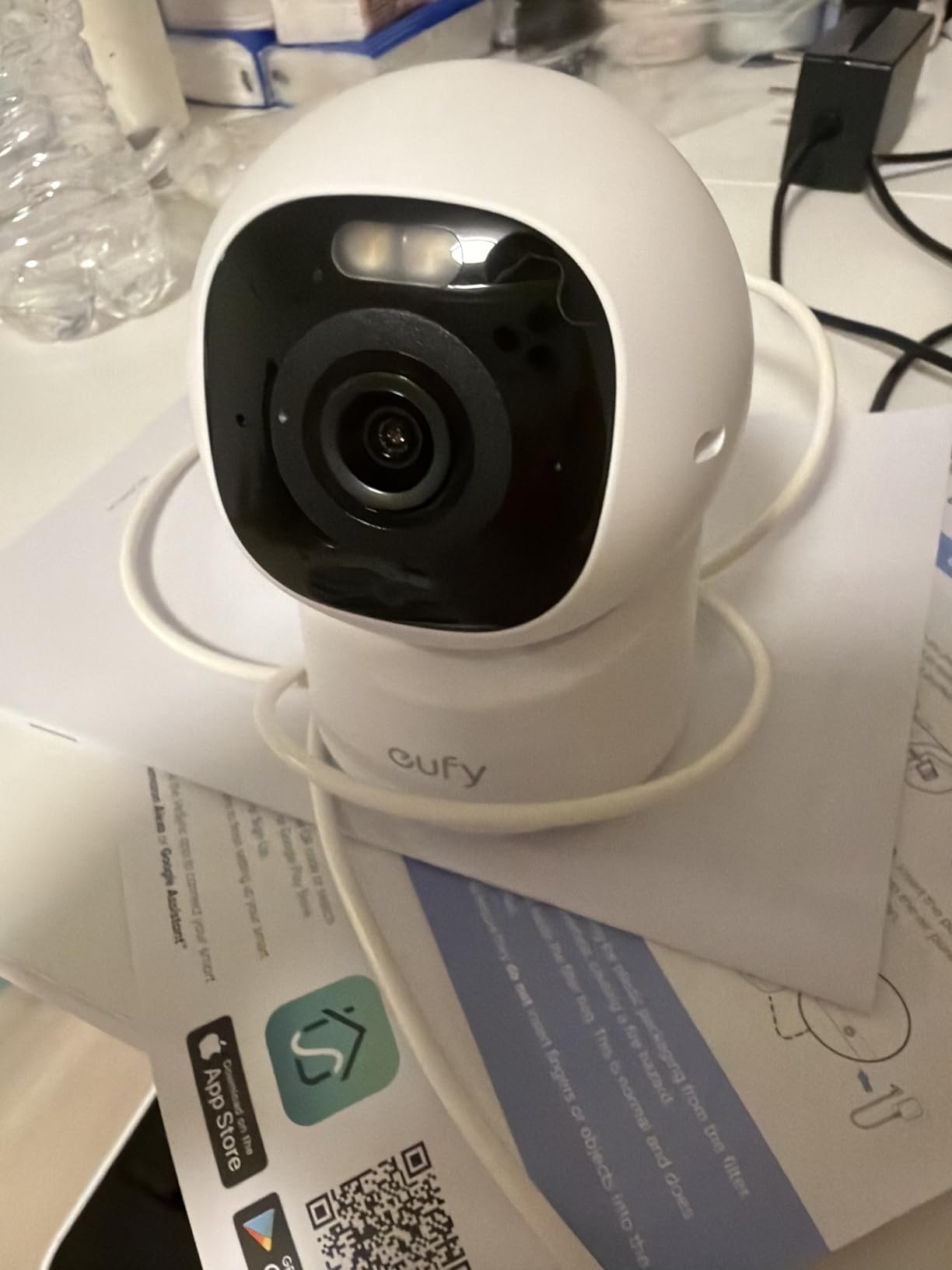
The eufy E30 is the only 4K camera in this roundup, and that is not a spec-sheet win, it is a practical one. At 4K you can zoom into a clip and still recognize a face, which is exactly what you want when you are pulling footage after hearing a noise at two in the morning. It runs 4.4 stars from 2,462 reviews, the smallest review base here, which is the main reason it is not our top pick.
On-device AI is the second reason to like it. Detection for people, pets, audio cues, and crying runs locally rather than in the cloud, which reduces false alerts and keeps routine analysis off the internet. That directly addresses the alert fatigue families describe, where a camera cries wolf until everyone stops opening the app.
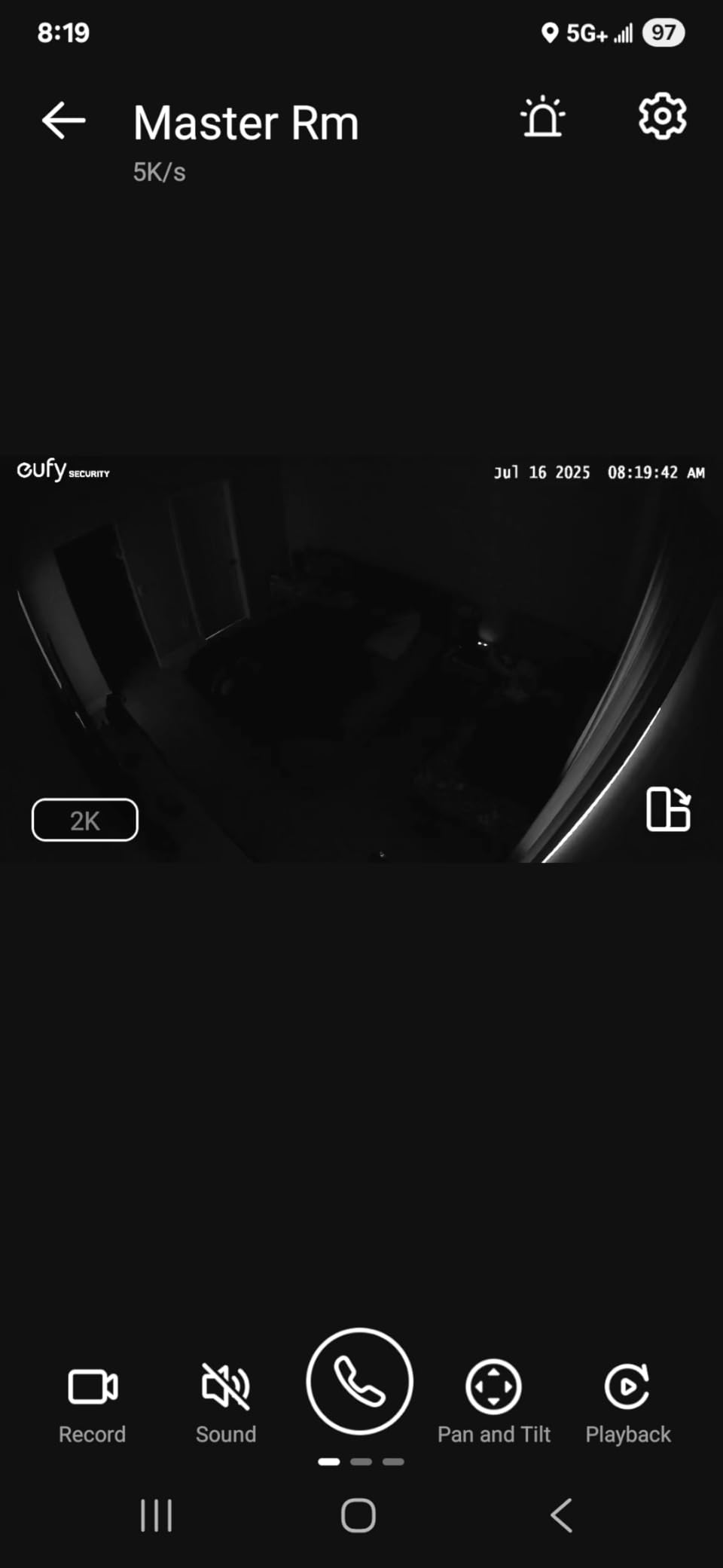
The built-in spotlight produces genuine color night vision rather than dim infrared, so a nighttime hallway clip still shows clothing colors and faces. Auto tracking follows a person or pet smoothly through the 360 degree view, and the app and firmware have been stable over months of use according to owners.
Two practical notes. Recording 4K continuously to a card means buying a high-endurance microSD, which is an extra cost that is easy to forget. And if you use HomeKit, streaming there is capped at 1080p, so the headline resolution only shows in the eufy app. Some reviewers also find it overly eager with notifications.
Why 4K matters for reviewing an incident
Most of the value in senior monitoring is retrospective. You are not watching live, you are answering a question hours later: was that a fall, was the door opened, was anyone else in the house. Higher resolution means the answer is in the clip instead of requiring a guess, and the spotlight keeps that answer in color overnight.
Where the smaller review base gives us pause
With 2,462 reviews, this camera has roughly a twentieth of the Ring’s volume, and new hardware carries more firmware surprises. It also costs more than every other model here. If you want the safest proven purchase, take the Ring. If you want the best picture and local AI, the E30 is worth the premium.
10. Roku Indoor Cam 2-Pack – monitoring on the television
Roku Indoor Camera, Home Security with 1080p HD Color Night Vision, 2-Pack
- View the live feed on a Roku TV without a phone
- Two cameras in the pack cover more of a home
- Motion and sound alerts arrive within seconds
- Compact cube that blends into a room
- Generous field of view for its size
- Two-way speaker is quiet and muffled
- Storage and history are tied to a subscription
- 2.4GHz band only
- 15 ft night vision is the shortest here
- Occasional Wi-Fi drops
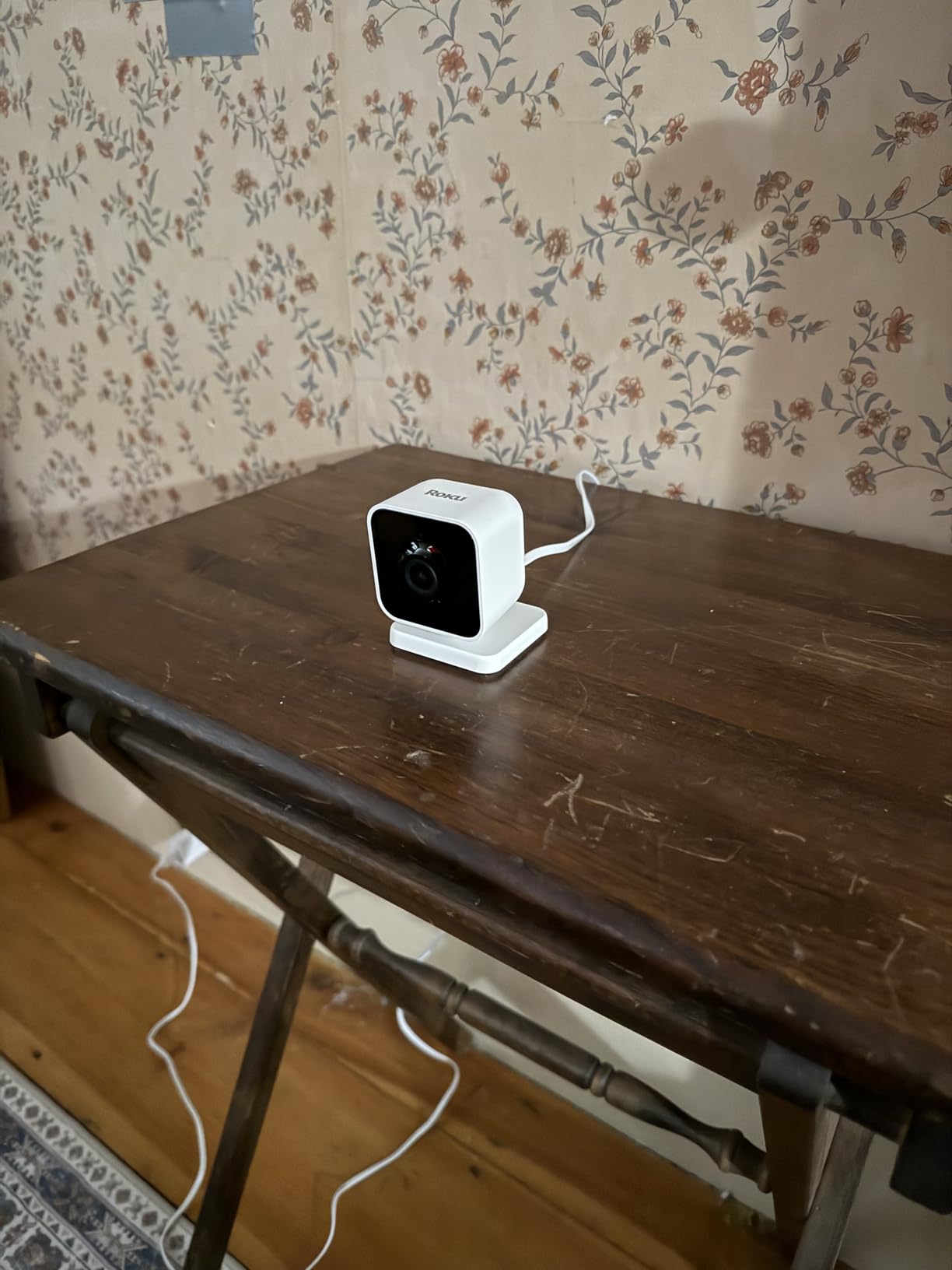
The Roku Indoor Cam solves a problem no other camera here addresses. If your parent already owns a Roku TV, the live feed appears on that television with the remote, so a check-in does not require anyone to find a phone, unlock it, and open an app. At 4.4 stars across 3,301 reviews, that single convenience is the whole pitch.
You get two cameras in the pack, which is how you cover a living room and a hallway for less than two premium units. Motion and sound detection alerts land within seconds, and the 120 degree field of view is wide for such a small body. The cube is genuinely discreet, which helps in a shared room.
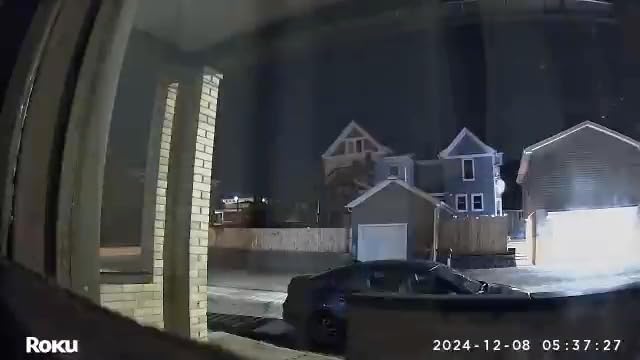
The limitations are real. There is no microSD slot, so cloud storage and recording history sit behind a subscription plan, and several reviewers describe the two-way speaker as quiet and muffled, which is a problem if the whole point is talking to someone. Night vision reaches only 15 feet, the shortest range here.
It is also 2.4GHz only, and a few owners report the connection dropping occasionally. For a large home with a hallway to cover, the shorter night vision range will matter after dark. Our guide to camera coverage for entryways and outdoor approaches covers the cases where you need to see beyond a room.
Best pick when the television is the easiest screen
A parent who will not use an app but will pick up a remote is the ideal user for this camera. The feed on a large television is also better for shared family check-ins, since everyone in the room can see a parent at once instead of craning over a phone. That is genuinely useful for adult children who live far away and visit in bursts.
Why the subscription matters more here
Two reasons this model is last. Storage history requires a plan, and the audio you would rely on for conversation is the weakest of the group. If your main need is to see your parent right now, this works. If you need to replay an incident next week, a local-storage camera serves you better and costs less.
The 7 features that matter for monitoring aging parents
Resolution is the least important of the seven features below. Families tend to shop on it and then regret the purchase, because a sharper picture does not help if the camera cannot hear them, store the footage, or stay pointed at the right spot. Here is the order we would actually shop in.
1. Two-way talk that carries at a normal voice
A parent on the sofa needs to hear you without you shouting. Reviewers across this group describe the Ring, eufy, and aosu as the clearest, and the Tapo C100 and Roku as quiet. The aosu adds a physical call button so a parent who will not answer a ringing phone can still start the conversation. Test it in the actual room before mounting, not in the app demo.
2. Local microSD storage, so history survives without a plan
Eight of the ten cameras here take a card. You insert it, the camera records to it, and nobody bills you for reviewing a clip from last Tuesday. This is the most-cited purchasing factor in caregiver forums, and it also removes the vendor from the loop between your family and the footage. Budget a high-endurance card if you plan 24 hour recording, especially for the 4K model.
3. Color night vision rather than dim infrared
The overnight window is when you care most, and it is where budget cameras disappoint. The Ring, eufy, Tapo C100, and Roku all produce color at night; the pure infrared models range from 30 to 33 feet and turn the room grey. Night vision range matters too, since a range shorter than your hallway gives you a picture of the near wall only.
4. Person detection and activity zones
Motion alerts alone fire on curtains, shadows, headlights, and pets until the family stops trusting them. Person detection plus a drawn activity zone narrows alerts to the door or the walking path. Every reliability complaint in this roundup traces back to an over-broad zone, and tightening it costs nothing.
5. Pan and tilt only when the room demands it
A fixed camera is quieter to live with and parents adapt to it faster. A panning camera covers a whole room from one mount and can follow a wanderer at night. Match the type to the space: fixed for a chair by the window, panning for a shared living room or hallway. Note that every panning model here needs a nearby outlet.
6. A visible privacy control
Only some models give the parent real control. The Ring ships a manual cover over lens and microphone, and several others offer an app privacy mode that pivots the camera or disables it. If your parent is sensitive to being watched, treat this as a requirement rather than a nicety, and check whether the control is physical or software.
7. Shared access and simple setup
Look for per-user sharing rather than a shared password, so five siblings can view one feed and you can see who checked. Tapo, Kasa, and Cinnado all support multi-user accounts. Setup matters too: every model here is plug-in and needs no tools, but almost all of them are 2.4GHz except the Roku, which supports Wi-Fi 6. Check the signal where the camera will sit, not at the router.
What a security camera cannot do for an aging parent
A camera is not a fall detector. None of the ten models here will call anyone when a person goes down, and none can distinguish a real fall from sitting on the floor. Motion and person alerts tell you someone moved, which is a hint rather than a diagnosis, and building your response plan on the camera alone leaves a real gap.
It is also not a medical alert system and it does not call for help. There is no dispatcher, no wearable, and no response protocol. For a parent living alone, layer the camera with a pendant or a fall-detection watch, and consider a GPS tracker if wandering is a concern. Camera plus alert wearable is the combination most families settle on.
Finally, remember where the camera is not. The bathroom and the bedroom are where falls most often happen and where parents most often refuse a camera, which is why placement matters more than coverage. Aim the hallway camera at the path between the two rather than inside either room, and keep those two spaces private.
How to set up remote monitoring without upsetting your parent
Agree on rooms before you buy anything. Most families only need three: the room where your parent spends the day, the hallway on the path to the bathroom at night, and the entryway. Three cameras across those positions beat one camera in a room where nothing happens, and the total hardware cost stays low without any monthly plan.
Check Wi-Fi where the camera will actually sit, using a phone on the same network. These cameras run on 2.4GHz, and in an older house with brick or several walls between the router and the hallway, the signal at the mounting point is often the thing that decides which model works. If a signal is weak there, a dedicated system is a better answer than a camera that keeps dropping.
Mount high, aim low, and record a walk-through before you settle. The walking path between two rooms is what you want in frame, not the chair. Then set up alerts by name so one sibling owns the overnight notifications and another owns the daytime, which removes the assumption that somebody else already looked.
Test the full loop on day one: live view from your phone, two-way audio at normal volume from the far side of the room, an alert that arrives within a minute, and a clip you can replay from the memory card. Do that test with your parent in the room and let them hear you speak through the camera. Consent given once at setup is easier to maintain than consent you have to renegotiate later.
If you are weighing cameras that hold up outdoors as well as in, our roundup of security cameras for barns and outbuildings covers weatherproof housings and wider fields of view. It is also worth comparing wireless cameras with solar panels if you want a camera that keeps recording through an outage.
Frequently Asked Questions
Which camera is best for monitoring elderly parents without a subscription?
The Tapo C201 is our pick for no-subscription monitoring. It records continuously to a microSD card up to 512GB, includes person detection without a paid plan, and pans 360 degrees so one unit covers a whole room. The Tapo C210 adds 2K detail if you need sharper footage, and the eufy E30 is the premium option.
Is there a security camera that records without a subscription?
Yes, if the camera has a microSD slot. Eight of the ten cameras we tested here record to an inserted card with no monthly fee, which keeps footage on hardware you own and lets you replay old clips whenever you want. The Blink Mini 2K Plus and the Roku Indoor Cam are the two exceptions, and both tie recording history to a cloud plan.
How do I monitor my elderly parent living alone?
Start with one camera in the room where they spend the day, aimed at the walking path rather than at them. Add a second camera in the hallway between the bedroom and bathroom, where most falls happen. Turn on person detection, draw tight activity zones, share access with the relatives who share the duty, and pair it with a medical alert wearable because no camera here detects falls.
What is the easiest camera to use for seniors?
The easiest setup here is the Ring Indoor Cam or the Blink Mini 2K Plus, because both plug in, pair over 2.4GHz Wi-Fi, and need no tools. If your parent will interact with the camera rather than just ignore it, the aosu with its one-touch call button is the most approachable, since one press opens a two-way conversation with no app required.
Can a security camera detect a fall?
No camera in this roundup detects falls or calls for help. They send motion and person alerts that tell you someone moved, which is a hint rather than a diagnosis. For fall response, pair the camera with a pendant or a fall-detection watch, and treat the camera as a way to review what happened after an alert rather than as an emergency service.
Do security cameras work without Wi-Fi?
Every model here needs a 2.4GHz connection, and a camera placed far from the router may not hold a stable feed. If broadband in your parent’s home is unreliable, the practical fixes are a mesh node near the camera or an ethernet run. Dedicated caregiver monitor systems with a handheld screen are the alternative, and our guide to cameras without Wi-Fi covers that option in detail.
Can I monitor my elderly parents without them knowing?
You can, and plenty of families do, but we do not recommend it. Hidden cameras in a shared home create trust problems that are hard to repair, and consent also affects what you can legally record in some states. Tell your parent about the camera, get agreement, and offer a visible privacy control they can use. The cameras that ship a physical cover make that promise easier to keep.
Is it legal to record my elderly parent at home?
Recording inside your own home or a home you share is generally straightforward, especially with the parent’s consent. Recording in private spaces such as a bathroom is different, and a handful of states require agreement from all parties. Our advice is to skip the bathroom and bedroom, aim the hallway camera at the path between them, and check the rules in your state if more than one adult lives there.
Conclusion
The best security cameras for elderly parents in 2026 are the ones that keep working when nobody is paying attention to them. Pick the Ring Indoor Cam for the strongest proven package and the only physical privacy cover in this group. Pick the Tapo C201 for the best value and the most coverage per unit. Pick the Tapo C210 when you will replay footage rather than glance at it, and the aosu when your parent will not answer a ringing phone.
Whichever you choose, buy the memory card, keep the camera out of the bathroom and bedroom, and layer a medical alert device underneath it. A camera tells you what happened after the fact; a pendant tells someone at the time.