
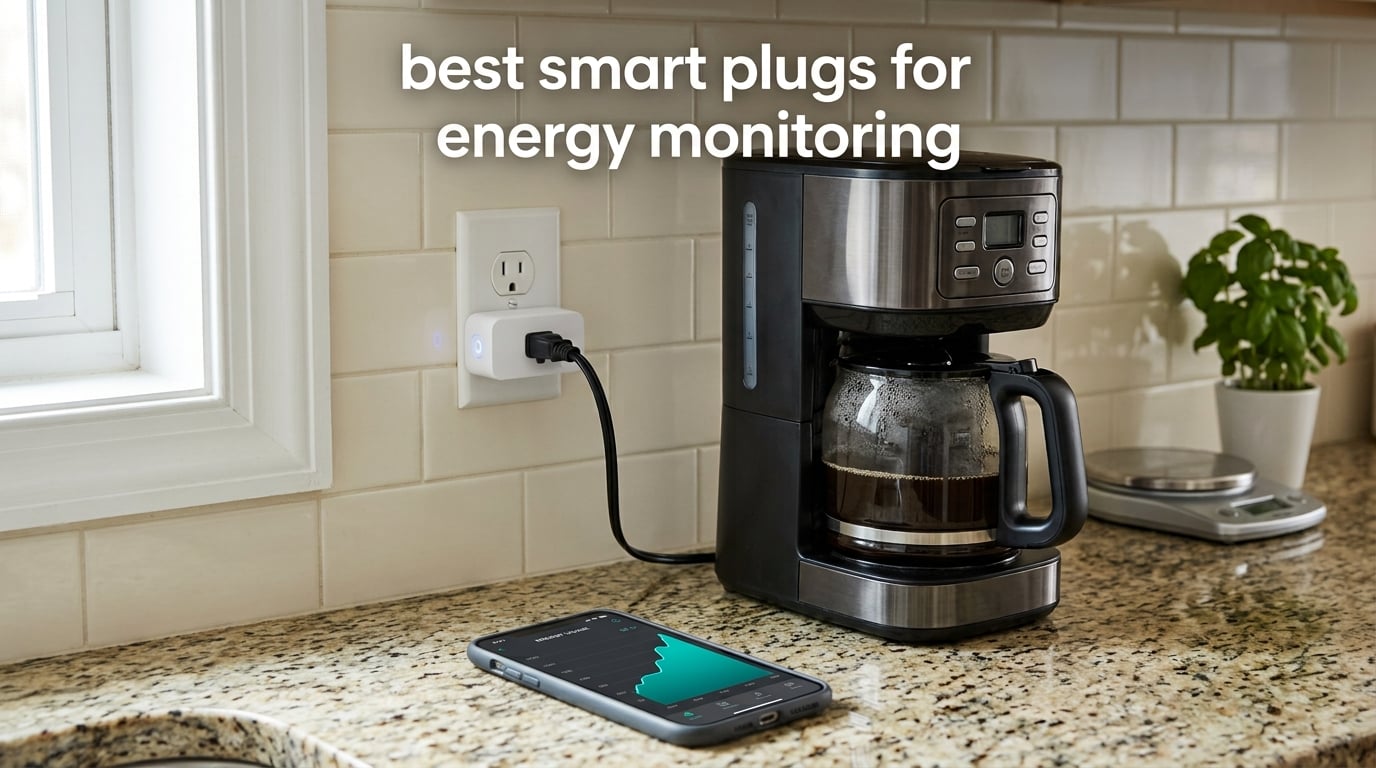
A smart plug with energy monitoring sits between your wall outlet and an appliance, measures the watts and accumulating kilowatt-hours flowing through it, and reports both to an app so you can see where your electricity actually goes. The Kasa Smart Plug Mini KP115 is the one we recommend most often: it tracks real-time and historical usage, tucks into a duplex outlet without blocking the second socket, and sets up quickly over 2.4GHz Wi-Fi.
That matters because a monthly bill tells you what you spent but never where it went. Appliance-level data is the fastest way to find standby and phantom loads, confirm that a washing machine is cycling normally, and decide which schedules are worth setting. If you are outfitting a kitchen, our smart lighting guide for kitchens covers the other end of the same energy picture.
We compared twelve energy-monitoring smart plugs across load rating, protocol, app depth, history retention and safety certification. The short version: pick a 15A/1800W plug unless you have a reason not to, treat Matter as a nice-to-have rather than a requirement, and pay extra only if you want local control or a hub-based mesh. Below is the reasoning, product by product.
Table of Contents
Top 3 Picks for Energy Monitoring in 2026

Kasa Smart Plug Mini KP115
- 15A/1800W at 120V
- Real-time watts plus daily and monthly history
- Compact 2.62 x 1.57 x 1.5 inch body
- UL certified with a 2-year warranty

Govee Smart Plug H5086
- Real-time power
- current and voltage
- Up to one year of usage history
- Wi-Fi and Bluetooth pairing
- ETL certified at 15A/1800W

Tapo Smart Plug P115
- Four plugs in one pack
- Energy charts with cost estimates and Excel export
- Charge Guard cutoff for chargers
- Off-peak scheduling for tariffs
All 12 Energy Monitoring Smart Plugs at a Glance
Every plug below reports wattage and accumulates kilowatt-hours, but they differ sharply on load ceiling, protocol and how much history the app keeps. The four features in each row are the ones that most often decide whether a plug earns its socket.
| Product | Specifications | Action |
|---|---|---|
| Kasa Smart Plug Mini KP115 |
|
Check Latest Price |
| Tapo Smart Plug P115 4-Pack |
|
Check Latest Price |
 Kasa Matter Smart Plug KP125M Kasa Matter Smart Plug KP125M |
|
Check Latest Price |
| Govee Smart Plug H5086 |
|
Check Latest Price |
 THIRDREALITY Zigbee Plug 4-Pack THIRDREALITY Zigbee Plug 4-Pack |
|
Check Latest Price |
 Emporia Energy Smart Plug 4-Pack Emporia Energy Smart Plug 4-Pack |
|
Check Latest Price |
 Aqara Zigbee Smart Plug Aqara Zigbee Smart Plug |
|
Check Latest Price |
 Tapo Matter Smart Plug P110M Tapo Matter Smart Plug P110M |
|
Check Latest Price |
 Eve Energy Matter 2-Pack Eve Energy Matter 2-Pack |
|
Check Latest Price |
 Smart Plug with Energy Monitoring 4-Pack Smart Plug with Energy Monitoring 4-Pack |
|
Check Latest Price |
 Meross Matter Smart Plug MSS315 Meross Matter Smart Plug MSS315 |
|
Check Latest Price |
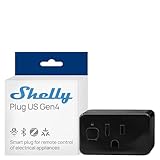 Shelly Plug US Gen4 Shelly Plug US Gen4 |
|
Check Latest Price |
How Energy Monitoring Smart Plugs Actually Work
The metering happens in the plug itself. It samples current and voltage, multiplies them for instantaneous power in watts, and integrates that over time into kilowatt-hours, where one kWh is 1000 watts running for one hour. That accumulated figure is the number that matters, because your utility bills you in kWh, not watts.
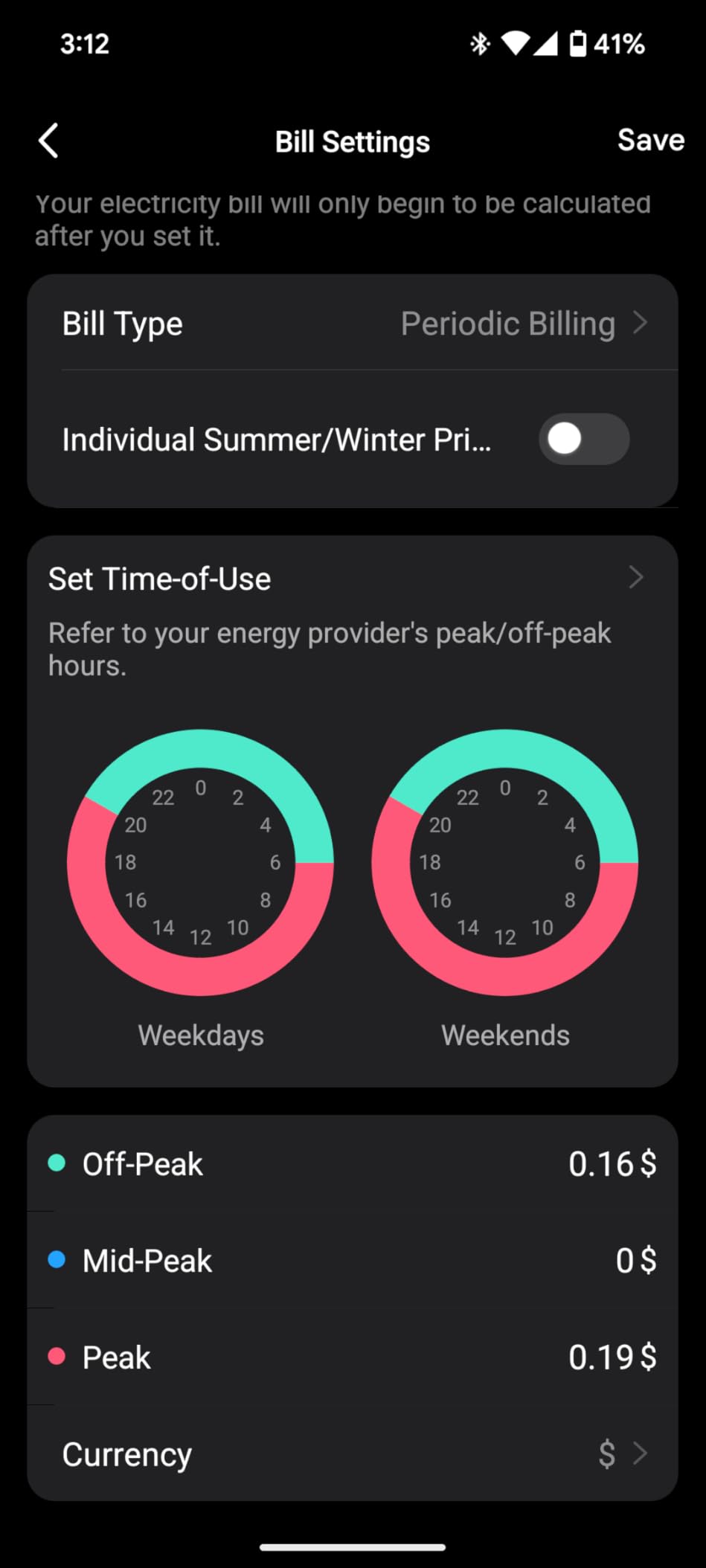
Most apps then multiply the kWh figure by a rate you enter, which produces a cost estimate. Two models here go further: the Emporia plug accepts time-of-use rate inputs so off-peak hours are priced differently, and the Tapo plugs export their history so you can build your own spreadsheet instead of trusting a chart.
Accuracy is good enough to catch a small standby load and to confirm a fridge is behaving, but it is not laboratory-grade. The honest limitations are switching power supplies in modern electronics, variable-speed motors, and very low draws where the reading jitters. Users in Home Assistant communities frequently cross-check readings against a plug-in meter and hand-calibrate when numbers drift, which is a sensible habit if you are chasing a specific appliance.
One objection comes up repeatedly on forums and deserves a straight answer: the plug itself draws a small amount of standby power. That draw is measured in watts, and the appliances you cut are measured in tens or hundreds, so the arithmetic works out in your favor as long as you are actually switching something off. A smart plug on an always-idle lamp will never pay for itself.
The 12 Best Smart Plugs for Energy Monitoring, Reviewed
1. Kasa Smart Plug Mini KP115 – The Best Overall Energy Monitoring Plug
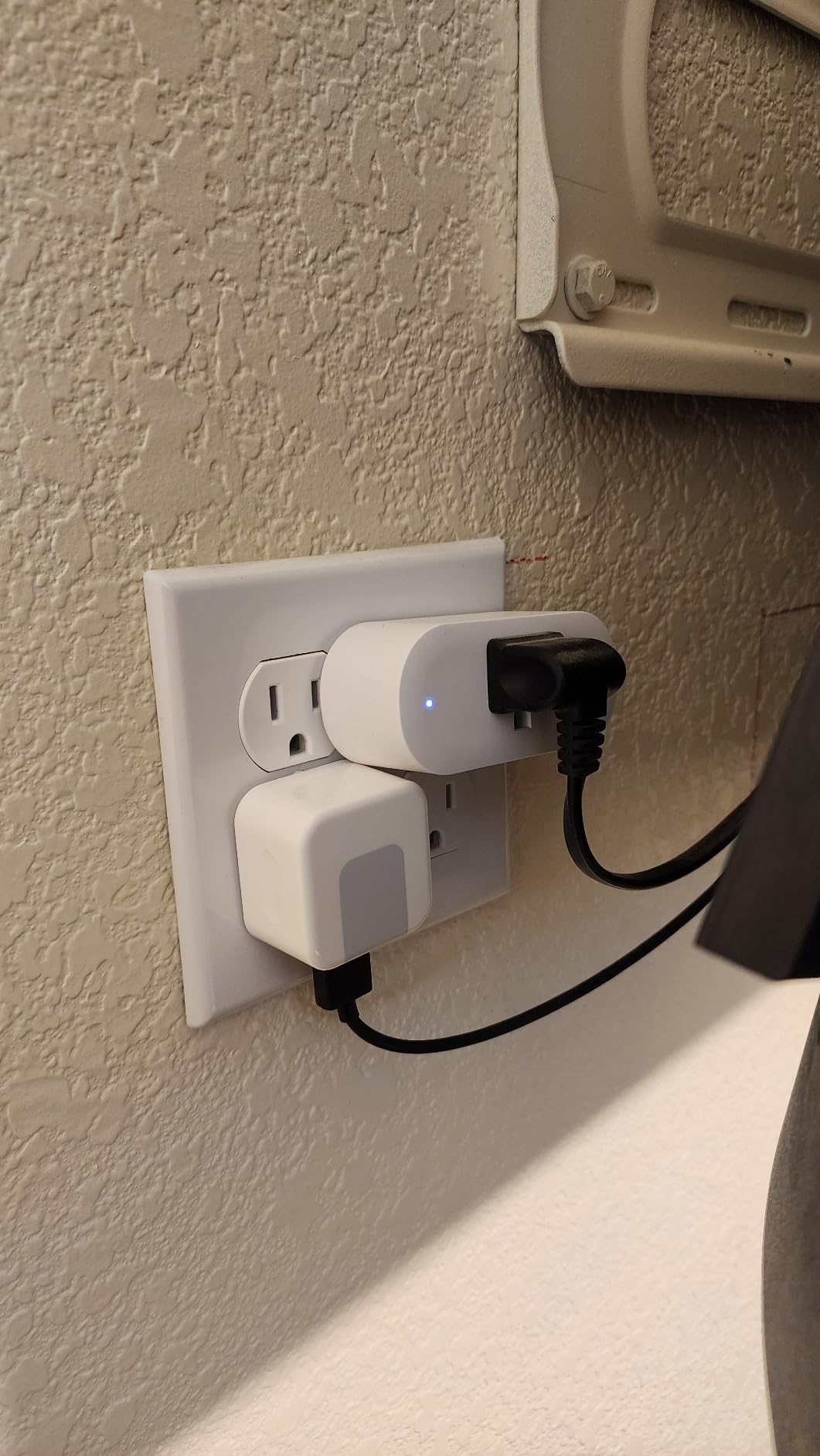
- Compact body lets you stack two plugs in one duplex outlet
- Real-time watts plus daily
- weekly and monthly history
- Quick Kasa app setup over 2.4GHz Wi-Fi
- Alexa and Google Assistant voice control
- No on-device display so readings need the app
- Energy total cannot be reset inside the Kasa app
- 2.4GHz Wi-Fi only
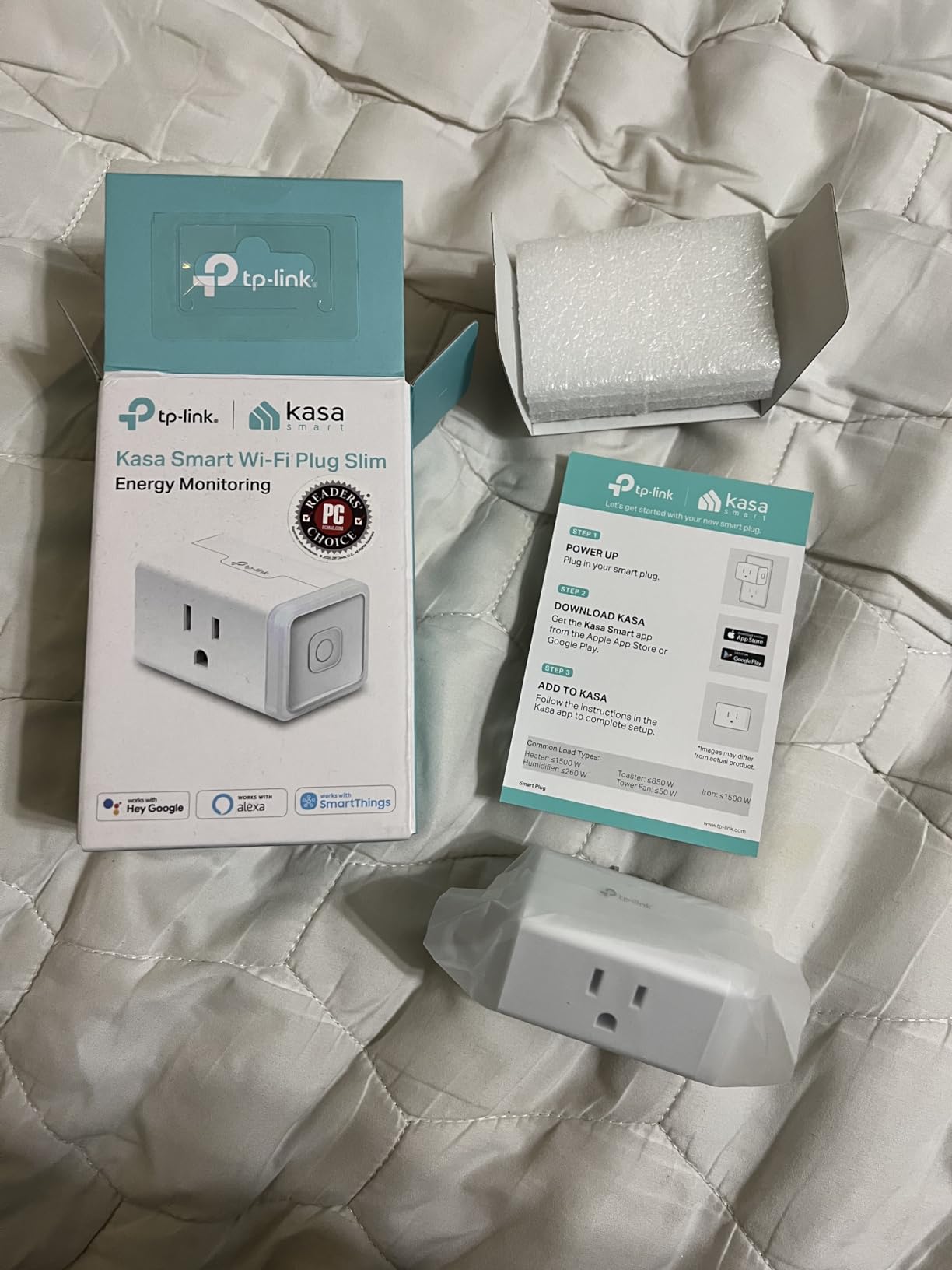
The KP115 is the plug we keep coming back to because it does the ordinary things well. In the Kasa app you get a live wattage readout, a running kilowatt-hour total and charts broken out by day, week and month, and the history survives a power interruption.
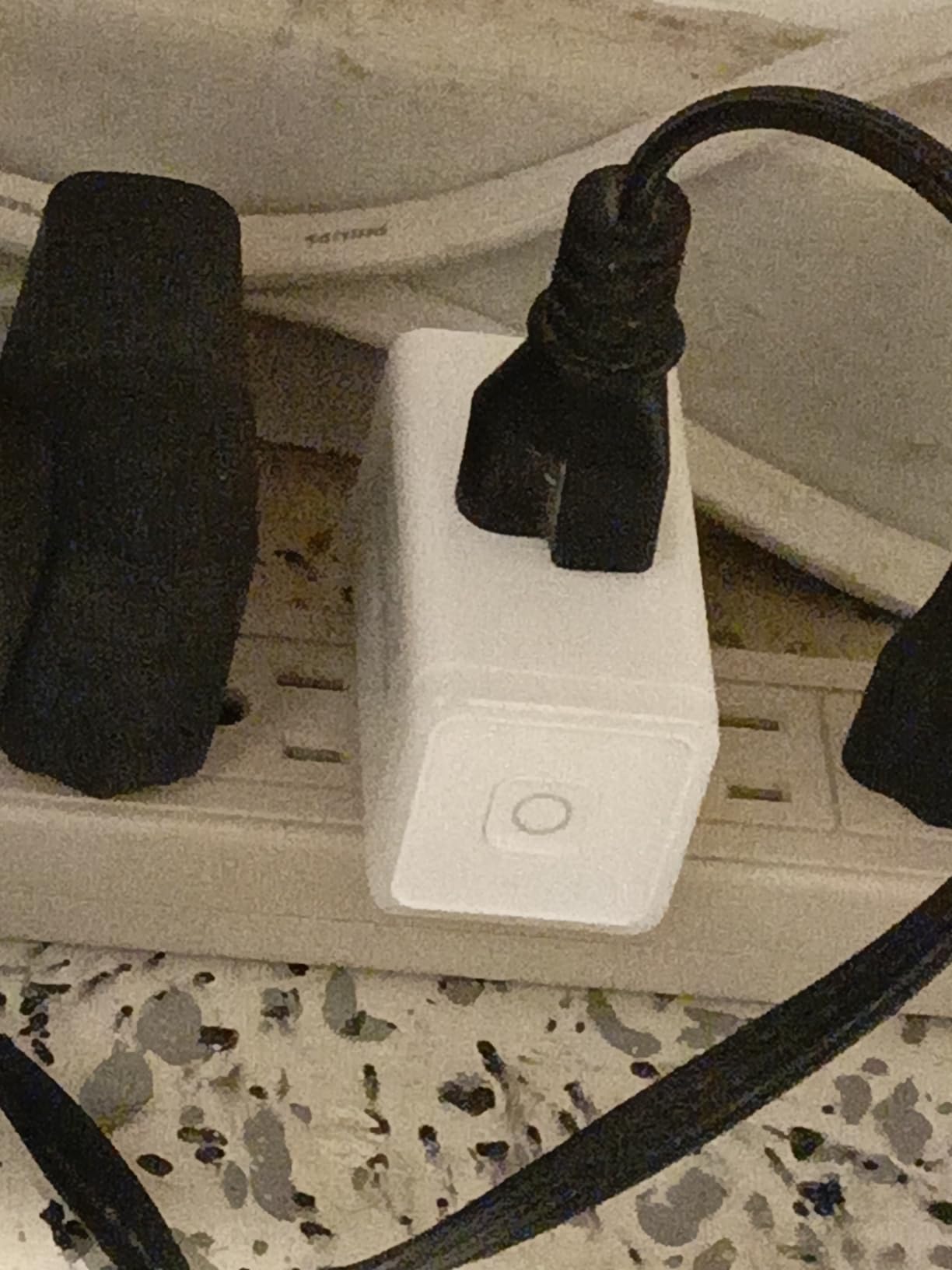
Its real advantage is physical. At 2.62 by 1.57 by 1.5 inches and 90.7 grams, you can fit two of them into a single duplex receptacle, which matters in older homes where outlets are crowded behind furniture. The 15A/1800W rating covers essentially any countertop appliance short of a large air conditioner.
The software is the weak half. There is no way to zero the accumulated total from within the app, so a long-lived installation accumulates drift. Owners also report that recent firmware removed local API access, which matters if you had been scripting against it from Home Assistant.
When the KP115 is the right choice
Choose it when you want the shortest path from box to useful data. Pairing over 2.4GHz Wi-Fi is quick, and the safety hardware is sensible: a sliding cover over the socket, overheating protection and a fireproof shell. Forum users running several of these report they stay accurate over a couple of years.
When the KP115 is the wrong choice
Skip it if you need to read watts without opening an app, if your home has no 2.4GHz network, or if you plan to export data to your own dashboard. It also has no on-device display, so it is a poor match for equipment you want to watch constantly without opening an app.
2. Tapo Smart Plug P115 4-Pack – Best Value for Whole-Home Coverage
- Deep energy charts with per-device cost estimates and Excel export
- Off-peak scheduling shifts high-draw loads to cheaper hours
- Charge Guard auto-shutoff protects chargers
- Setup usually under two minutes per plug
- Some plugs in a multi-pack stop communicating within weeks
- No Wi-Fi hotspot so setup leans on Bluetooth pairing
- Some timers miss daylight-saving changes
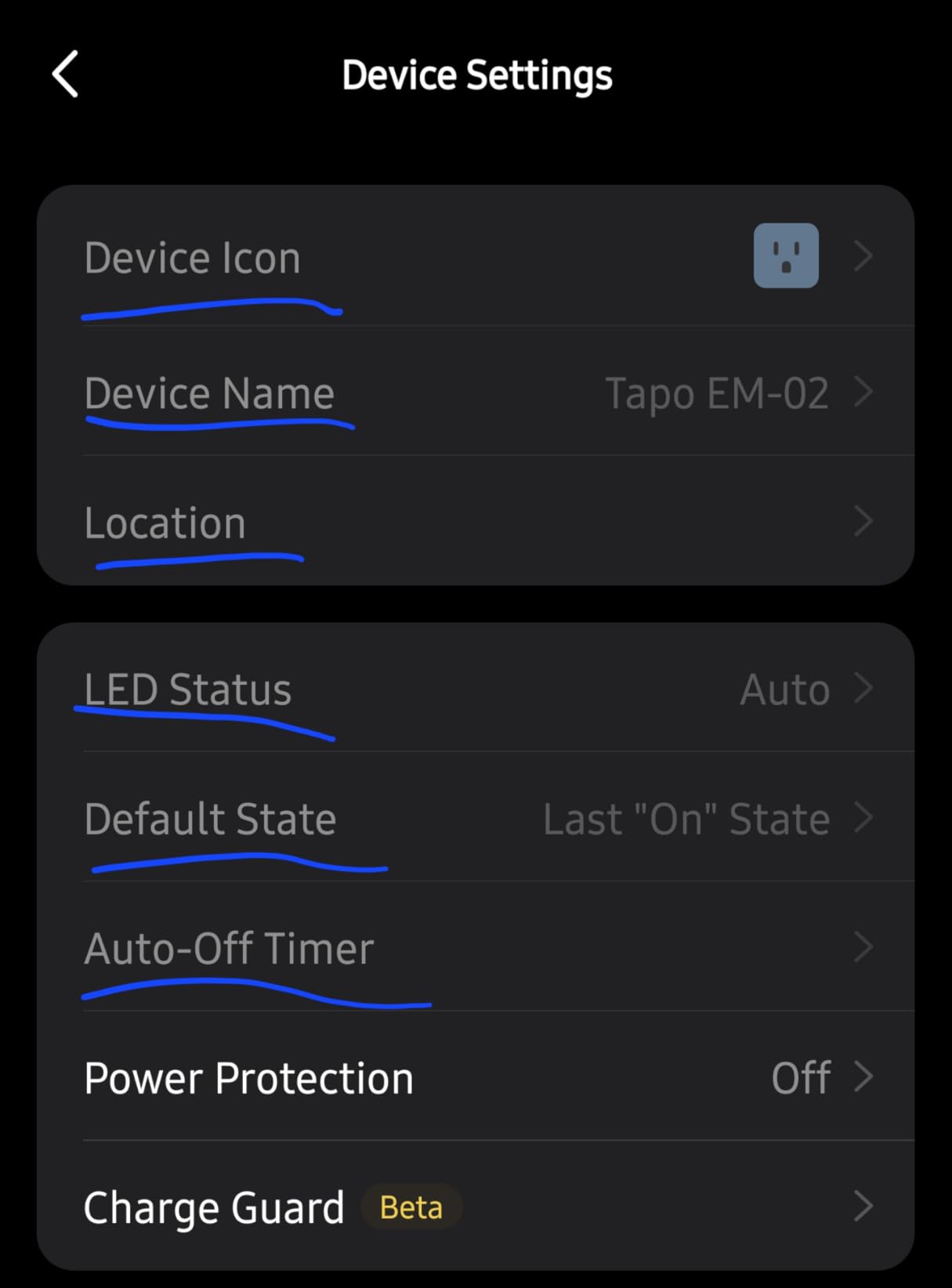
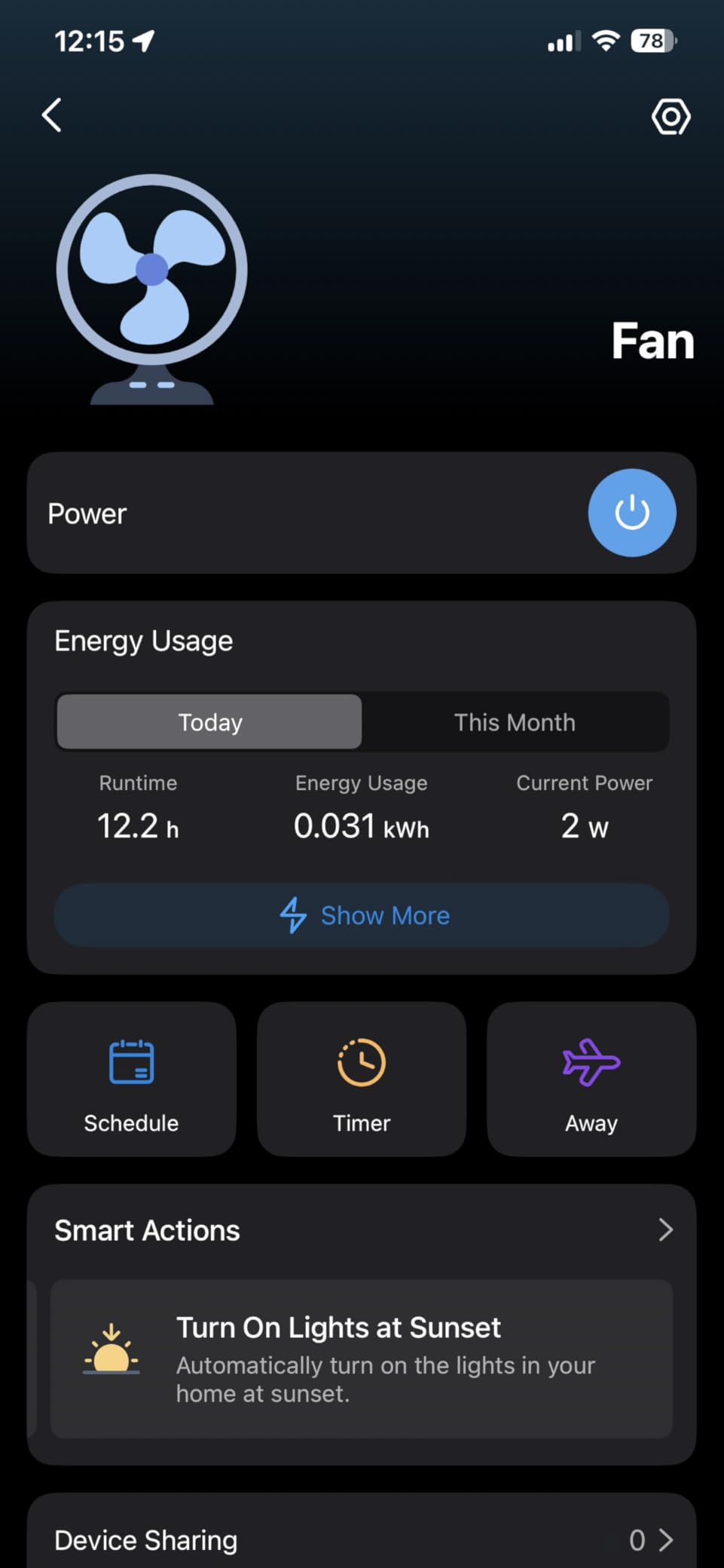
If you want to instrument several appliances at once, the P115 four-pack covers a lot of ground in one box. Each plug reports power, energy and cost, and the Tapo app adds utility-bill estimation plus a data export that lets you build a real record outside the app.
The scheduling logic is where this one separates itself. Off-peak programming shifts thirsty loads like a dehumidifier or water heater into cheaper tariff windows, and Charge Guard will cut power to a charger once a set battery level is reached, which is a genuine safety feature for e-bike and power-tool batteries.
The reliability picture is mixed. A portion of multi-pack buyers report individual plugs dropping off the network or failing outright within weeks, and the Bluetooth-dependent pairing catches people out if they expect the usual Wi-Fi flow. Timers have also been reported to miss daylight-saving transitions.
When the P115 is the right choice
It suits households that want a room-by-room picture rather than a single deep dive. and the 15A/1800W rating handles kettles, coffee makers and air fryers, so a four-pack covers an entire kitchen or office in one order.
When the P115 is the wrong choice
It is not the pick for anyone who needs local control, because it depends on the Tapo app and its cloud. If you run Home Assistant and want automations that fire without internet access, look at the Zigbee or Thread options further down instead.
3. Kasa Matter Smart Plug KP125M – Best Compact Plug for Mixed Ecosystems
Kasa Matter Smart Plug with Energy Monitoring, KP125MP4, 15A/1800W Max
- Matter covers Apple Home
- Alexa
- Google Home and SmartThings
- LAN-local control keeps working when internet drops
- Compact design avoids blocking the adjacent outlet
- UL certified flame-retardant construction
- Energy data is less granular than dedicated metering plugs
- Setup can need a Matter controller or extra app steps
- Only 2.4GHz Wi-Fi is supported
The KP125M is the same physical plug as the KP115 with a Matter radio added, and that single addition changes where it belongs. It appears in Apple Home, Alexa, Google Home and SmartThings without a bridge, and once commissioned it can be controlled over your local network.
That local control is the real story. Households that have dealt with cloud outages know the difference between a plug that goes dumb when the internet drops and one that keeps switching. Copper contacts, a UL listing and a 2-year warranty round out a build that does not feel like a cost-cut variant.
The compromise is measurement depth. Buyers consistently report that the energy data is more basic than what a dedicated power meter offers, and initial Matter pairing can be fiddly if you have not commissioned a Matter controller before.
When the KP125M is the right choice
It is built for households running more than one ecosystem at once, or anyone who wants Apple Home support on a TP-Link budget. The compact footprint means it leaves the neighbouring socket free, which is space-efficient for a Matter device.
When the KP125M is the wrong choice
Do not choose it purely for metering. If your goal is a detailed daily and monthly cost breakdown, the Tapo P115 or the Emporia plug gives you considerably more. It is also 2.4GHz only, which rules it out on networks where that band is disabled.
4. Govee Smart Plug H5086 – Top Rated for Rich, Long-History Reporting
- Real-time power
- current and voltage with up to one year of history
- Wi-Fi and Bluetooth dual connectivity makes pairing forgiving
- Minute-by-minute scheduling
- timers and group control
- ETL certified build rated for coffee makers
- Does not support 5GHz Wi-Fi networks
- No Matter or local-only control
- Energy reporting stays inside the Govee app with no standard export
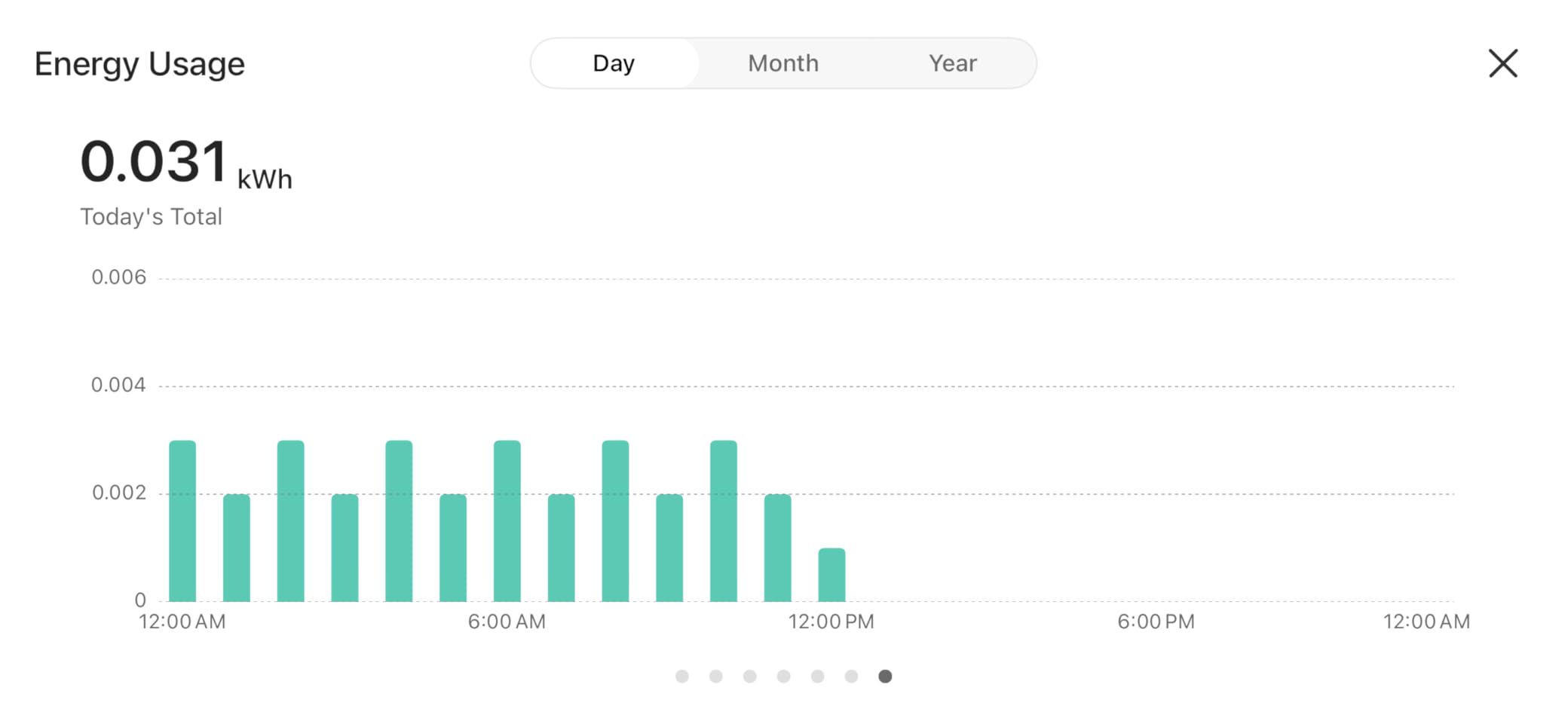
The H5086 carries the highest average rating in this group, and the reason shows in the dashboard. It shows live power, current and voltage, and keeps daily, weekly, monthly and up to a year of history, a longer retained window than the Tapo apps provide without an export.
Pairing is the sleeper feature. Bluetooth fallback rescues setups where Wi-Fi onboarding would stall, which is why reviewers report far fewer connection complaints here than with Wi-Fi-only rivals. Scheduling granularity is per-minute, and group control lets you cut a whole entertainment center from one screen.
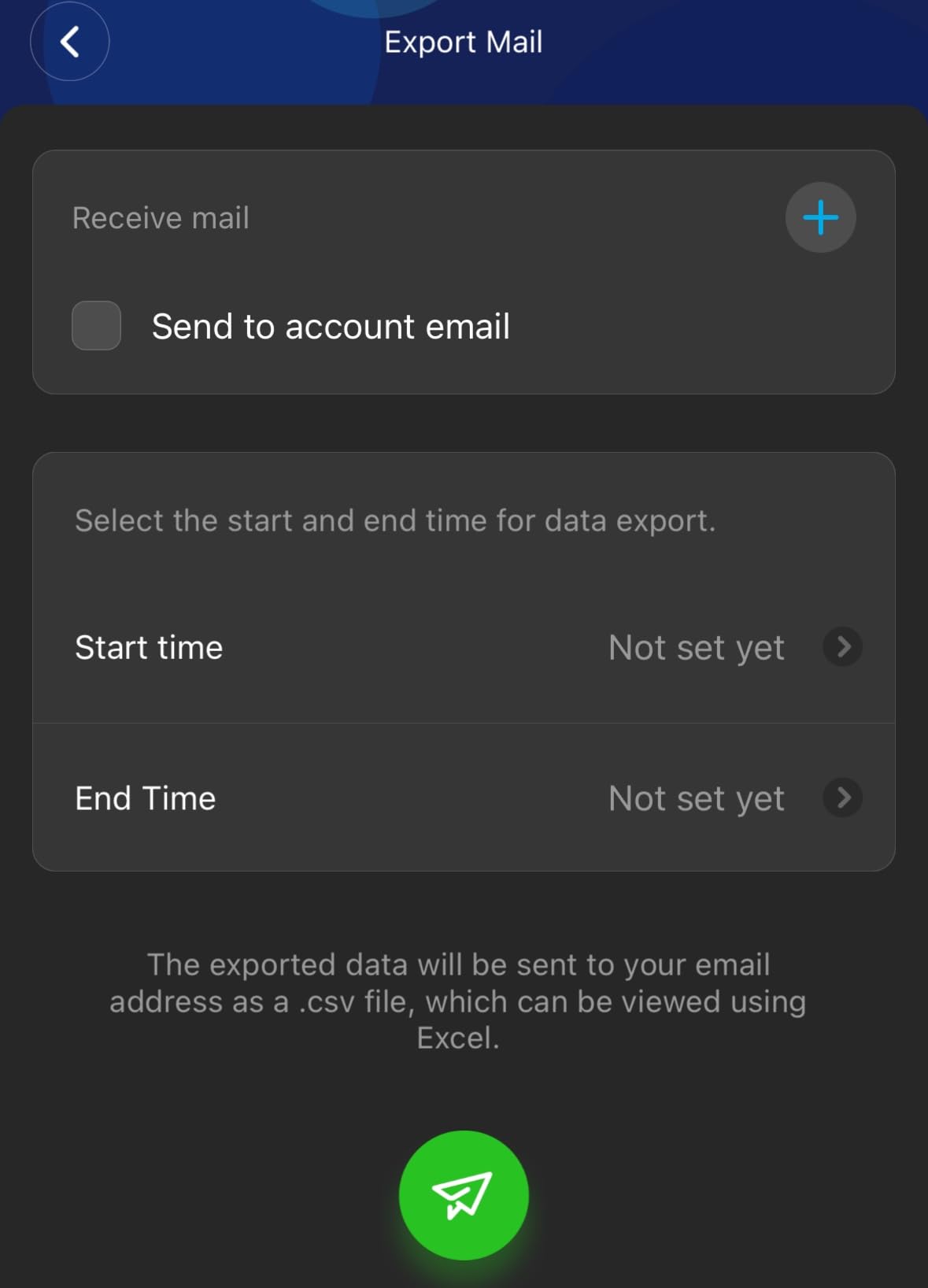
The limitation is architectural. There is no Matter, no Zigbee and no local-only mode, so the plug depends on the Govee Home app and its cloud. Energy reporting also stays locked inside that app with no standard export for third-party dashboards like Home Assistant or Grafana.
When the H5086 is the right choice
It is a good fit for a household that wants a long retrospective record without exporting anything, and the 15A/1800W ETL-certified rating is genuinely comfortable for kitchen use. If you plan to look back a year at seasonal consumption, this is the app that will show it to you.
When the H5086 is the wrong choice
Avoid it if your priorities are privacy, offline operation or interoperability. The 2.4GHz-only requirement is also a real constraint, and anyone who wants to feed energy readings into an existing automation stack should look at the Matter or Zigbee plugs instead.
5. THIRDREALITY Zigbee Smart Plug 4-Pack – Best for Home Assistant and Zigbee Meshes
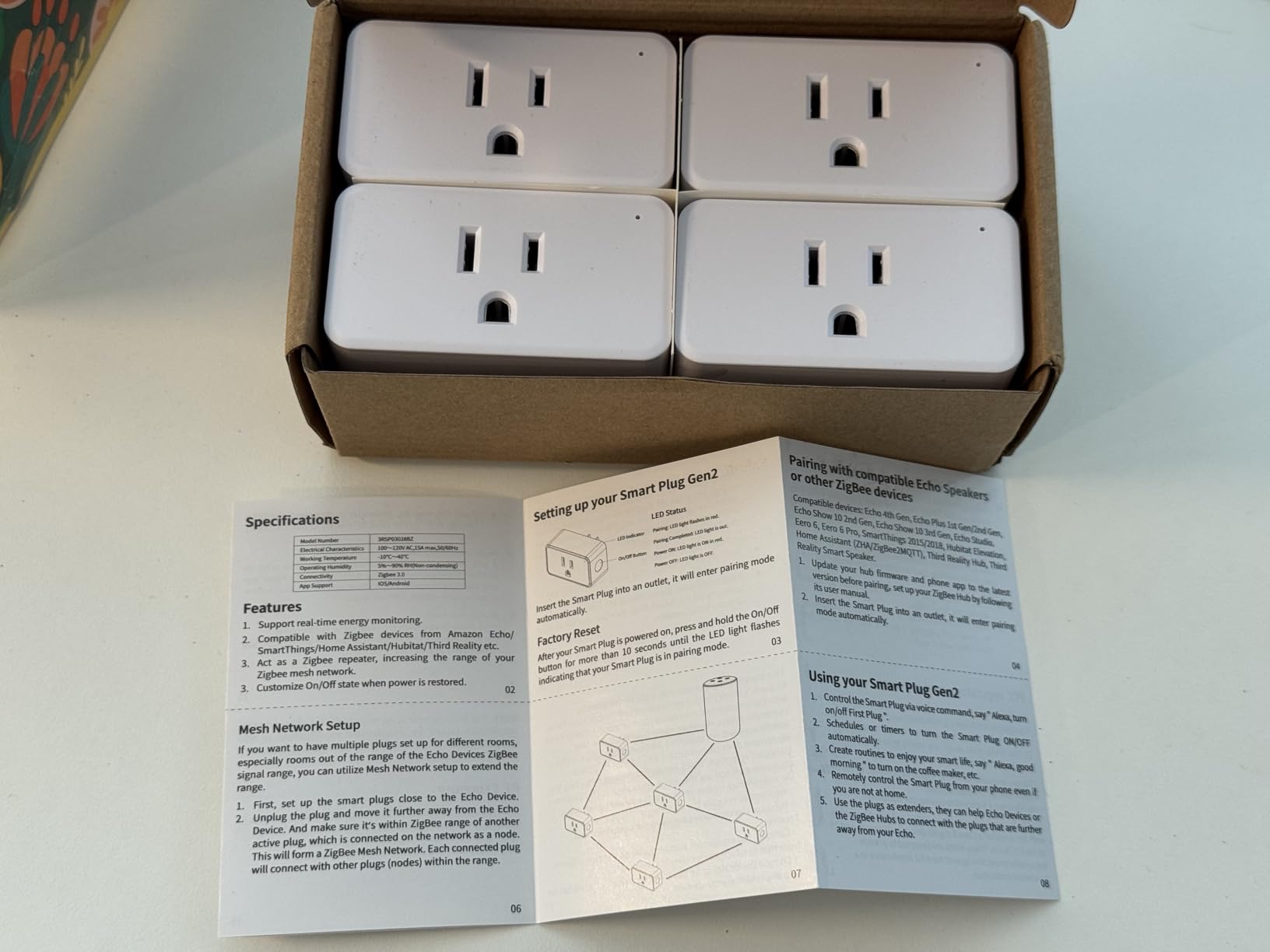
- Fully local Zigbee control with no cloud dependency
- Real-time energy readings feed automations like cycle detection
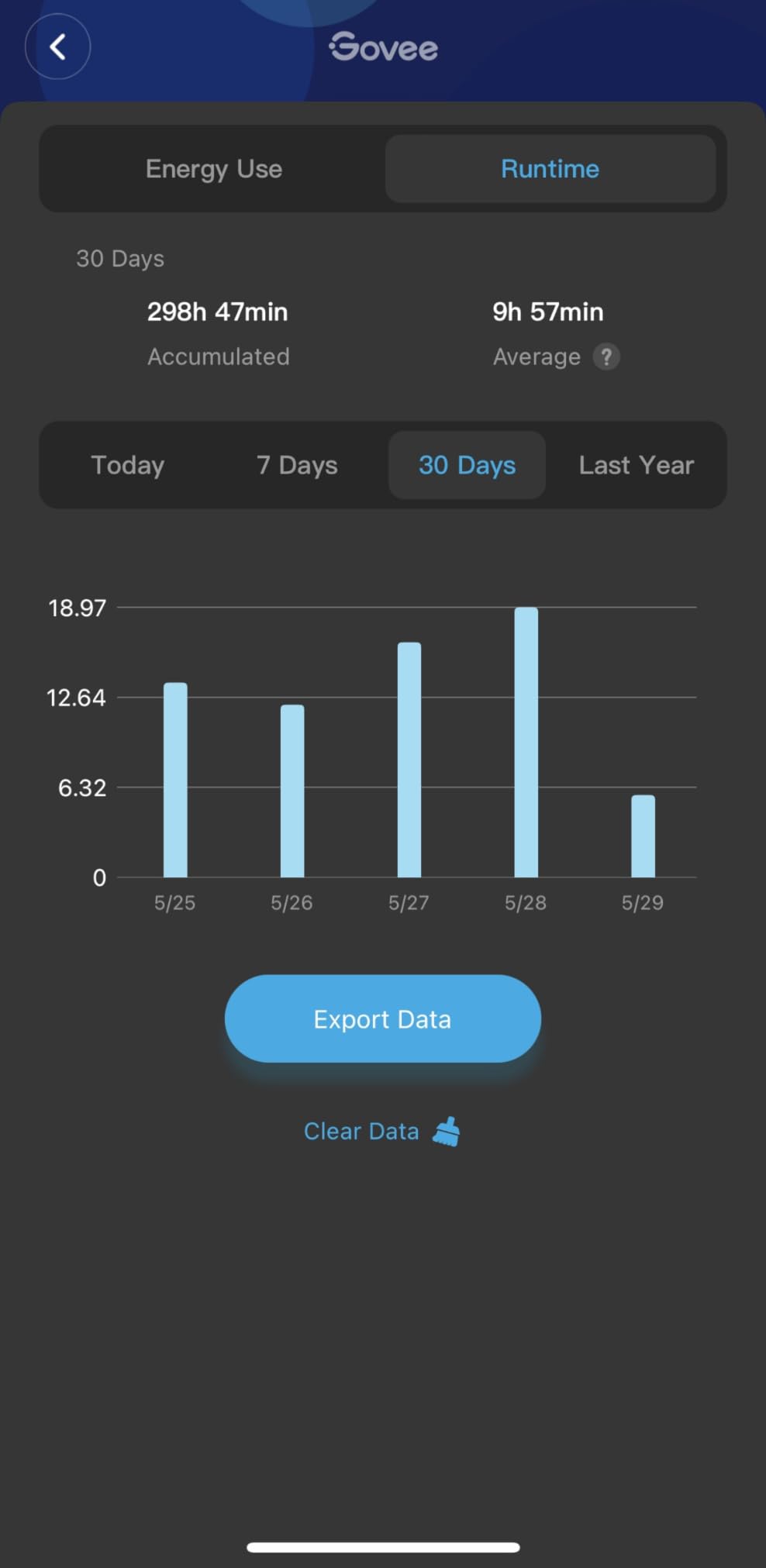
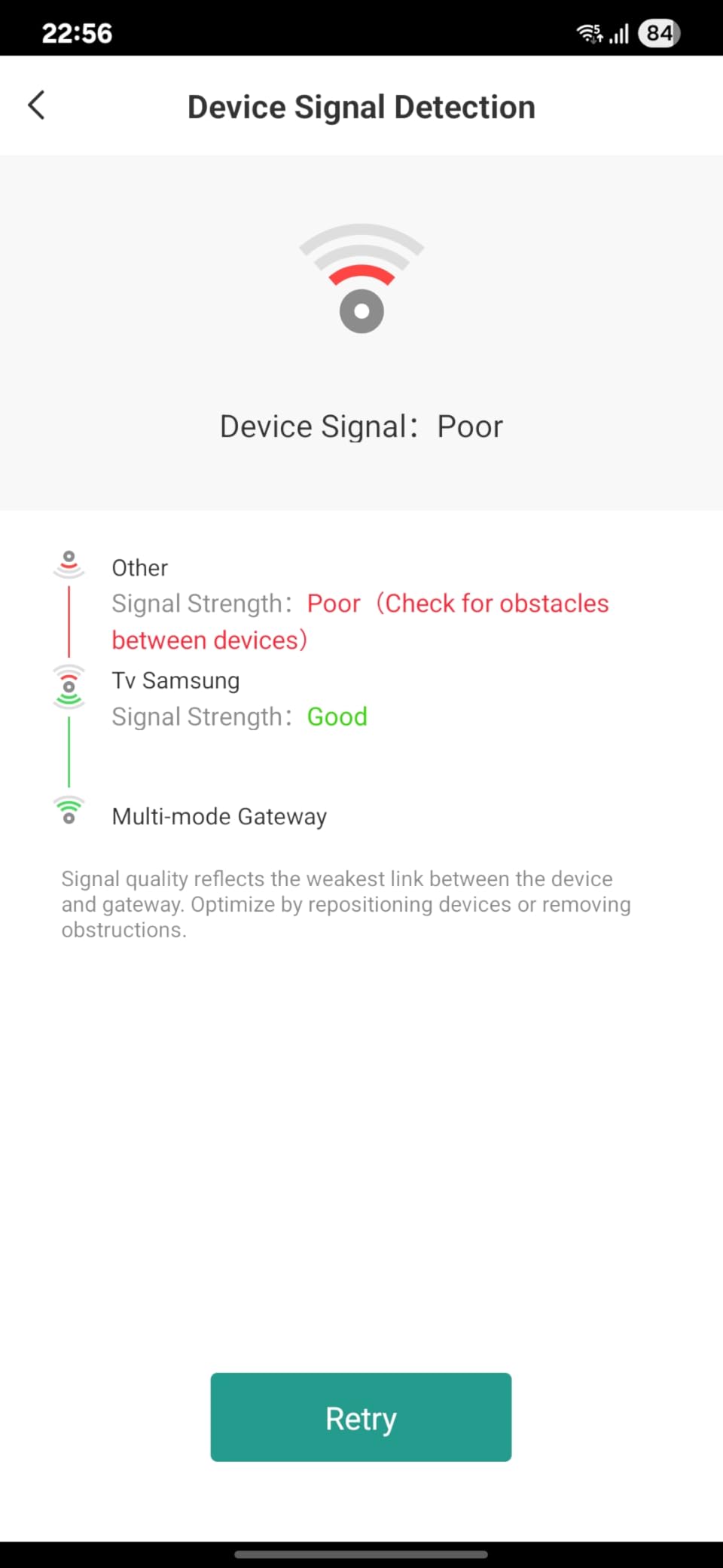
- Doubles as a Zigbee repeater that strengthens the mesh
- Compact body handles loads near 1500W
- Requires a separate Zigbee hub or compatible Echo
- Pairing can get stuck and need a factory reset
- Bulky on horizontal power strips
Home Assistant communities tend to describe Wi-Fi plugs as unreliable in dense smart homes, and this is the option that answers them. Zigbee traffic is mesh-based, the control stays local, and nothing routes through a vendor cloud, which also means it keeps working when your internet does not.
The real-time power readings are more useful than they first appear. Because the plug exposes instantaneous consumption, you can build automations that fire when a load jumps, which is how you get a notification that the washing machine or dishwasher has finished its cycle. The repeater function also extends mesh range, so the plug pays for itself as infrastructure.
The setup tax is real. Pairing can stall, and a plug stuck in pairing mode may need a factory reset before Zigbee2MQTT will see it. A small number of owners have reported failures under sustained high load, though the manufacturer’s replacement support is described favorably. The body is also chunky on horizontal power strips.
When the THIRDREALITY is the right choice
It is the pick for anyone already running a Zigbee mesh through Home Assistant, Hubitat or SmartThings, or willing to start one. If a hub is already in the closet, adding four metering plugs is straightforward, and the repeatability of readings from a mains-powered device is a real improvement over battery-powered sensors.
When the THIRDREALITY is the wrong choice
It is the wrong choice as a first smart device. The hub is a separate purchase and a separate configuration task, and a beginner who has to debug Zigbee pairing before seeing their first wattage reading may give up. If you want a single plug that works on its own, this is not it.
6. Emporia Energy Monitoring Smart Plug 4-Pack – Best for Time-of-Use Rates
- Reports voltage
- current
- power and estimated cost
- Accepts time-of-use rates pulled from your utility
- Nests with Emporia panel monitors to avoid double-counting
- Can power-cycle remote routers and modems
- Setup is slow and often needs the router on 2.4GHz only
- Plugs can drop off Wi-Fi randomly
- 10A continuous rating is lower than 15A rivals
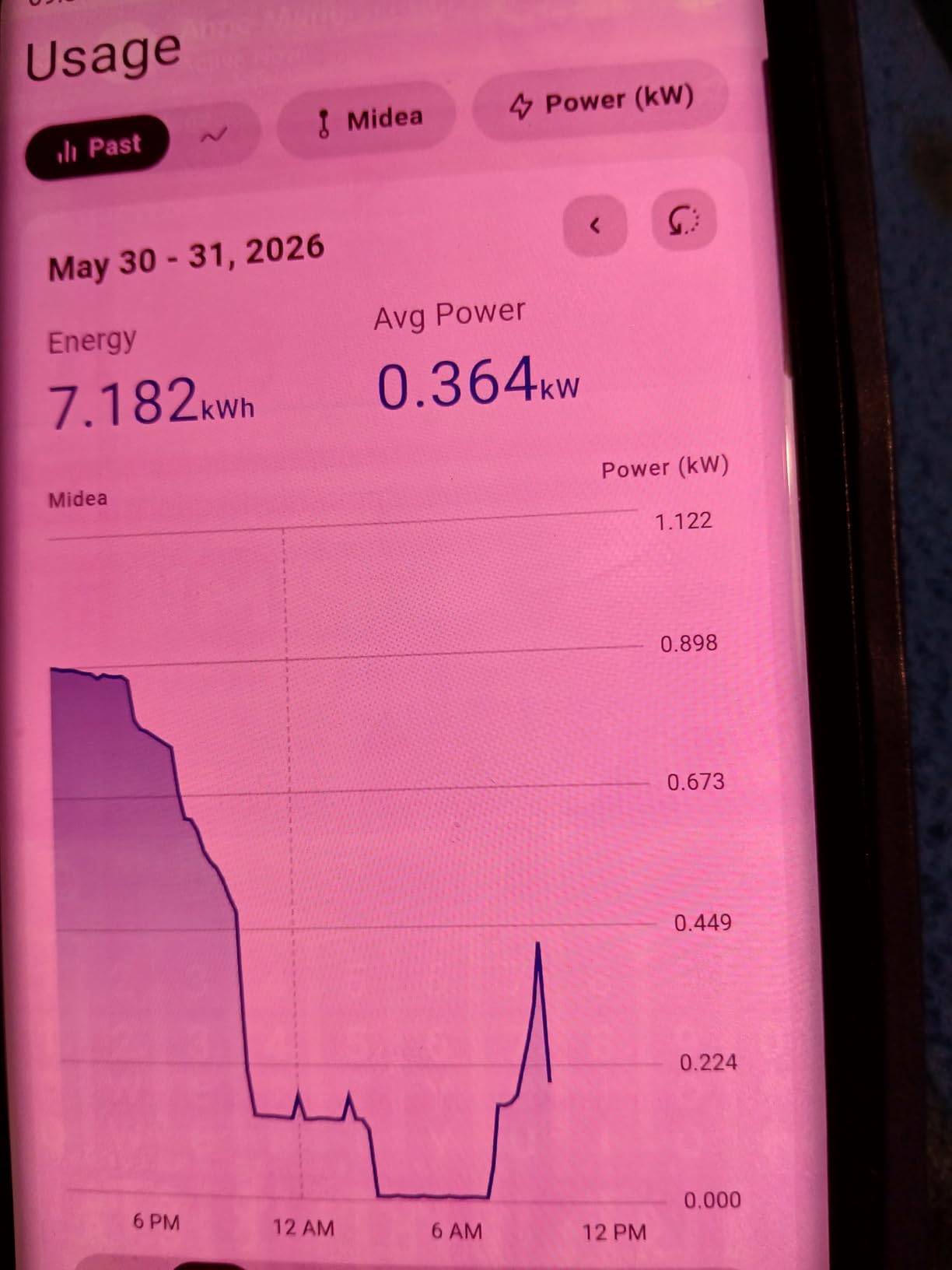
Emporia is one of the few plugs here that treats your electricity rate as a structured input rather than a single flat number. If your utility uses time-of-use pricing, entering peak and off-peak rates turns the cost estimate from a rough guess into something you can schedule against, and users report verifying real savings when they replaced an old refrigerator.
It also nests. If you already run an Emporia panel monitor, these plugs can subtract their own draw from panel-level totals, which prevents the double-counting that makes whole-home setups confusing. The 4.0 average rating reflects metering capability held back by setup rather than by the hardware.
Onboarding is the problem. There is no Bluetooth fallback, so a 2.4GHz-only router is frequently required, and a minority of plugs never connect at all. Random drops from Wi-Fi leave gaps in your history, and re-pairing is needed whenever you move a plug to a different outlet.
When the Emporia plug is the right choice
It is built for households on tiered or time-of-use tariffs, and for anyone who wants to see dollars rather than abstract kilowatt-hours. Reporting voltage, current and power together is useful when you want more than a single number. If you run an Emporia system already, the integration is the reason to buy.
When the Emporia plug is the wrong choice
The 10A continuous rating is the first thing to check. That is 1200W sustained, with a 15A peak tolerated for up to an hour a day, which rules out larger kitchen appliances. If you want to monitor a coffee maker or air fryer continuously, choose a 15A plug instead.
7. Aqara Zigbee Smart Plug – Best for High-Draw Loads and Mesh Extension
Aqara Zigbee Smart Plug with Energy Monitoring, Overload Protection
- Zigbee local control that doubles as a signal repeater
- Handles 15A loads like window air conditioners and space heaters
- Scheduling
- timers and scenes in the Aqara Home app
- Reaches Apple HomeKit through the Aqara hub
- Requires an Aqara hub sold separately
- Hub needs a compatible 2.4GHz network
- Single outlet so multi-room coverage needs more plugs
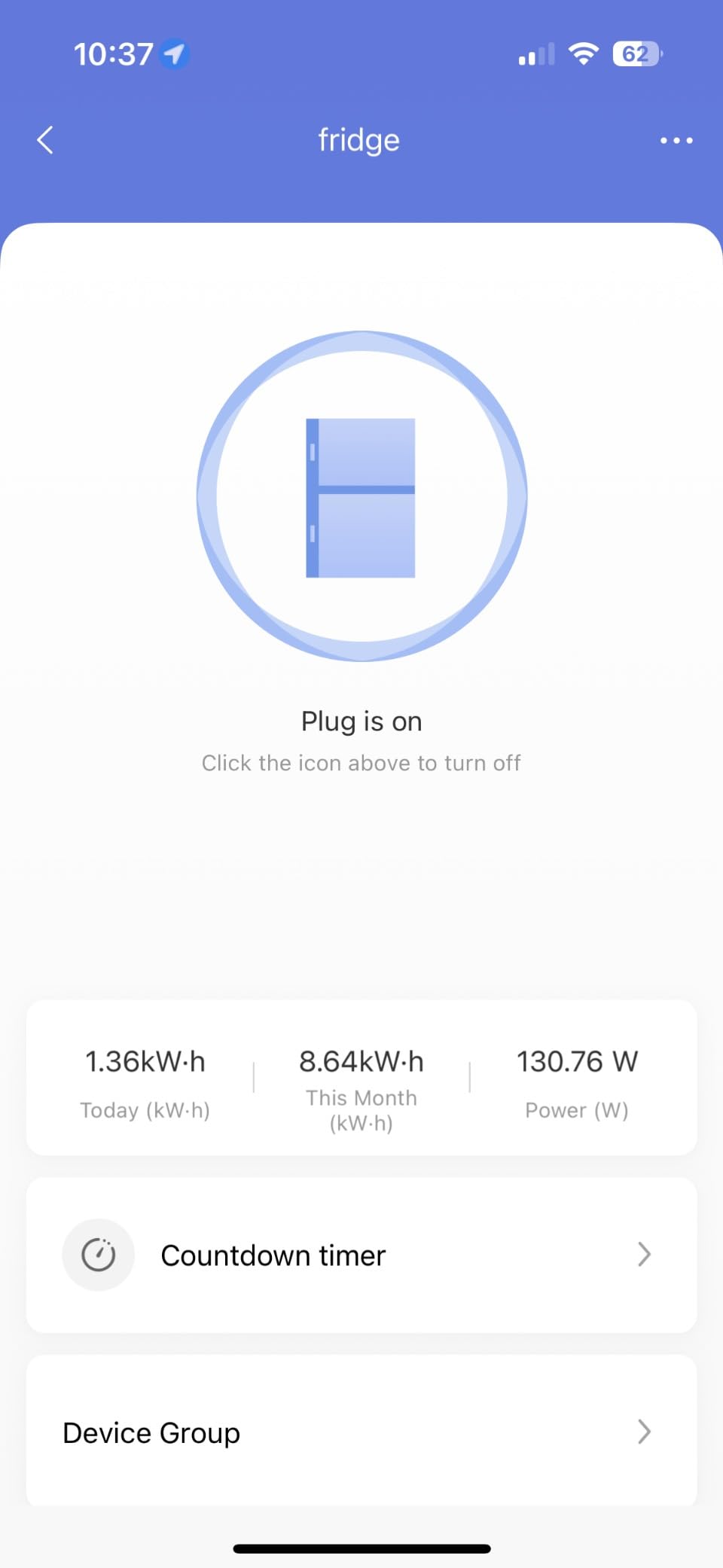
The Aqara plug suits genuinely large loads. Owners run window air conditioners and space heaters through it, and the 15A rating gives headroom that smaller plugs cannot. Overload protection is built in, so an overloaded circuit trips the plug rather than the breaker.
It also does double duty as a mesh repeater, filling dead zones in a house where sensors struggle. At 3.04 ounces and 1.37 by 1.85 by 2.64 inches it is one of the smaller bodies here, and schedules, timers and scenes are all handled in the Aqara Home app. If you already own Aqara sensors, the app consolidation alone is worth considering.
The barrier is the ecosystem. The Aqara hub is sold separately, and it needs a secured 2.4GHz network, or 2.4GHz plus 5GHz on newer G3, G5 PRO, G410 and M3 hubs. It is a single-outlet device too, so covering four rooms means buying four plugs.
When the Aqara plug is the right choice
It fits seasonal loads that other plugs handle nervously, and it rewards an existing Aqara installation with a single app for sensors and switches. For anyone with a stubborn mesh dead zone, the repeater duty is a bonus most metering plugs do not offer.
When the Aqara plug is the wrong choice
If you are starting from zero, the hub cost and Wi-Fi band requirements add friction for a first purchase. The 1-year warranty is also the shortest in this group, which matters more than usual on a device intended to sit permanently behind a heavy load.
8. Tapo Matter Smart Plug P110M – Best for Matter Platforms
Tapo Smart Plug, Matter Compatible, Energy Monitoring, P110M(4-Pack), 15A
- Matter certified for Alexa
- HomeKit
- Google Home and SmartThings
- Cost estimation plus export beyond the app's three-month storage limit
- Overcharge prevention and power limit cutoff
- First plug configured in roughly 15 minutes
- Matter commissioning can be finicky and may need the Tapo app first
- Too wide to sit side by side in a quad outlet
- No lockout against accidental power-off
The P110M pairs Tapo’s energy reporting with Matter certification, and that pairing combination is what makes it a versatile option in a mixed-platform home. Commission it once and it shows up in Apple Home, Alexa, Google Home and SmartThings, which is exactly what a mixed-ecosystem household needs.
Owners consistently praise setup speed and range, and the Excel export is a quiet standout: it preserves history beyond the three-month window the app keeps, so you can actually build a year-long record. Home Assistant users report that Matter integration and energy history match what the Tapo app shows, and overcharge prevention protects phones and batteries left on a counter outlet.
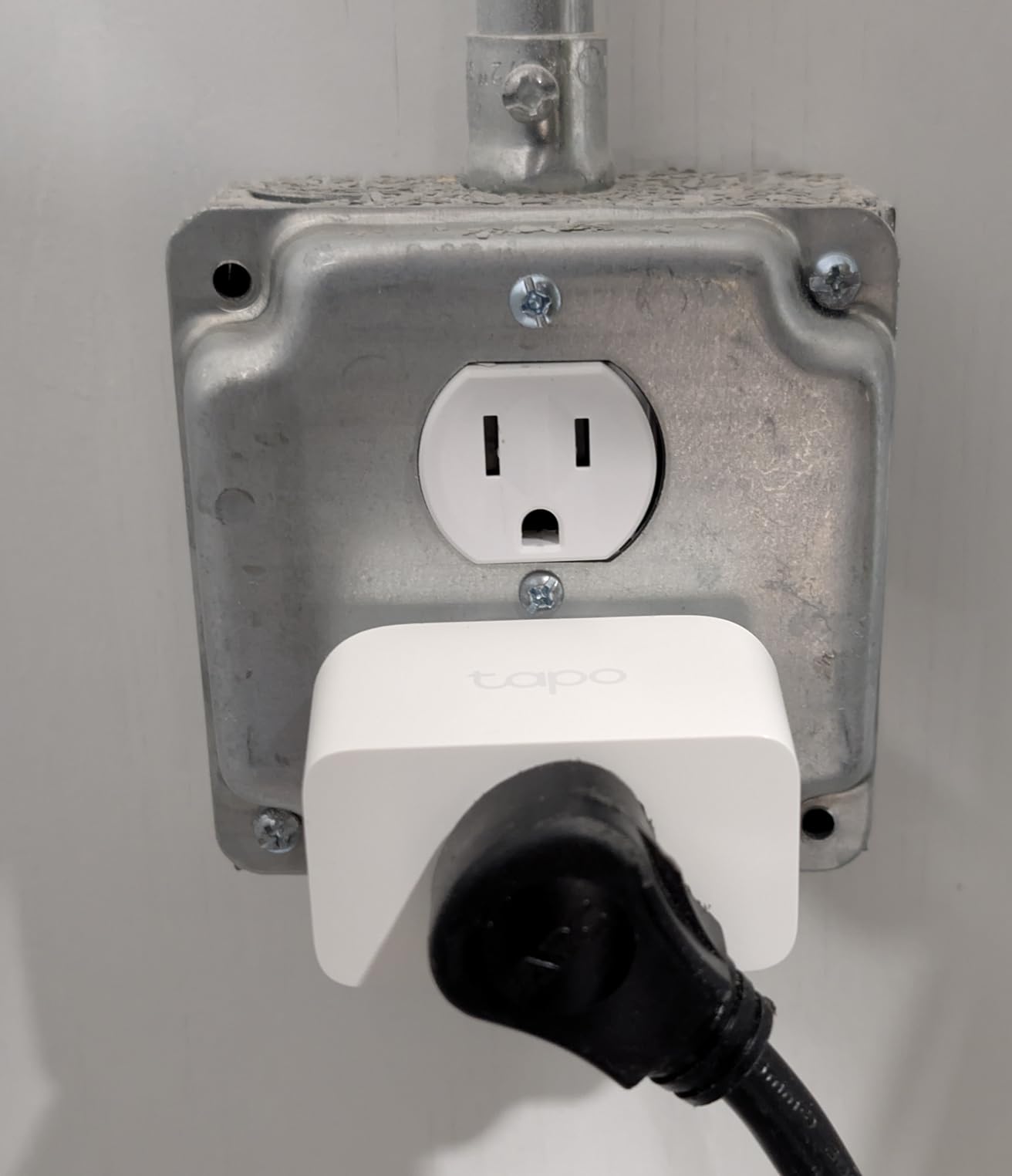
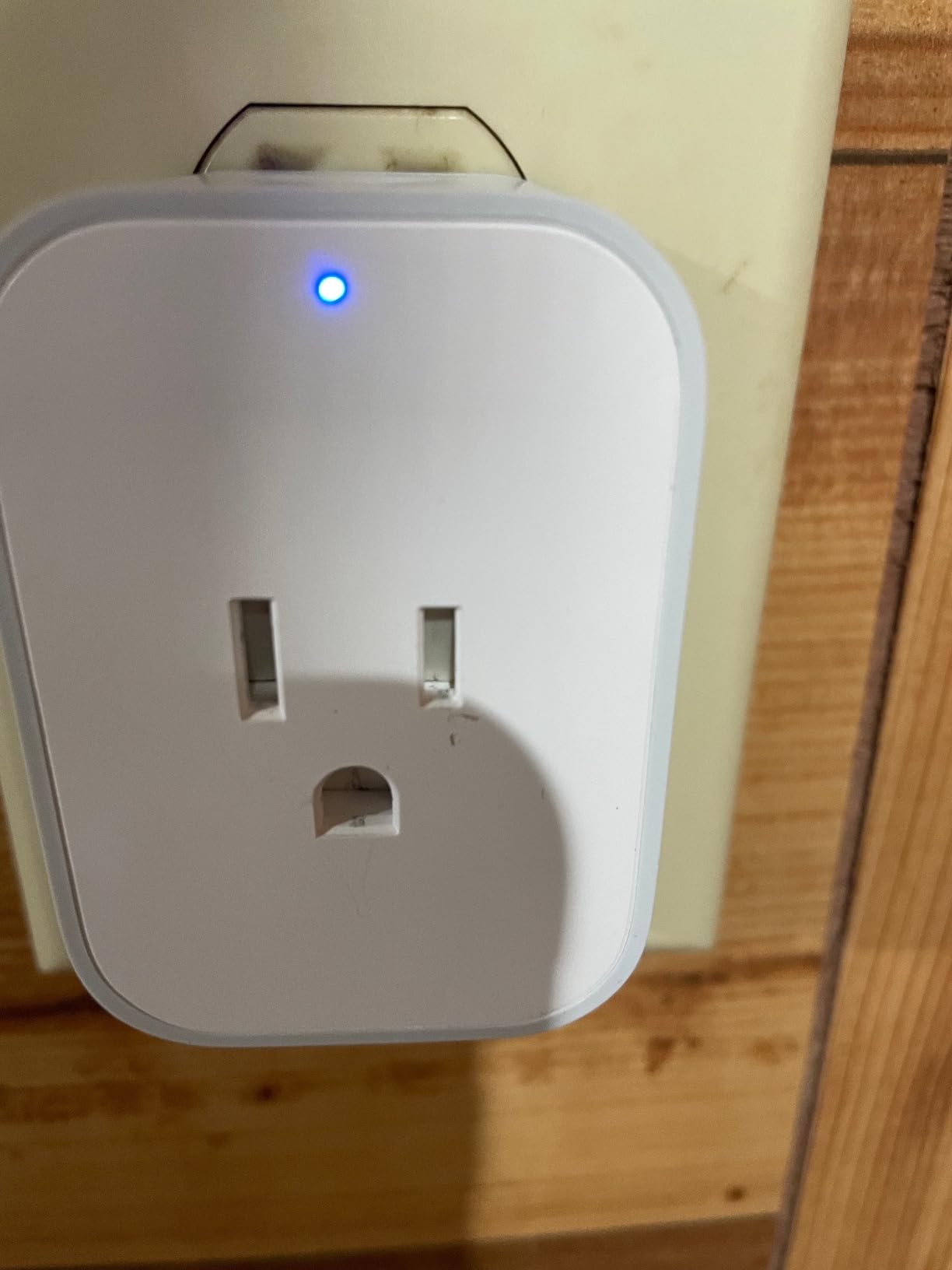
The complaints are physical and procedural. Matter commissioning can require onboarding through the Tapo app first, and a few owners needed repeated pairing attempts. The body is wide enough to block neighbours in a quad outlet, and there is no lockout, so a stray touch can cut power to something important.
When the P110M is the right choice
It is a sensible buy if you want Tapo’s analytics plus cross-platform reach, especially in a home with an Apple TV or HomePod acting as a Matter controller. The 15A/1800W rating covers countertop appliances, and four plugs in a pack make a whole kitchen practical in one go.
When the P110M is the wrong choice
Skip it for tight quad outlets where width matters, or for equipment that must never be switched off by hand. If local-only operation without any cloud is a hard requirement, the Eve Energy or Shelly plug is a cleaner fit.
9. Eve Energy Matter 2-Pack – Best for Privacy and Thread Reliability
- Matter over Thread with 100% local control and no Eve cloud
- Reconnects reliably after power outages
- Fast response with simple QR-code onboarding
- Shows current watts and projected annual usage
- Requires a Matter hub or Thread border router such as an Apple TV
- Bright green status LED cannot be dimmed or disabled
- No group scheduling or automatic timed auto-off
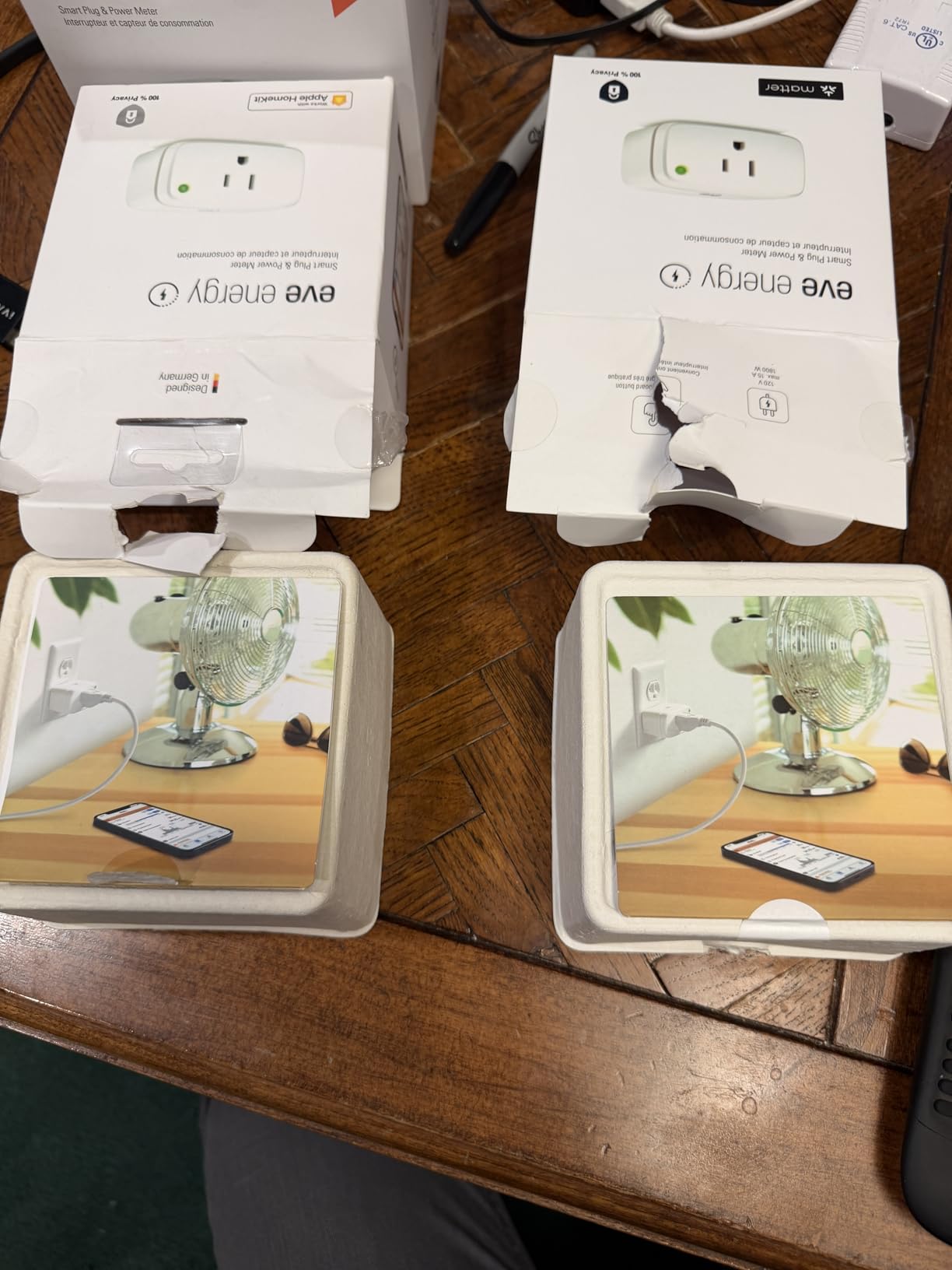
Eve Energy is the premium option and it earns that description with a specific feature: no cloud, no registration and no tracking. Control runs over Matter on Thread locally, so nothing about your energy data is required to pass through a vendor server.
Thread also solves a reliability problem. Owners report rock-solid reconnection after power outages compared with Wi-Fi plugs, along with near-instant response times and QR-code onboarding. The energy view shows current watts plus projected annual consumption, which is a more useful framing for a household goal than a raw kWh total.
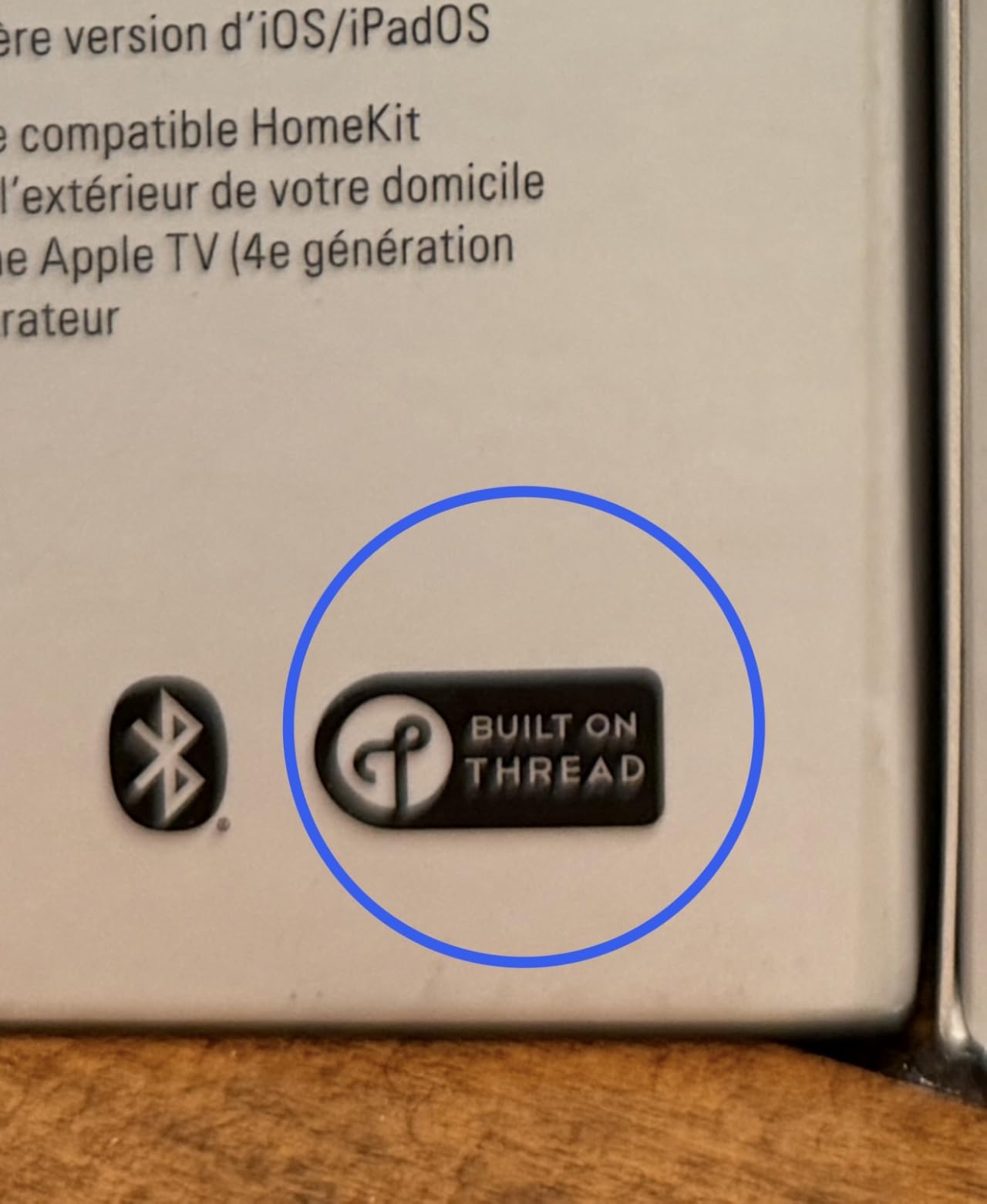
The catch is infrastructure and app scope. You need a Matter hub or Thread border router such as an Apple TV, HomePod, Echo or SmartThings Hub. The bright green status LED cannot be dimmed, group scheduling is not supported in the Eve app, and there is no automatic time-based auto-off rule, which some users miss from Wemo.
When the Eve Energy is the right choice
It suits households already running a Thread border router that do not want their appliance data leaving the local network. The UL and cULus certification plus a 2-year warranty give extra confidence for a device intended to sit behind a load for years, and forum users confirm the reliability.
When the Eve Energy is the wrong choice
It is the wrong first purchase for anyone without a Matter controller, because the plug simply will not join a network. It is also the priciest option here, and if your main goal is scheduling a laundry cycle rather than privacy, a cheaper Wi-Fi plug does the same job.
10. Smart Plug with Energy Monitoring 4-Pack – Best for Lights and Small Fans
- Works without a hub on 2.4GHz Wi-Fi through the Smart Life app
- V0 flame-retardant housing with surge and overload protection
- Compact round body that does not block the adjacent socket
- Schedules
- timers and an Away Mode
- 10A and 1100W ceiling limits it to lamps
- fans and small appliances
- Energy detail is limited compared with dedicated power meters
- No Matter
- Zigbee or local-only control
This four-pack is the straightforward answer for lamps, fans and small countertop devices. It needs no hub, pairs over 2.4GHz Wi-Fi with a QR code through the Smart Life app, and adds scheduling, timers and an Away Mode that simulates occupancy while you travel.
The build is respectable for the category: a V0 flame-retardant PC and ABS housing with surge and overload protection, ETL certified, and a round compact body that does not crowd the neighbouring socket. Grouping several together from one app makes it easy to cut a bedroom or a hallway of lamps at once.
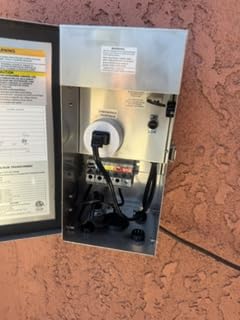
Be clear about what it is not. The load ceiling is 10A and up to 1100W across a 100-240V range, which rules out kitchen and workshop loads, and the energy detail is modest next to a real power meter. Everything runs through the Smart Life cloud, so there is no local control.
When this plug is the right choice
It is the sensible pick for holiday lighting, a bedside lamp, a fan and a small TV, especially where you want four plugs without managing a hub. Away Mode adds a layer of security for a home that is empty on a schedule, and monitoring a run of holiday lights makes the per-plug cost easy to justify.
When this plug is the wrong choice
Do not use it to monitor a coffee maker, air fryer or space heater. If you want a real cost breakdown or plan to feed readings into Home Assistant, the reporting depth and cloud dependence will frustrate you within a week.

11. Meross Matter Smart Plug MSS315 – Best for Cutting Standby Load
meross Matter Smart Plug, Energy Monitoring, Standby Killer, FFS Easy Setup
- Matter support across Apple Home
- Alexa
- Google Home
- SmartThings and Home Assistant
- Cost calculator across day
- week
- month and year scales
- Standby Killer cuts phantom load alongside overheat alerts
- LAN control with no registration
- tracking or cloud
- 2.4GHz and IPv6 only with no Thread support
- Body covers the adjacent socket on a power strip
- Matter pairing can overwrite devices in Alexa
The MSS315 is built around a problem many people buy a metering plug to solve: phantom draw. The Standby Killer function watches for a connected appliance dropping into an idle state and cuts it, so you stop paying for a game console, a TV or a desktop in standby without thinking about it.
Matter support spans Apple Home, Alexa, Google Home, SmartThings and Home Assistant, and the in-app cost calculator shows power cost at day, week, month and year scales, which makes seasonal patterns obvious. LAN control means no registration, no tracking and operation when the internet is down, plus overheat alerts and auto-shutoff for safety.
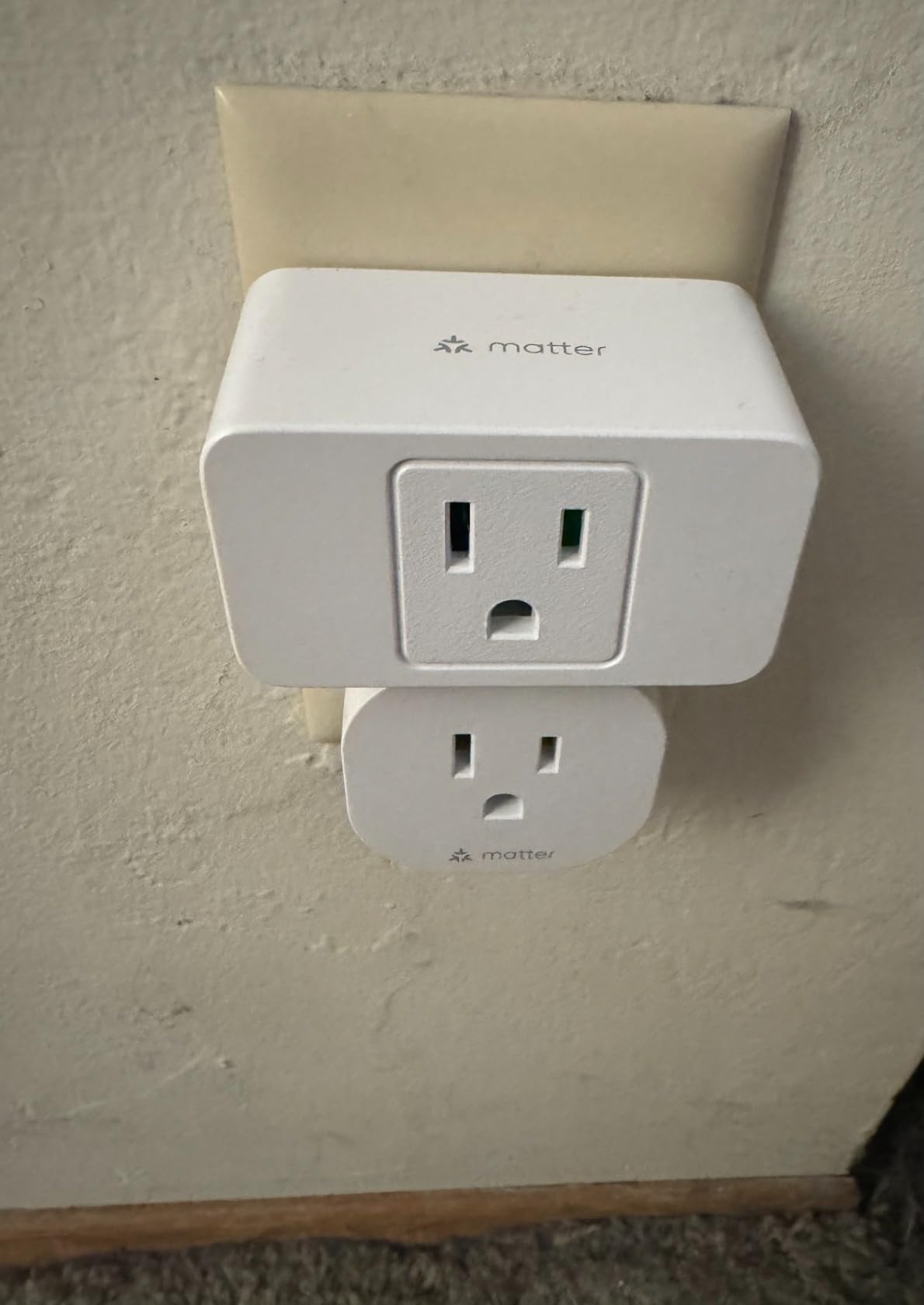
Connectivity is the constraint: 2.4GHz and IPv6 only, with no Thread and no 5GHz option. The body also covers the adjacent socket on a power strip, and Matter pairing can overwrite a device in Alexa if you are not careful about naming during setup. Some plugs have needed a factory reset after a firmware update broke HomeKit pairing.
When the MSS315 is the right choice
It is a strong pick for an entertainment center or home office where standby draw is the main target, and for owners who want Matter reach plus local control in one device. Connectivity is reported as strong even through a concrete wall, which helps in a multi-floor home.
When the MSS315 is the wrong choice
It is a poor fit for a home with IPv6 disabled or a 5GHz-only network, and its width makes it awkward on a crowded power strip. If Thread rather than Wi-Fi reliability is what you are after, the Eve Energy is the better-specified choice.
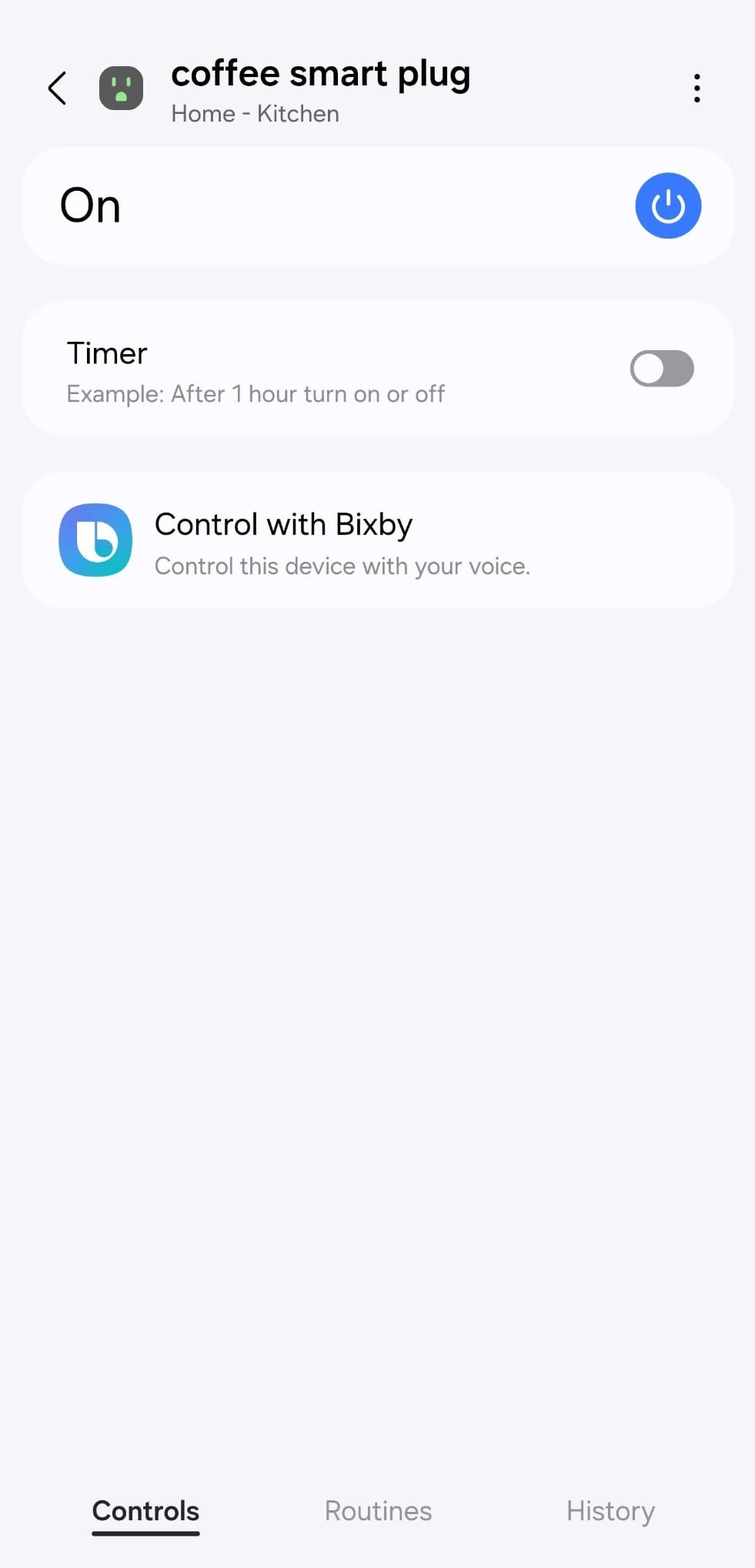
12. Shelly Plug US Gen4 – Best for Protocol Flexibility and Local Control
- Full 100% local control with no cloud service and no phone app required
- Wi-Fi
- Bluetooth
- Zigbee and Matter in one device
- Home Assistant configures it automatically on first power-up
- Ambient light sensor and draw-reactive multicolor LED
- Defaults to off after a power loss unless changed in firmware
- Digest authentication is off by default so any LAN device can control it
- Some plugs were supplied with beta firmware and a confusing update flow
Shelly is the pick for readers who want their energy data to stay on their own network. This plug runs 100% locally, needs no phone app at all, and is configured through a built-in web interface, with local scripting available for automations that do not need a hub.
The protocol flexibility is unmatched here: Wi-Fi, Bluetooth, Zigbee and Matter in a single UL-certified device, backed by a 3-year warranty, longer than the other plugs in this group. Home Assistant discovers and configures it on first power-up. The built-in ambient light sensor and a multicolor LED that reacts to power draw are the kind of detail that makes a plug pleasant to live with.
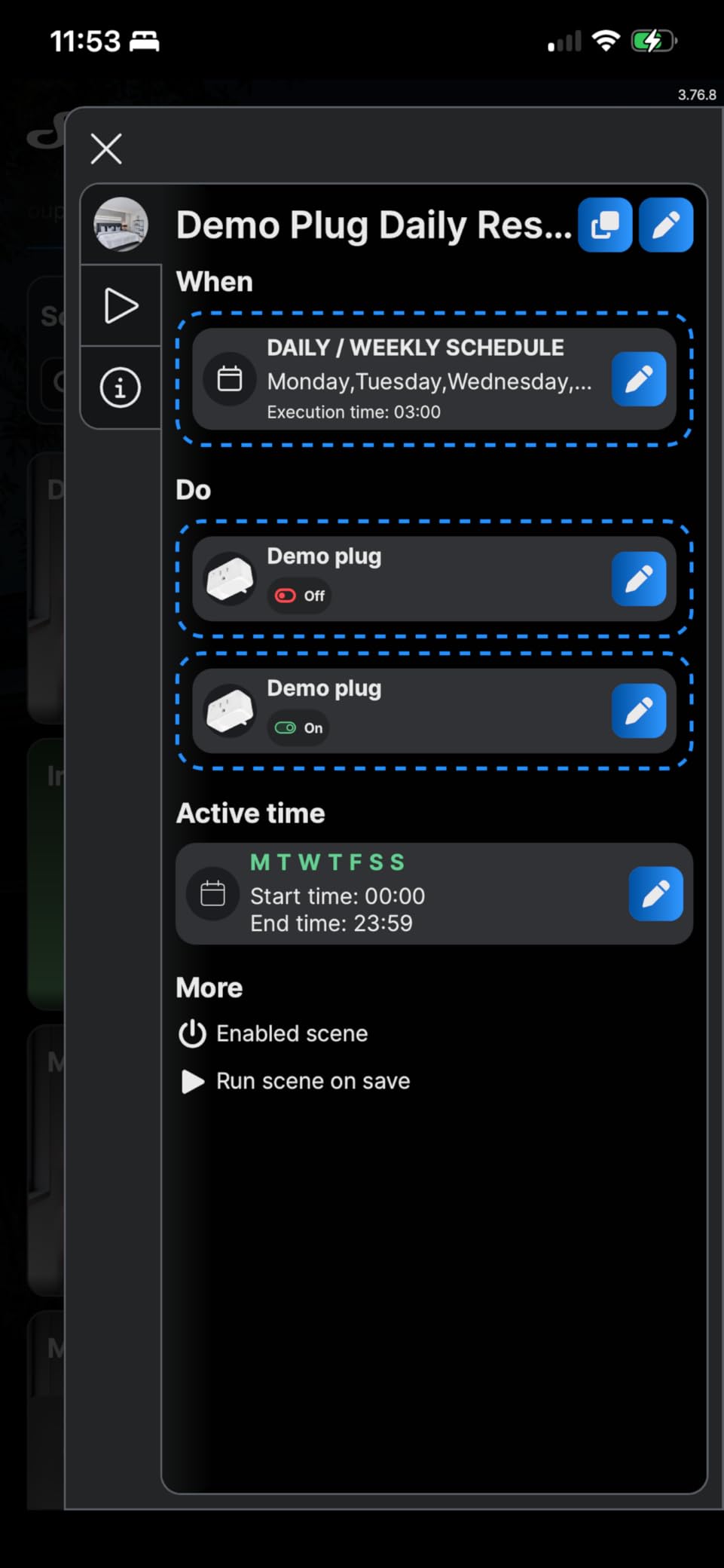
The 4.1 rating reflects real setup caveats. The default state on power restore is off, which needs changing in firmware before you put a refrigerator on it, and digest authentication is disabled out of the box, meaning any device on your network can control the plug. Some plugs were supplied with beta firmware and the update flow is confusing.
When the Shelly Plug is the right choice
It is the pick for Home Assistant users who want local control, no vendor account, and the freedom to move between Wi-Fi and Zigbee later. The 15A/1800W rating handles kitchen loads, and automatic discovery removes the configuration work that makes other plugs tedious.
When the Shelly Plug is the wrong choice
It is not a friendly first smart device. If you want a polished mobile app with cost charts and one-tap scheduling, the Tapo and Govee options are far more approachable, and you will need to read documentation to change the power-restore behaviour safely.
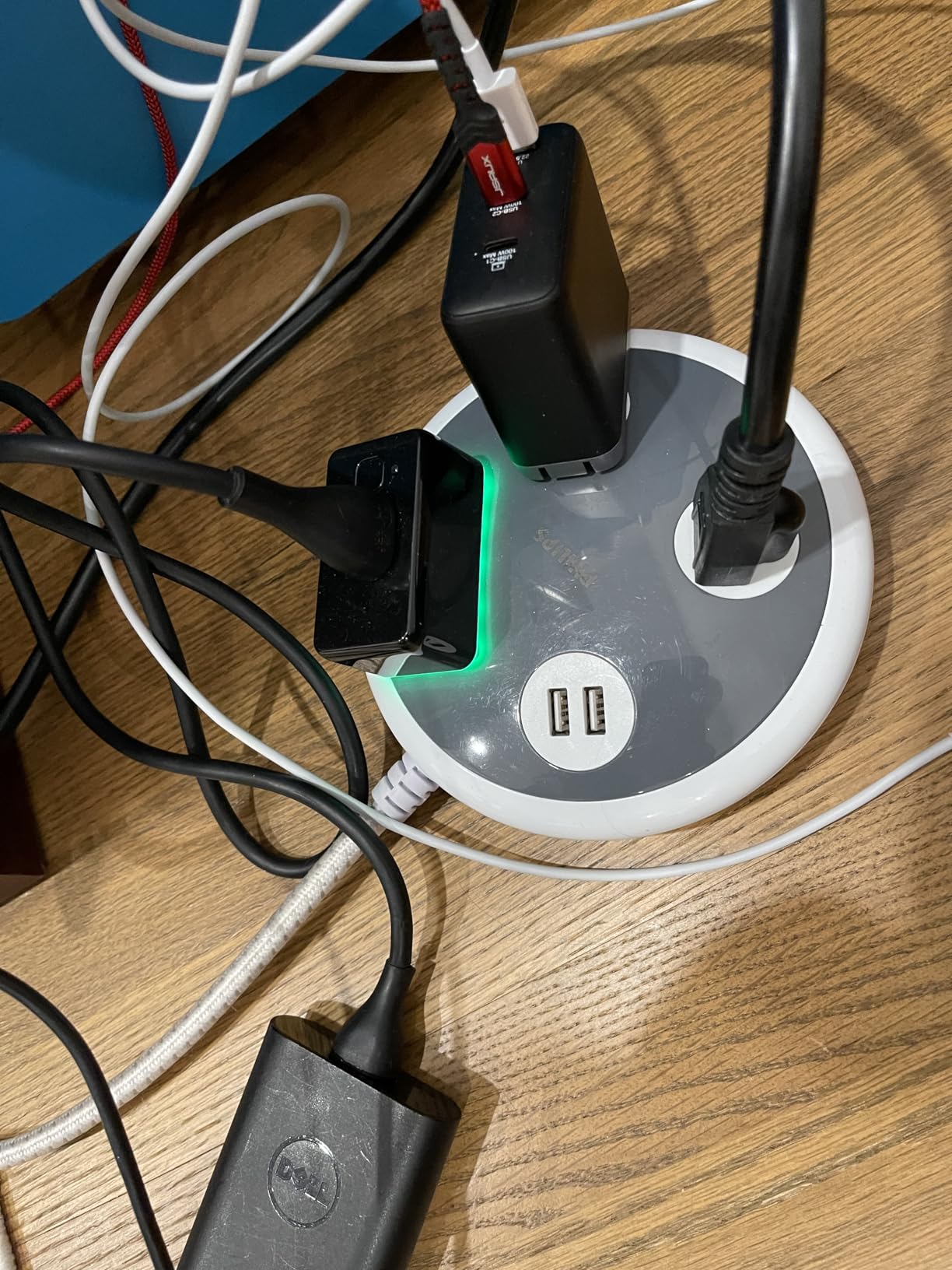
Which Appliances to Monitor First in a Kitchen and Home Office
Start where the load is big and the behavior is unfamiliar. In a kitchen that means the coffee maker, the kettle, the air fryer and the dishwasher, all of which sit inside the 1800W ceiling of a 15A plug. Plug one in, leave it for a week, and compare the running wattage against the idle floor.
Home offices and entertainment centers are the other obvious targets, because standby draw accumulates quietly. A monitor, a console, a soundbar and a router on one power strip can idle for hours a day. Monitoring a gaming PC is the classic demonstration of why a standby-killing feature like the Meross Standby Killer is worth having. If you cook a lot, our smart meat thermometer picks cover a different corner of the same connected-kitchen setup.
A practical sequence: pick one appliance, monitor it for three to seven days, note the active and idle readings, look for a pattern, then act on the largest one. Repeat. In most homes the first two appliances you measure are responsible for a surprising share of the total, and once you have the data, a schedule is easy to justify.
One load to be careful with is anything motor-driven or compressor-driven, such as a washing machine, dryer or sump pump. Forum users report erratic readings and outright failures on those circuits with some Matter plugs, so monitor first and decide afterward whether the hardware is right for the job.
Wi-Fi vs Matter vs Thread vs Zigbee for Energy Plugs
Wi-Fi is the simplest option and the most common. It needs no hub, pairs from a phone, and every plug here except the Aqara and THIRDREALITY models uses it. The trade-off is that each plug is its own network client, so a house full of them competes for bandwidth and each one depends on its vendor cloud for remote access.
Matter is not a wireless protocol, it is an interoperability standard, usually running over Wi-Fi or Thread. It matters when your household spans more than one ecosystem, because a certified plug shows up in Apple Home, Alexa, Google Home and SmartThings without a bridge. In this group the Kasa KP125M, Tapo P110M, Meross MSS315, Shelly Plug and Eve Energy all carry it.
Thread is a low-power mesh protocol that needs a Thread border router, which is why Eve Energy requires an Apple TV, HomePod, Echo or SmartThings Hub. Zigbee also needs a hub, but it is the protocol enthusiasts most often standardize on, and it pairs naturally with mesh repeaters. If you are building a hub-based system, our Z-Wave and smart hub guide covers the controller side of that decision.
Quick summary: choose Wi-Fi for the lowest setup friction, Matter for cross-platform reach, Thread for reliability and privacy, and Zigbee for local automation on a hub you already run.
Do Energy Monitoring Smart Plugs Actually Reduce Your Electricity Bill?
Mostly indirectly. A smart plug does not generate savings by existing; it generates them by making an invisible number visible and then letting you schedule, limit or switch something off. The savings come from behavior change and from cutting phantom load, not from the metering itself.
Forum users raise a fair counterpoint: the plug itself consumes standby power. That draw is real, and it is why metering a device that is already idle can leave your totals higher than before. The arithmetic still favours action in most cases, because an appliance left running overnight draws far more than the plug monitoring it.
The strongest practical gains come from three places. Cutting standby on entertainment equipment, running large loads during off-peak hours on a time-of-use tariff, and replacing or cycling an appliance you discover is drawing far more than its label claims. If you want to start with a whole-house view before instrumenting individual outlets, an appliance-focused buying approach carries over well, since big loads are where the money hides.
How to Choose an Energy Monitoring Smart Plug
- Check the load rating first. Anything rated 15A/1800W handles nearly every countertop appliance. A 10A/1200W ceiling, as on the Emporia and budget plug, rules out sustained high-draw devices and needs a close look at your largest appliance first.
- Decide whether you need a hub. Zigbee and Thread plugs are better for automation and privacy, but they need a hub or border router you may not own. Wi-Fi plugs work the moment they are plugged in.
- Read the app, not the box. History depth varies from a few weeks to a full year, and the Tapo plugs and Govee plug stand out for long retention or export. If you want a real record, confirm the export exists.
- Consider Matter if you have more than one ecosystem. Five plugs here carry it, which can save a migration later.
- Measure the socket, not just the spec sheet. Compact bodies stack two plugs in a duplex outlet; wide ones block a quad. Count your available sockets before buying a four-pack.
- Look at safety certification and warranty. UL or ETL listing, copper contacts, flame-retardant housing and a two-year or longer warranty are all good signals. Aqara and Emporia carry one-year warranties, the shortest here.
- Confirm 2.4GHz is available. Nearly every plug in this group is 2.4GHz only, and several have no Bluetooth fallback, so a mesh network without that band will stall setup.
- Start with one plug, not a whole house. Pick the appliance you most want to understand, live with the data for a week, then expand once you know the app suits you.
Frequently Asked Questions
Is there a smart Wi-Fi plug that can monitor energy usage?
Yes. Most plugs in this roundup report live wattage and accumulate kilowatt-hours over Wi-Fi with no hub required. The Kasa KP115, Tapo P115, Govee H5086 and Emporia plug all do this out of the box, as long as your router keeps a 2.4GHz network available. The trade-off with Wi-Fi-only models is that remote access depends on the manufacturer’s cloud, so local control is not guaranteed.
Which smart plug has the best energy monitoring features?
It depends on what you want to see. For the deepest history with no export, the Govee H5086 keeps up to a year of daily, weekly and monthly data. For cost estimates and time-of-use rate input, the Emporia plug is the strongest. For exportable data that outlives the app’s storage window, the Tapo P115 and P110M both produce spreadsheets. The Kasa KP115 is the best all-rounder.
Do smart plugs actually save energy?
Only when you act on the data. A metering plug does not reduce consumption by itself; it makes an invisible number visible so you can schedule, limit or switch something off. Savings usually come from cutting standby draw on entertainment equipment, shifting large loads into off-peak tariff hours, or catching an appliance that draws far more than expected. Monitoring something that stays idle all day can cost slightly more, not less.
What is the best electricity monitoring device for home use?
It depends on scope. A smart plug gives appliance-level detail, cost estimates and scheduling control, which is what most households need and what no installation is required for. A whole-home energy monitor gives you one panel-level total for the entire house, which is better for tracking a solar install or a rental property but needs a panel install and cannot control anything. Start with a plug, then add a monitor if you need building-level totals.
Do I need Matter, or is Wi-Fi enough?
Wi-Fi is enough if you use a single ecosystem and want the simplest setup with no hub. Matter is worth having if your household spans Apple Home, Alexa, Google Home and SmartThings, because a certified plug appears in all four without a bridge. In this group, Matter is standard on the Kasa KP125M, Tapo P110M, Meross MSS315, Shelly Plug and Eve Energy, so there is little reason to avoid it.
What devices should not be used with smart plugs and why?
Avoid plugs rated below your appliance’s draw, since a 10A plug will trip on a sustained 1500W load. Treat motor and compressor loads such as washing machines, dryers and sump pumps carefully, because forum users report erratic readings and failures on some Matter plugs. Electric vehicle charging is not a supported use. Also skip anything that must never lose power, since most plugs have no lockout against accidental shutoff.
How accurate is a smart plug’s energy monitoring?
Accurate enough for household decisions, not accurate enough to certify. Most plugs in this roundup report voltage, current, power and accumulated kilowatt-hours consistently for steady resistive loads like heaters and lamps. Readings get noisier on switching power supplies in modern electronics, on variable-speed motors, and at very low draws where the number jitters. Users cross-check against a plug-in meter and hand-calibrate when chasing a specific appliance.
Our Final Verdict on the Best Smart Plugs for Energy Monitoring in 2026
The Kasa Smart Plug Mini KP115 is the pick we recommend without hesitation in 2026. It meters accurately, keeps a year of habits in view, fits two to a duplex outlet, and pairs fast, with 15A/1800W headroom for any countertop appliance you care to measure.
Go wider with the Tapo P115 four-pack if you want cost estimates and exportable data across several rooms, reach for the Govee H5086 if long history retention matters most, and pick up the Tapo P110M or Kasa KP125M when you need Matter across Apple Home, Alexa, Google Home and SmartThings. If you run Home Assistant or prefer no cloud at all, the THIRDREALITY Zigbee pack, Meross MSS315 and Shelly Plug US Gen4 are the shortlist.
Start with one plug on the appliance you most want to understand, set your utility rate in the app on day one, and let the data decide what happens next.