
If your house was built before the 1970s, the first thing to know about the best smart light switches for older homes is that most of them will not physically work in your walls. A standard smart switch needs a neutral wire at the switch box, and in older housing stock that neutral usually stops at the ceiling fixture and never reaches the box. Buy the wrong one and you are looking at a wall full of dead switch plates.
So we built this roundup around the wiring first and the shopping second. Every pick below tells you plainly whether it needs a neutral, what protocol it speaks, and what happens when your box is the shallow metal kind found in houses from the 1920s through the 1950s. Three of these ten need no in-wall work at all, which is the honest answer for a lot of old houses.
We compared ten switches and relay-style add-ons across more than 190000 owner reviews, then filtered them by the four things that actually decide whether a switch survives contact with a 1940s electrical box: neutral wire requirement, box depth, 3-way support, and whether the app still talks to your phone after the hub company changes direction. If you want the short version, the Kasa HS200 is the one we would put in a house that has a neutral, and the Lutron Maestro motion sensor is the one we would put in a house that does not.
Before you shop, it is worth pairing this guide with our smart lighting for kitchens roundup if you are planning a full renovation, since that is the moment a neutral is cheap to add and expensive to add later.
Table of Contents
Top 3 Smart Switch Picks for Older Homes in 2026

Kasa Smart Light Switch HS200
- Works without a hub
- 2.4 GHz Wi-Fi
- Alexa and Google Assistant
- UL certified


Kasa Smart Dimmer Switch HS220
- App dimming
- Neutral wire required
- Alexa and Google Assistant
- Wall plate included
The HS200 tops this list on the strength of the largest owner base in the category and an app that has not needed rescuing in five years. It does require a neutral wire, which we will not pretend otherwise.
The Lutron takes the second slot for a different reason entirely: it is the only pick here that installs and works in a box with no neutral at all, because it runs off the ground wire and a photocell. It is not app-controlled, and we treat that as a fair trade rather than a flaw.
The HS220 is the value pick because it is the cheapest way we found to get real dimming behaviour — fade timers, low-end flicker calibration, and brightness memory — into a house that has a neutral and an app.
How to Tell If Your Home Has a Neutral Wire
Most homes built before 1970 have no neutral wire in the switch box, and that single fact decides which of these ten products you can install. An r/smarthome user put it plainly: smart switches need a neutral, and in most old houses the neutral sits at the ceiling fixture instead. Here is how to check your own box in about ten minutes.
First, find the circuit. Put a non-contact voltage tester near the switch, then trip breakers one at a time until the tester stops chirping. Confirm the box is dead with a two-pole tester before you touch anything inside it.
Next, remove the switch plate. Unscrew the two mounting screws, pull the device straight out without yanking on the conductors, and look at the wire bundle. A modern box shows three or more conductors: a black or red line, a black or red load, a white or grey neutral spliced together with wire nuts, and a bare copper ground screw. A screw terminal marked white or silver is the giveaway that no neutral is present.
Two quick checks confirm it. If you can only count a hot pair and nothing else, you have a switch loop and no neutral. And if the only thing left in the box is a black conductor on each side, the current is passing through the fixture rather than stopping at the box, which is exactly the topology the Lutron motion sensor in this roundup is built to handle.
One r/smarthome user in the forum threads took the other route entirely and skipped wall switches altogether, using smart bulbs controlled from Hubitat Elevation instead. If your wiring is truly inaccessible, that is a legitimate plan and we cover it in the buying guide below.
Best Smart Light Switches for Older Homes in 2026
| Product | Specifications | Action |
|---|---|---|
| Kasa Smart Light Switch HS200 |
|
Check Latest Price |
| Lutron Maestro Motion Sensor MS-OPS2H |
|
Check Latest Price |
| Kasa Smart Dimmer Switch HS220 |
|
Check Latest Price |
 Kasa Smart 3-Way Switch HS210 Kit Kasa Smart 3-Way Switch HS210 Kit |
|
Check Latest Price |
 TREATLIFE Smart Light Switch 4-Pack TREATLIFE Smart Light Switch 4-Pack |
|
Check Latest Price |
 TREATLIFE Smart Dimmer DS01 TREATLIFE Smart Dimmer DS01 |
|
Check Latest Price |
 Amazon Basics Smart Light Switch WS29-01 Amazon Basics Smart Light Switch WS29-01 |
|
Check Latest Price |
 GHome Smart Switch 4-Pack SW5 GHome Smart Switch 4-Pack SW5 |
|
Check Latest Price |
 SwitchBot Smart Switch Button Pusher SwitchBot Smart Switch Button Pusher |
|
Check Latest Price |
 SURAIELEC Wireless Light Switch Kit SURAIELEC Wireless Light Switch Kit |
|
Check Latest Price |
1. Kasa Smart Light Switch HS200 – The Most Reviewed Smart Switch You Can Buy
- App-guided install walks a first-timer through wiring
- Hub not needed with Alexa or Google Assistant
- Timers countdowns and Away Mode
- Keeps working as a manual switch if Wi-Fi drops
- UL certified and backed by 2-year warranty
- Neutral wire required in the box
- Wall plate sold separately in some sets
- 2.4 GHz Wi-Fi only
- Single pole on and off with no dimming
The HS200 is the switch I keep coming back to for older homes that happen to have a neutral. With over 43000 reviews it has the deepest owner base of anything in this roundup, and that matters more than usual in a category where a switch can sit on an unmaintained server five years later.
I recommend it to friends who ask for one criterion rather than a feature list. The Kasa app has been stable long enough that people with 30 or more switches installed report they barely think about it, and the switch itself keeps behaving like a switch when the network drops, which is the failure mode I refuse to accept in a house with a baby or a dark stairwell.
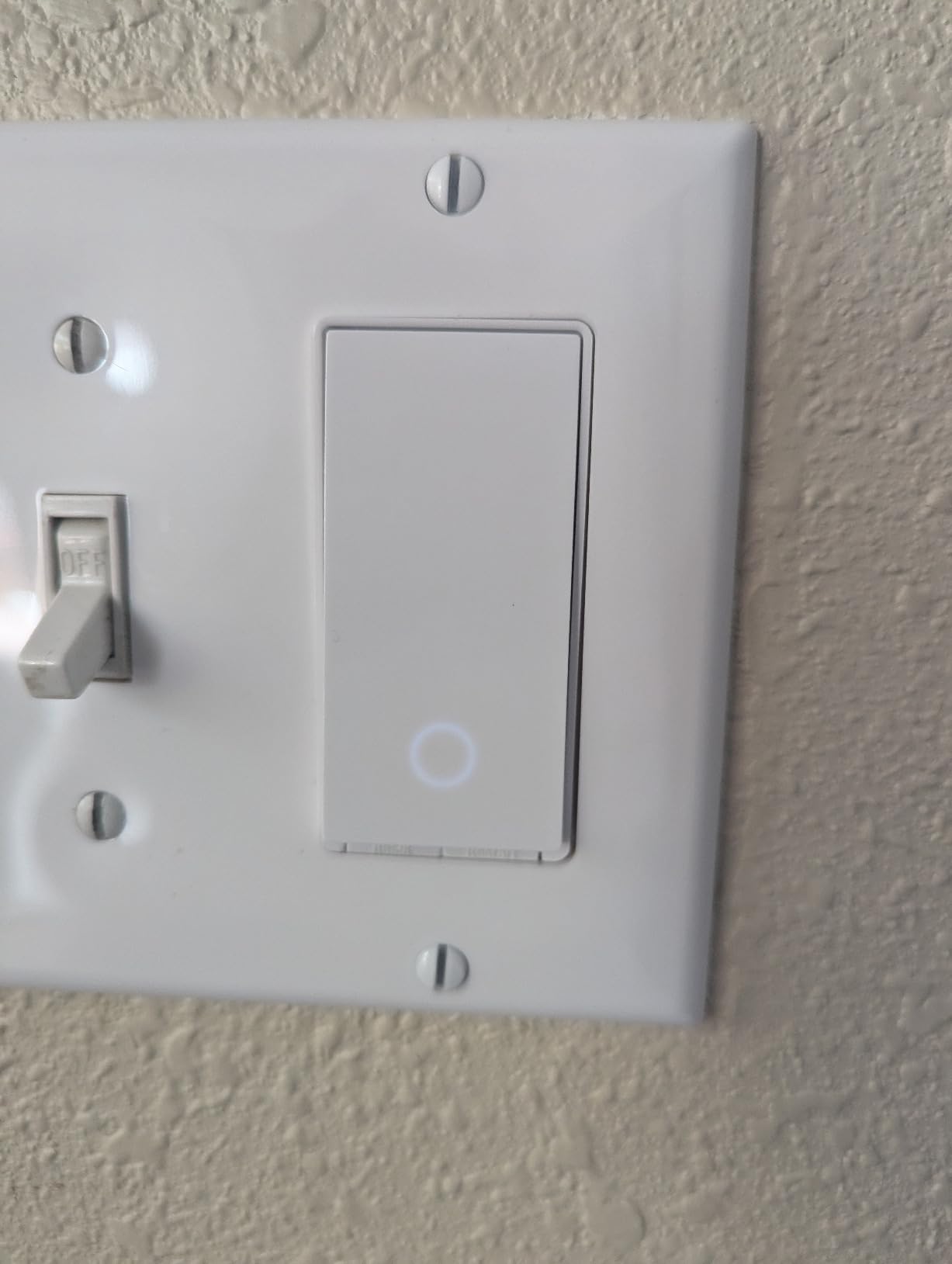
The specification sheet is unremarkable in the best way: 15 amps, 600 watts, 120 volts, 4.8 ounces, and a 4.13 by 1.71 by 1.74 inch body. That last number is the one to check against your box, because the HS200 is a full-size module and will crowd a shallow pre-1960 box even though it is not as deep as a dimmer.
The honest limitation is the neutral wire itself. The HS200 will not install in a switch loop, and the app pairing is the one place where long-term owners report friction, with some units needing a re-pair after a power outage. If your house has a neutral, that is a small price. If it does not, the Lutron in the next section is the answer.
Who the HS200 suits
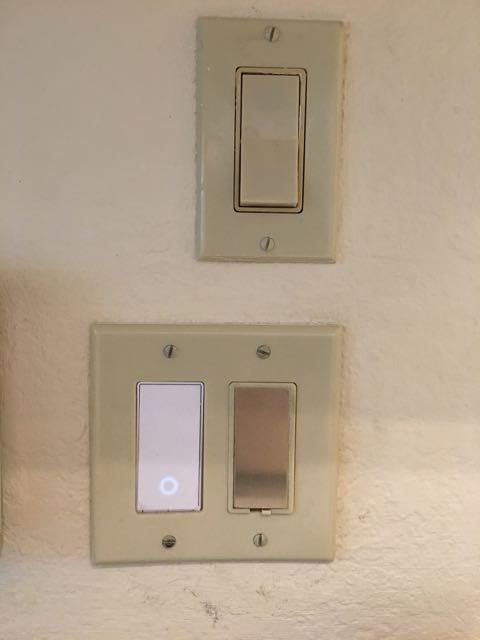
A 1950s ranch with modern wiring in the switch loops, occupied by a household already using Alexa or Google Assistant. It is the lowest-friction upgrade that still gives you schedules, countdowns, and away simulation from an app.
It also suits anyone who values the mechanical fallback. When the Wi-Fi drops, the rocker still works, so a guest in your home is never locked out of a light.
Who the HS210 kit and the dimmer suit instead
Skip it for stairways and hallways that have a second switch location, because a single-pole module cannot do 3-way control. Skip it for living and dining rooms if dimming matters, since the HS220 in position three handles that better.
And if your box has no neutral, this product is simply wrong for your house. Check before you order, not after.
2. Lutron Maestro Motion Sensor MS-OPS2H – The One Pick That Works With No Neutral At All
- Installs and works with no neutral wire at all
- Auto on and auto off with selectable delays
- Daylight sensor learns your preferred level
- Handles CFL LED incandescent halogen and low voltage
- Mechanical relay switching
- Single pole only with no 3-way option
- Coordinating wallplate sold separately
- Thicker body can be tight in shallow boxes
- Modes set by holding a button and counting flashes
This is the product I would put in a house where the neutral simply is not there. The Lutron installs using the ground wire if no neutral is available, and that single line in the manual is the reason it earns a place on a list that is otherwise full of switches that will not work in your box.
What you give up is app control. There is no phone interface here and no voice assistant. What you get instead is a light that comes on the moment somebody walks into the laundry room, a garage, a pantry, or a walk-in closet, and shuts itself off after one, five, fifteen, or thirty minutes depending on the mode you choose. In an old house with dark corners and residents who should not be fumbling for a switch in the dark, that is a real benefit rather than a compromise.
Reviewers repeatedly place these in exactly those rooms, which tells you the use case is understood by people who own them. The daylight sensor is the sleeper feature: it learns your preferred light level over time, so the light stays off during the day even if somebody walks past.
What the numbers mean for an old house
Rated at 2 amps and 240 watts, with a ceiling fixture handling up to 150 watts of CFL or LED and 250 watts of incandescent. The 1.6 by 1.75 by 4.25 inch body is deeper than a standard toggle, so measure the box before you buy.
The mechanical relay inside means no residual current issues with LED or fluorescent bulbs, which matters more in a house that has had its fixtures retrofitted with LED over the past decade.
Where it falls short
It is single pole. Stairways and halls with a switch at both ends are out of the question, and there is no add-on accessory to change that.
Owners also flag that setting the mode and timeout means holding the button and counting sensor flashes, which is unpleasant the first time and fine afterwards. Budget for a new rocker wallplate too, since the existing toggle plate will not fit a rocker switch.
3. Kasa Smart Dimmer Switch HS220 – The Best App Dimmer Once You Have a Neutral
- Wide dimming range with app calibration that removes low-end flicker
- Customisable fade on and fade off speeds
- Schedules can dim to a set level at night
- Wall plate wire nuts and guide in the box
- Keeps working as a normal dimmer if Wi-Fi drops
- Neutral wire required
- Needs roughly three times the space of a standard switch
- One to two second response delay from double-tap detection
- 300 W ceiling on the load rating
The HS220 is the reason I think a smart dimmer is worth owning. Almost every cheap dimmer in this category is a wall switch with a fade timer bolted on; this one has app-level low-end calibration that removes the flicker cheap LED bulbs produce at the bottom of the range, which is the single most common complaint in dimmer reviews.
Double-click and the lights fade off slowly. That sounds trivial until you have a child drifting off to sleep or a spouse working night shifts, at which point it is the feature you use every night.
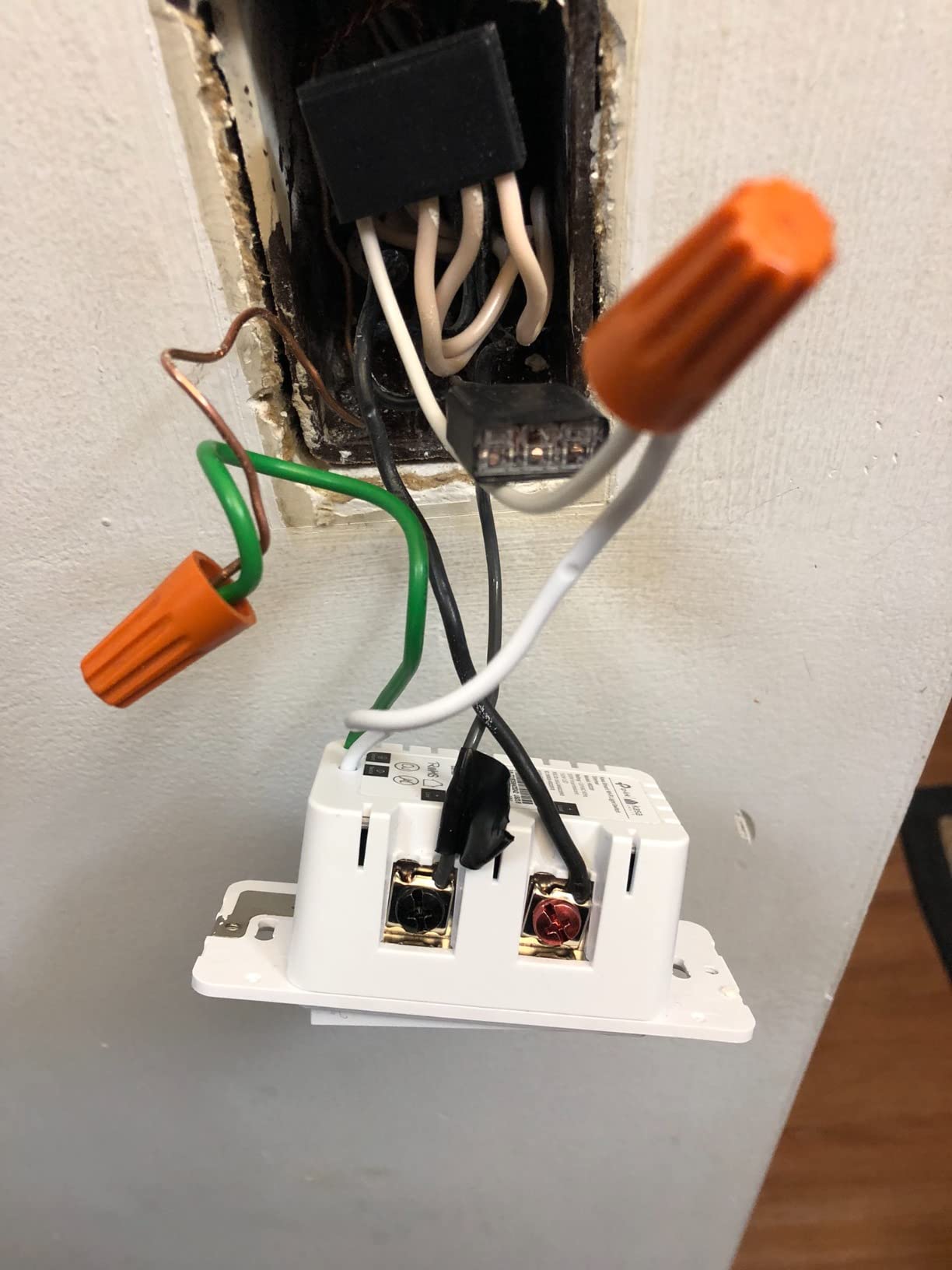
The specification is honest about its limits at 2.5 amps and 300 watts, and the body measures 1.77 by 3.35 by 5.04 inches. That is the reason we rate the physical fit as the biggest con in this roundup: the module needs roughly three times the space of a standard switch, and shallow boxes in pre-1960 houses are exactly where it will not seat properly.
Two smaller frictions appear repeatedly in reviews. There is a one to two second delay before the lights respond, caused by the double-tap detection logic, and the main button can squeak on some hardware revisions. Setup also has to be repeated once in the Kasa app and again in Google Home if you use both.

Why the dimming calibration matters in old fixtures
Older fixtures are the hardest dimming case because they were never designed for LED load. A trailing-edge dimmer with an adjustable low-end cut-off, which is what this app setting provides, is the difference between a smooth fade and a bulb that flickers or buzzes at ten percent.
Owners running 20 to 30 of these across a home report staying connected for a year with almost no re-pairing, which is a better track record than most devices in the category.
What to watch before buying
Confirm a neutral is present, and confirm the box is deep enough. If your switch box is the shallow metal style common before 1960, this module may physically not fit and you will be back at the hardware store with the box open.
Also confirm your bulbs are dimmable. A non-dimmable LED in the fixture will behave oddly no matter how good the dimmer is.
4. Kasa Smart 3-Way Switch HS210 Kit – The Best Choice for Stairways and Halls
- Only one switch needs upgrading
- second location keeps its existing rocker
- Wires like an ordinary 3-way switch plus a neutral
- App tracks state even when the other switch is used
- Leaves more room in a gang box than competing kits
- Requires both neutral and ground in the box
- White only so it will not match almond or ivory plates
- Bulkier than a conventional switch in crowded boxes
- Bright locator LED and settings lost after a power cut
Three-way switching is the layout that trips up almost everybody in an old house, and the HS210 kit exists to remove the usual source of confusion: you only replace one switch. The second location keeps its existing dumb rocker and still works normally, so nobody in the house is locked out of a light while the app is down.
Wiring is the part that deserves attention. Installers recommend identifying the line box with a non-contact voltage tester and confirming a neutral is present there before ordering, because the kit needs both a neutral and a ground in that specific box. Get the wrong box and the circuit will not behave.
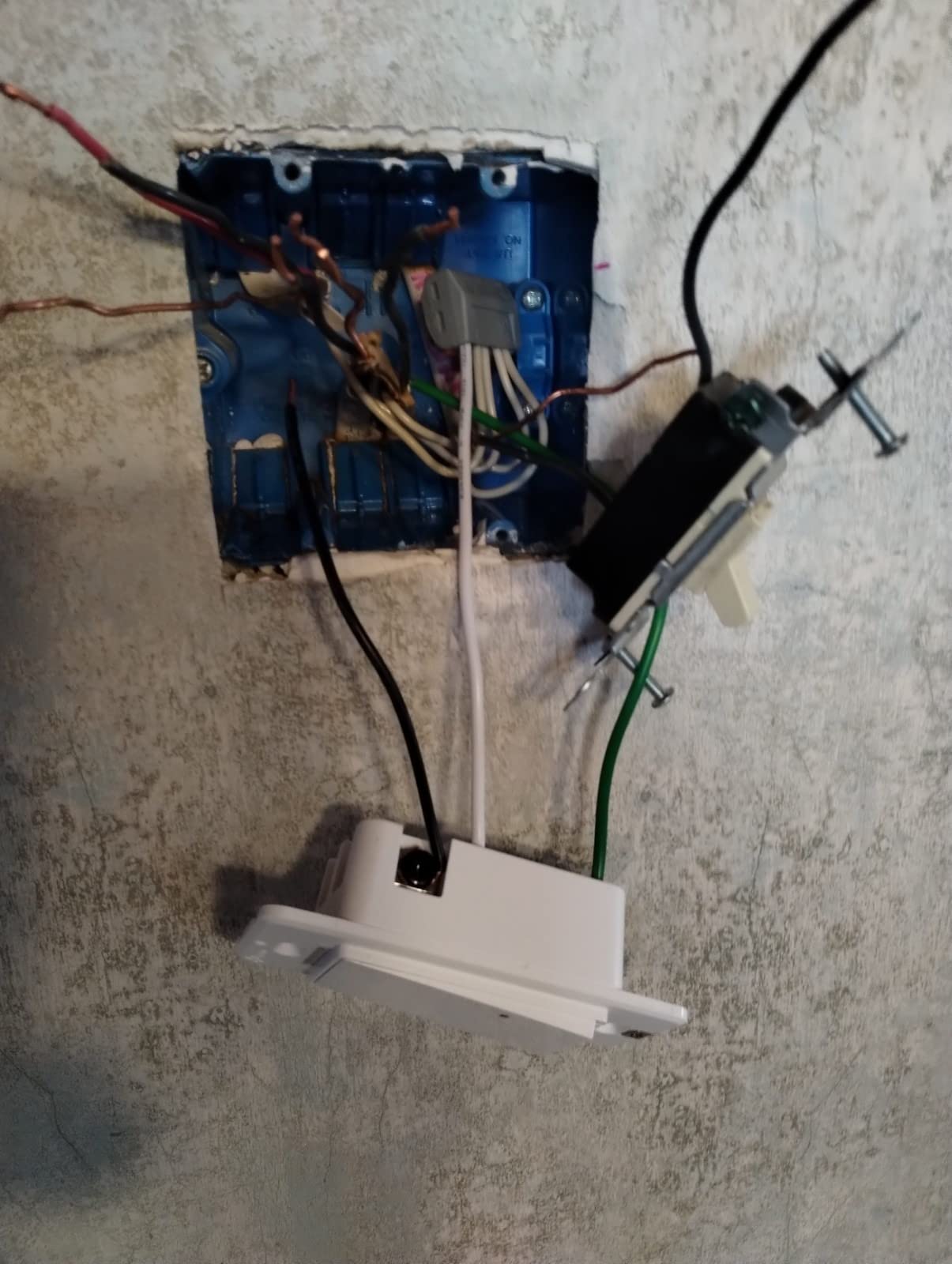
At 15 amps and 1800 watts, the load headroom is far better than most competitors in this roundup, which matters if you are controlling a fixture with multiple lamps. The kit measures 5.1 by 2.76 by 6.3 inches and weighs just under half a pound.
Two practical complaints recur. The locator LED is noticeably brighter than on the matching single-pole Kasa switch, and there is no multi-gang wallplate from the manufacturer, so in a crowded gang box you may need a deeper box or a drywall patch. Reviewers also note needing a re-pair after a power cut.
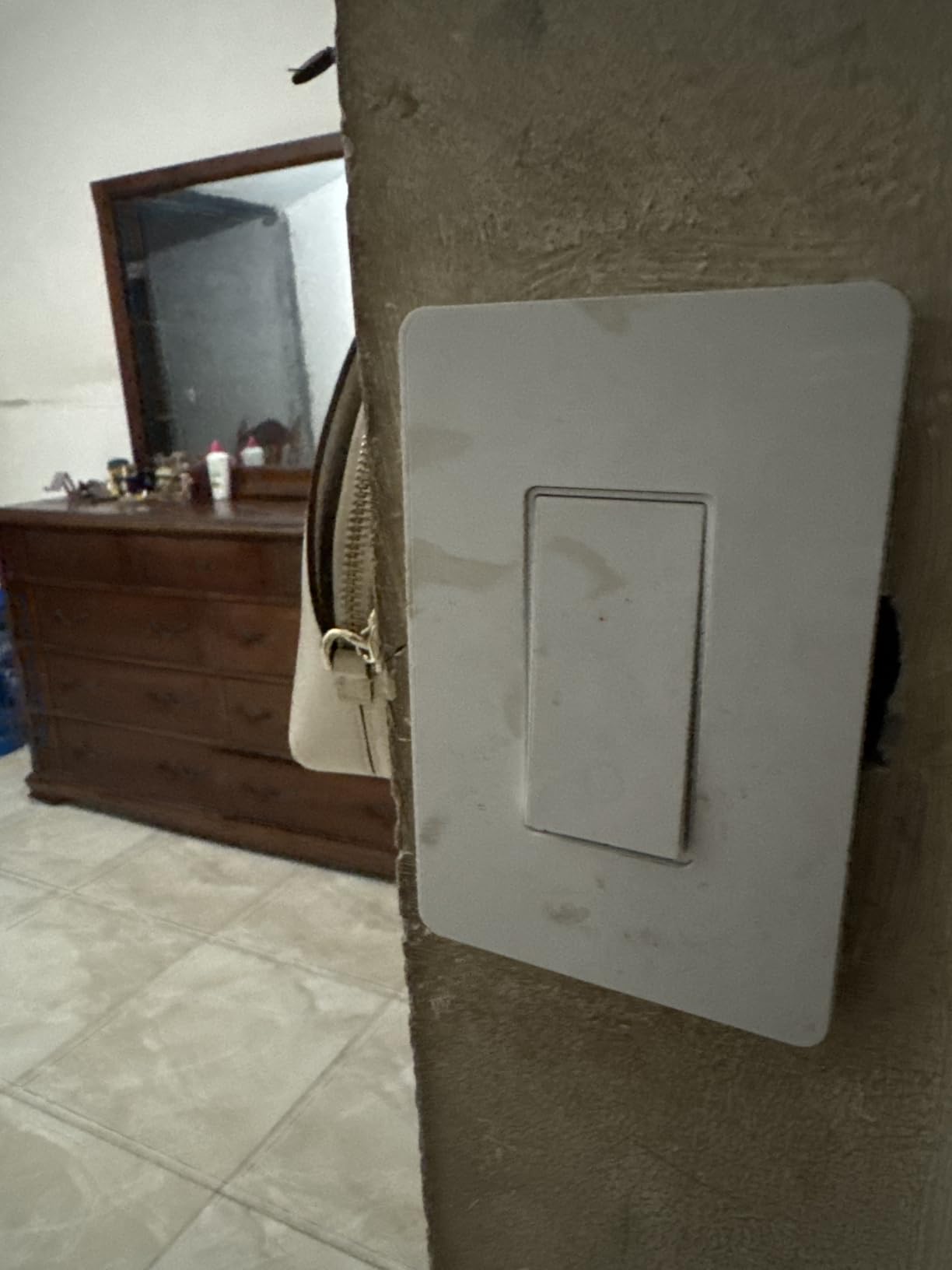
How to install a 3-way kit in an old house
Open both boxes and label the conductors before removing anything. The box holding the line from the breaker is the one that gets the smart switch. In a house with cloth or knob-and-tube wiring, do not attempt this without an electrician.
Check box depth in both locations, not just the smart one, since a new deep body in a shallow box is the most common failed install we hear about.
When to pick something else
Choose the SURAIELEC RF kit further down if you want to add a third location or avoid in-wall work entirely. Choose a plain single-pole switch if your stairway turns out to be a two-way loop with no neutral at either box.
And note the colour limitation: only white is offered, which will not match the almond and ivory plates common in homes from the 1950s and 60s.
5. TREATLIFE Smart Light Switch 4-Pack – The Efficient Choice for Several Rooms
TREATLIFE Smart Light Switch Single Pole Works with Alexa, Google Home and SmartThings, 2.4GHz WiFi Timer Smart Switch, Neutral Wire Required, No Hub Required, FCC Listed, 4 Pack
- Four switches and four wall plates in one box
- Matches Alexa Google Assistant and SmartThings with no hub
- Smart Life app supports schedules grouping and family sharing
- 1250 W rating beats most budget Wi-Fi switches
- Away Mode simulates occupancy
- Neutral wire required
- 2.4 GHz Wi-Fi only and single pole
- On and off only with no dimming
- Lives in the Smart Life app rather than Kasa or Tapo
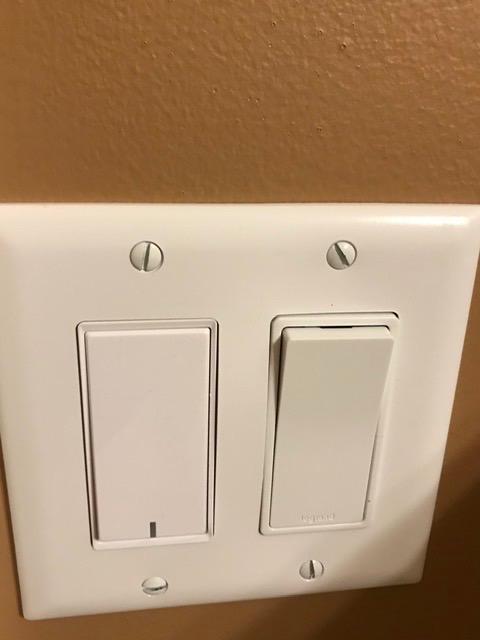
Retrofitting a whole floor at once is a plumbing problem, not a shopping problem, and this four-pack is the most efficient way we found to solve it. Four switches, four wall plates, four sets of wire nuts and screws, and a manual. There is no second hardware store trip halfway through a Sunday.
The Smart Life app is more capable than the Kasa app in one specific way that matters for households: device sharing. You can give a family member access to the switches without creating another account, which is the difference between a smart light working for everyone and working only for the person who set it up.
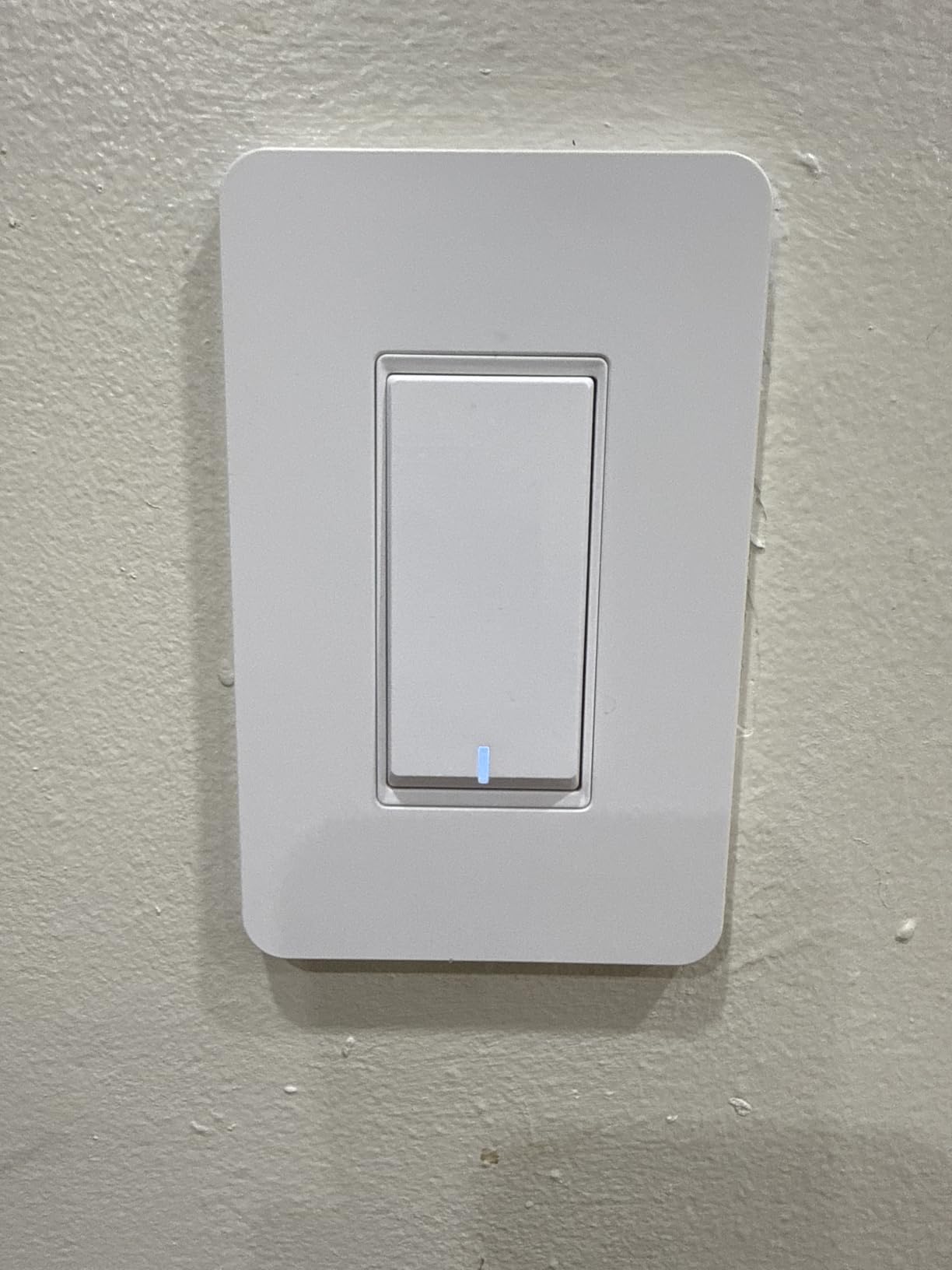
The 10 amp and 1250 watt rating is genuinely higher than most competing budget Wi-Fi switches, and the listed rating of 1250 watts gives you room for a multi-lamp fixture or a ceiling fan on the same circuit if your local code allows.
The body measures 3.3 by 4.84 by 1.57 inches, so it is slimmer than a smart dimmer and more likely to seat in an older box. That physical slimness is a real reason to like this pack in pre-1960 housing.
Why buy four instead of one
Because installation labour and electrician visits are the actual cost of a retrofit, not the hardware. Doing every room in one session means one breaker walk, one testing routine, and one app setup pass.
It also lets you test the Smart Life app on a single hallway switch before committing the rest of the house to an ecosystem.
When it is the wrong tool
It is single pole and on and off only, so it cannot dim and cannot handle a 3-way stairway. It is 2.4 GHz only, so check your router has a 2.4 GHz band enabled before ordering four of them.
And it still needs a neutral in every box. If your house has none, this pack cannot help you.
6. TREATLIFE Smart Dimmer DS01 – A Touch Dimmer That Remembers Your Last Level
- Last brightness level is restored after a power cut
- Adjust brightness by touch slider app or voice
- Handles dimmable LED and CFL to 150 W
- Faceplate included in the box
- Schedules can set custom brightness for a daily routine
- Neutral wire required and single pole only
- 2.4 GHz Wi-Fi only and no HomeKit support
- Will not dim non-dimmable or smart bulbs
- Slide control needs practice to find a level
The DS01 does one thing the others do not: it remembers. If the power goes out and comes back, this dimmer returns to the brightness level you had set rather than snapping to full, which is the small quality-of-life detail that separates a dimmer you keep from one you stop trusting.
Control runs three ways. A touch slider on the front adjusts brightness, the app handles it remotely, and voice control works through Alexa or Google Assistant with no hub. For evening use in a bedroom or a hallway, having all three is genuinely useful.
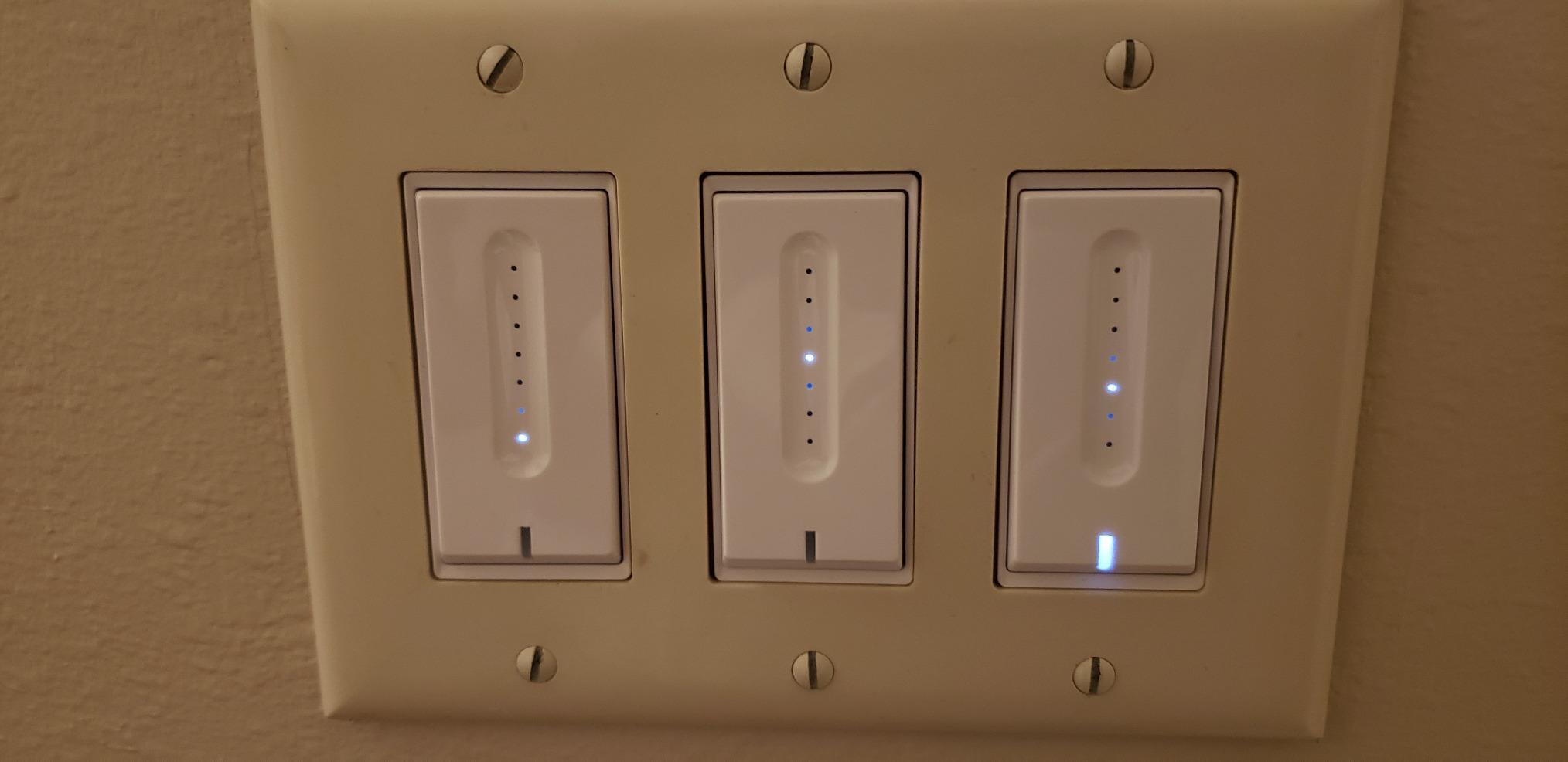
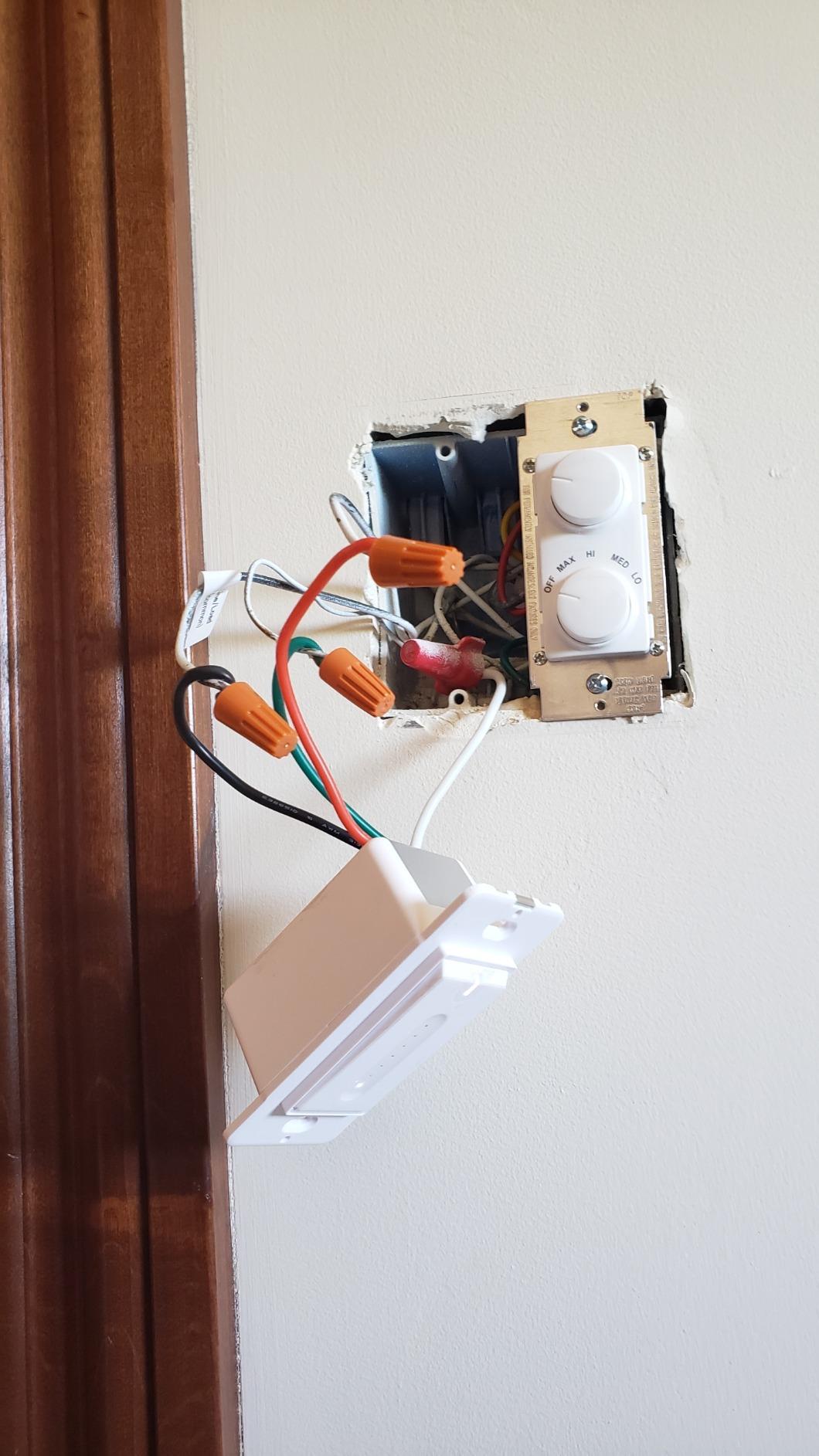
Load handling is better than the Kasa HS220 at 3.3 amps and 400 watts, with dimmable LED and CFL up to 150 watts and halogen or incandescent up to 400 watts. The listed box fit is a standard 2.75 by 1.69 by 1.61 inch wall box, and it measures 5.04 by 3.31 by 1.42 inches.
The listing itself is admirably honest about the neutral requirement and even notes that it is common in houses built before 1980. That single line saves buyers the disappointment most product pages create by hiding it.
Where it beats the Kasa dimmer
It handles a higher wattage and remembers brightness through a power cut. It also ships with a one-gang faceplate, so the box is complete rather than needing a separate plate purchase.
Reviewers mention the touch slider most when discussing glare control late at night, which is exactly the use case a wall dimmer is bought for.
What to check first
Confirm a neutral wire, because this dimmer will not work without one. Confirm your bulbs are dimmable, since it will not dim non-dimmable bulbs, smart bulbs, or bulbs with built-in remote controls.
It is single pole only, so a 3-way stairway is out. And if you are an Apple HomeKit household, skip it.
7. Amazon Basics Smart Light Switch WS29-01 – The Simplest Fit for an Alexa-Only Home
Amazon Basics Smart Light Switch, Single Pole, Works with Alexa Only, Voice Control, Schedule, 2.4 GHz Wi-Fi, No Hub Required, Easy to Install, White
- Sets up entirely through Alexa with no hub or separate app
- Step-by-step install video and manual included
- Scheduling through Alexa routines
- Mechanical switch still works normally
- Lowest barrier to a first smart switch
- Alexa only with no Google Home HomeKit or SmartThings
- Neutral wire required
- 5 A rating is the lowest here
- On and off only and wall plate sold separately
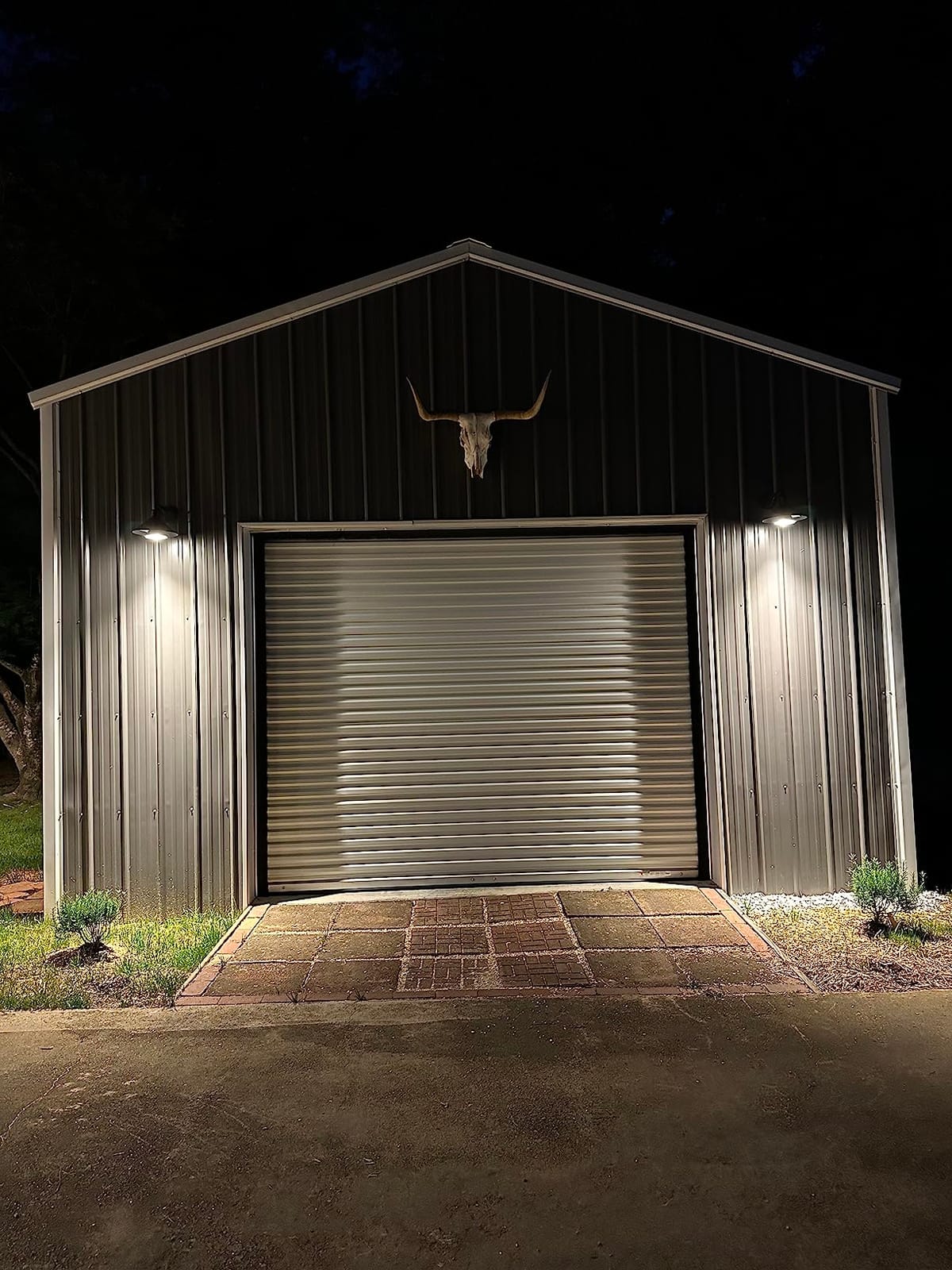
If your household is entirely inside the Alexa ecosystem, this switch removes every step between you and a working smart light. There is no hub, no separate app account, and no second login. Setup happens inside Alexa, with a step-by-step video and a printed manual if you want one.
Scheduling runs through Alexa routines rather than a dedicated app, and the mechanical switch continues to work as a plain on and off switch, which keeps guests and children in the loop.
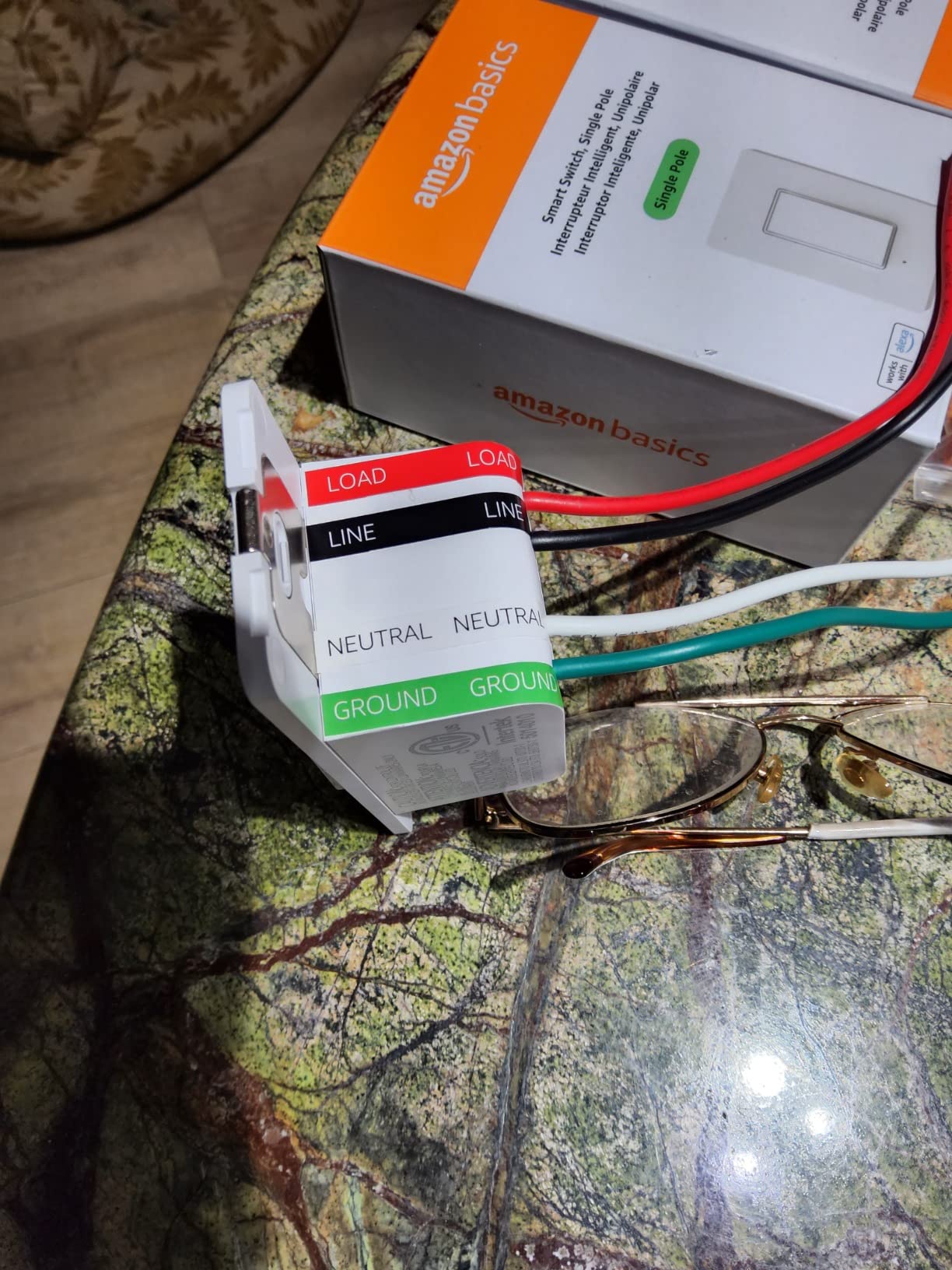
The body is 2.91 by 4.64 by 1.62 inches and weighs just over a tenth of a kilogram, so it is one of the more compact in-wall modules here. It is ETL listed and rated at 5 amps.
That 5 amp rating is the specification to notice, since it is the lowest load rating among the Wi-Fi switches in this roundup. On a lighting circuit that is normally fine. If the same circuit also feeds a fan or a large fixture, check the load before you commit.
Who should buy this one
A household with no interest in Apple HomeKit, Google Home, SmartThings, or a hub, and no need for dimming or 3-way control. In that narrow case it is the least amount of software to learn and the fewest things to go wrong.
It is also a sensible first switch for a rental or a single room, where you want to test the idea cheaply before committing to a whole-home rollout.
Where the single-platform lock-in bites
The word on the label is exclusive. It will not talk to Google Home, Apple HomeKit, or SmartThings, and if your household later changes assistants, this switch becomes a dumb wall switch again.
Forum threads about ecosystem standardisation come up repeatedly in the smart switch category, and the advice there is consistent: pick the ecosystem before the switch, not after. This product assumes you already did.
8. GHome Smart Switch 4-Pack SW5 – Best Support for Alexa and Google Assistant Together
GHome Smart Switches for Lights, Single Pole WiFi, Works with Alexa, 4 Pack
- Works with both Alexa and Google Assistant
- Four switches with wall plates wire nuts and screws
- 15 A and 1800 W rating is the highest here
- App guides wiring and setup step by step
- Grouping turns off a whole floor with one command
- Neutral wire required and 2.4 GHz only
- Single pole and on and off only
- Must be added in the GHome app before assistants see it
- Its own app rather than Kasa or Smart Life
Households that use one assistant in the kitchen and another in the family room are the exact people this four-pack is for. It is one of the few budget options that speaks to both Alexa and Google Assistant natively, and the grouping feature lets you shut off an entire floor with a single command.
The load rating is the best in this roundup at 15 amps and 1800 watts, and the housing is UL and FCC certified with flame-retardant material and overload protection, which is a reasonable set of marks to see on a part that sits inside a wall in a 1940s house.
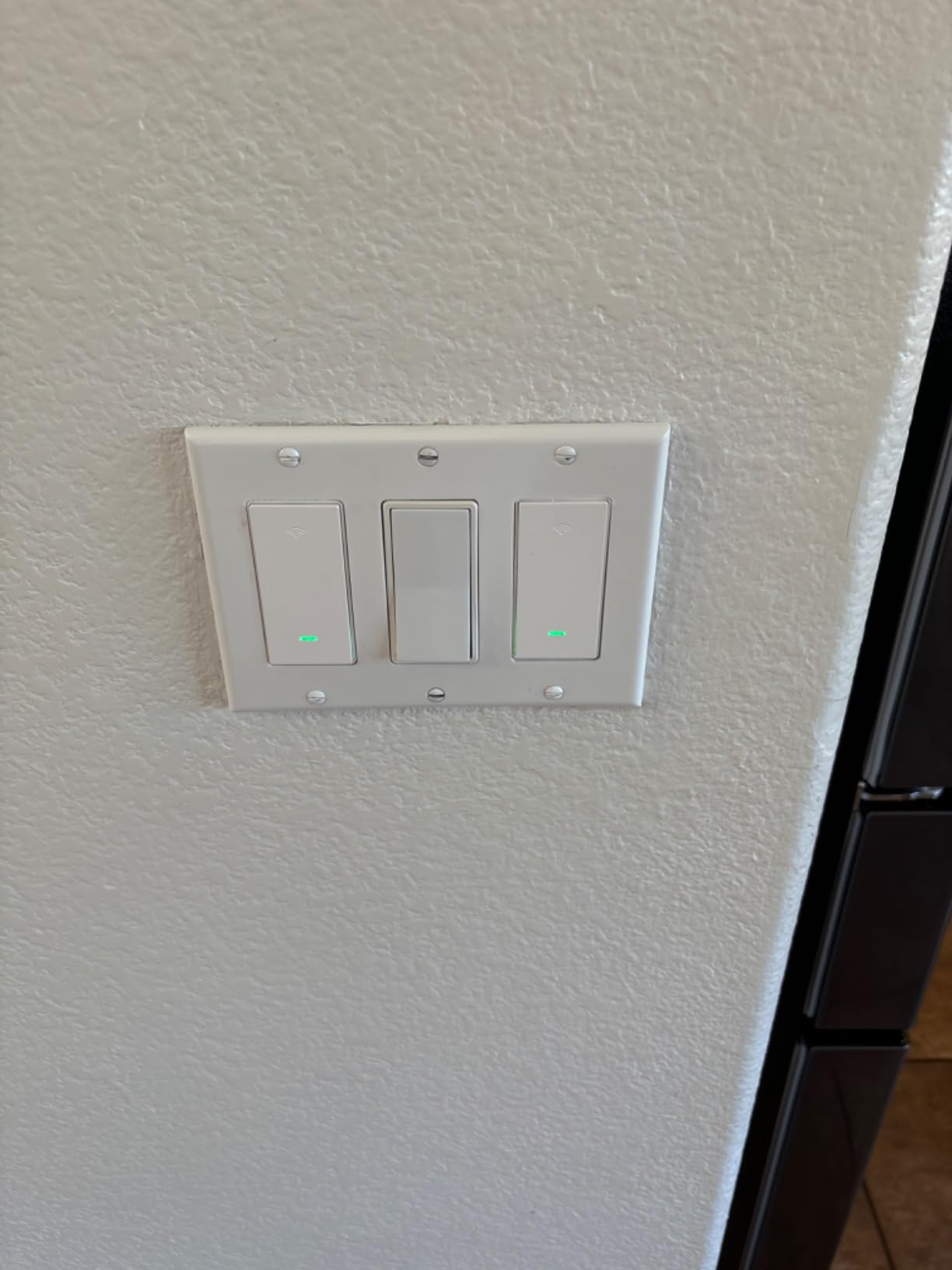
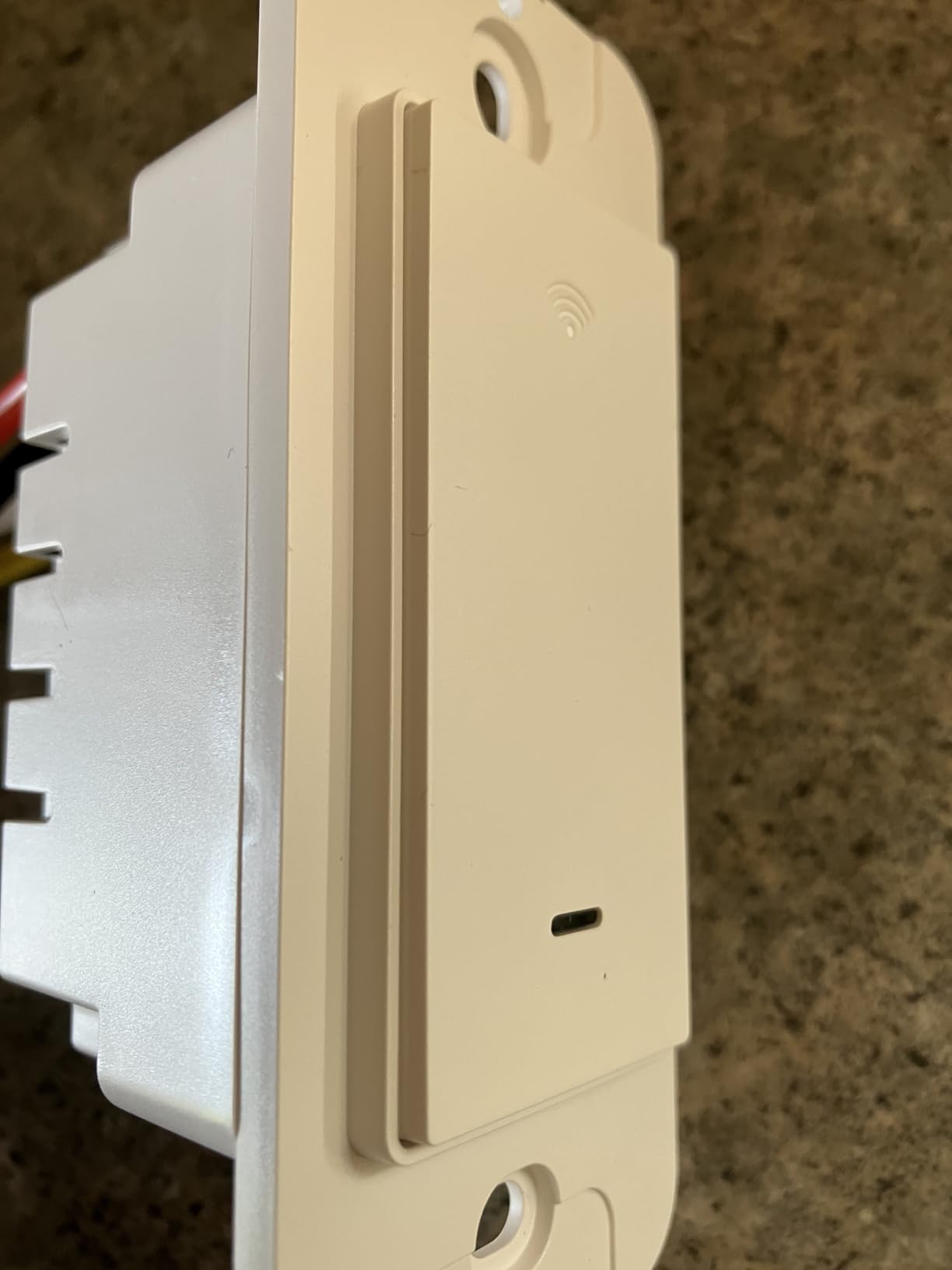
The warranty runs 24 months, which is longer than most of the switches here, and the pack includes four switches, four wall plates, wire nuts, screws and a manual. Body dimensions are 4.73 by 2.78 by 1.7 inches.
Firmware can be updated in the app, which matters more than it sounds. A switch that can receive a fix years after installation is a different proposition from one that is frozen the day you mount it.
When a mixed-assistant household is the reason to buy
Reviewers consistently choose this pack when they want voice control across several rooms without introducing a hub. The app-guided wiring walkthrough also shows up often as a positive for first-time installers.
For a house where older residents use voice control as a hands-free fallback, support for two assistants means you are not locked into whichever device happens to be on the kitchen counter.
The compromises to accept
It requires a neutral and 2.4 GHz Wi-Fi, it is single pole and on and off only, and there is no dimming. The switch must be added in the GHome app before Alexa or Google Home will recognise it, which is an extra step people forget.
The smaller review base compared to the Kasa options is worth weighing if you want long-term firmware support.
9. SwitchBot Smart Switch Button Pusher – The No-Wiring Retrofit For Rocker Switches
Switchbot Smart Switch Button Pusher (Bluetooth) – Fingerbot for Rocker Switch/One-Way Buttons, App Timer Control, No Wiring, Optional Hub Required for Voice/Remote, White
- Turns an existing rocker into an app-controlled switch with no wiring
- Adhesive install a family member can do in seconds
- Built-in timers and scenes run without the phone nearby
- Adds Alexa Google Assistant Siri and IFTTT with a Hub
- Also useful on older appliances and fireplaces
- Hub required for remote voice and away-from-home control
- Not compatible with toggle switches or stiff aged buttons
- Arm can lever the unit off the wall on rockers
- Not waterproof and not rated for damp locations
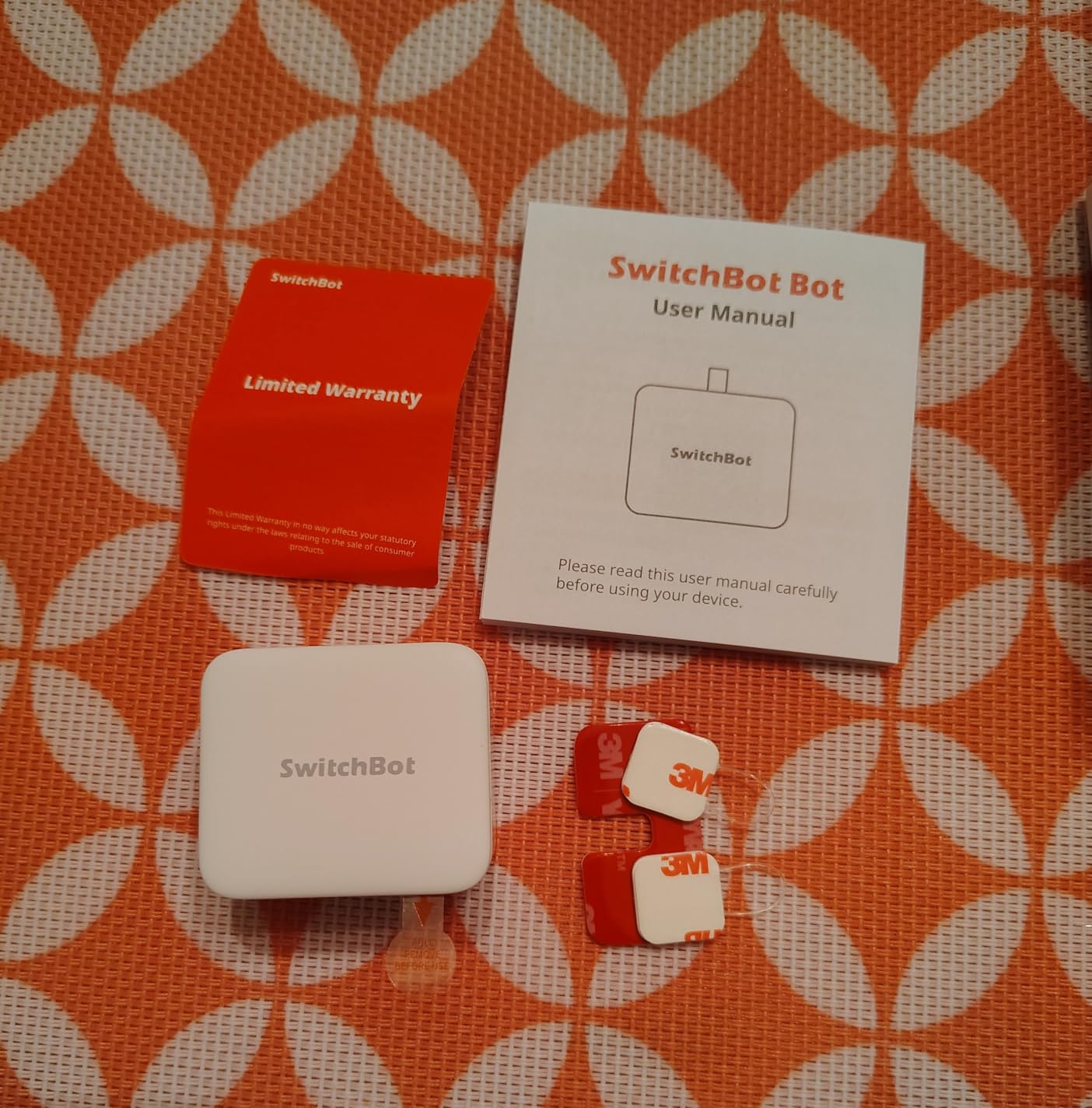
This is the answer for the houses where opening a wall is not realistic. The SwitchBot is a small Bluetooth actuator that sticks over an existing rocker switch and presses it for you, so a light that used to be controlled only by hand becomes app-controlled with no wiring, no wall opening, and no electrician. It weighs 39 grams and measures 1.67 by 1.44 by 0.94 inches.
Timers and scenes run in the app without your phone nearby, so the automation does not stop when the phone is in another room. Reviewers also use these on older appliances, fireplaces, and window air units where a wired switch is impractical.
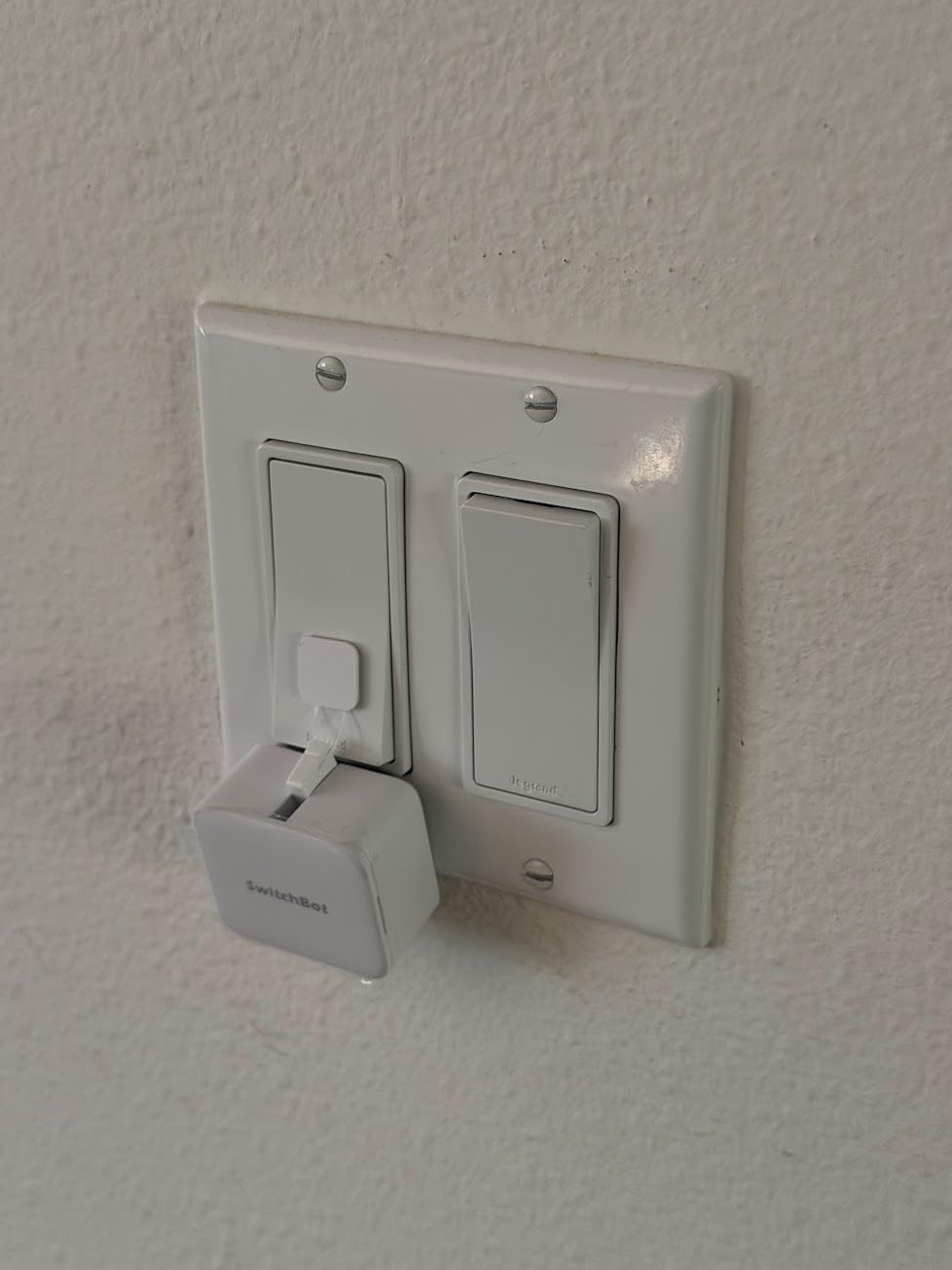
Two limitations decide whether this works in your house. It does not work on toggle switches, mini switches, or touch panels, and it struggles with stiff, aged buttons. Most homes from the 1950s onward have rockers, so this suits the majority, but check the paddle style before buying four of them.
It also needs a separate SwitchBot Hub for remote control, voice control, and access when you are away from home. On its own it is Bluetooth only, and the app widget is largely disabled without the hub.
Why this is the right answer in some old houses
Some older homes have wiring that is buried, brittle, or behind plaster that nobody wants to disturb. A surface-mounted actuator sidesteps the whole question of neutral wires, box depth, and conductor gauge without pretending the underlying wiring has changed.
One r/homeautomation user avoided the wall-switch problem entirely by going with smart bulbs instead. This product is the middle path between that and a rewired house.
Where the compromises bite
It is the lowest rated pick here, and the reasons are consistent rather than mysterious. The arm can swing out too far on a rocker and lever the unit off the wall without careful positioning, and adhesive needs about 24 hours to reach full bond strength.
It is not waterproof and not rated for outdoor or damp locations, and the one-year warranty is the shortest in this roundup. Customer service is praised often enough to be worth noting.
10. SURAIELEC Wireless Light Switch Kit – For Adding a Switch Location With No New Wire
SURAIELEC Wireless Light Switch Kit with Receiver, 15A RF Remote Control
- Adds or relocates a switch with no in-wall wiring
- Receiver fits a standard control box and needs only a neutral
- 100 ft RF range works through walls and doors
- Extra transmitters and receivers create wireless 3-way and 4-way
- IP54 receiver suits lofts attics and outdoor spots
- No app no voice assistant and no scheduling
- Included wires are short for some boxes
- Wall switch is slightly unstable on its mount
- Button may not work until mounting screws are tightened
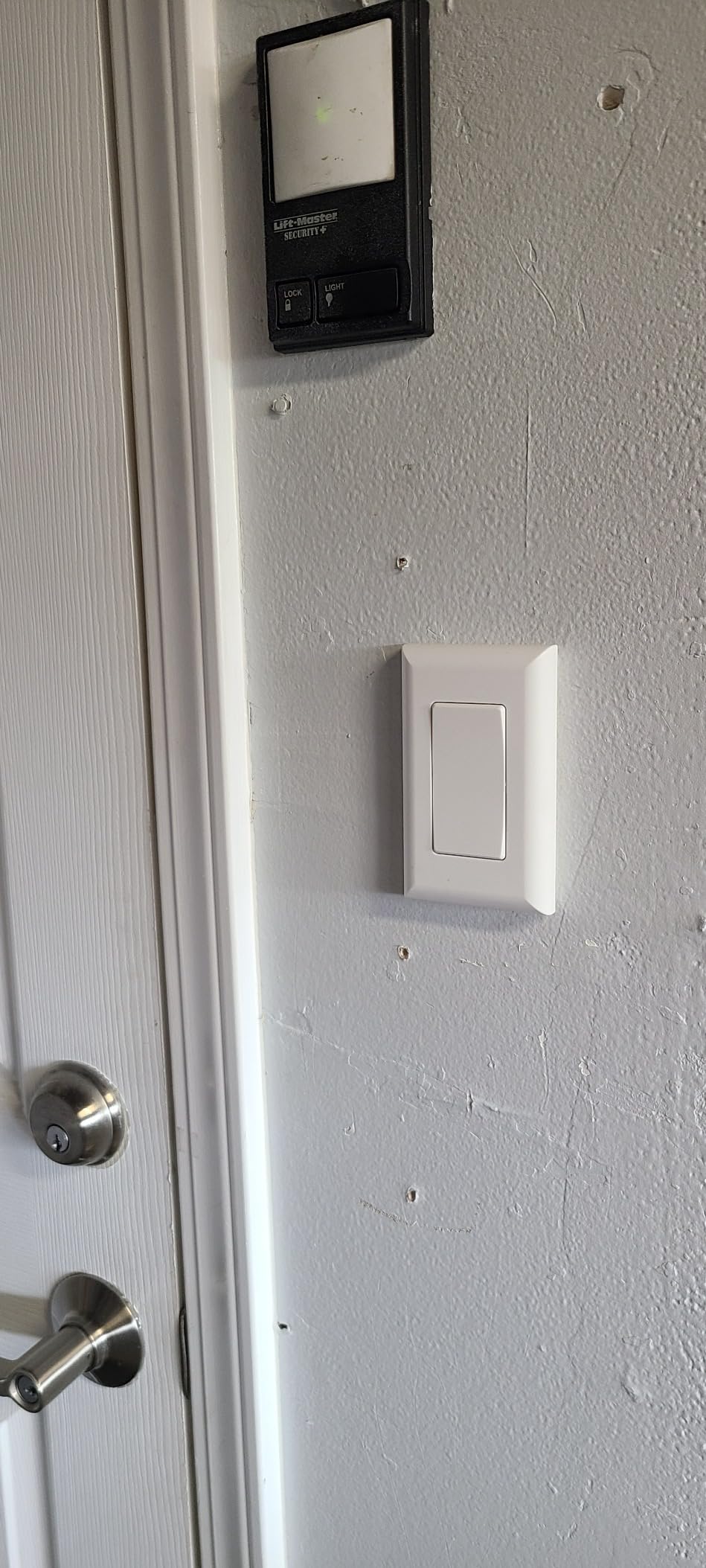
The SURAIELEC solves a problem none of the other nine products can: adding a switch where no switch has ever been. Buyers use it to add a light over a sink, to split existing lights before a ceiling fan goes in, or to re-home a switch after a pocket door changes the layout. The receiver hides in the control box and the wall switch goes wherever you want it.
At 15 amps and 1875 watts, the receiver handles more than any in-wall switch in this roundup, and the IP54 rating means it can live in an attic, a loft, or an outdoor-rated spot where a plain switch could not.
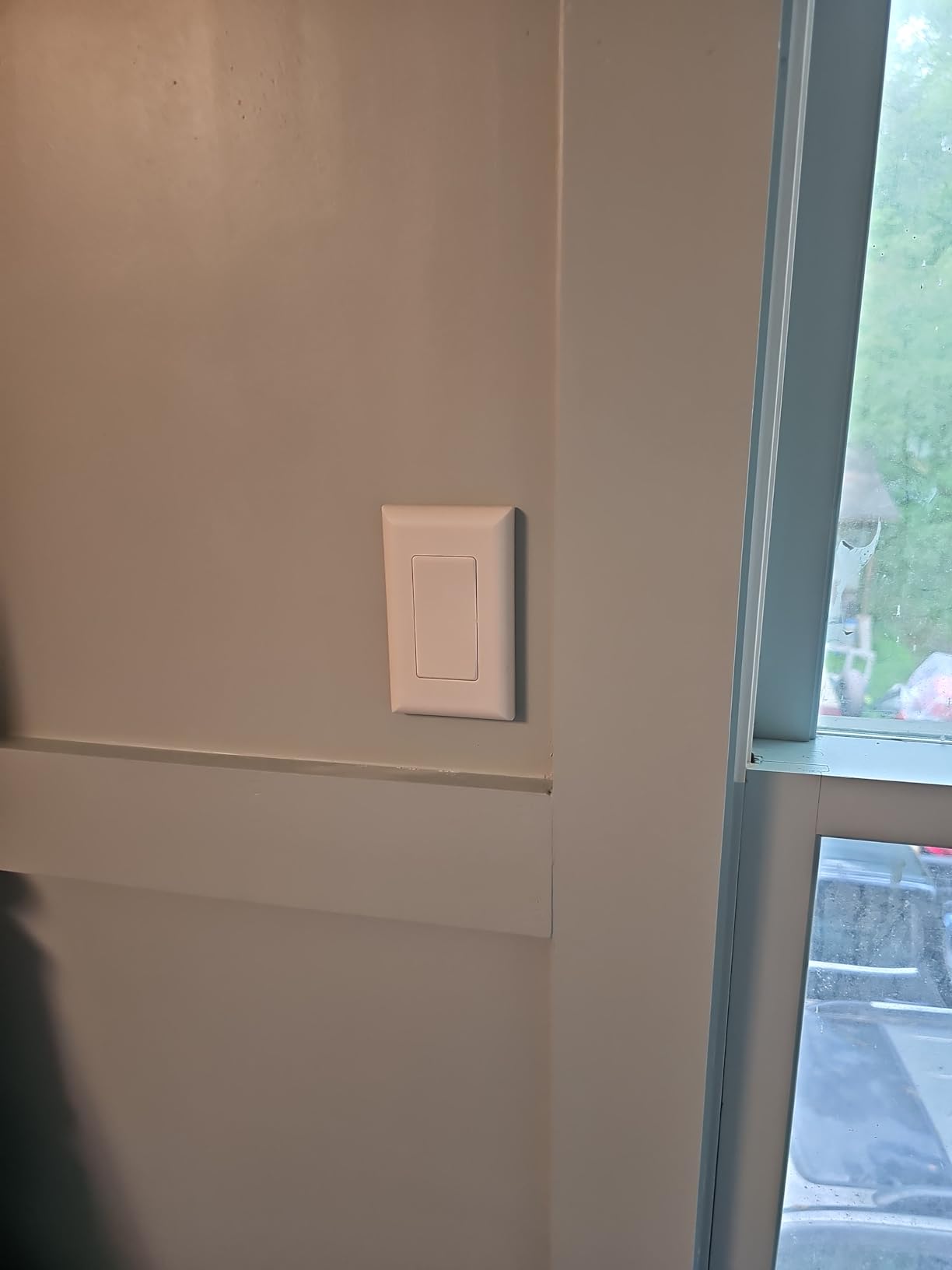
The RF signal reaches up to 100 feet and travels through walls and doors, and dynamic codes stop interference when several sets share one room. Extra transmitters and receivers expand into wireless 3-way or 4-way layouts, which is how you build a stairway control without touching the existing wiring.
The receiver measures 4.57 by 2.8 by 0.67 inches, so it fits a standard control box. Installation is reported at about five minutes.
What it is genuinely good at
It solves the awkward retrofits: a bedroom where the switch ended up behind a wardrobe after a remodel, a room where the switch is on the wrong wall, or a hallway where nobody ever ran a second line.
It is also the only pick here that works with no neutral in the switch location, because the wiring work happens at the fixture instead.
Why it is not really a smart switch
There is no app, no voice assistant, and no scheduling. It is a remote control system that happens to use radio frequency, so it will not slot into Alexa, Google Home, or a SmartThings hub.
Physical complaints include lead wires that are too short for some boxes and a wall switch that is slightly loose on its mount. The one-year limited warranty is short. Treat it as a wiring tool with extra convenience rather than part of an automation system.
Buying Guide: Six Things to Check Before You Buy
The neutral wire decides whether you can install the switch at all, and everything else is secondary. If a switch listing does not say neutral wire required, assume it does until proven otherwise. Nine of the ten products in this roundup need a neutral, which is the honest state of the category.
Box depth is the second filter and the one most people discover too late. Measure the depth of your existing box before ordering, and remember that pre-1960 metal boxes and shallow 2×4 boxes will reject a deep dimmer even when the wiring is perfect. The HS220 is the most space-hungry product here at roughly three times a standard switch, and the SwitchBot needs no box space at all.
Protocol and hub decide what the switch is for the next five years. Wi-Fi switches need a 2.4 GHz band and no hub, which is the lowest-friction path. Zigbee and Z-Wave switches need a hub but are far less dependent on one vendor’s cloud, which is the trade enthusiasts in the Home Assistant community threads consistently make.
3-way and stairway support is where old homes differ from new ones. A house with a switch at the top and bottom of every stair has multi-location circuits everywhere, and a single-pole module simply cannot control them. The HS210 kit handles this by replacing only one box, or the SURAIELEC RF kit handles it without in-wall work.
Bulb choice matters more in an older house than a newer one. A dimmer needs dimmable bulbs, and cheap LED retrofits in a 1960s fixture are exactly what causes flicker at the bottom of the dimming range. An adjustable low-end cut-off in the app fixes most of it, which is the HS220’s standout feature.
Finally, know when not to buy a smart switch. If you are gutting the house, run a neutral while the walls are open. Experienced commenters in the forum threads argue exactly this: a neutral run during renovation costs a fraction of what the compromise costs later. If the wiring is accessible, do the job properly. If it is not, the Lutron motion sensor, the SwitchBot, and the SURAIELEC kit are the three products here that respect that reality. We also cover related hardware upgrades in our power window switch replacements guide for anyone modernising other parts of an older house.
How to Install a Smart Switch in an Older Home
Turn off the breaker and verify the box is dead with a two-pole tester before touching any conductor. Confirm the presence of a neutral at the box using the method described earlier in this guide, and if you find cloth insulation, knob-and-tube wiring, or aluminium-clad conductors, stop and call an electrician.
Document the existing wiring with photos before removing anything. In an old house, a loose tape wrap or a backstab connection that looked fine five years ago may not survive being handled, and a photo costs nothing.
Match line, load, neutral, and ground to the terminals on the new device, then attach the wall plate and screw the device into the box. The mechanical fit is where deep smart modules fail in shallow old boxes, so do not force it.
Restore power and pair the switch in its app while standing at the box, so you can test the physical switch and the app control in the same minute. Then set schedules, confirm voice control, and check the load on the circuit before you walk away.
If you are planning a wider upgrade during a renovation, our transfer switch guide covers the electrical planning side of keeping an older home running safely.
Frequently Asked Questions
Which smart switch is best for use without neutral wiring?
Almost every app-controlled in-wall switch needs a neutral, so the best genuine answer for a box with no neutral is the Lutron Maestro motion sensor, which installs using the ground wire alone and needs no app. For rockers you never want to open, the SwitchBot button pusher works with no wiring at all. For adding a switch location, the SURAIELEC RF kit puts the wiring at the fixture. Check your box before buying anything, because eight of the ten switches in this roundup require a neutral.
Do smart switches work in old houses?
They work in old houses when the wiring cooperates. Most homes built before 1970 have no neutral wire at the switch box, so a standard smart switch will not install, and shallow pre-1960 boxes may not have room for a deep module. Where a neutral is present and the box is deep enough, an ordinary in-wall switch installs normally. Where it is not, motion sensors, surface actuators, and RF relay kits are the realistic options.
Can I replace my existing light switch with a smart switch?
Yes, if the box has a neutral wire, the box is deep enough for the module, and the existing switch is a standard single-pole or 3-way device. A smart switch replaces the existing device on the same line, load, neutral, and ground conductors. Toggle-style switch plates will not fit a rocker module, so expect to replace the wallplate. If you find cloth wiring, knob-and-tube, or no neutral, stop and call an electrician.
Are Lutron switches better than Leviton?
For in-wall smart switches, Lutron and Leviton are both strong, and the honest answer is that reliability and ecosystem matter more than the badge. Leviton Decora is well known for a broad device range and deep electrical catalog support, while Lutron is repeatedly praised by owners for fast response and strong build quality. The practical difference in an older home is rarely the brand, it is whether the model you pick supports the neutral wire and box depth you actually have.
What are the disadvantages of smart light switches?
The main disadvantages in an older home are physical and financial rather than technical. Most need a neutral wire that pre-1970 boxes do not have, deep modules can be too large for shallow metal boxes, and rocker devices will not fit existing toggle plates. You also take on a dependency on a manufacturer app or hub, settings can be lost after a power cut and need re-pairing, and the load rating may be lower than a plain mechanical switch. Any 3-way circuit also needs a specific kit or add-on device.
Conclusion: The Top Three Picks by Scenario
For the best smart light switches for older homes, the scenario decides the winner more than the spec sheet does. If your box has a neutral and you want the most dependable hub-free experience, the Kasa HS200 is the pick, backed by the largest owner base in the category. If your box has no neutral at all, the Lutron Maestro motion sensor is the only product here that installs and works, running off the ground wire. If your stairways have two switch locations, the Kasa HS210 kit is the answer because you only replace one box.
Check your wiring before you order anything, and pick the honest answer for your house rather than the aspirational one.